Mixed-Use Shared Services Cost Allocation Workbook: Shared Cost Allocation Spreadsheet with Monthly Statements and Policy
Full description
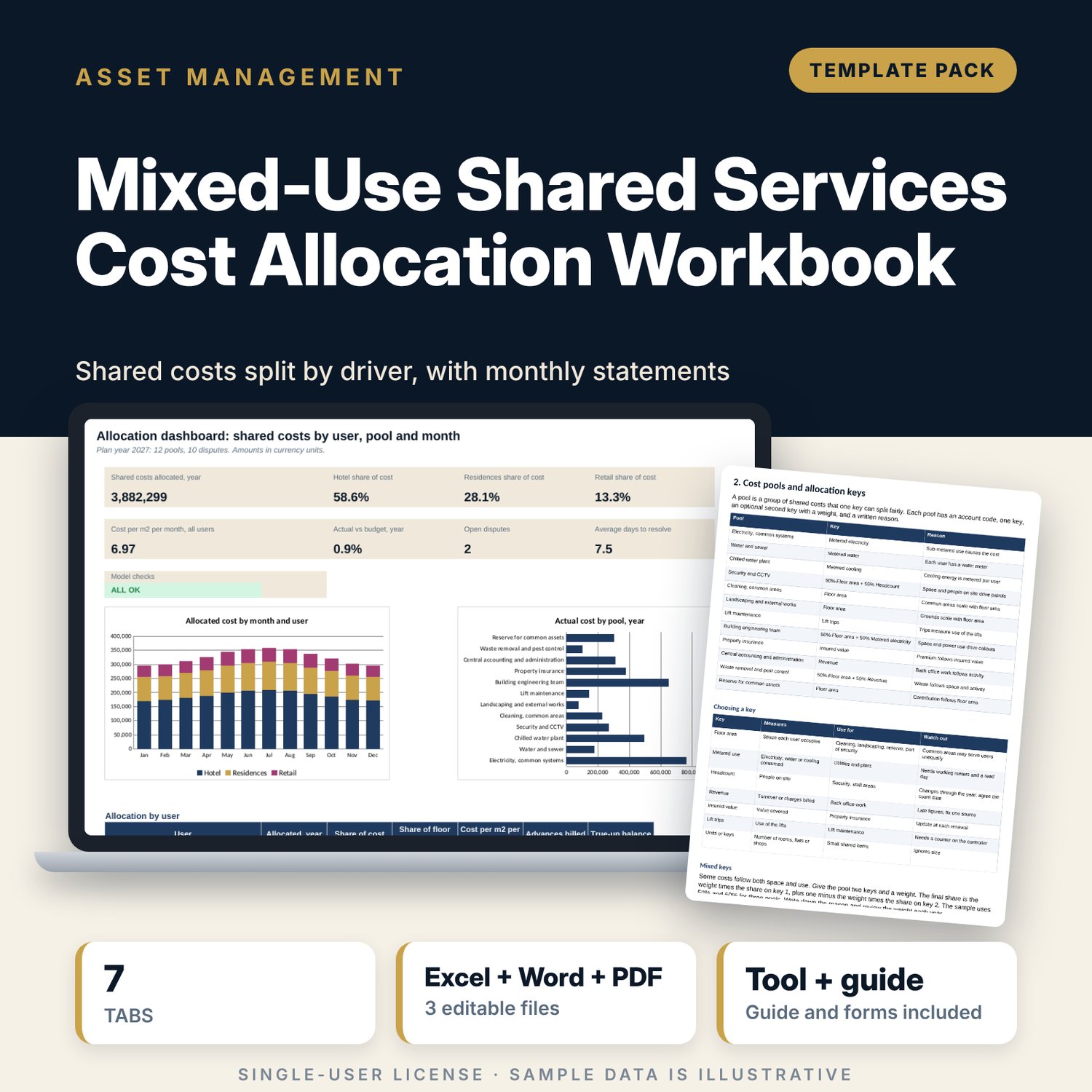
For asset managers, financial controllers and property managers who share costs between a hotel, residences and retail in one building. The workbook holds 12 sample cost pools, each with a key, an optional second key with a weight, a budget and 12 months of actual cost. 8 sample drivers (floor area, metered electricity, water and cooling, headcount, revenue, insured value and lift trips) give each user a share by month. Amounts are rounded to 2 decimals and the rounding difference goes to the largest user, so the allocated total always equals the pool total. Choose a user and a month to read a statement with tax, dispute credits, year to date and true-up. A dispute log counts working days against your windows. A Word policy sets keys, metering, the monthly cycle, disputes, the reserve and approval.
What is inside
- Shared_Services_Allocation_Workbook.xlsx: 7 tabs, 5,909 formulas, 2 native charts, 19 drop-down and input rules
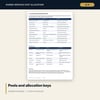
- Pools and Drivers: 12 sample pools plus 4 spare rows, and 24 driver rows plus 6 spare rows, each with 12 months
- Allocation: 192 rows (every pool and month) with key totals, shares, rounded amounts, rounding difference and advances billed on budget
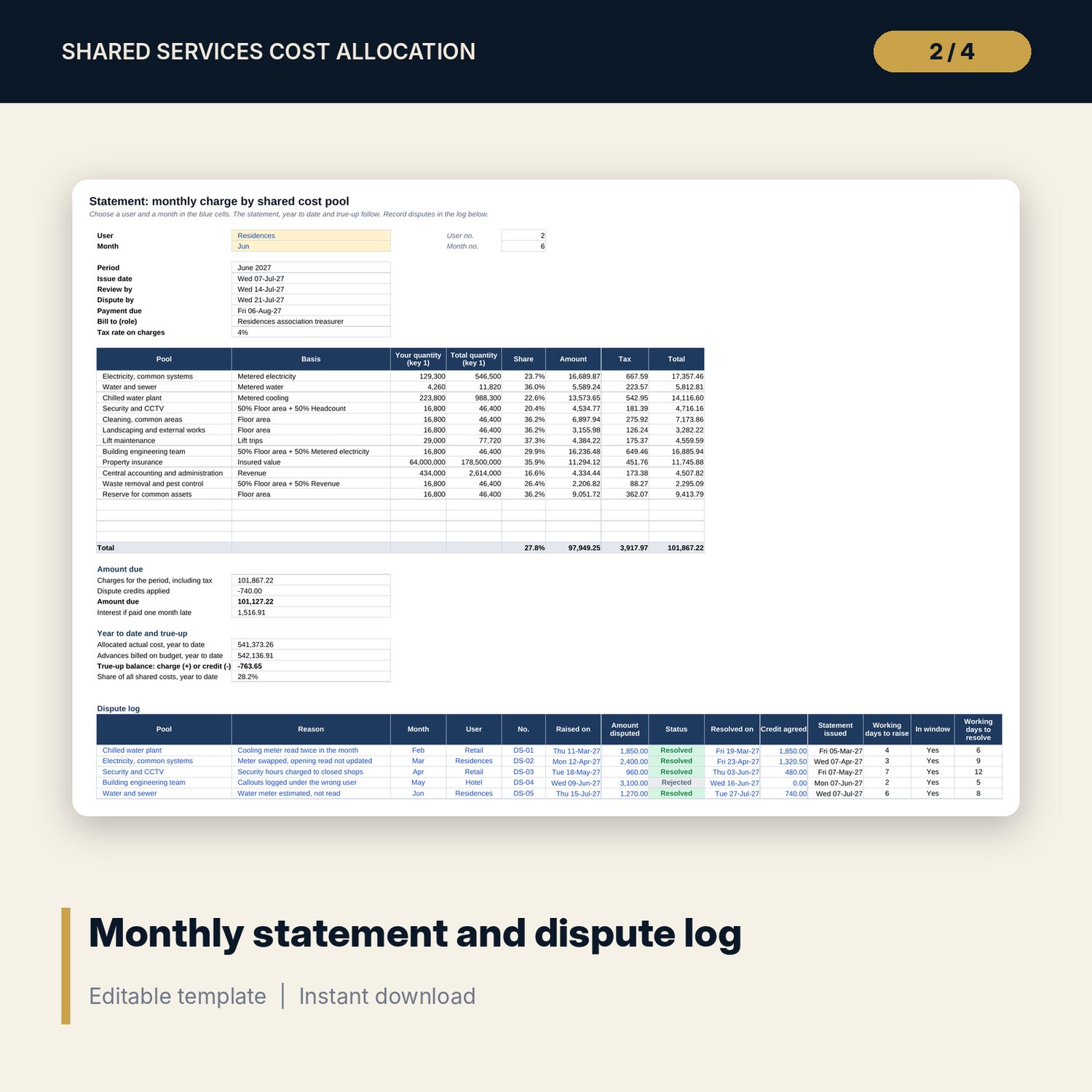
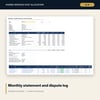
- Statements: a monthly statement for any of 3 users and 12 months, year to date and true-up, and a dispute log with 10 sample items plus 8 spare rows
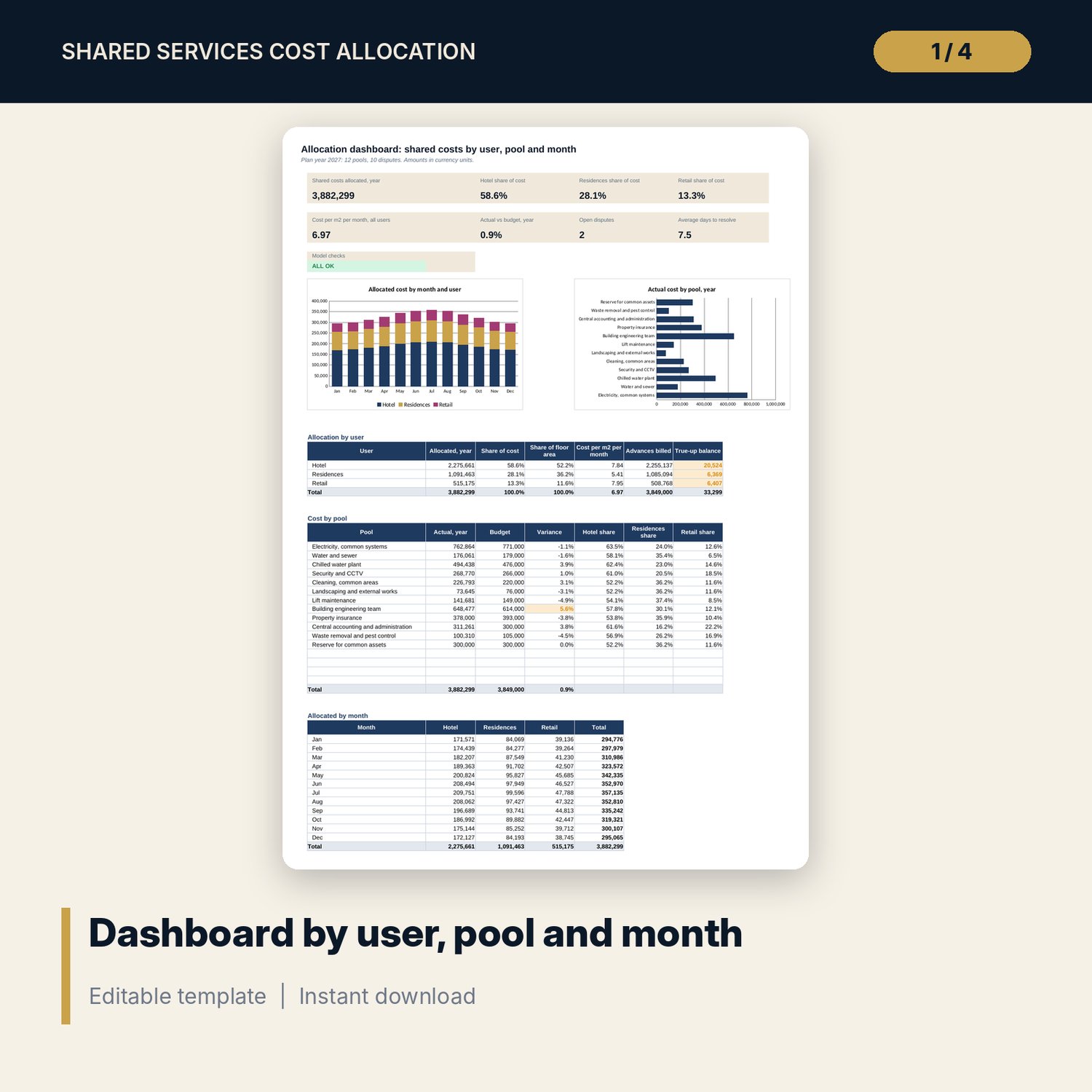
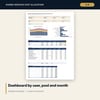
- Dashboard: 8 KPI tiles, a check tile, 2 charts and tables by user, pool and month; 8 integrity checks on the Checks tab
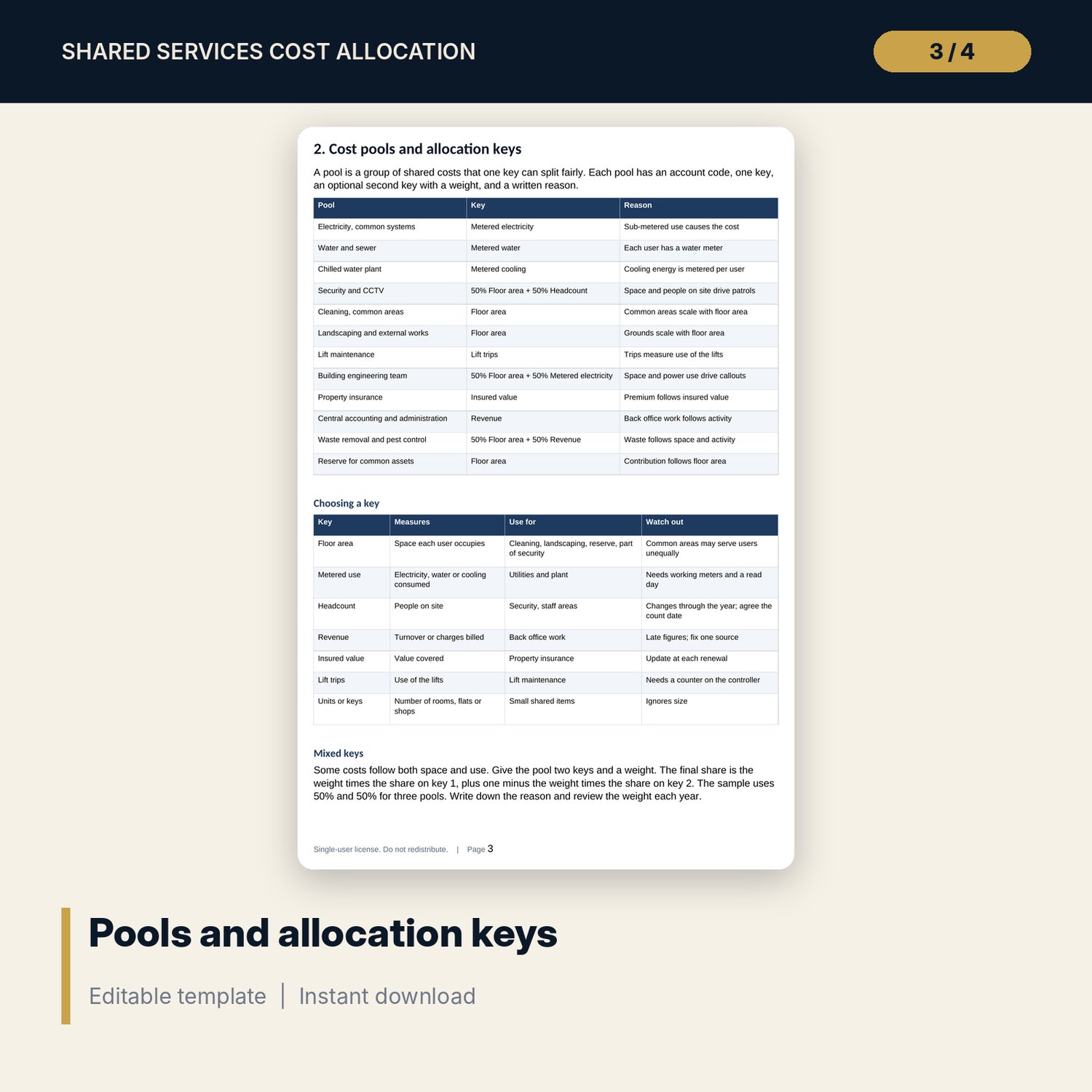
- Shared_Services_Allocation_Policy.docx and PDF: 9 pages with pools and keys, metering rules, the monthly cycle, disputes and true-up, 2 forms, a worked example and an annual check of 9 lines
- README.txt and LICENSE-and-Terms.txt
How it works
- Set the plan year, windows, payment terms, the three users and their tax rates on Settings.
- List each shared cost pool with its key and enter actual cost and driver quantities by month.
- Choose a user and a month on Statements, print the statement and record any dispute.
- Read the Dashboard to compare each user's share of cost with its share of floor area, and settle the true-up at year end.
Details
- Formats: 1 Excel workbook (.xlsx), 1 allocation policy in Word (.docx) and PDF, English
- Software: Excel 2016 or later, or LibreOffice Calc 7 or later
- No macros, no external links, no data tables, no array formulas
- 3 files plus README and license; instant digital download
Good to know
- Sample data is illustrative. Replace it with your own figures.
- Tax rates, interest, windows, payment terms and keys are editable examples. Verify local requirements and your agreements.
- The files are management tools, not legal, tax or accounting advice. Have your adviser check the policy wording.
- The model handles three users. Rename them on Settings.
- Single-user license. Do not redistribute.
FAQ
How is a share worked out?
Each pool has a key. A user's share is its quantity divided by the total quantity for the month. A mixed pool takes a weight from key 1 and the rest from key 2.
What happens to rounding?
Amounts are rounded to 2 decimals. Any difference goes to the user with the largest share in that pool, so the total still equals the pool cost.
How does the true-up work?
Advances are billed on the budget. Actual cost is allocated by the same shares. The difference is a charge or a credit for each user.
Can I add pools, drivers and disputes?
Yes. The sample has 4 spare pool rows, 6 spare driver rows and 8 spare dispute rows with formulas ready.
Do I need macros?
No. Every result is a standard worksheet formula.