Site Inspection & Familiarisation Trip Planner: Hotel Site Visit and Fam Trip Planner with Cost and ROI Tracking
Full description
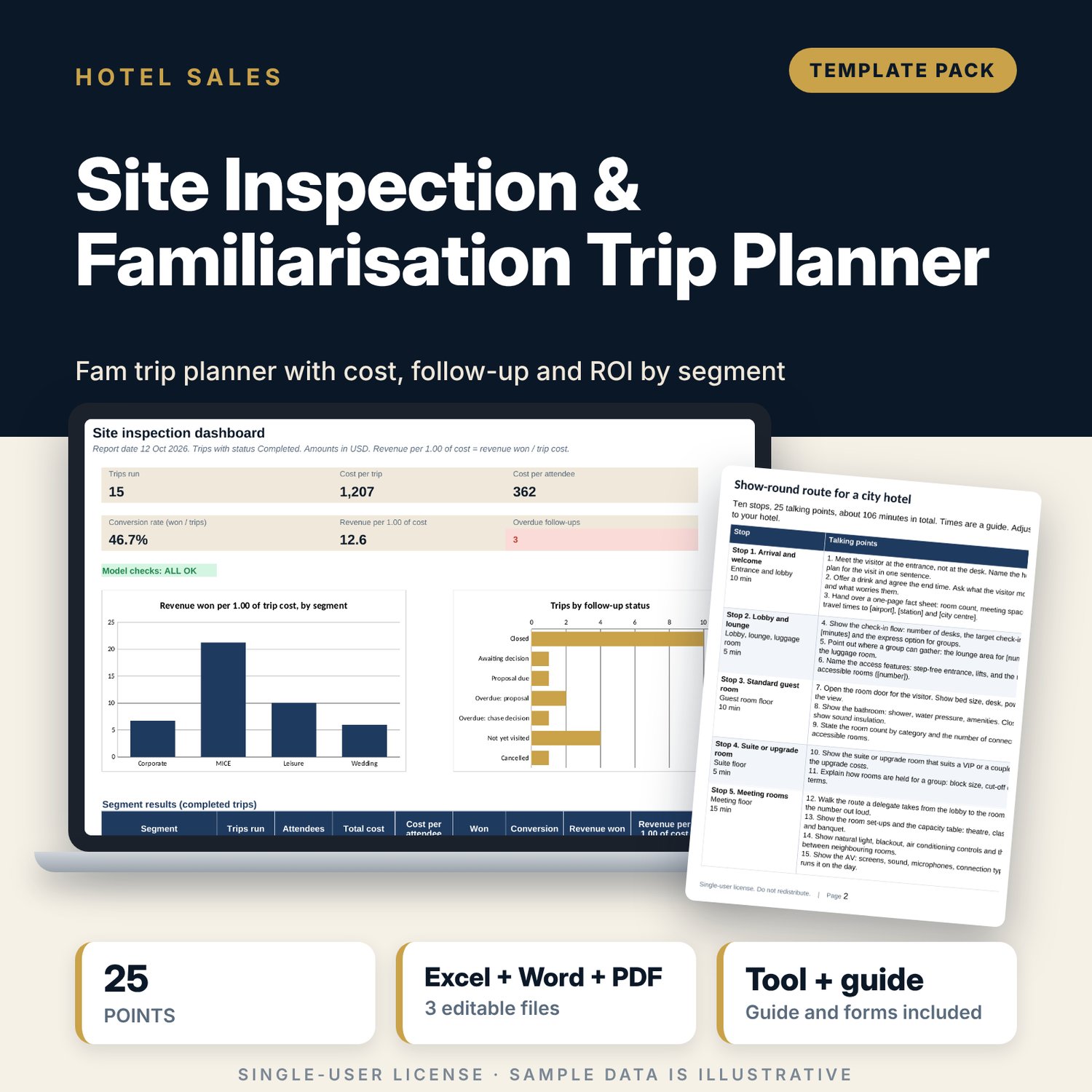
For hotel sales managers, directors of sales and event managers who host clients on site inspections and familiarisation trips and want to know what each visit costs and what it wins. The workbook holds a register of 20 sample trips, an itinerary by half-day, a cost tracker (rooms comped, food and drink, transport, gifts, staff hours) and a follow-up tracker (proposal, decision, revenue won). It calculates cost per trip, cost per attendee, conversion rate, revenue won per unit of cost by segment and the rank of each segment by ROI, and it flags overdue follow-ups against the report date. The Word pack gives the host a show-round route with 25 talking points, four segment scripts, a feedback form and a post-visit email.
What is inside
- Site_Inspection_Trip_Planner.xlsx: 8 tabs, 1,181 formulas, 2 native charts, 14 drop-down and input rules
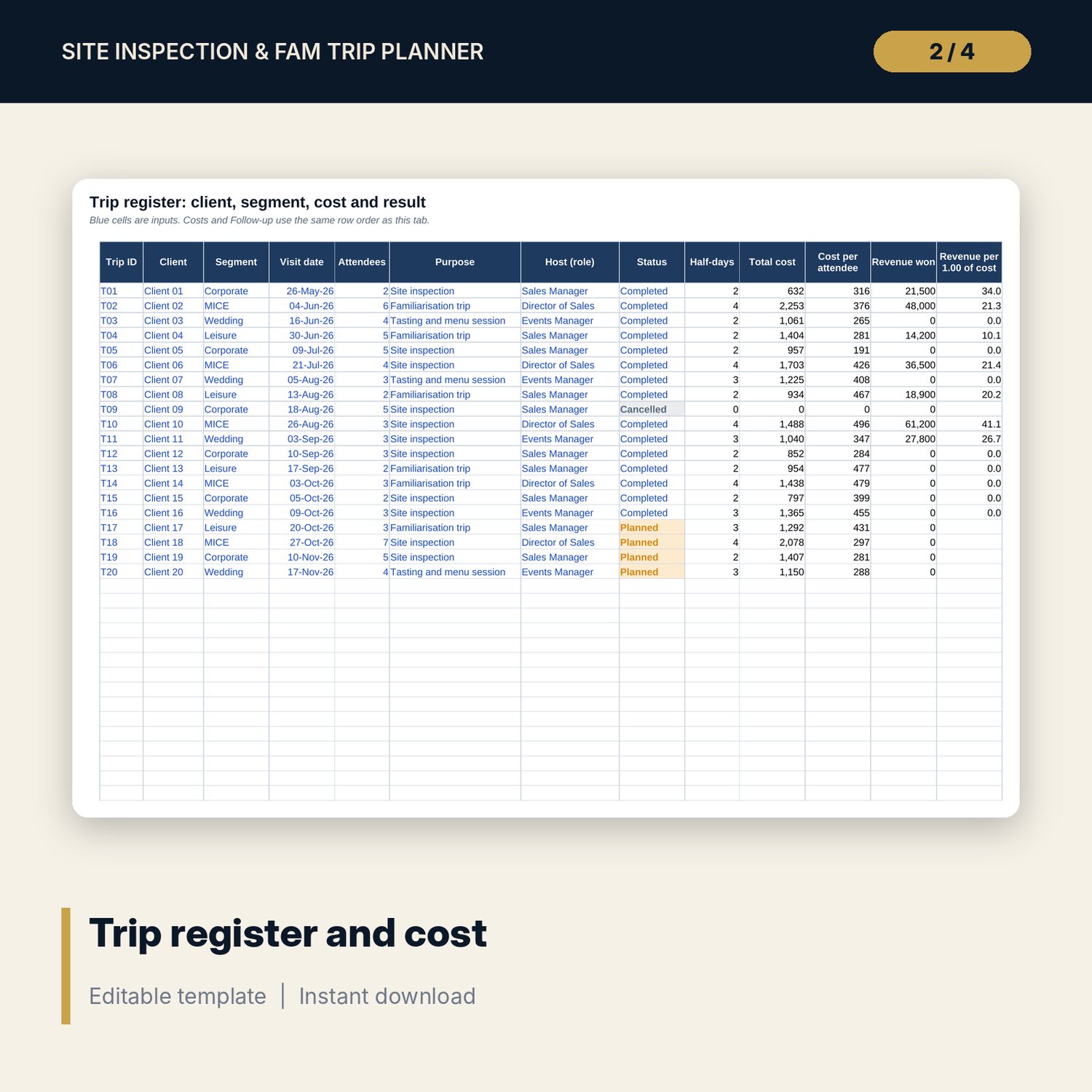
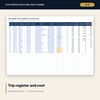
- Trips: 20 sample trips across 4 segments (corporate, MICE, leisure, wedding) with status, half-days, cost and revenue won
- Itinerary: 53 sample half-day rows with activity, area, duration, staff on duty and staff hours
- Costs: one row per trip with room, food and drink, transport, gifts, other and staff cost
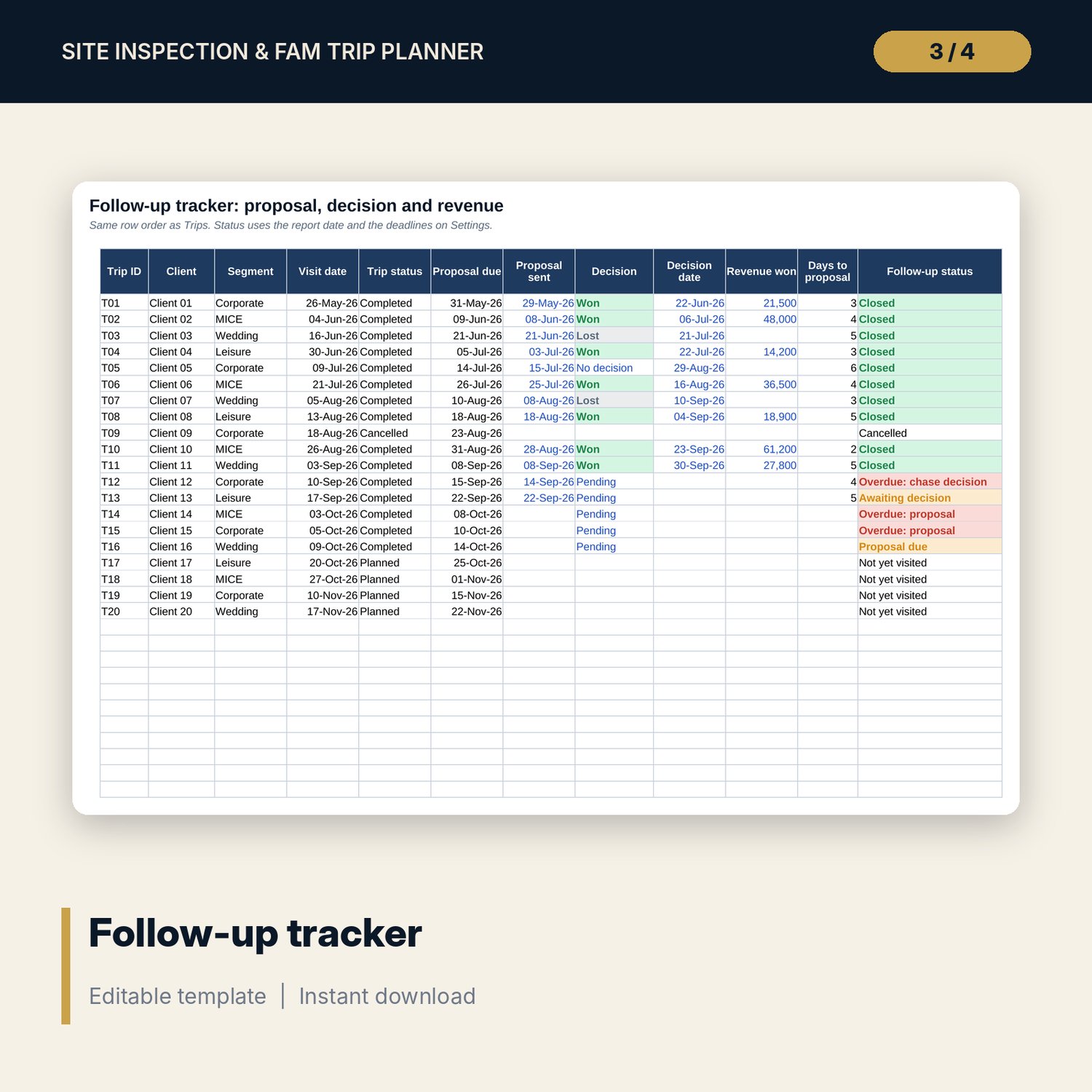
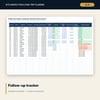
- Follow-up: proposal due date, proposal sent, decision, revenue won and a status with overdue flags
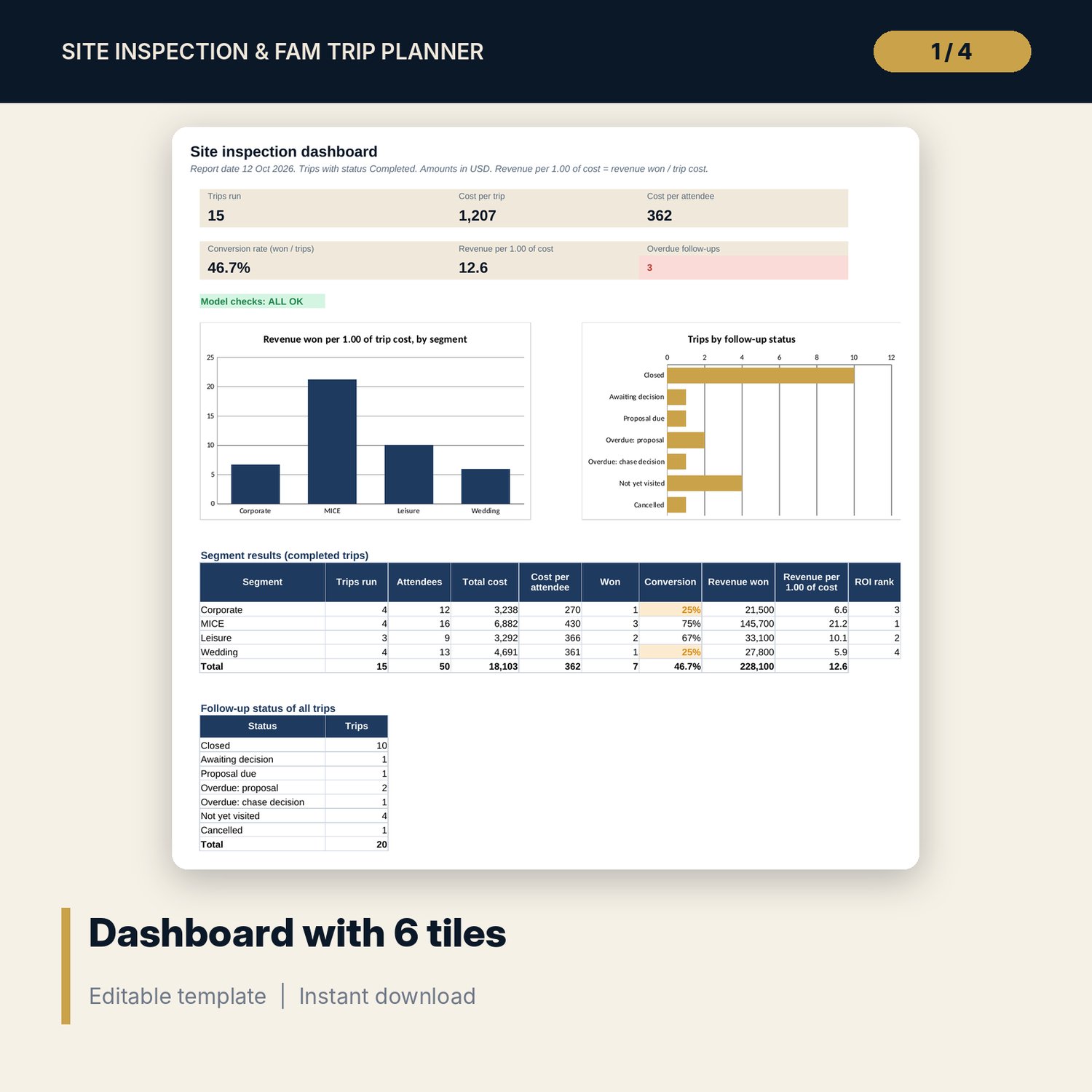
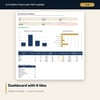
- Dashboard with 6 tiles, 2 charts, a segment table with ROI rank and a follow-up status count; 5 checks
- Site_Inspection_Trip_Planner_Forms.docx: 8 pages with a show-round route (10 stops, 25 talking points), 4 segment scripts, a feedback form, a post-visit email with 2 variants and a 14-item checklist (DOCX and PDF)
- README.txt and LICENSE-and-Terms.txt
How it works
- Set the report date, follow-up deadlines and cost rates on Settings.
- List each trip on Trips, add its half-days on Itinerary and its costs on Costs.
- After the visit, enter the proposal date, decision and revenue won on Follow-up.
- Clear every line that shows Overdue.
- Read Dashboard for conversion, cost per attendee and ROI rank by segment; use the Word pack for the route, script, feedback form and email.
Details
- Formats: one .xlsx workbook, one .docx forms pack and its PDF copy, English
- Software: Excel 2016 or later, or LibreOffice Calc 7 or later; any word processor that opens .docx
- No macros, no external links, no pivot tables, no array formulas
- 3 files plus README and licence; instant digital download
Good to know
- Sample data is illustrative. Replace it with your own figures.
- Rooms comped are valued at cost, not at the room rate. Revenue won is the value you define; use one definition for every trip.
- The forms are working drafts, not legal advice. Verify local requirements for food, safety and contract wording.
- Single-user license. Do not redistribute.
FAQ
How is conversion calculated?
Conversion is the number of completed trips with the decision Won divided by the number of completed trips. Planned and cancelled trips are left out.
How is the ROI rank set?
Each segment gets revenue won divided by trip cost. The segment with the highest ratio is rank 1.
How are overdue follow-ups found?
A completed trip is overdue when no proposal is sent within the proposal deadline, or when a proposal has no decision within the chase deadline. Both deadlines are inputs on Settings.
Can I add more trips?
Yes. Trips, Costs and Follow-up have 40 rows and Itinerary has 100 rows. The sample uses 20 trips.
Does it need macros or add-ins?
No. Every result is a standard worksheet formula.