Hotel Rooms CPOR and Segment Profitability Model (Excel Template)
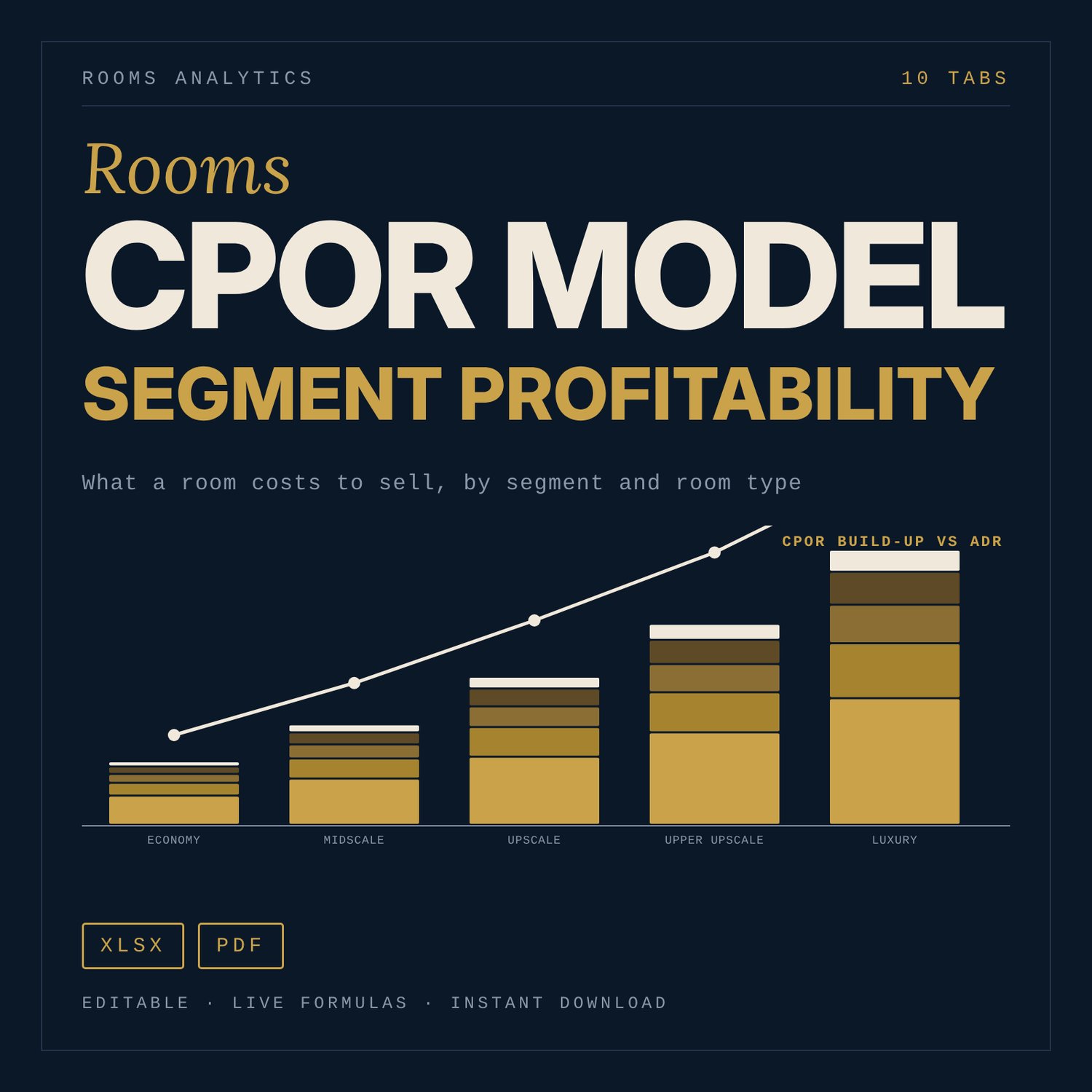
Built for general managers, revenue managers, finance managers and owners who want to know what a room costs to sell and what each segment, channel and room type leaves after cost. The workbook builds Rooms Department cost per occupied room (CPOR) from 15 cost lines, then follows that cost through seven segments, five room types and a 12-month seasonal calendar. A Dashboard shows the result in four charts and eight findings written by formulas. Cost lines, rate indices, commissions and premiums are illustrative class assumptions for a generic hotel. You replace them with your own actuals.
Save with a bundle: this template is also in the Hotel Finance, Development & Pre-Opening Bundle, 10 templates for $35 instead of $76. All 141 templates are in the All-Access Hospitality Template Library for $79.
What is inside
- Rooms_CPOR_Segment_Model.xlsx: 10 tabs, 784 formulas, 4 native charts, 23 data-validation rules (drop-downs and number limits).
- Start Here: purpose, tab guide, five steps, colour legend, license line.
- Inputs: currency, keys, operating days, hotel class (5 classes), ADR, occupancy, service charge and tax treatment, segment mix.
- CPOR_Model: 7 payroll roles (FTE per key) and 8 non-payroll lines, each with a class preset and an Own actual column, plus a presets/actuals switch. Outputs Rooms Department CPOR, fully-loaded CPOR, fully-loaded variable CPOR, rooms departmental margin and room contribution margin.
- Segment_Model: 7 segments (OTA, Direct web, Corporate negotiated, Wholesale, Groups/MICE, Packages, Walk-in) with commission, fees, cost-to-serve, net ADR, contribution, two rate floors per segment and a channel shift calculator.
- RoomType_Model: 5 room categories (Standard, Superior, Deluxe, Suite, Club) with premium, extra cost, flow-through of the premium, break-even premium and ranking.
- Seasonality: 12 months, 3 seasons (Peak, Shoulder, Low), RevPAR, CPOR and break-even occupancy by season.
- Property_Compare: your actual annual cost lines against the class preset, with variance in amount and percent and flags.
- Dashboard: 6 KPI tiles, 8 formula-driven findings, 4 charts and 12 reconciliation checks.
- Method_Notes: definitions, formulas in words, limits and how to validate against your books.
- Class_Presets: editable illustrative presets for the five classes.
- Quick_Start_Guide.pdf: 5 pages. What CPOR is, how to fill the model in 30 minutes, how to read the Dashboard, three decisions (rate floors by segment, channel mix, room-type pricing).
- LICENSE-and-Terms.txt and README.txt.
How it works
- On Inputs, enter keys, hotel class, occupancy, ADR, service charge, tax treatment and segment mix.
- On CPOR_Model, enter your own cost per occupied room for each line and switch the cost basis to Own actuals.
- On Segment_Model and RoomType_Model, replace the sample indices, commissions, fees, premiums and extra costs with your contracts and measurements.
- On Seasonality, set the season for each month. On Property_Compare, paste annual actuals to see variances to the preset.
- Read the Dashboard. Check that all 12 model checks read OK.
Details
- Formats: Excel workbook (.xlsx) and PDF guide.
- Language: English.
- Software: Excel 2010 or later, or LibreOffice Calc. No add-ins or macros.
- Currency: set your own symbol on Inputs.
- Delivery: digital download. Nothing is shipped.
Good to know
All sample data is illustrative. Presets and example figures are not benchmarks or official rates.
Tax, service charge and payroll-related costs are editable inputs. Verify local requirements.
This is a planning tool, not accounting, tax or legal advice.
Single-user license: use it for your own property or the properties you personally manage. Do not redistribute.
FAQ
Do I need special software?
No. Excel 2010 or later or LibreOffice Calc opens it. There are no macros.
Does it work in Google Sheets?
You can import the file. Formulas and drop-downs carry over. Check the charts after import, because chart styling can change.
Can I edit it?
Yes. Blue cells are inputs and yellow cells are key assumptions. Black cells are formulas; leave them in place. You can rename segments and change room types, calendar and presets.
Are the cost figures real benchmarks?
No. They are illustrative class assumptions that let the model show numbers on first open. Use the Own actual columns and Property_Compare to load your own books.
Is this a physical product? Can I get a refund?
It is a digital download, so nothing is shipped. Refund terms follow the store's digital product policy.
Who is it for?
General managers, revenue managers, finance managers and owners of hotels of any class from Economy to Luxury.