Operator Performance Scorecard & Balanced KPI Review: Hotel Operator KPI Scorecard and Quarterly Review Template
Full description
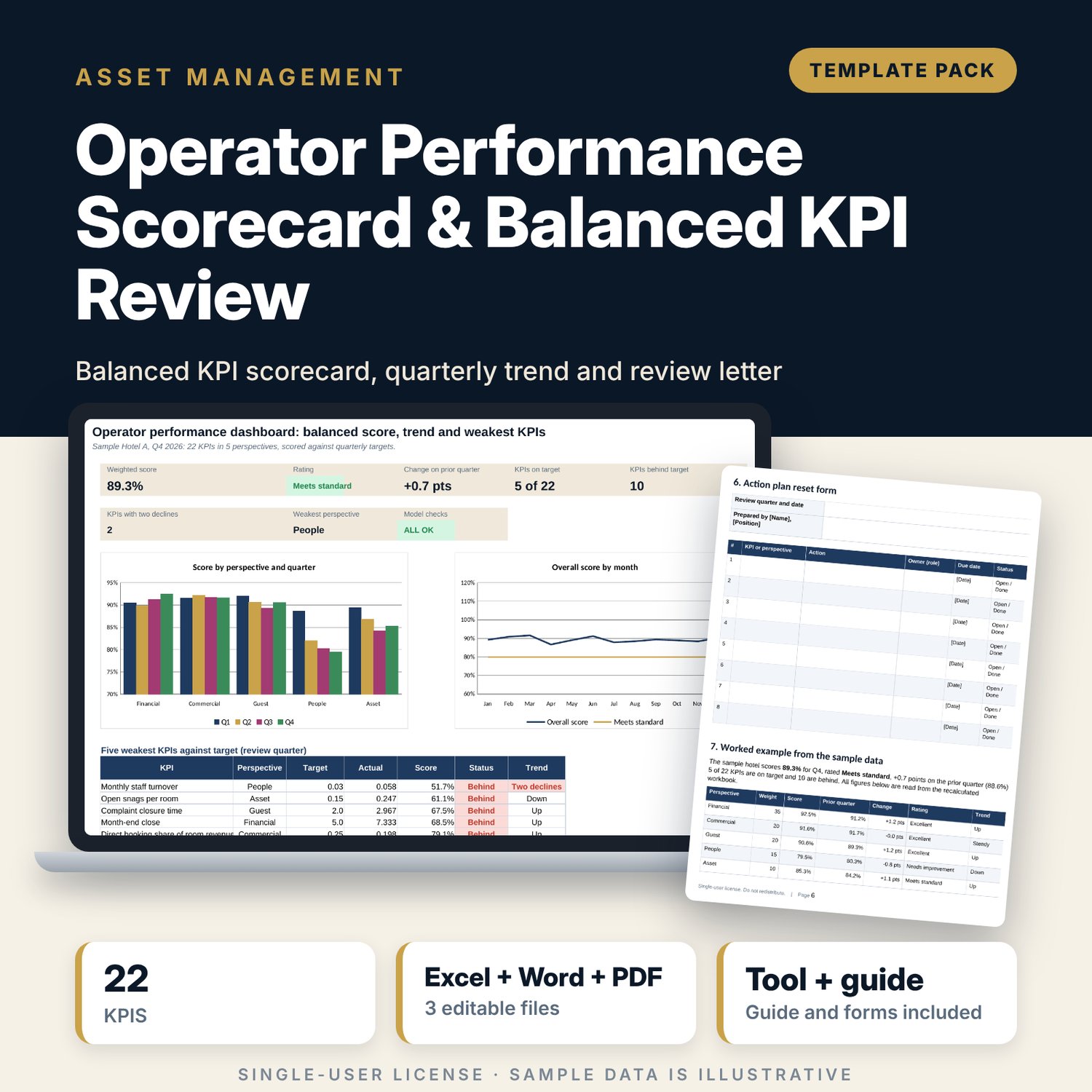
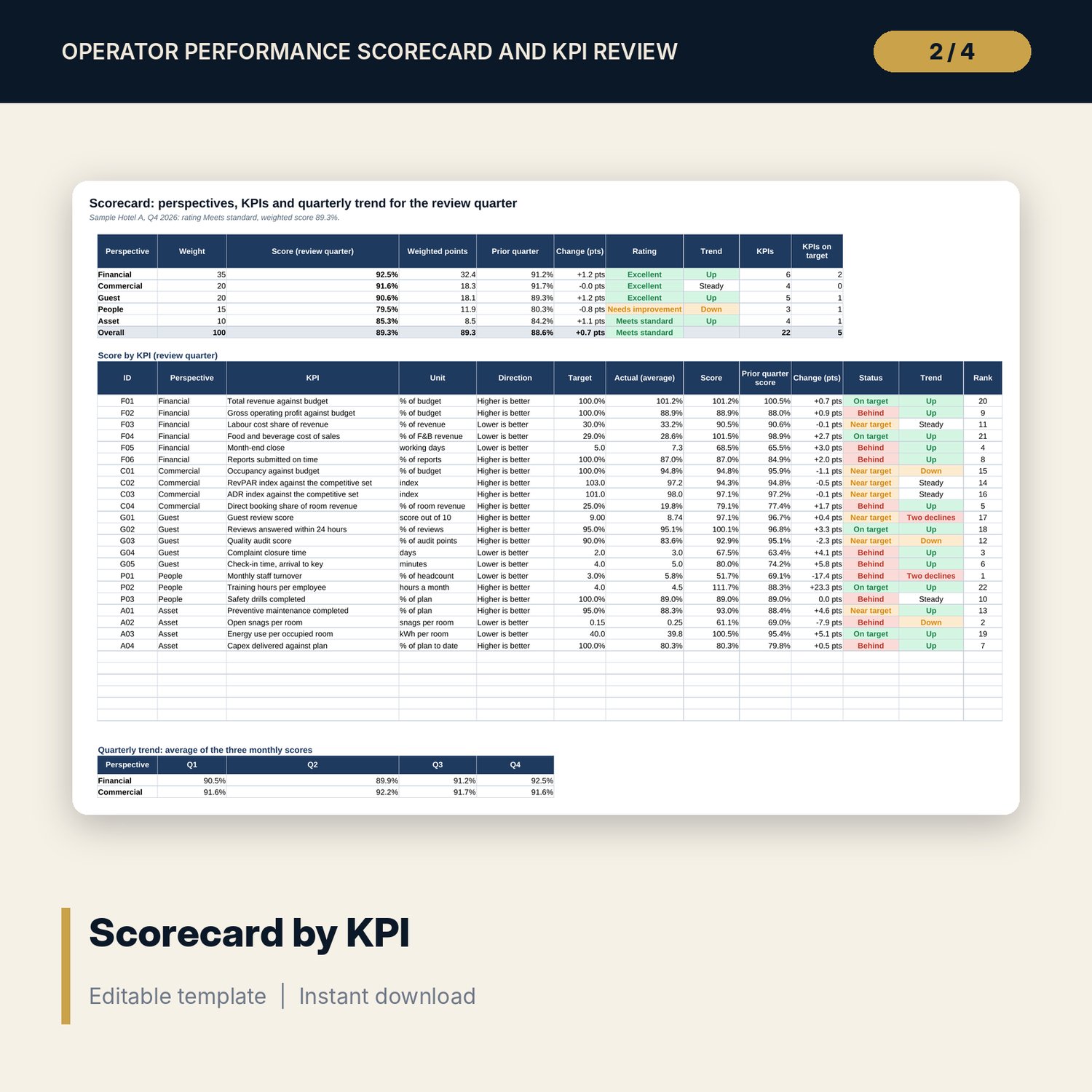
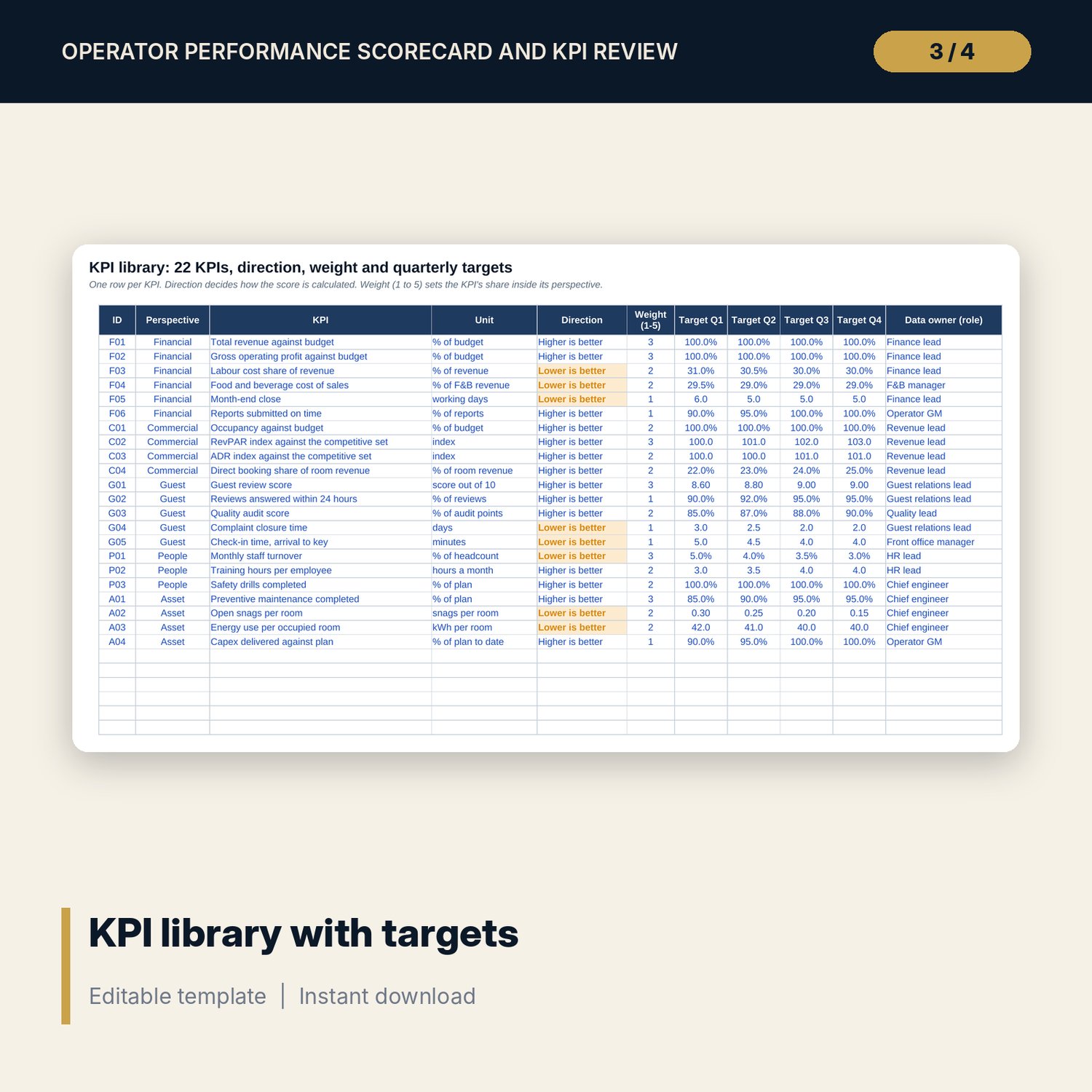
For asset managers, owner representatives and general managers who review an operator's performance every quarter and want one scorecard that both sides accept. The workbook holds 22 KPIs in five perspectives (financial, commercial, guest, people, asset) with a unit, a direction, a weight and a target for each quarter. You enter twelve months of actuals. Each KPI is scored against its own target (actual over target, or target over actual for cost KPIs), capped at 120%, then weighted into perspective scores and one overall score with a rating band. The quarterly trend averages the three monthly scores and flags any KPI that falls two months in a row. A 7-page Word guide gives a definition for every KPI, the scoring rules, a quarterly review letter, a 60-minute agenda, an action plan form and a worked example.
What is inside
- Operator_KPI_Scorecard.xlsx: 7 tabs, 1,142 formulas, 2 native charts, 9 drop-down and input rules
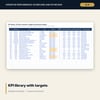
- KPI Library: 22 KPIs with perspective, unit, direction, weight, four quarterly targets and a data owner, plus 6 spare rows
- Monthly KPIs: 264 sample actuals (22 KPIs x 12 months), monthly KPI scores and monthly perspective and overall scores
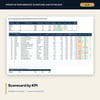
- Scorecard: review-quarter score by perspective and by KPI, prior-quarter change, status, two-decline trend flag, rank and a four-quarter trend
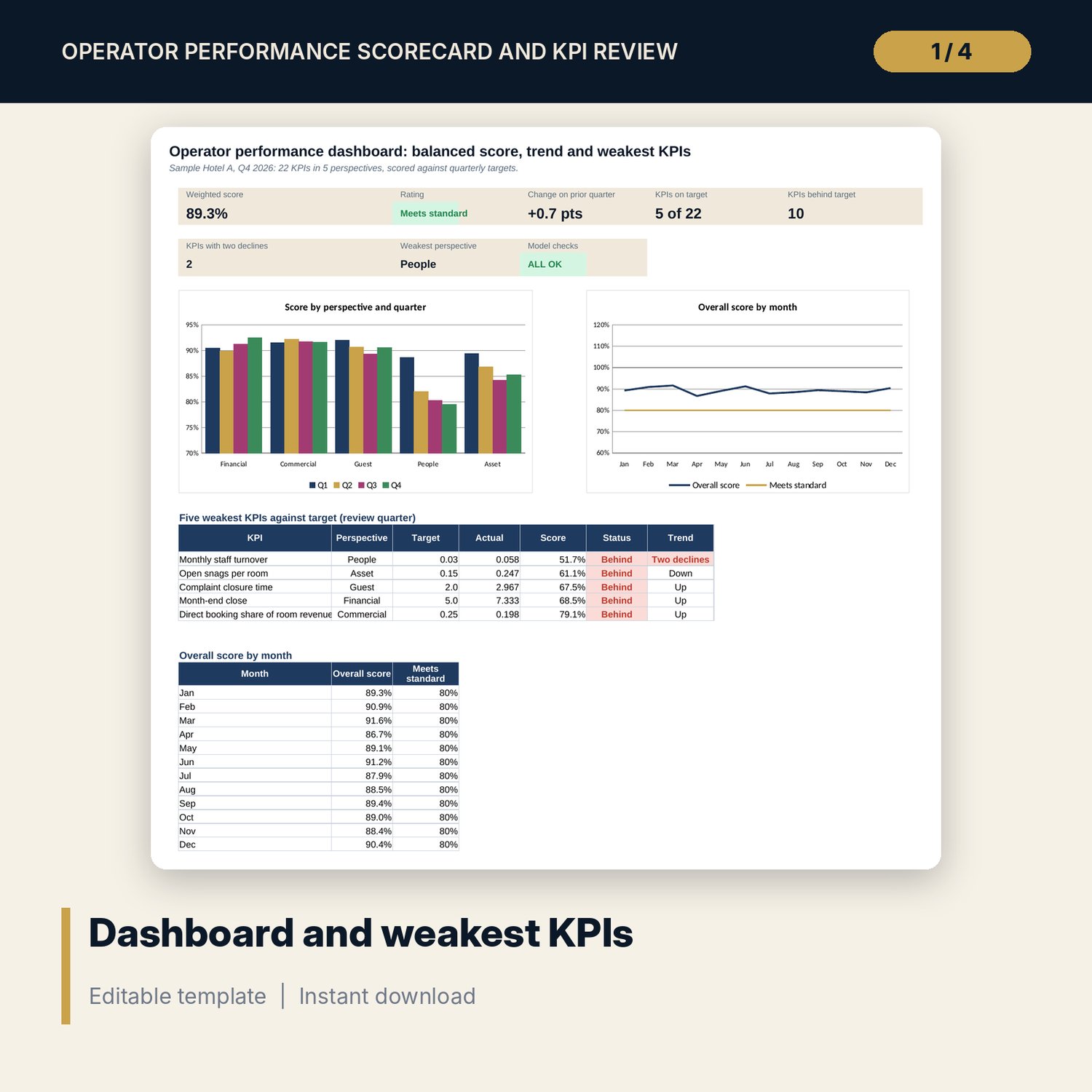
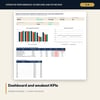
- Dashboard: 7 tiles, a check tile, 2 charts and the five weakest KPIs; 8 integrity checks
- Operator_Review_Letter_and_Meeting_Guide.docx and PDF: 7 pages with 22 KPI definitions, scoring rules, review rhythm, quarterly review letter, agenda, action plan form and worked example
- README.txt and LICENSE-and-Terms.txt
How it works
- Pick the review quarter and confirm the perspective weights, cap and rating bands on Settings.
- Set direction, weight and a target for each quarter in the KPI Library.
- Enter the monthly actuals for each KPI.
- Read the Scorecard and Dashboard: rating, weakest KPIs and the two-decline flags.
- Write the review letter from the Word guide and reset the action plan.
Details
- Formats: 1 Excel workbook (.xlsx), 1 guide in Word (.docx) and PDF, English
- Software: Excel 2016 or later, or LibreOffice Calc 7 or later
- No macros, no external links, no data tables, no array formulas
- 3 files plus README and license; instant digital download
Good to know
- Sample data is illustrative. Replace it with your own figures.
- Targets, weights and rating bands are your policy. Agree them with the operator in writing.
- The files are management tools, not legal or financial advice. Verify local requirements before using any figure in a contract.
- Single-user license. Do not redistribute.
FAQ
Can I change the KPIs, weights and targets?
Yes. Edit the KPI Library, the perspective weights on Settings and the targets for each quarter. Spare rows take new KPIs.
How are cost KPIs scored?
Target divided by actual, so a lower figure scores higher. The direction is set per KPI in the library.
What does the two-decline flag show?
A KPI whose monthly score fell in each of the last two months of the review quarter, even when the quarter average looks acceptable.
Can I review a different quarter?
Yes. Pick Q1 to Q4 on Settings and every scorecard figure moves with it.
Do I need macros?
No. Every result is a standard worksheet formula.