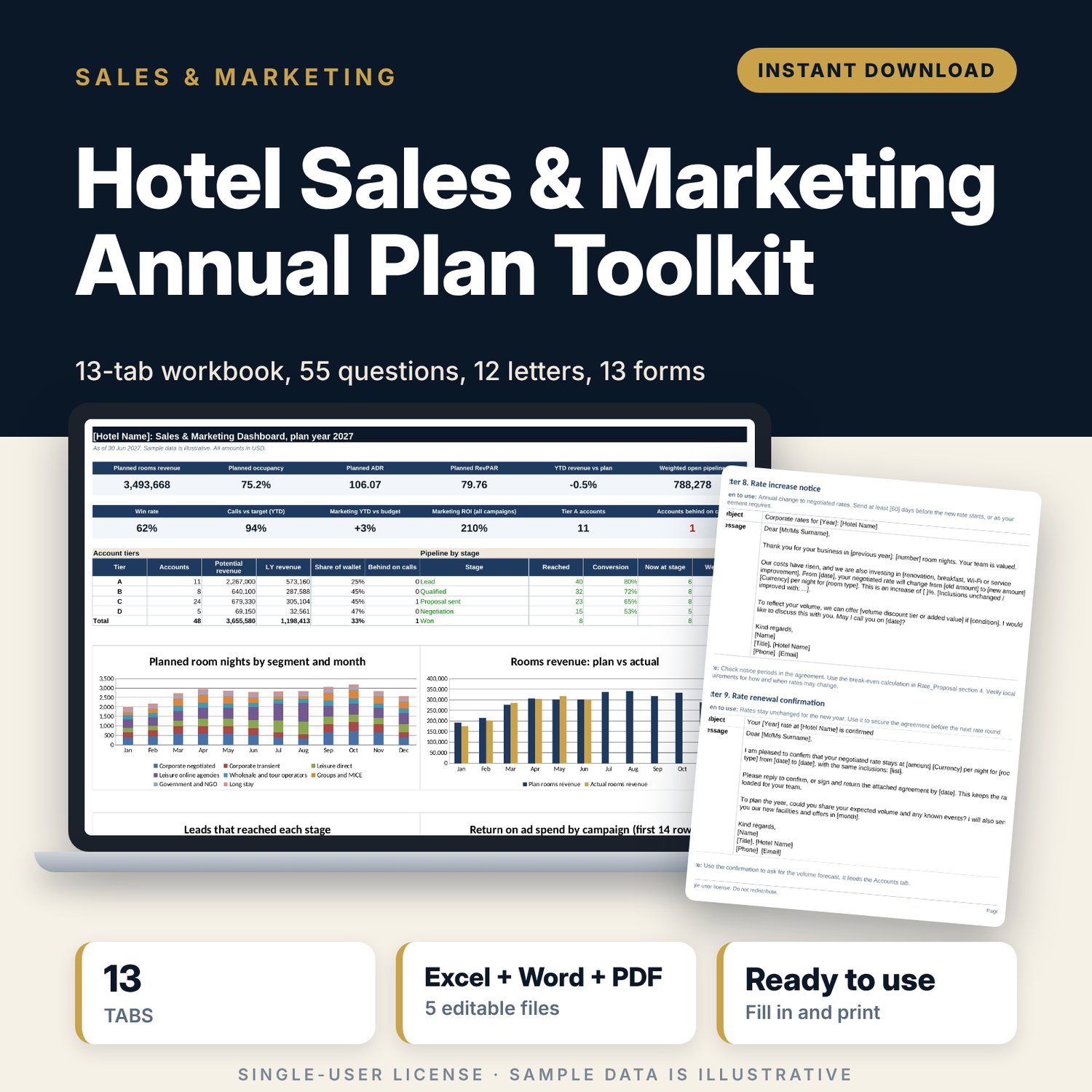
Hotel Sales & Marketing Annual Plan Toolkit: hotel sales plan template
Full description
This toolkit is for directors of sales, general managers and owner-operators who need to write and run an annual sales and marketing plan for a hotel. It covers the full cycle: set targets by segment and month, rank accounts, track leads, log calls, budget marketing, price corporate rates and review results. The workbook calculates. The Word documents give you the written plan, the call method and the letters. The PDF forms are ready to print.
Save with a bundle: this template is also in the Hotel Sales, Marketing & Revenue Bundle, 14 templates for $39 instead of $100. All 141 templates are in the All-Access Hospitality Template Library for $79.
What is inside
- Sales_Plan_Workbook.xlsx (13 tabs, 3,835 formulas, 20 drop-down lists, 4 charts): Start Here, Dashboard, Settings, Segment_Plan, Accounts, Pipeline, Funnel, Call_Log, Activity_KPIs, Marketing_Budget, Marketing_ROI, Promo_Calendar, Rate_Proposal.
- Sales_Marketing_Plan_Template.docx (31 pages): written annual plan with 13 sections, 4 appendices, guidance boxes, fill-in tables and a worked example.
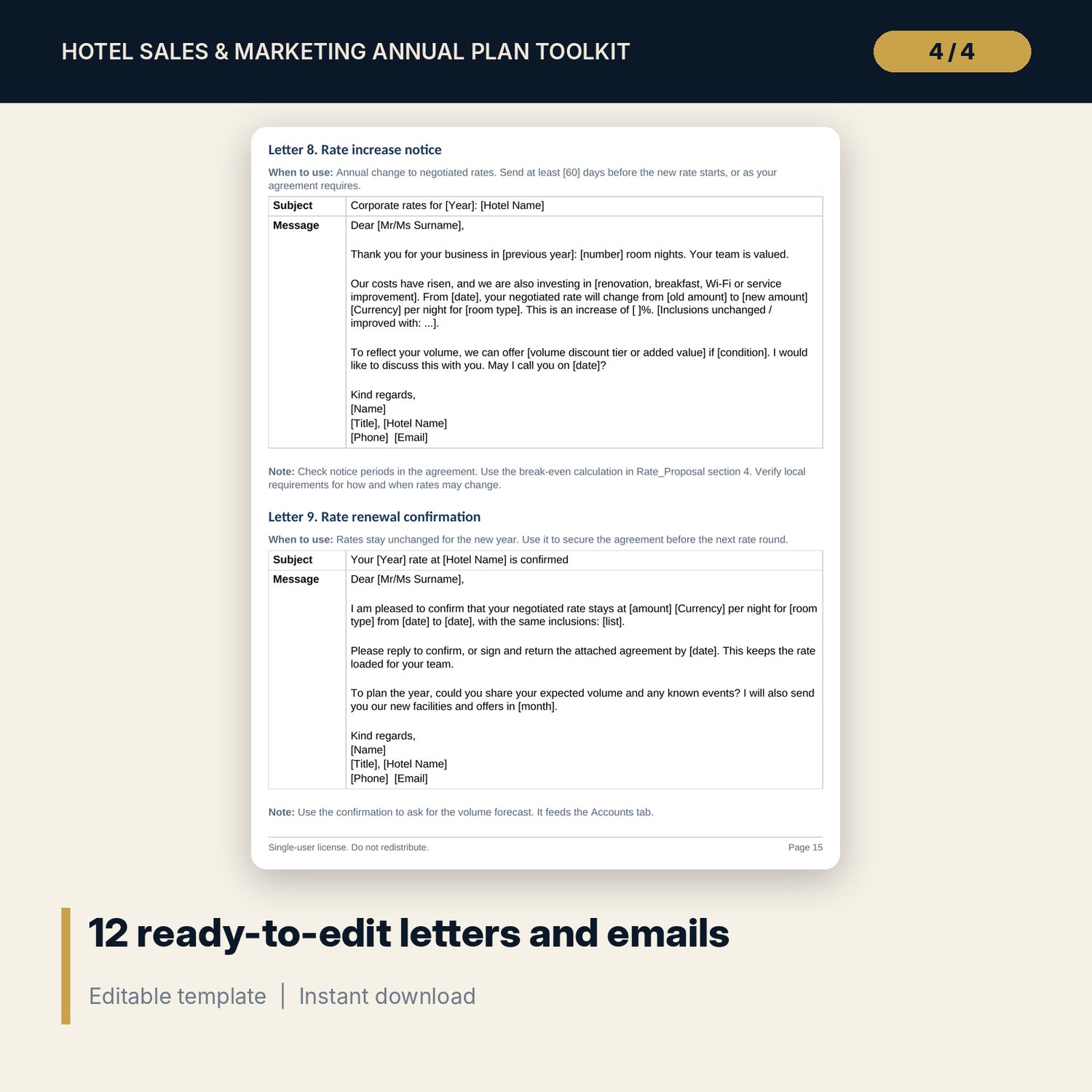
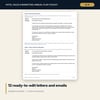
- Sales_Call_Guide_and_Letters.docx (18 pages): 7-step call structure, 55 discovery questions, 12 objection answers, negotiation give-and-get table, and 12 letter and email templates.
- Account_Plan_and_Forms.docx and .pdf (17 pages): 13 forms including key account plan, call report, lead qualification, rate approval, RFP checklist, group quote sheet and promotion planning form.
- README.txt and LICENSE-and-Terms.txt.
Workbook details:
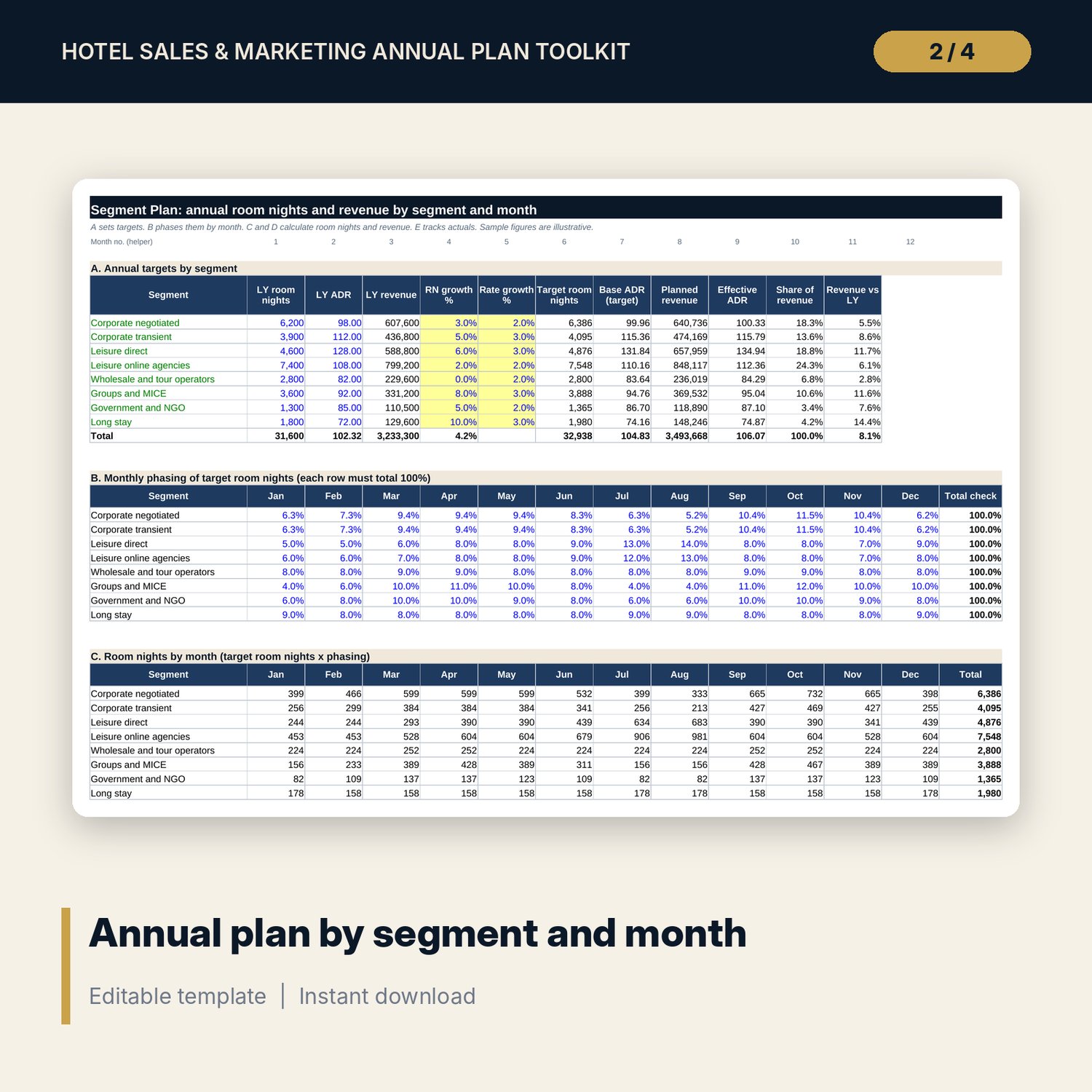
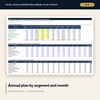
- Segment_Plan: 8 segments by 12 months. Room nights, revenue, occupancy, ADR and RevPAR, plus a capacity check and actuals vs plan.
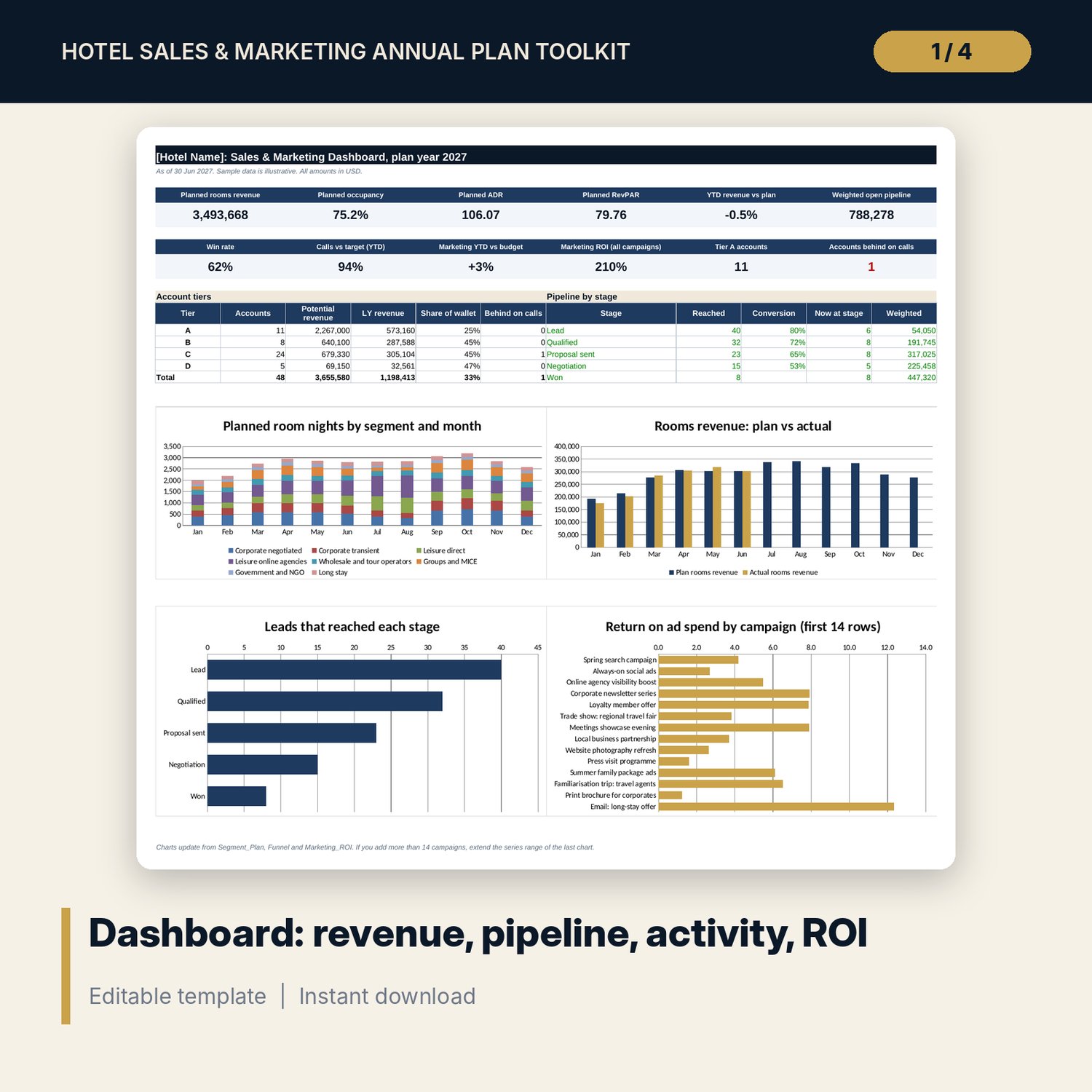
- Accounts: 48 sample accounts with automatic A to D tier, share of wallet and call coverage.
- Pipeline and Funnel: 40 sample leads, stage conversion, win rate, results by segment and by source.
- Call_Log and Activity_KPIs: 270 sample calls, targets by month, by rep and by tier.
- Marketing_Budget and Marketing_ROI: 12 channels, monthly phasing, variance flags, 14 sample campaigns with ROAS and ROI.
- Promo_Calendar: 12 sample promotions and a month grid with overlap check.
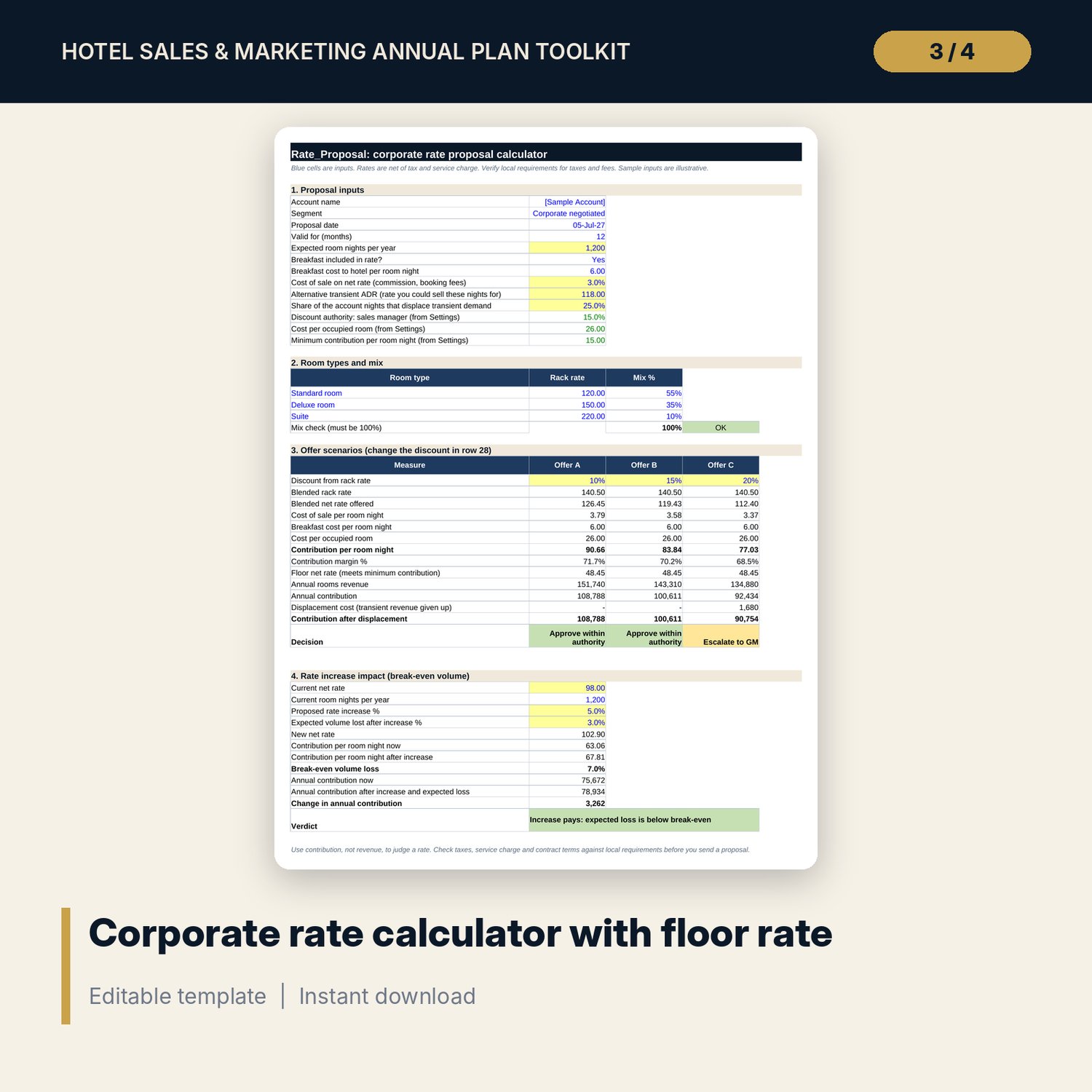
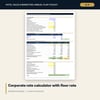
- Rate_Proposal: three offers side by side, floor rate, displacement and a rate increase break-even test.
How it works
- Open Settings in the workbook. Enter plan year, as-of date, rooms, tier thresholds and stage probabilities.
- Replace the sample data on Segment_Plan, Accounts, Pipeline, Call_Log and the marketing tabs with your own.
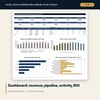
- Read the Dashboard. Flags show accounts behind on calls, overdue leads and over-budget channels.
- Copy the figures into the Word plan template and complete each section.
- Use the call guide, letters and forms in daily work. Update the as-of date each month.
Details
- Formats: XLSX, DOCX, PDF and TXT. Paper size A4. Language: English.
- Software: Excel 2010 or later and Word 2010 or later. Any PDF reader.
- Currency is an editable label. No tax or legal rules are built in.
- Delivery: instant digital download. Nothing is shipped.
Good to know
- All names, numbers, rates and dates are illustrative samples, not benchmarks or official rates. Replace them with your own data.
- The files are working tools, not legal, tax or financial advice. Verify local requirements.
- Single-user license. Do not redistribute.
FAQ
What software do I need? Excel for the workbook and Word for the documents. Both open in recent versions. The forms are also supplied as a PDF.
Does it work in Google Sheets? You can import the workbook into Google Sheets. Formulas and drop-downs carry over. Chart styling may change, so check the Dashboard. Excel is the tested format.
Can I edit everything? Yes. Blue cells are inputs, black cells are formulas, and the lists on Settings can be changed. The Word files are fully editable.
Is this a physical product? No. It is a digital download. Because files cannot be returned, refunds follow the store policy shown at checkout. Read the contents list before you buy.
Who is it for? Directors of sales, sales managers, general managers and owner-operators of hotels. It also suits a hotel with no dedicated sales team, where the manager does the selling.
Do I need to know Excel well? No. You enter data in blue cells and read results on the Dashboard. The Start Here tab explains each tab.