

Hotel Sale Preparation Data Room Checklist & Buyer Q&A Tracker: 200-Item Document Index, Readiness Gates and Q&A Log
Full description
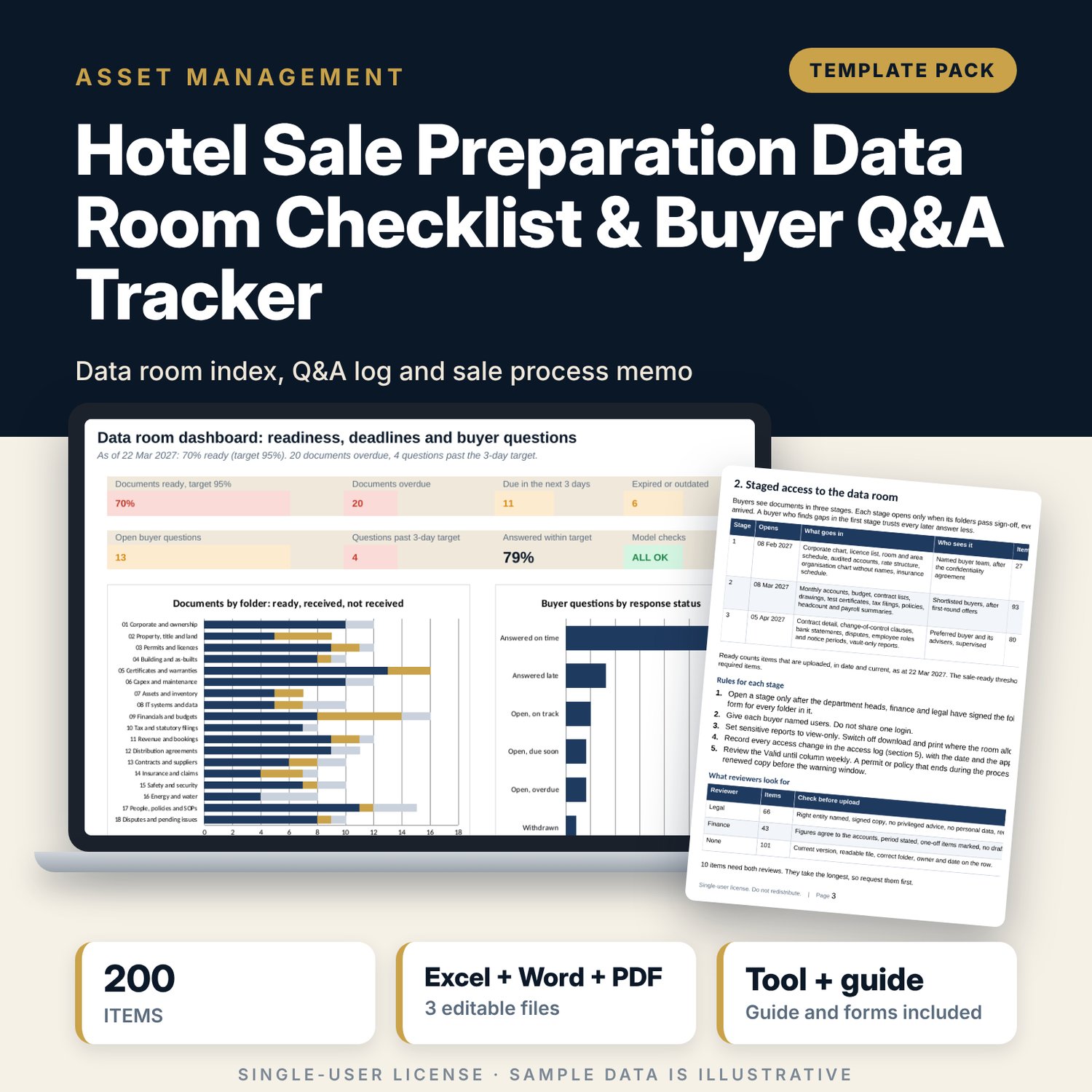
For hotel owners, asset managers, general managers and finance directors who prepare a hotel for sale and must answer buyers on a clock. The workbook holds a 200-item data room index in 18 folders, each row with an owner, access stage, reviewer, status and dates. It flags what is overdue, due soon, expired, outdated or stale, scores every folder against a sale-ready threshold, and times every buyer question in working days against a reply target. A Word memo sets the roles, the three access stages, the Q&A protocol, the weekly review and the sign-off forms.
What is inside
- Data_Room_Checklist_and_QA_Tracker.xlsx: 7 tabs, 1,551 formulas, 2 native charts, 21 drop-down and input rules
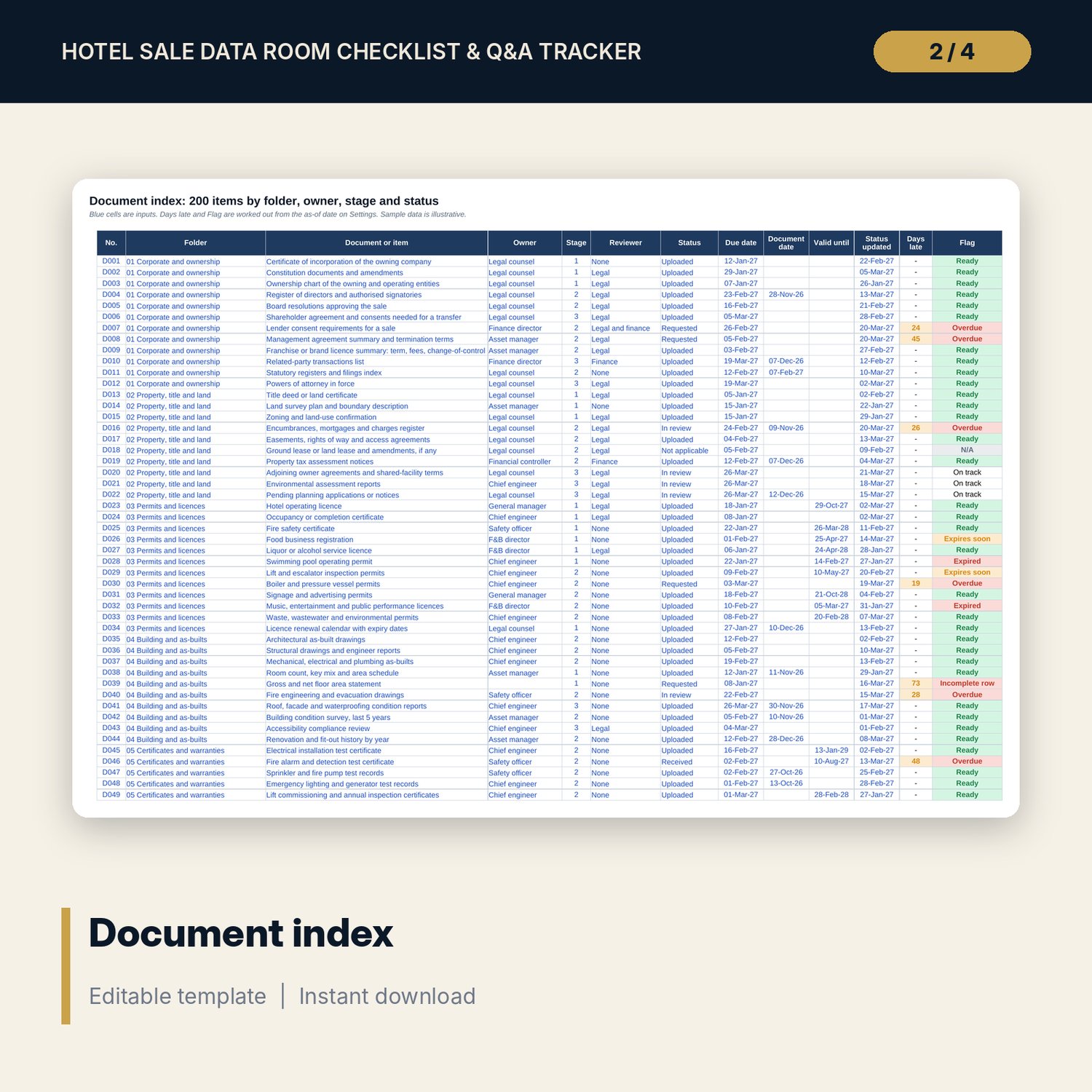
- Document Index: 200 items in 18 folders plus 20 spare rows, with owner, stage, reviewer, status, due, document and valid-until dates, days late and a flag
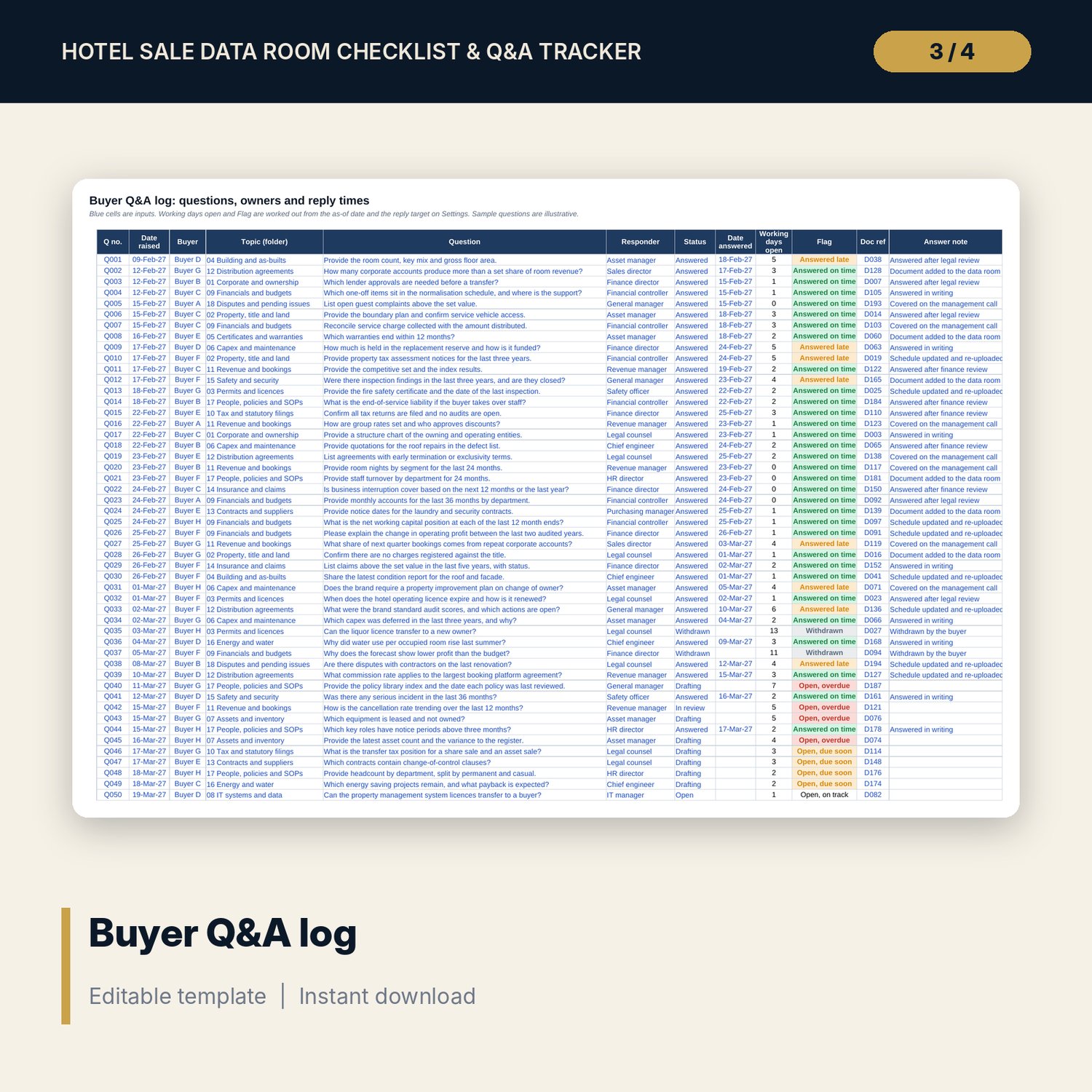
- Q&A Log: 120 rows (54 sample questions), topic, responder, status, working days open against the reply target, and a flag
- Folder Summary: ready, received and not received for 18 folders, 3 access stages and 14 owners, with a gate for each
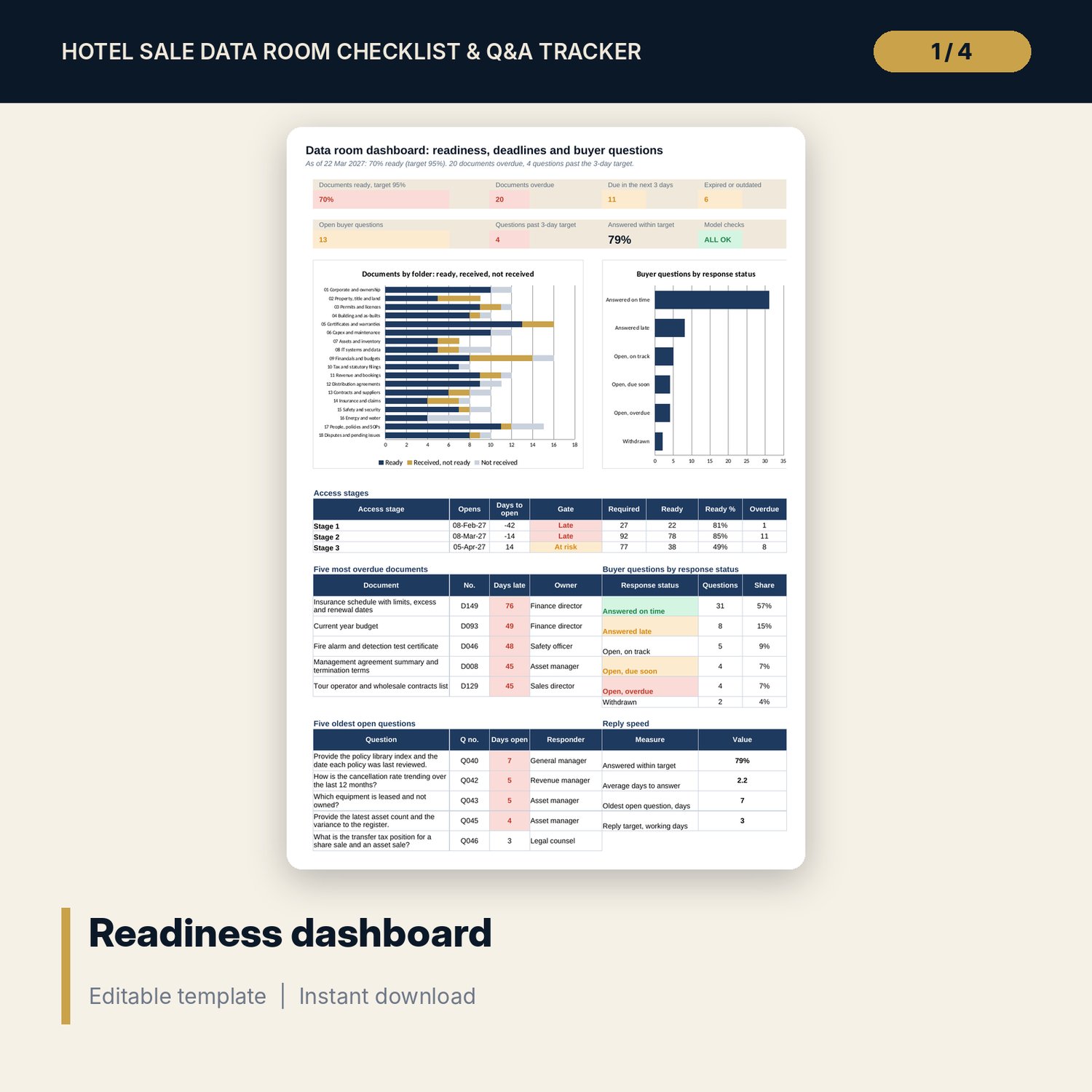
- Dashboard with 7 KPI tiles, a check tile, 2 charts, the stage gates, the five most overdue documents and the five oldest open questions; 8 integrity checks on the Checks tab
- Sale_Process_Memo.docx and PDF: 8 pages with the six-step sale process, roles and sign-off, staged access, the Q&A protocol with standard replies, a weekly review worked example, 4 forms and a glossary
- README.txt and LICENSE-and-Terms.txt
How it works
- Enter the as-of date, the three access dates, the sale-ready threshold and the reply target on Settings.
- Review the 200 sample items, mark those that do not apply and give every row an owner, a due date and a status.
- Log every buyer question on the day it arrives and enter the answer date when you release the answer.
- Read the Folder Summary and Dashboard before the weekly review, clear the red and amber flags, and use the memo forms to sign off each folder before a stage opens.
Details
- Formats: 1 Excel workbook (.xlsx), 1 process memo in Word (.docx) and PDF, English
- Software: Excel 2016 or later, or LibreOffice Calc 7 or later
- No macros, no external links, no data tables, no array formulas
- 3 files plus README and license; instant digital download
Good to know
- Sample data is illustrative. Replace it with your own information.
- The workbook tracks documents and questions. It does not host files. Use it beside the data room your adviser or platform provides.
- What a buyer may see, and when, depends on your law, deal structure and confidentiality agreement. Verify local requirements with your legal counsel. These files are not legal, tax or financial advice.
- Single-user license. Do not redistribute.
FAQ
Can I change the 200 items?
Yes. Rename an item, mark it Not applicable, or use the spare rows. Every summary and check follows the rows you enter.
What does ready mean?
An item is ready when its status is Uploaded and it is in date. Expired permits and documents older than the age limit on Settings do not count as ready.
How are reply times counted?
In working days from the date raised to the date answered, or to the as-of date while a question is open. Weekends and the non-working days you list on Settings are skipped.
Can I change the access stages and thresholds?
Yes. The three stage dates, the sale-ready threshold, the reply target and the warning windows are inputs on Settings.
Does it use macros?
No. Every result is a standard worksheet formula.