Banquet Space Capacity, Setup Time & Staffing Planner: Banquet Space Planner for Hotels and Venues
Full description
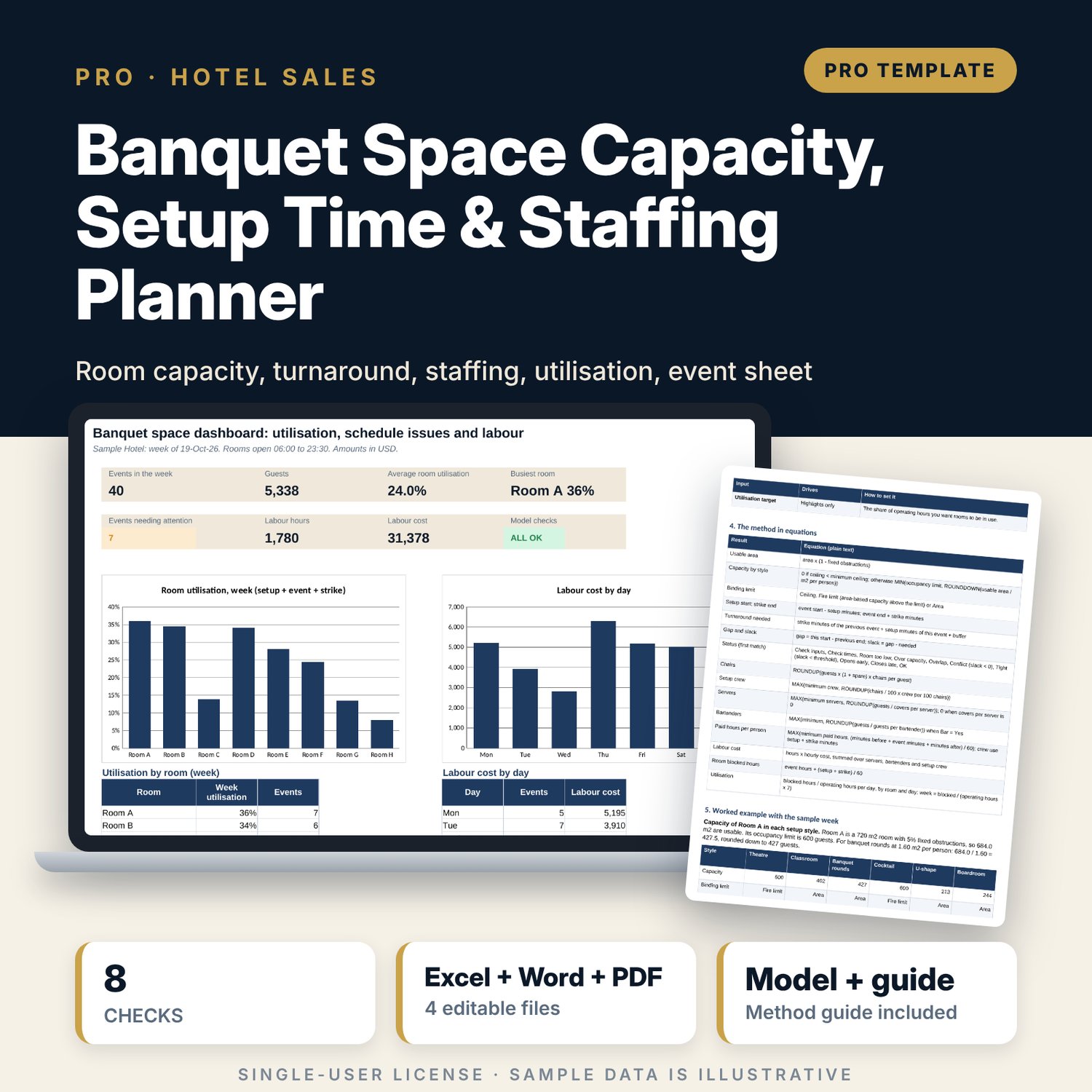
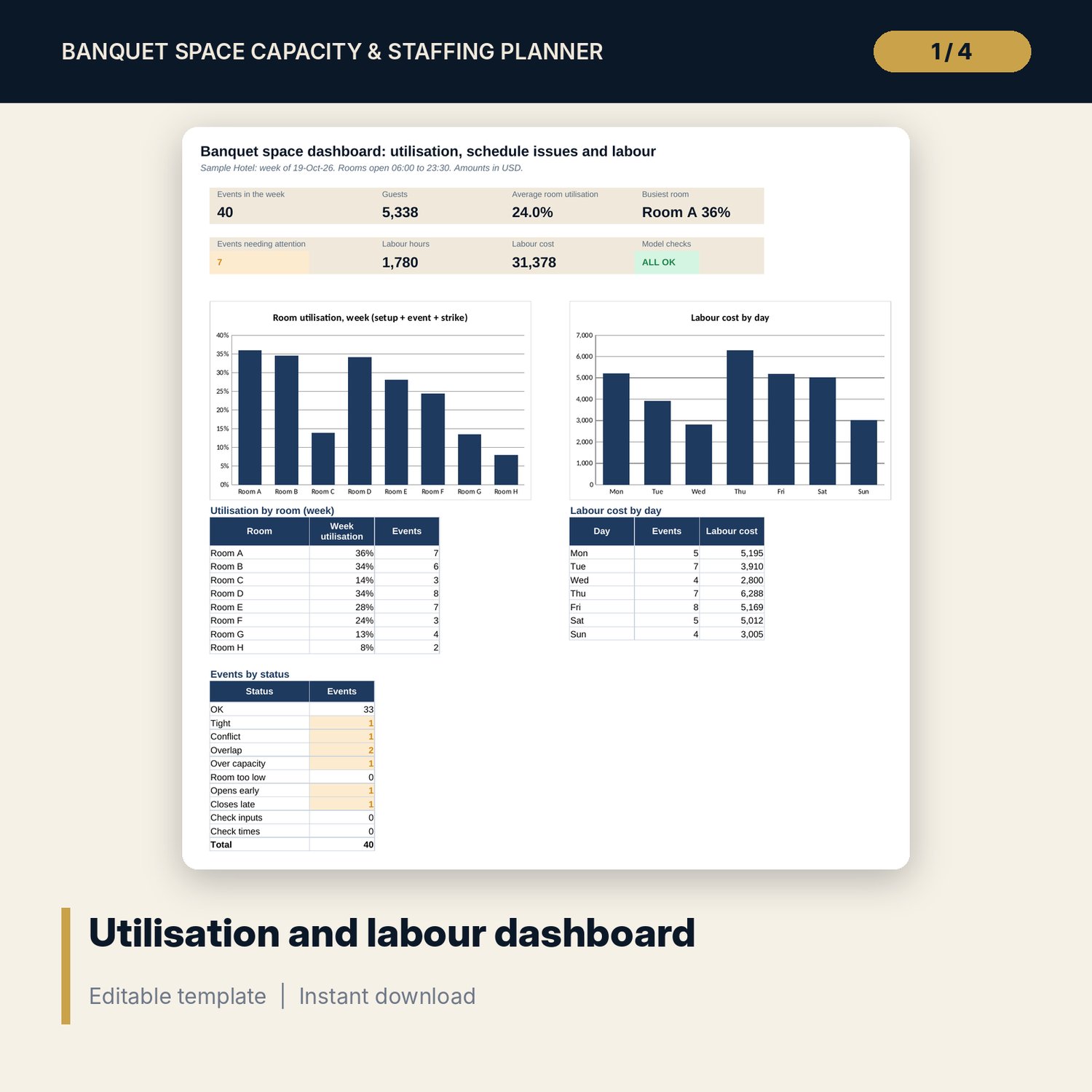
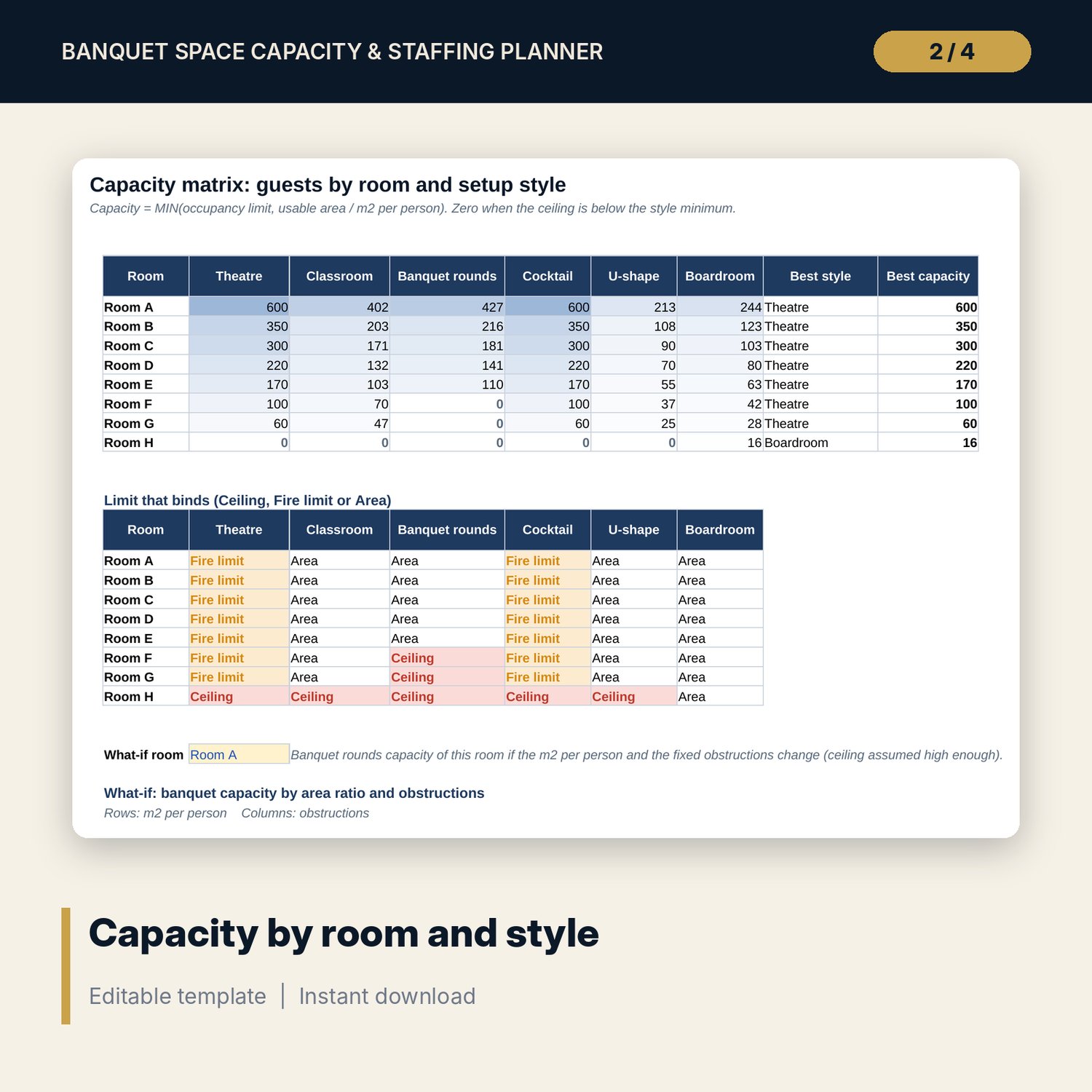
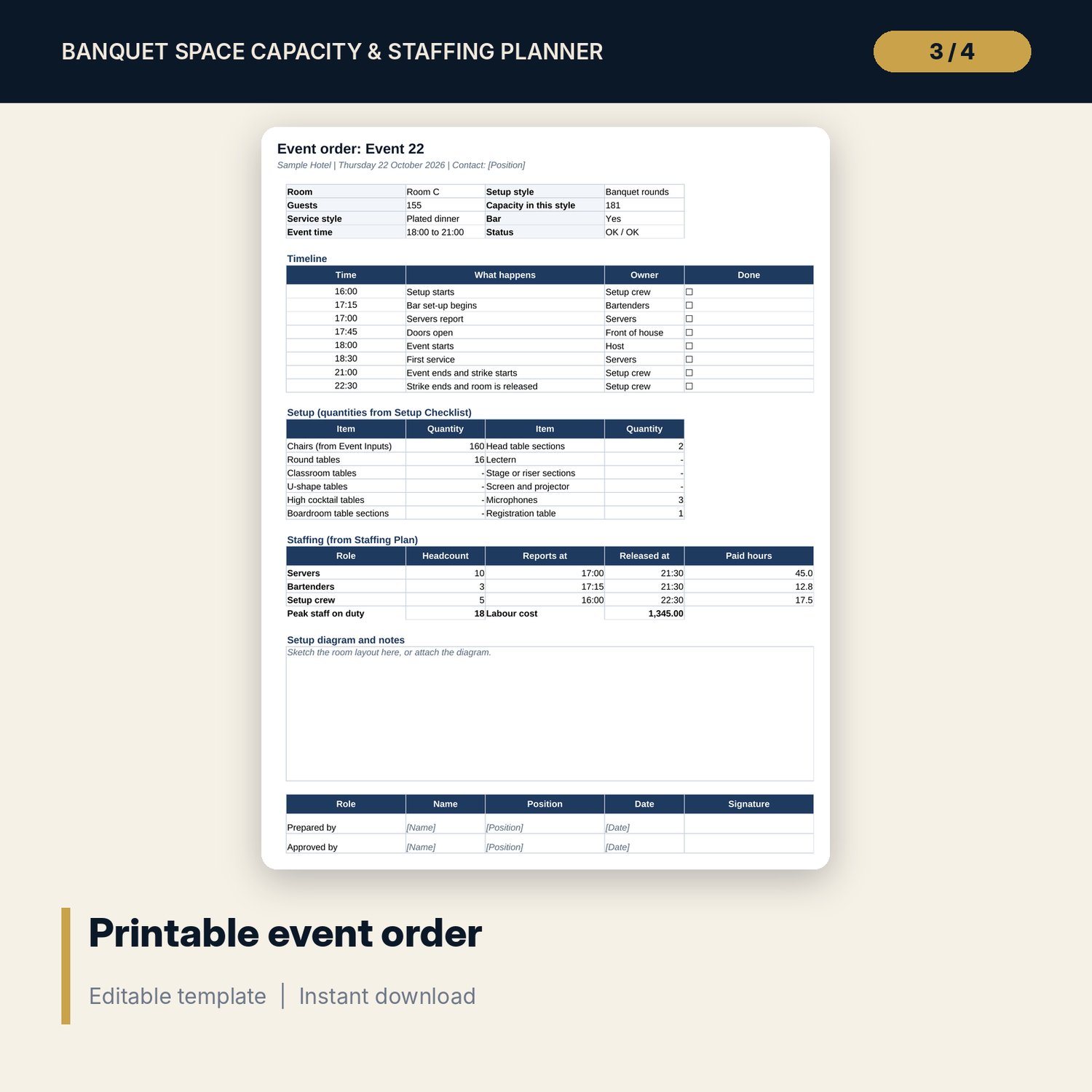
For banquet managers, event planners and catering directors who sell function rooms and need to know what really fits. The main workbook calculates capacity of 8 rooms in 6 setup styles from usable area and an editable area per guest, capped by the occupancy limit and the ceiling height. It tests every event in a sample week of 40 against the previous event in the same room (strike + setup + buffer, with slack and a status), and sizes servers, bartenders, chairs and setup crew with paid hours and labour cost. Utilisation shows how much of the week each room is blocked. The companion Event Sheet prepares one event with a setup checklist, a staffing plan by hour and a printable event order, and the guide explains each equation with a worked example read from the workbook.
What is inside
- Banquet_Space_Capacity_Planner.xlsx: 10 tabs, 2,257 formulas, 2 native charts, 21 drop-down and input rules
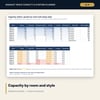
- Assumptions, Rooms and Capacity Matrix: 8 rooms x 6 styles, the limit that binds, best style per room and a 5 x 5 what-if grid
- Event Schedule: 40 sample events plus 20 spare rows, with capacity, turnaround, overlap and a 8-state status
- Staffing Engine: chairs, setup crew, servers, bartenders, paid hours, labour cost and blocked hours for each event
- Utilisation: room by day grid, summary by room and summary by day
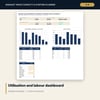
- Dashboard with seven tiles, a check tile and two charts; 8 checks and a Method tab with 10 documented calculations
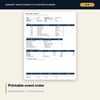
- Banquet_Space_Capacity_Planner_Event_Sheet.xlsx: 4 tabs (event inputs and checks, setup checklist with 22 items, staffing plan with an hour-by-hour grid, printable event order), 242 formulas, 6 checks
- Banquet_Space_Capacity_Planner_Guide.docx and Banquet_Space_Capacity_Planner_Guide.pdf: 9 pages with method, worked example, set-up standards, common mistakes, limitations, checklist and glossary
- README.txt and LICENSE-and-Terms.txt
How it works
- Set opening hours, the turnaround buffer, area ratios, setup and strike times, staffing standards and labour rates on Assumptions.
- Enter your rooms with area, ceiling height, obstructions and occupancy limit on Rooms.
- Enter or paste events on Event Schedule and read the Status column. Fix Overlap, Conflict and Over capacity first.
- Read Staffing Engine, Utilisation and the Dashboard for labour cost and room use.
- For each confirmed event, fill the Event Sheet, tick the setup checklist and print the event order.
Details
- Format: two .xlsx workbooks, one .docx guide and its PDF copy (4 files), English
- Software: Excel 2016 or later, or LibreOffice Calc 7 or later; Word or any program that opens .docx
- No macros, no external links, no data tables, no array entry
- Instant digital download
Good to know
- Sample data is illustrative. Replace it with your own figures.
- Area ratios, setup times, staffing standards, occupancy limits and labour rates are examples. Verify local requirements. Occupancy limits must come from your fire certificate or local code.
- This is a planning tool, not engineering, fire safety or legal advice. A drawn layout is still needed for the final decision.
- Single-user license. Do not redistribute.
FAQ
Can I change the area per person for each style?
Yes. Every ratio, setup time, strike time, ceiling minimum and chair factor is an input on Assumptions. The capacity matrix and every event update at once.
How does the turnaround test find the previous event?
It takes the event in the same room and on the same day with the latest end among events that start earlier. Needed time = previous strike + this setup + buffer. A negative slack is a Conflict.
Can I model a divisible ballroom?
Enter each part as its own room (for example, the full room and each half) and use the schedule to avoid booking the full room and a half at the same time.
Does the Event Sheet need the main workbook?
No. It holds its own room table and standards, so it works on its own. Its defaults match the main workbook, and the sample event gives the same staffing and cost in both.
Does it handle events that run past midnight?
No. Each event starts and ends on the same day. Enter a late event as two rows, one for each day.