Hotel Sales Team Incentive Plan & Commission Calculator: Sales Commission Plan Template for Hotels
Full description
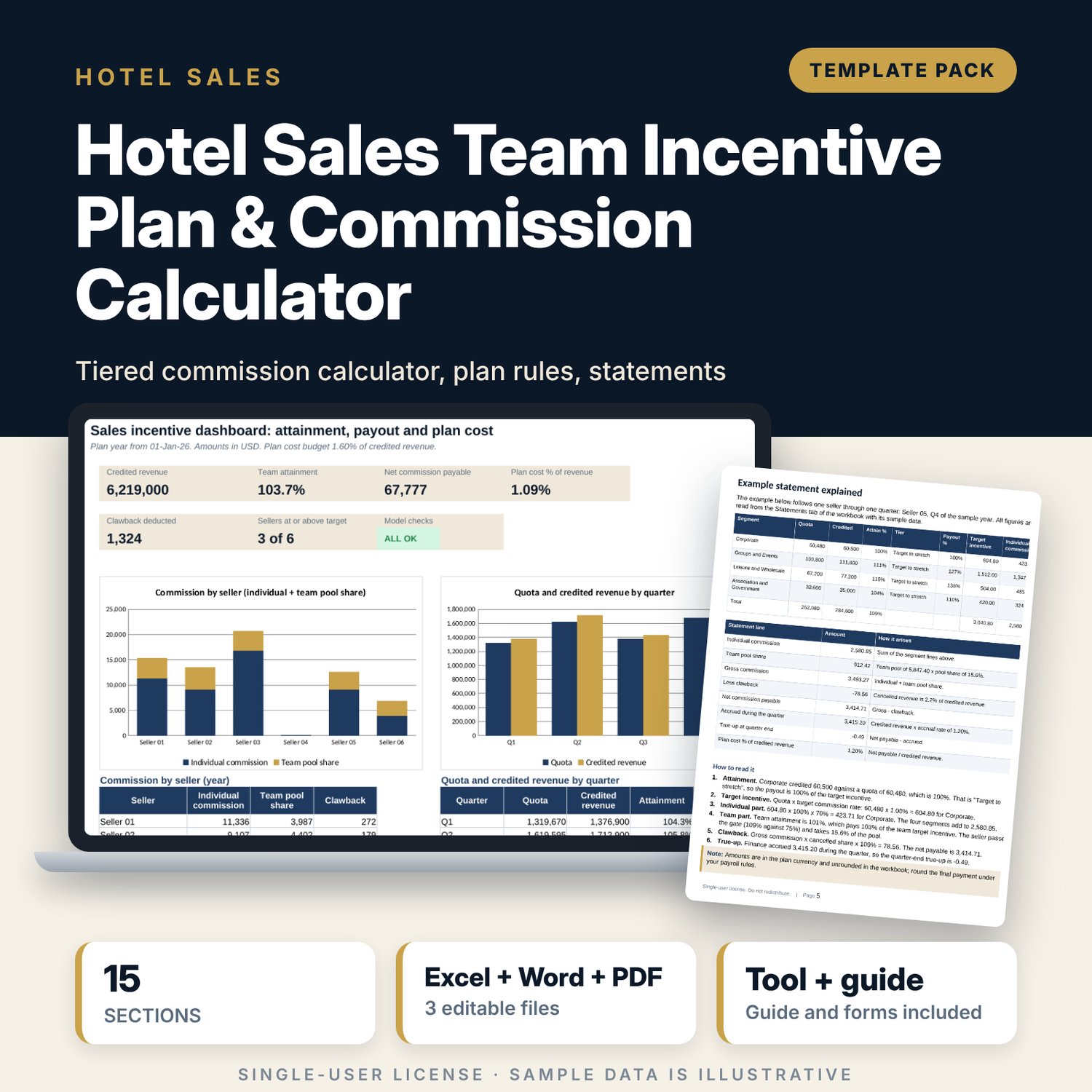
For hotel sales directors, general managers and finance controllers who run a commission or bonus plan for a small sales team and need it to be fair, explained in writing and costed. The workbook sets quota by seller, segment and quarter, measures attainment from credited revenue, and pays on a four-point curve with a threshold, a target, a stretch level and an accelerator above stretch. Each seller's plan is split between an individual part and a team pool that is shared among sellers who pass a gate. Clawback reverses commission on cancelled business, a monthly accrual with a quarterly true-up gives finance the cost, and a statement per seller shows every step. The payout is a closed-form IF ladder, so there are no lookup tables or array formulas to break. The rules document puts the same terms in plain words for sign-off.
What is inside
- Sales_Incentive_Plan_Calculator.xlsx: 8 tabs, 3,174 formulas, 2 native charts, 18 drop-down and input rules
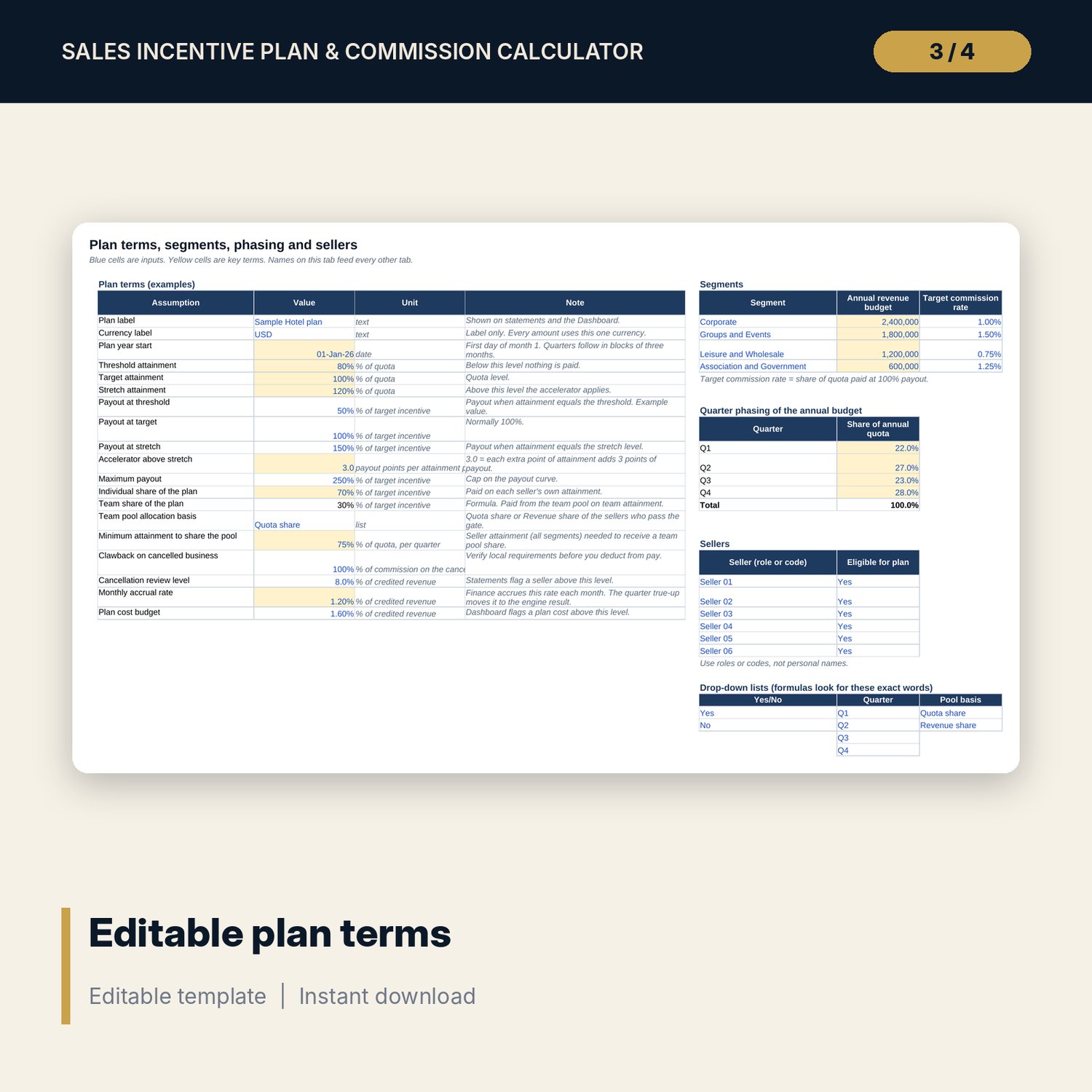
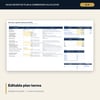
- Settings: 19 plan terms (thresholds, payout curve, accelerator, cap, individual and team split, gate, clawback, accrual rate, cost budget), 4 segments, quarter phasing, 6 sellers
- Quotas: 24 seller and segment lines, each with four quarterly quotas, and a share check by segment
- Actuals: 288 sample rows (12 months x 6 sellers x 4 segments) plus 72 spare rows
- Payout Engine: 96 segment rows, 24 seller and quarter rows, a team pool block and a 12-month accrual and true-up block
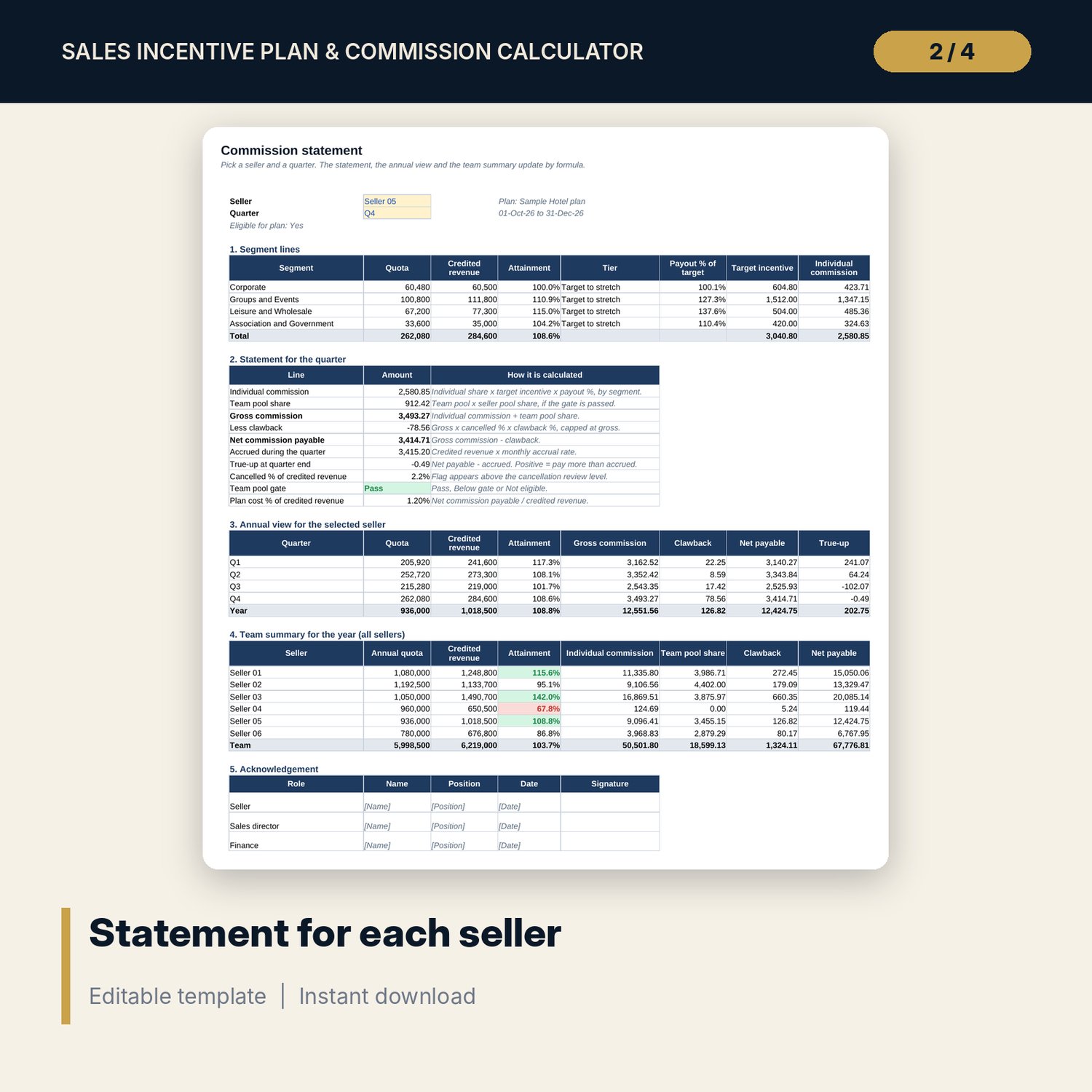
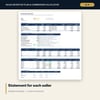
- Statements: statement for any seller and quarter, annual view, team summary and acknowledgement lines
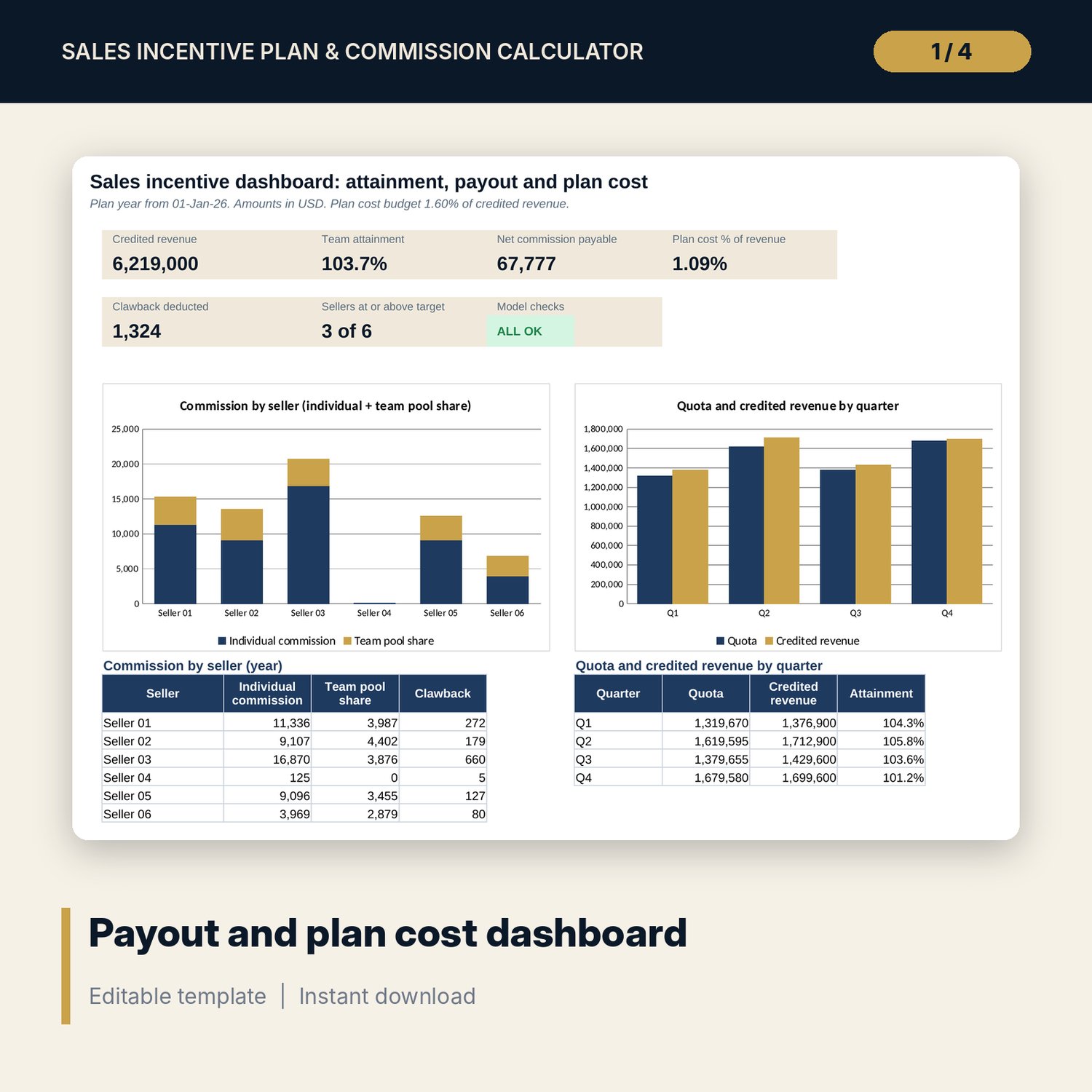
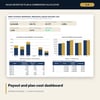
- Dashboard with six tiles, a check tile and two charts; 6 checks that must show ALL OK
- Sales_Incentive_Plan_Rules.docx and Sales_Incentive_Plan_Rules.pdf: plan rules with 15 sections (eligibility, disputes, clawback, accrual), an example statement explained from the workbook values, a quota annex and a sign-off form; 7 pages
- README.txt and LICENSE-and-Terms.txt
How it works
- Enter the plan terms, segment budgets, target commission rates, quarter phasing and sellers on Settings.
- Set each seller's share of every segment budget on Quotas. Quota = budget x share x phasing x (1 + adjustment).
- Paste credited and cancelled revenue by month, seller and segment into Actuals.
- Read Payout Engine from the segment rows up to the team pool, then print a statement for each seller from Statements.
- Copy the plan terms into the rules document, collect signatures and confirm that Checks shows ALL OK.
Details
- Format: one .xlsx workbook, one .docx document and its PDF copy (3 files), English
- Software: Excel 2016 or later, or LibreOffice Calc 7 or later; Word or any program that opens .docx
- No macros, no external links, no array formulas, no lookup tables
- Instant digital download
Good to know
- Sample data is illustrative. Replace it with your own figures.
- Plan terms are examples, not market rates. This is not legal, tax or employment advice. Verify local requirements for commission, deductions, leavers and notice before you issue a plan.
- Revenue crediting, clawback and eligibility rules differ by contract and by country. Have the final text checked.
- Single-user license. Do not redistribute.
FAQ
Can I change the 80%, 100% and 120% levels and the payout at each level?
Yes. All three attainment levels, the three payout percentages, the accelerator and the cap are inputs on Settings. A check confirms that the levels are in order.
Does it work for a different number of sellers or segments?
The layout has 6 seller slots and 4 segment slots. Rename them on Settings. For fewer sellers, set the shares of the unused slots to 0% and mark them not eligible.
How is the team part calculated?
The team pool equals the team share of the plan x the target incentive of eligible sellers x the payout % at team attainment. Sellers who reach the gate share it by quota share or revenue share.
What does the clawback do?
It reverses commission in proportion to cancelled revenue, at the clawback % you set, up to the gross commission of the quarter. Check local rules before you deduct from pay.
Do I need to know any formulas?
No. Change the blue cells. Each step of the engine sits in its own column with a clear header.