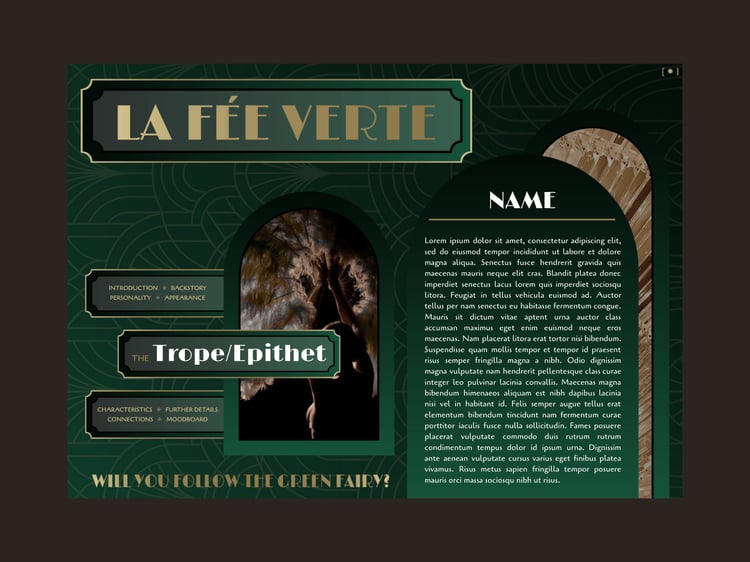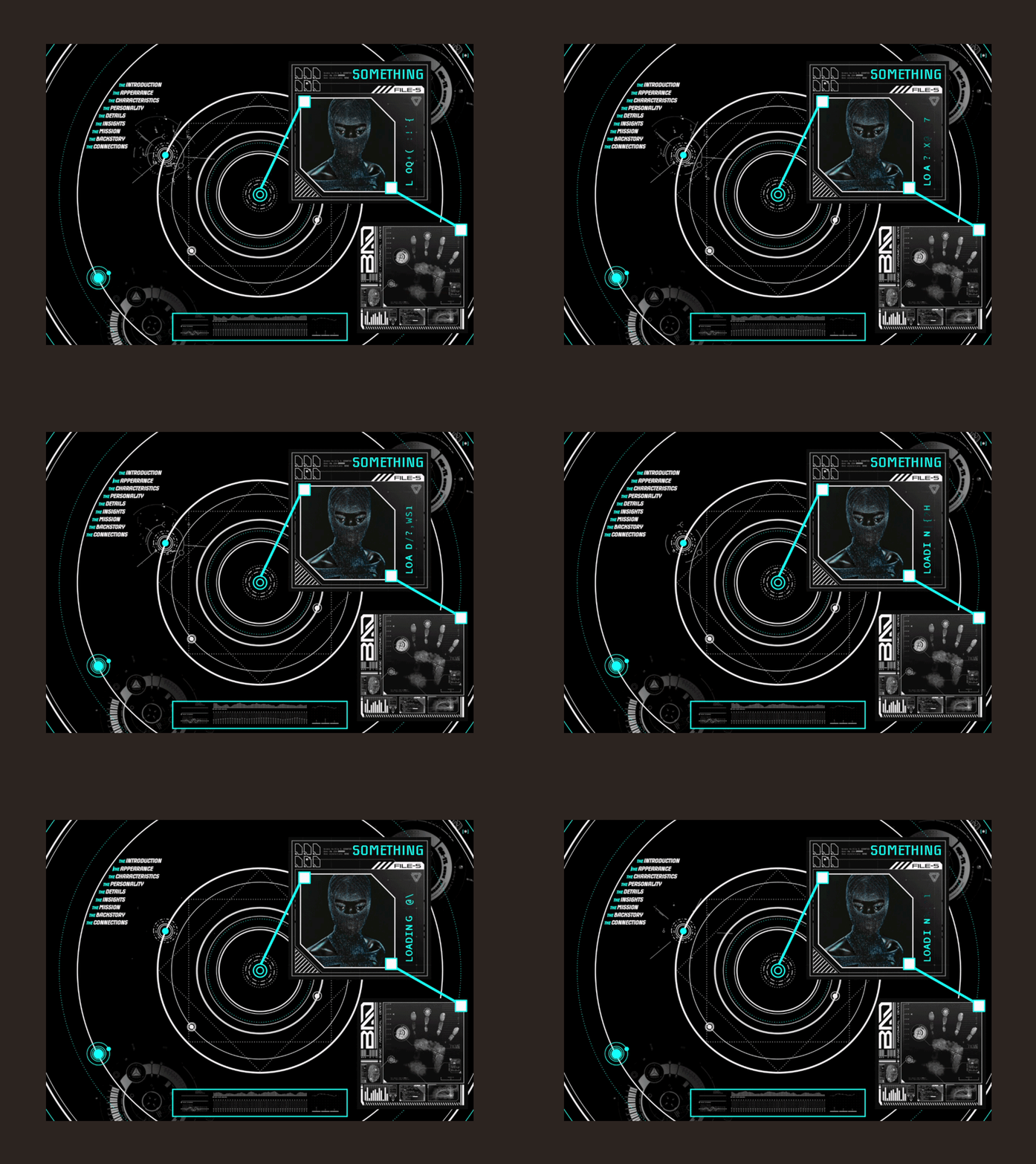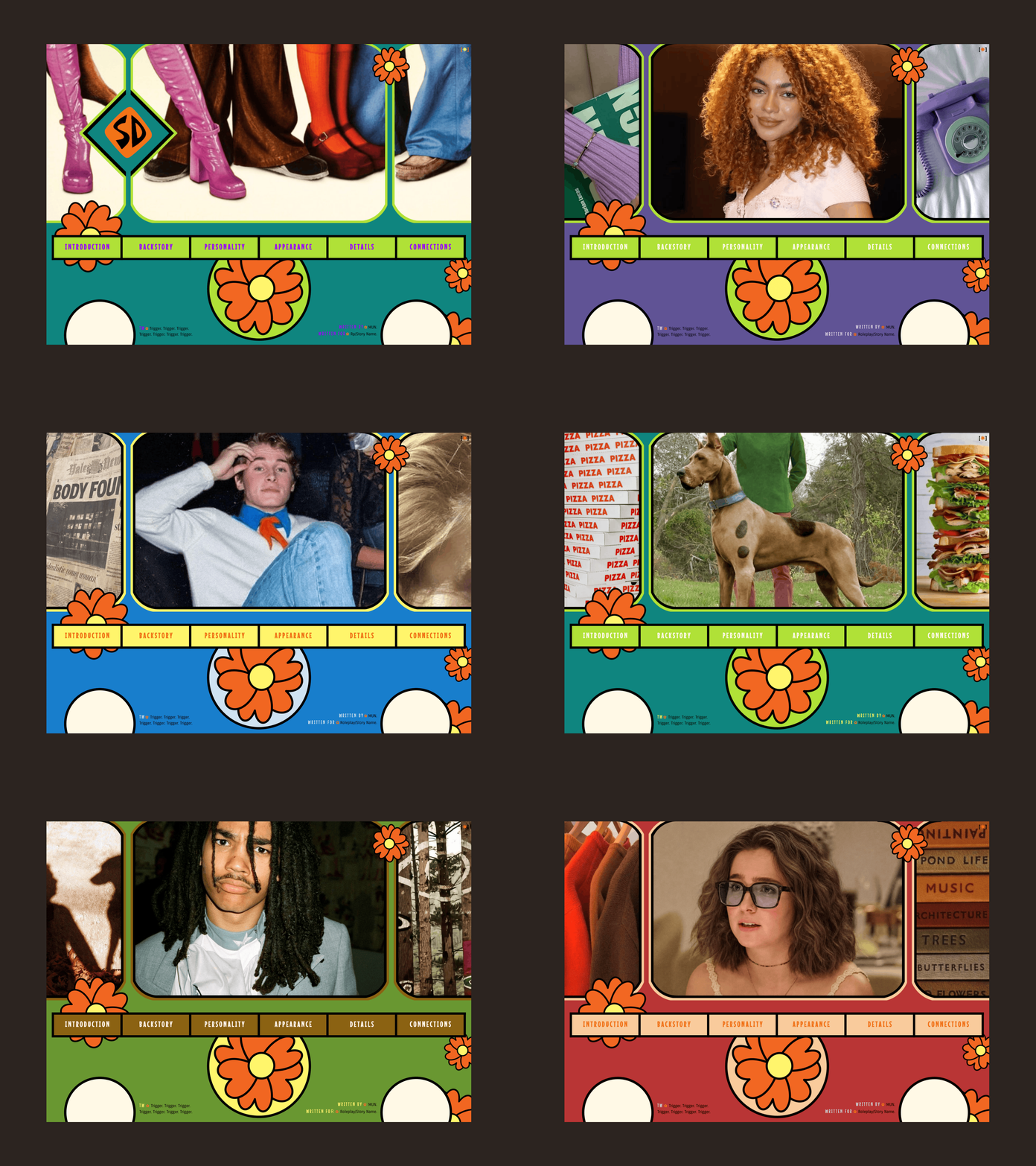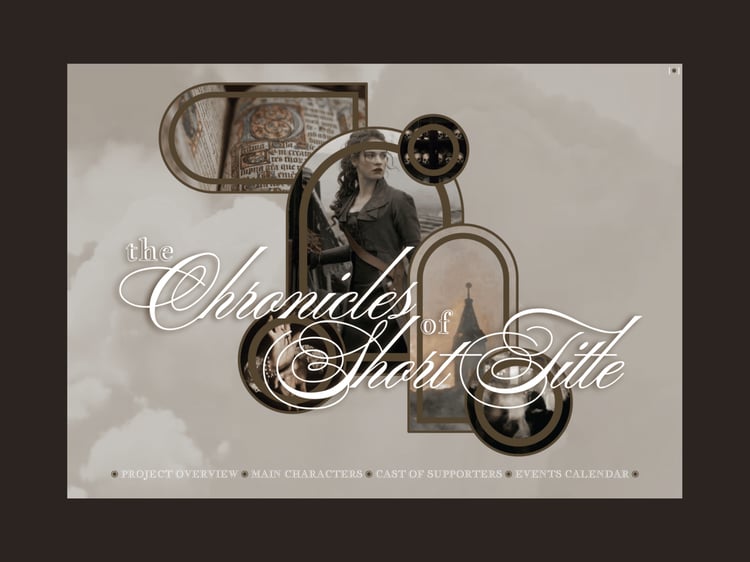

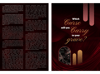
Amaranthine Entrapments
LEARNING TO FLY WITH CLIPPED WINGS
Frayed edges. Strained expectations. Passing glances.
A heart that beats. What lies beneath.
Are you ready to see behind the closed curtain?
DESCRIPTION:
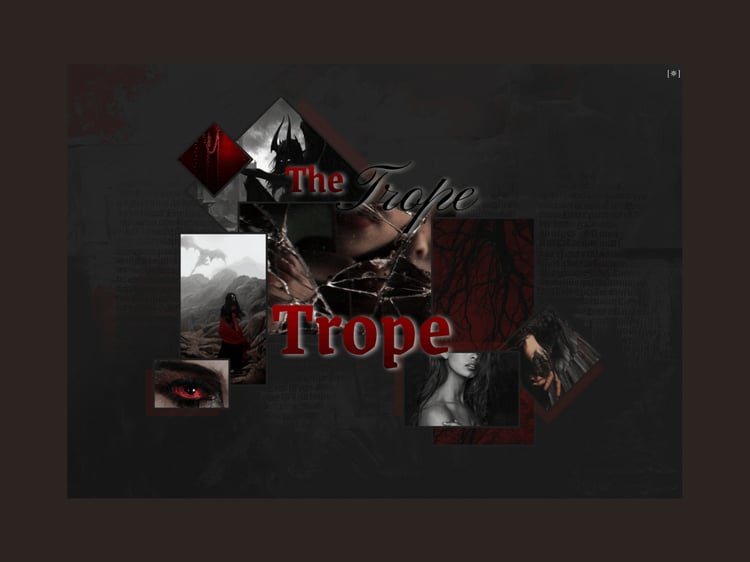
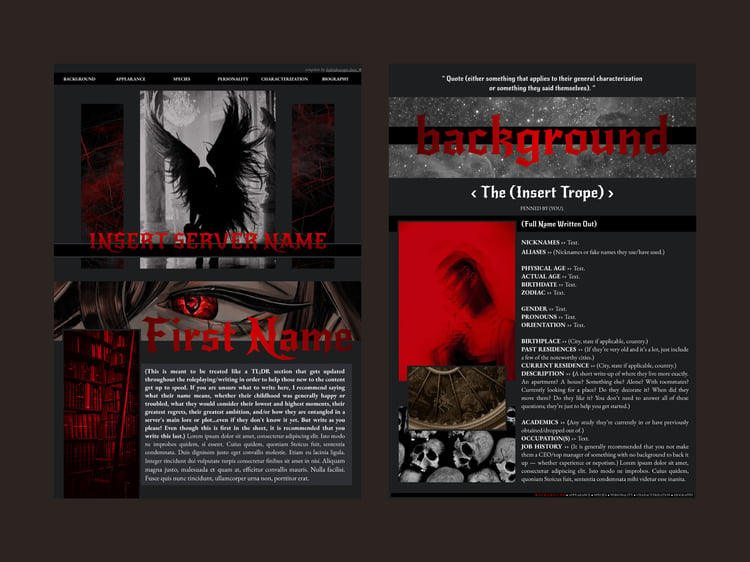
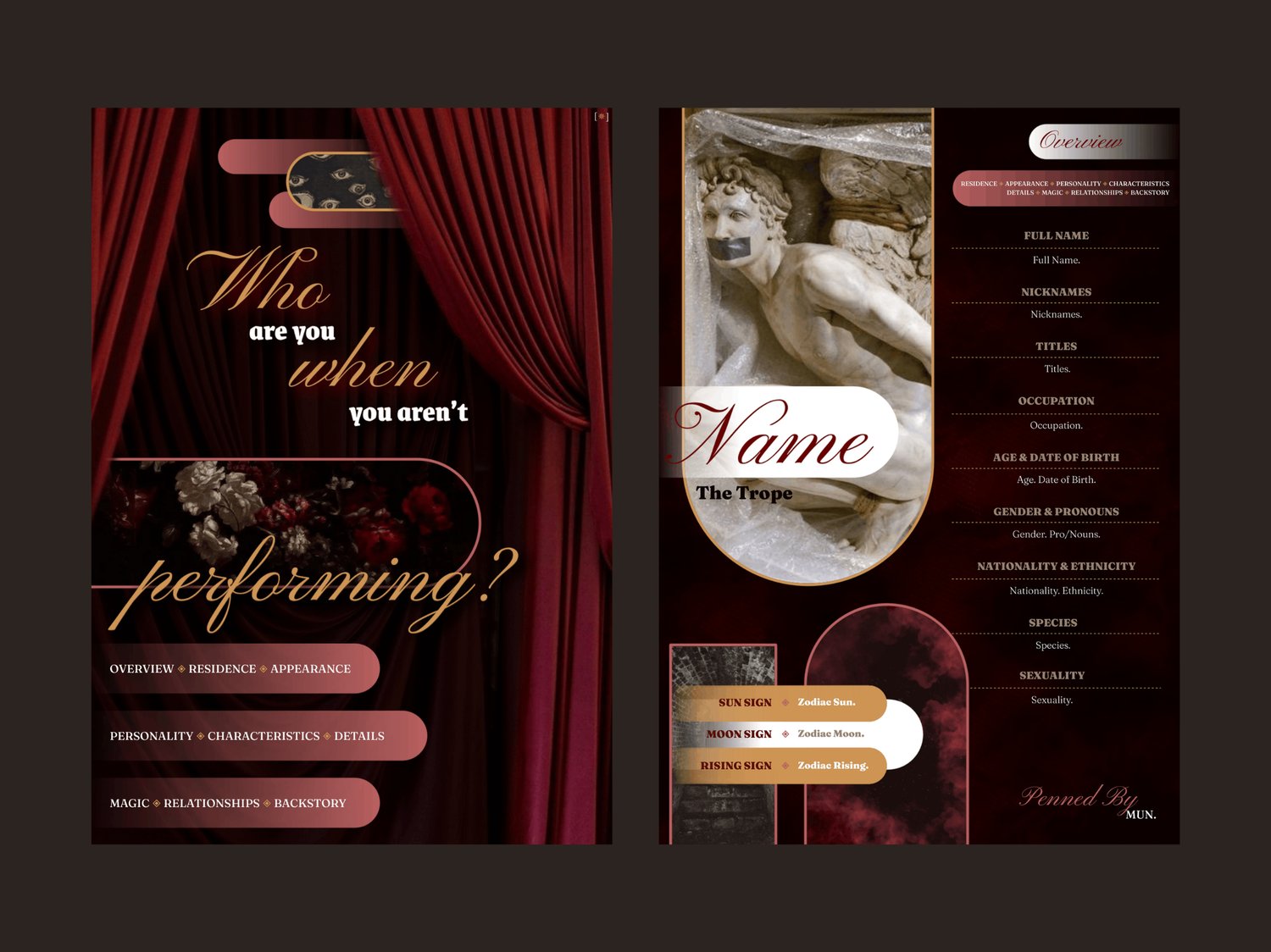
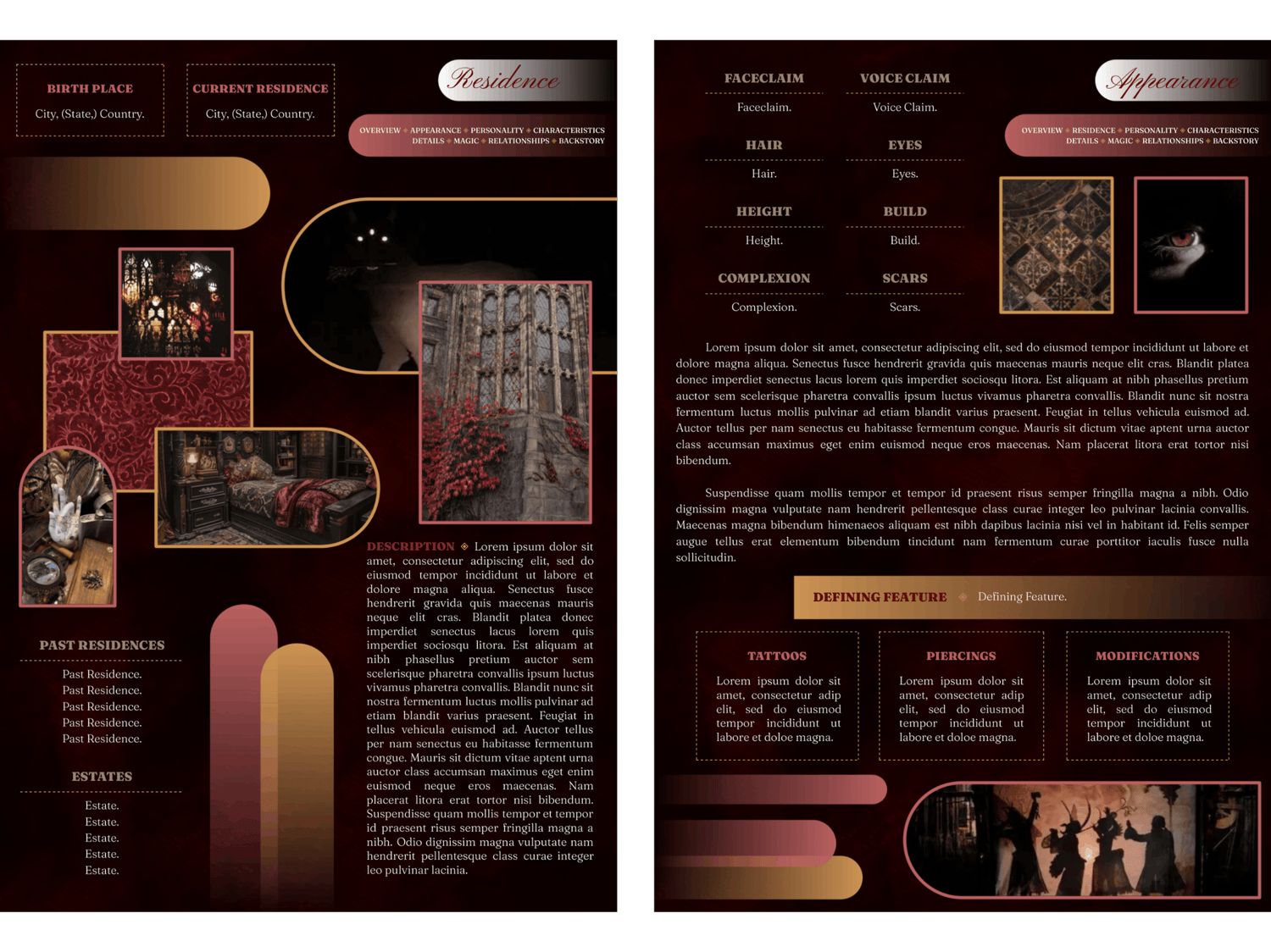
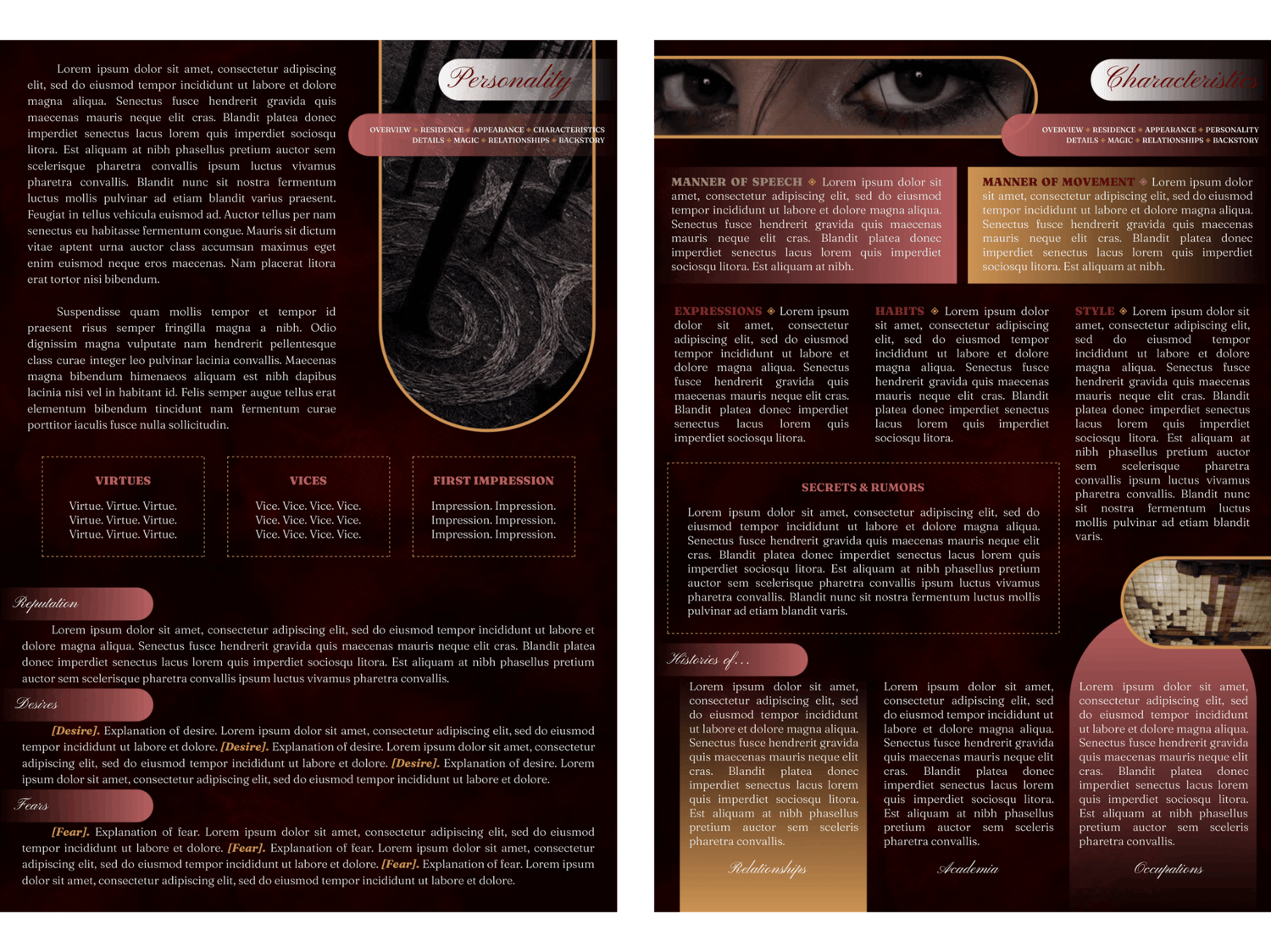
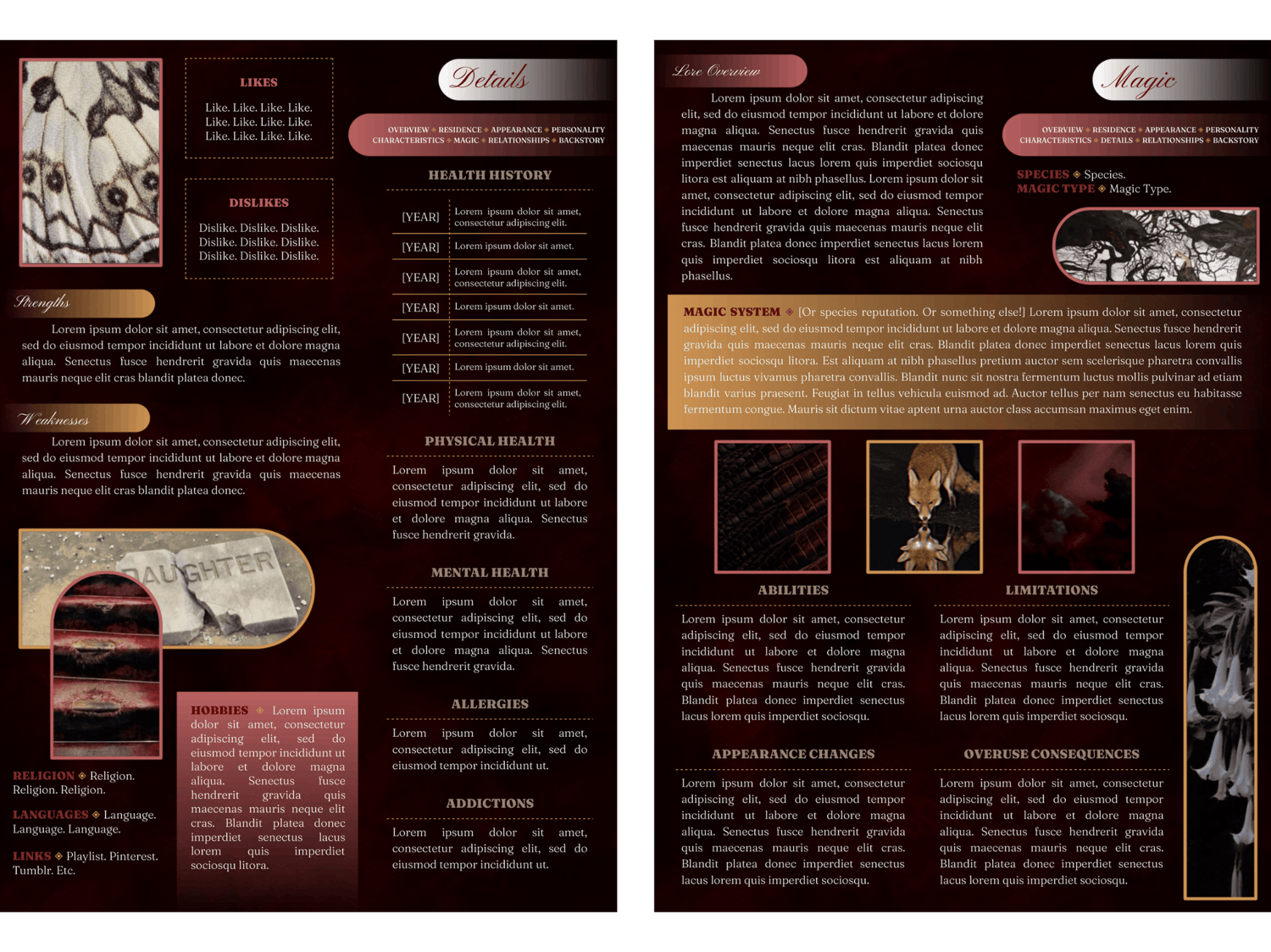
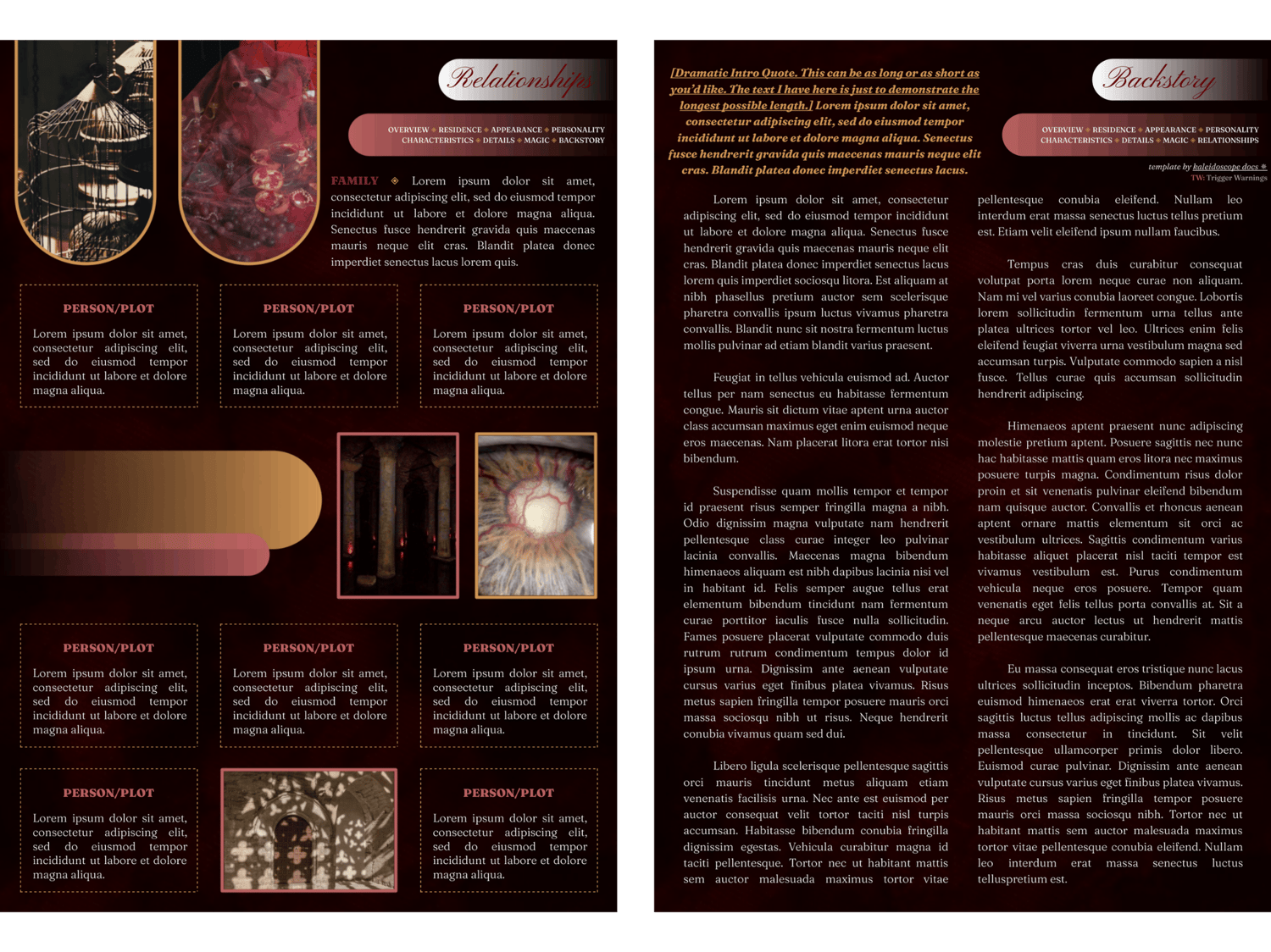
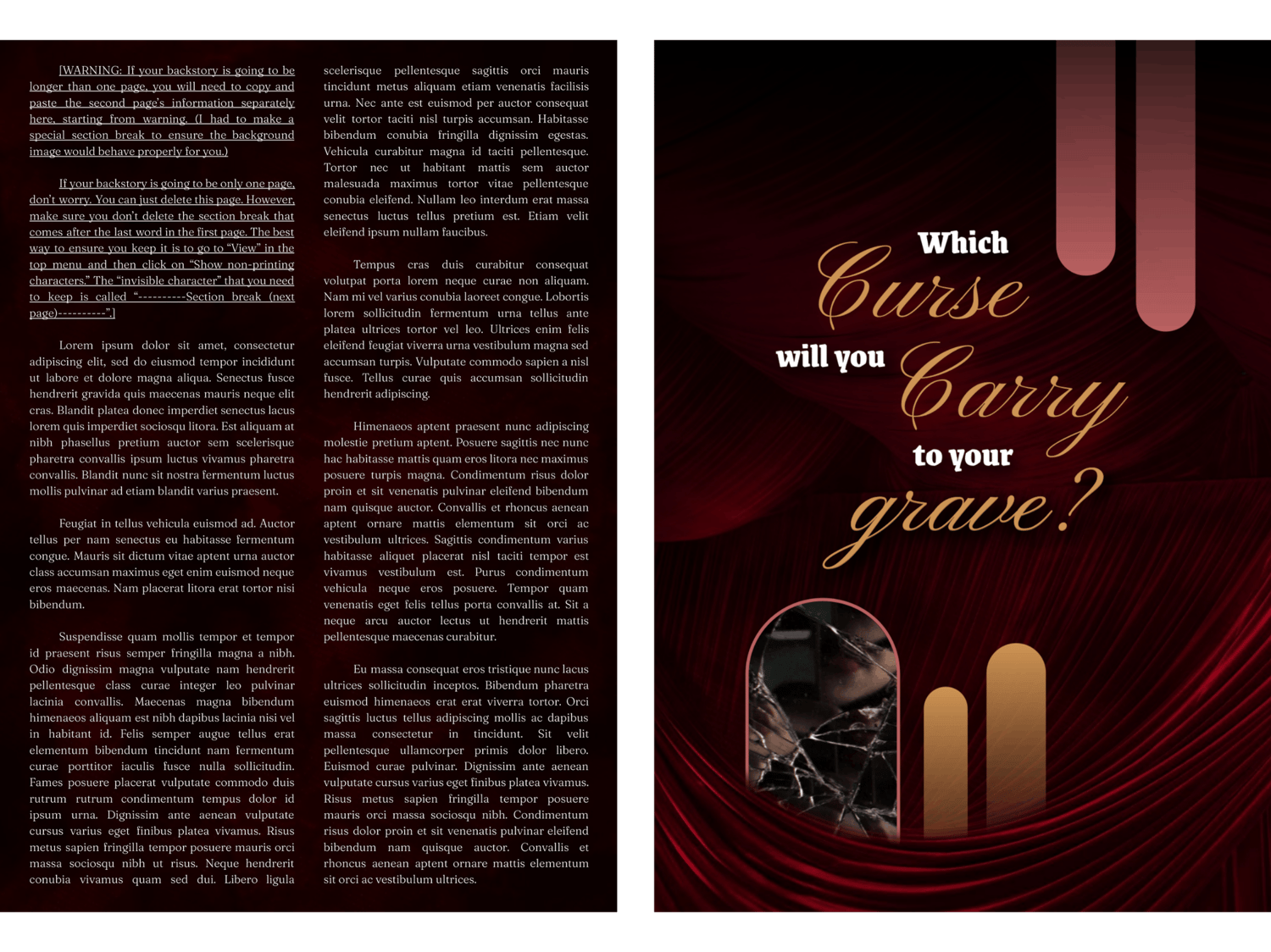
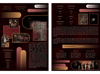
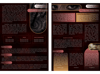
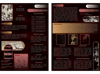
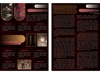
This is a twelve-page Google Doc template for a single muse. I wanted its vibe to balance the fear of staying stuck in the expectations of who you've become (or been forced to be), with the fear of disappointing those around you if you gain the freedom you're dreaming of. A hint of the golden age of the circus. A touch of things that go bump in the night. And all kinds of space to explore what that means for your character! It's definitely on the maximalist side design-wise, but hopefully not too overwhelming!
Complexity Level: All of the images are drawings, but I think I've finally cracked the code on how to make that as easy as possible for you to edit.
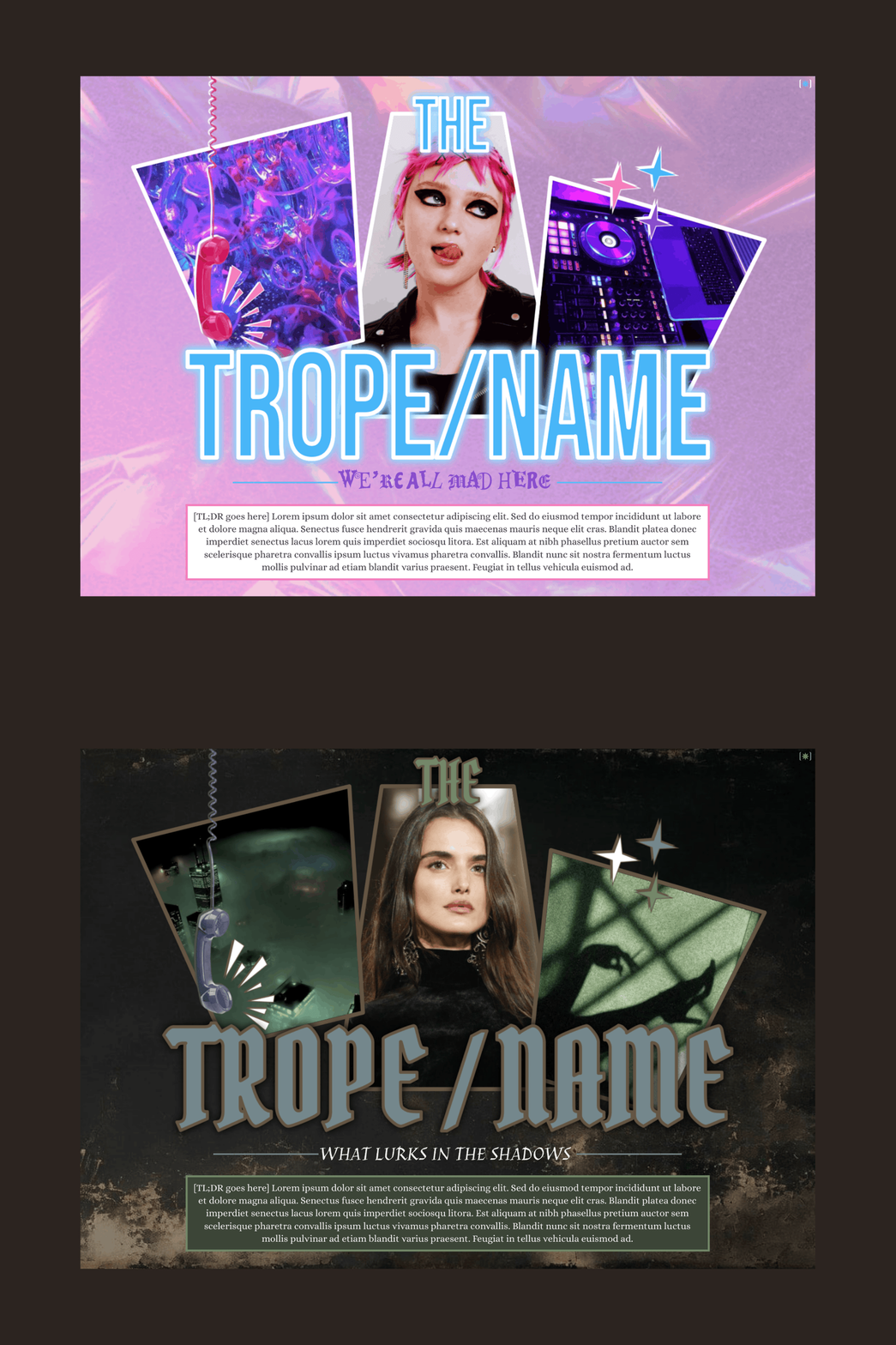
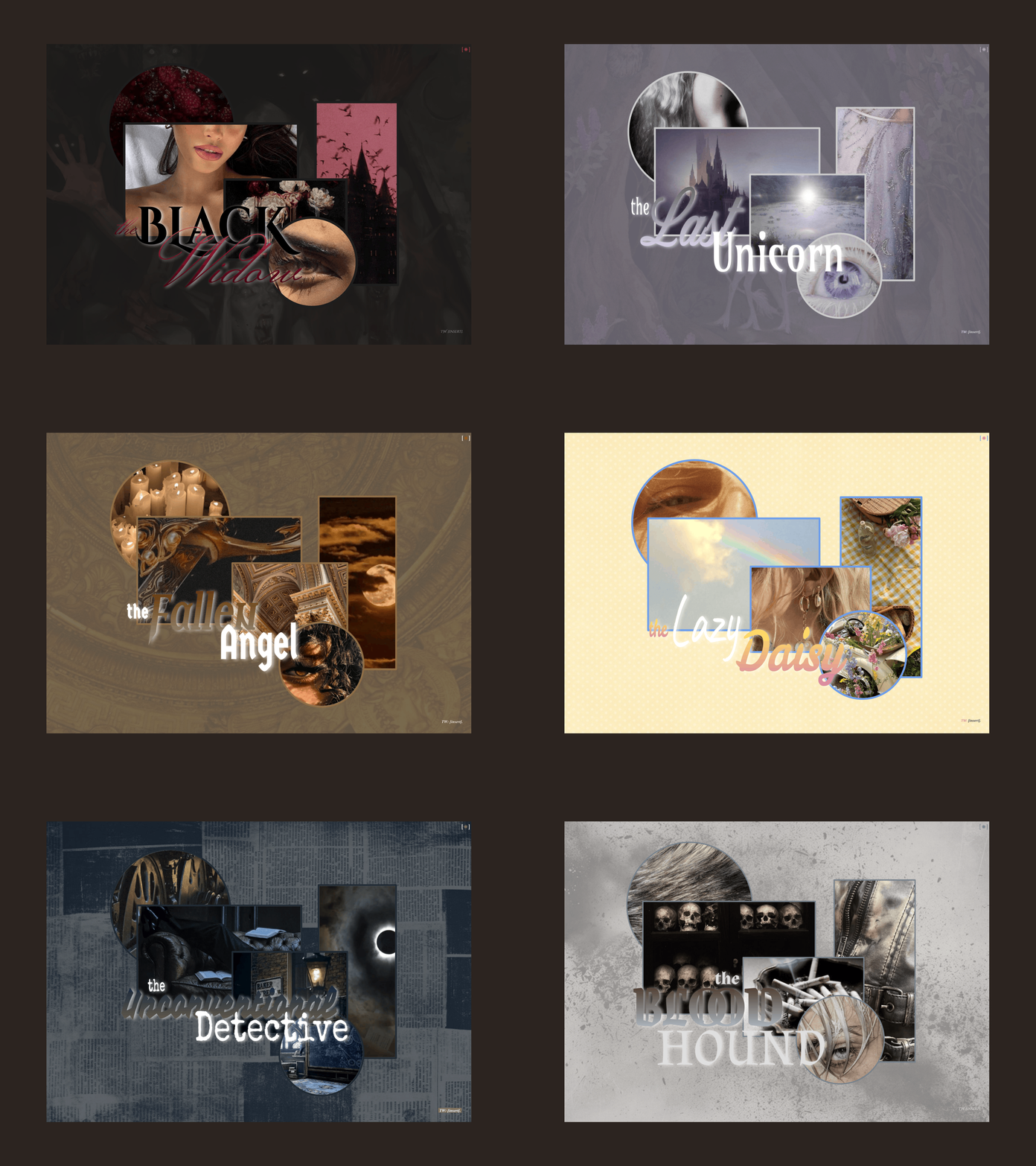
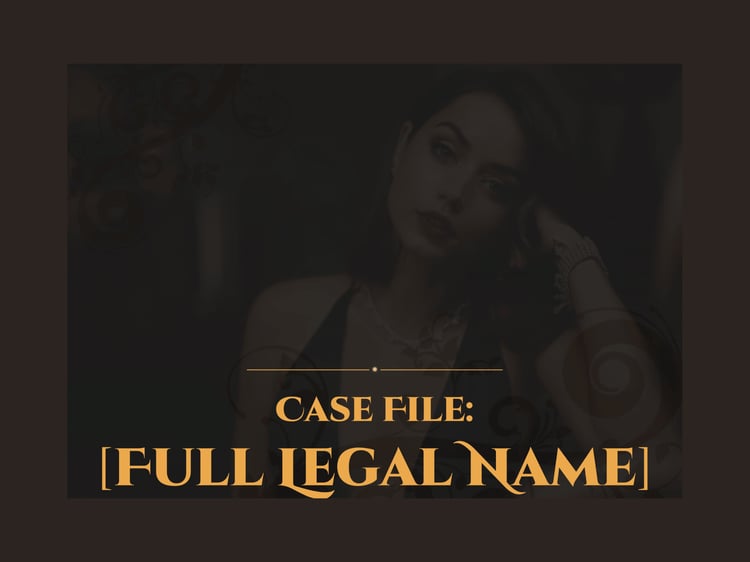
Page Order: Front cover, overview, residence, appearance, personality, characteristics, details, magic, relationships, backstory x2, and back cover.
Drawings: Yes.
Elements: Warm tones, red/maroon, pink/salmon, dark yellow/brass, tan/beige, supernatural, folklore, circus, gilded cage, arches, mysterious forest, what lurks in the shadows
NOTES:
- All purchases are subject to my usage agreement.
- Reminder: do not remove the linked emoji [✵] and credit link [template by kaleidoscope docs ✵] that direct to my Tumblr or store.
- I am happy to provide editing tips for Google Doc templates in general, as well as specific feedback when contacted for help. Kindly note that I have a set of policies on how to use my templates, such as what edits, sharing, etc. are permitted. I even have details on how I use and protect your data. These important things can all be found on this page.
YOU WILL RECEIVE A PDF CONTAINING:
- A link to the template's Google Doc for copying into your own account
- Instructions on how to make your own copy and protect it properly
- Usage instructions, tips, and troubleshooting/support options
- And a few more helpful bits!