

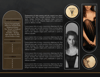
Golden Godhood
On Sale
€3.00
Pay what you want:
(minimum €3.00)
€
THE AUREATE LIGHT OF DIVINITY SHINES DOWN
Luminous. Cinematic. Celestial.
Gilded. Ethereal. Ominous.
Opulent. Myth-soaked. Wondrous.
DESCRIPTION:
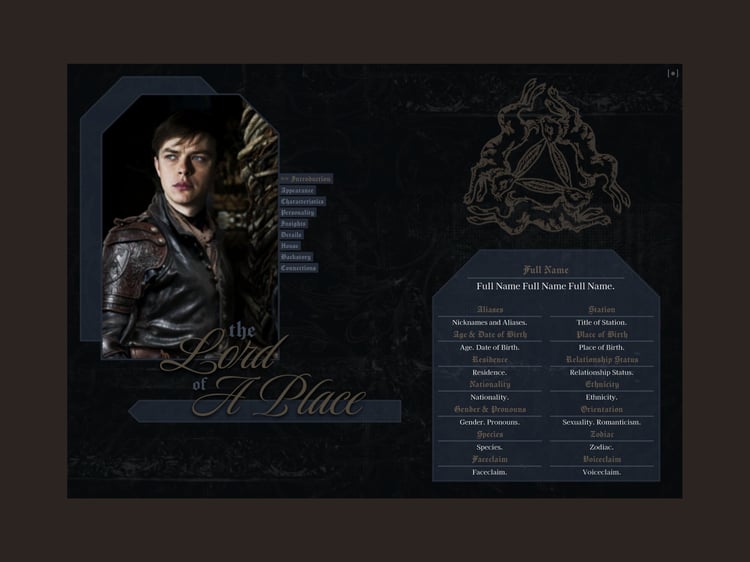
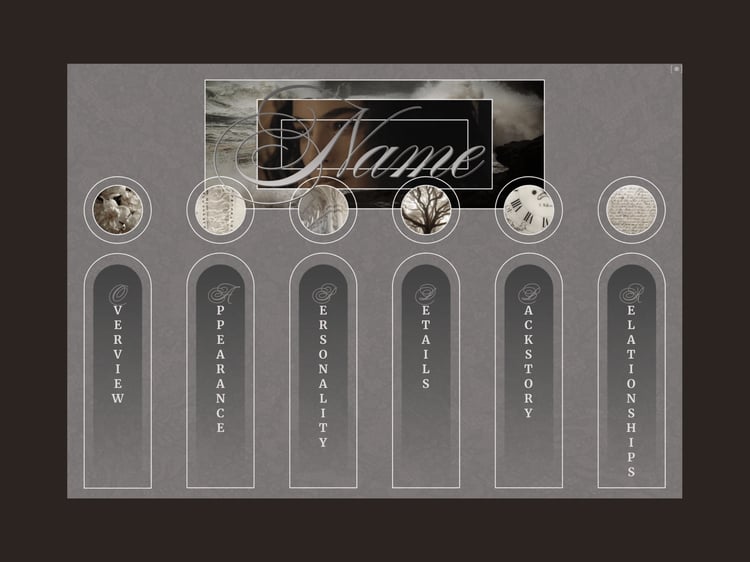
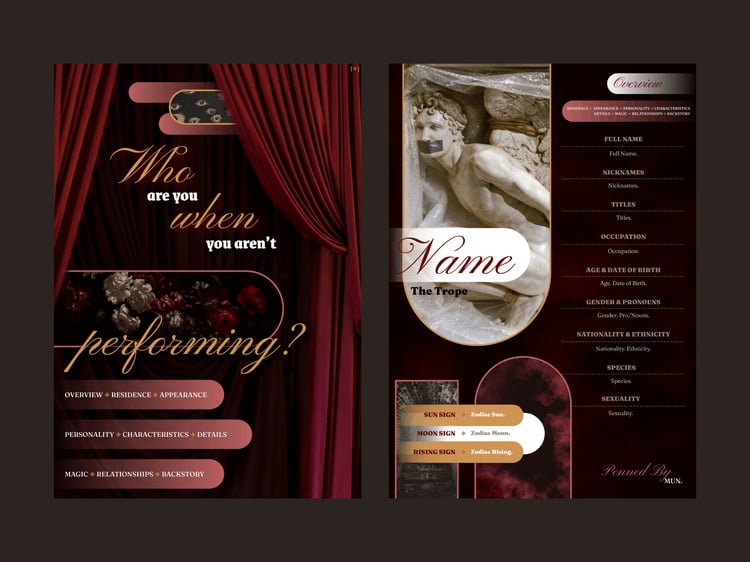
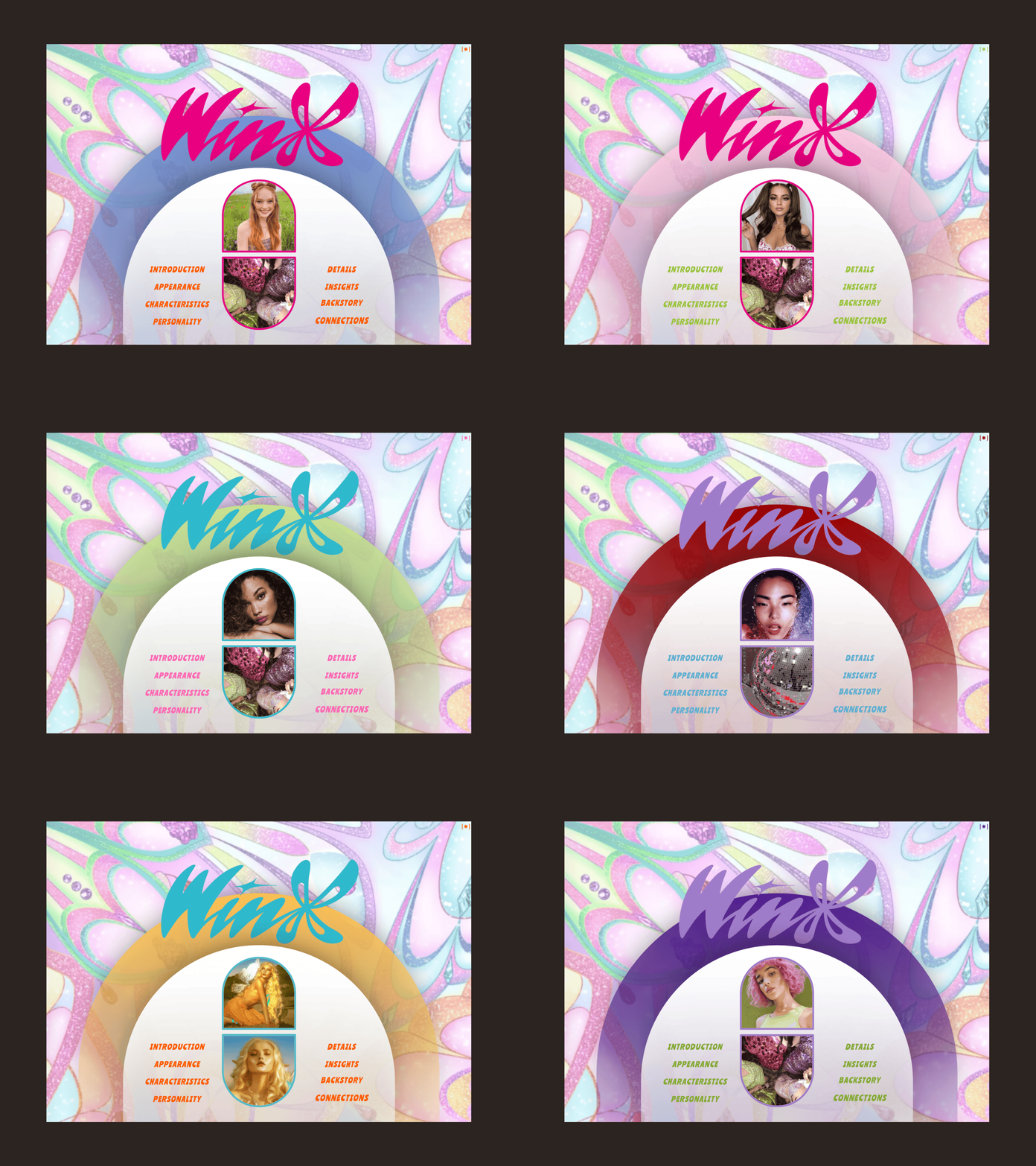
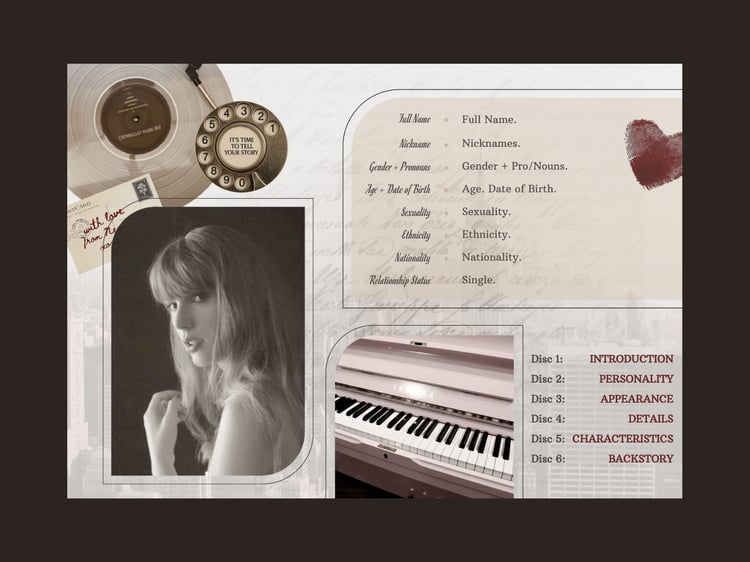
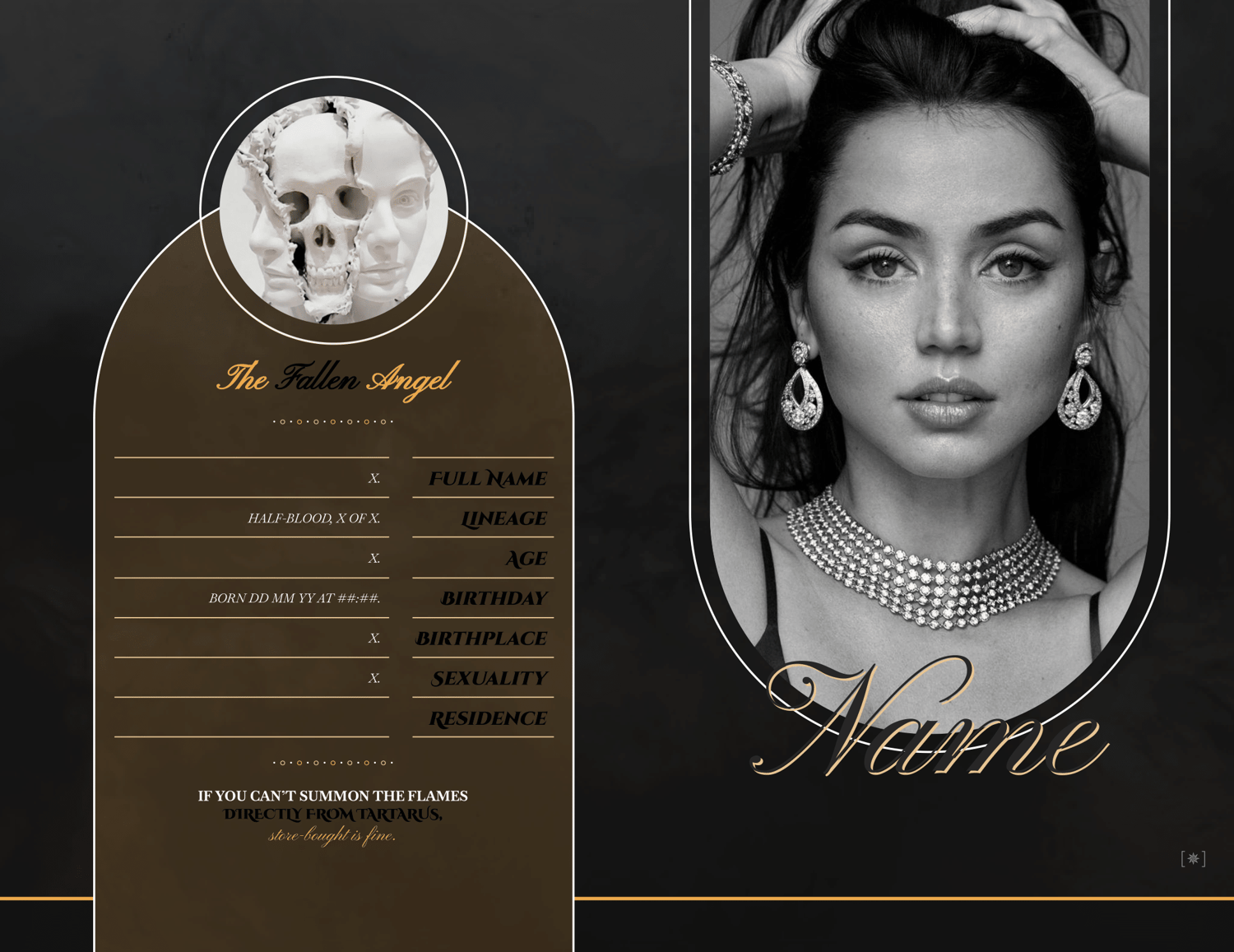
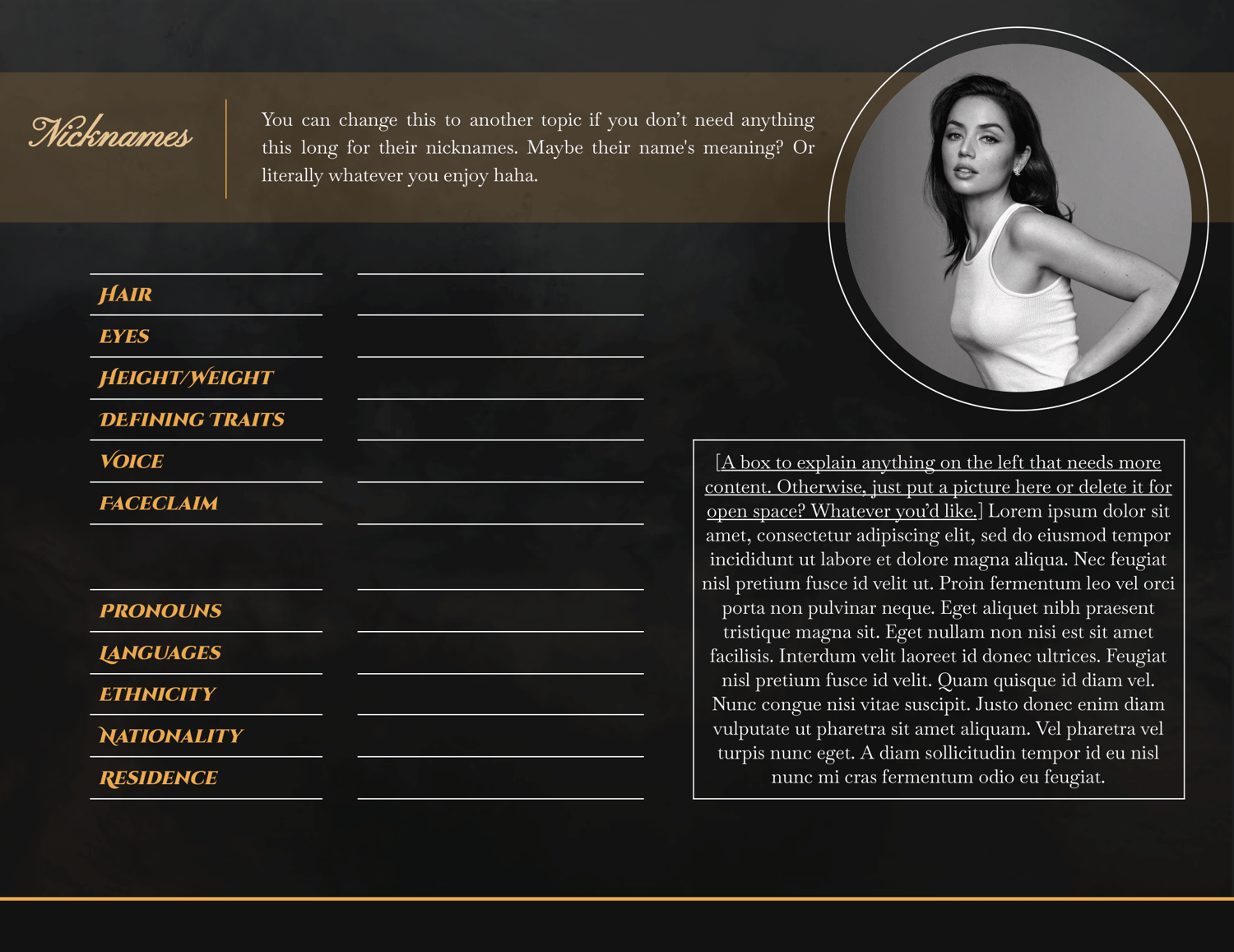
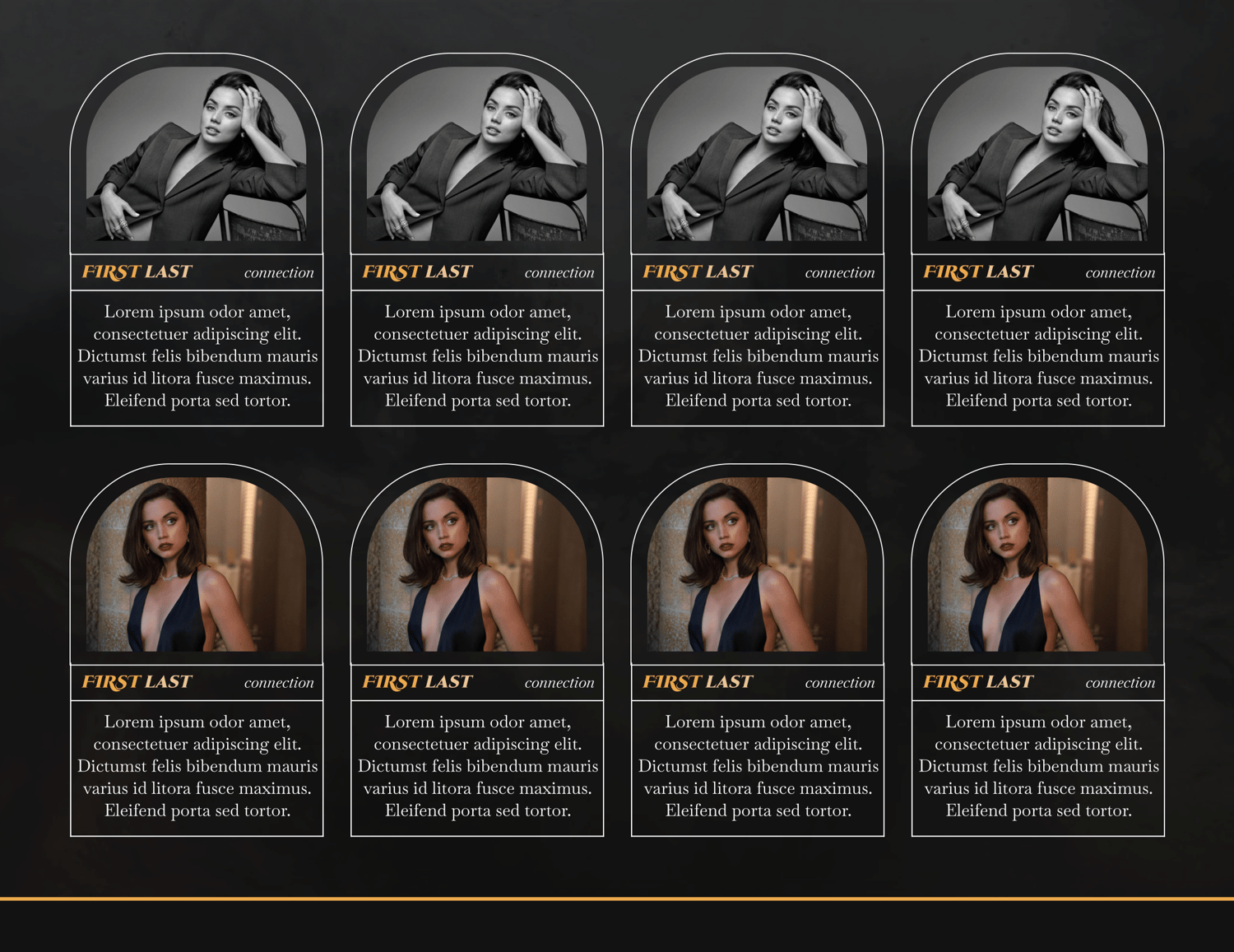
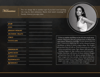
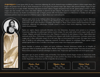
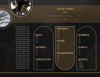
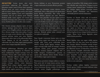
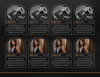
This is an eight-page Google Doc template designed to be used for a single muse. It is oriented around your character being a demi-god, but these sections are easily amenable to having other information in them instead. Thanks for being interested in it, and I can't wait to see how your inspiration puts a new spin on it!
Complexity Level: I would rank it as medium? Hard to say without more experience on here, but that seems right.
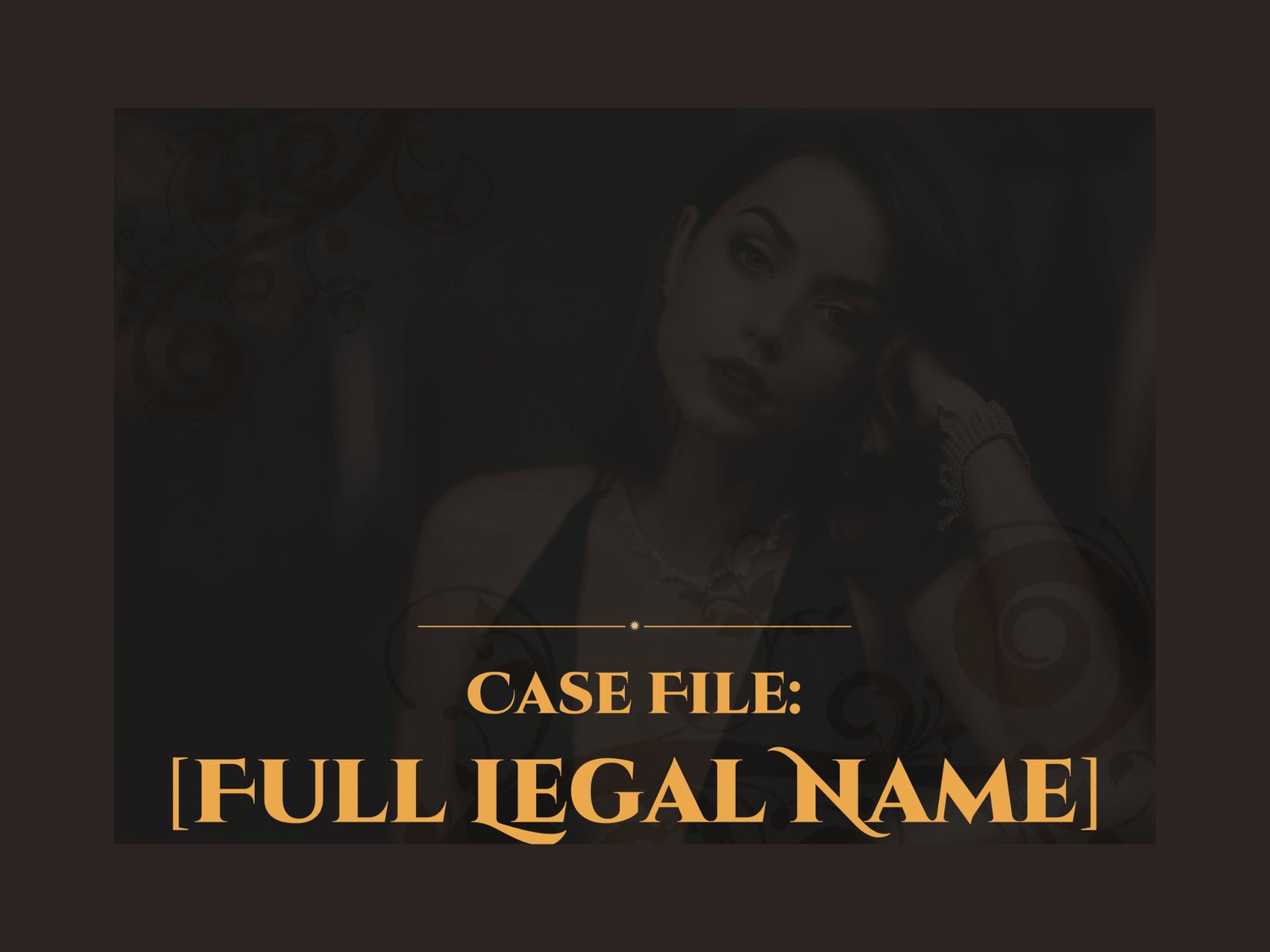
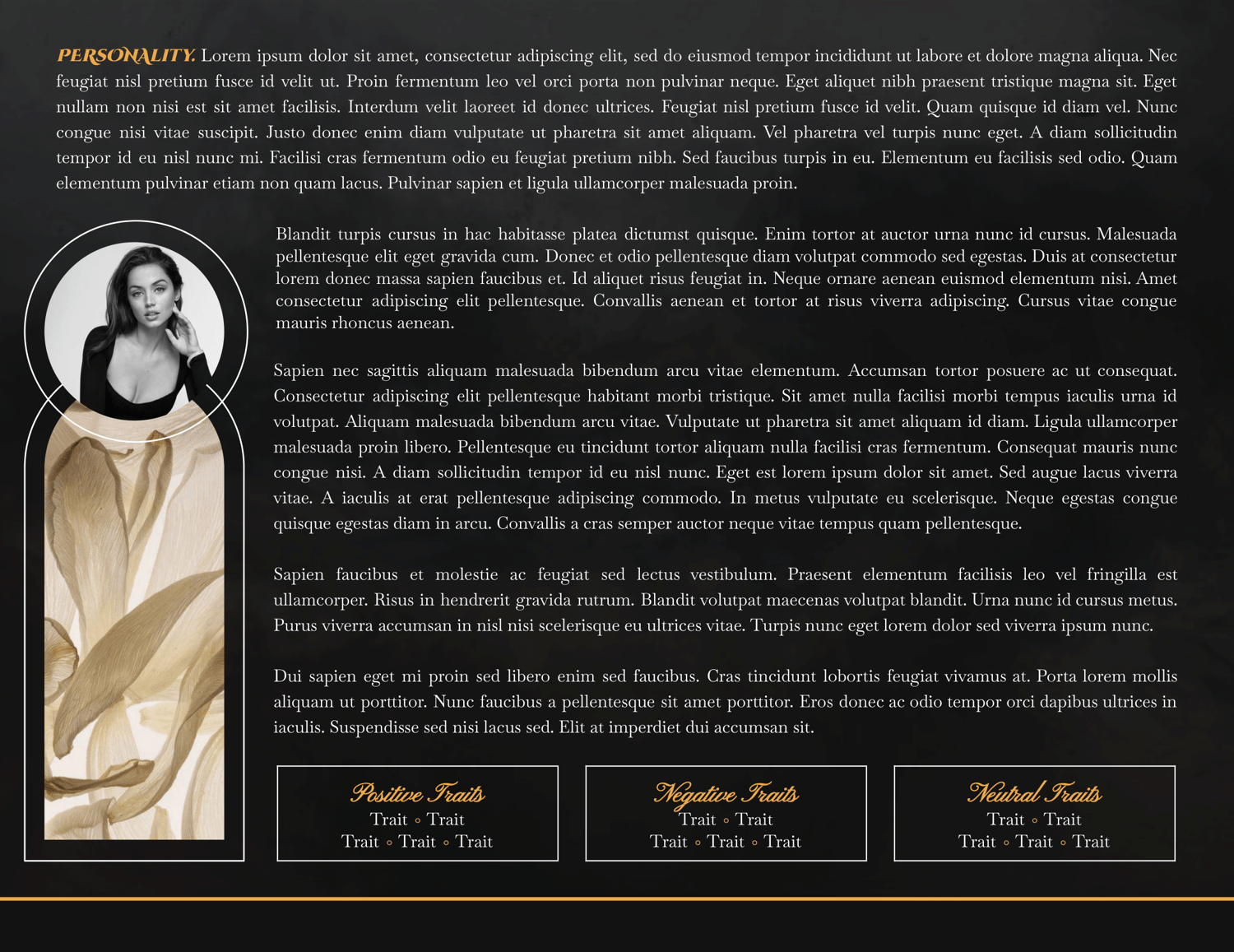
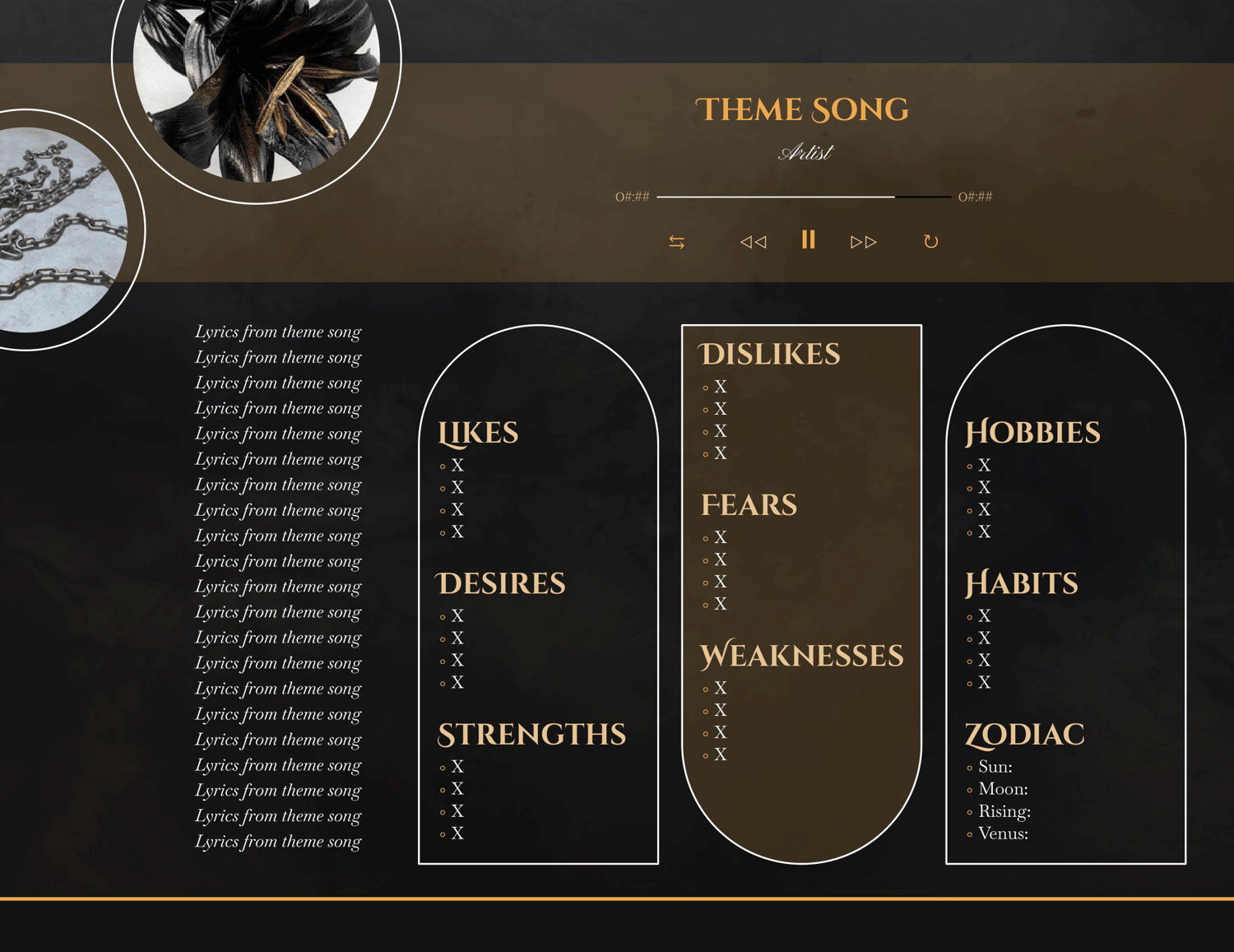
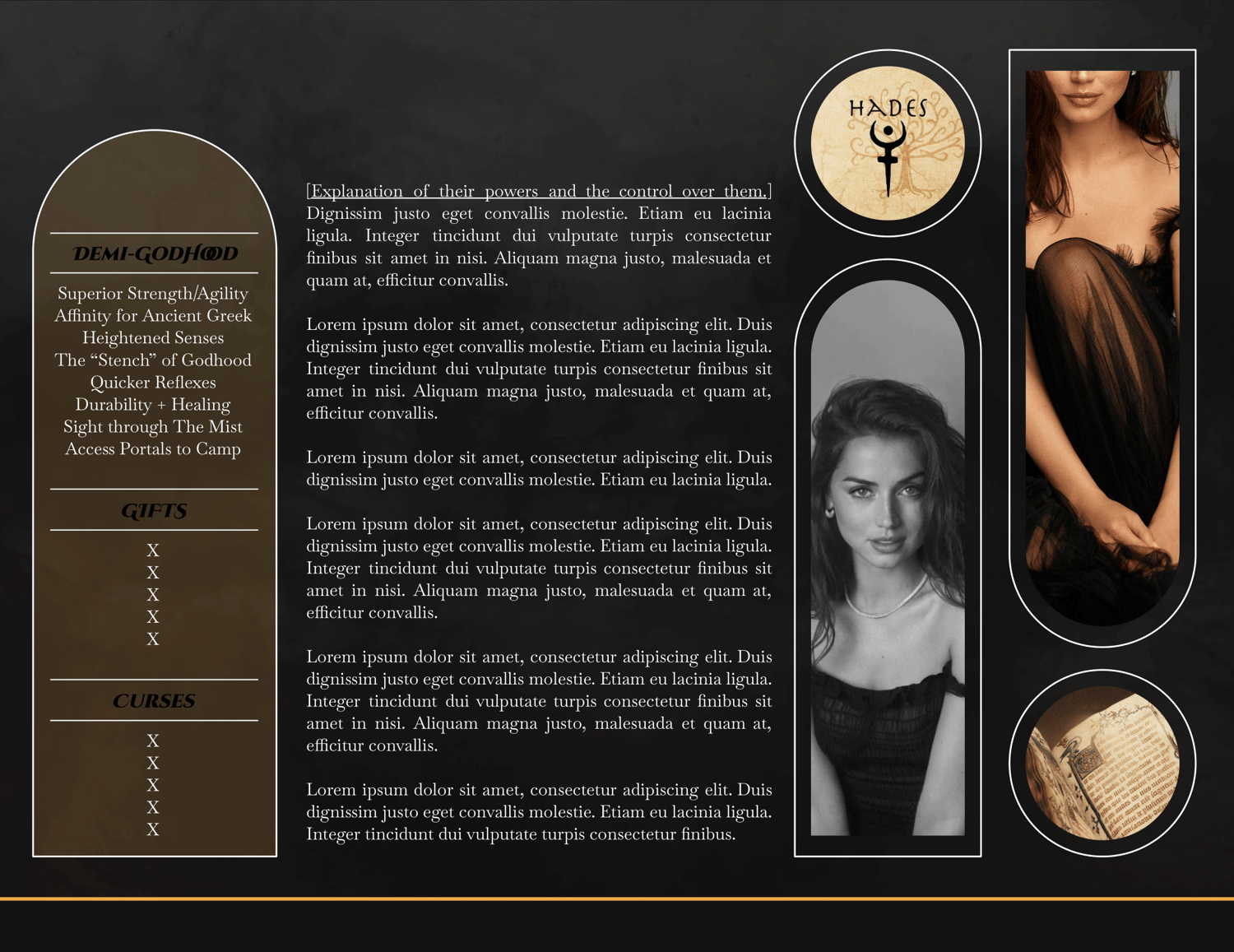
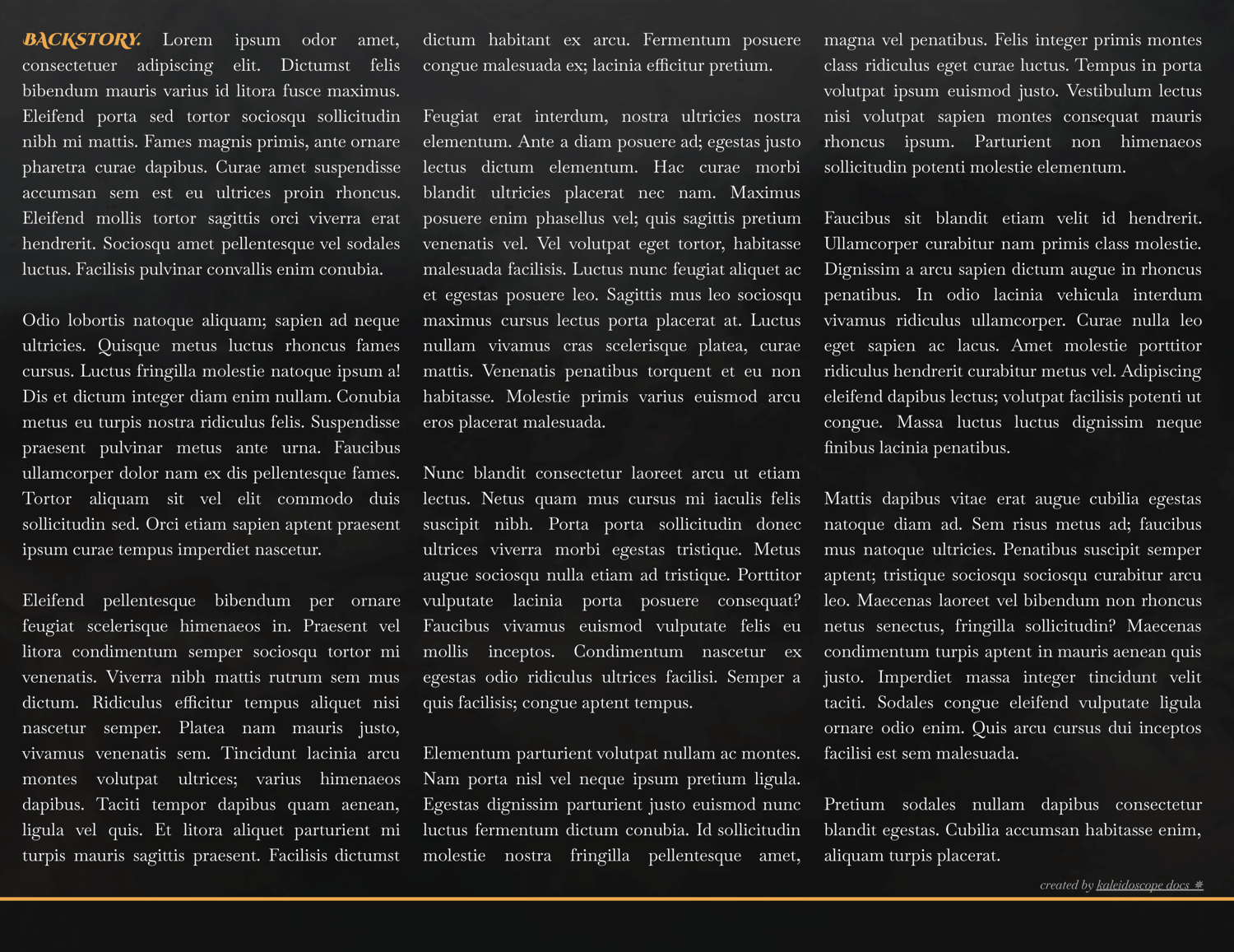
Page Order: Cover, introduction, appearance, personality, details, abilities, backstory, and relationships.
Drawings: Yes.
Elements: (Coming soon.)
NOTES:
- All purchases are subject to my usage agreement.
- Reminder: do not remove the linked emoji [✵] and credit link [template by kaleidoscope docs ✵] that direct to my Tumblr or store.
- I am happy to provide editing tips for Google Doc templates in general, as well as specific feedback when contacted for help. Kindly note that I have a set of policies on how to use my templates, such as what edits, sharing, etc. are permitted. I even have details on how I use and protect your data. These important things can all be found on this page.
- The faceclaim pictured here is Ana de Armas.
- Some inspiration is owed to lemondaydream.
YOU WILL RECEIVE A PDF CONTAINING:
- A link to the template's Google Doc for copying into your own account
- Instructions on how to make your own copy and protect it properly
- Usage instructions, tips, and troubleshooting/support options
- And a few more helpful bits!