
Burgundy Bouquet
STRUCK BY CUPID'S LOVE ARROW
Otherworldly. Soft. Ethereal.
Divinely Feminine. Ornately Delicate.
A rose-petaled light that shines through in the dark.
DESCRIPTION:
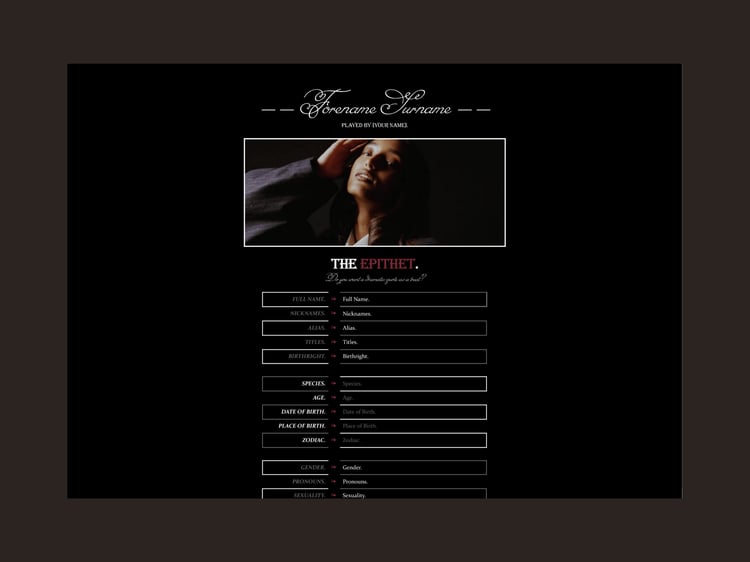
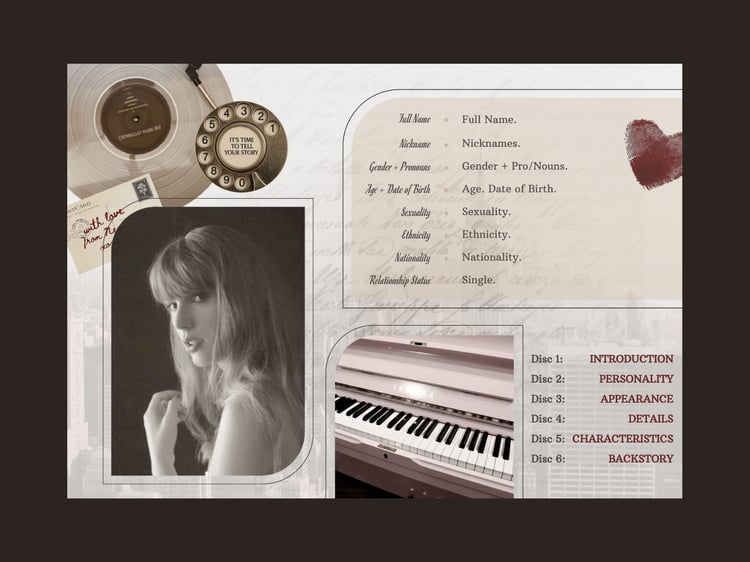
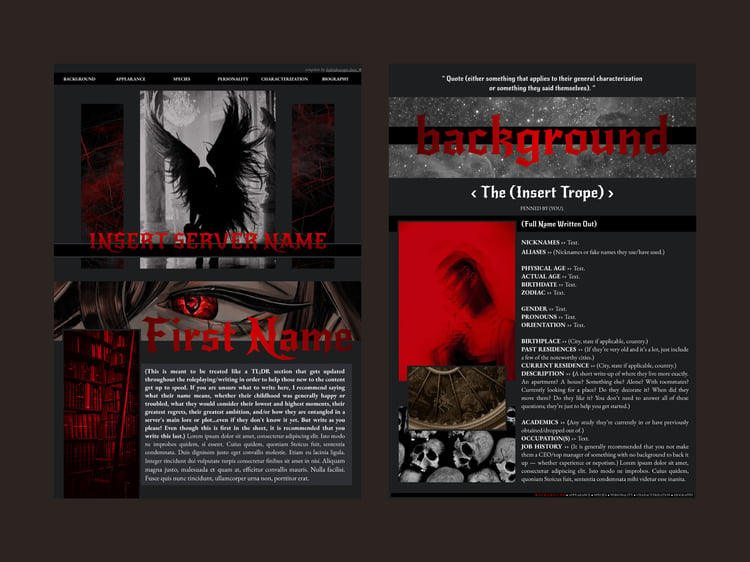
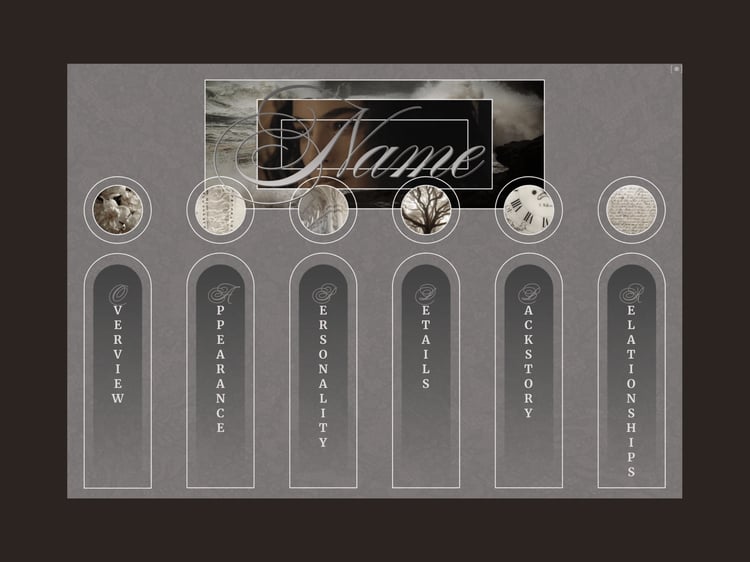
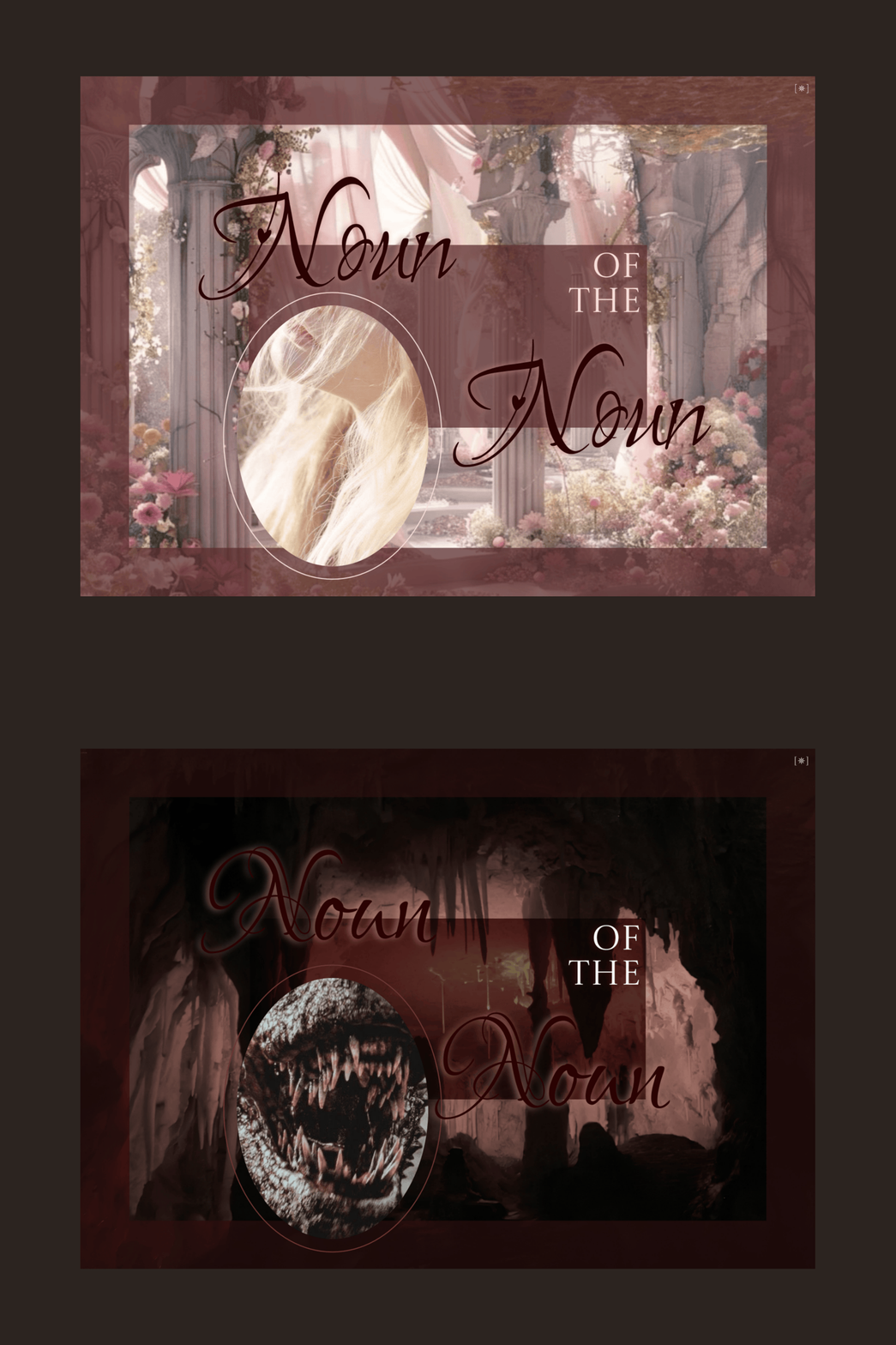
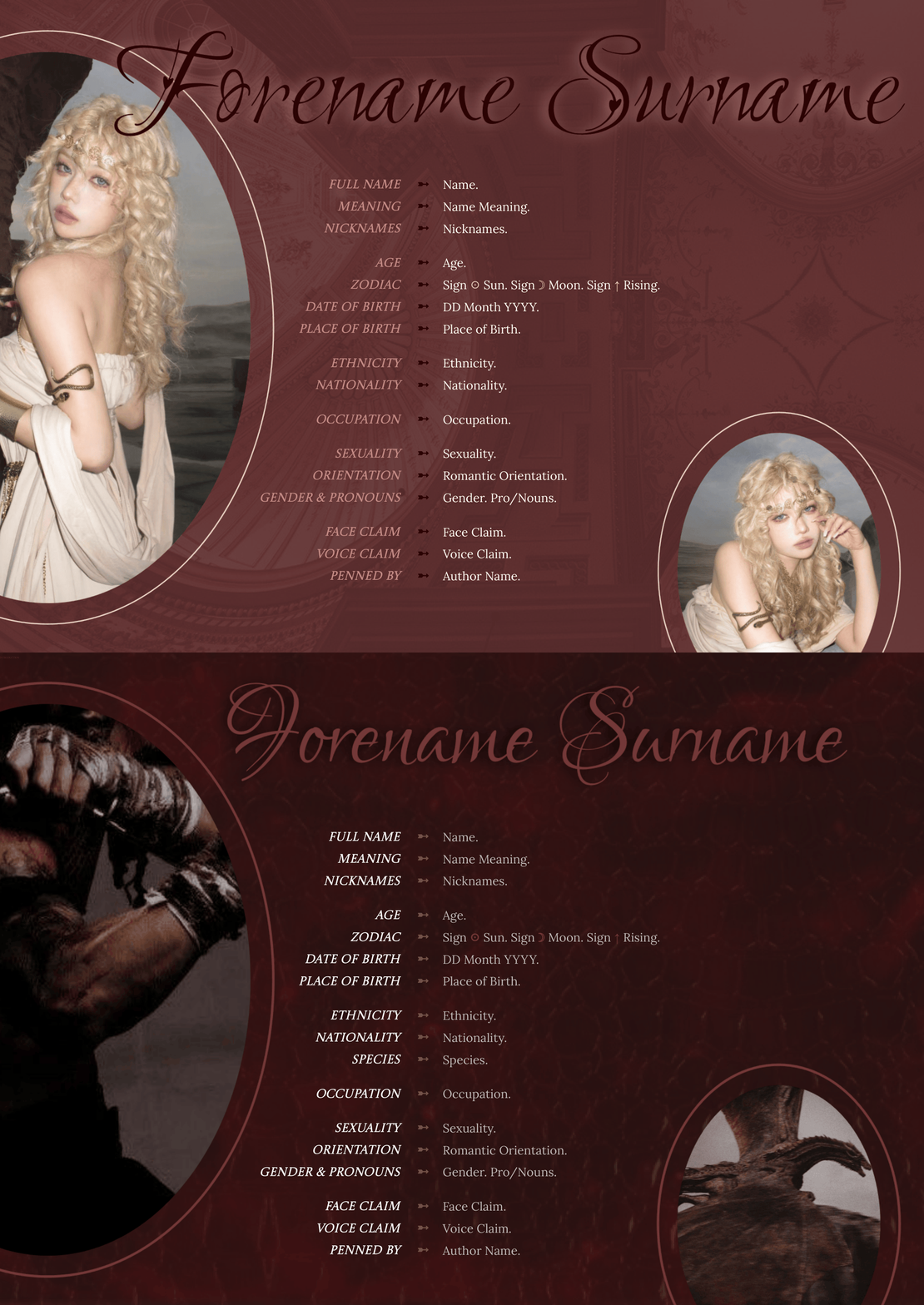
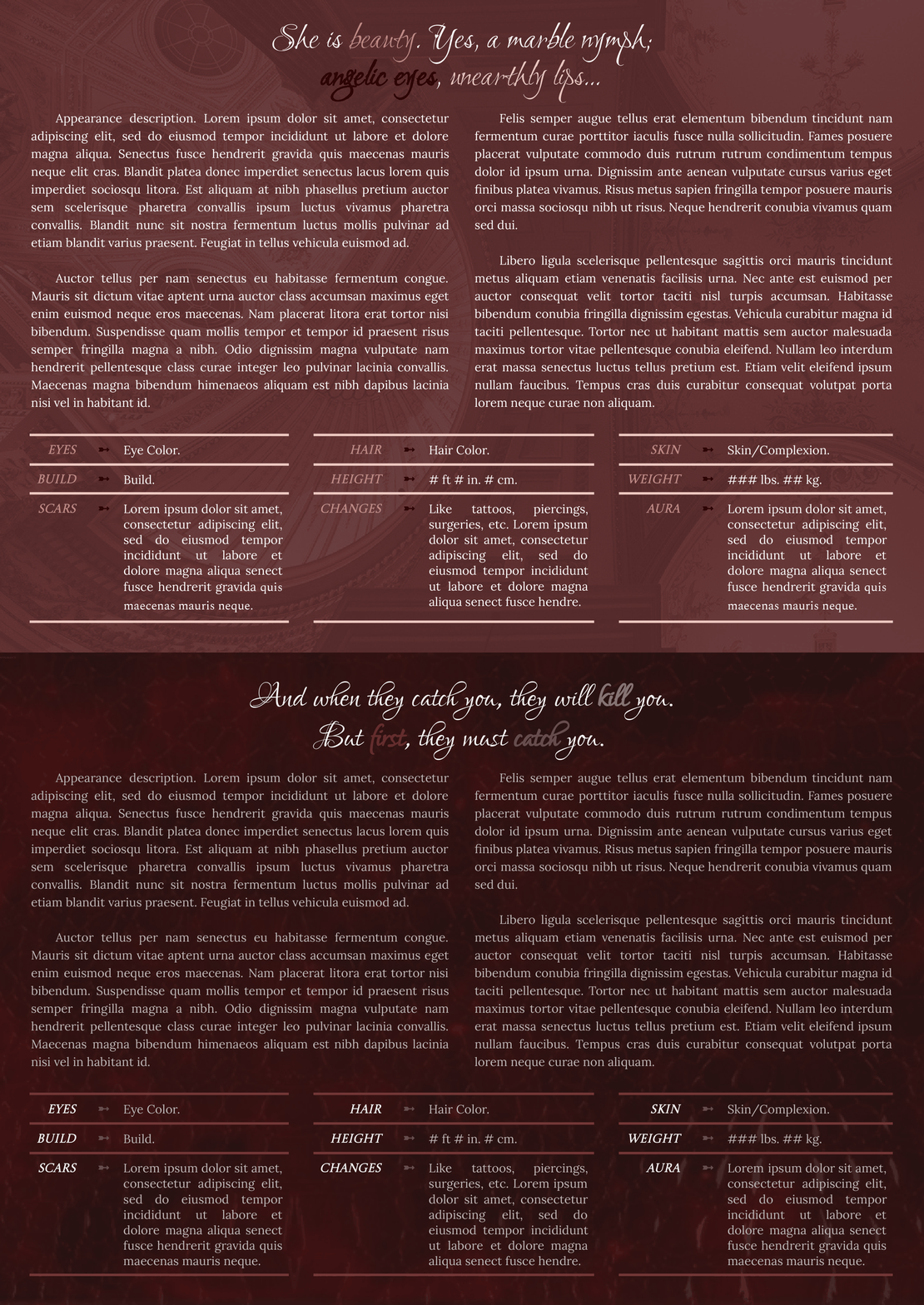
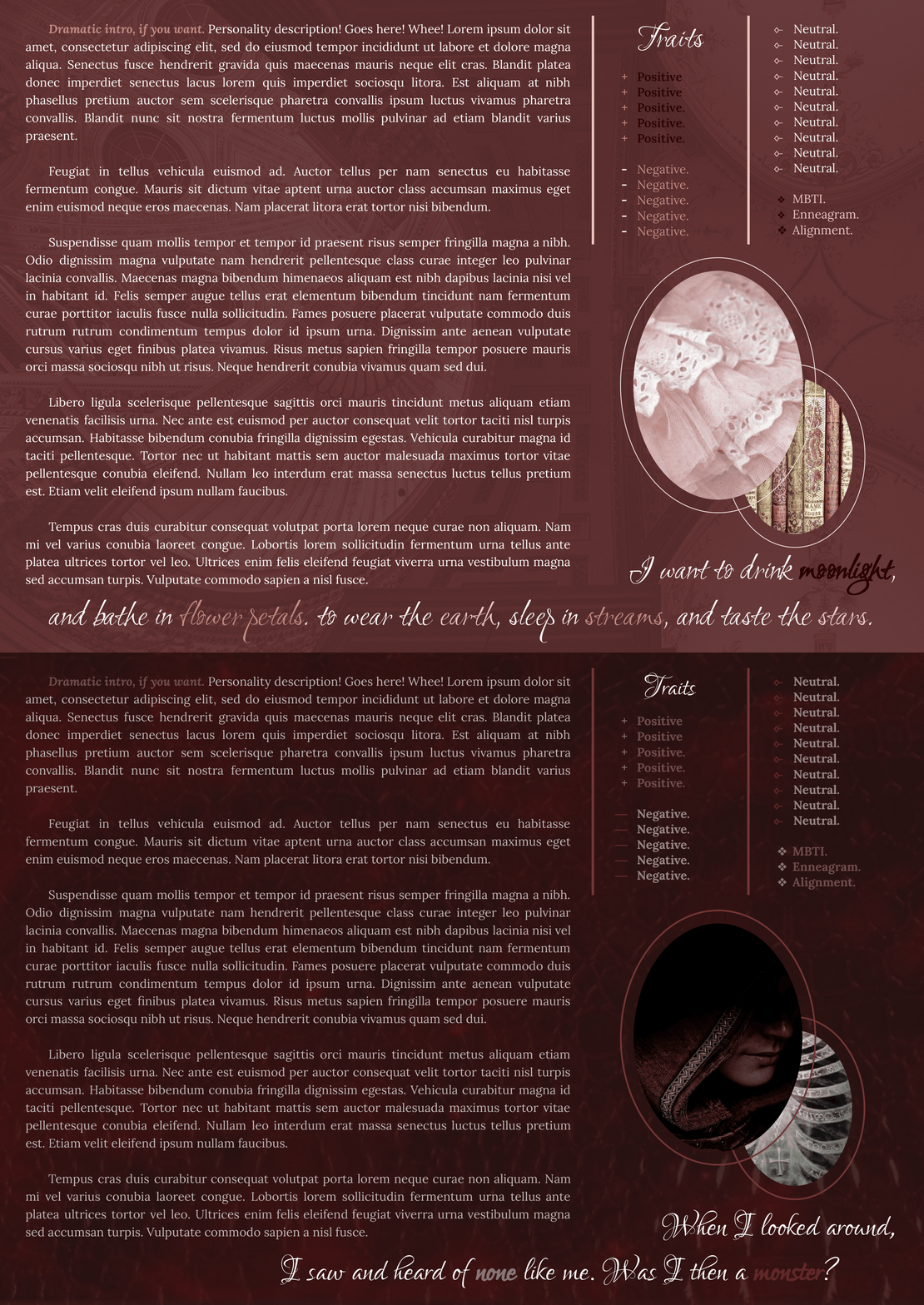
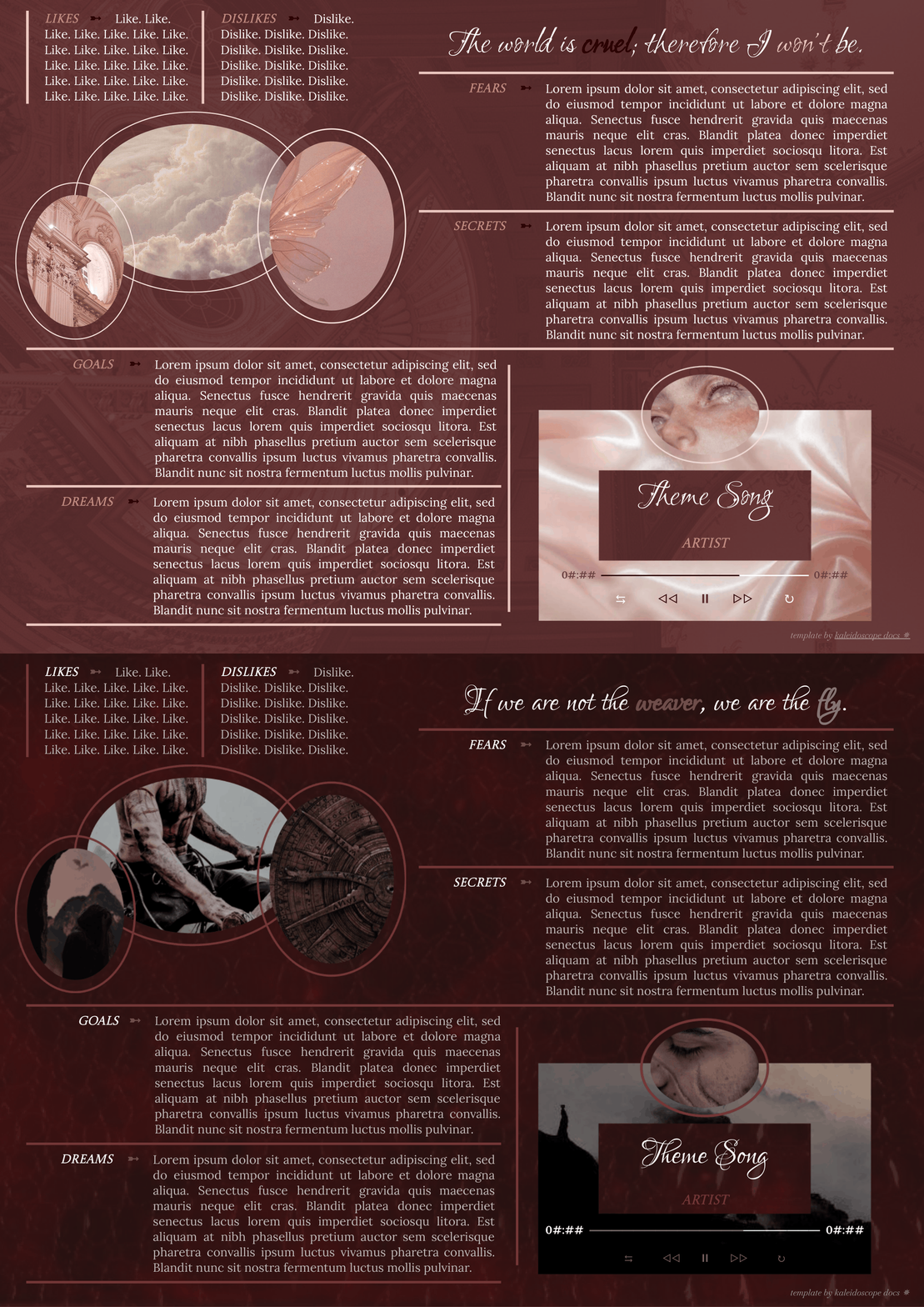
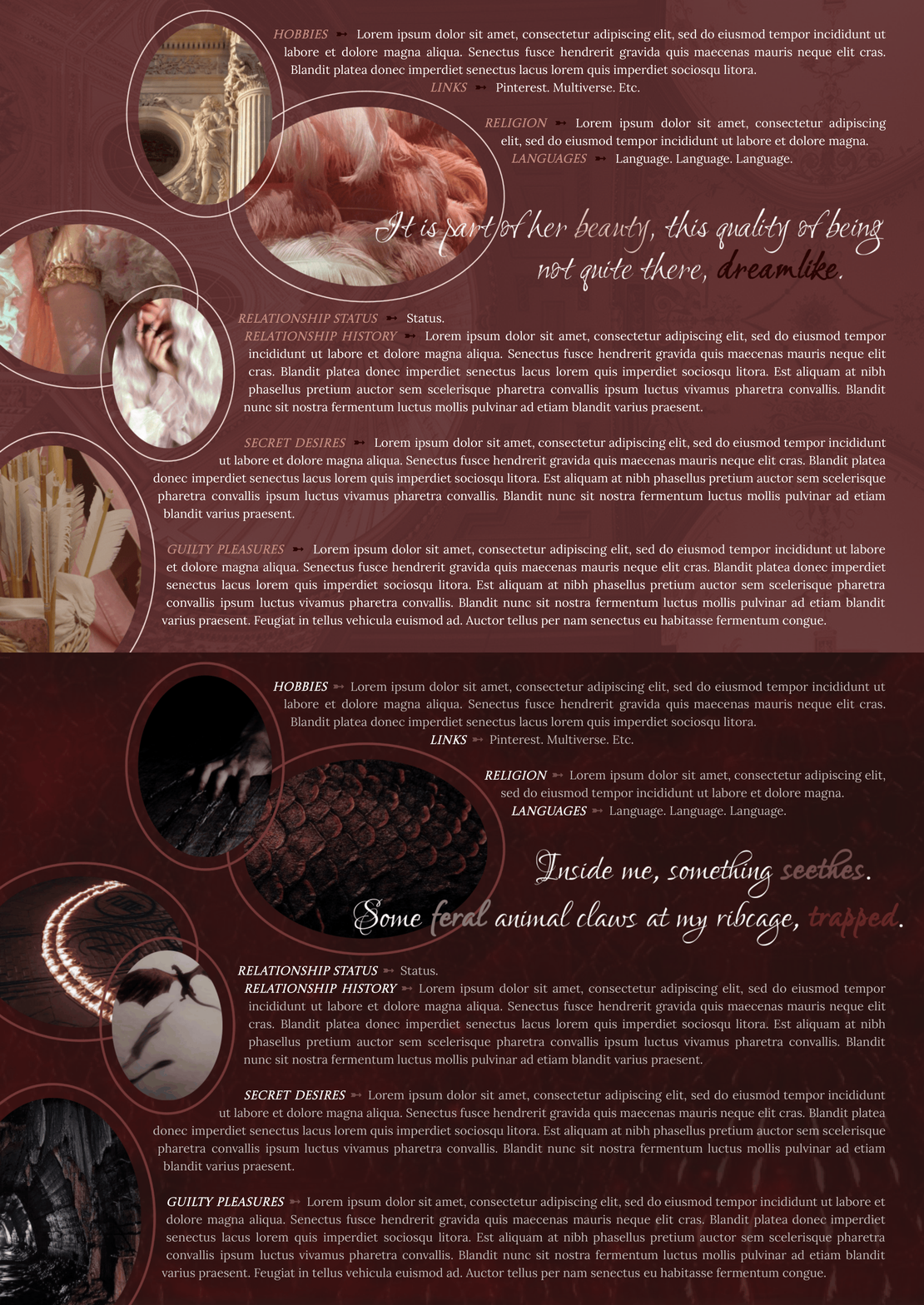
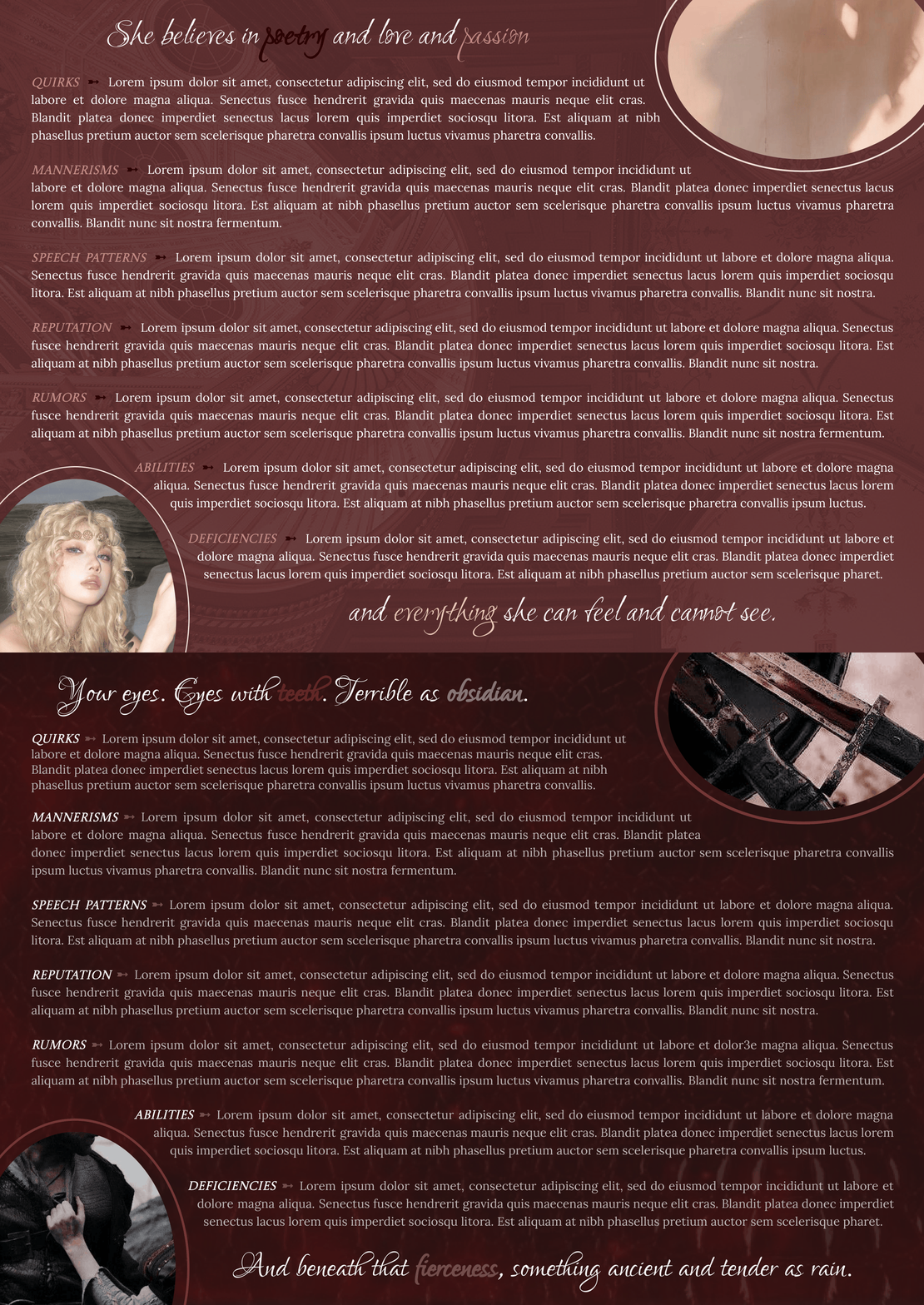
This is an nine-page Google Doc template designed to be used for a single muse. A pink and red dream just in time for Valentine's Day! It took me quite a while to get inspired making this request; then, once the switch flipped, I couldn't stop! The colors, ugh! It was a lot of fun to put together in the end. Oh, and there is not an outline within the design of each page, but headers have still been used! So the navigation built into the left panel works if you want to flick through the sections.
Update: As of 31 July 2026, there are two versions of the template available for purchase, each with their own color scheme and heading font!
Complexity: It's pretty average. Since all of the images are ovals, they are indeed in the Google Drawings function, oops. Page 2 and 7's drawings are actually "stuck" on the same drawings as the backgrounds because they were bugging out on me. Aaaaannnnddd all the background images are "hidden" within the header, so double-click at the top to open that up. Then you'll be able to edit it like usual :)
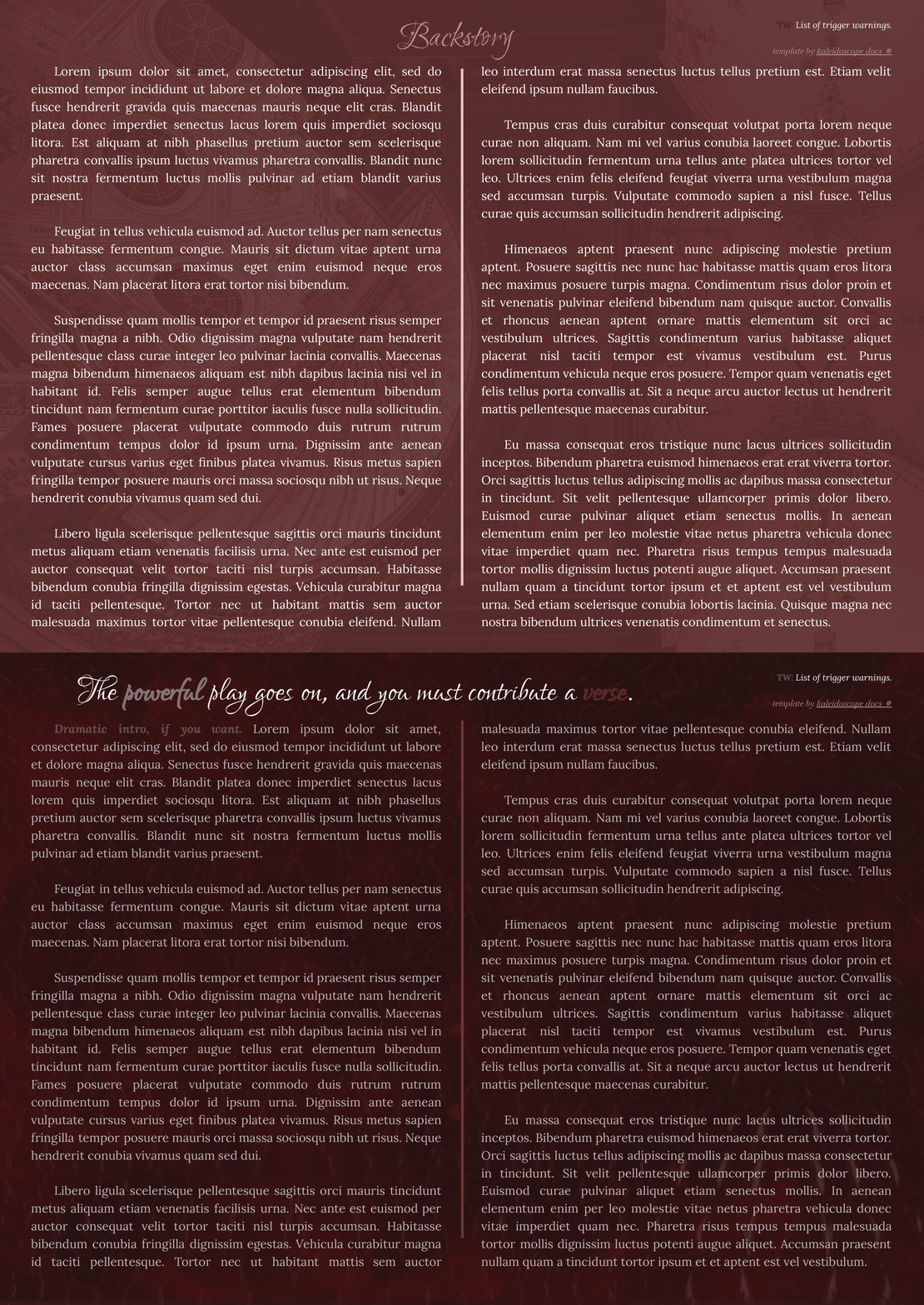
Page Order: Cover, introduction, appearance, physical traits, personality, characteristics, details, disposition, and backstory
Drawings: Yes.
Elements: (Coming soon.)
NOTES:
- All purchases are subject to my usage agreement.
- Reminder: do not remove the linked emoji [✵] and credit link [template by kaleidoscope docs ✵] that direct to my Tumblr or store.
- I am happy to provide editing tips for Google Doc templates in general, as well as specific feedback when contacted for help. Kindly note that I have a set of policies on how to use my templates, such as what edits, sharing, etc. are permitted. I even have details on how I use and protect your data. These important things can all be found on this page.
- The faceclaim pictured here is 敢敢子.
YOU WILL RECEIVE A PDF CONTAINING:
- A link to the template's Google Doc for copying into your own account
- Instructions on how to make your own copy and protect it properly
- Usage instructions, tips, and troubleshooting/support options
- And a few more helpful bits!