
Chromatic Incantations
HOGWARTS: WHERE SPELLS BECOME STORIES
House-colored. Tradition-bound.
Echoes of hallways. Shadows of candles.
Ink-stained pages. Wand-lit corridors.
DESCRIPTION:
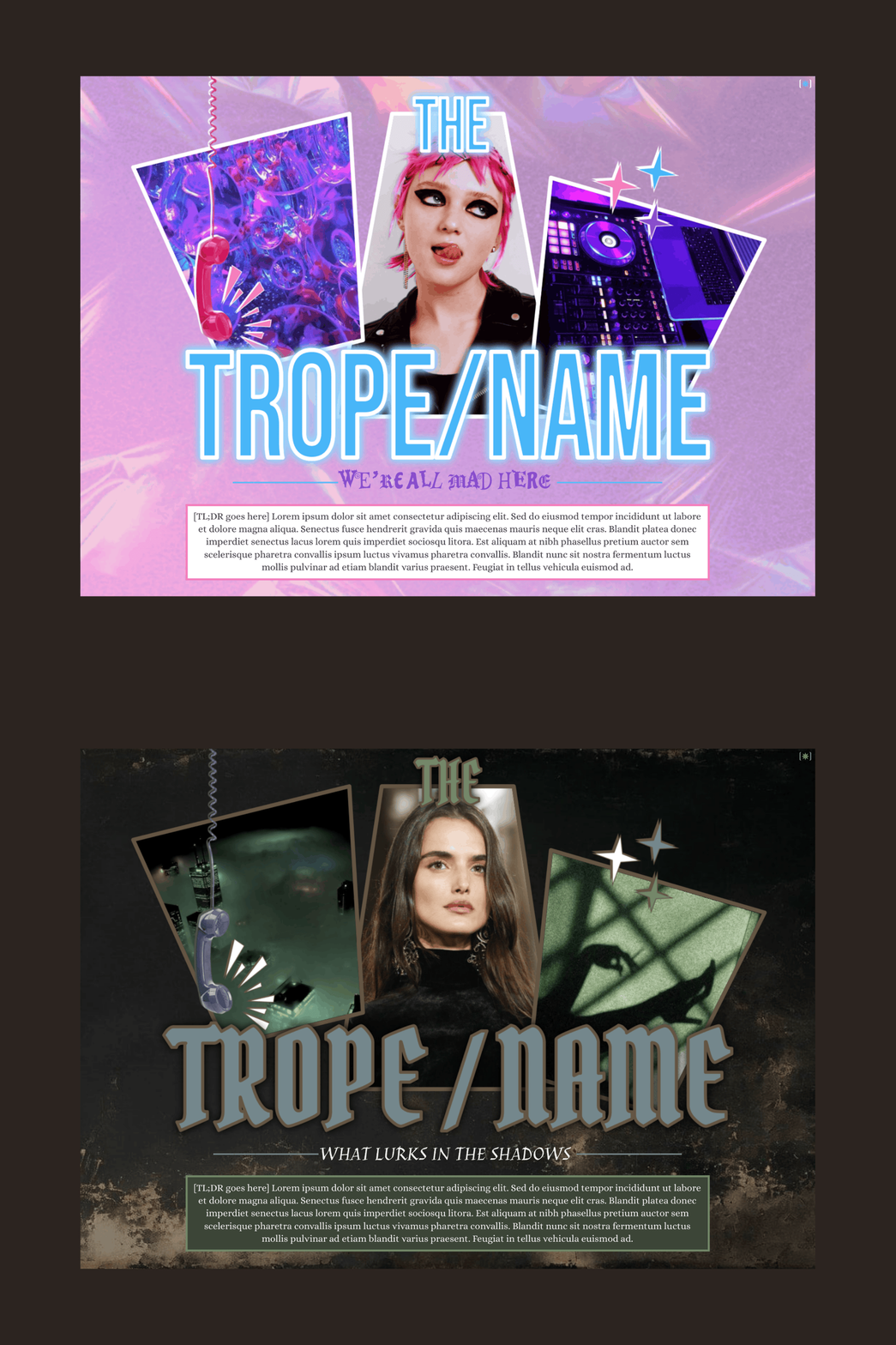
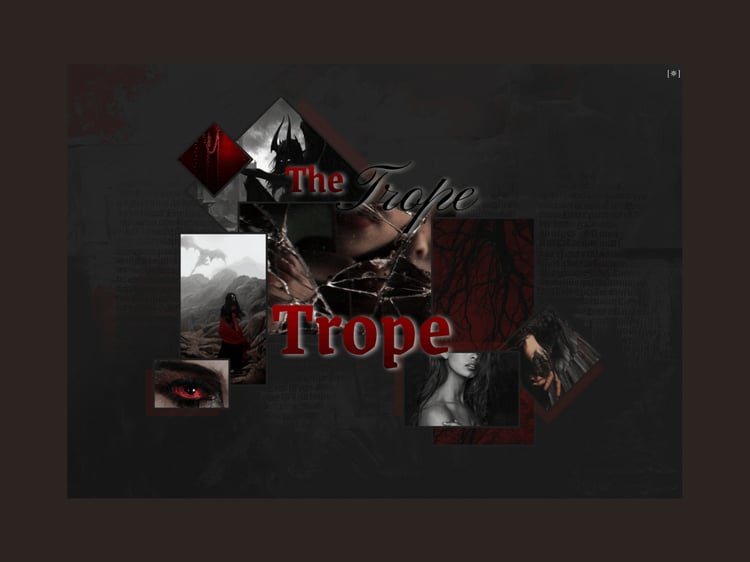
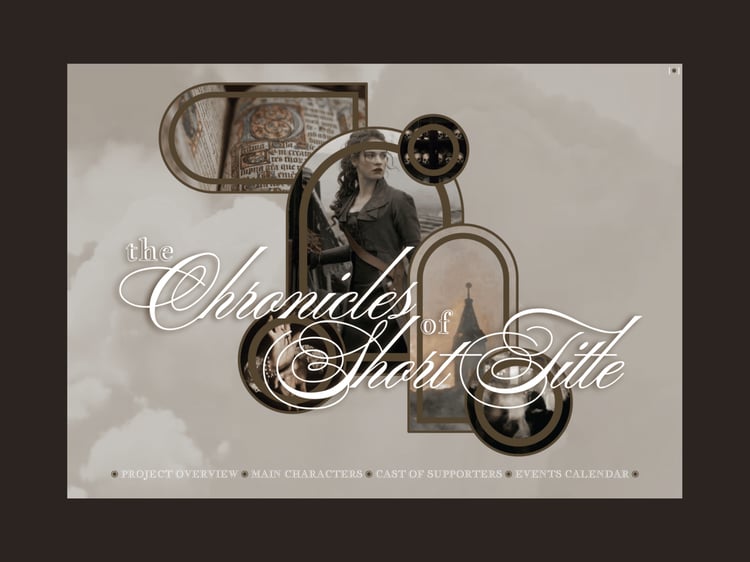
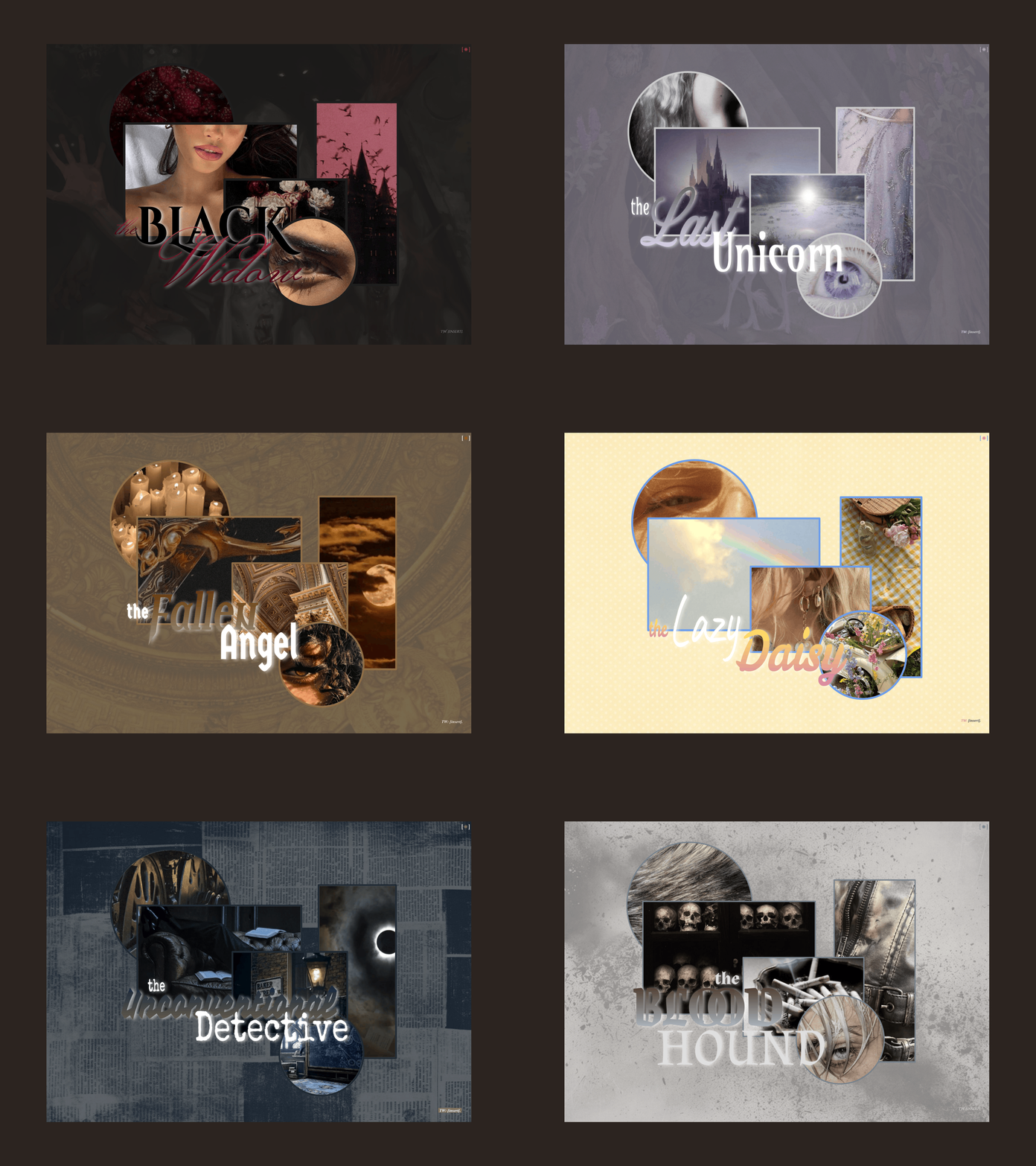
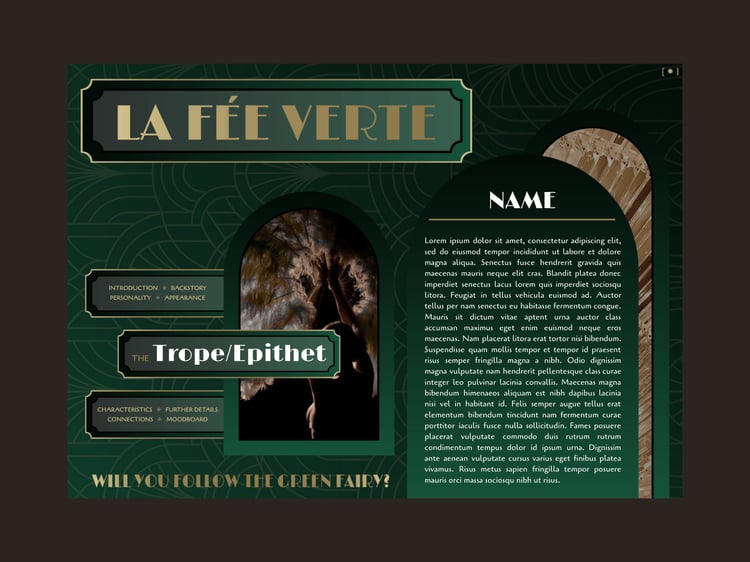
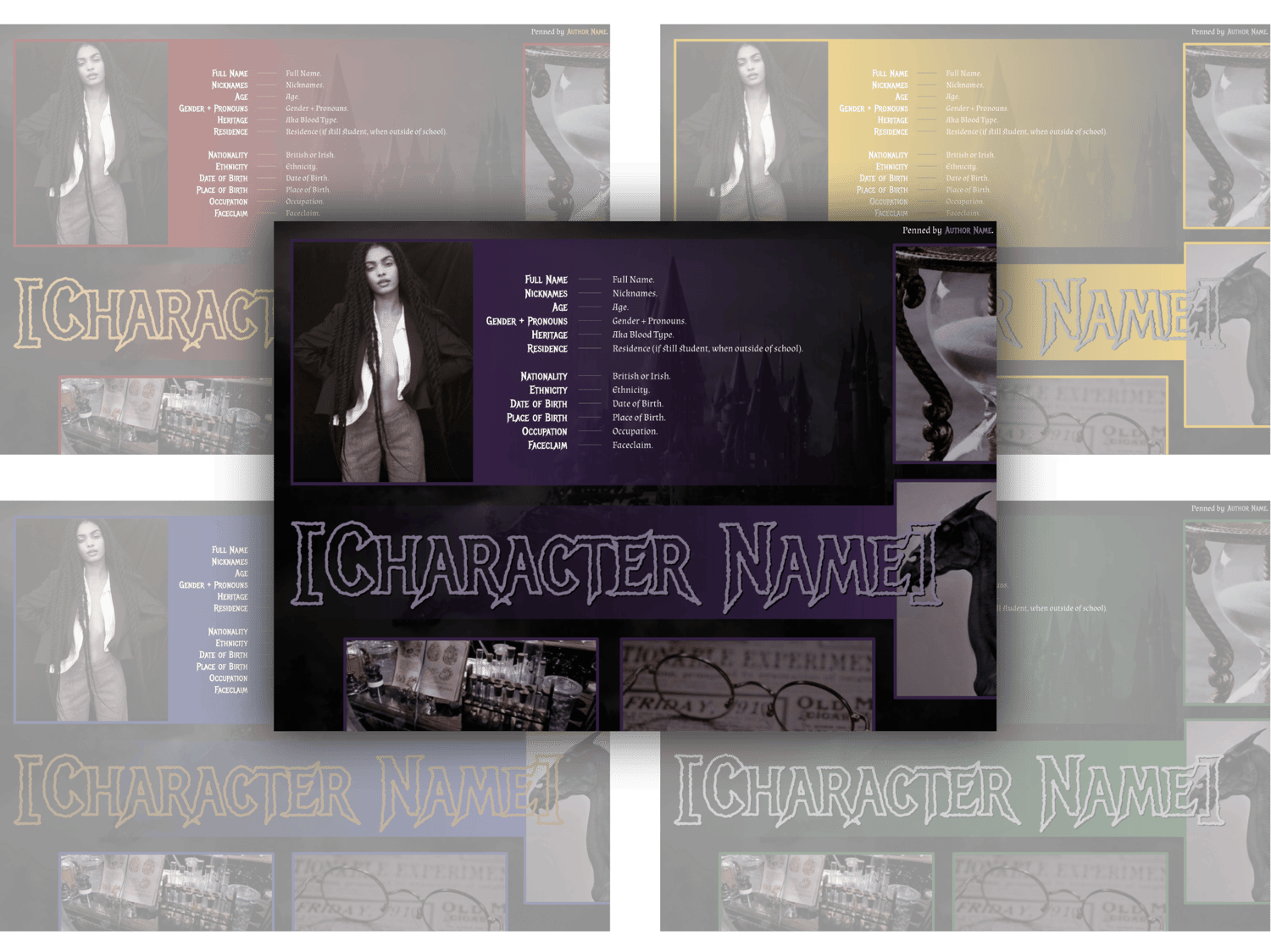
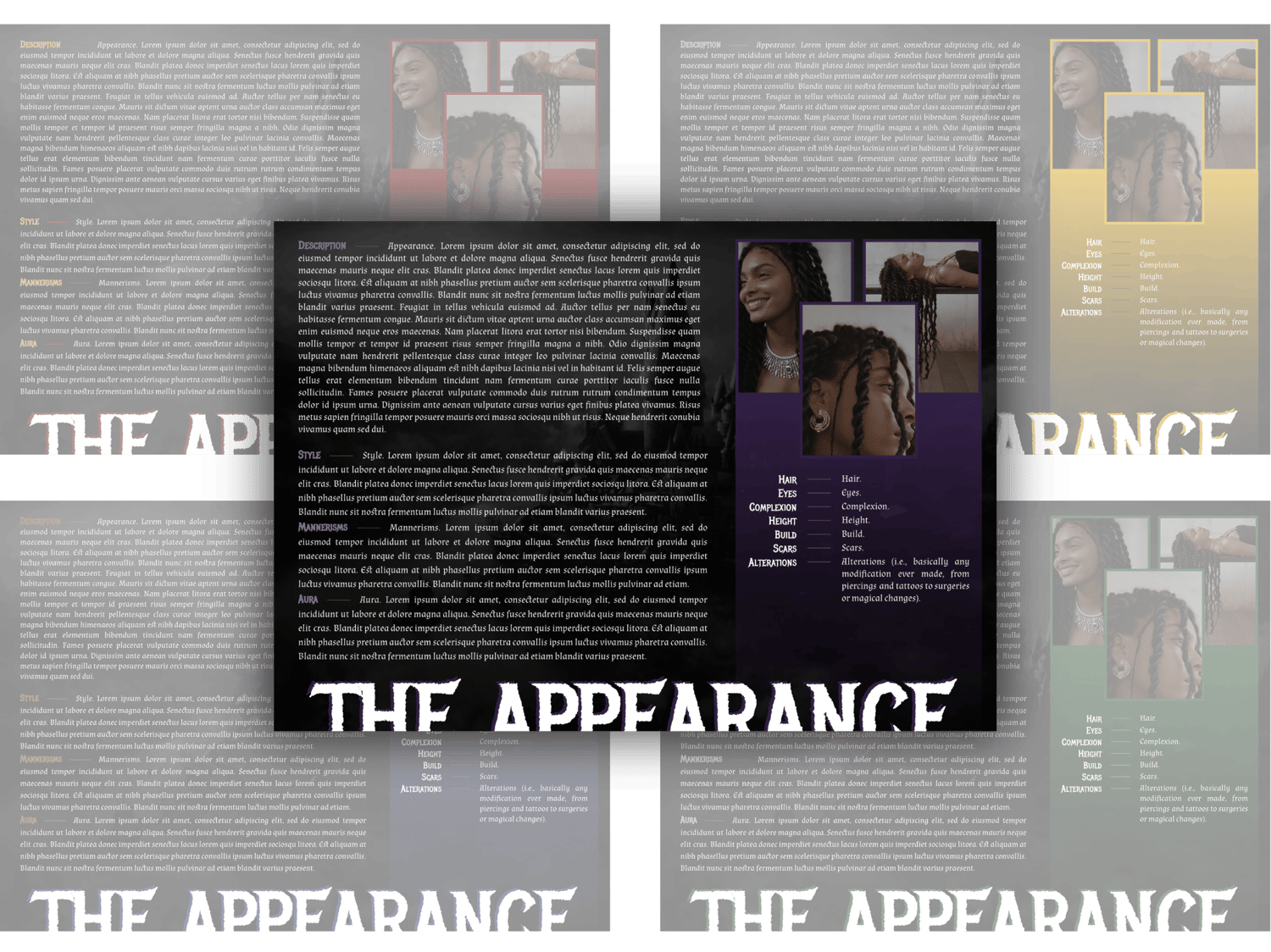
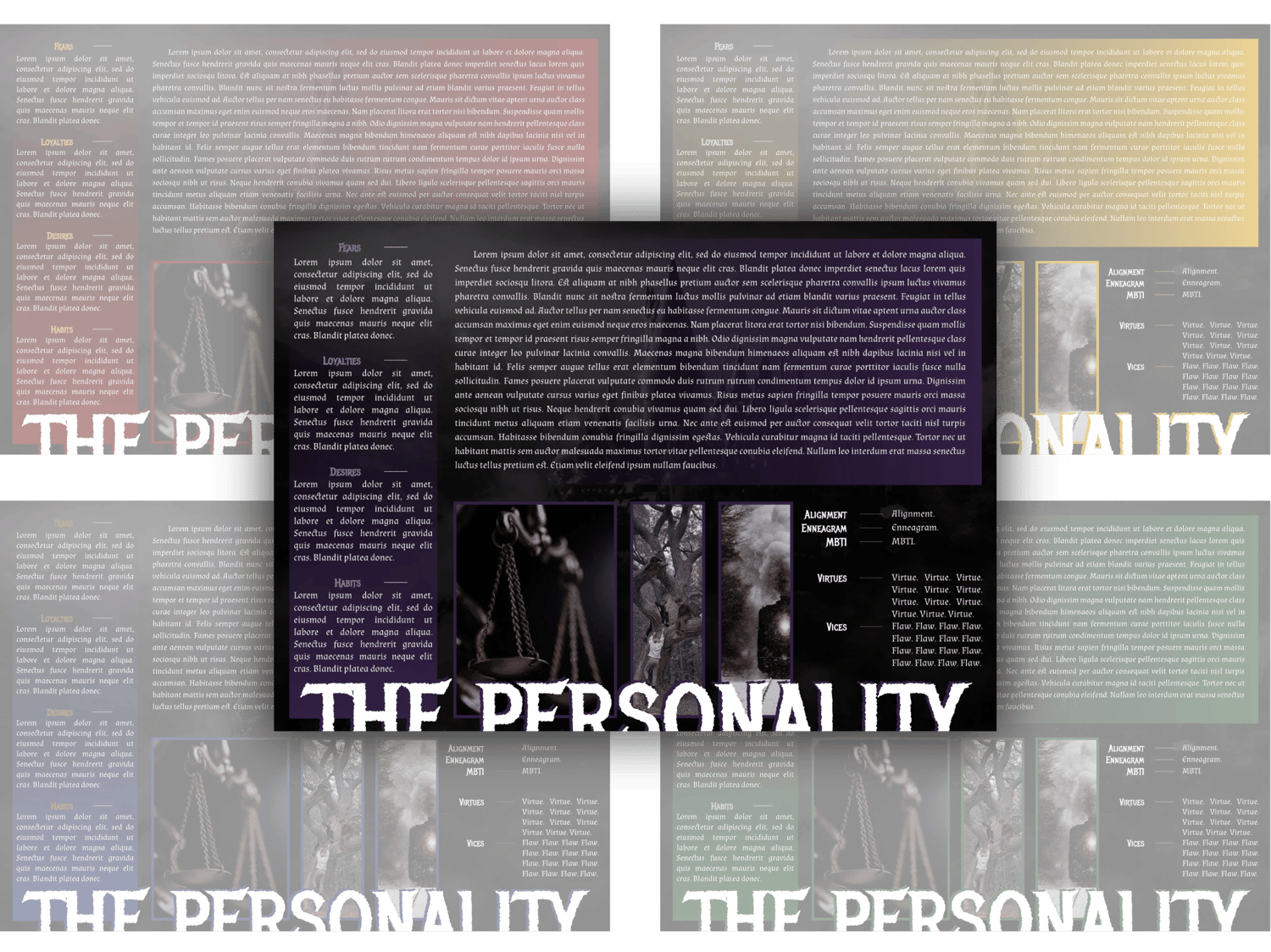
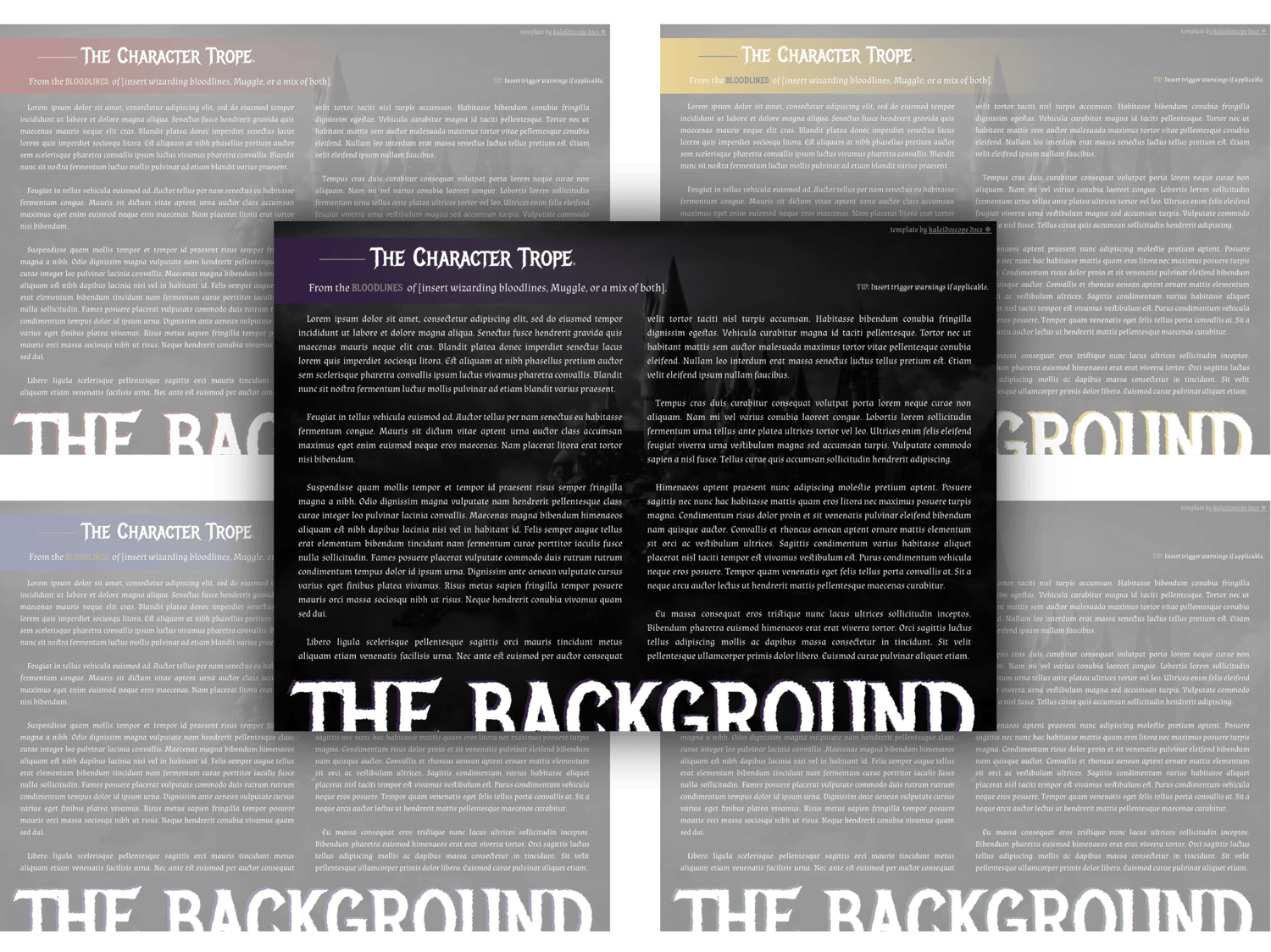
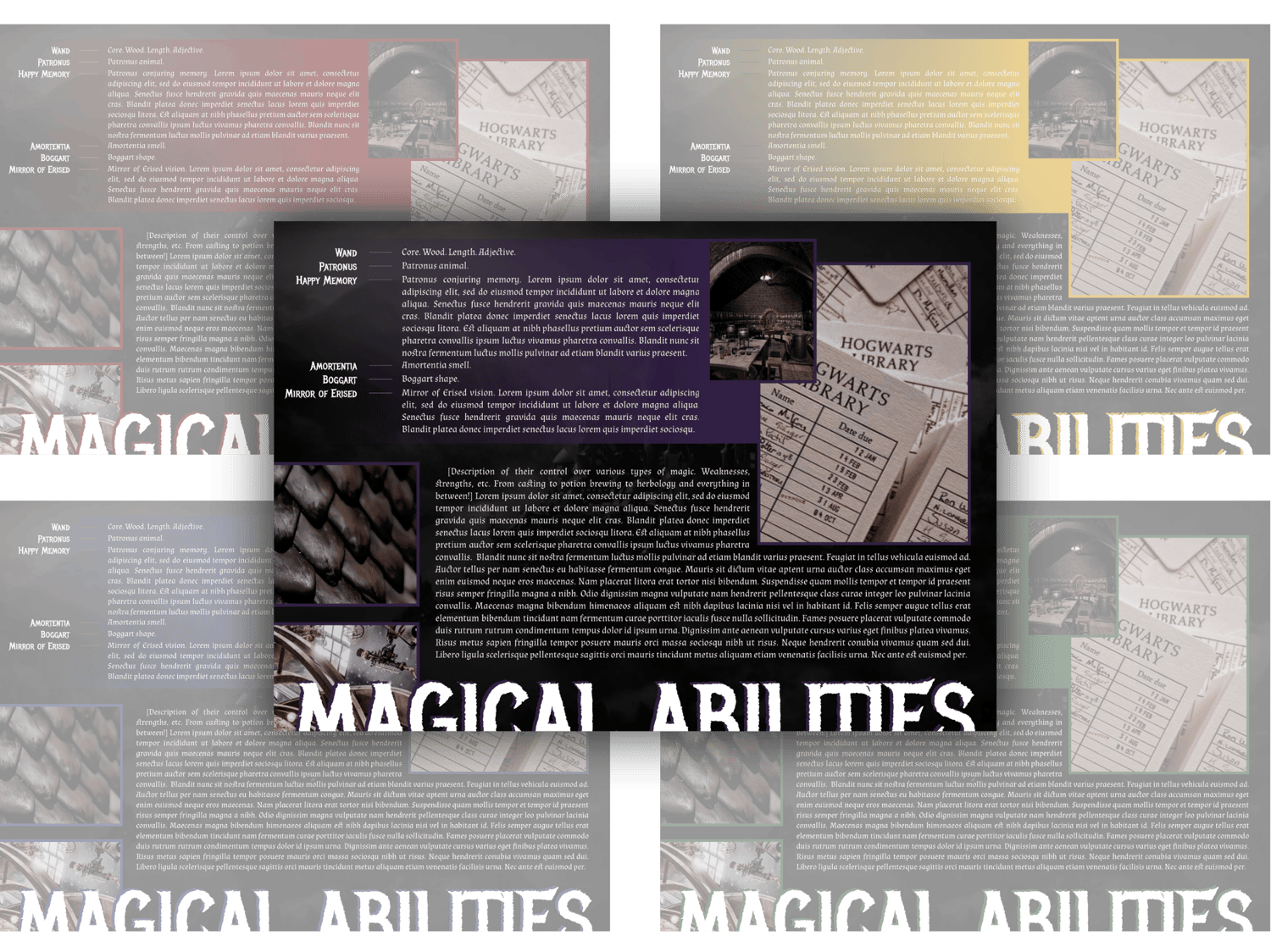
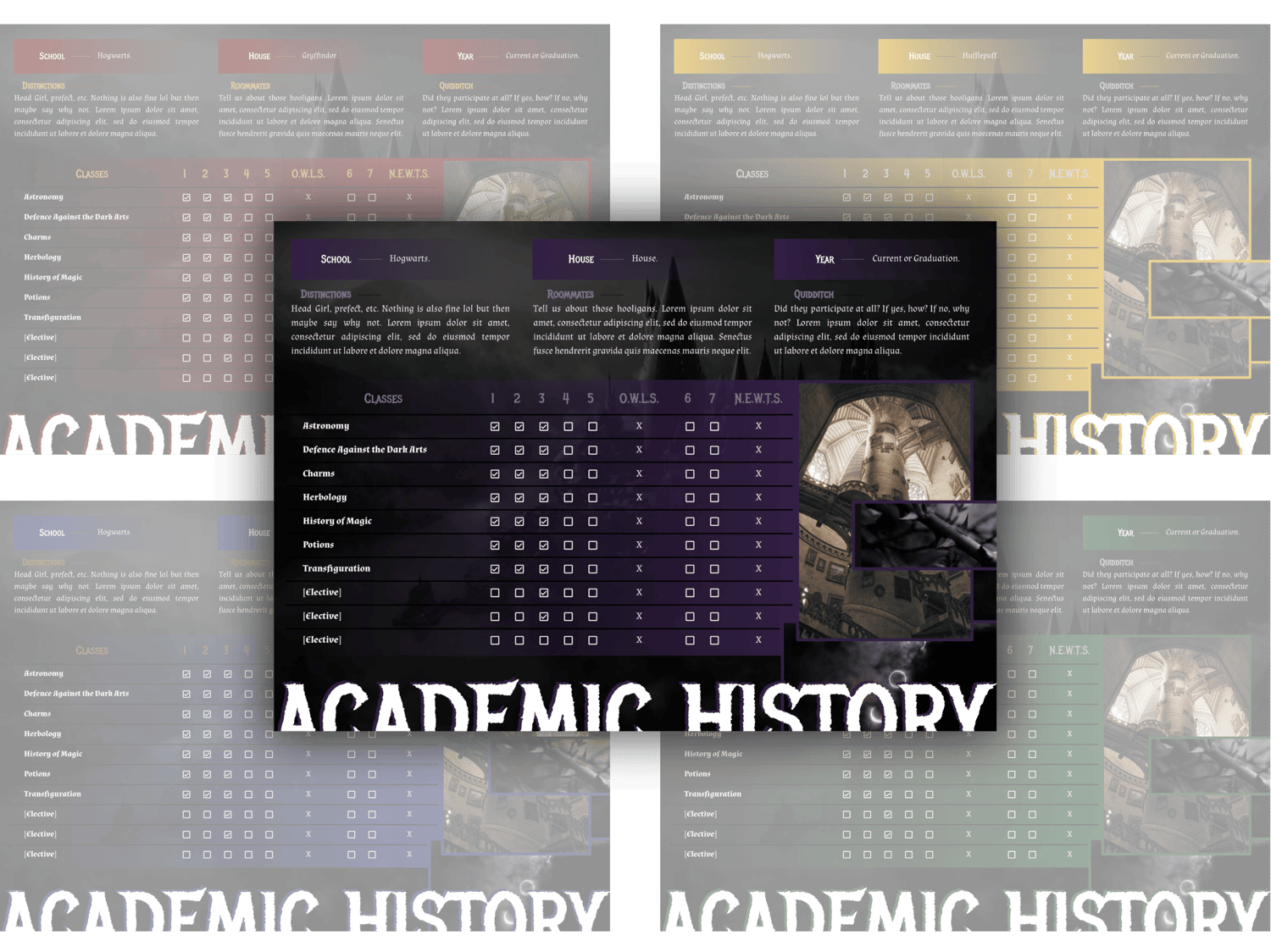
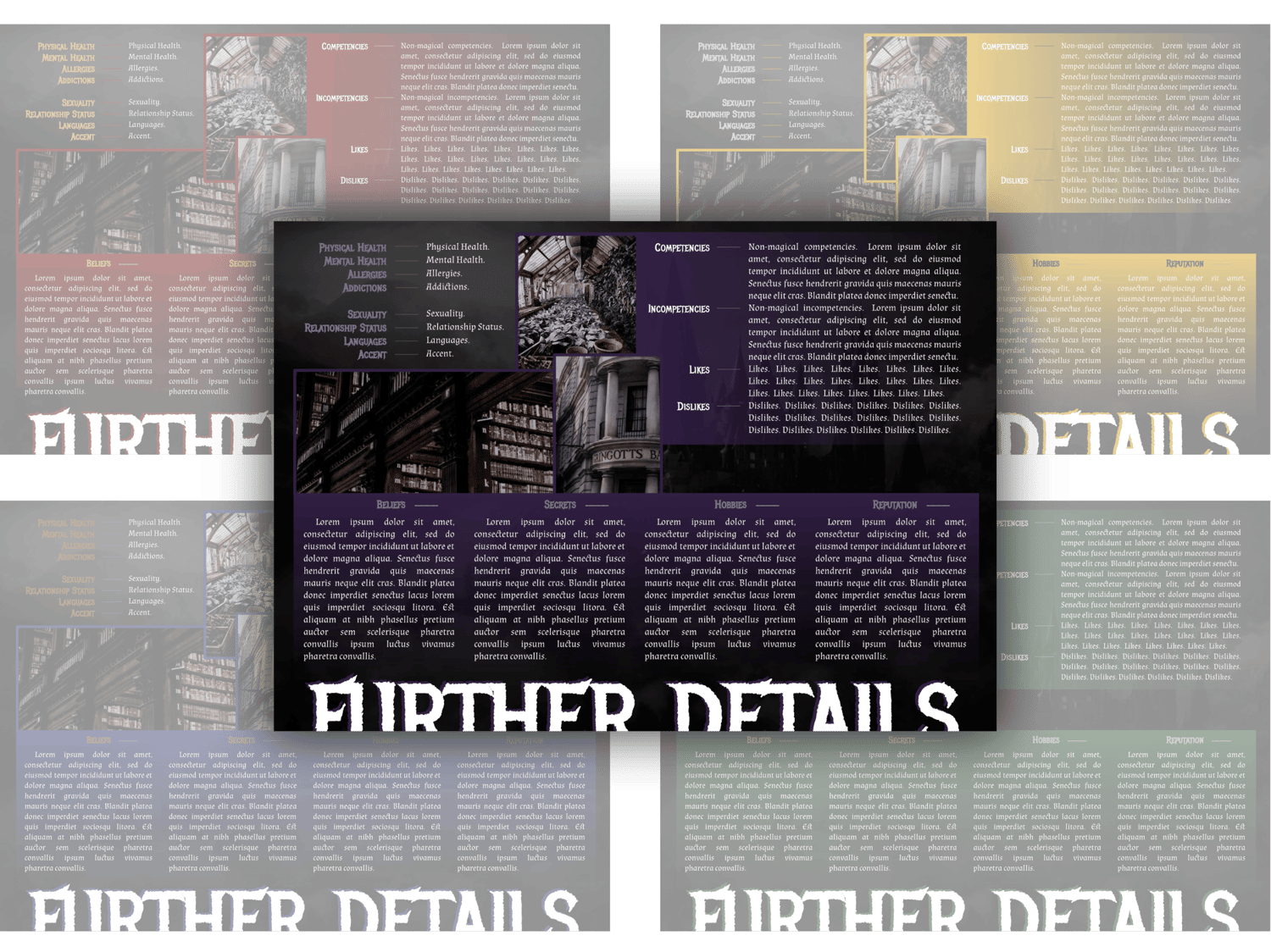
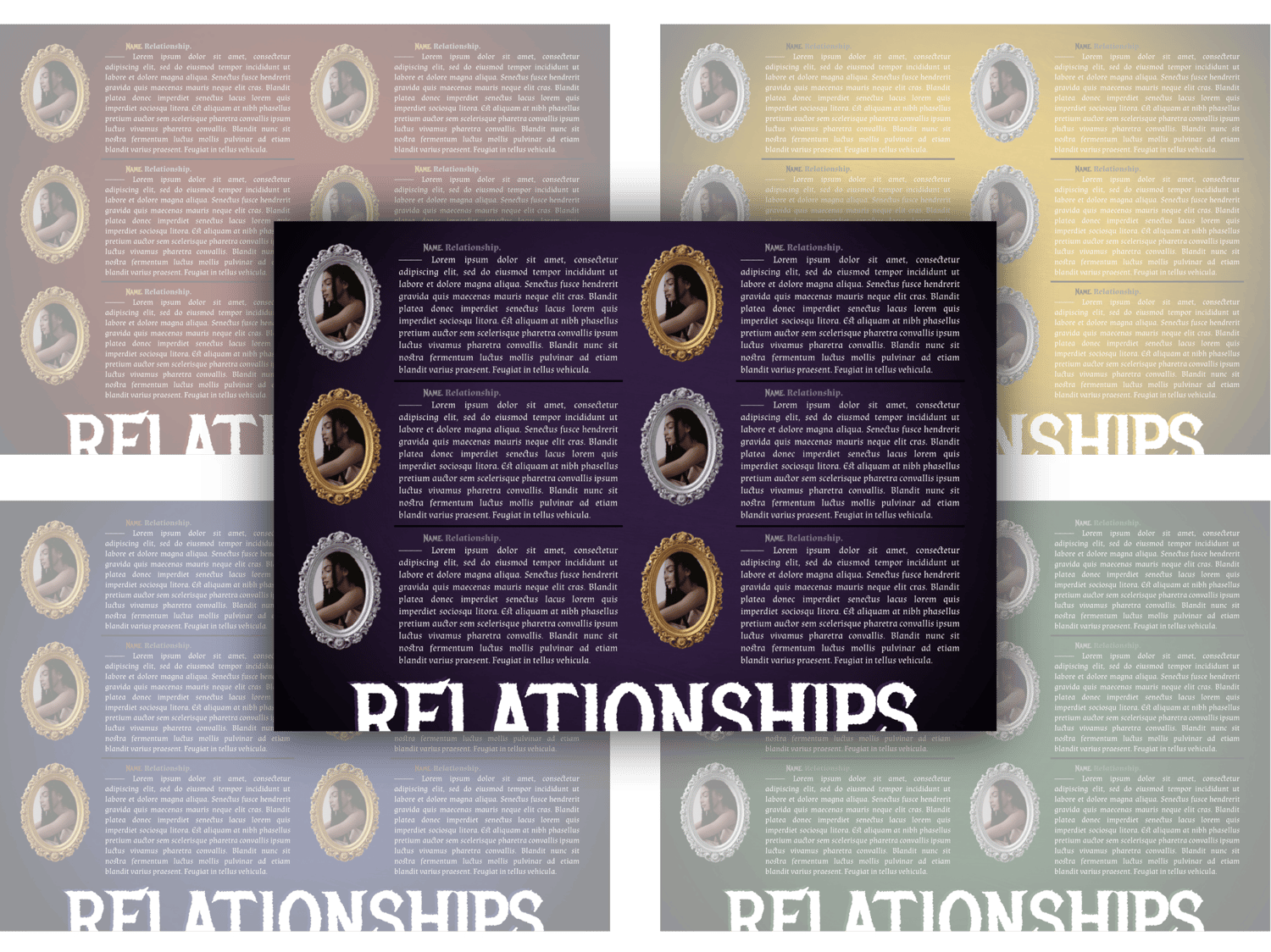
This is a nine-page Google Doc template designed to be used for a single muse from the HP Wizarding World. It is modeled to be flexible for a student or alumni of Hogwarts. Screw she-who-must-not-be-named and enjoy making the world your own without adding to her tainted pocket. These are to celebrate the magic we make ourselves, because imagination and politics should be inclusive and diverse. Your purchase includes all five colored versions of the templates! Gryffindor ➤ Red. Hufflepuff ➤ Yellow. Ravenclaw ➤ Blue. Slytherin ➤ Green. Hogwarts ➤ Purple.
Complexity Level: Despite the use of some drawing functions, this one is pretty accessible. So an easy-medium!
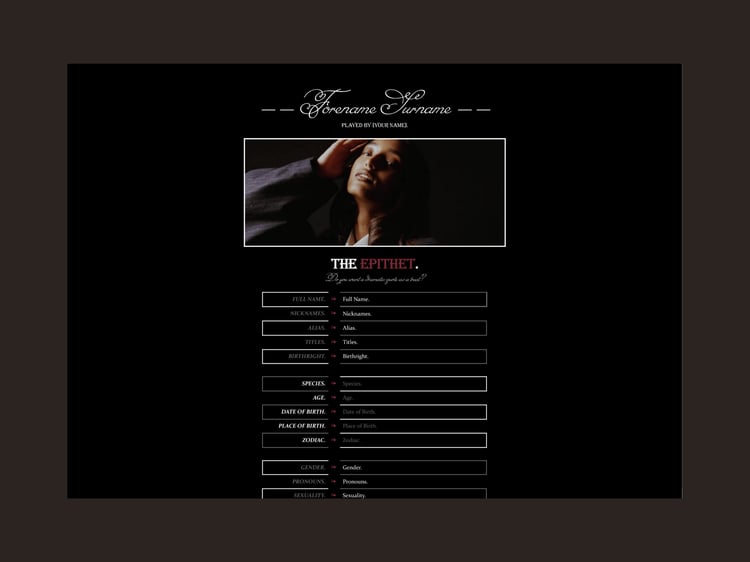
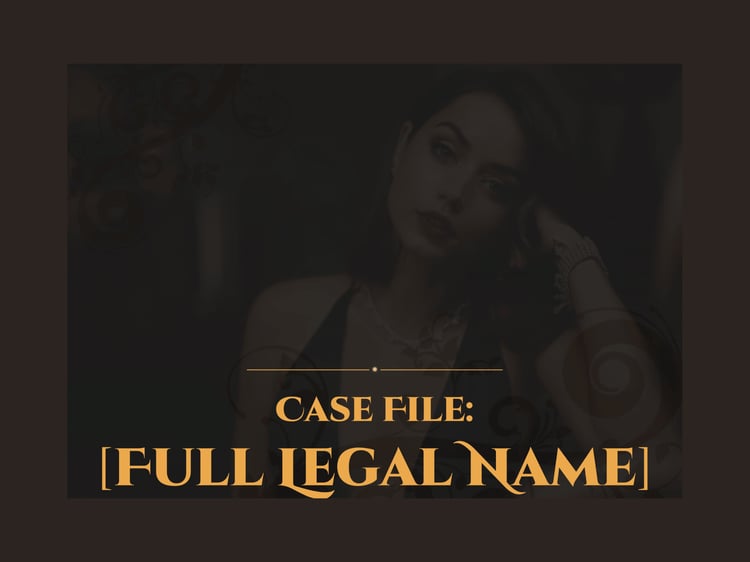
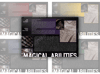
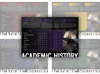
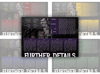
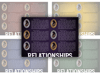
Page Order: Optional cover page. Introduction, appearance, personality, and backstory make up the four core pages. Then there are four pages on the more "optional" side: magical abilities, academic history, further details, and relationships. I mean, everything is optional once it's yours haha but you know what I mean!
Drawings: Yes.
Elements: (Coming soon.)
NOTES:
- All purchases are subject to my usage agreement.
- Reminder: do not remove the linked emoji [✵] and credit link [template by kaleidoscope docs ✵] that direct to my Tumblr or store.
- I am happy to provide editing tips for Google Doc templates in general, as well as specific feedback when contacted for help. Kindly note that I have a set of policies on how to use my templates, such as what edits, sharing, etc. are permitted. I even have details on how I use and protect your data. These important things can all be found on this page.
- The faceclaim pictured here is Sharon Alexie.
YOU WILL RECEIVE A PDF CONTAINING:
- A link to the template's Google Doc for copying into your own account
- Instructions on how to make your own copy and protect it properly
- Usage instructions, tips, and troubleshooting/support options
- And a few more helpful bits!