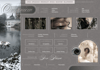
Pearlescent Snowfall
THE VELVET RAYS OF A RARE WINTER SUN
Reflective. Frosted. Archival.
Snow-soft. Stone-cold. Sea-churning.
Enduring. Introspective. Hushed.
DESCRIPTION:
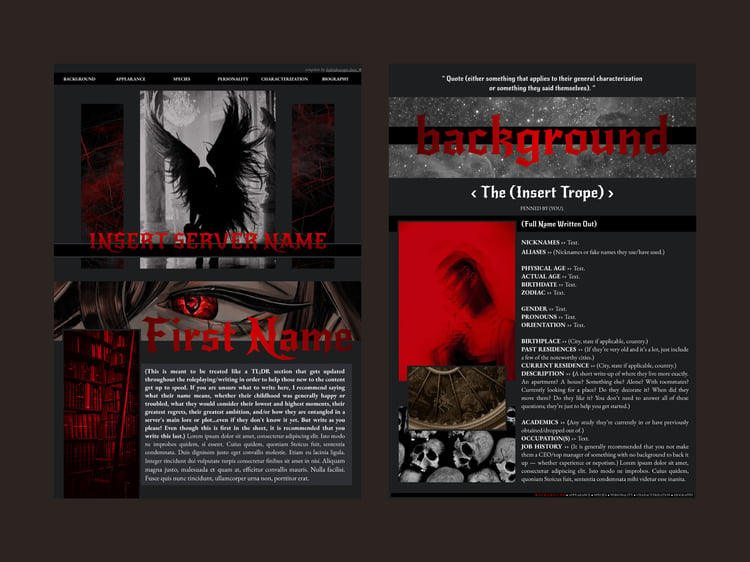
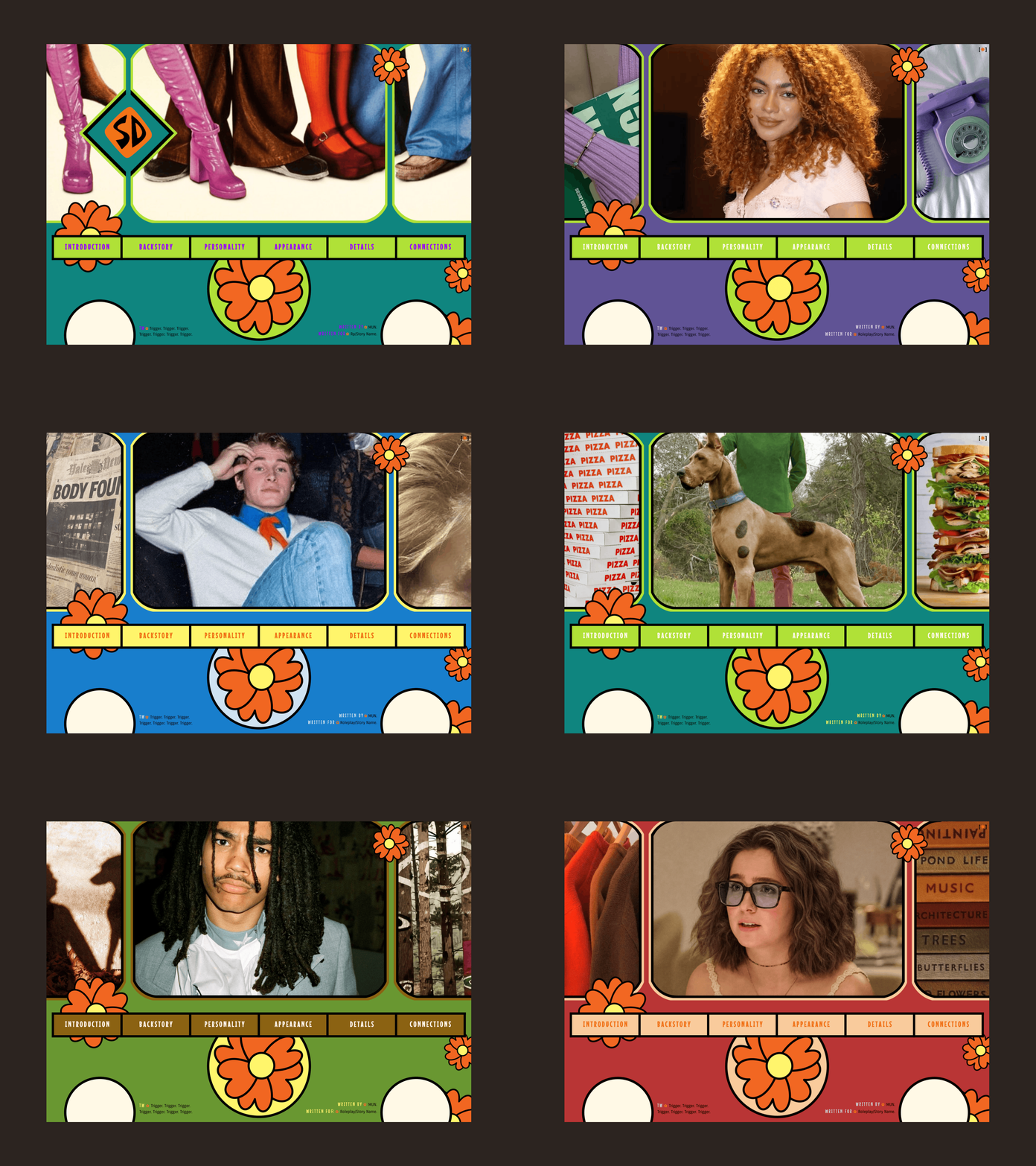
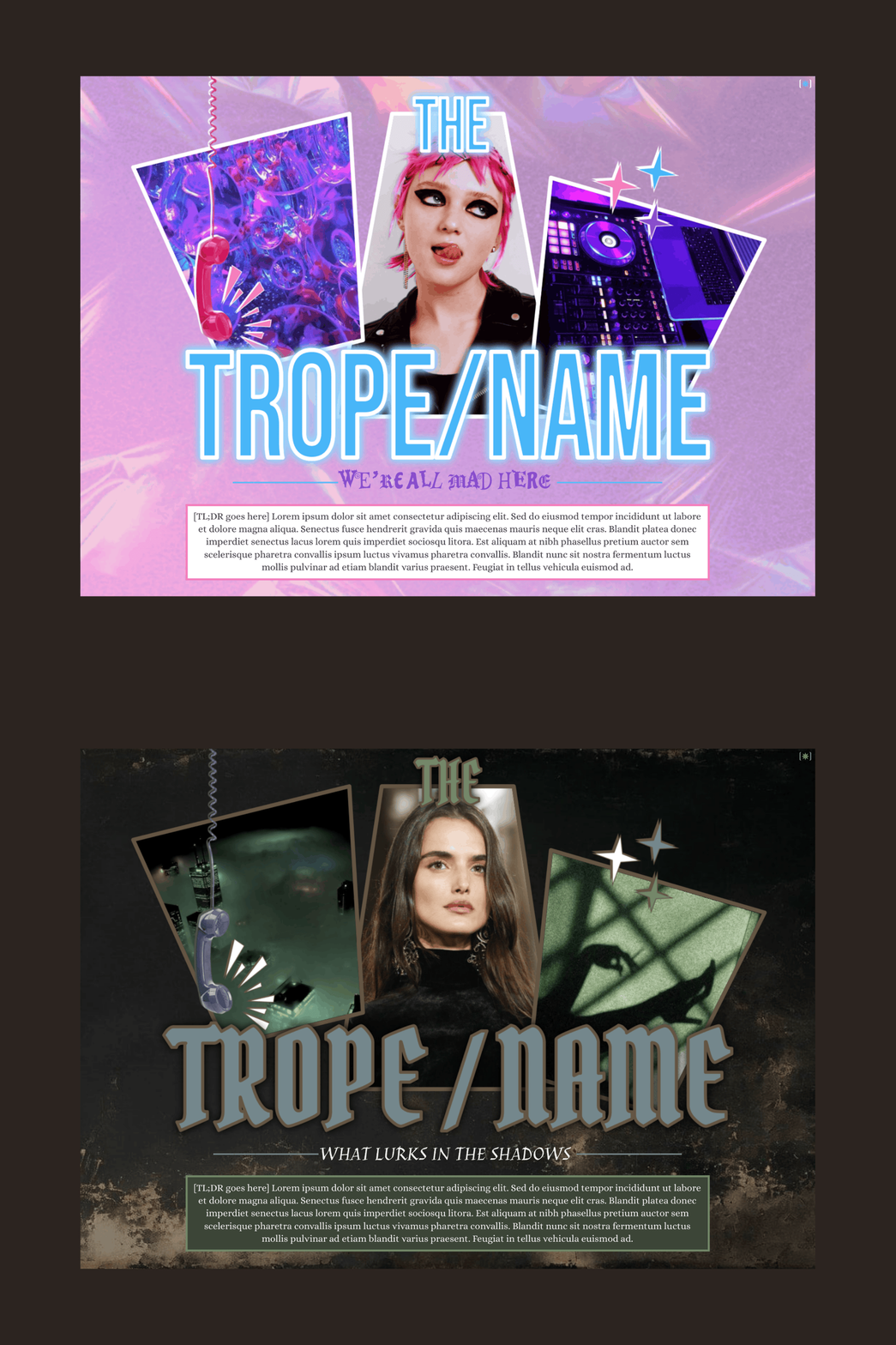
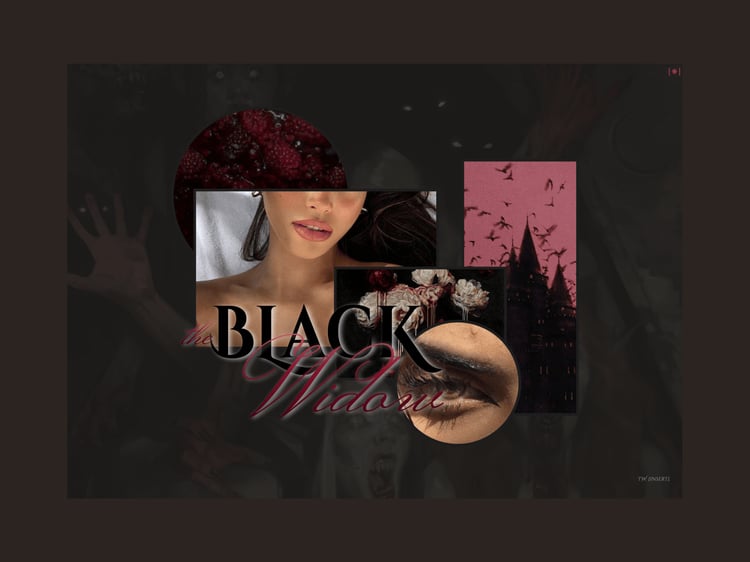
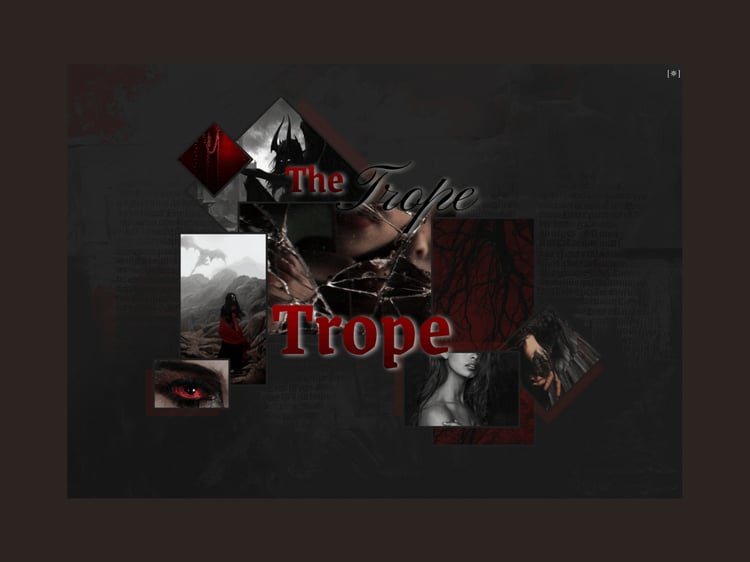
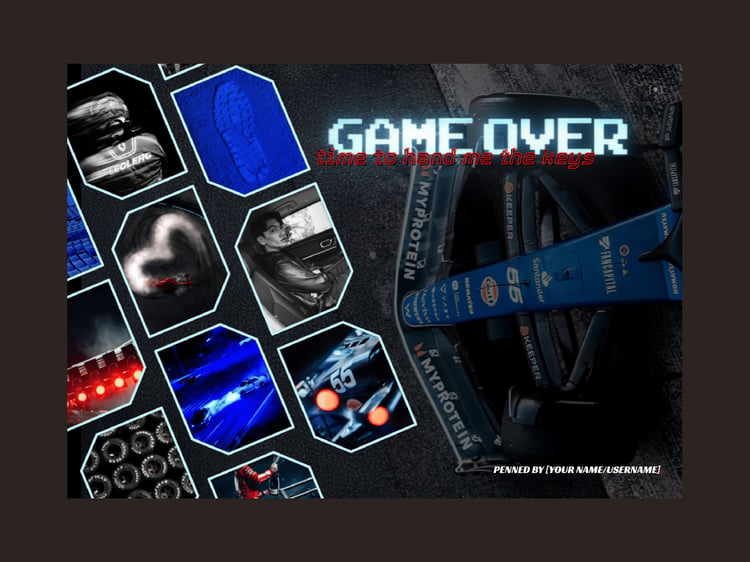
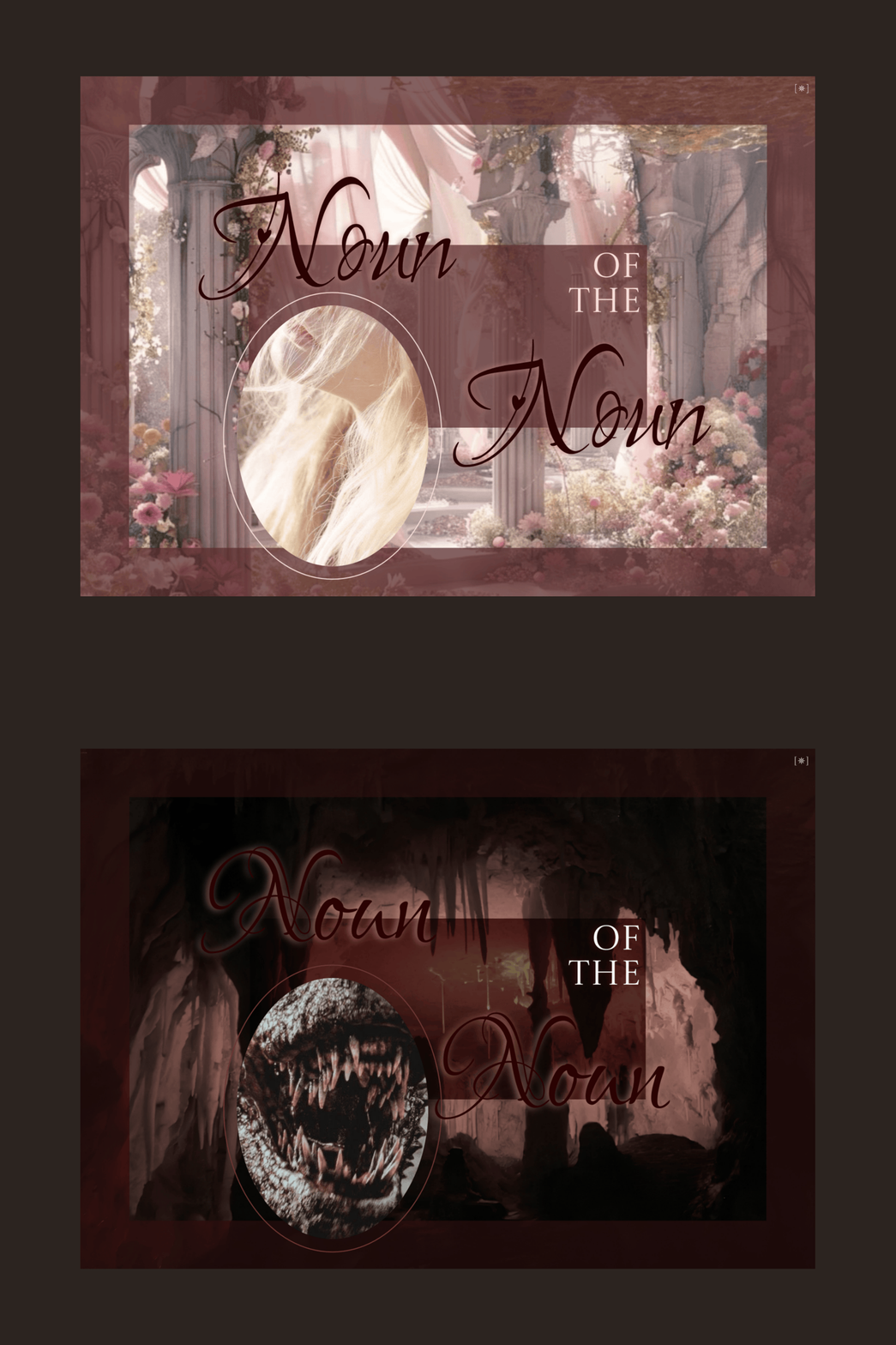
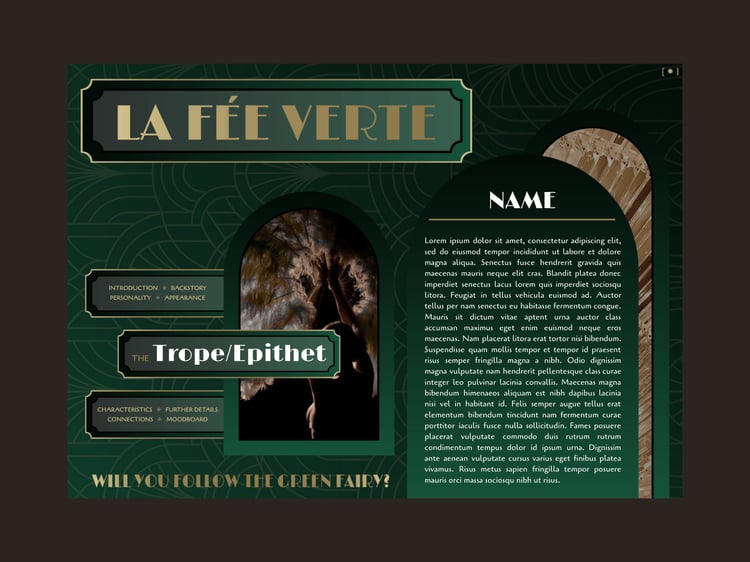
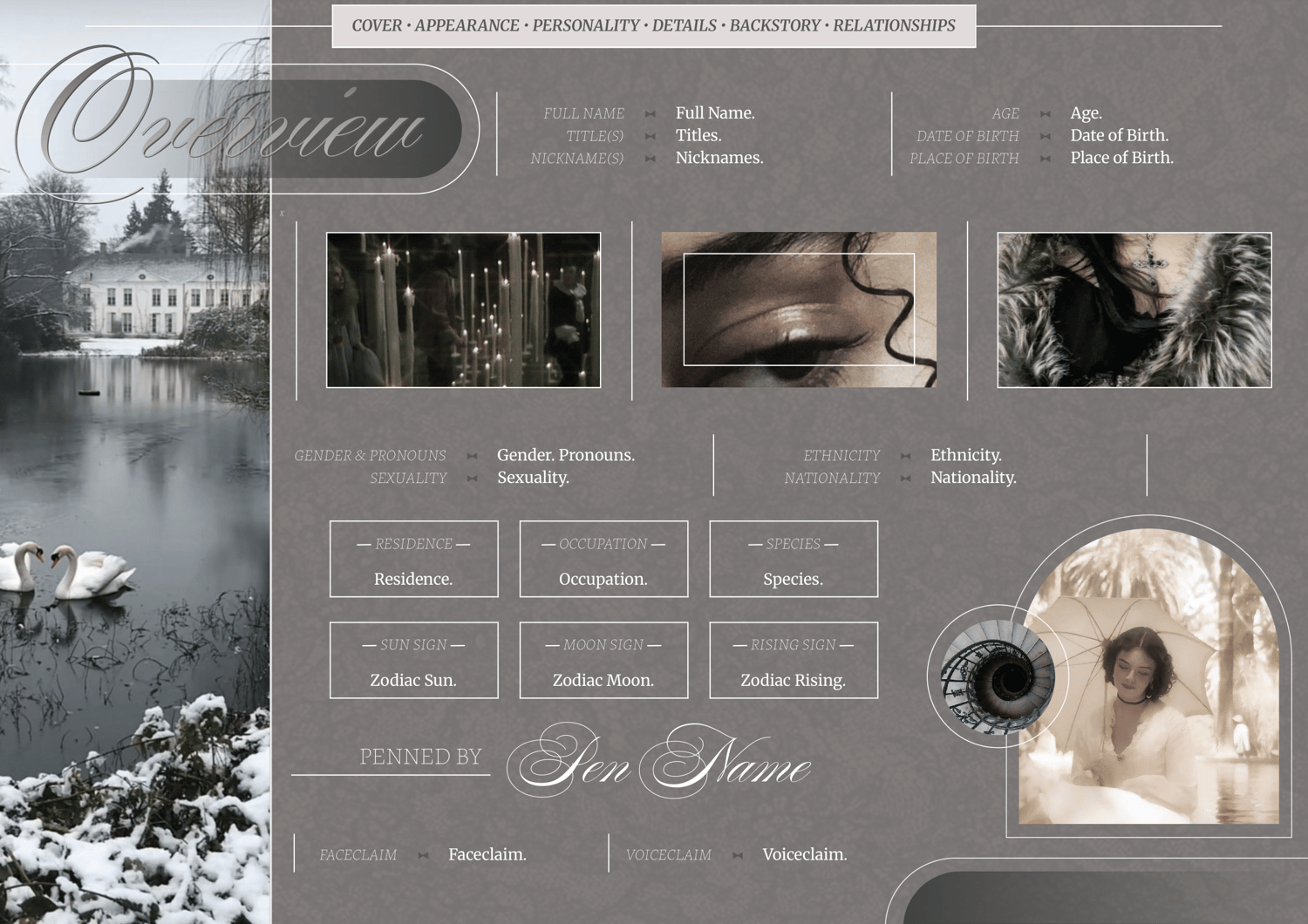
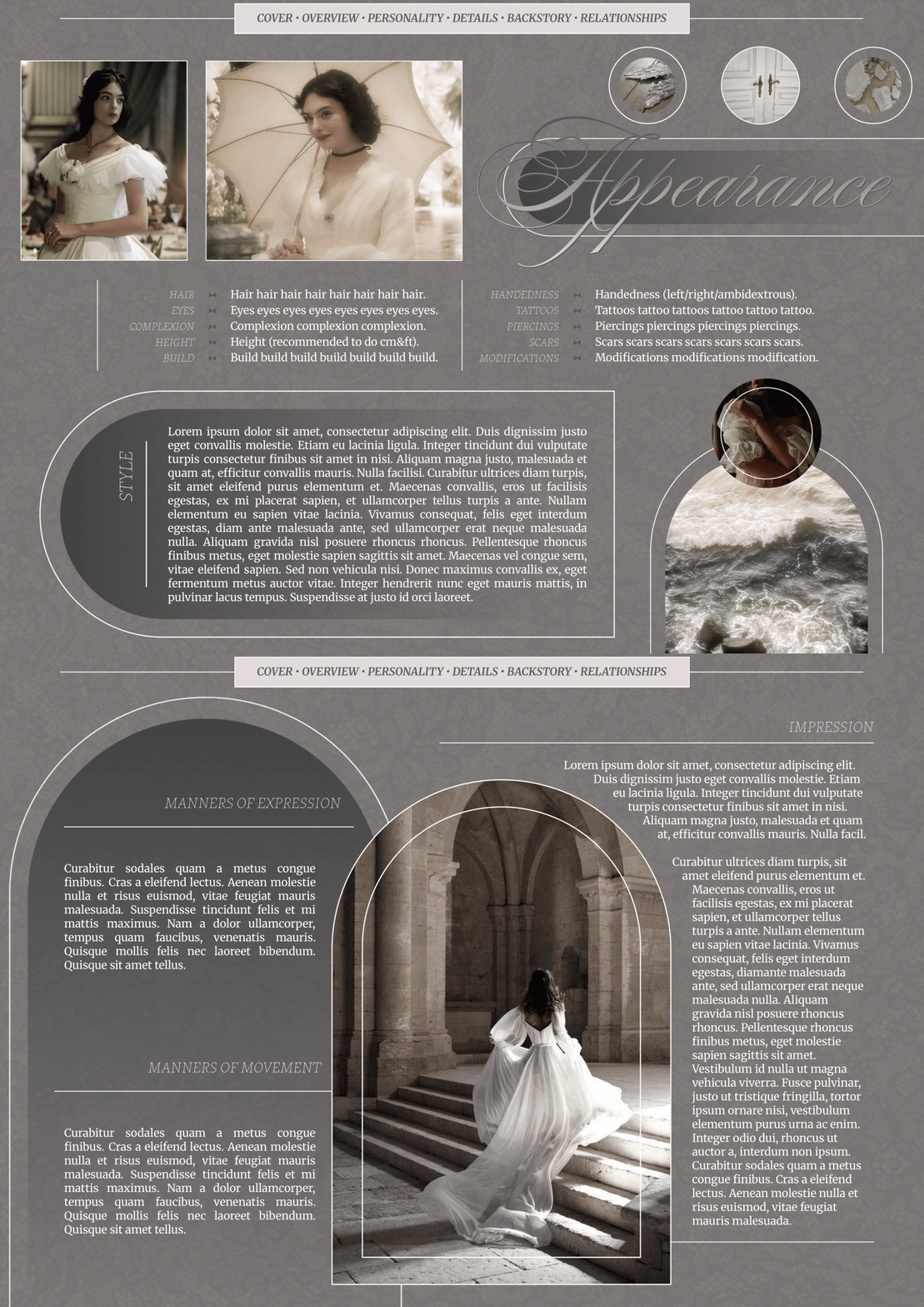
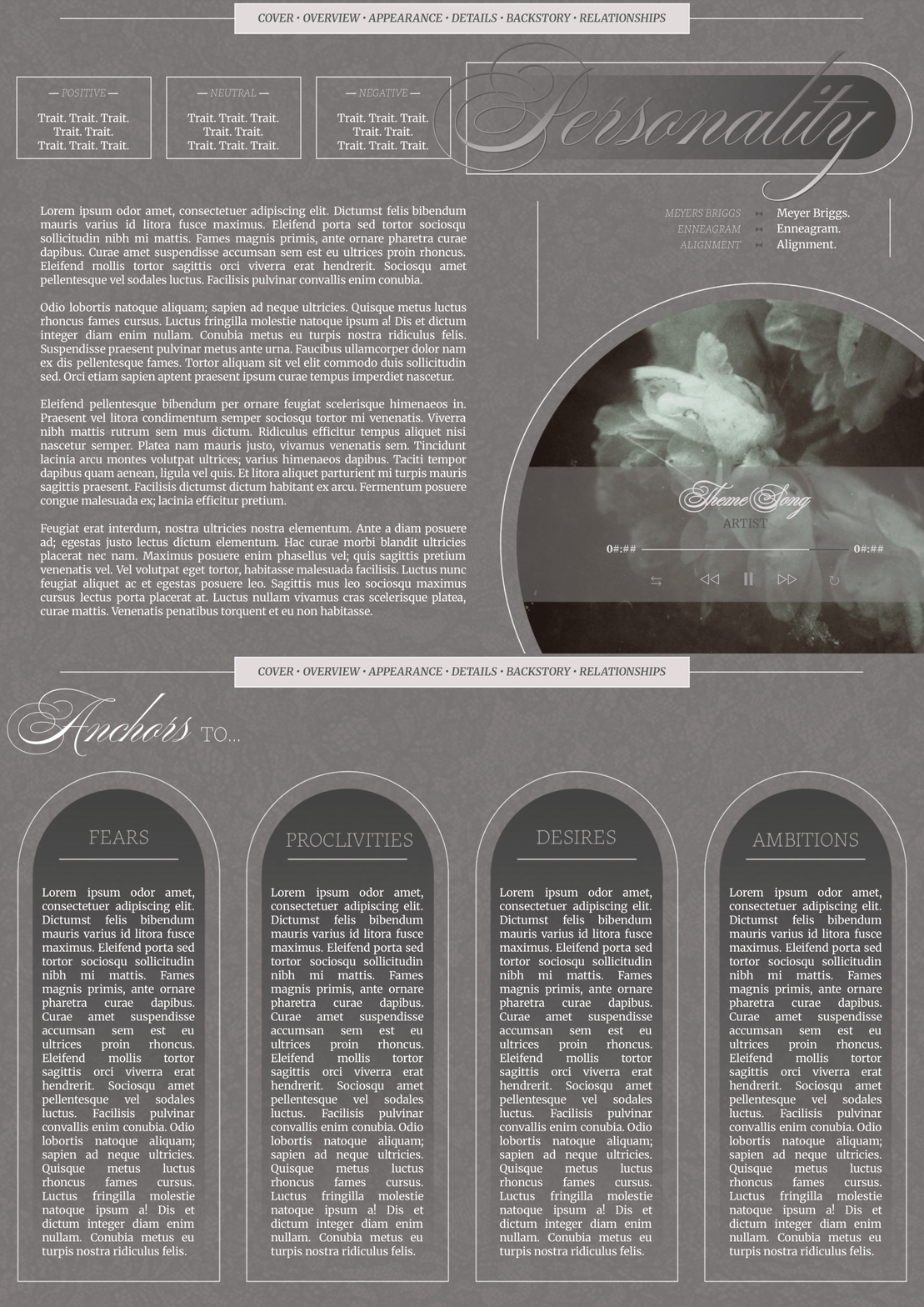
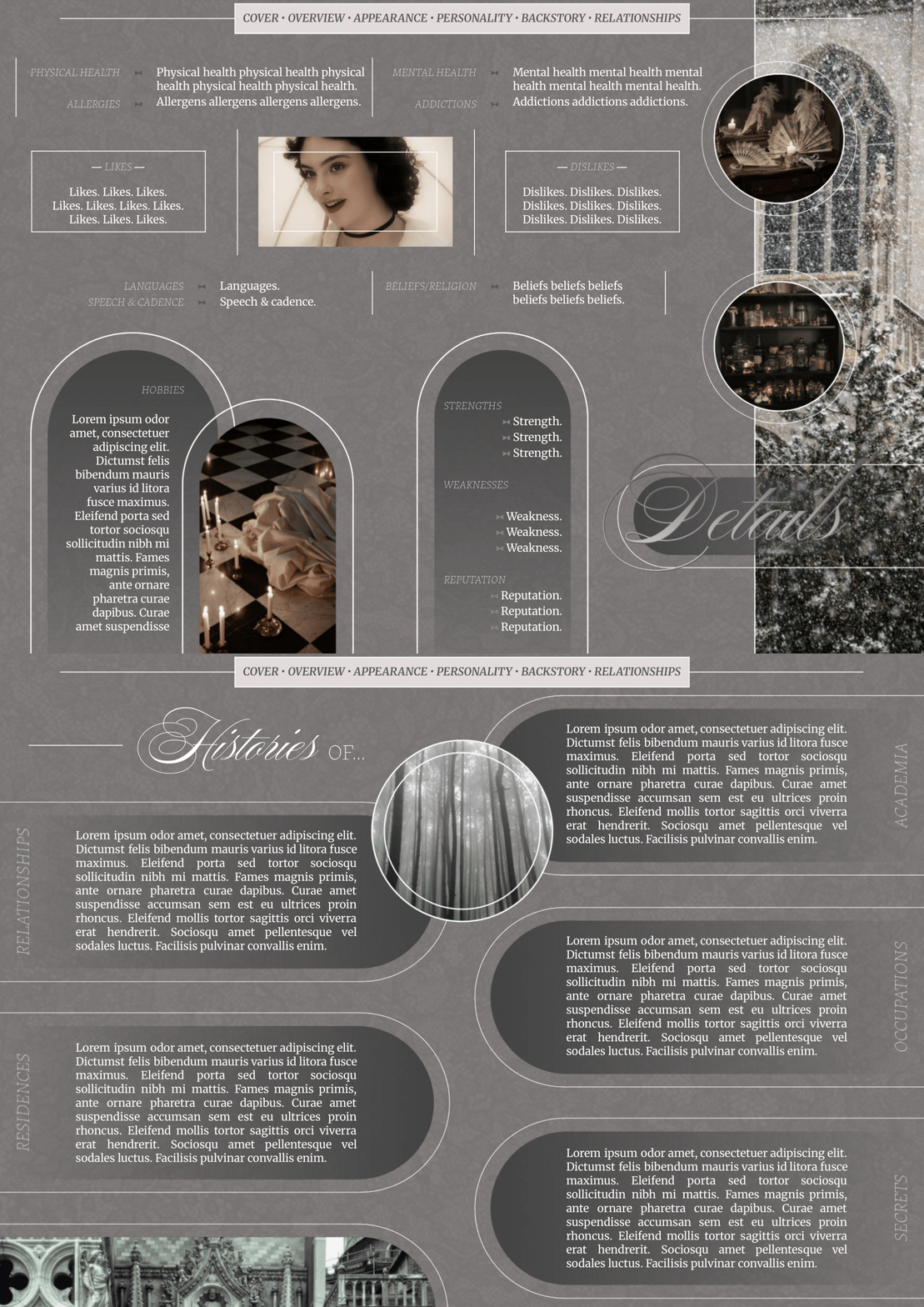
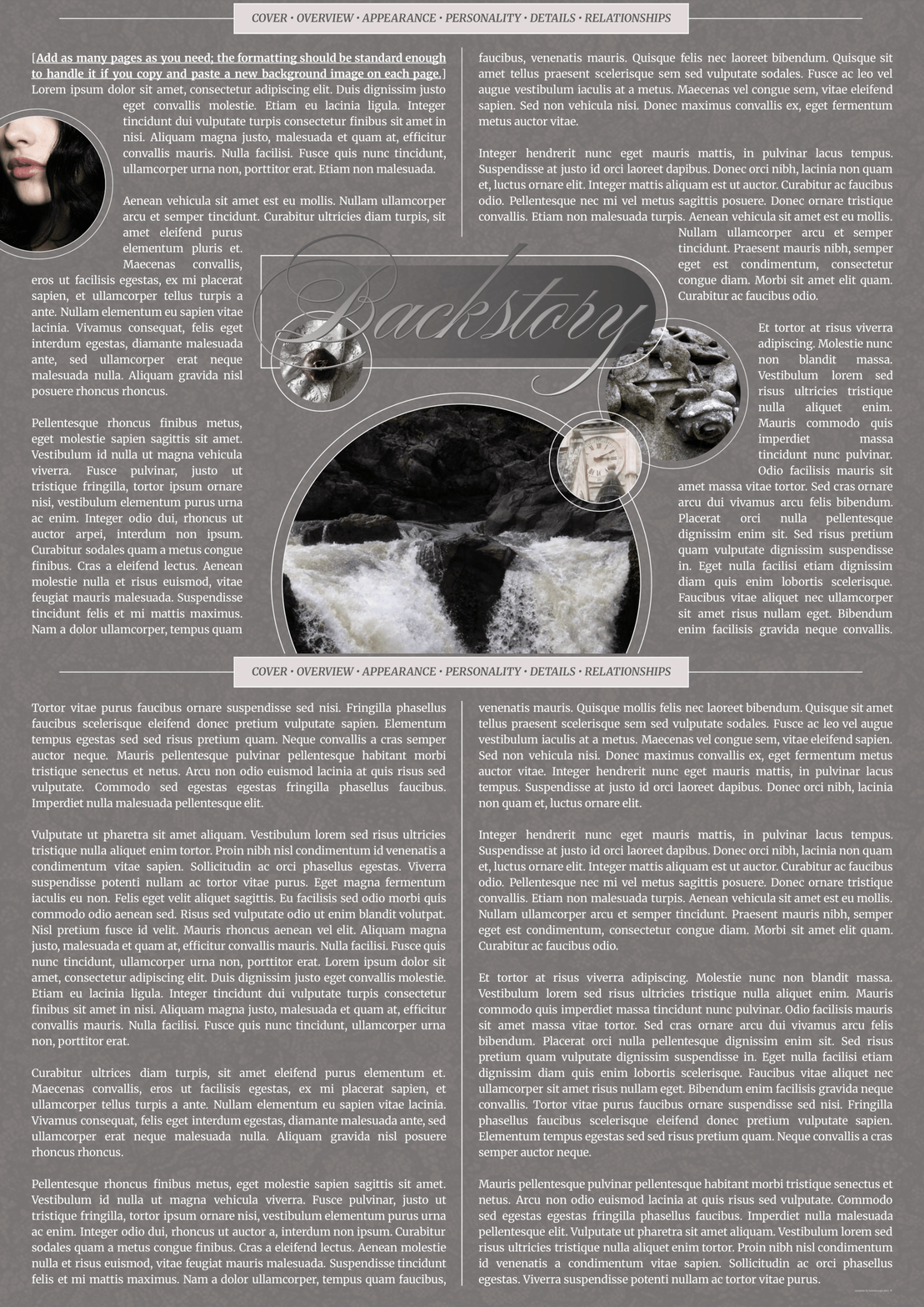
This is a whopping fourteen-page Google Doc template designed to be used for a single muse. Did I get carried away? One might say...absolutely. But for those of us who are yappers and still want a pretty lil template to house the mountains of words that spew out when we get excited about a new character...well, here we are. On the other hand, this can be very easily slimmed down for those who want a more streamlined approach.
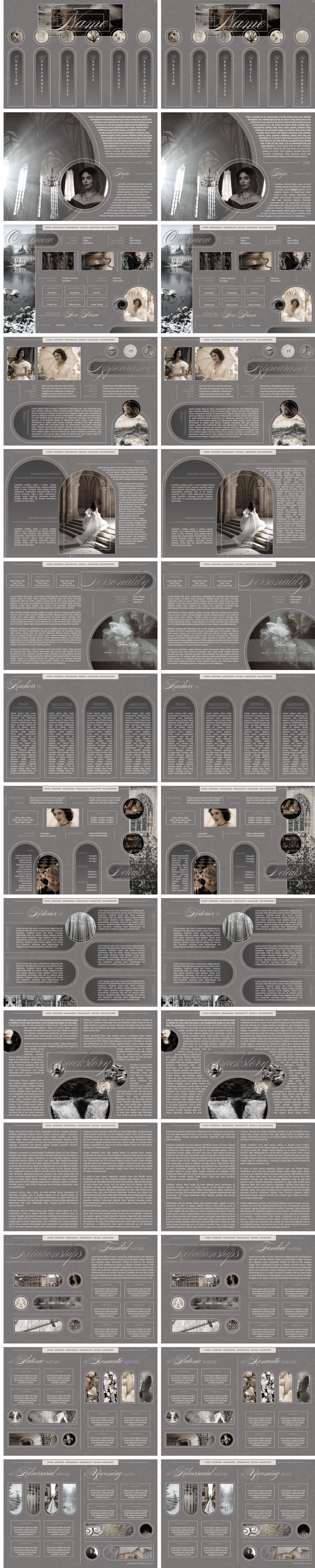
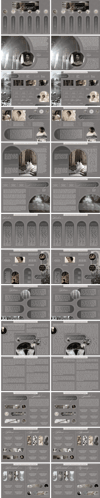
Update: As of 12 June 2026, there are two versions of the template included in your purchase: the original and a "justified text" version. The preview of these is side-by-side in the last slide here. (Although the colors are a bit off as I had to compress the file for this site's size limit.)
Complexity Level: It's definitely toeing the line of a bit advanced haha.
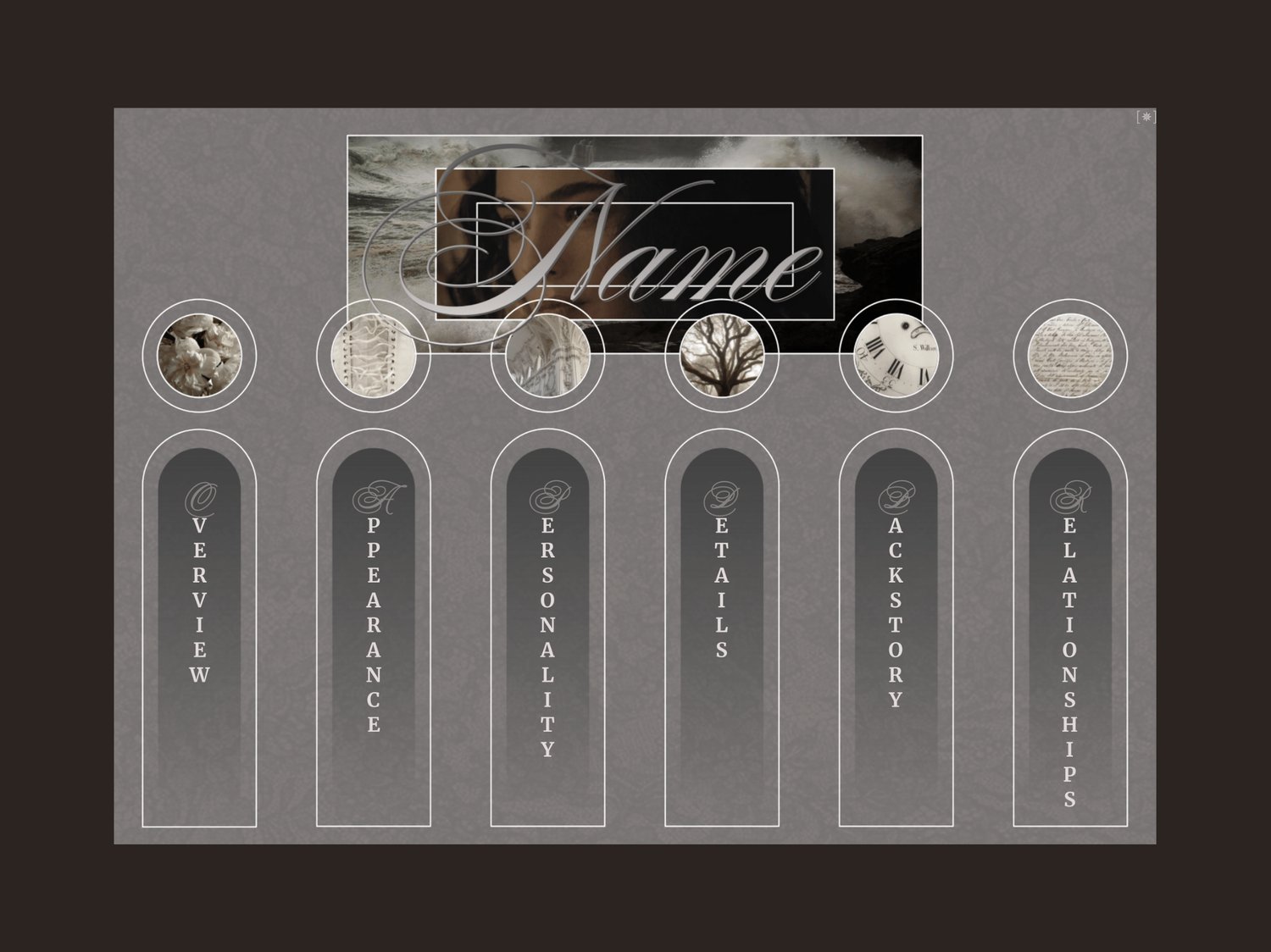
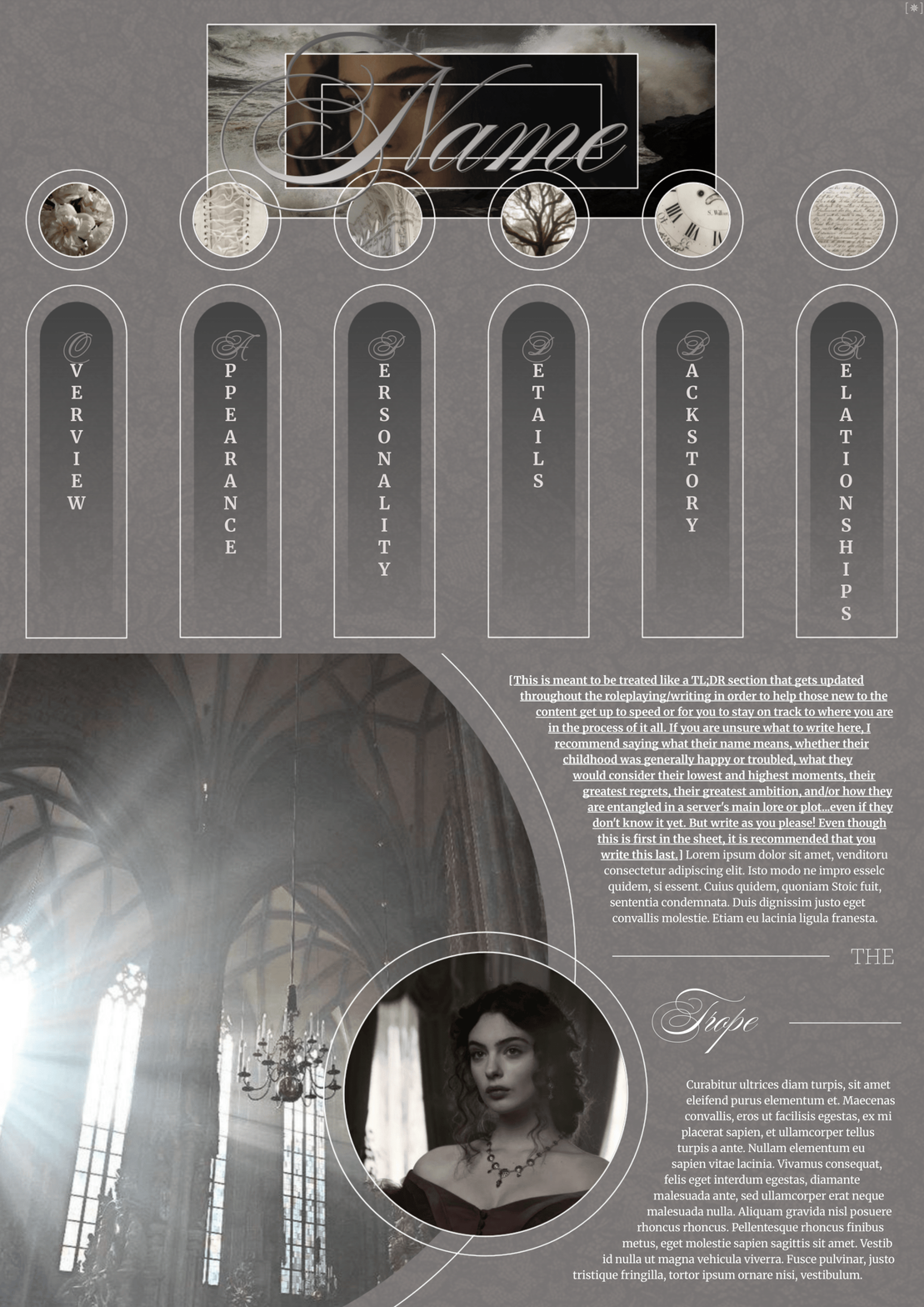
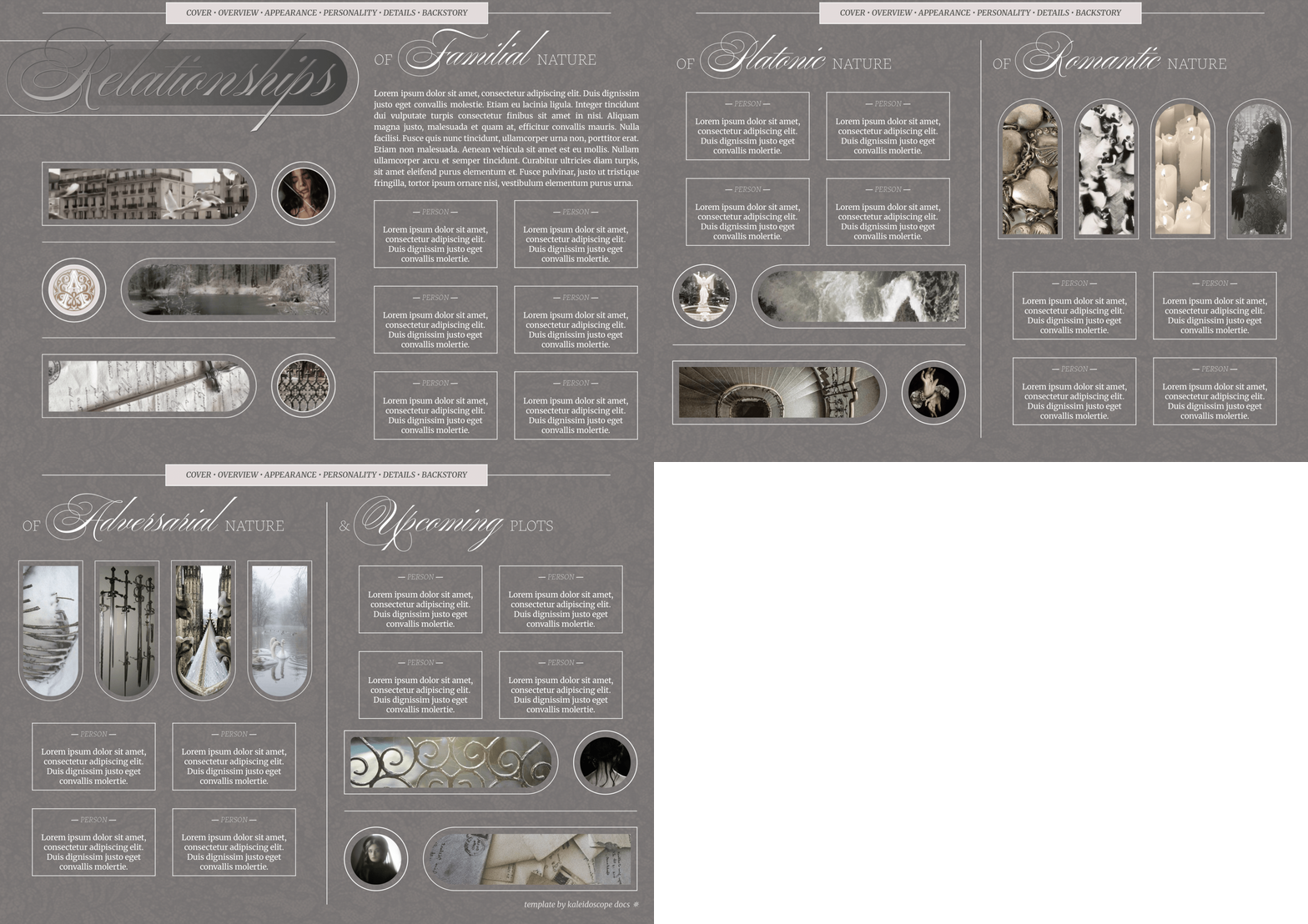
Page Order: Cover, TL;DR, overview, appearance x2, personality x2, details x2, backstory x2, and relationships x3.
Drawings: Yes.
Elements: (Coming soon.)
NOTES:
- All purchases are subject to my usage agreement.
- Reminder: do not remove the linked emoji [✵] and credit link [template by kaleidoscope docs ✵] that direct to my Tumblr or store.
- I am happy to provide editing tips for Google Doc templates in general, as well as specific feedback when contacted for help. Kindly note that I have a set of policies on how to use my templates, such as what edits, sharing, etc. are permitted. I even have details on how I use and protect your data. These important things can all be found on this page.
- The faceclaim pictured here is Deva Cassel.
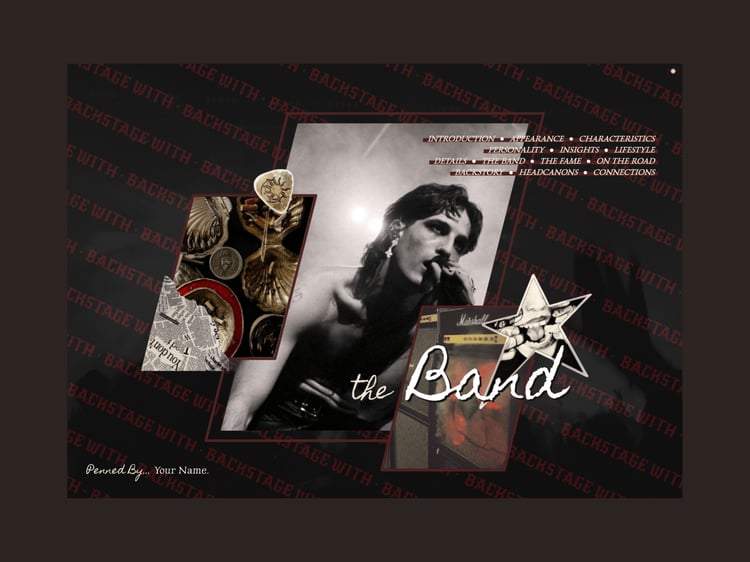
- Page two was inspired by this pin.
- I had to compress the file size of the ninth photo (pic with every slide) to fit to this site's requirements, so apologies that the colors are a bit wonky in that one.
- The "Backstory" page is formatted in a way that will allow you to use more pages without any formatting issues, so long as you keep the "section break" between the first and second page of the backstory master template. Any text extending past page two will simply continue on in a two-column manner and push the last relationship pages back. The background image will repeat itself automatically; however, that little middle line doesn't go automatically onto each new page. So you'll need to manually add that with copy-and-paste.
YOU WILL RECEIVE A PDF CONTAINING:
- A link to the template's Google Doc for copying into your own account
- Instructions on how to make your own copy and protect it properly
- Usage instructions, tips, and troubleshooting/support options
- And a few more helpful bits!