
Cobalt Keys
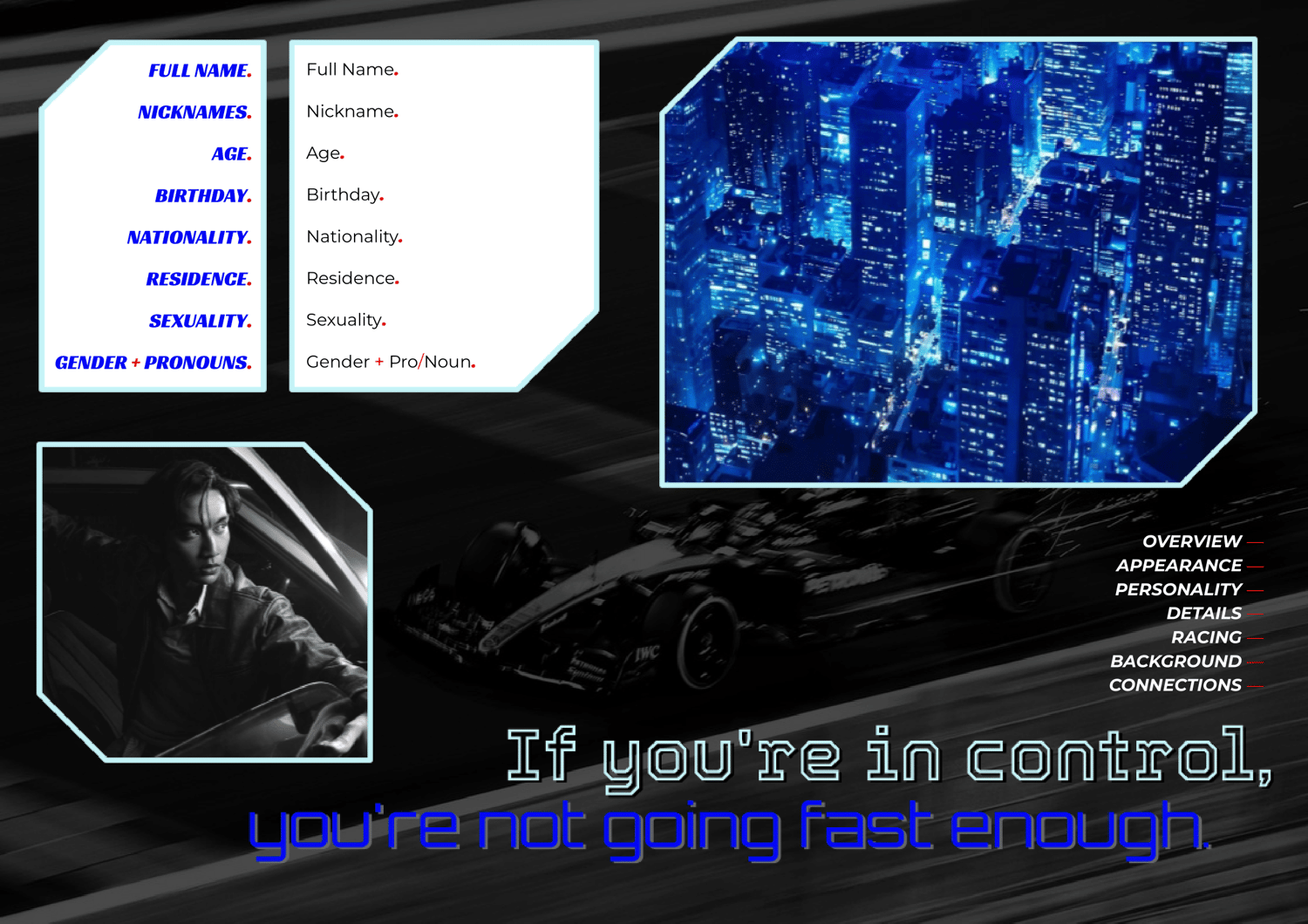
IF YOU’RE IN CONTROL,
YOU’RE NOT GOING FAST ENOUGH
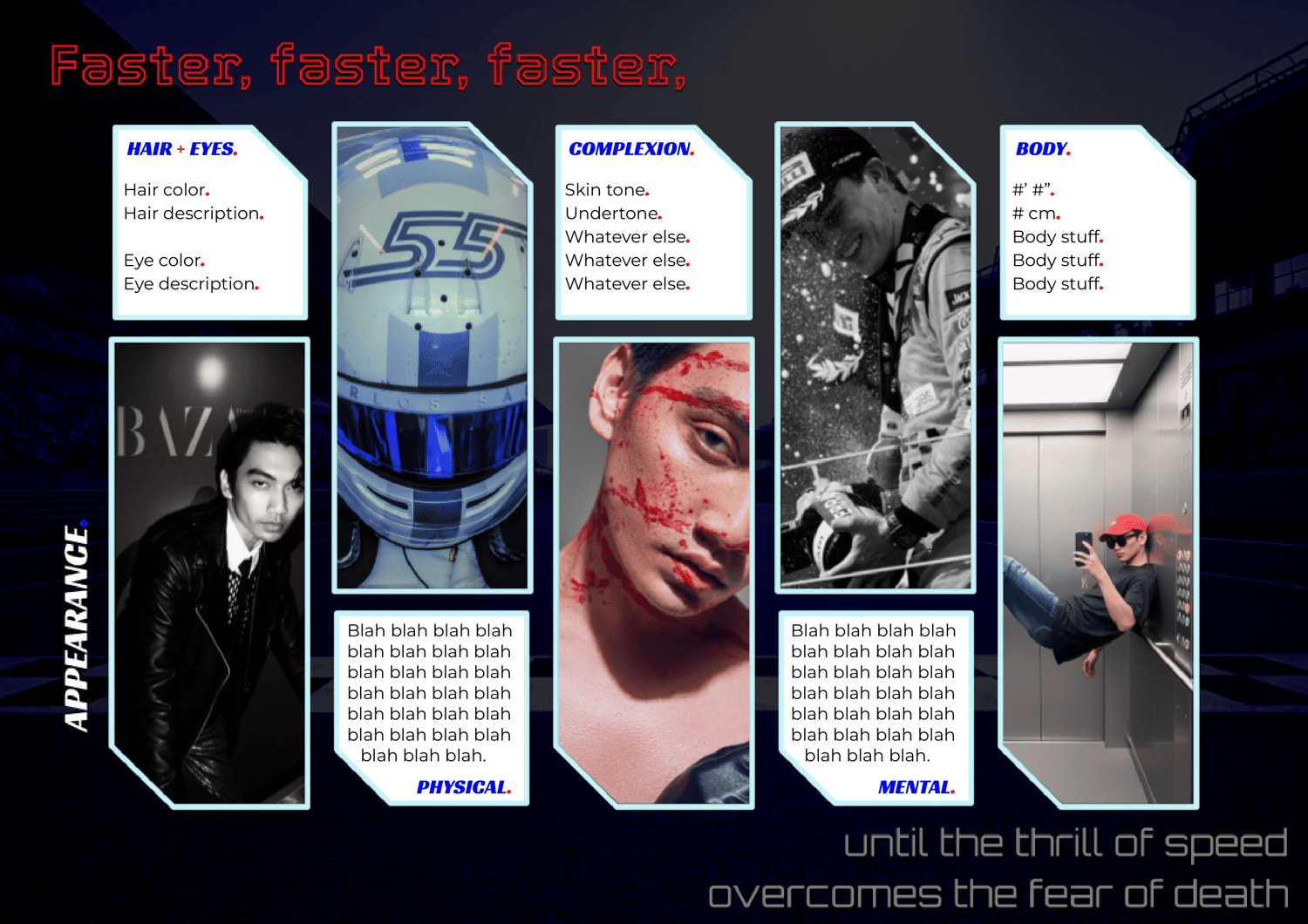
Fast. Relentless. Precise.
Azure-lit. Neon-edged. Danger-driven.
It's lights out and away we go!
DESCRIPTION:
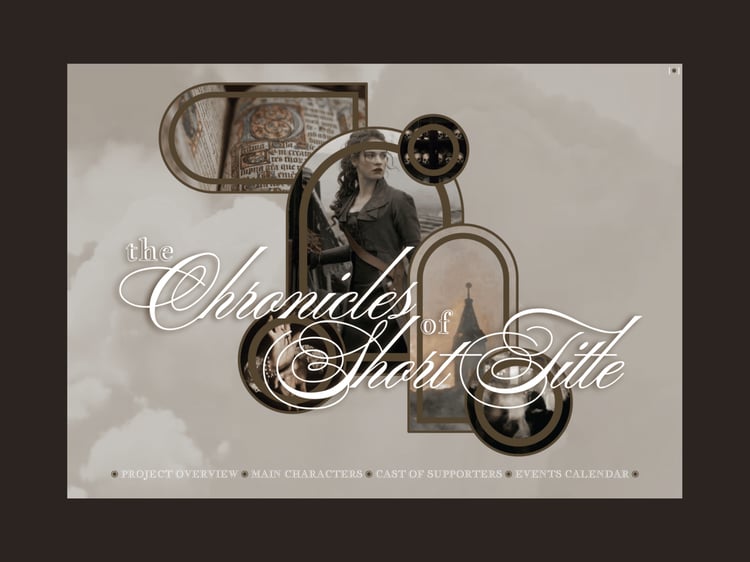
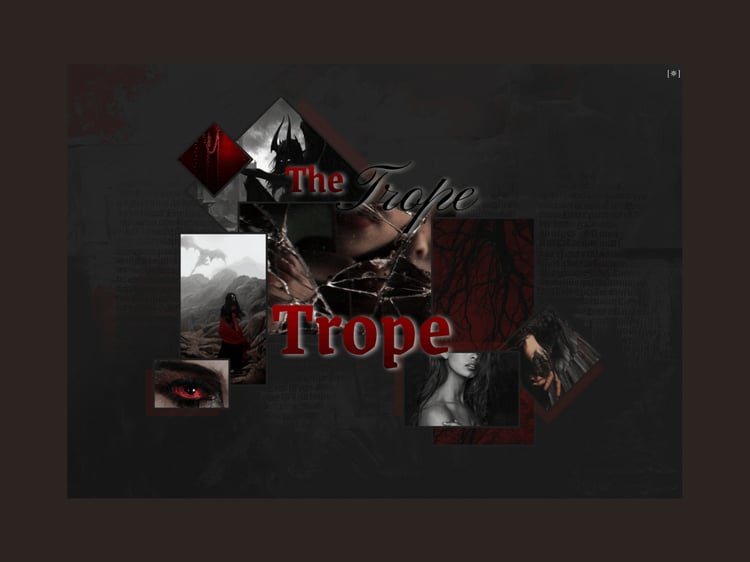
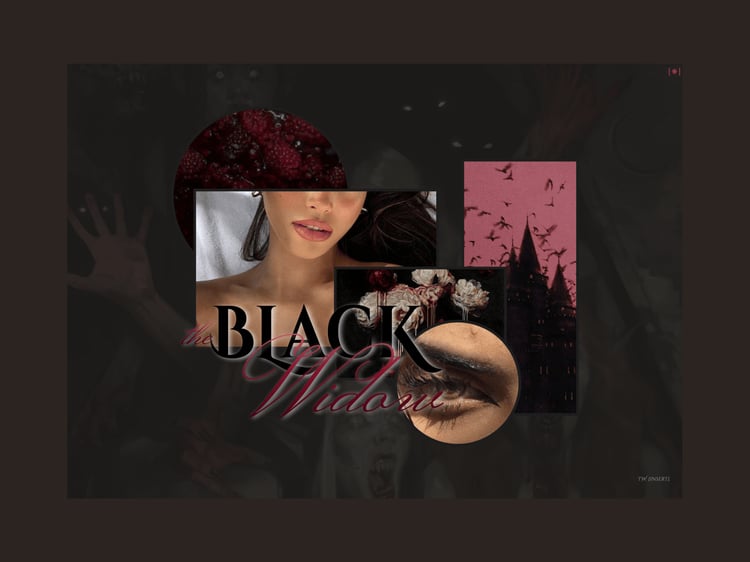
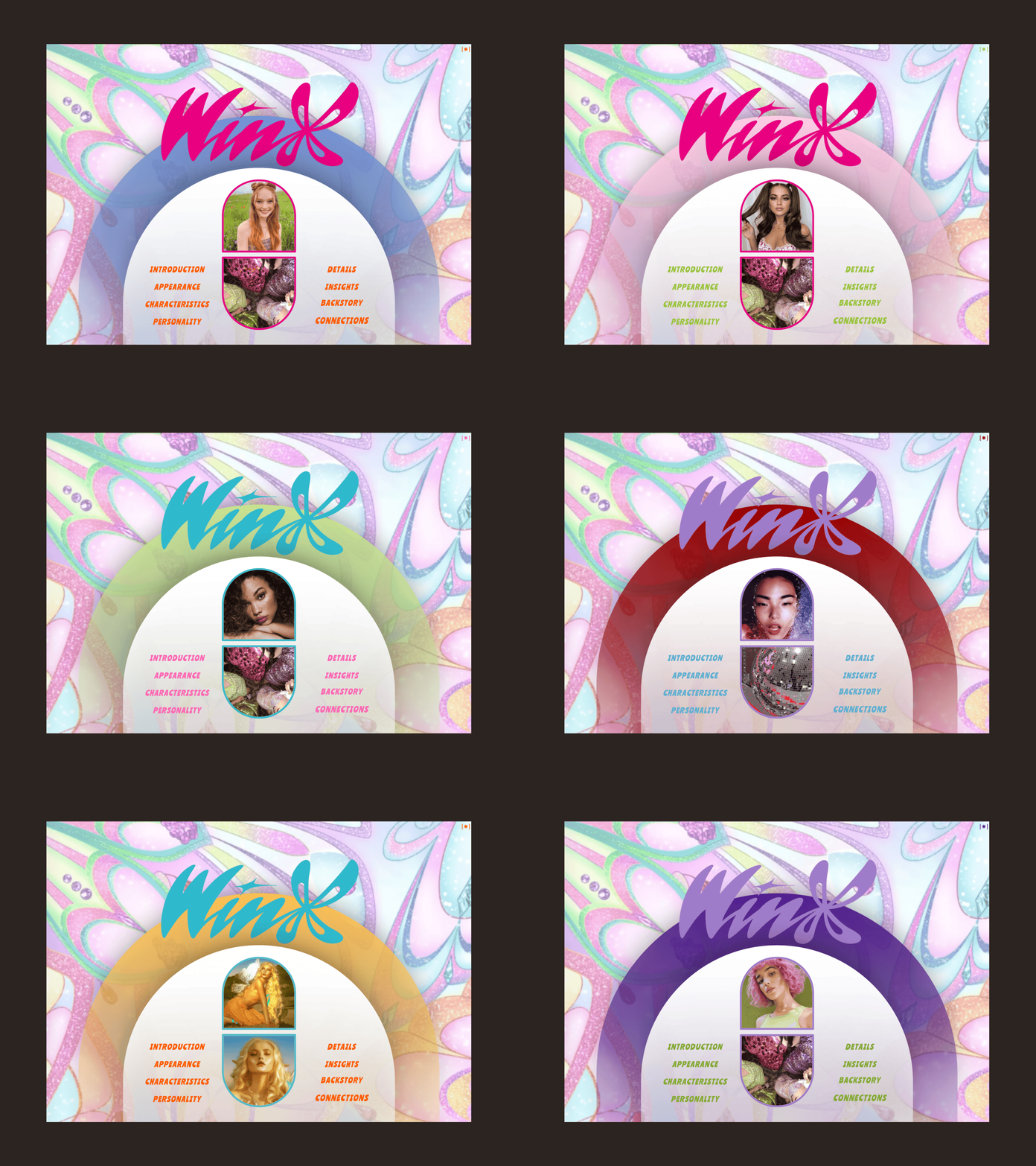
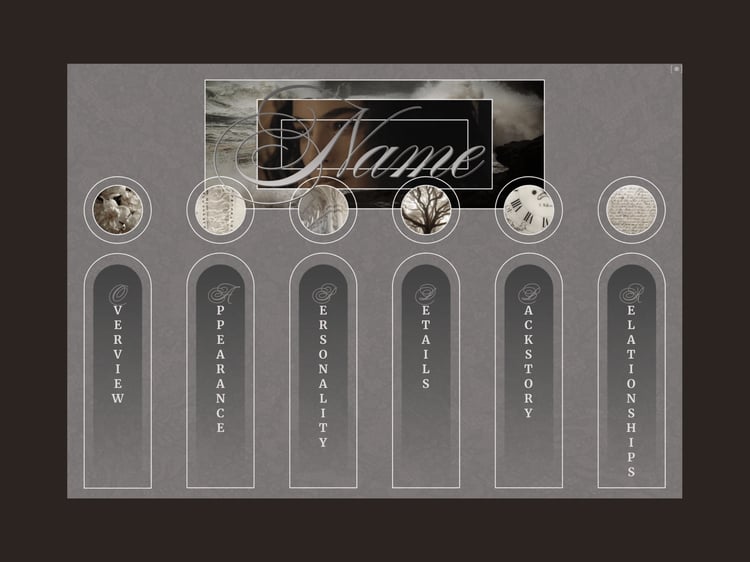
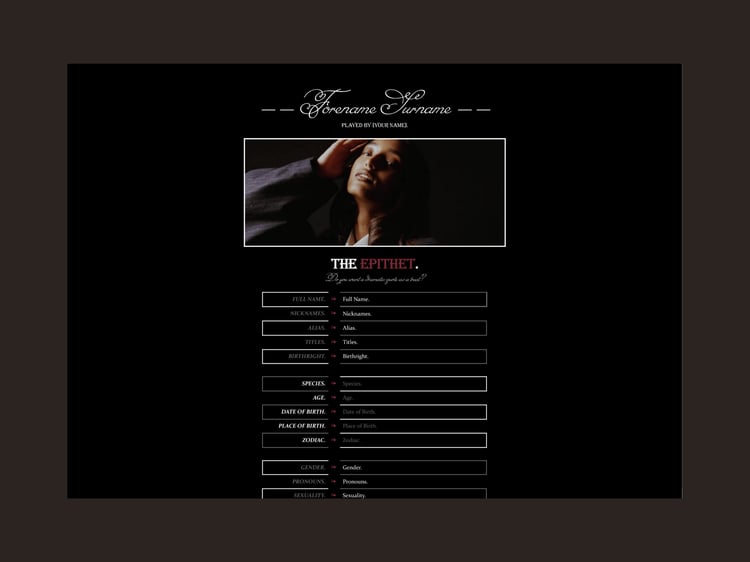
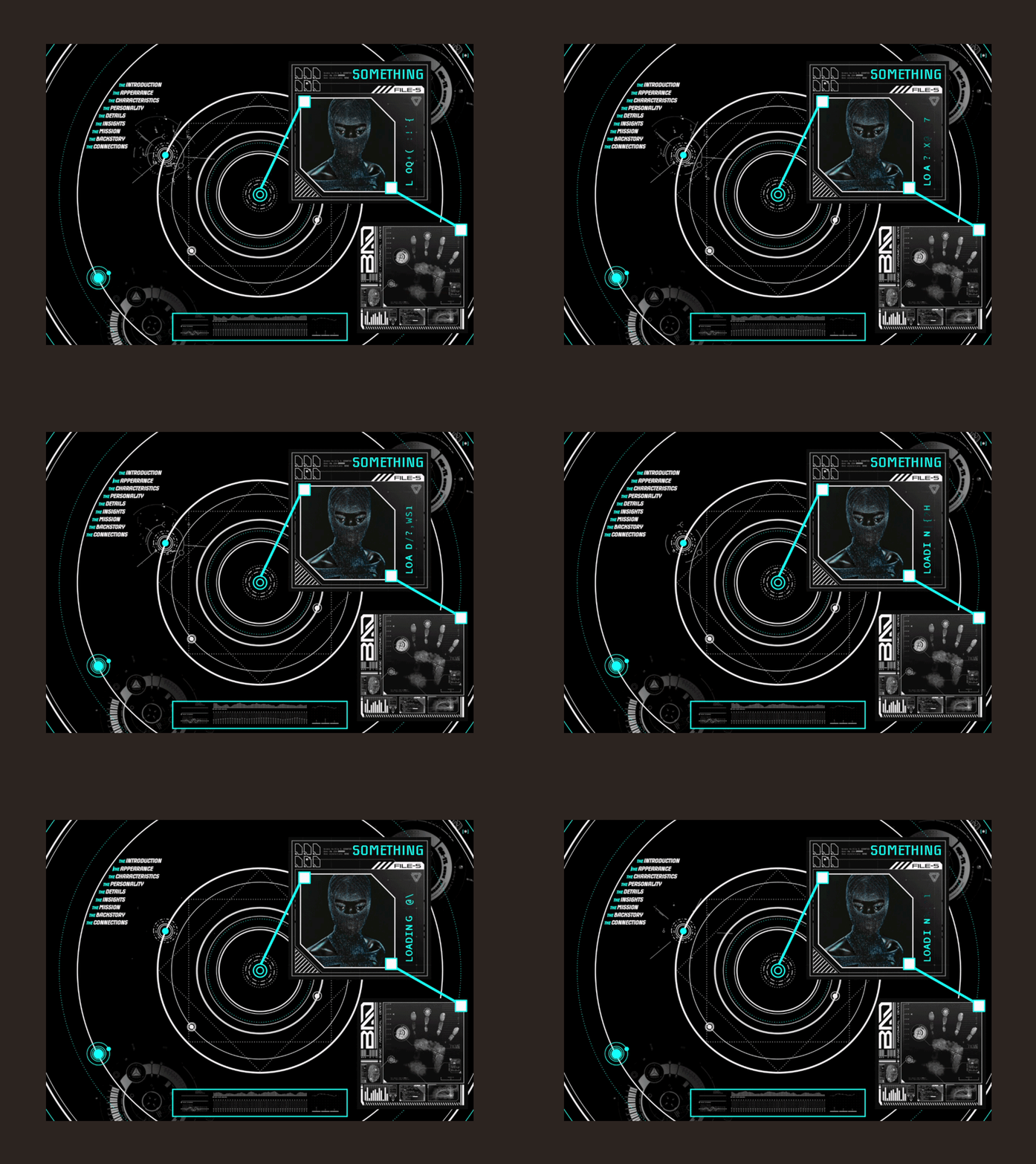
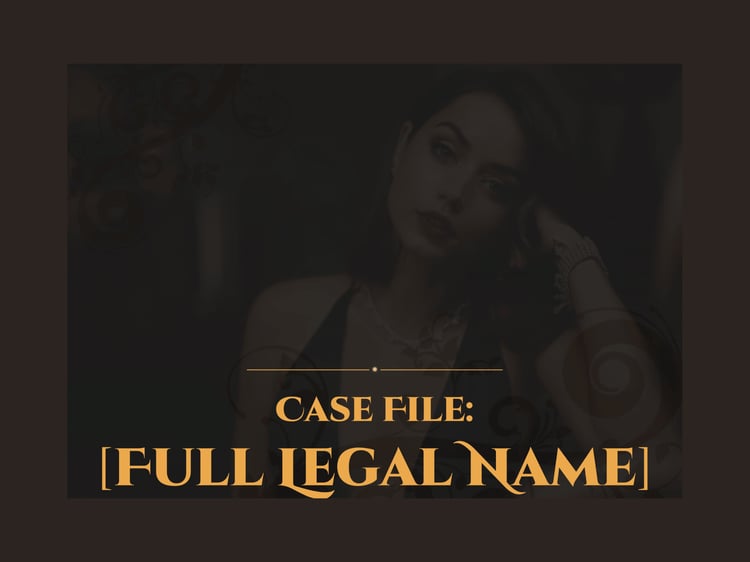
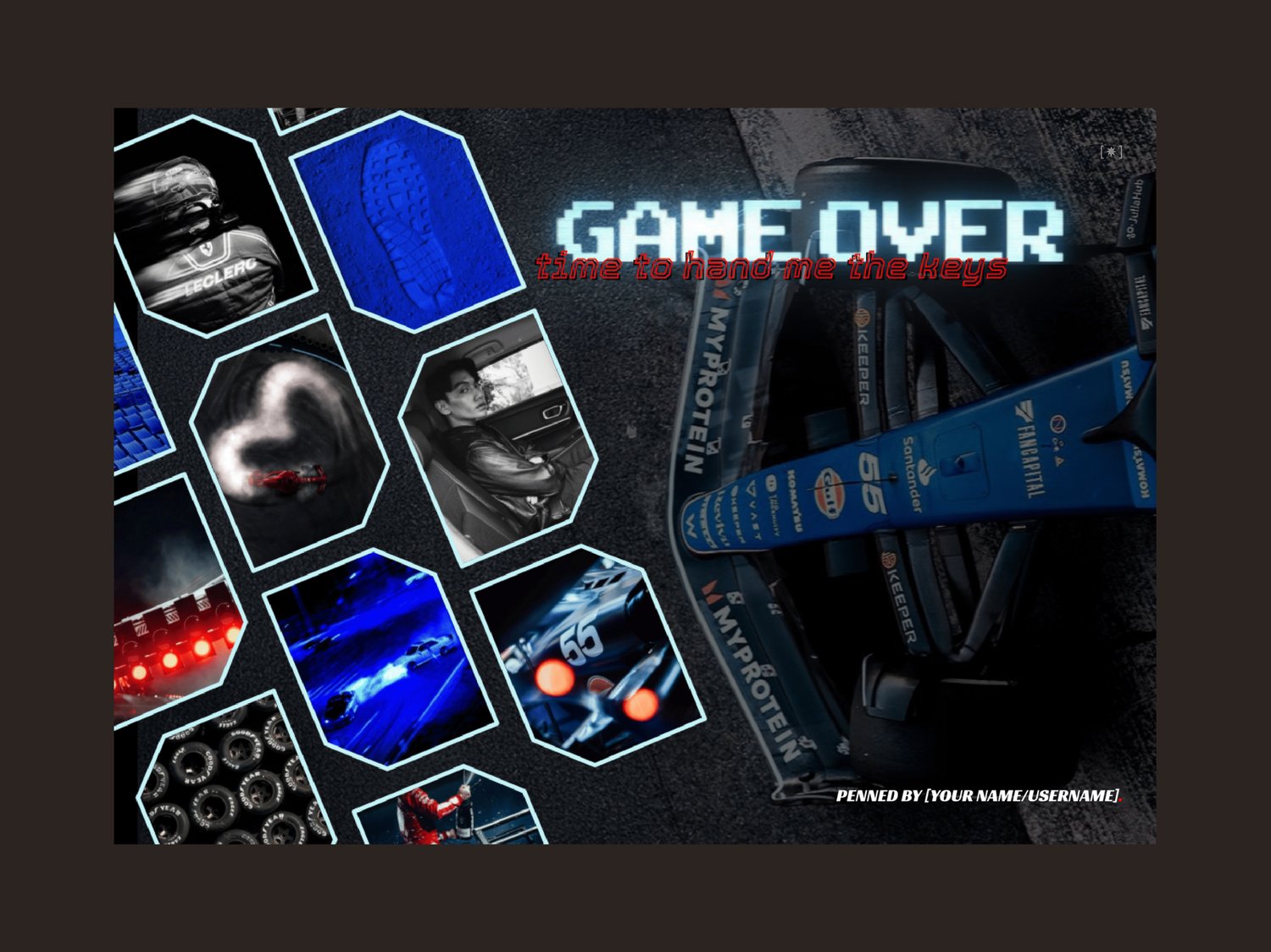
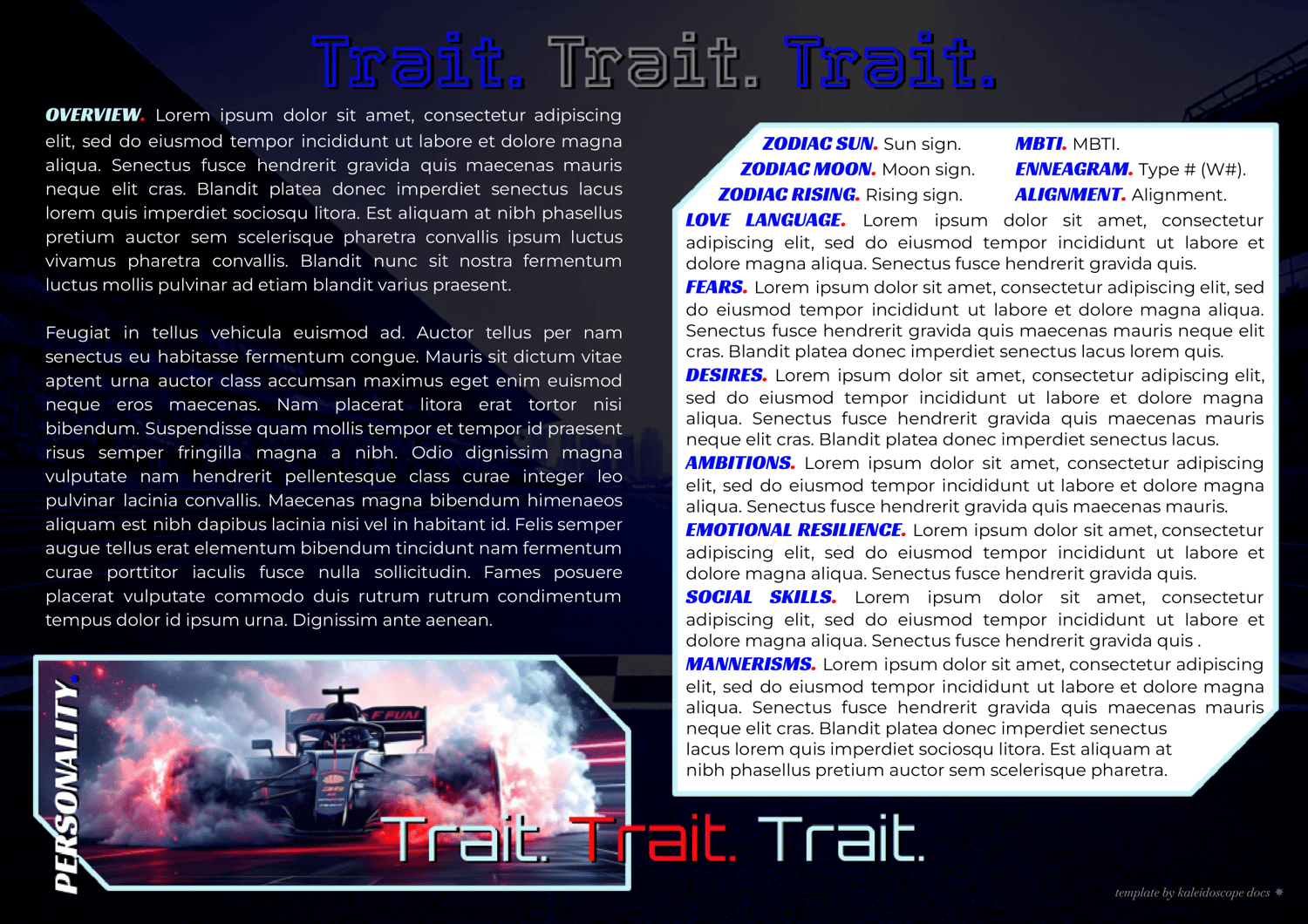
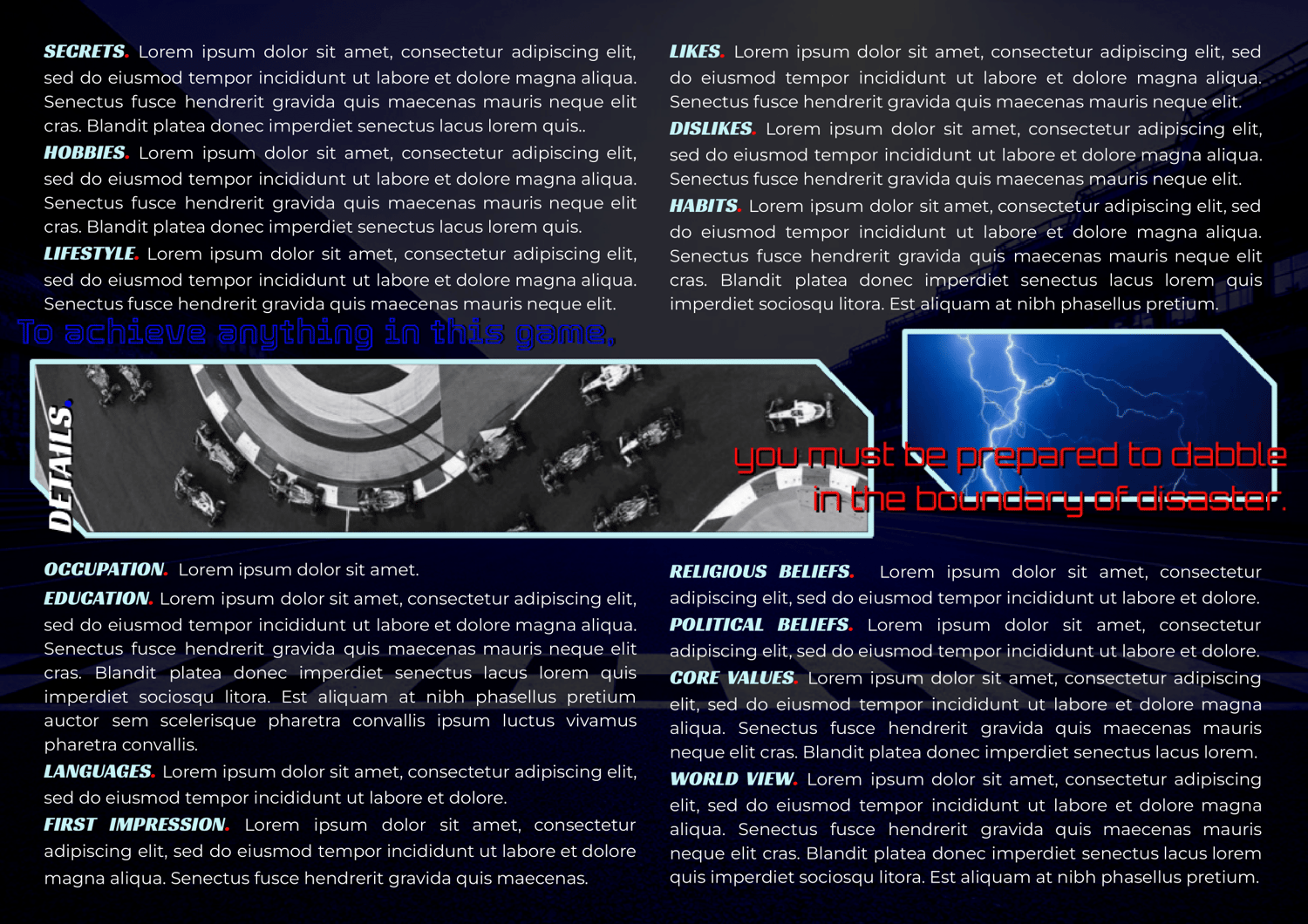
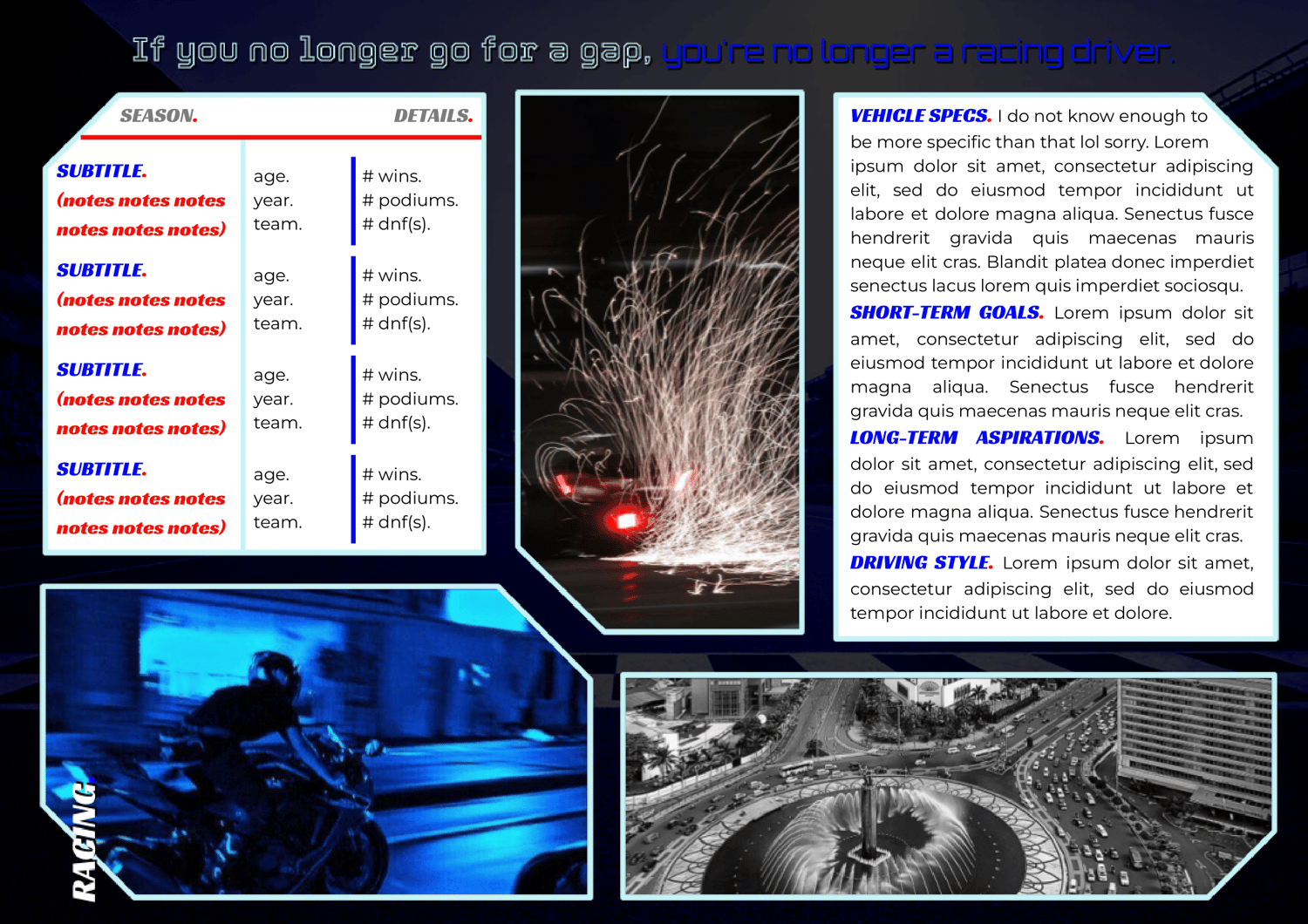
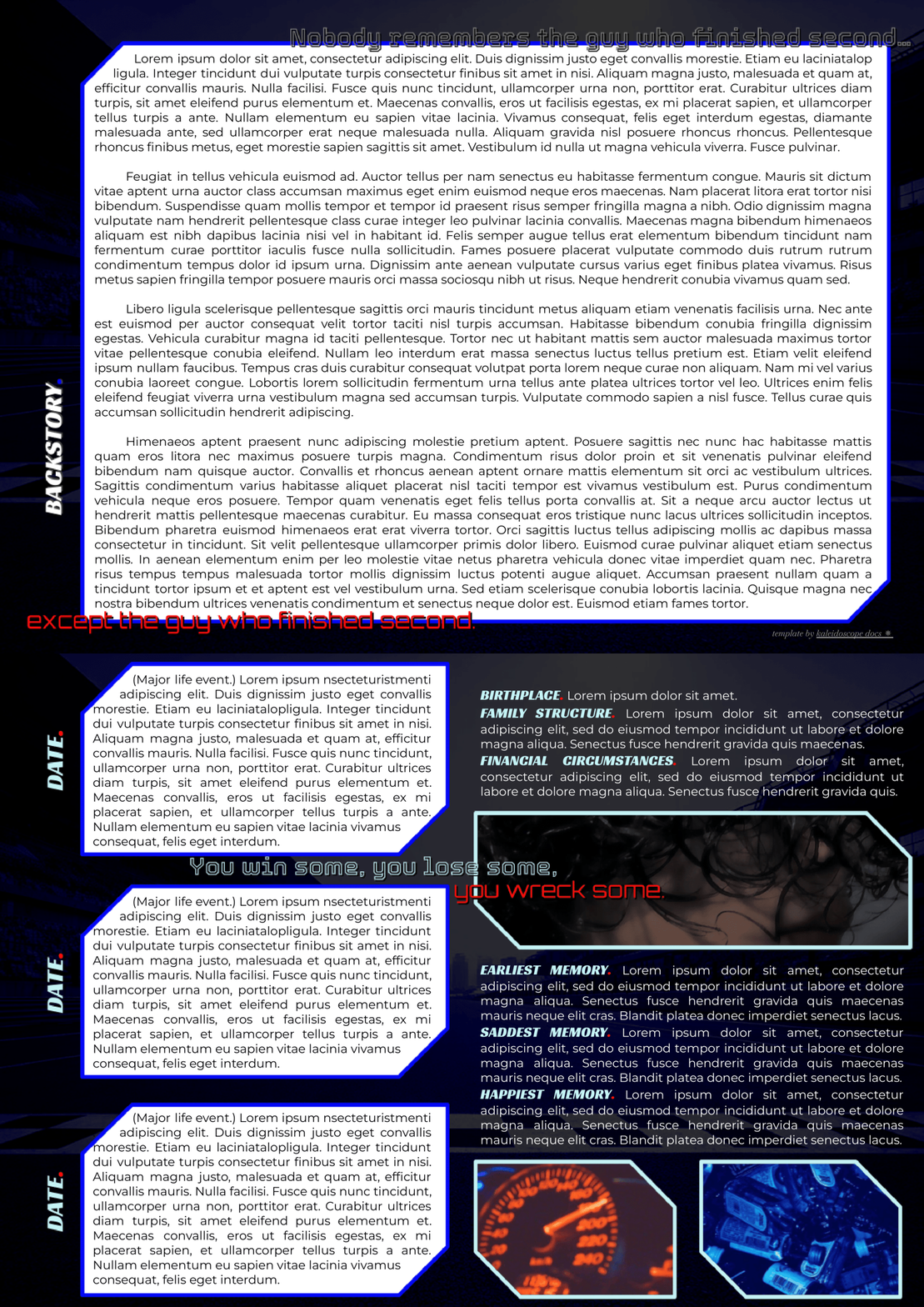
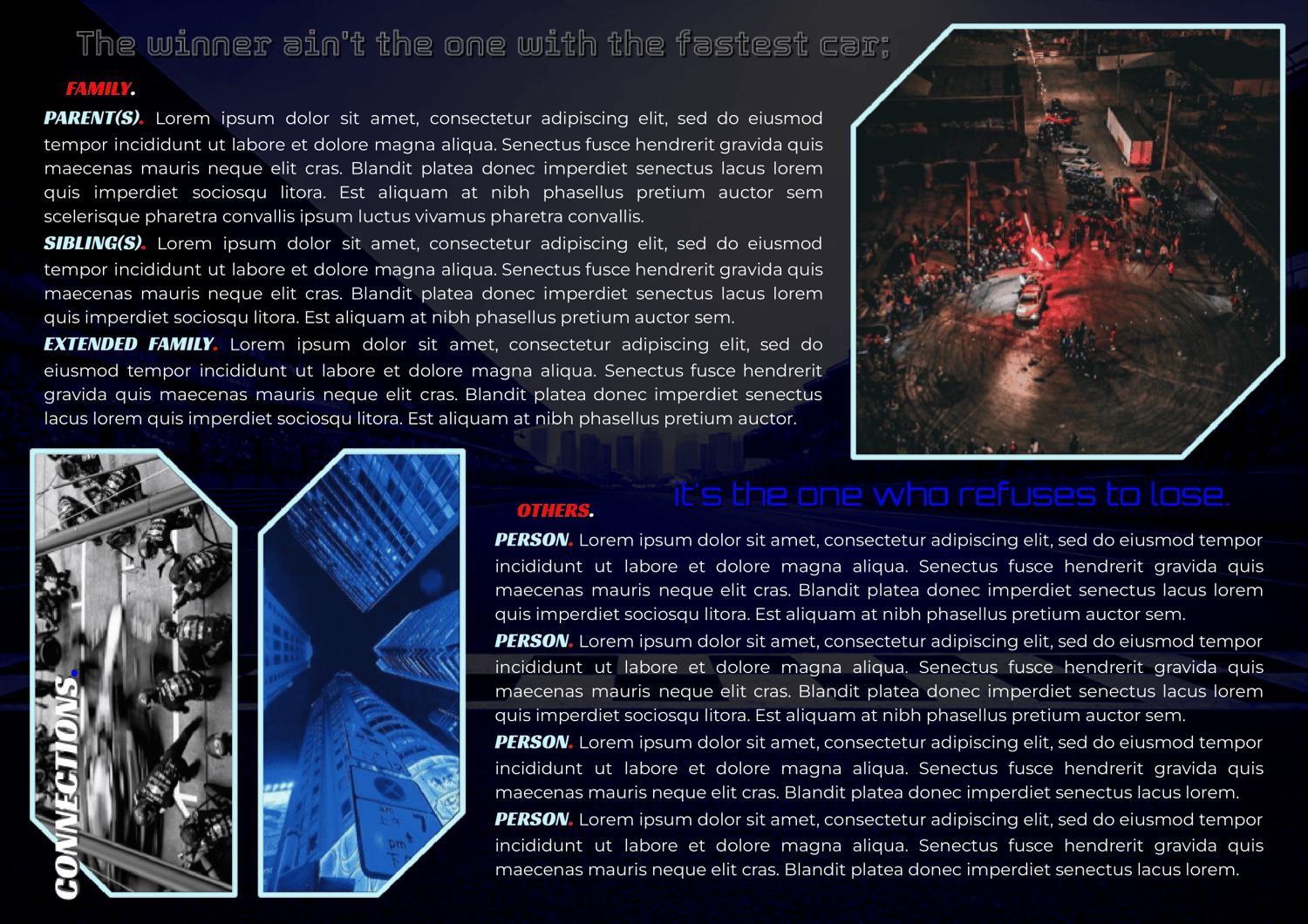
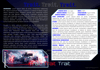
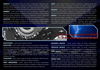
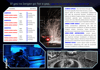
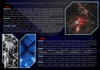
This is a nine-page Google Doc template for a single muse. The requester asked for bright blues, F1, a touch of cyberpunk, and here's where we ended up! That was all way outside my comfort zone, but what a treat to try it out! Now that I've crossed the finish line of making it, it's your turn to try your luck around the track!
Complexity Level: Bit on the difficult side. Please note that every single image is a drawing. Not only that lol, but I made the images as part of each page background to keep from jumping around or getting in your way when you're editing the text. That means the text limits are especially important here. Don't go over! To edit the colors, backgrounds, or images, it's still easy. You just first need to enter the header, aka double-click at the top of the page. Then you can select and edit the drawing like normal!
Page Order: Cover, introduction, appearance, personality, details, racing info, backstory/timeline x2, and connections.
Drawings: Yes.
Elements: (Coming soon.)
NOTES:
- All purchases are subject to my usage agreement.
- Reminder: do not remove the linked emoji [✵] and credit link [template by kaleidoscope docs ✵] that direct to my Tumblr or store.
- I am happy to provide editing tips for Google Doc templates in general, as well as specific feedback when contacted for help. Kindly note that I have a set of policies on how to use my templates, such as what edits, sharing, etc. are permitted. I even have details on how I use and protect your data. These important things can all be found on this page.
- The faceclaim pictured here is Ofar Guchi.
- The requester asked for a timeline instead of a backstory after having seen it in a doc by a now-deactivated user. I changed this version to have a backstory as well, but I kept three major left event boxes after that. Nonetheless, we both send credit to the creator of this doc. If you know their name, feel free to pass it my way so I can add it!
YOU WILL RECEIVE A PDF CONTAINING:
- A link to the template's Google Doc for copying into your own account
- Instructions on how to make your own copy and protect it properly
- Usage instructions, tips, and troubleshooting/support options
- And a few more helpful bits!