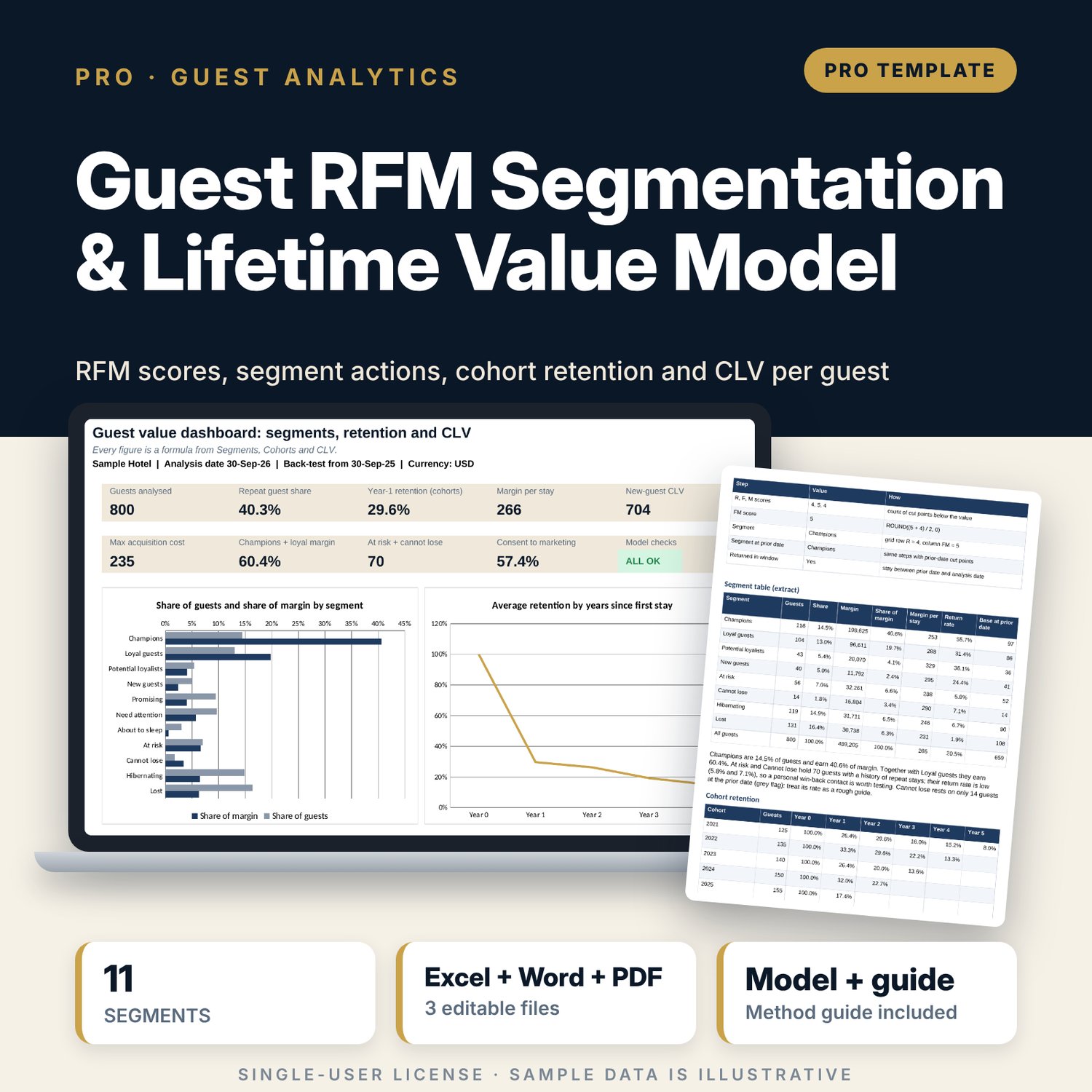
Guest RFM Segmentation & Lifetime Value Model: Hotel Guest RFM Segmentation and CLV Calculator in Excel
Full description
For general managers, revenue managers and sales and marketing leaders who want to know which guests matter most, which ones are drifting away and how much a guest is worth. The workbook scores every guest on recency, frequency and monetary value against quintile cut points (PERCENTILE), places each guest on an editable 5 x 5 segment grid with action rules, and measures retention for each first-stay year. A back-test scores guests again 12 months earlier and records who came back, which gives an honest return rate for every segment. Lifetime value per segment is discounted margin (not revenue) year by year, with a closed-form check, and the cohort curve gives a new-guest CLV that sets the most you should pay to win a guest through each channel. A campaign list shows only guests with marketing consent, and the guide covers direct marketing and data protection basics.
Save with a bundle: this workbook is also in the Hotel Revenue & Data Analytics Pro Bundle, 25 workbooks for $59 instead of $319. All 100 Pro workbooks are in the Pro Library for $119, and all 241 templates and workbooks are in the Ultimate Hospitality Library for $149.
What is inside
- Guest_RFM_CLV_Model.xlsx: 12 tabs, 36,898 formulas, 4 native charts, 18 drop-down and input rules
- Sample data: 800 guest profiles (codes only) and 1,842 stays, with 100 spare guest rows and 358 spare stay rows
- RFM_Engine: quintile cut points, R, F and M scores, FM score and segment for every guest, at the analysis date and at the prior date
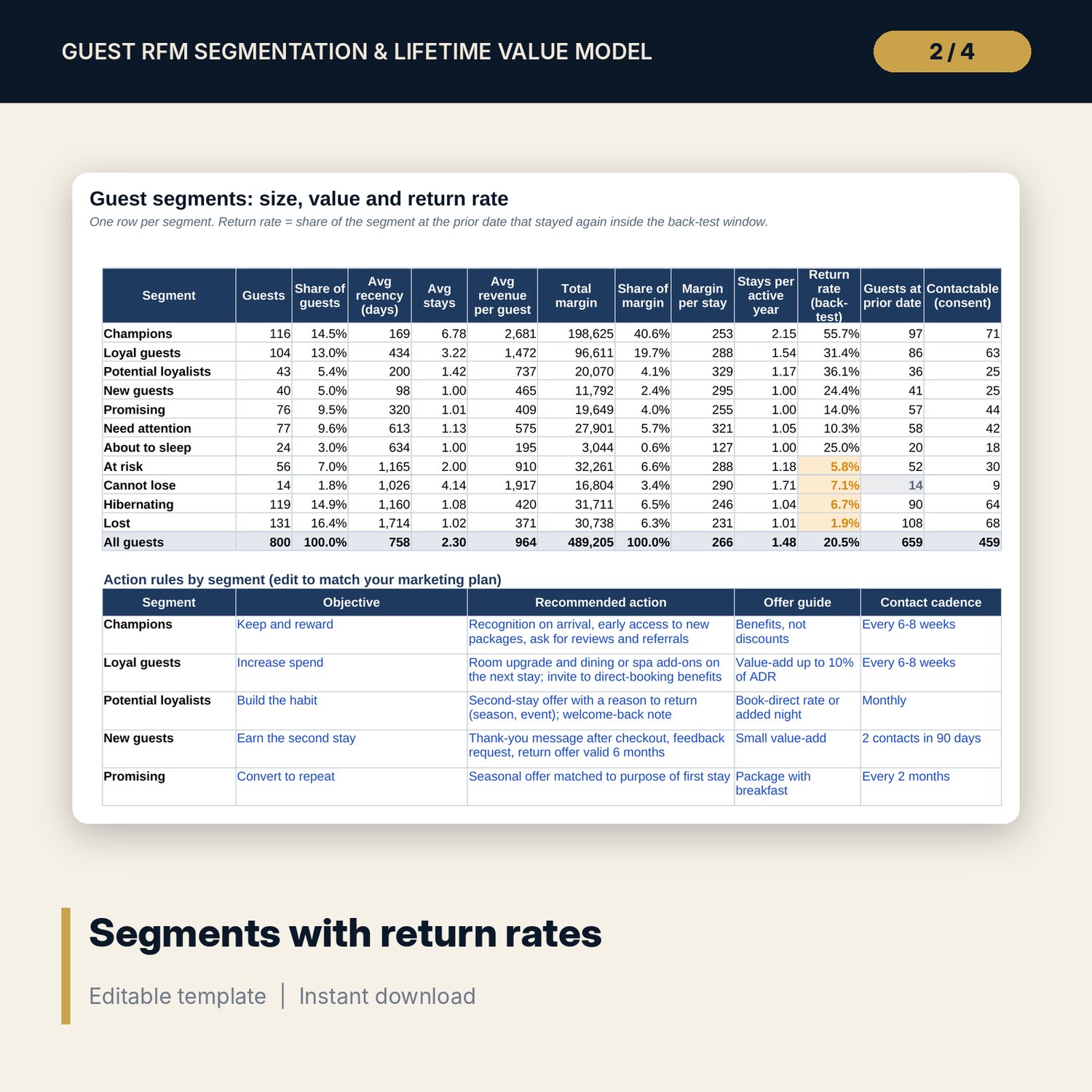
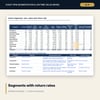
- Segments: 11 segments with guests, margin, margin per stay, return rate, contactable guests and editable action rules
- Cohorts: active guests, retention % and margin for 8 first-stay years by years since first stay, with a weighted average curve
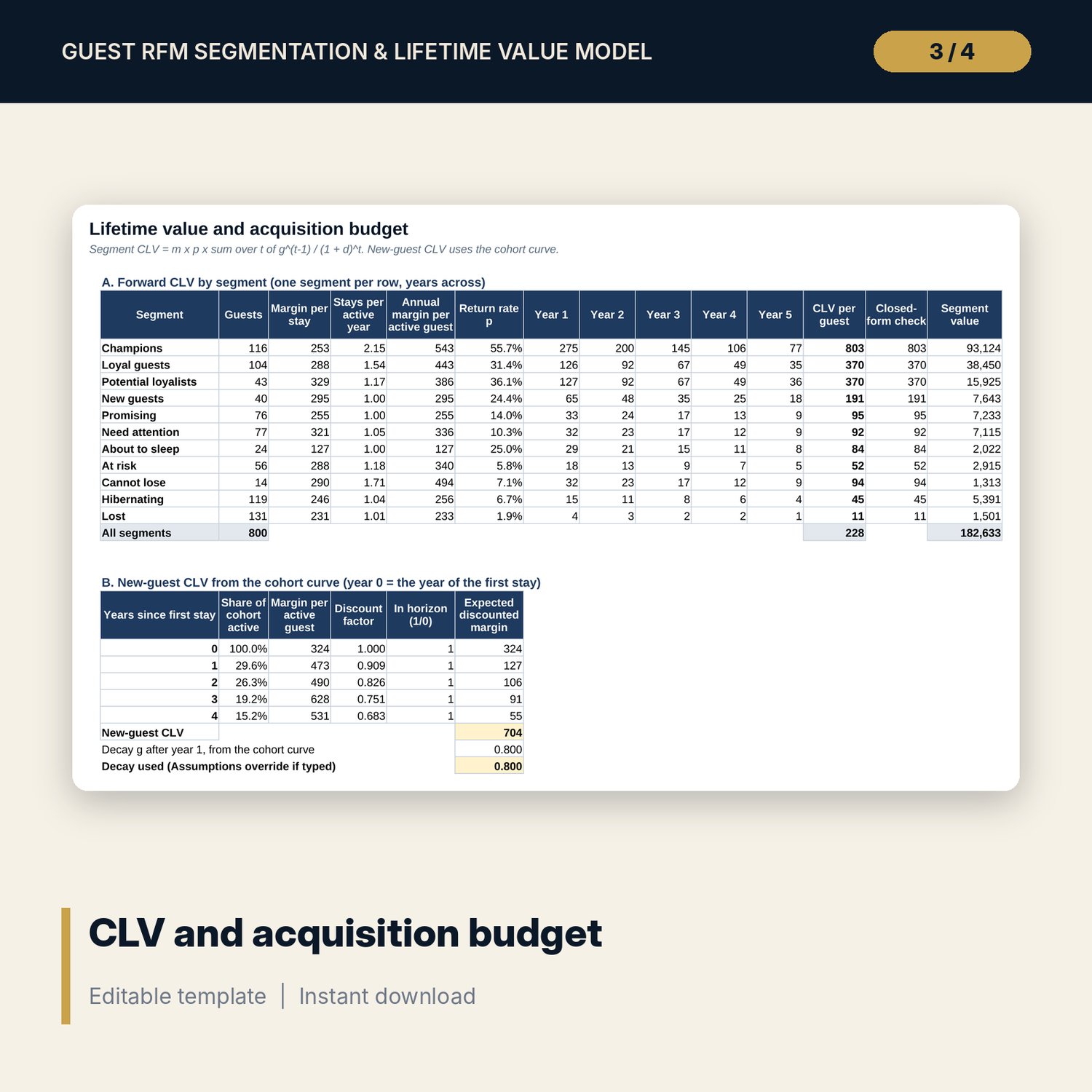
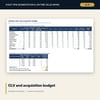
- CLV: forward CLV per segment over up to 5 years, new-guest CLV, acquisition budget for 6 channels and a 7 x 5 sensitivity grid
- Campaign_List: printable list of up to 40 contactable guests in any segment, with a max offer per guest
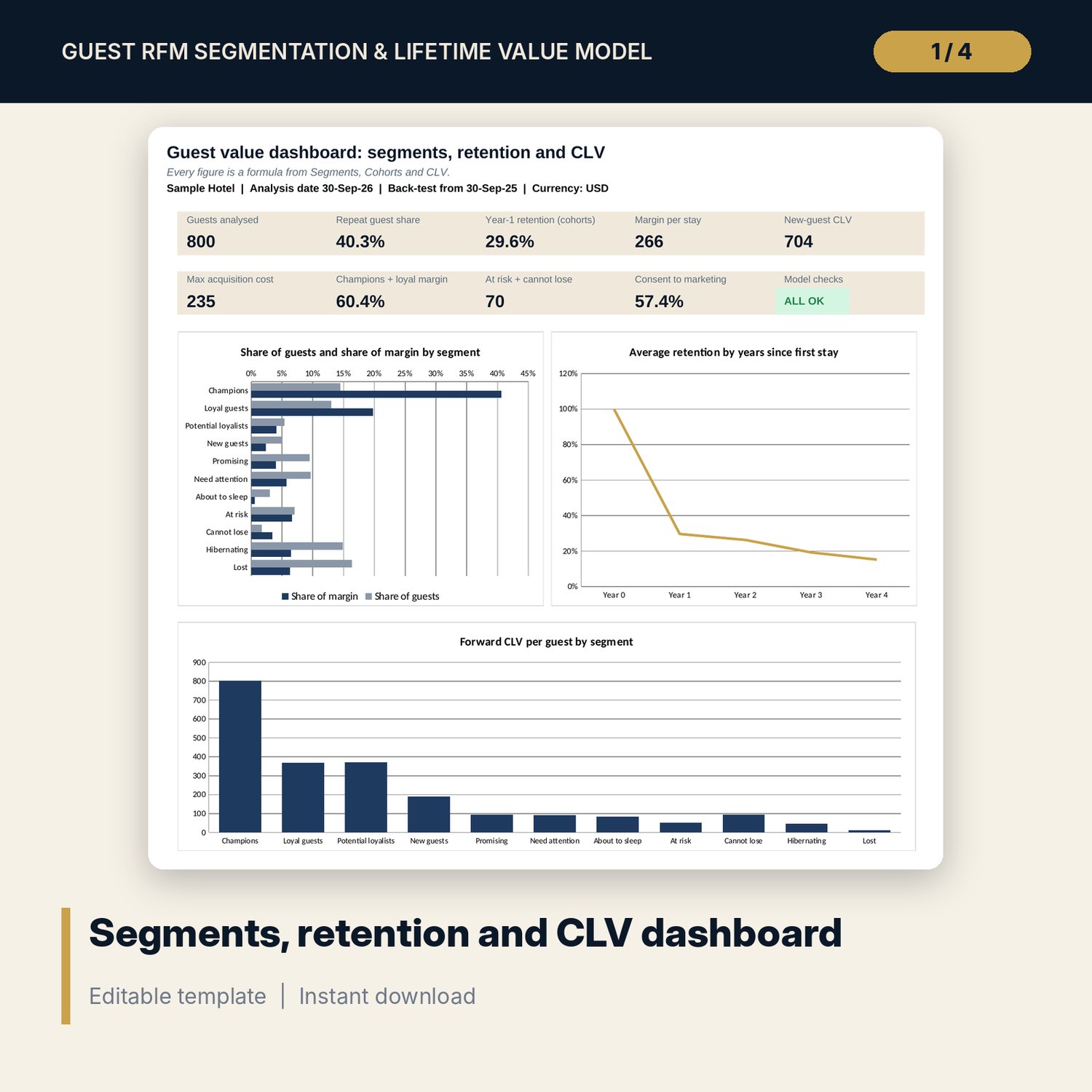
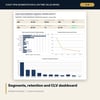
- Dashboard (one page), 15 integrity checks and a Method tab with 19 documented calculations
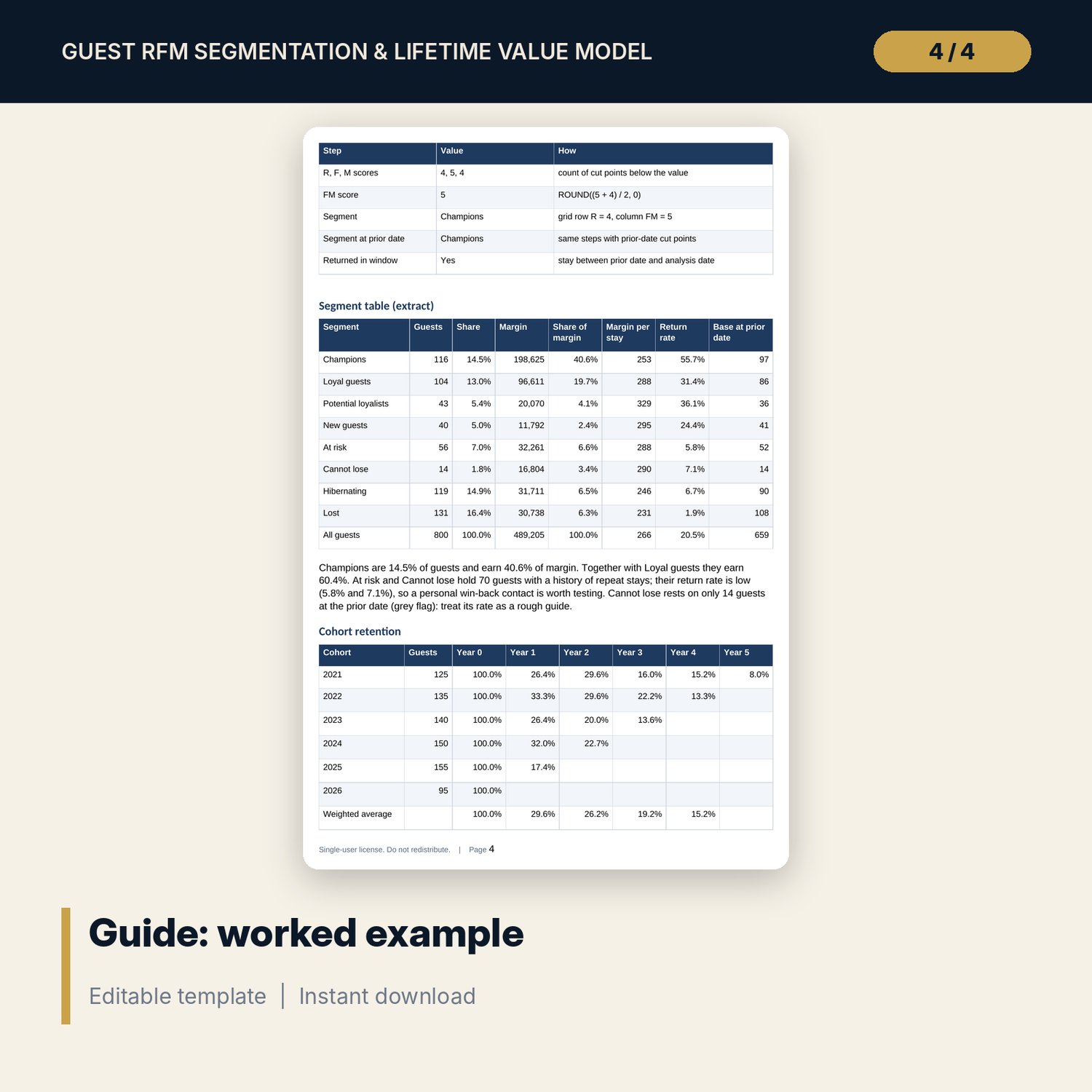
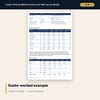
- Guest_RFM_CLV_Guide.docx and PDF: 10-page guide with the equations, a worked example from the sample results, a segment playbook, direct marketing steps, data protection basics, a checklist and a glossary
- README.txt and LICENSE-and-Terms.txt
How it works
- Set the analysis date, margins, discount rate, horizon and channel costs on Assumptions.
- Paste guest profiles (codes, consent flag) and the stay history from your PMS.
- The workbook scores each guest, assigns a segment and measures cohort retention and segment return rates.
- Read CLV per segment and the maximum acquisition cost per new guest, by channel.
- Pull a campaign list for one segment, hold back a control group and record the result.
Details
- Format: one .xlsx workbook, one .docx guide and the same guide as PDF; English
- Software: Excel 2016 or later, or LibreOffice Calc 7 or later
- No macros, no external links, no array formulas, no pivot tables
- Instant digital download
Good to know
- Sample data is illustrative. Replace it with your own figures.
- Not legal or financial advice. Verify local requirements for data protection and direct marketing before any campaign.
- Lifetime value is a planning estimate based on past behaviour; review it every quarter.
- Single-user license. Do not redistribute.
FAQ
Do I need guest names or emails in the file?
No. The model works on guest codes. Keep the link between codes and contact details inside your PMS or CRM.
How many years of stay history do I need?
Three full years or more gives a usable cohort curve. With less, type a decay value on Assumptions and the segment CLV still works.
Can I change the segments?
Yes. Each cell of the 5 x 5 grid holds a segment name from the list, and the action rules on Segments are editable.
Why is CLV based on margin and not revenue?
Acquisition and retention spend is paid from profit. Using departmental margin keeps CLV comparable with what a guest costs to win or keep.
How do I add more guests or stays?
Copy the last formula row down on Stays, Guests and RFM_Engine. The Checks tab confirms that totals still reconcile.