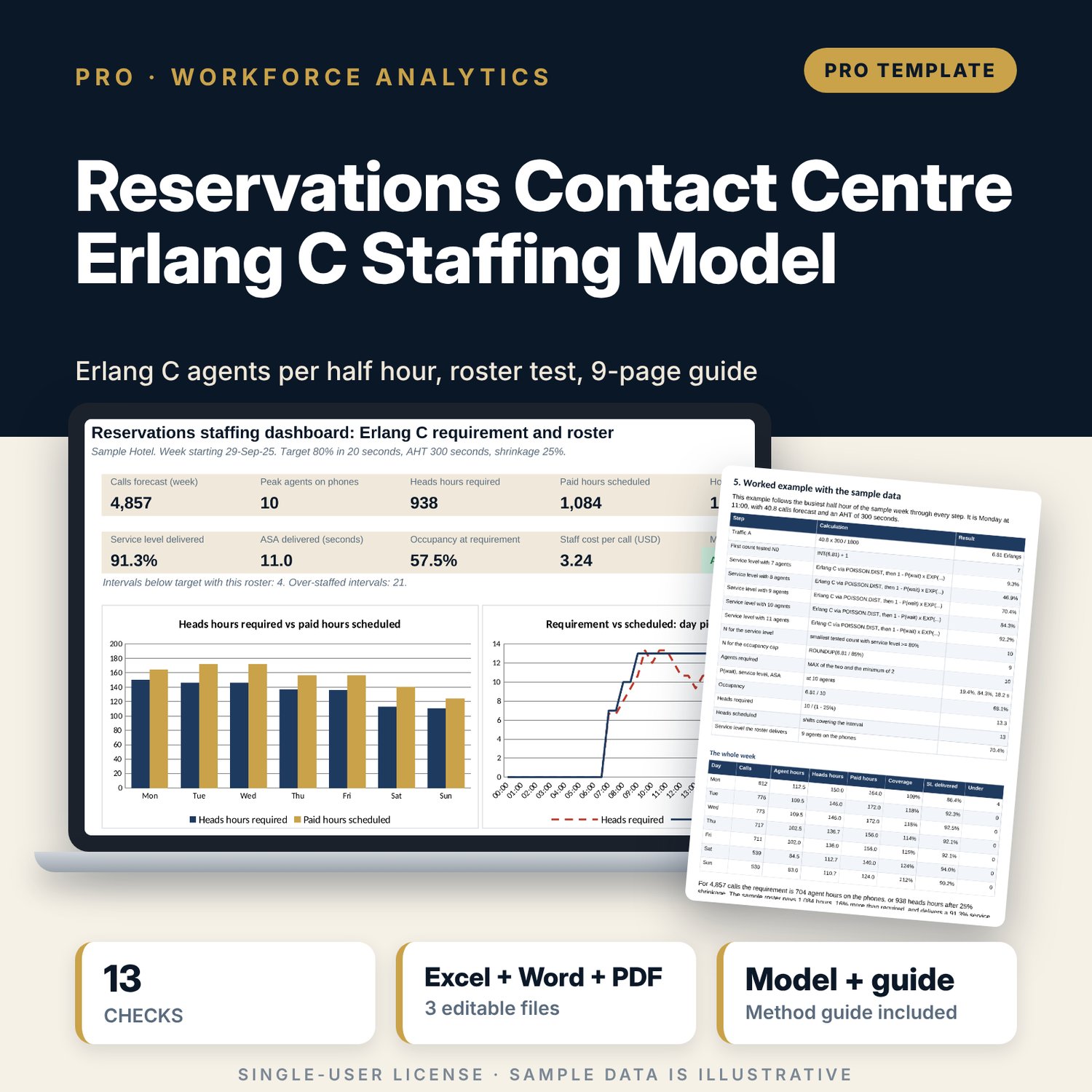

Reservations Contact Centre Erlang C Staffing Model: Erlang C Calculator for Hotel Reservations Staffing
Full description
For reservations managers, revenue managers, general managers and financial controllers who staff a reservations or guest-service call centre. The workbook forecasts next week's calls from daily history (SLOPE and INTERCEPT on weekly totals, weekday shares, intraday profile), converts each of the 336 half-hour intervals into traffic in Erlangs, and applies the Erlang C formula written with POISSON.DIST. 15 helper columns test agent counts in every interval and keep the smallest count that meets your service level target (for example 80% in 20 seconds), your occupancy cap and your minimum. Shrinkage turns agents into heads to schedule. Your shift table then gives heads scheduled per interval, the service level and ASA that roster delivers, coverage gaps, paid hours and staff cost per call. Two sensitivity grids repeat the full search for changes in calls, handle time and target, and an Erlang B recursion checks the Erlang C result independently.
Save with a bundle: this workbook is also in the Hotel Revenue & Data Analytics Pro Bundle, 25 workbooks for $59 instead of $319. All 100 Pro workbooks are in the Pro Library for $119, and all 241 templates and workbooks are in the Ultimate Hospitality Library for $149.
What is inside
- Reservations_Erlang_C_Staffing_Model.xlsx: 12 tabs, 15,056 formulas, 5 native charts, 13 integrity checks, 13 drop-down and input rules
- Sample data (illustrative): 84 days of call history, an intraday profile for 48 half hours x 7 days, 14 shift patterns with 2 spare rows
- Erlang_Engine: 336 intervals with traffic, 15 agent-count tests each, agents required, P(wait), service level, ASA, occupancy, heads and flags
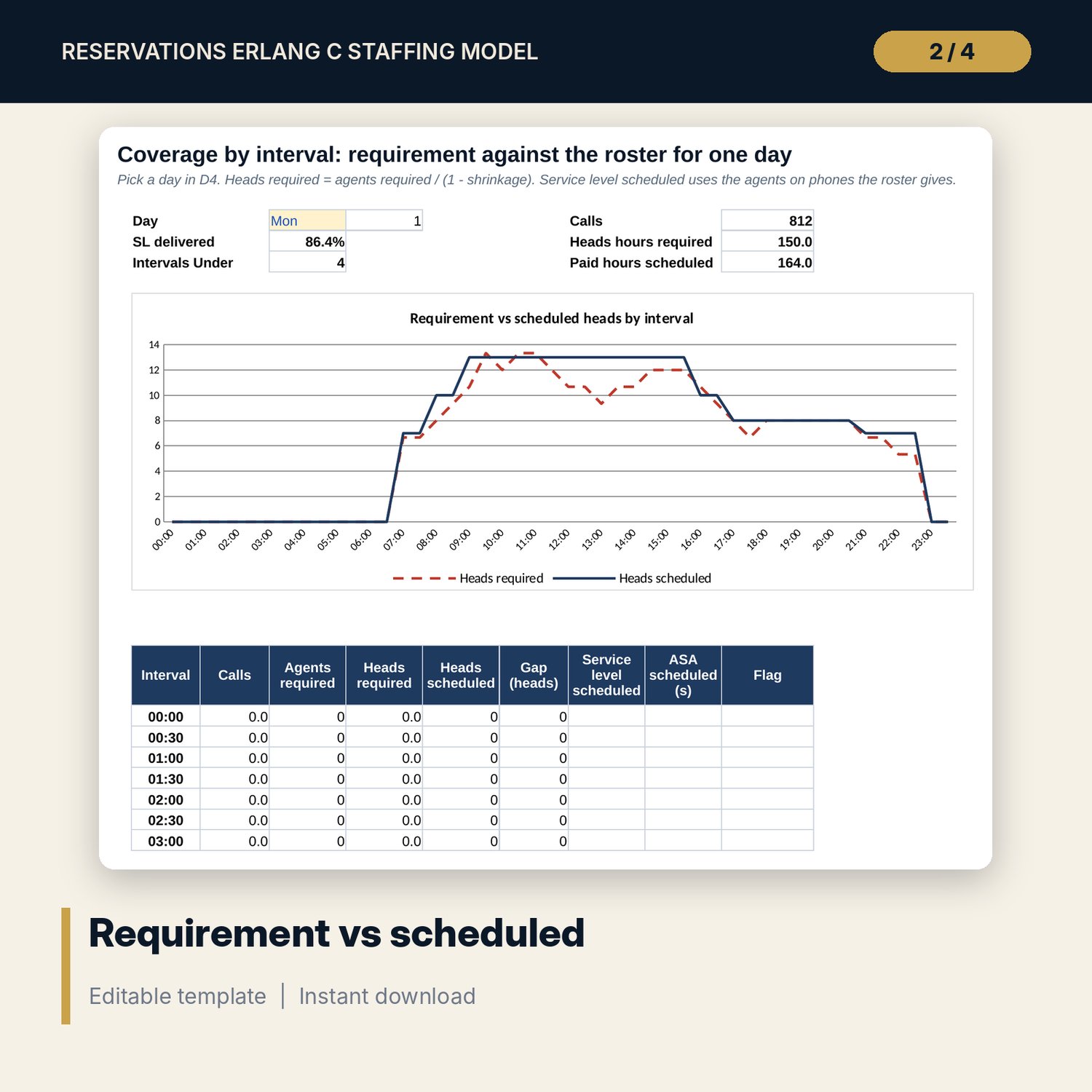
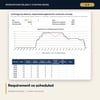
- Schedule and Coverage: daily requirement against paid hours, a 48 x 7 coverage gap grid, an interval chart of requirement against scheduled heads
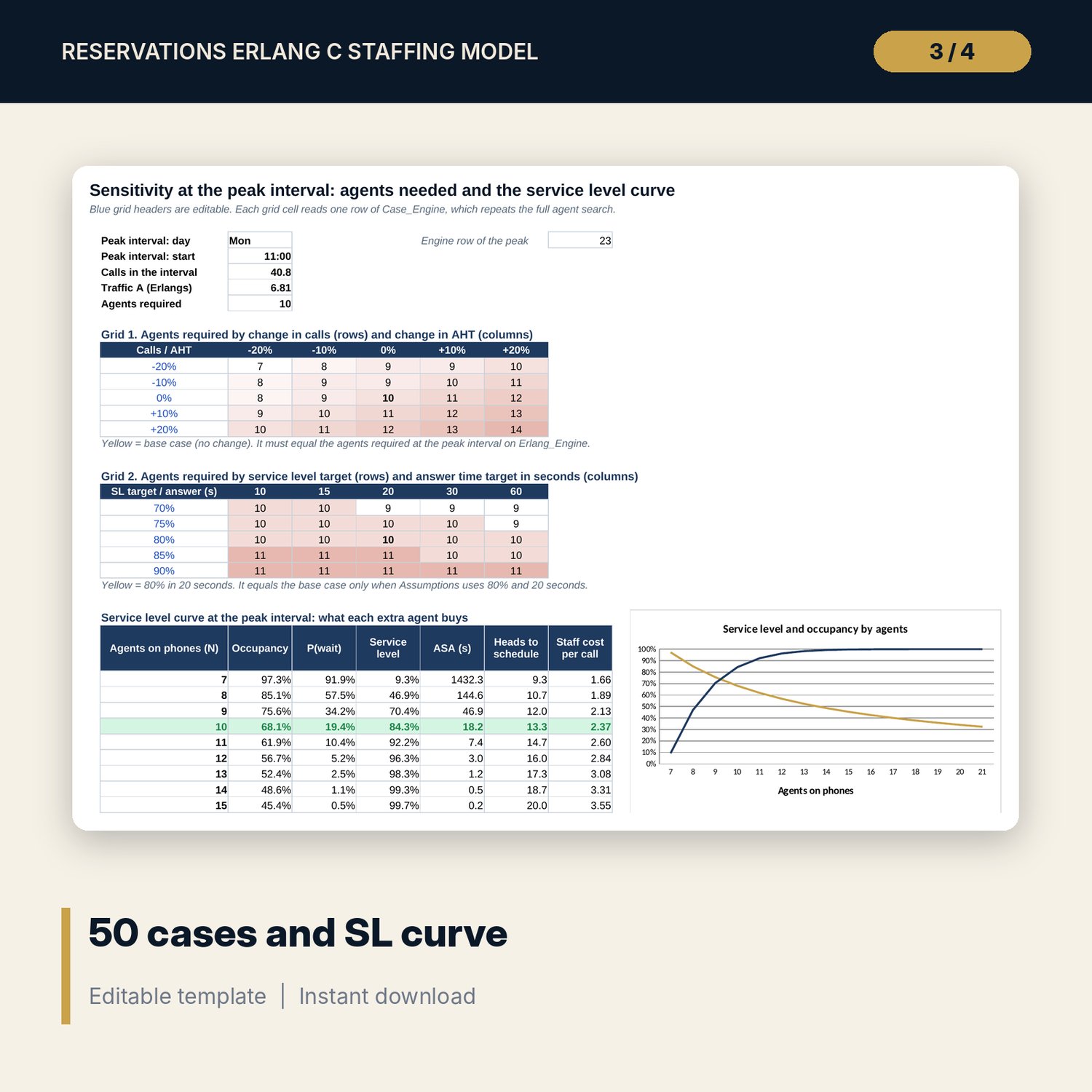
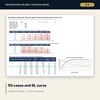
- Sensitivity: 2 grids of 25 cases each re-run on Case_Engine, plus the service level curve with staff cost per call
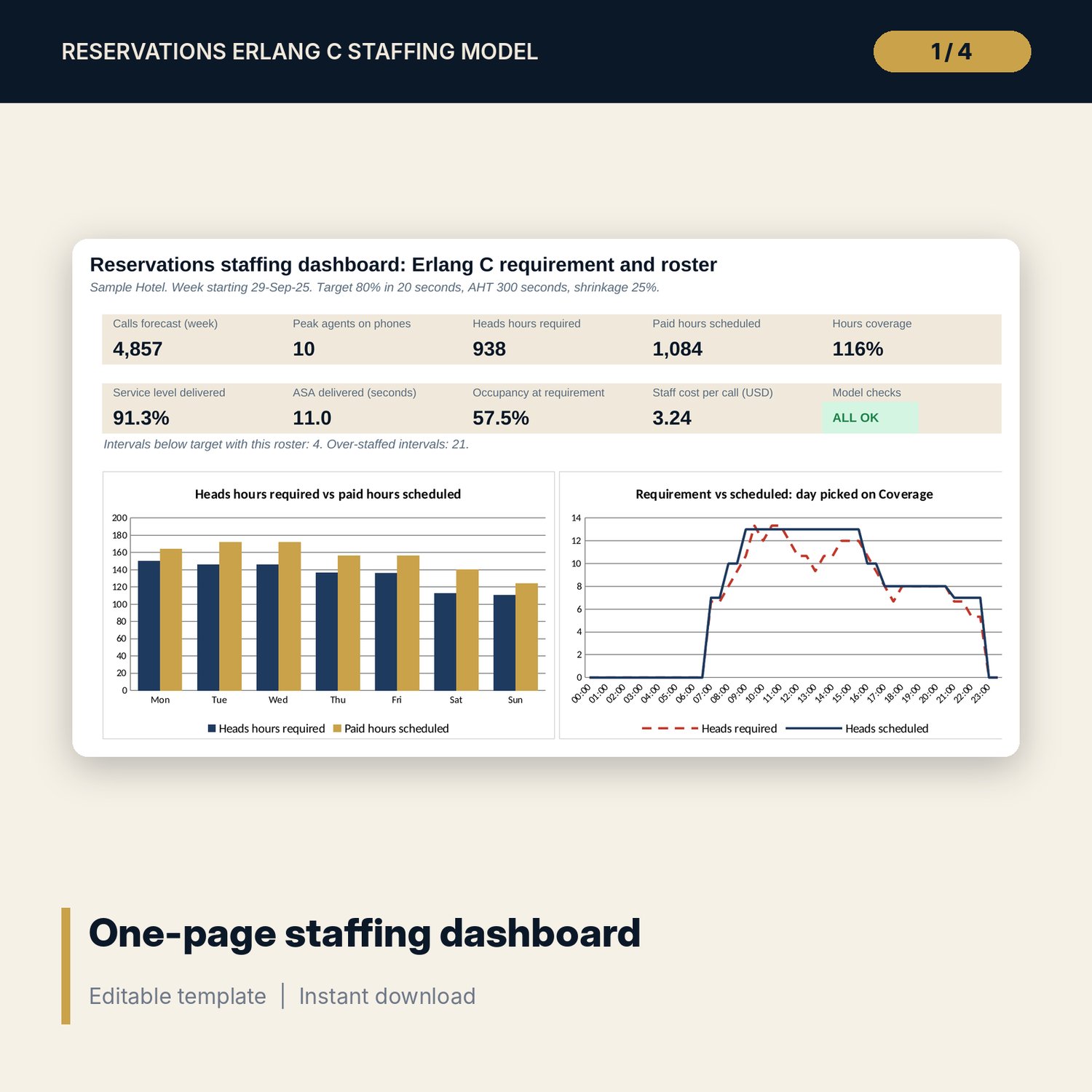
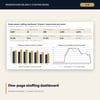
- Dashboard (one printed page) and a Method tab with 17 documented calculations
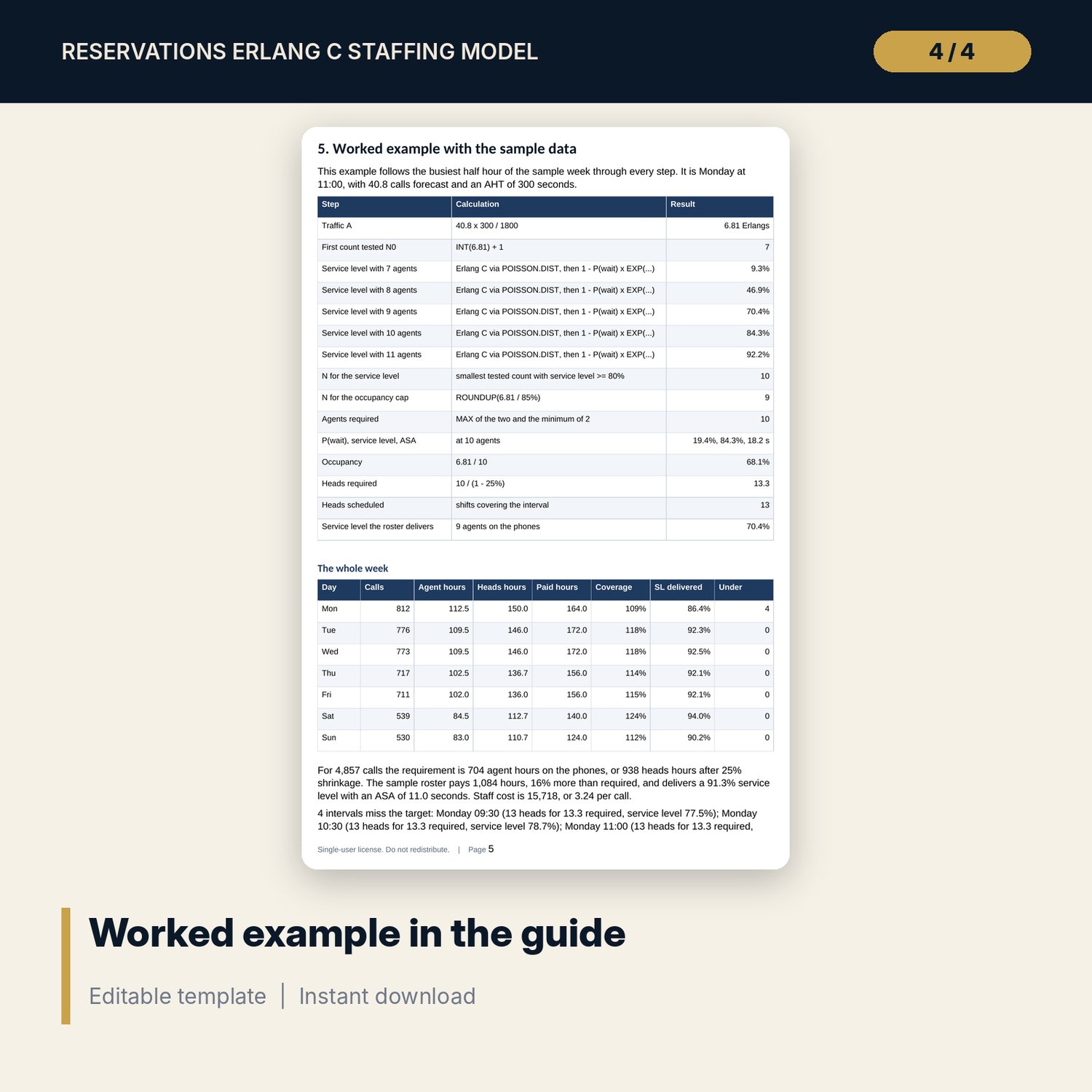
- Reservations_Erlang_C_Staffing_Guide.docx and Reservations_Erlang_C_Staffing_Guide.pdf: 9-page guide on queueing basics, call forecasting, the equations, a worked example from the sample results, actions, sensitivity, limitations, a weekly checklist and a glossary
- README.txt and LICENSE-and-Terms.txt
How it works
- Enter talk time, after-call work, the service level target, occupancy cap, shrinkage and cost per hour on Assumptions.
- Paste daily calls offered and the average calls per half hour by weekday; the Forecast tab builds next week.
- Read agents required per interval on Erlang_Engine and the peak-interval curve on Sensitivity.
- Enter your shifts and agents by weekday on Schedule, then fix red intervals on Coverage and the gap grid.
- Check service level delivered, hours and cost per call on the Dashboard and confirm the Checks tab shows ALL OK.
Details
- Formats: XLSX workbook, DOCX guide, PDF guide
- Language: English
- Software: Excel 2016 or later, or LibreOffice Calc 7 or later
- No macros, no data tables, no array formulas, no add-ins
- Delivery: instant download
Good to know
- Sample data is illustrative. Replace it with your own figures.
- Erlang C assumes callers wait until answered, so it errs towards more agents when abandon rates are high.
- Labour cost, break rules and working time limits are inputs: verify local requirements.
- Single-user license.
FAQ
Why not just divide calls by what one agent can handle?
Calls arrive in clusters. Staffing for the average leaves callers queueing whenever a cluster lands. Erlang C adds the spare capacity a random queue needs, and less of it as the team grows.
Does it need macros or the Solver?
No. Every agent count is tested in a visible helper column and the requirement is picked with COUNTIF and MAX.
Can I use a 90% in 10 seconds standard?
Yes. Set the target and answer time on Assumptions. Grid 2 on Sensitivity shows the agents needed for 25 combinations at the peak half hour.
Does it handle email or chat?
It models one queue of calls. Time agents spend on other channels goes into shrinkage.
How accurate is the call forecast?
It is as good as the history. The guide shows how to read the trend R², clean one-off days and compare forecast with actual each week.