Hotel Revenue Strategy Annual Calendar & Demand Scoring: 365-Day Hotel Demand Calendar with Rate Tiers and Restrictions
Full description
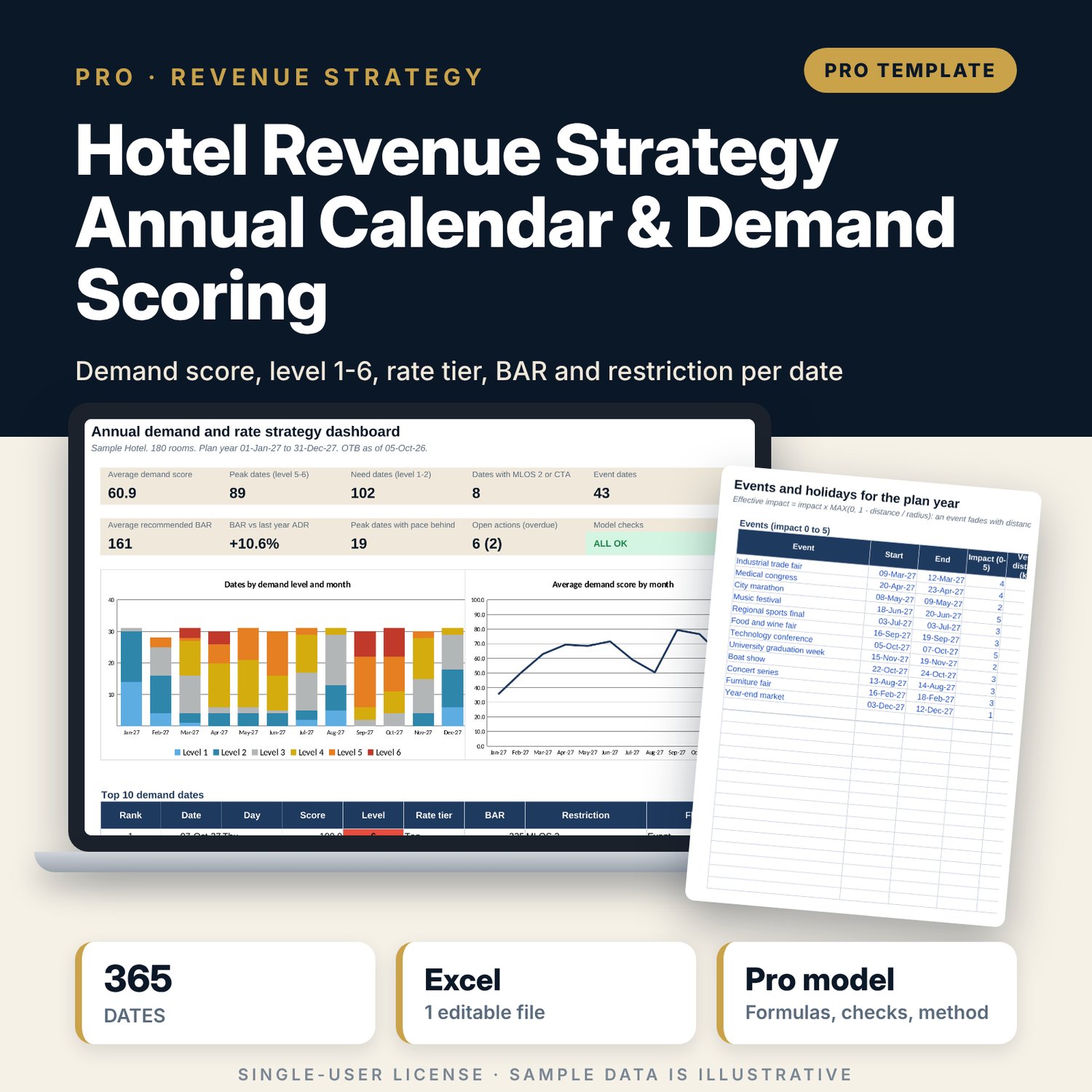
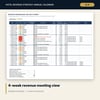
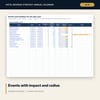
For revenue managers, general managers and directors of sales who plan rates for the coming year and run a weekly revenue meeting. The workbook reads 3 years of daily history to build a seasonality index by month and a day-of-week index, looks up last year's occupancy and ADR for the same weekday, and compares rooms on the books with the same time last year. Events carry an impact score from 0 to 5 that fades with the distance from the hotel inside the event's radius; holidays carry a plus or minus impact. Each date gets 5 component scores from 0 to 100, a weighted base score, event and holiday points and a total score, which maps to a demand level from 1 to 6. Each level has a rate tier, a BAR multiplier and a restriction rule, and top-level dates next to a weak night get MLOS 2 or CTA. A monthly heat map, a 4-week meeting view, a strategy log with overdue flags and a one-page dashboard turn the calendar into weekly decisions.
Save with a bundle: this workbook is also in the Hotel Revenue & Data Analytics Pro Bundle, 25 workbooks for $59 instead of $319. All 100 Pro workbooks are in the Pro Library for $119, and all 241 templates and workbooks are in the Ultimate Hospitality Library for $149.
What is inside
- Hotel_Revenue_Strategy_Calendar_Demand_Scoring.xlsx: 12 tabs, 20,314 formulas, 2 native charts, 15 drop-down and input rules
- History: 1,096 sample nights (3 years) with seasonality, day-of-week and yearly tables, room for 1,100
- OTB_Pace: 365 plan dates with rooms on the books, same time last year, pace and pickup still needed
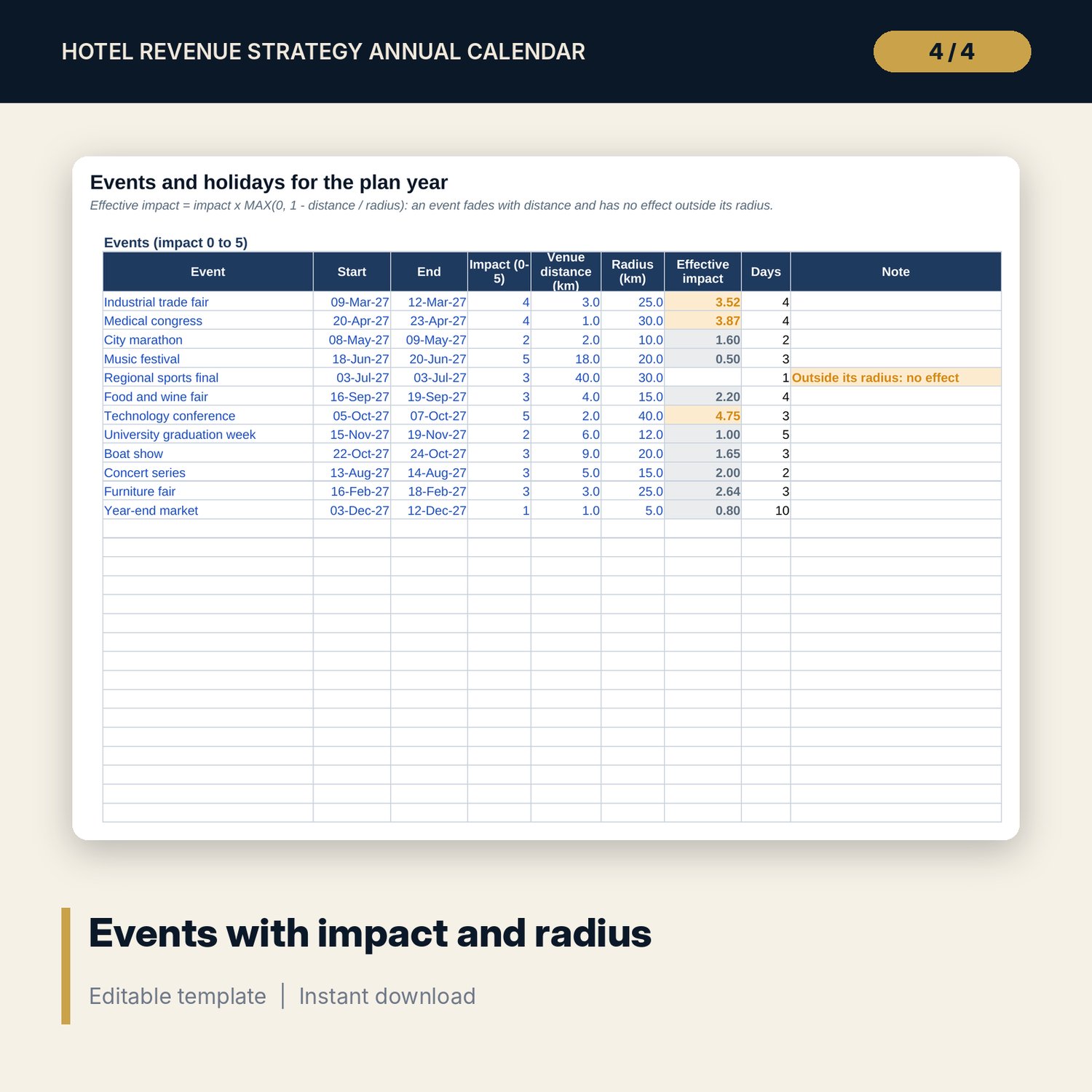
- Events: 12 sample events with impact, venue distance and radius, and 8 holiday periods, with spare rows
- Calendar: 365 dates x 28 columns, from component scores to level, override, rate tier, BAR and restriction
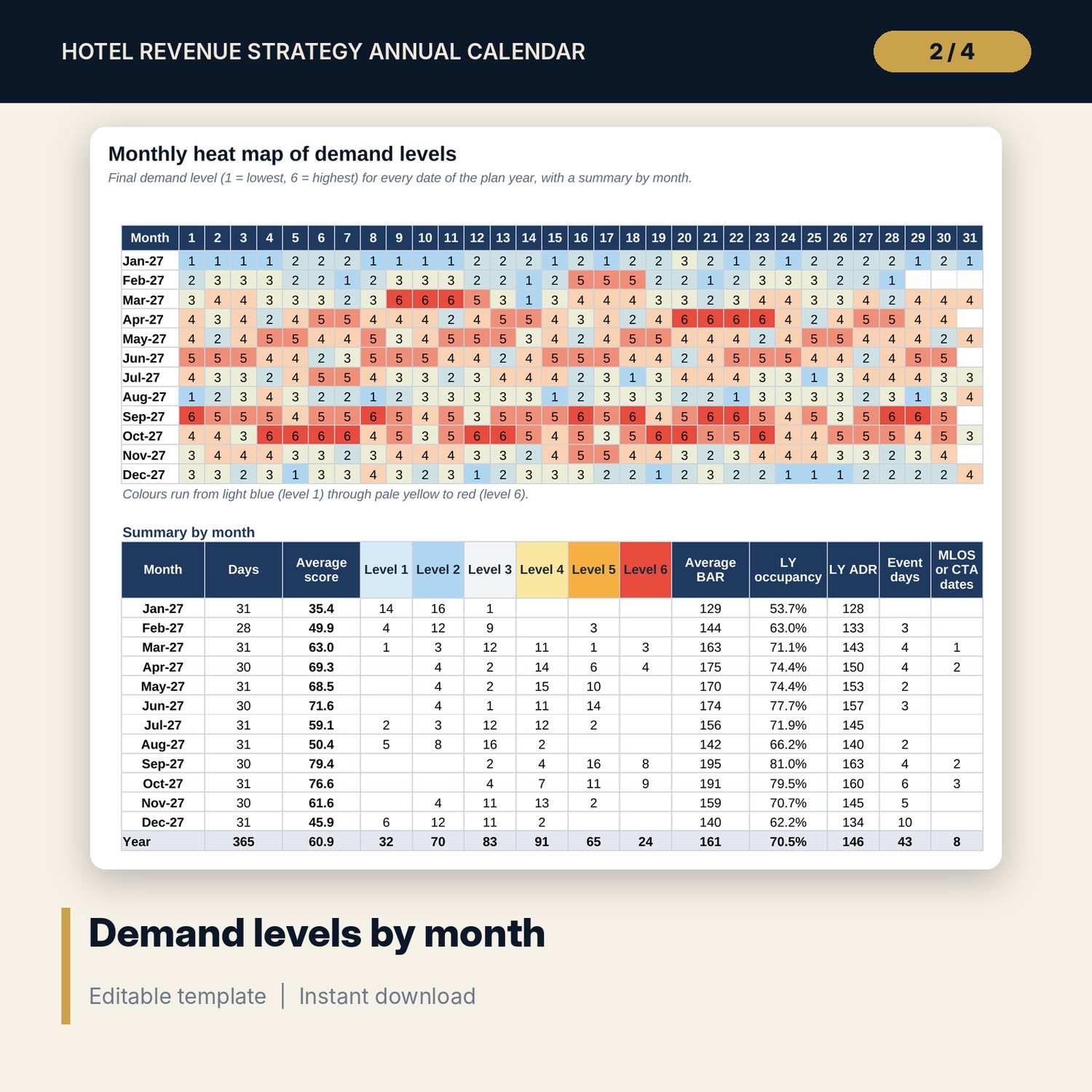
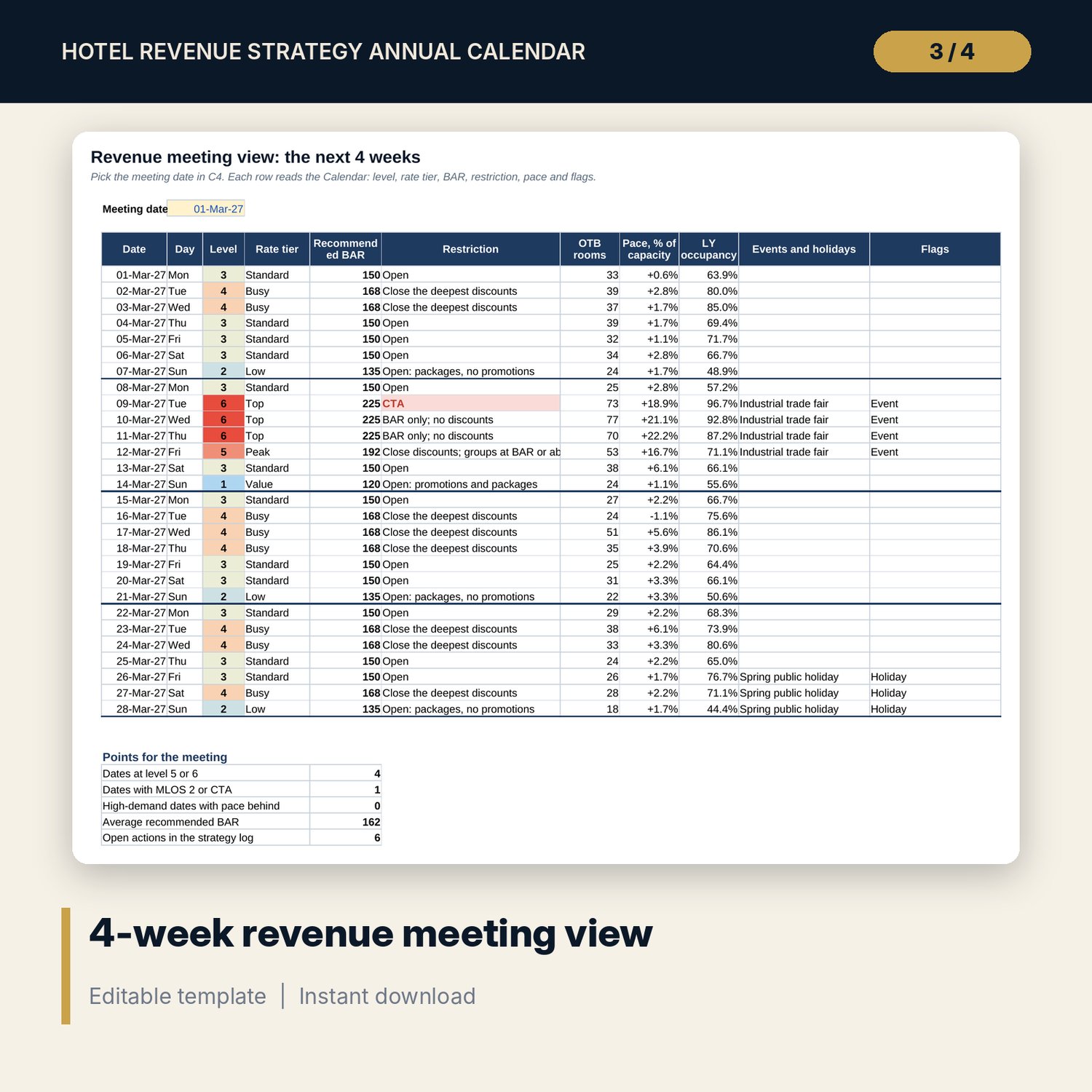
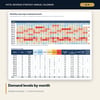
- Heat_Map: 12 months x 31 days of demand levels and a monthly summary; Week_Ahead: 28-day meeting view
- Strategy_Log: 12 sample decisions and room for 60, with owner, due date, status and overdue flag
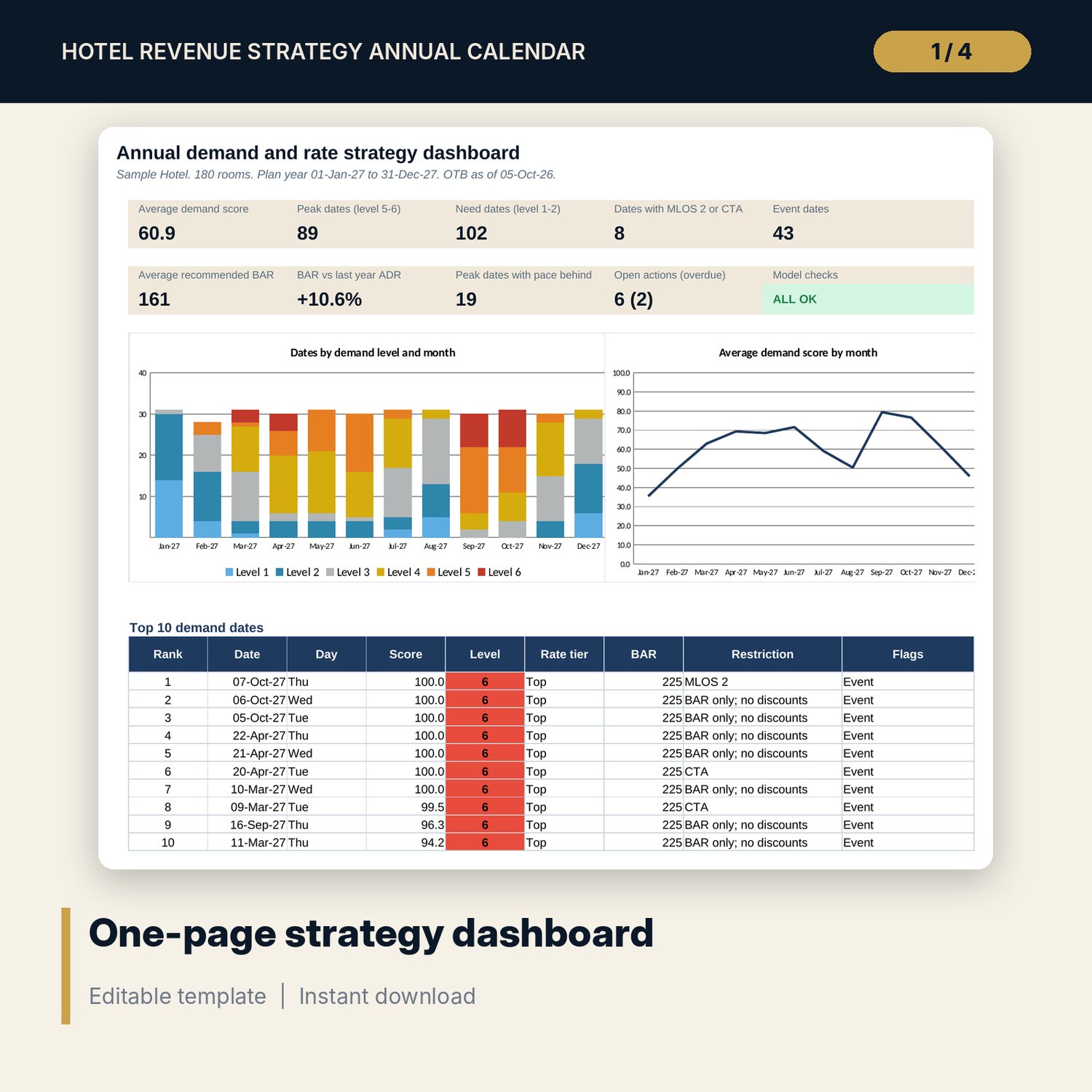
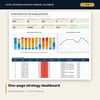
- Dashboard (one printed page) with the top 10 demand dates, 14 integrity checks and a Method tab with 18 documented calculations
- README.txt and LICENSE-and-Terms.txt
How it works
- Set the plan year, rooms, base BAR, score weights, level thresholds and rate tiers on Assumptions.
- Paste 3 years of nightly history and this year's on-the-books and same-time-last-year rooms.
- List events with impact, distance and radius, and holidays with a plus or minus impact.
- Read the level, rate tier, BAR and restriction for every date on Calendar and Heat_Map; override where you know better.
- Set the meeting date on Week_Ahead each week and record decisions on Strategy_Log.
Details
- Format: one .xlsx workbook, English
- Software: Excel 2016 or later, or LibreOffice Calc 7 or later
- No macros, no data tables, no array formulas, no external links
- Instant digital download
Good to know
- Sample data is illustrative. Replace it with your own figures.
- The demand score ranks dates; it is not an occupancy forecast. Check it against your pickup each week.
- Holiday dates and impacts differ by location: verify local requirements and calendars.
- Single-user license. Do not redistribute.
FAQ
What history do I need?
Three years of nights with rooms available, rooms sold and room revenue. The calendar uses the same weekday 364 days back for last year, so the year before the plan year must be complete.
Can I change how much each factor counts?
Yes. The 5 weights, the event and holiday points per impact unit, the pace points and the 6 level thresholds are inputs on Assumptions.
How do events far from the hotel count?
Each event has a venue distance and a radius. Its impact fades in a straight line to zero at the edge of the radius, so a festival 18 km away with a 20 km radius adds little.
Can I overrule the model?
Yes. Type a level from 1 to 6 in the override column on Calendar. The rate tier, BAR, restriction, heat map and dashboard follow, and the date is flagged.
Does it need macros or add-ins?
No. Every score, level and lookup is a standard worksheet formula.