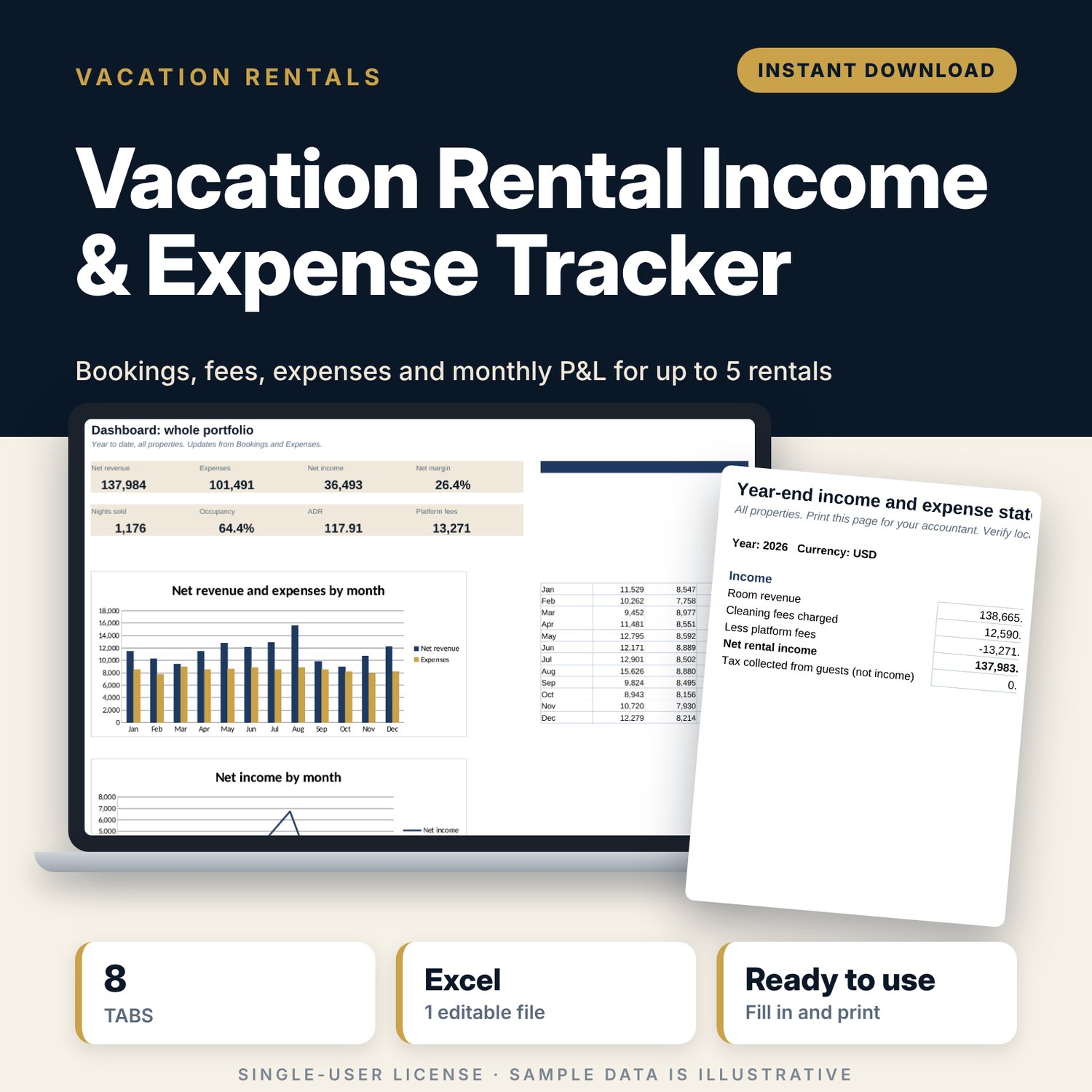
Vacation Rental Income & Expense Tracker: Short-Term Rental Spreadsheet
Full description
For hosts and small property managers who run one to five short-term rental units and want to know what each unit earns after fees and costs. You log each stay and each expense once. The workbook turns them into a monthly profit and loss, occupancy, ADR and RevPAR for each property, and a year-end statement you can hand to your accountant.
Save with a bundle: this template is also in the Vacation Rental Business Bundle, 10 templates for $29 instead of $69. All 141 templates are in the All-Access Hospitality Template Library for $79.
What is inside
- Vacation_Rental_Income_Expense_Tracker.xlsx: 8 tabs, 4,526 formulas, 4 native charts, 6 drop-down or number rules.
- Settings: year, currency label, target occupancy, 5 property names with unit counts, 5 booking channels with their fee %, 14 expense categories.
- Bookings: room for 600 stays (335 sample rows). Nights, room revenue, platform fee, net payout and month calculate from your inputs.
- Expenses: room for 600 costs (360 sample rows) with property and category drop-downs.
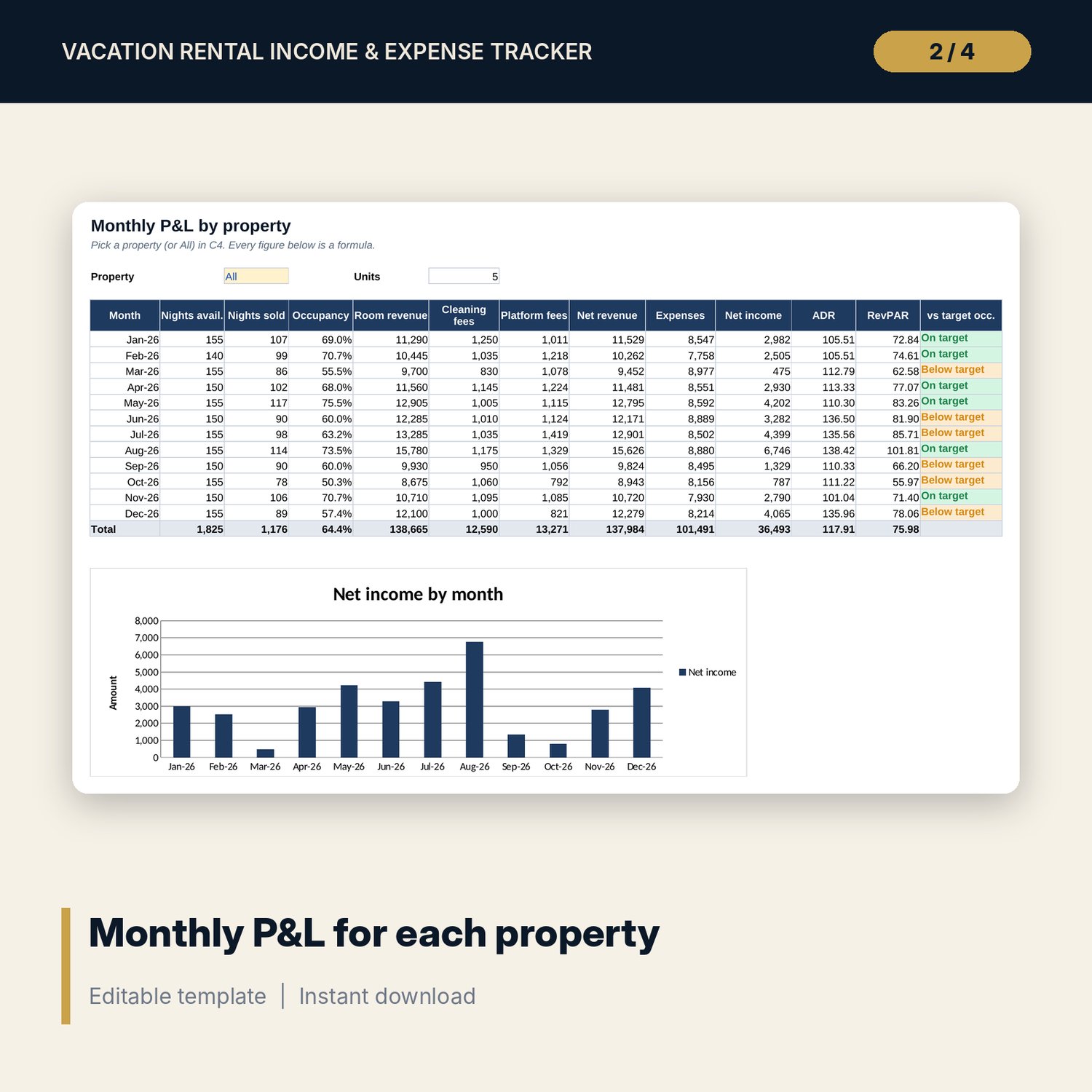
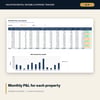
- Monthly_PnL: pick one property or All. Twelve months of nights available and sold, occupancy, room revenue, cleaning fees, platform fees, expenses, net income, ADR, RevPAR and a target flag.
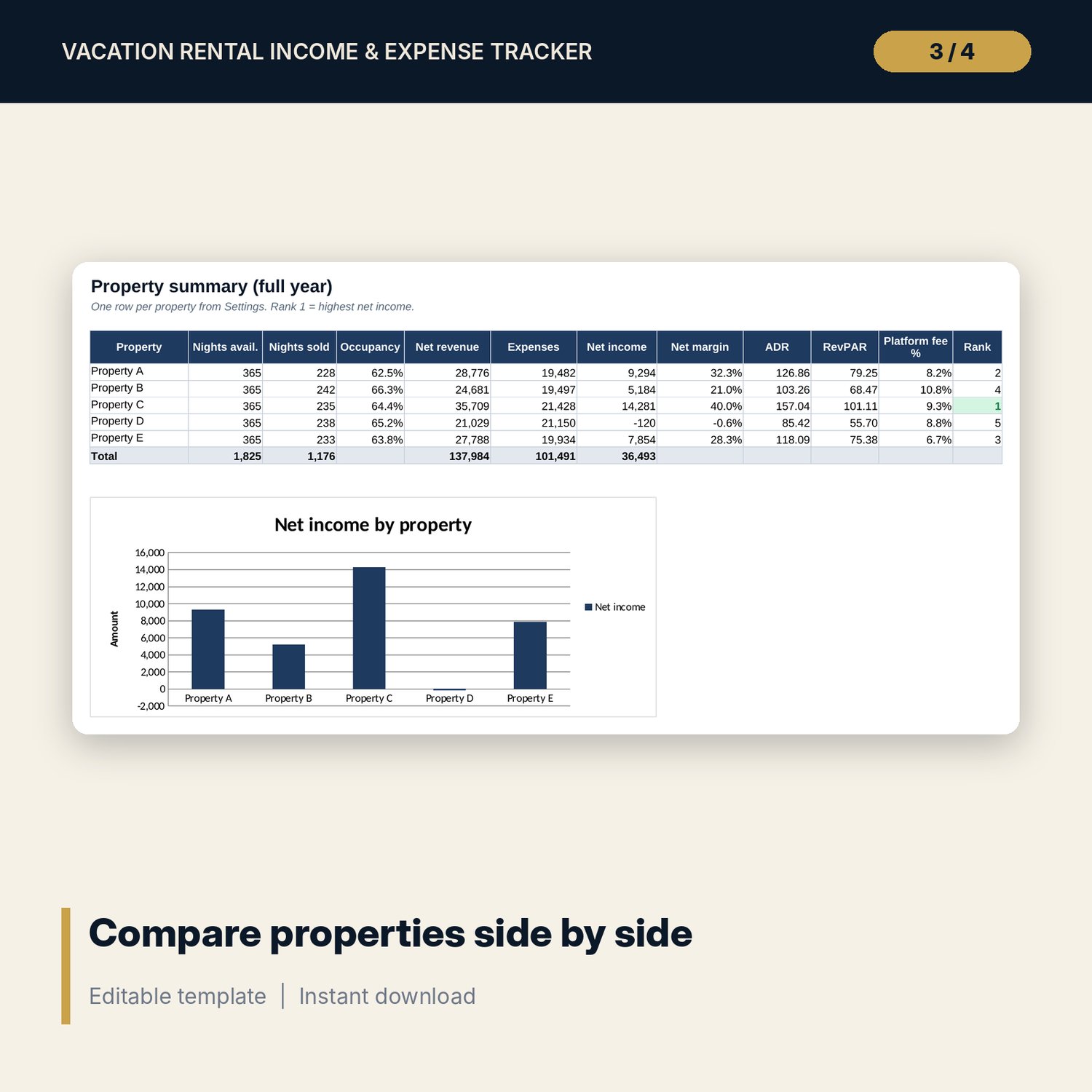
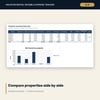
- Property_Summary: full-year results for each property side by side, net margin, platform fee % and a rank.
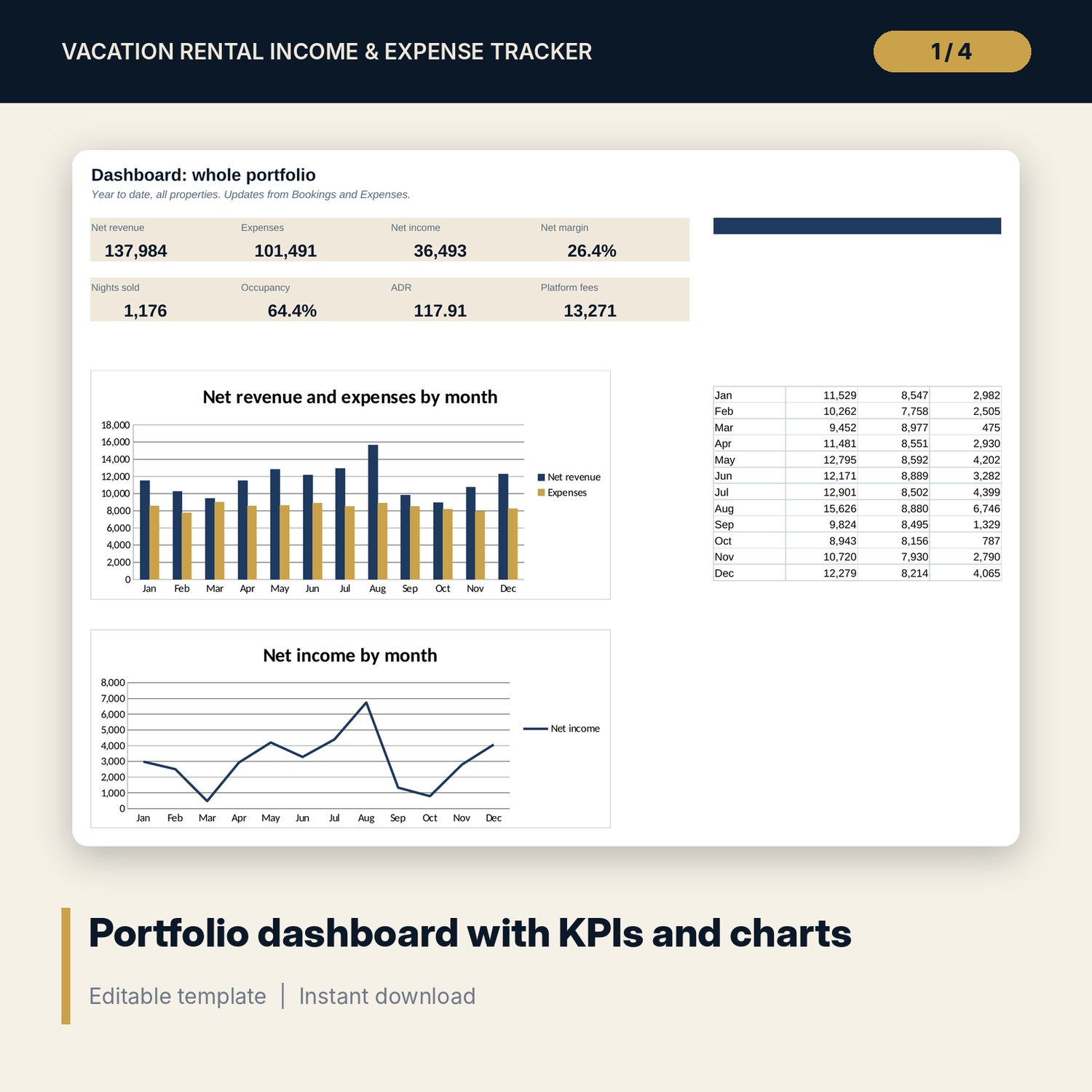
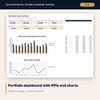
- Dashboard: 8 KPI tiles for the whole portfolio and 2 charts by month.
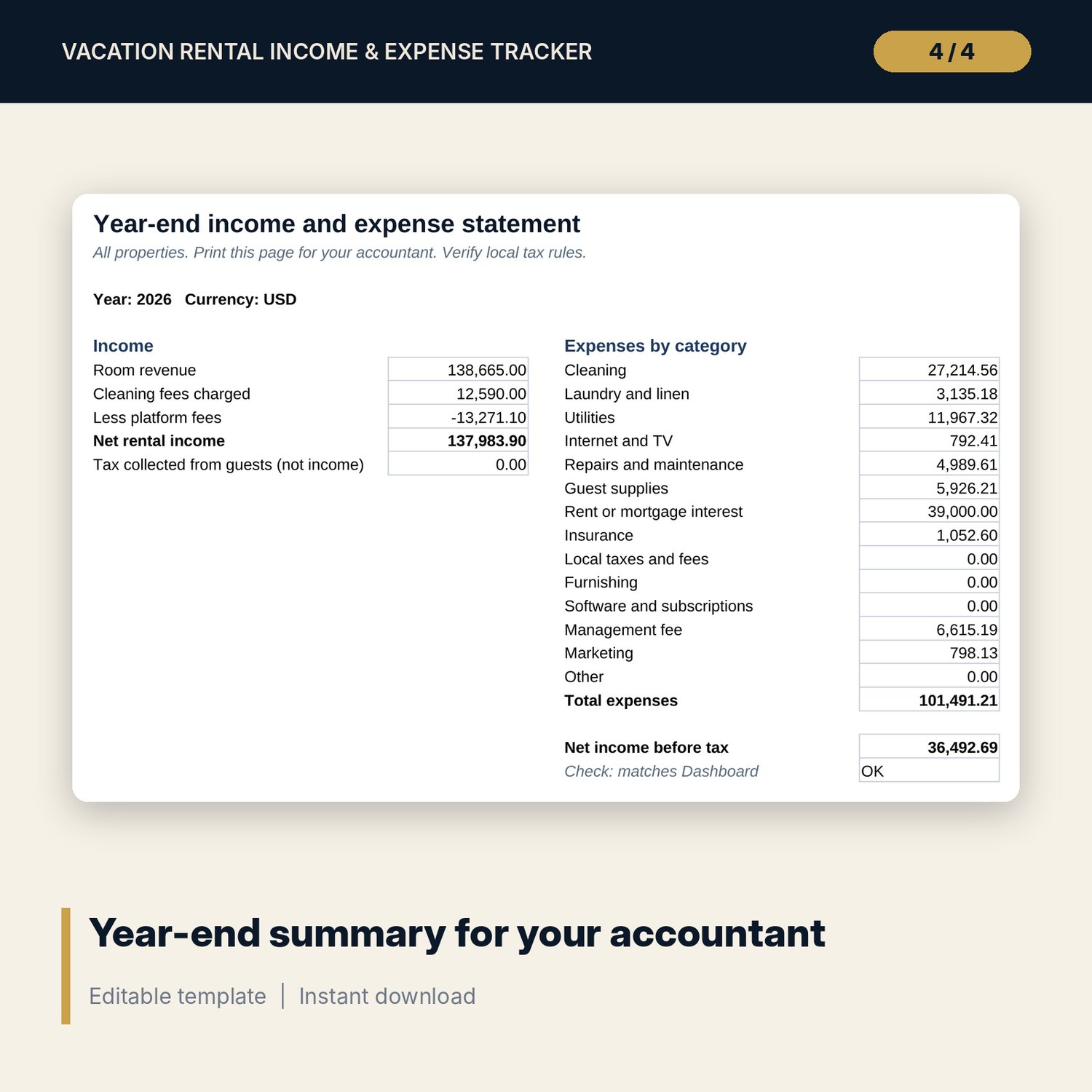
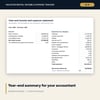
- Year_End_Summary: one printable page with income, platform fees and expenses by category, plus a check against the dashboard.
- README.txt and LICENSE-and-Terms.txt.
How it works
- Enter the year, currency label and your property names on Settings.
- Check the fee % for each booking channel.
- Clear the sample rows and log your stays and expenses.
- Read Monthly_PnL for each property, then compare them on Property_Summary.
- At year end, print Year_End_Summary for your accountant.
Details
- Format: Excel workbook (.xlsx). No macros.
- Language: English. Currency is a label you choose.
- Software: Excel 2016 or later, or a spreadsheet program that opens .xlsx files.
- Delivery: instant digital download. Nothing is shipped.
Good to know
- All sample bookings, rates and costs are illustrative. Replace them with your own data.
- Revenue counts in the month of check-in.
- The workbook is a record-keeping tool, not tax advice. Tax rules for rental income differ by country; check with a qualified adviser.
- Single-user license. Do not share or resell the files.
FAQ
Do I need special software?
Excel 2016 or later works best. Other spreadsheet programs that open .xlsx files also work.
Does it work in Google Sheets?
It opens in Google Sheets and the formulas calculate. Check the drop-downs after import.
Can I track more than 5 properties?
The settings hold 5 properties. For more units, use a second copy of the workbook.
Can I change the expense categories and channels?
Yes. Edit the lists on Settings and the drop-downs update.
Is this a physical product?
No. It is a digital download. Refund terms follow the store policy at the time of purchase.