Food Handler Hygiene Training & Handwashing Audit Pack: Food Safety Training Record, Handwash Compliance Tracker and Illness Log for Kitchens and Bars
Full description
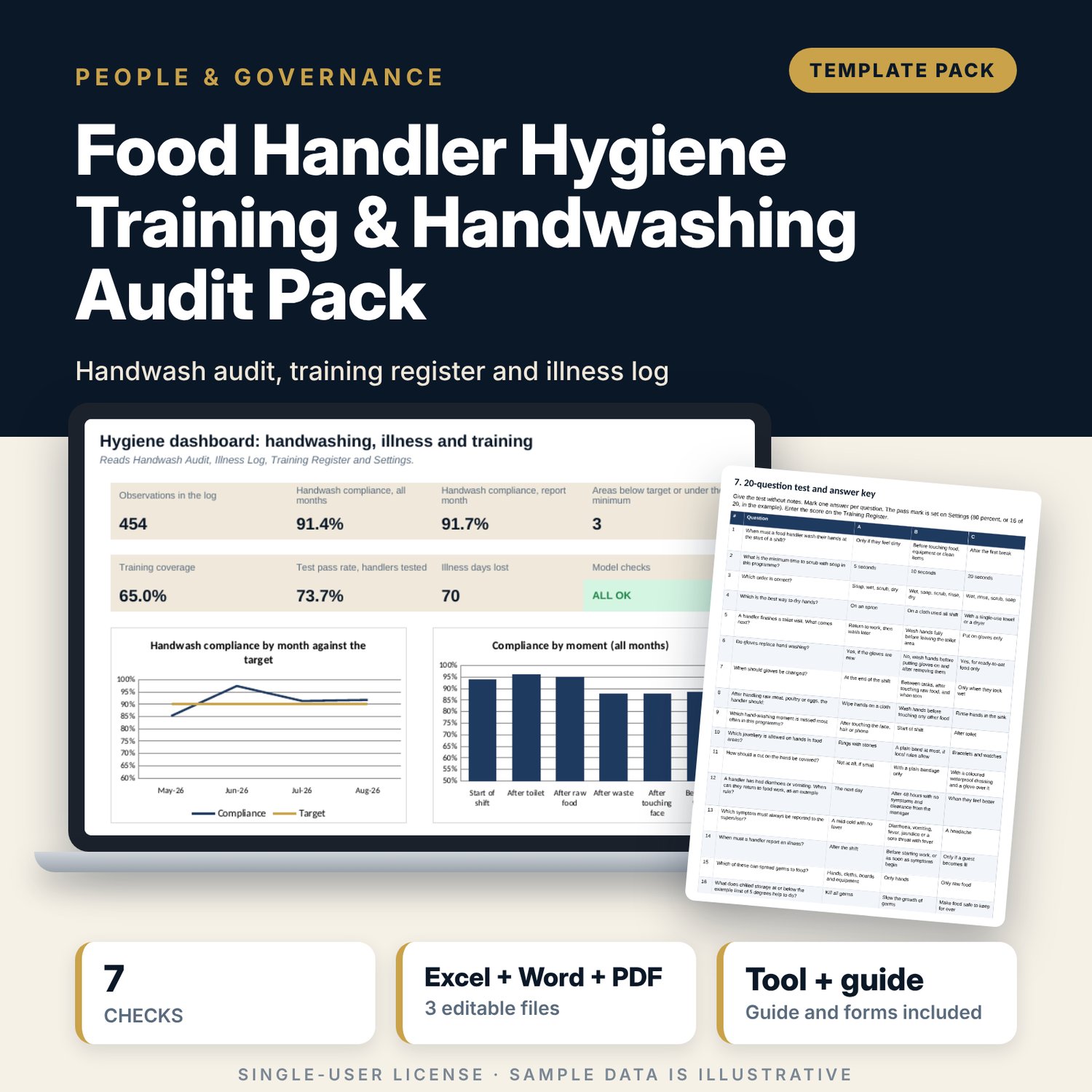
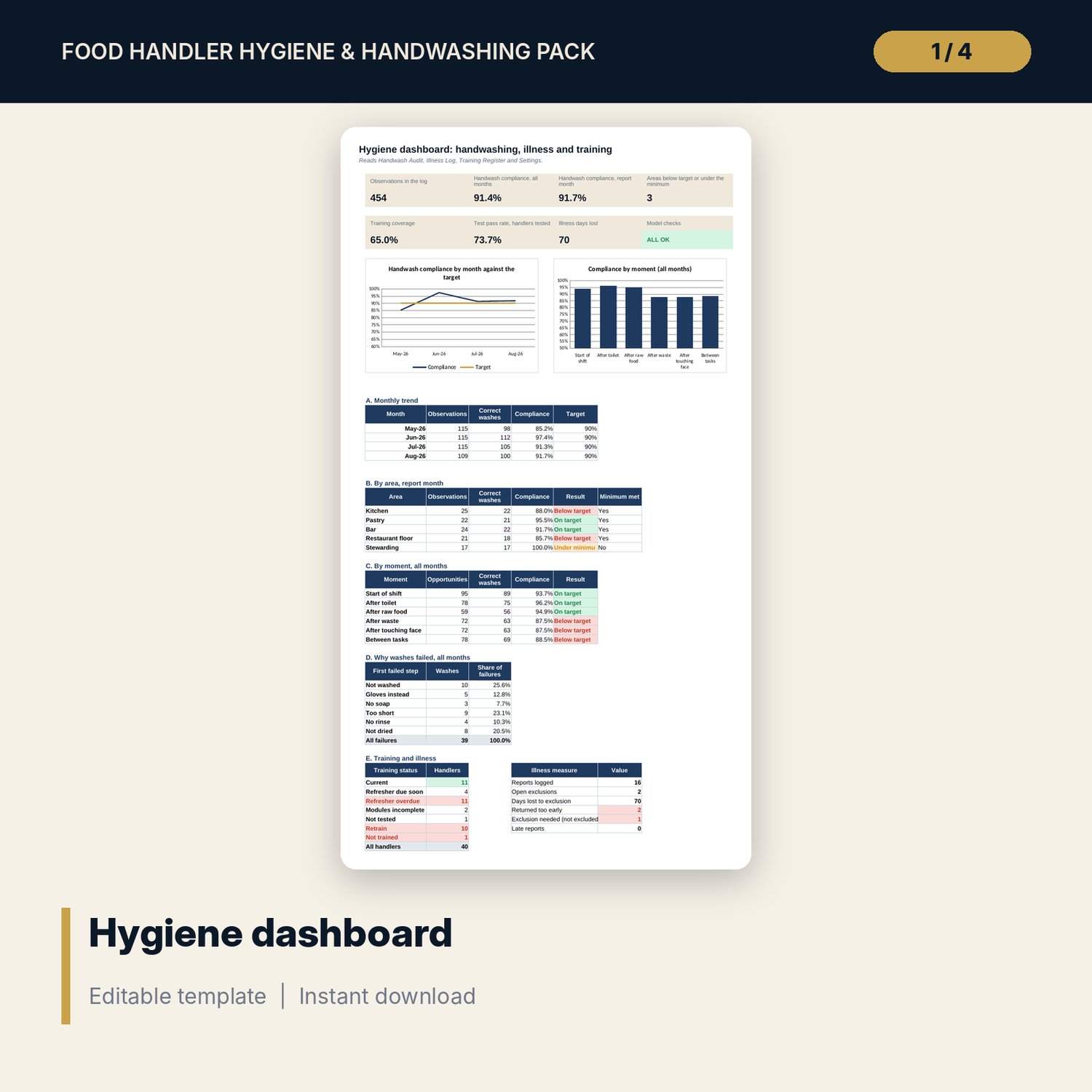
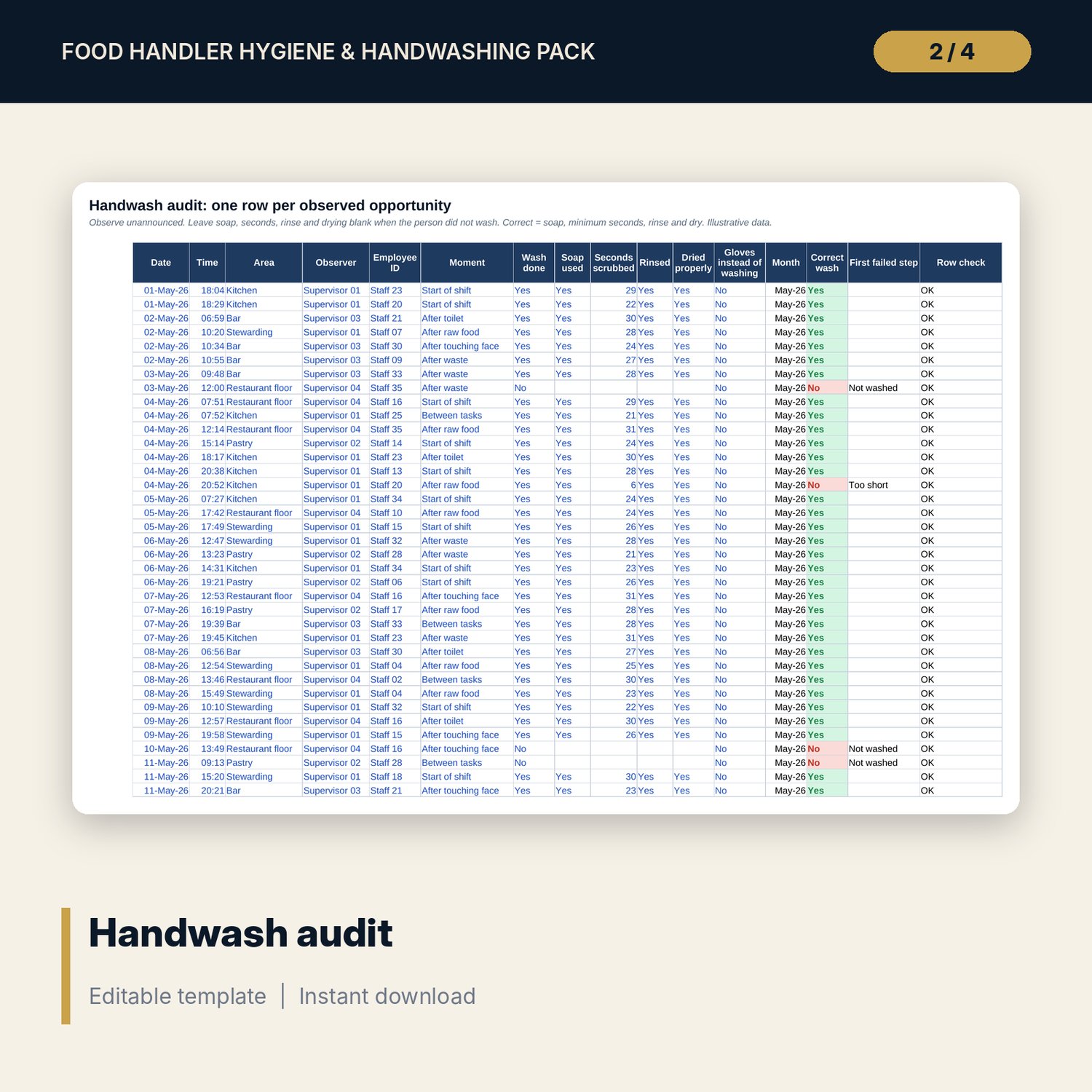
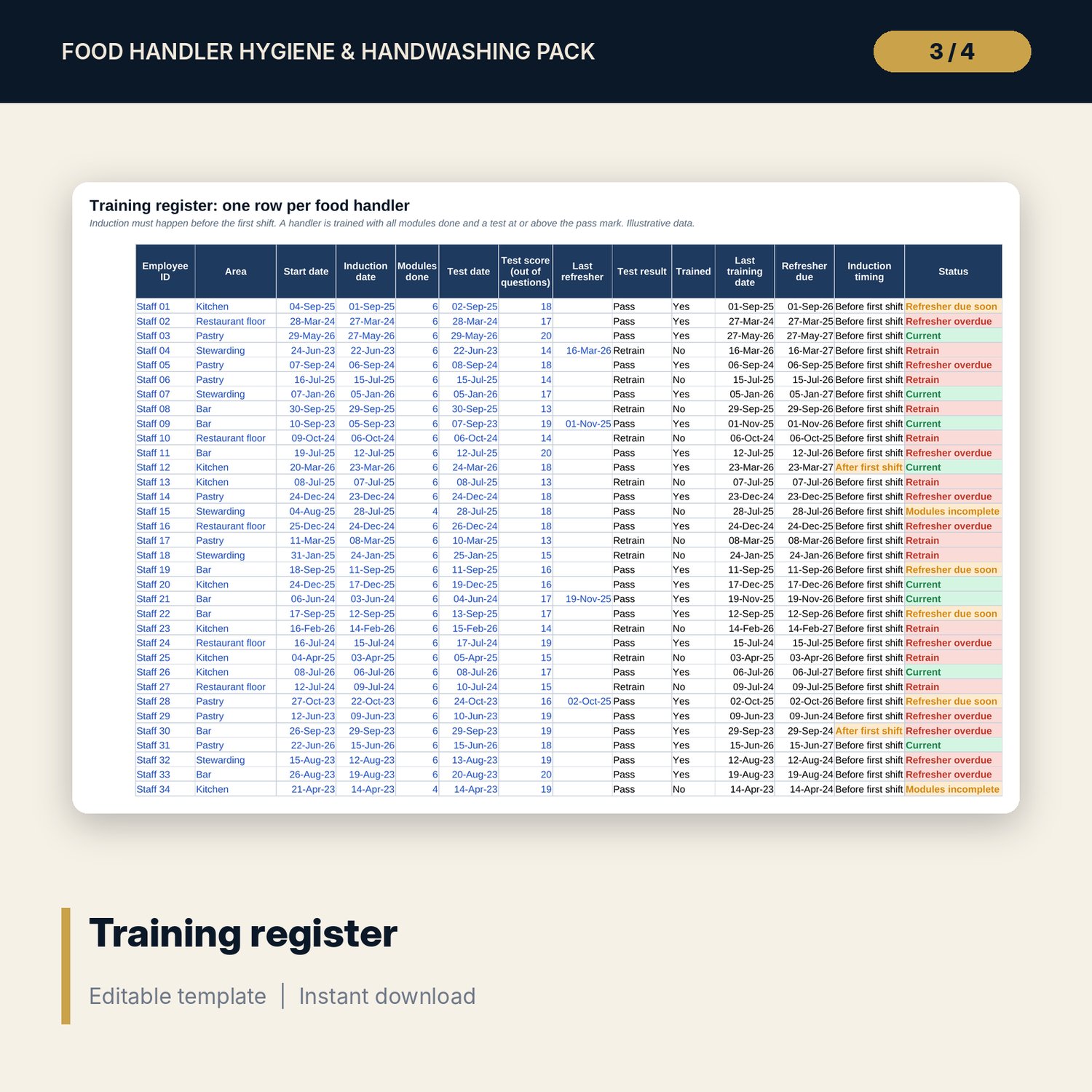
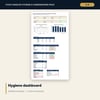
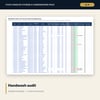
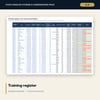
For executive chefs, food and beverage managers, hygiene officers and housekeeping or stewarding leads who need to show that food handlers are trained and that hand washing really happens. The audit sheet records one row per observed opportunity and counts a wash as correct only with soap, the minimum seconds, a rinse and drying. The first failed step is named, so training aims at the real gap. The training register shows induction timing, modules, test results, refresher dates and a status for every handler. The illness log flags a missing exclusion, an early return, a missing clearance and a late report. The Dashboard shows compliance by month, area and moment, failure reasons, training coverage and days lost. The Word handout holds six modules, the floor observation form, a daily checklist, the illness and return form, and a 20-question test with answer key.
What is inside
- Handwashing_Audit_and_Training_Tracker.xlsx: 7 tabs, 2,661 formulas, 2 native charts, 23 drop-down and input rules, 7 integrity checks
- Handwash Audit: 454 sample observations plus 60 spare rows, each scored on soap, seconds, rinse and drying; Training Register: 40 sample handlers plus 10 spare rows with status
- Illness Log: 16 sample reports plus 14 spare rows with exclusion, return and days-lost flags; Settings: 13 inputs and 8 symptoms with a risk flag
- Dashboard with 8 KPI tiles and 2 charts, and tables by month, area, moment, failure reason, training status and illness measures
- Food_Handler_Hygiene_Training_Handout.docx and PDF: 9 pages with 6 modules, an observation form, a daily checklist, an illness and return form, a 20-question test with answer key and a worked example
- README.txt and LICENSE-and-Terms.txt
How it works
- Enter targets, wash time, pass mark and report month on Settings and list your handlers.
- Observe unannounced each week and enter one row per opportunity.
- Log every illness report on the day and record who cleared the return.
- Read the Dashboard monthly and retrain where an area or a moment is below target.
Details
- Formats: 1 Excel workbook (.xlsx), 1 Word handout (.docx) and PDF, English
- Software: Excel 2016 or later, or LibreOffice Calc 7 or later
- No macros, no external links, no data tables, no array formulas
- 3 files plus README and license; instant digital download
Good to know
- Sample data is illustrative. Replace it with your own records.
- Targets, wash times, temperatures, exclusion periods and refresher intervals are examples. Verify the requirements that apply where you work.
- Illness data is sensitive. Use employee codes and limit access to the file.
- Single-user license. Do not redistribute.
FAQ
What counts as a correct wash?
Soap, at least the minimum seconds set on Settings, a rinse and drying. If any step is missing the wash is marked incorrect and the first missing step is named.
Can I change the targets and limits?
Yes. Target, wash time, pass mark, refresher interval, symptom-free hours and the symptom list are inputs on Settings.
Does it replace local food safety rules?
No. The limits are examples. Verify the requirements that apply where you work.
How is training status decided?
A handler is Current when induction, all modules and a passing test are present and the refresher is not due. Other cases show a named status such as Retrain or Refresher overdue.
Do I need macros?
No. Every result is a standard worksheet formula.