

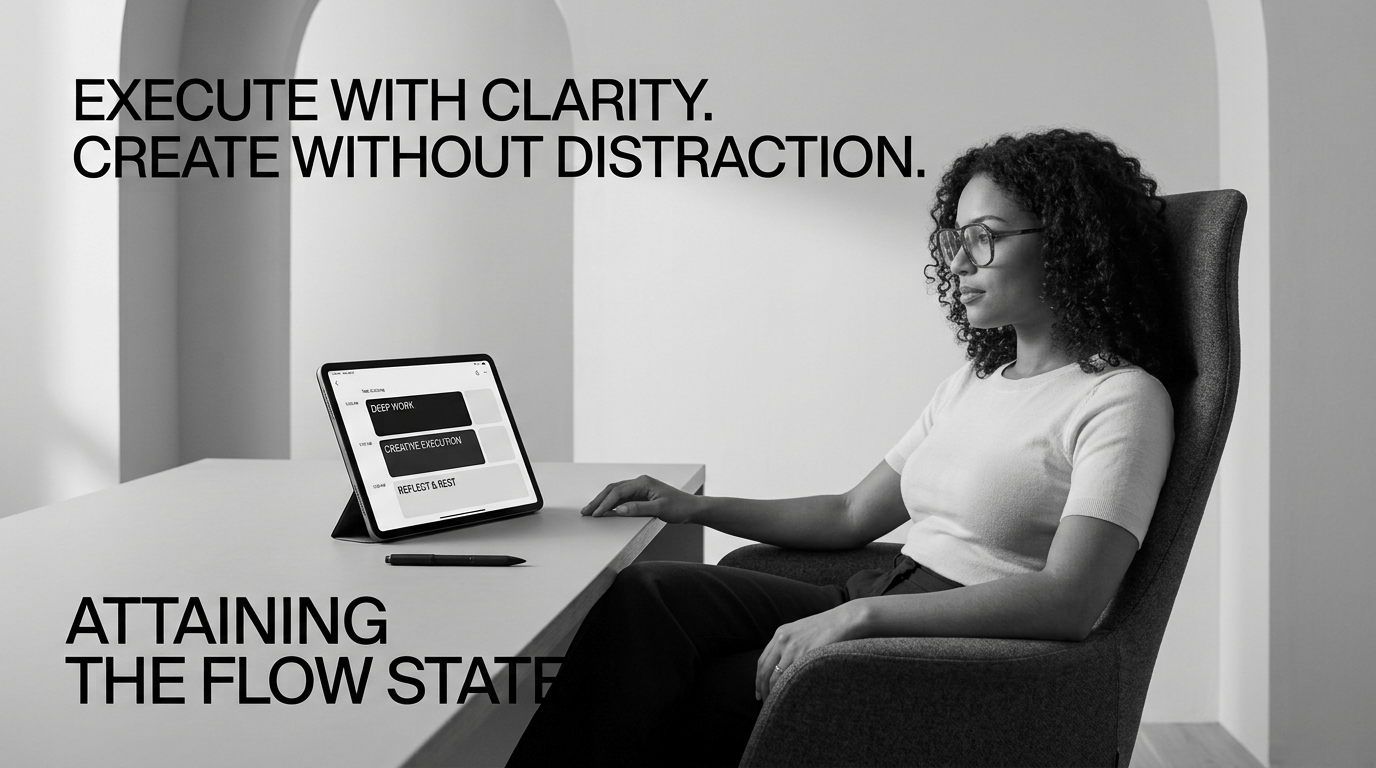



For creators, builders, and digital product designers, time is the ultimate currency. Yet, most creators fall into the trap of reactive working—switching constantly between writing content, building products, responding to messages, and tweaking designs. This constant context switching destroys focus and delays major launches.
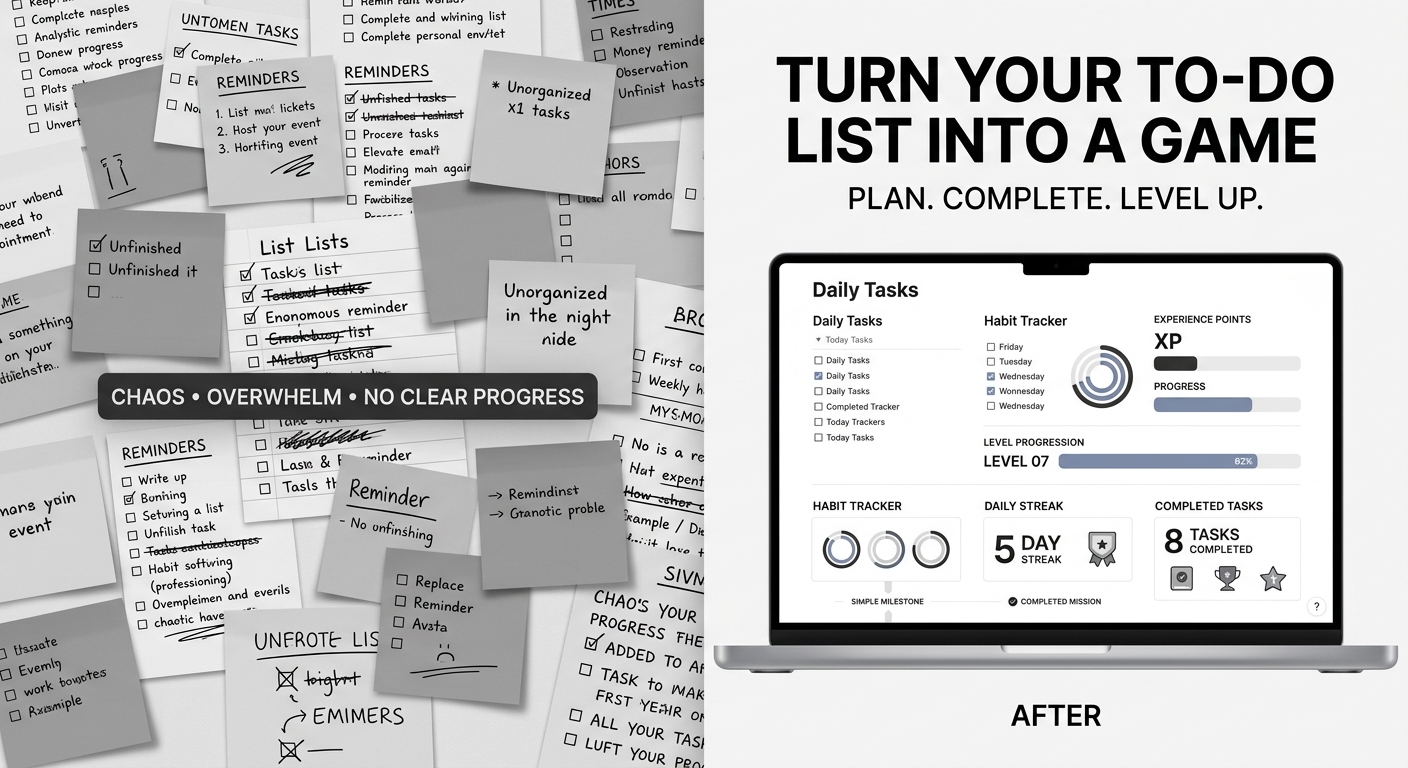
Time blocking solves this problem by transforming a chaotic to-do list into a structured, visual roadmap for your calendar. Instead of asking "What should I do next?", you operate with clear, dedicated focus windows designed specifically for deep creative output.
Why Traditional To-Do Lists Fail Creators
Standard to-do lists fail because they treat every task as equal. Adding "Design complete database architecture" right next to "Reply to customer email" creates cognitive friction.
Time blocking applies Paul Graham’s famous "Maker vs. Manager" concept:
- Maker Time: Large, uninterrupted blocks (2–4 hours) dedicated to deep creative work, technical building, writing, or system design.
- Manager Time: Short, segmented blocks (30–60 minutes) assigned to administrative tasks, distribution, social media engagement, and emails.
By separating these two modes of work, you protect your focus and preserve your peak energy for your high-value creations.
The 5 Essential Time Blocks for Digital Creators
To build a sustainable creation engine, organize your workweek around five core operational blocks:
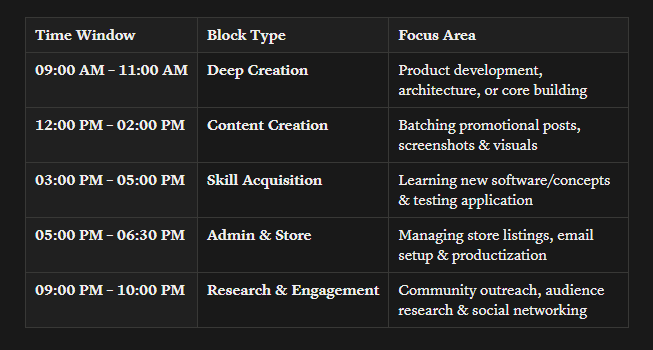
1. Deep Creation Block (Maker Mode)
- Duration: 2 to 3 hours (preferably during your natural energy peak).
- Focus: High-friction execution—building digital products, writing core frameworks, designing database structures, or producing long-form assets.
- Rule: Zero notifications, single-task focus, and closed communications apps.
2. Marketing & Distribution Block
- Duration: 1 to 2 hours.
- Focus: Turning your deep work into content assets. Batching social posts (X, LinkedIn, Pinterest), writing promotional threads, capturing screenshots, or preparing store visuals.
- Rule: Focus strictly on output and asset production, not consuming feed content.
3. Skill & Knowledge Block
- Duration: 1 hour.
- Focus: Deliberate learning—mastering a new tool, studying market trends, analyzing competitors, or reading technical documentation.
- Rule: Practice immediate application. Take what you learn and test a small practical implementation right away.
4. Admin & Systems Maintenance Block
- Duration: 30 to 60 minutes (best scheduled for late afternoon).
- Focus: Platform setup (Payhip, Gumroad), updating store listings, organizing files, answering support messages, and clearing inboxes.
5. Engagement & Audience Research
- Duration: 30 to 45 minutes.
- Focus: Active networking, commenting on industry conversations, studying target audience pain points on forums or social feeds, and building relationships.
How to Set Up Your Weekly Time-Blocking Schedule
Step 1: Map Out Your Daily Energy Curve
Identify when your brain handles complex problem-solving best. Morning people should reserve early hours for the Deep Creation Block, leaving admin and distribution for late afternoon when cognitive energy wanes.
Step 2: Batch Similar Cognitive Tasks
Group related activities into single time blocks to minimize context switching overhead:
- Visual Batching: Create all product mockups, covers, and promotional graphics in one session.
- Writing Batching: Draft multiple social posts or blog sections together.
Step 3: Insert Rigid Buffer Windows
Creative work rarely follows exact minute-by-minute predictions. Always insert 15–30 minute buffers between major blocks to stretch, recharge, or allow overflow without throwing off your entire schedule.
Sample Time Block Schedule for Product Launches
3 Golden Rules for Staying Consistent
- Treat Time Blocks as Non-Negotiable Appointments: Respect a creation block with the same discipline as a client meeting.
- Conduct End-of-Day System Reviews: Spend 10 minutes at the end of each day evaluating what moved the needle, adjusting block lengths for tomorrow, and eliminating redundant steps.
- Build Before You Polish: When time blocking product development, prioritize structure, core functions, and user workflow first. Save styling, aesthetics, and cover assets for designated polish blocks.
Final Thoughts
Time blocking isn't about restricting your freedom—it's about creating a structure that liberates your creative potential. By giving every hour a single, clear objective, you eliminate decision fatigue and build momentum toward bringing your ideas into the world.


Comments ()