


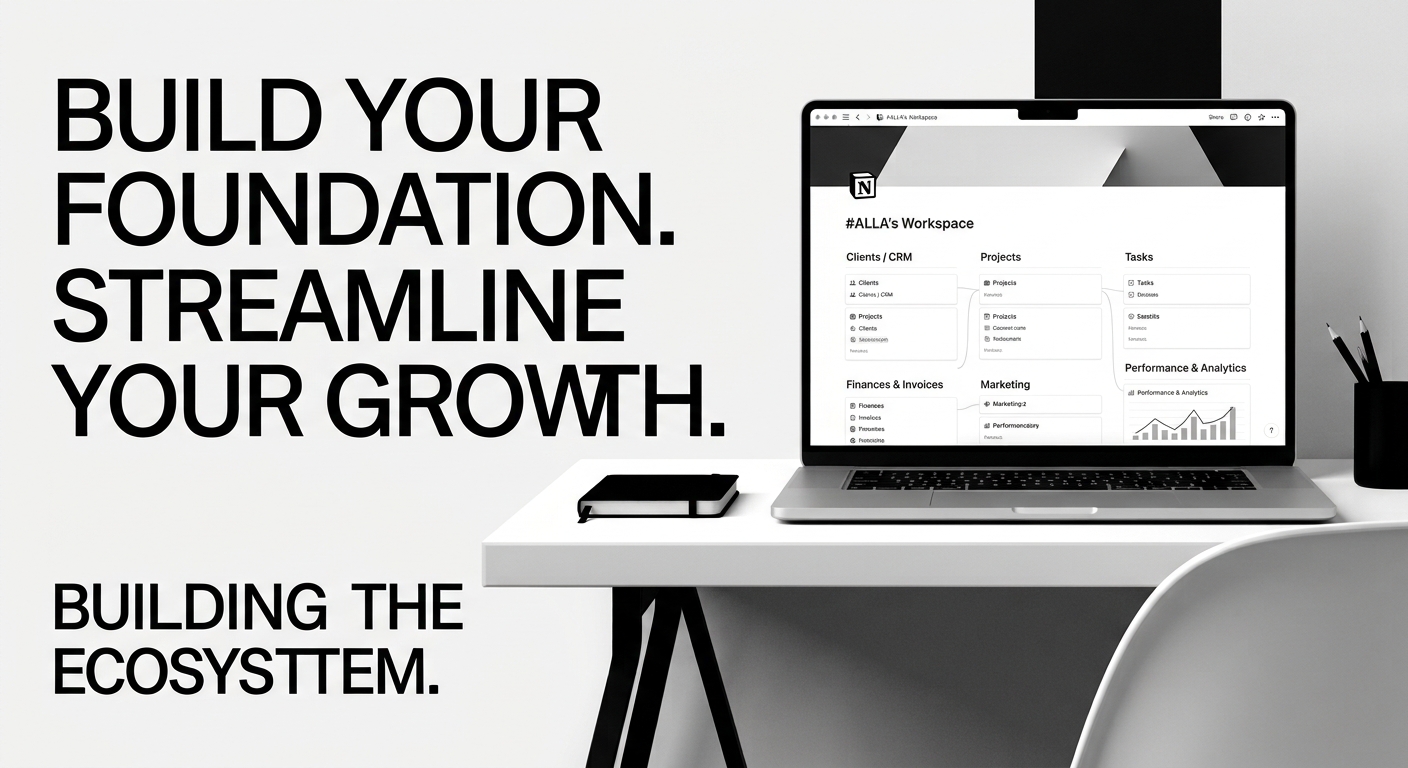
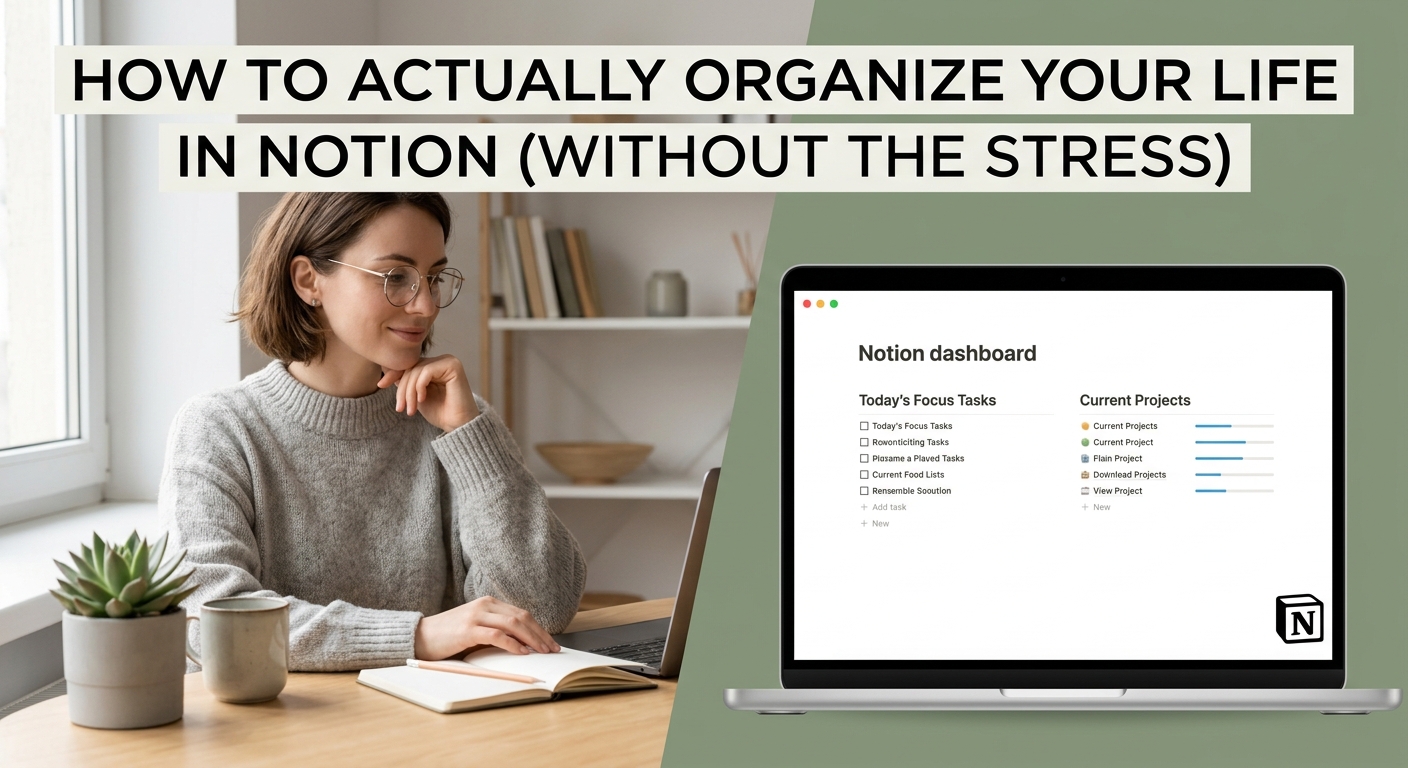
Introduction: The Freelancer's Organization Struggle (and the Power of Notion) For freelancers, managing clients, projects, finances, and marketing can feel like a perpetual balancing act. Without a central hub, things slip through the cracks, leading to stress and lost income. Enter Notion, the powerful all-in-one digital workspace that can transform chaos into clarity. In this guide, we'll explore how you can leverage Notion and pre-built templates to build a custom business system that works for you.
Why Notion? The All-in-One Solution for the Modern Freelancer Notion is more than just a note-taking app. It combines databases, documents, wikis, and project management tools in a clean, flexible interface. This all-in-one approach eliminates app fatigue and allows you to create highly connected systems where a client is linked to their projects, invoices, and communication logs. It's the perfect canvas for a digital workspace for freelancers, designed to scale with your business.
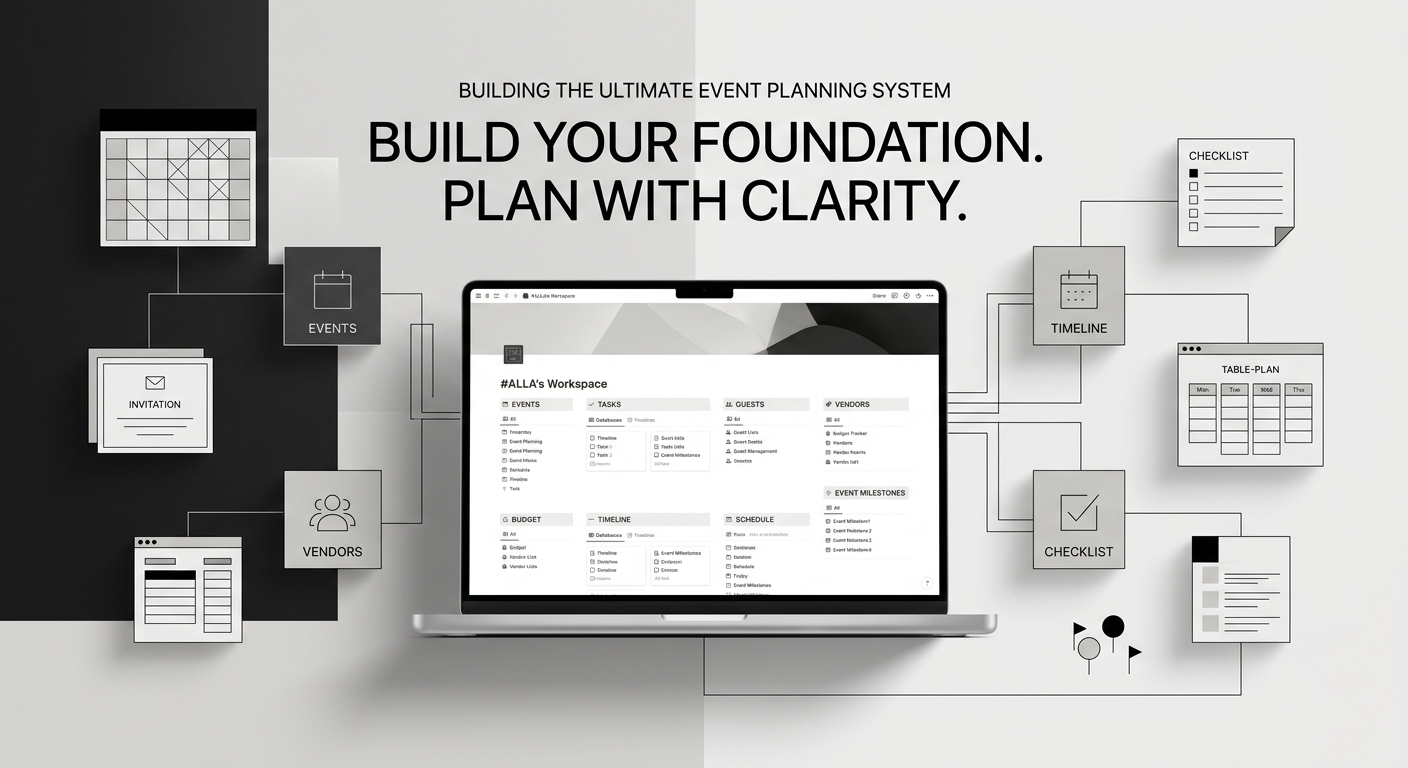
Maximize Your Workflow with Notion Templates for Freelancers Building custom systems from scratch takes valuable time. Pre-built Notion templates are the secret weapon to jumpstart your organization. Instead of hours of configuration, you get a solid foundation designed by experts, optimized for specific use cases like:
- Notion CRM for freelancers: Track prospects, manage leads, and cultivate strong client relationships.
- Detailed Project Management: Break down projects into tasks, track progress with Kanban boards or Gantt charts.
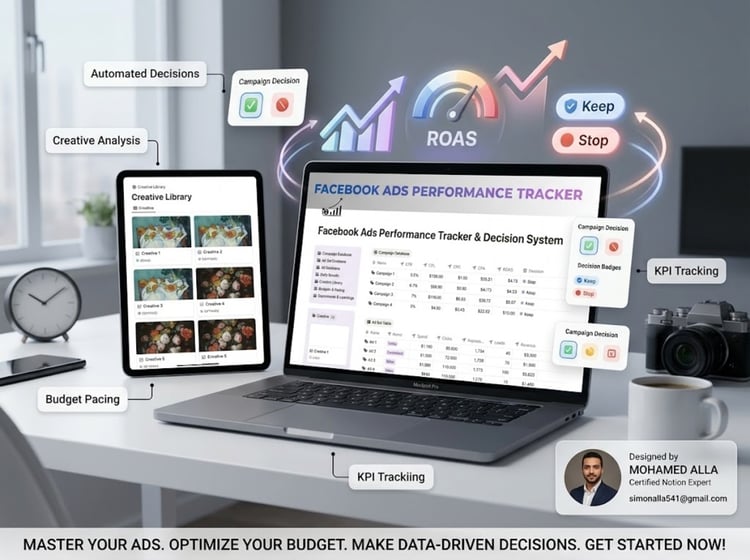
- Data-Driven Dashboards: Create a marketing performance dashboard to maximize your marketing ROI.
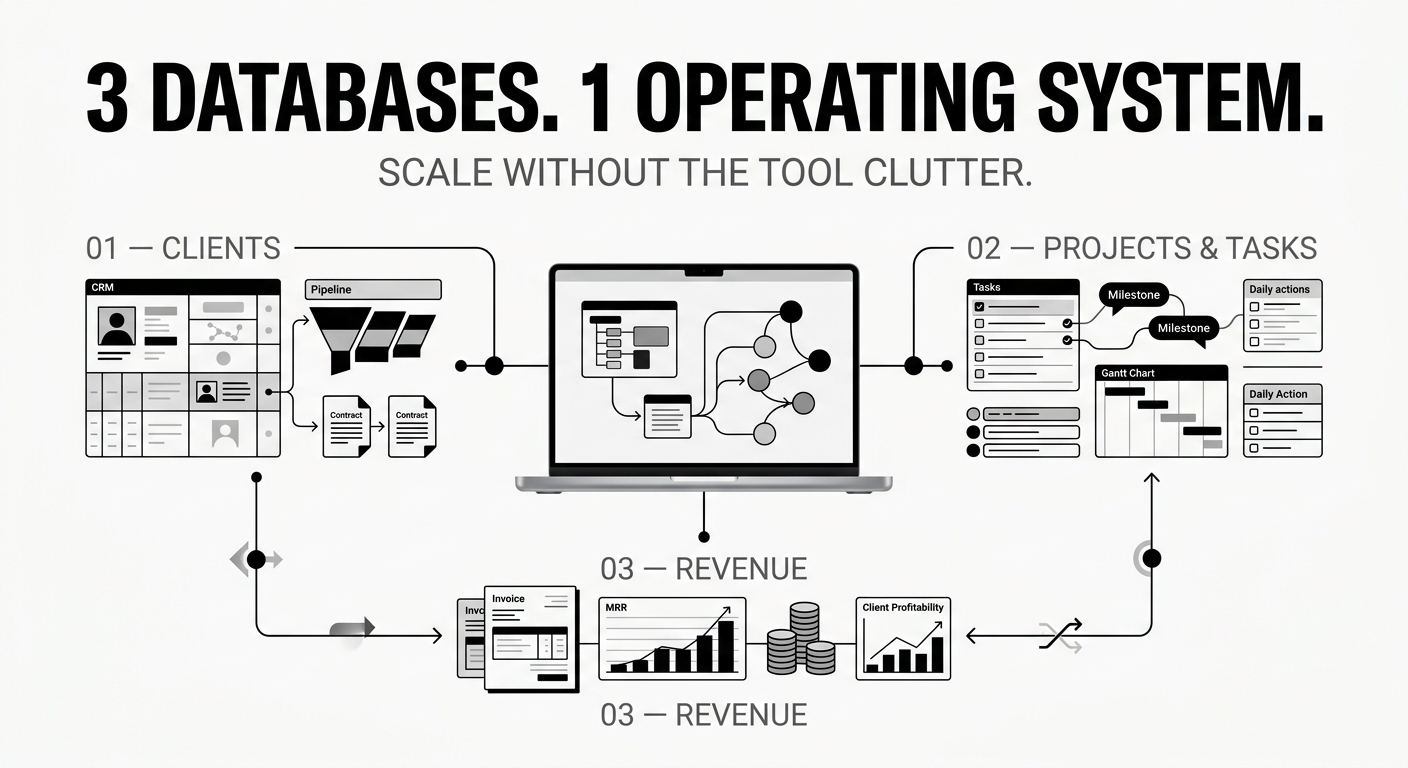
Getting Started: The Essential Databases You Need Every robust freelancer system in Notion should include at least three key databases:
- Client Database (CRM): The heart of your business, containing all contact information, notes, and links to their projects.
- Project Database: Track every project from proposal to delivery, linked to the client.
- Finances/Invoice Database: Monitor incoming payments, expenses, and issue professional invoices, linked to clients and projects.

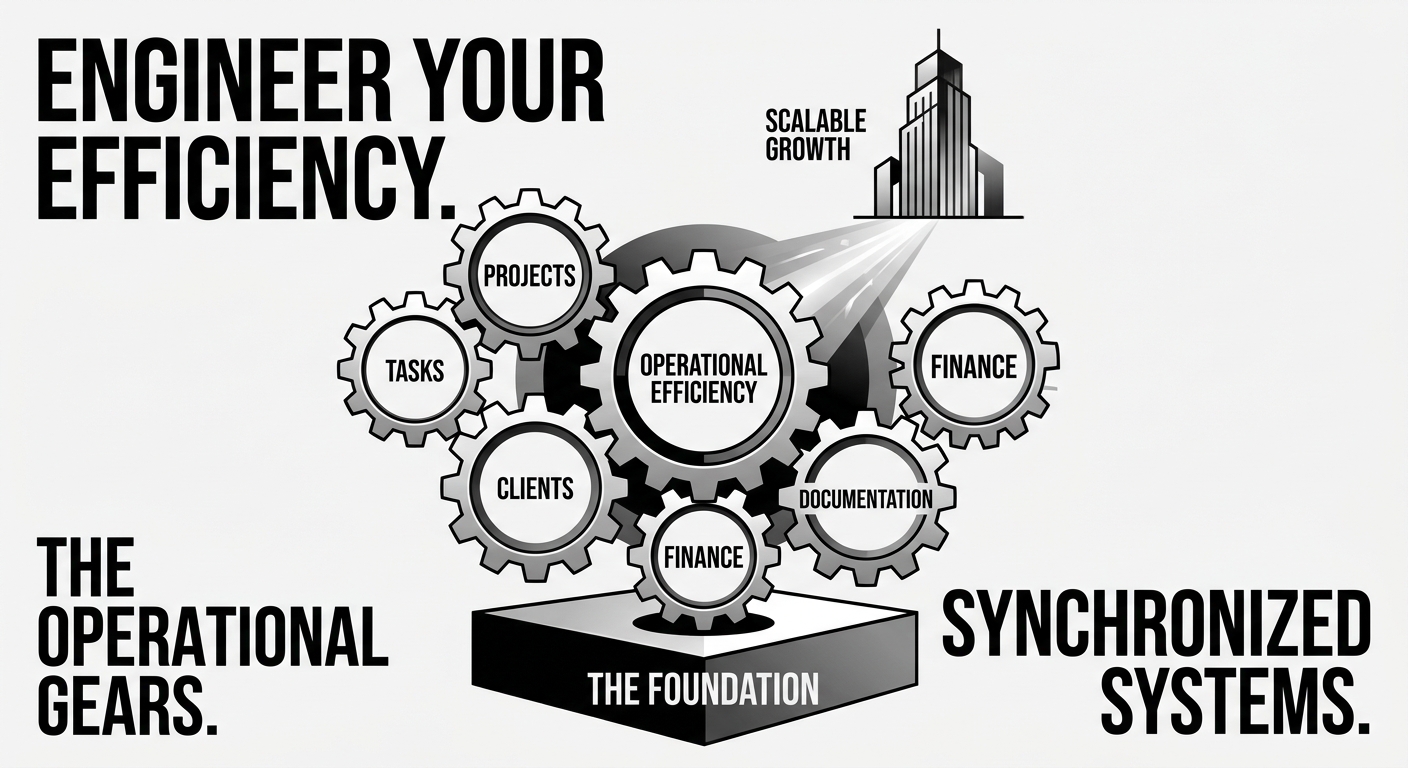
Optimizing for Success: Custom Business Systems that Work for You Don't settle for generic solutions. Customize your Notion systems to match your unique workflow. Add properties to track specific key performance indicators, build filtered views for current tasks, and create linked templates to quickly generate project briefs or proposals. A good system isn't just organized; it provides actionable insights, making you more efficient and professional.
Conclusion: Elevate Your Freelance Business Today with Pre-built Solutions Taking control of your organization is the fastest way to increase your capacity and grow your business. Instead of spending days building, leverage the power of well-designed Notion templates. Start today with a complete freelancer operating system, from client management to project tracking, and watch your business thrive. Streamline your workspace and focus on what you do best: delivering exceptional work.



Comments ()