

Your Cart
Loading

Stop Wasting Time: How to Build the Ultimate Notion Time Management Dashboard

If you are constantly switching between a to-do list app, a calendar, and sticky notes, you aren't managing your time—you are managing chaos.

As a Certified Advanced Notion Specialist, I have audited countless digital workspaces. The most common mistake people make is treating their tasks in isolation. Real productivity doesn’t come from listing what you need to do; it comes from architecting a system that tells you exactly when and how to execute it.

Here is the exact blueprint for building a high-performance, distraction-free time management system in Notion.


1. Separate Tasks from Projects (The Foundation)

A project is an outcome ("Launch new template"). A task is a step to get there ("Design 3 Pinterest Pins").

Your Notion dashboard needs two distinct, interconnected databases using a Relation property.

  • The Projects Database: Tracks the high-level goals, deadlines, and overall progress.
  • The Tasks Database: Houses the granular, day-to-day actions.

When you open your Notion workspace each morning, you shouldn't be looking at projects. You should be looking at a filtered view of your Tasks database set to Date is Today. Keep the visual layout minimalist—stick to a monochrome palette like Deep Charcoal and Pure White with Notion Blue accents to minimize cognitive load.


Message Me for Custom Workspace Architecture


2. Implement Strategic Time-Blocking

Don't just list tasks; allocate them to specific time windows. Within your dashboard, create a daily schedule that categorizes your focus areas.


Here is an example structure you can build into your Notion daily view:

  • 09:00 AM – 11:00 AM: Deep Creation (Product development, architecture, or core building)
  • 12:00 PM – 02:00 PM: Content Creation (Batching promotional posts, screenshots, & visuals)
  • 03:00 PM – 05:00 PM: Skill Acquisition (Learning new software/concepts & testing)
  • 05:00 PM – 06:30 PM: Admin & Store (Managing listings, emails, & productization)
  • 09:00 PM – 10:00 PM: Research & Engagement (Community outreach & audience research)

3. Integrate a Pomodoro Tracker

To execute your time blocks effectively, integrate the Pomodoro technique directly into your workspace.


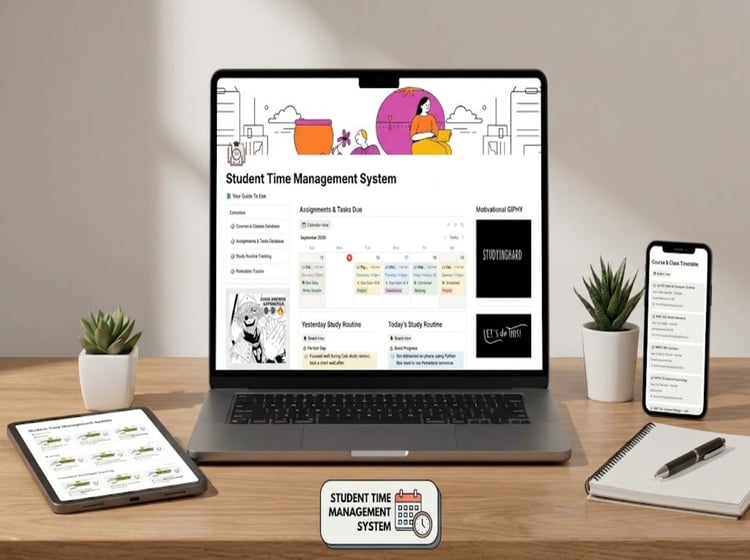
Create a dedicated database for "Study Routines" or "Deep Work Sessions." Add a Number property to track how many 25-minute Pomodoro cycles a task takes. This provides realistic data on how long your work actually takes, allowing you to estimate future projects with precision.


4. Visualize Momentum with Custom Progress Bars

Nothing kills procrastination faster than seeing visual progress.

Instead of simple checkboxes, use Notion's formula properties to create custom progress bars for your projects. As you check off related tasks, the progress bar fills up.

  • Pro Tip: Use a custom formula to output a clean, minimalist progress bar utilizing distinct geometric symbols (like ▓ and ░) rather than the default Notion visuals to keep your workspace looking sharp and editorial.

Stop Managing Chaos. Start Managing Your Time.

You don't need a complex system; you need a smart one. By combining relational databases, strict time-blocking, and visual progress tracking, you transform Notion from a blank page into a focused business operating system.

Ready to upgrade your workflow? You don't have to build this from scratch. Grab the complete, pre-built system over at the #ALLA's store and install your new productivity dashboard in one click.
Blog Posts

Build a Notion-Based Business Ops Hub: Templates, Automations, and Playbooks for Small Businesses
Quick Overview A tight, field-tested system of Notion templates, automations, and playbooks designed to streamline small-business operations. Perfect for teams that need a single source of truth to manage tasks, workflows, and processes without IT o...
Read More
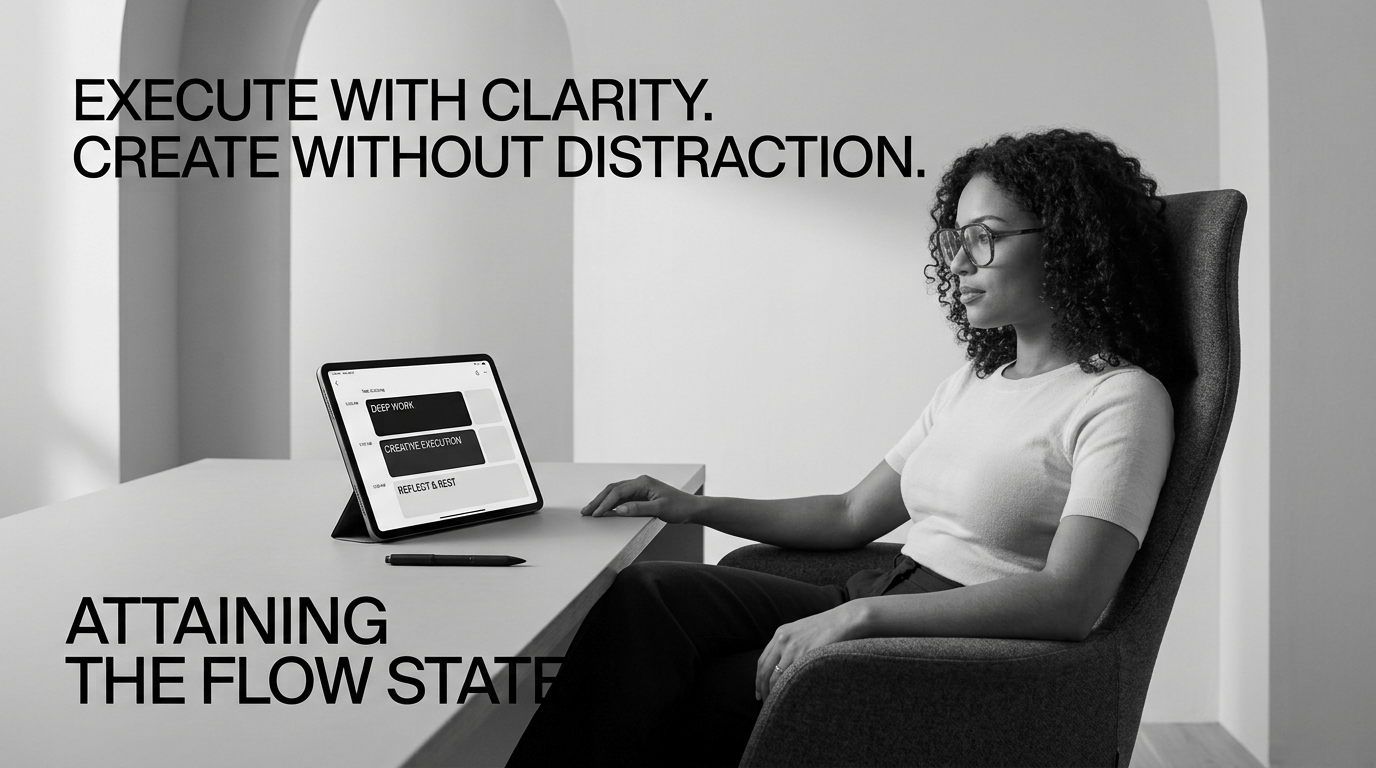
The Ultimate Notion Time Blocking System for Study Efficiency
Quick Overview A fast, feature-driven Notion time blocking system designed to turn study sessions into intentional, distraction-free blocks. Built for students and lifelong learners who want clearer focus, better planning, and measurable study veloc...
Read More
The Focus Playbook: 4 Time Management Tips to Beat Overwhelm
Are you constantly reacting to urgent Slack messages, endless emails, and last-minute requests, only to look up at 5 PM and realize your most important goals were completely untouched? If your daily to-do list feels like an unorganized mountain of 3...
Read More
Stop Wasting Time: How to Build the Ultimate Notion Time Management Dashboard
If you are constantly switching between a to-do list app, a calendar, and sticky notes, you aren't managing your time—you are managing chaos. As a Certified Advanced Notion Specialist, I have audited countless digital workspaces. The most common mis...
Read More
Mastering Time Blocking: The Ultimate Productivity Framework for Creators
For creators, builders, and digital product designers, time is the ultimate currency. Yet, most creators fall into the trap of reactive working—switching constantly between writing content, building products, responding to messages, and tweaking des...
Read More
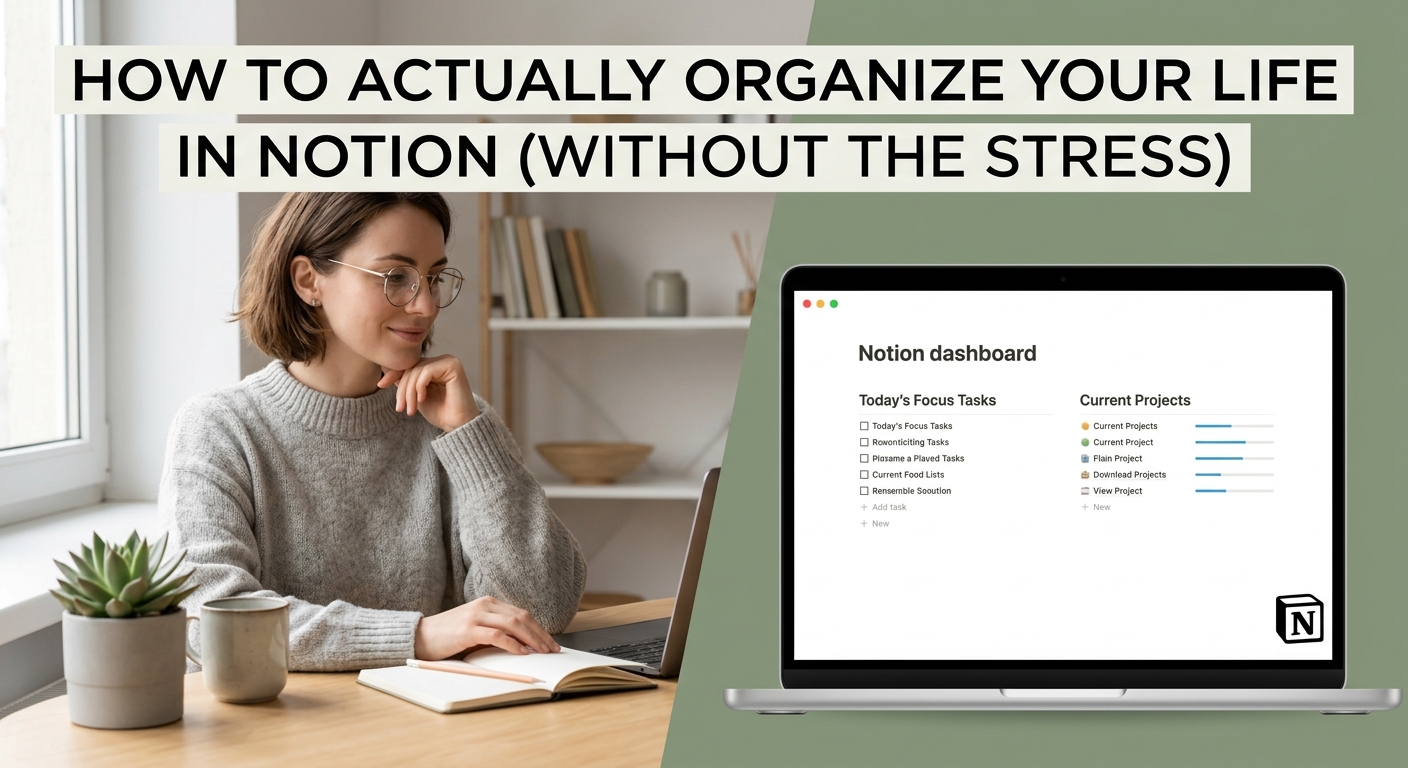
How to Actually Organize Your Life in Notion (Without the Stress)
Introduction: Over-engineering causes Notion burnout. The secret to a stress-free Notion setup isn't more databases—it's minimizing to 3 core databases connected by clean relations. Who is this blog: Students, creators, and professionals who spend m...
Read More
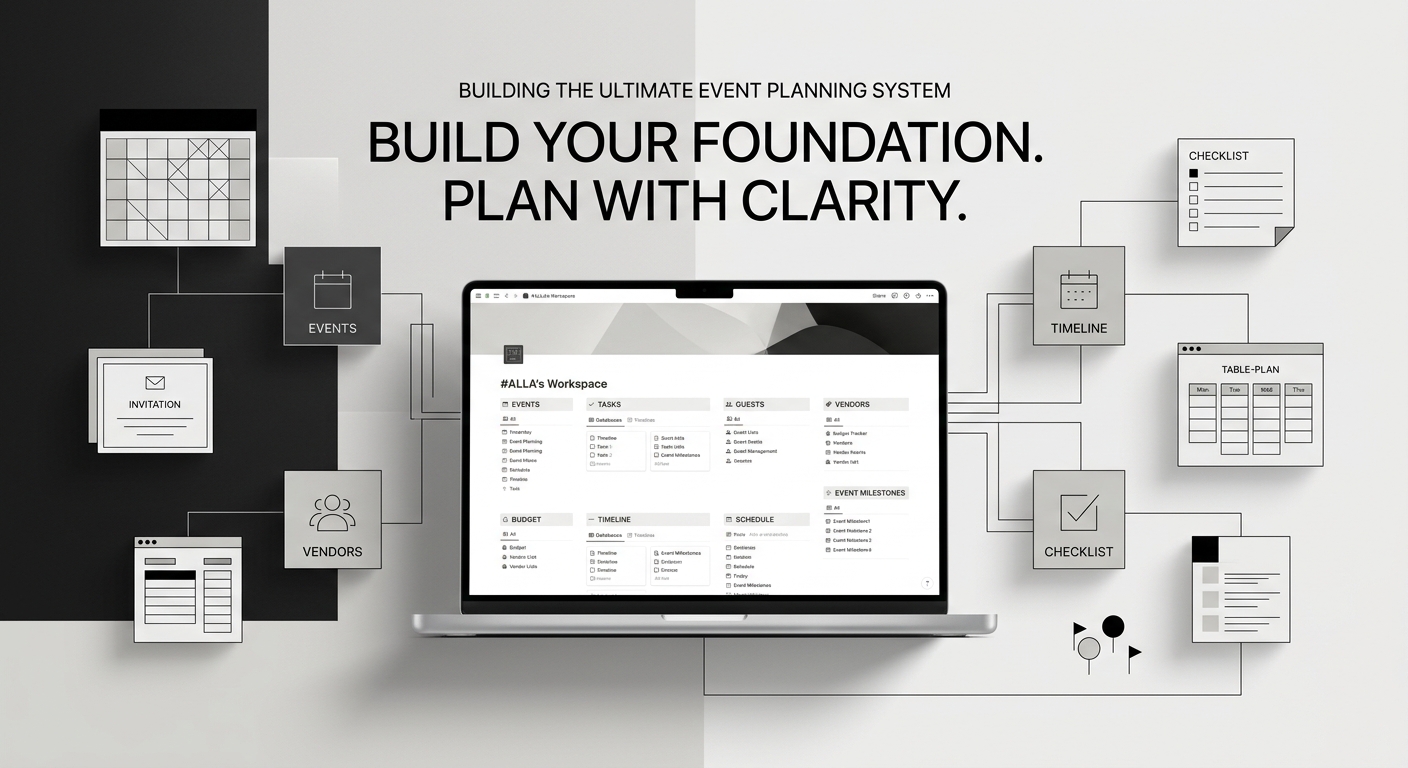
How to Build the Ultimate Event Planning System in Notion
Planning a major celebration or holiday event can quickly turn chaotic without a centralized hub to track budgets, guest lists, menus, and schedules. A structured Notion workspace leverages interconnected databases for operational planning alongside...
Read More
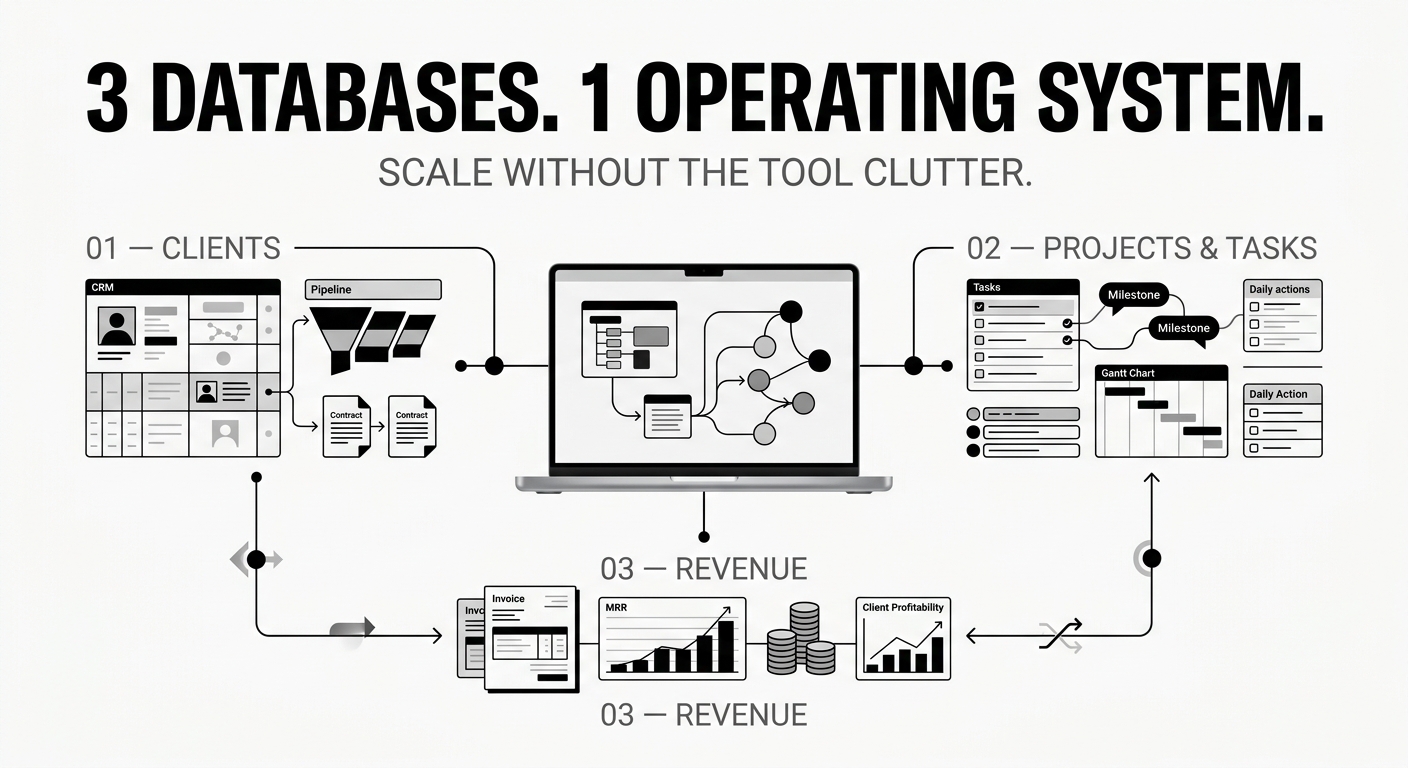
The 3-Database System Every Freelancer Needs to Scale Operations
Running a solopreneur business usually starts with simplicity, but as your client roster grows, tool fragmentation quietly kills your productivity. Toggling between a dedicated CRM app, a separate project board, scattered email threads, and manual r...
Read More
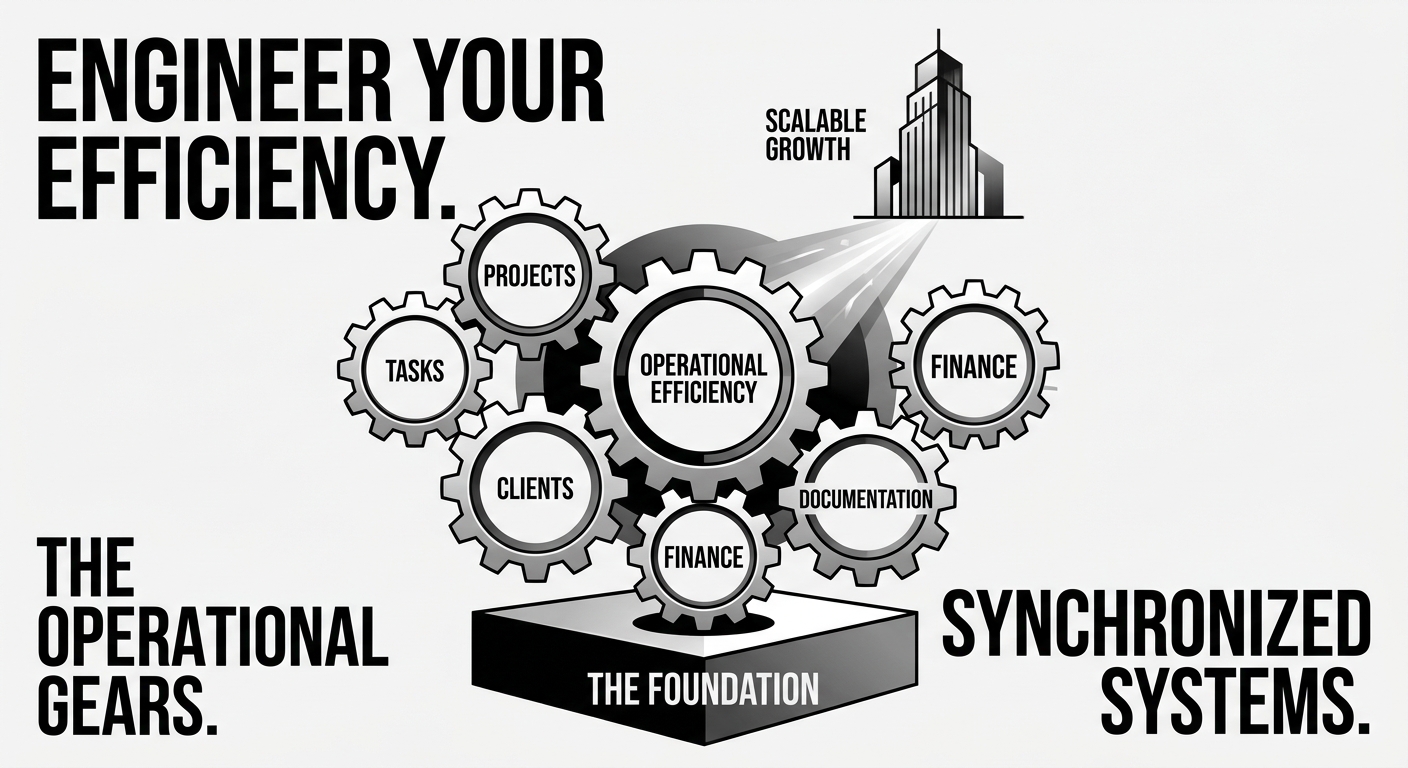
Why 80% of Company Notion Workspaces Slow Down After 6 Months (And How to Architect for Scale)
Notion is the ultimate tool for team alignment until it becomes a cluttered digital attic. In the first month, everything feels clean, custom, and effortless. By month six, search results yield duplicate pages, database loading indicators spin endle...
Read More
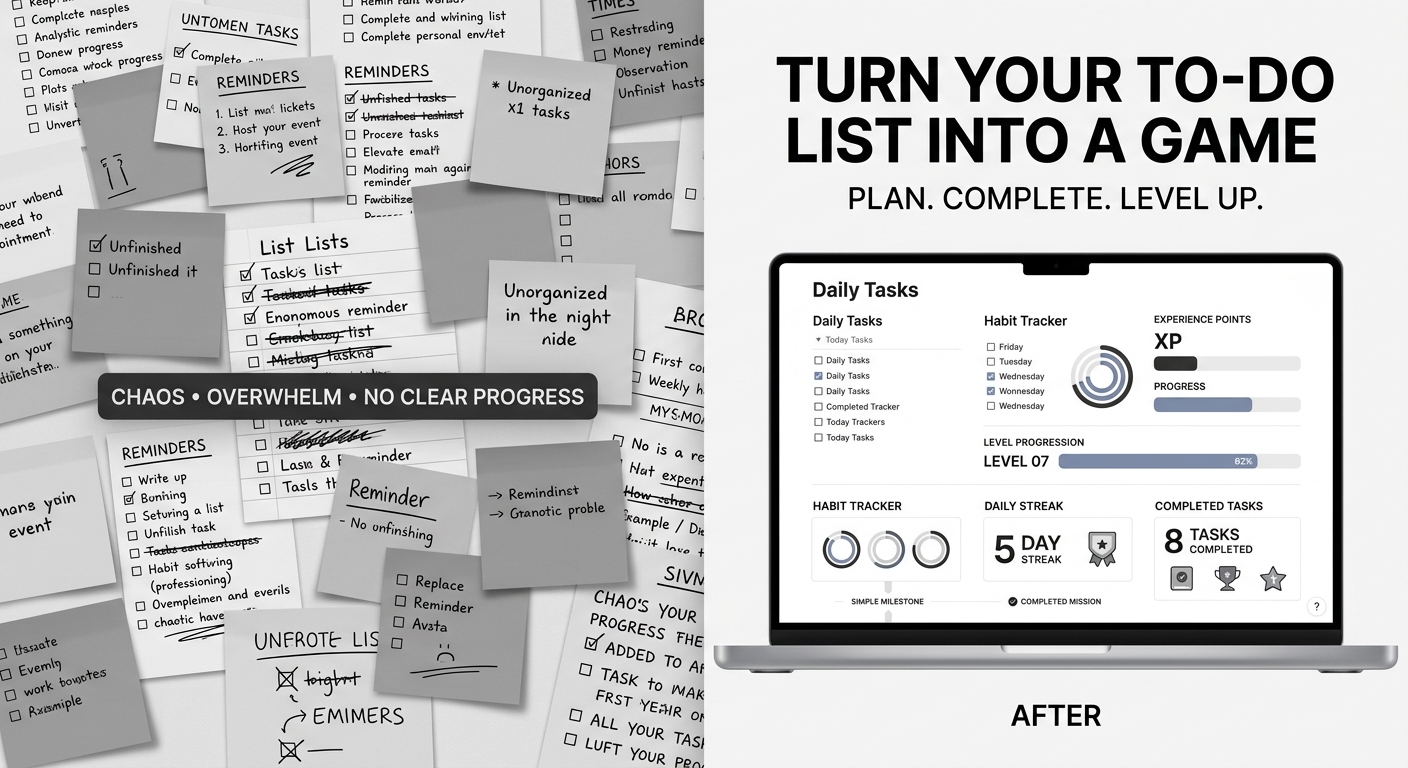
Turn Your To-Do List Into a Game: How to Level Up Your Daily Productivity in Notion
Traditional to-do lists fail because they focus entirely on effort without immediate reward. When you cross off an item on paper, the satisfaction is brief, leaving you staring at a mountain of remaining tasks. Gamification changes this dynamic by i...
Read More
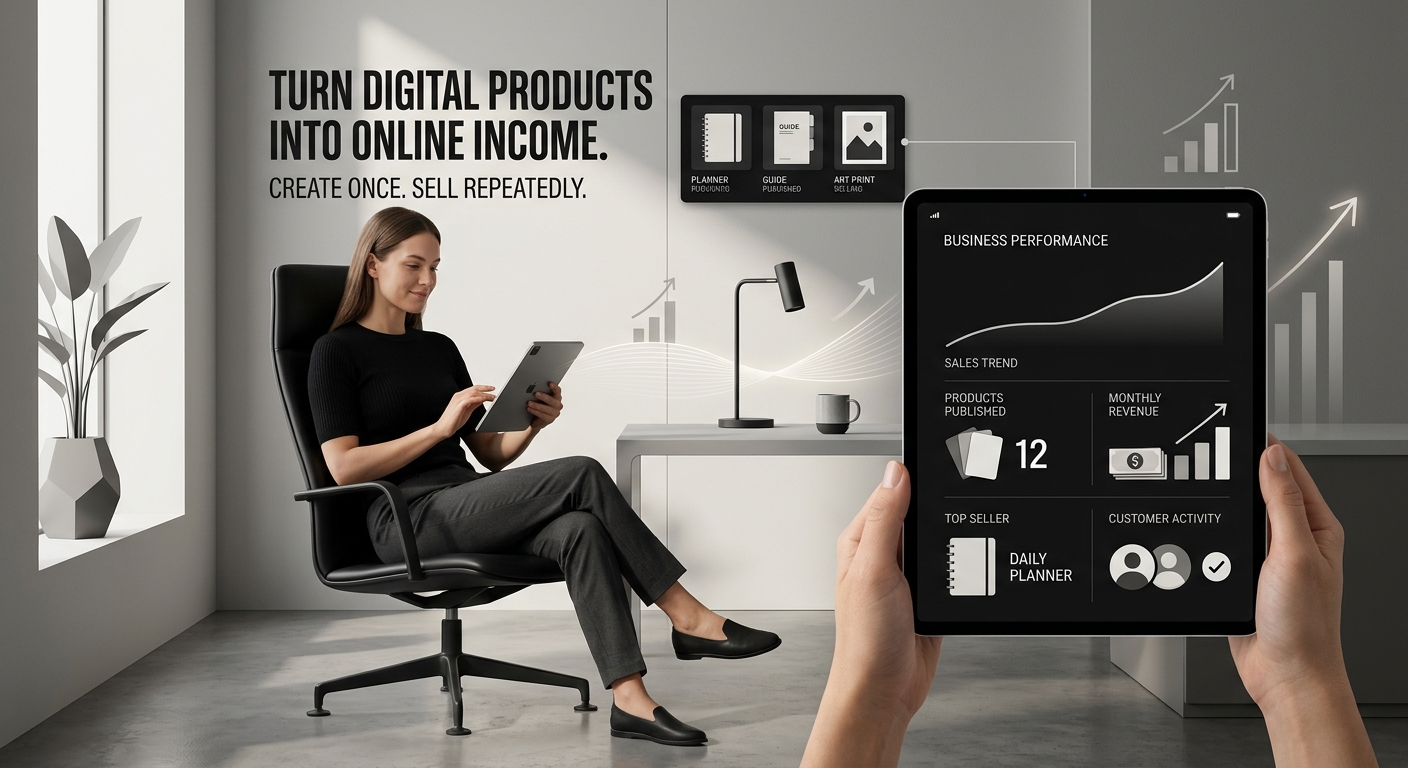
10 Proven Ideas for Passive Income: Sell Digital Products from Your Store
Are you dreaming of generating income online without managing physical inventory or shipping? Creating and selling digital products is a game-changer. From ebooks to templates, the market is massive, and Payhip makes it incredibly easy for creators ...
Read More
The Ultimate Guide to Using Notion Templates to Organize Your Freelance Business (and Boost Your Income)
Introduction: The Freelancer's Organization Struggle (and the Power of Notion) For freelancers, managing clients, projects, finances, and marketing can feel like a perpetual balancing act. Without a central hub, things slip through the cracks, leadi...
Read More
5 Simple Digital Systems to Organize Your Work and Skyrocket Productivity
Feeling overwhelmed by scattered notes, missed deadlines, and chaotic daily routines? Whether you are a creator, freelancer, or small business owner, maintaining control over your digital workspace is the key to consistent growth. At #ALLA's, w...
Read More