
Your Cart
Loading

Why 80% of Company Notion Workspaces Slow Down After 6 Months (And How to Architect for Scale)

Notion is the ultimate tool for team alignment until it becomes a cluttered digital attic. In the first month, everything feels clean, custom, and effortless. By month six, search results yield duplicate pages, database loading indicators spin endlessly, and team adoption plummets because no one knows where anything lives.


This slowdown isn't a limitation of the platform—it is an architectural flaw. When workspaces are built without scalable database foundations, performance bottlenecks and operational bloat are inevitable.


The 3 Silent Drivers of Workspace Bloat


  • Page Nesting Over Database Relations: Creating nested sub-pages inside sub-pages mimics an outdated folder system. This makes global search slow and buries critical documentation.


  • Heavy Rollup & Formula Chains: Running complex calculations across thousands of un-indexed relations forces Notion to recalculate data on every page view, causing noticeable lag.


  • Ungoverned Permissions & Duplicate Databases: When team members lack clear guidelines on where master databases live, they create local copycat tables, fragmenting your company's single source of truth.
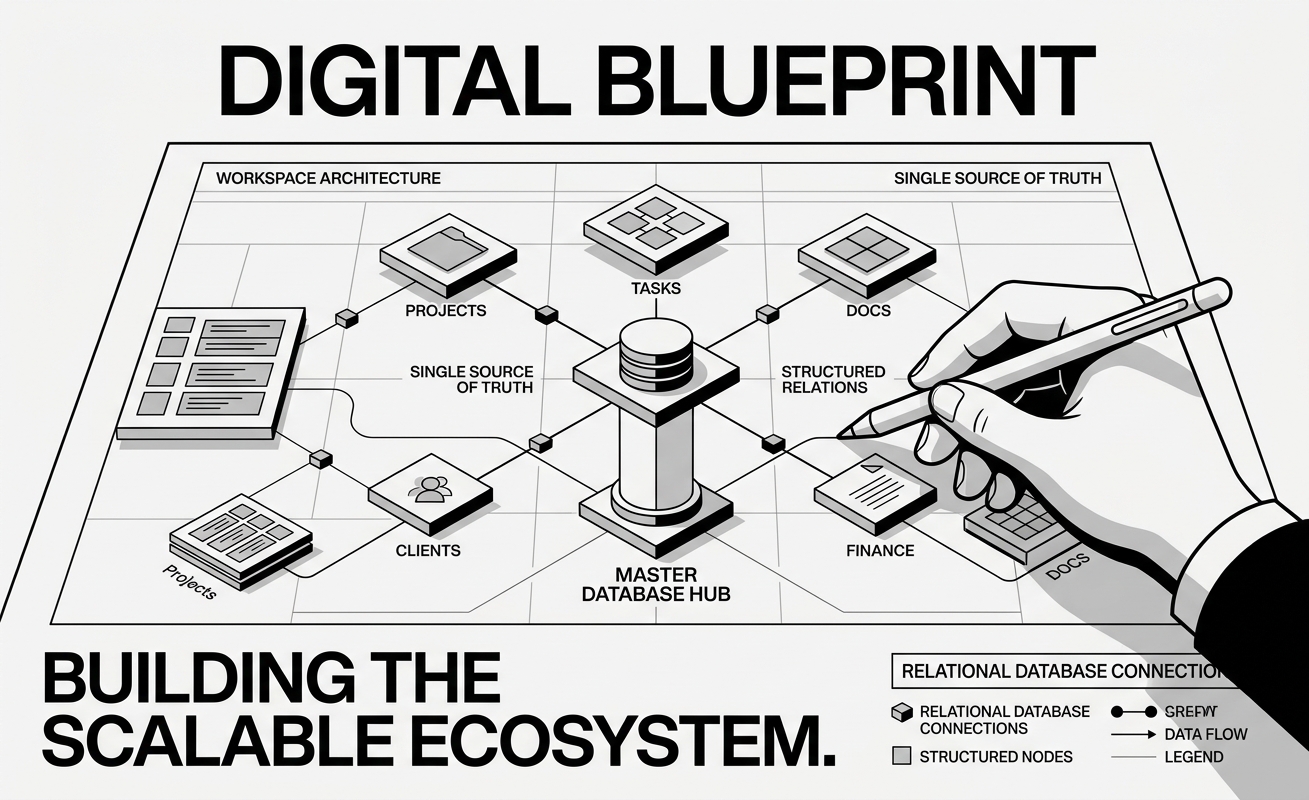


The Scalable Hub-and-Spoke Architecture


To keep your workspace operating at peak performance regardless of team size or data volume, implement these three structural shifts:


  1. Build Master Databases, Not Pages: Centralize your core business functions into 4–5 global master databases (e.g., Projects, Tasks, Clients, Docs). Use linked database views filtered by team or department instead of standalone pages.
  2. Flatten Your Workspace Depth: Keep your sidebar navigation to a maximum of 2 levels. Access to information should rely on filtered views and dashboards rather than deep folder hierarchies.
  3. Archive Stale Data Systematically: Set up automated views that filter out completed tasks or archived projects older than 90 days. Reducing active database records keeps load times instantaneous

A well-architected Notion workspace should save your team hours every week, not add technical friction. Take 15 minutes today to audit your workspace depth and clean up loose databases.



Blog Posts

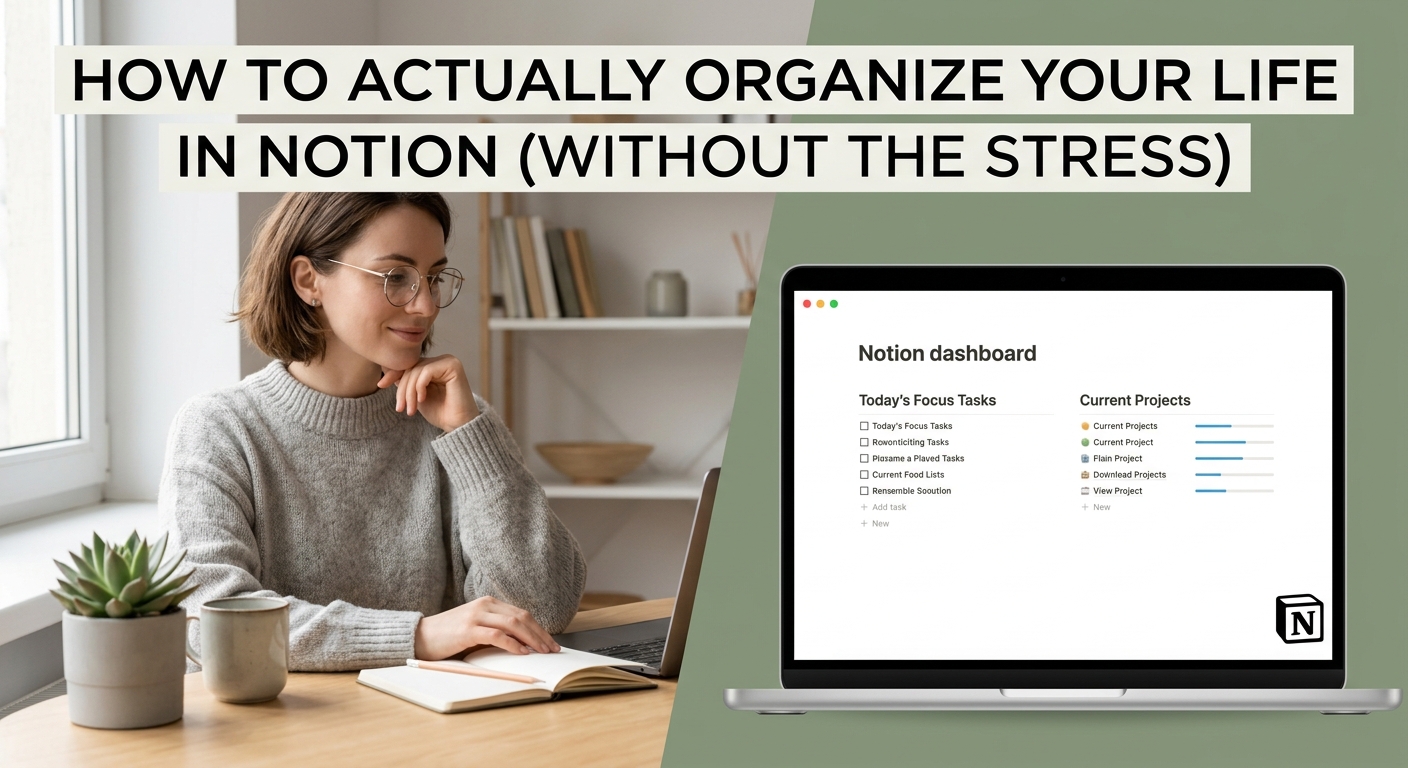
How to Actually Organize Your Life in Notion (Without the Stress)
Introduction: Over-engineering causes Notion burnout. The secret to a stress-free Notion setup isn't more databases—it's minimizing to 3 core databases connected by clean relations. Who is this blog: Students, creators, and professionals who spend m...
Read More
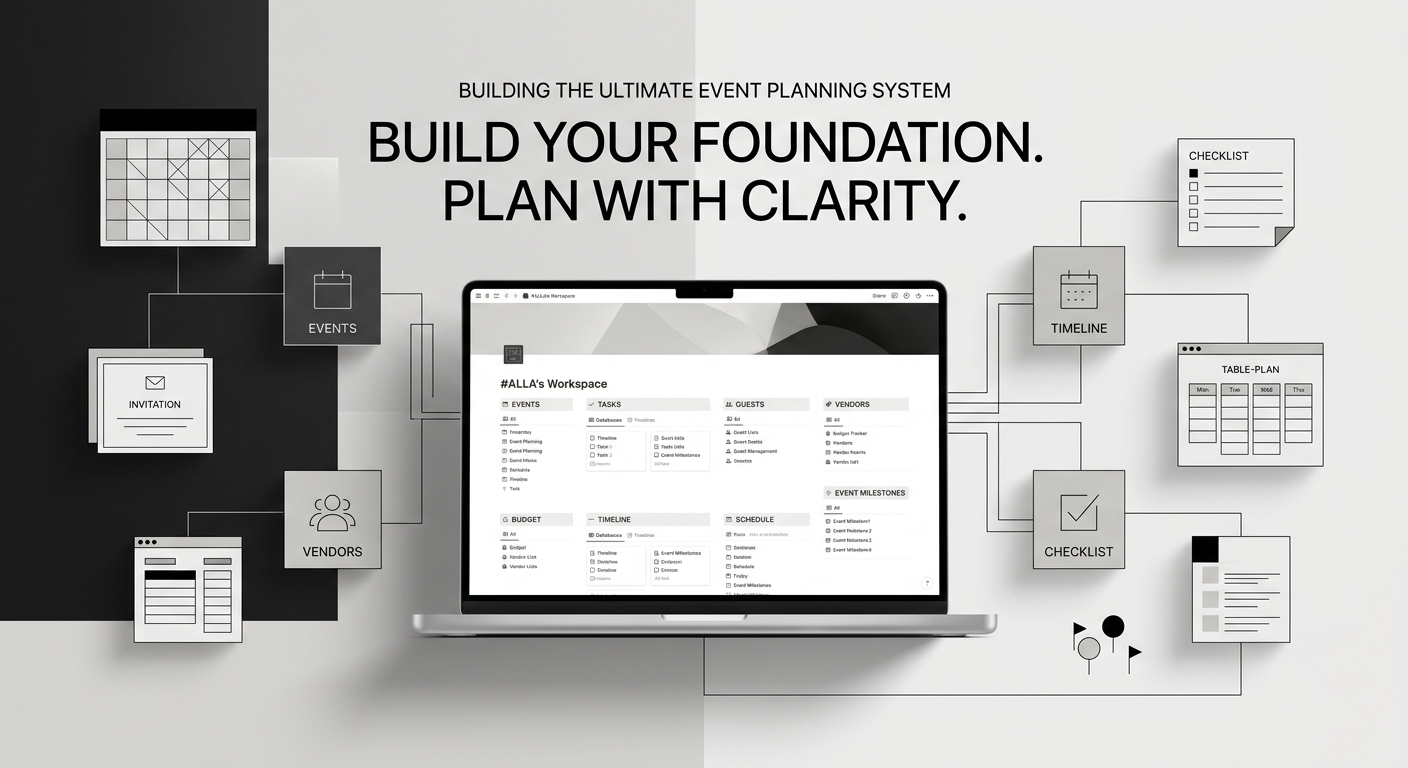
How to Build the Ultimate Event Planning System in Notion
Planning a major celebration or holiday event can quickly turn chaotic without a centralized hub to track budgets, guest lists, menus, and schedules. A structured Notion workspace leverages interconnected databases for operational planning alongside...
Read More
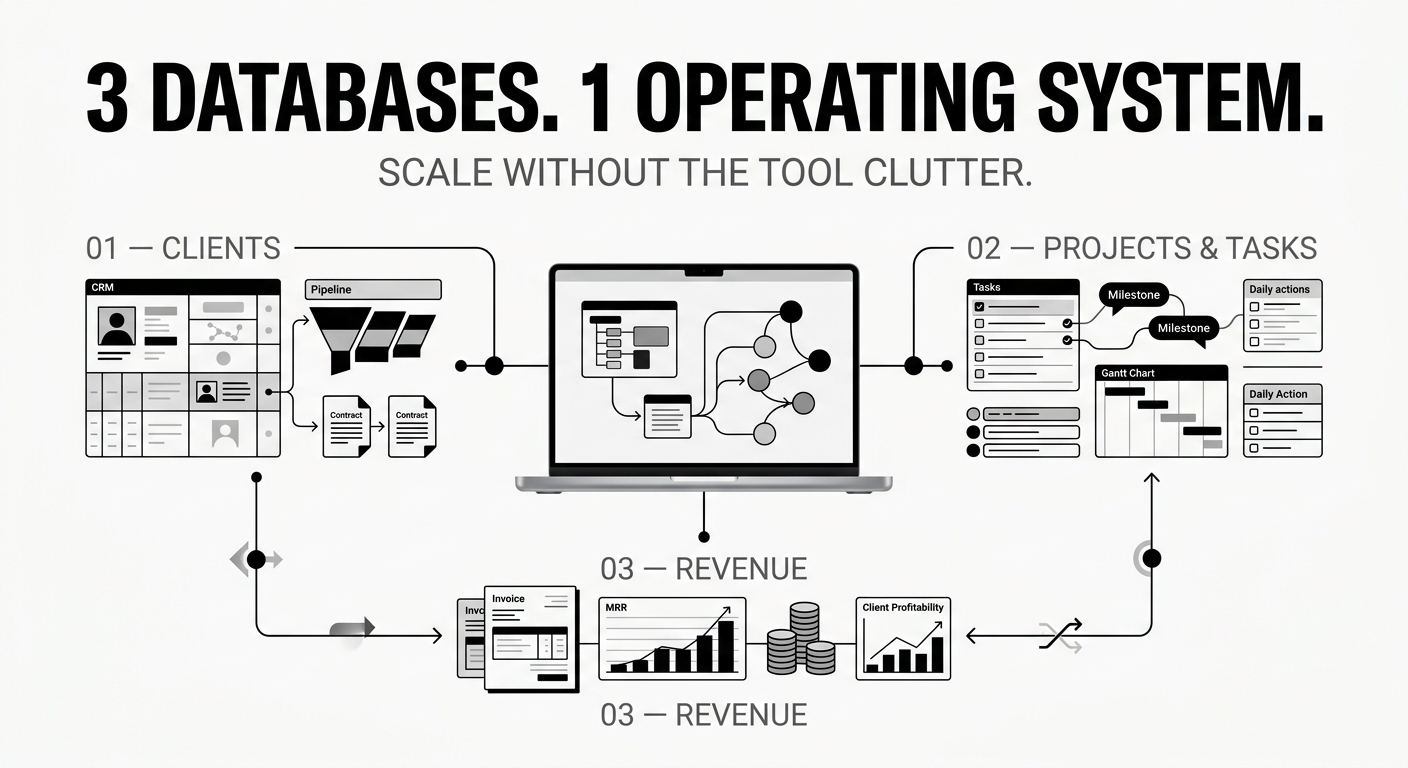
The 3-Database System Every Freelancer Needs to Scale Operations
Running a solopreneur business usually starts with simplicity, but as your client roster grows, tool fragmentation quietly kills your productivity. Toggling between a dedicated CRM app, a separate project board, scattered email threads, and manual r...
Read More
Why 80% of Company Notion Workspaces Slow Down After 6 Months (And How to Architect for Scale)
Notion is the ultimate tool for team alignment until it becomes a cluttered digital attic. In the first month, everything feels clean, custom, and effortless. By month six, search results yield duplicate pages, database loading indicators spin endle...
Read More
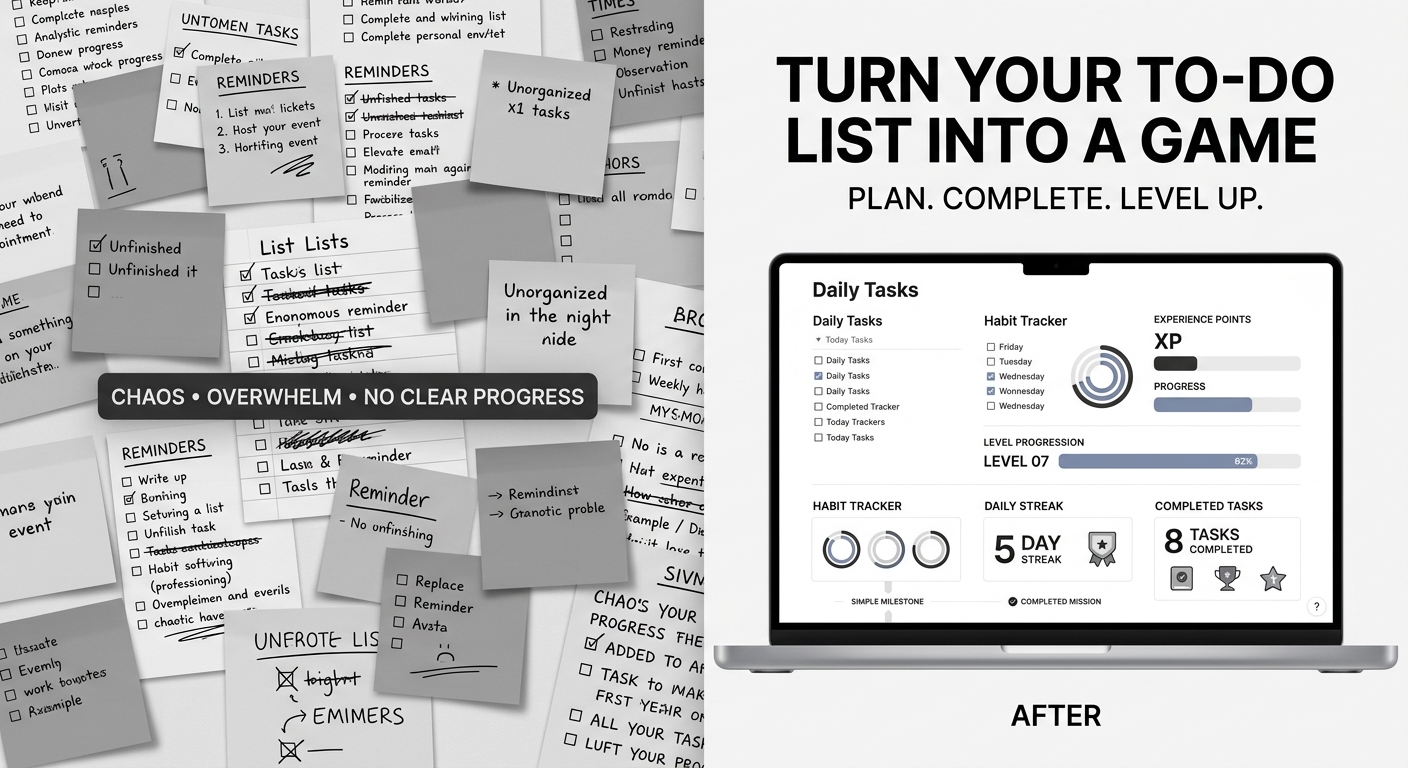
Turn Your To-Do List Into a Game: How to Level Up Your Daily Productivity in Notion
Traditional to-do lists fail because they focus entirely on effort without immediate reward. When you cross off an item on paper, the satisfaction is brief, leaving you staring at a mountain of remaining tasks. Gamification changes this dynamic by i...
Read More
10 Proven Ideas for Passive Income: Sell Digital Products from Your Store
Are you dreaming of generating income online without managing physical inventory or shipping? Creating and selling digital products is a game-changer. From ebooks to templates, the market is massive, and Payhip makes it incredibly easy for creators ...
Read More
The Ultimate Guide to Using Notion Templates to Organize Your Freelance Business (and Boost Your Income)
Introduction: The Freelancer's Organization Struggle (and the Power of Notion) For freelancers, managing clients, projects, finances, and marketing can feel like a perpetual balancing act. Without a central hub, things slip through the cracks, leadi...
Read More
5 Simple Digital Systems to Organize Your Work and Skyrocket Productivity
Feeling overwhelmed by scattered notes, missed deadlines, and chaotic daily routines? Whether you are a creator, freelancer, or small business owner, maintaining control over your digital workspace is the key to consistent growth. At #ALLA's, w...
Read More