


5 Ko-Fi Alternatives to Consider or Try in 2026
Last updated: August 3, 2026
Ko-Fi is a platform historically known for its one-time donations. Most creators on the platform get paid on a one-time basis rather than through monthly subscriptions. The platform lacks built-in discovery tools for creators to find and connect with new fans and customers. It’s also hard for creators to retain monthly subscribers, as that’s a newer feature. Creators often get frustrated with having to manage VAT and sales tax on their own, as the platform isn’t a Merchant of Record. Overall, all these issues have people looking for Ko-Fi alternatives. In this post, we’re going to share a few options you have when it comes to alternatives to Ko-Fi.
Key Takeaways
- Payhip is best for creators who want to turn a donation audience into a full ecommerce business with products, memberships, and advanced marketing tools.
- Patreon is best for creators focused on recurring memberships and community engagement, especially if they post content consistently.
- Buy Me a Coffee is best for creators who want to accept small tips.
- Gumroad is best for creators who want marketplace exposure and are okay with higher fees.
- Substack is best for writers and newsletter creators who want built-in audience growth and recurring subscription revenue.
Why People Want Ko-Fi Alternatives
1. No built-in marketplace
One thing Ko-Fi lacks for its creators is a built-in marketplace or discovery platform to help them find new fans and earn more money. Most ecommerce platforms have a discovery tool that lets you purchase products from creators or sellers to boost their overall sales. In the end, you’ll have to bring your own fans or customers to the platform to complete the transaction rather than finding new ones on there. This can limit the dollar amount in sales you generate from your business or side hustle.
2. Hard to retain monthly subscribers
Historically, the platform was known for its one-time donations. As a result, most people simply donate once and leave creators hanging for future months. While they do allow you to get monthly subscriptions on the platform, because of its history, most people choose not to subscribe monthly. Overall, it can be hard to retain subscriptions on the platform, since most people don’t want to commit to you as a creator or service provider for an extended period.
3. Need to manage taxes yourself
Ko-Fi is not a Merchant of Record, nor does it collect any tax on your behalf as the seller. Unfortunately, that means you need to be well-versed in international tax laws. For example, you’ll need to pay VAT for customers or fans based in Europe or the United Kingdom. As a seller, you’ll need to track all those taxes yourself and pay them when they’re due. Any sales tax you charge must also be paid and accounted for. You need to calculate how much to charge in sales tax and VAT so you can charge customers the correct amount and avoid a steep bill at tax season.
4. Integrations increase overall fees
Ko-Fi offers multiple integrations, including Zapier. However, those integrations may come with additional fees, such as a monthly subscription, which can eat into your margins as a business owner. Since most creators only get paid small one-time donations, you might not make enough to cover the costs of the integrations you pay for in your Ko-Fi shop.
Comparing Ko-Fi Alternatives
| Platform | Best For | Pricing | Key Pros | Key Cons | Why Choose It |
|---|---|---|---|---|---|
| Payhip | Creators selling products, memberships, courses, coaching, and subscriptions | Free: 5% fee Plus: $29/mo (2%) Pro: $99/mo (0%) |
Advanced ecommerce tools, VAT handling, instant payouts, affiliate marketing, upsells, 100+ payment gateways, marketplace access | Limited free theme selection | Best for creators who want to grow beyond donations into a full online business |
| Patreon | Fan communities | 10% fee + processing + payout fees | Membership-focused, advanced creator analytics, Discord integrations | High fees, delayed payouts, requires constant content creation | Best for creators focused entirely on memberships |
| Buy Me a Coffee | Small creator tips and donations | 5% transaction fee | Mobile app, easy setup, modern interface | Limited customization, delayed payouts, weak ecommerce tools | Best for lightweight donation pages |
| Gumroad | Digital creators using marketplaces | 10% + $0.50 +30% marketplace fee |
Marketplace discoverability, beginner-friendly setup | Very high fees, account review risks, limited fraud protection | Best for creators prioritizing marketplace traffic |
| Substack | Newsletter creators and writers | 10% + Stripe fees | Built-in email publishing and audience discovery | No tip jar, limited ecommerce features, requires frequent publishing | Best for newsletter-first creators |
5 Ko-Fi Alternatives to Try Out Instead
1. Payhip
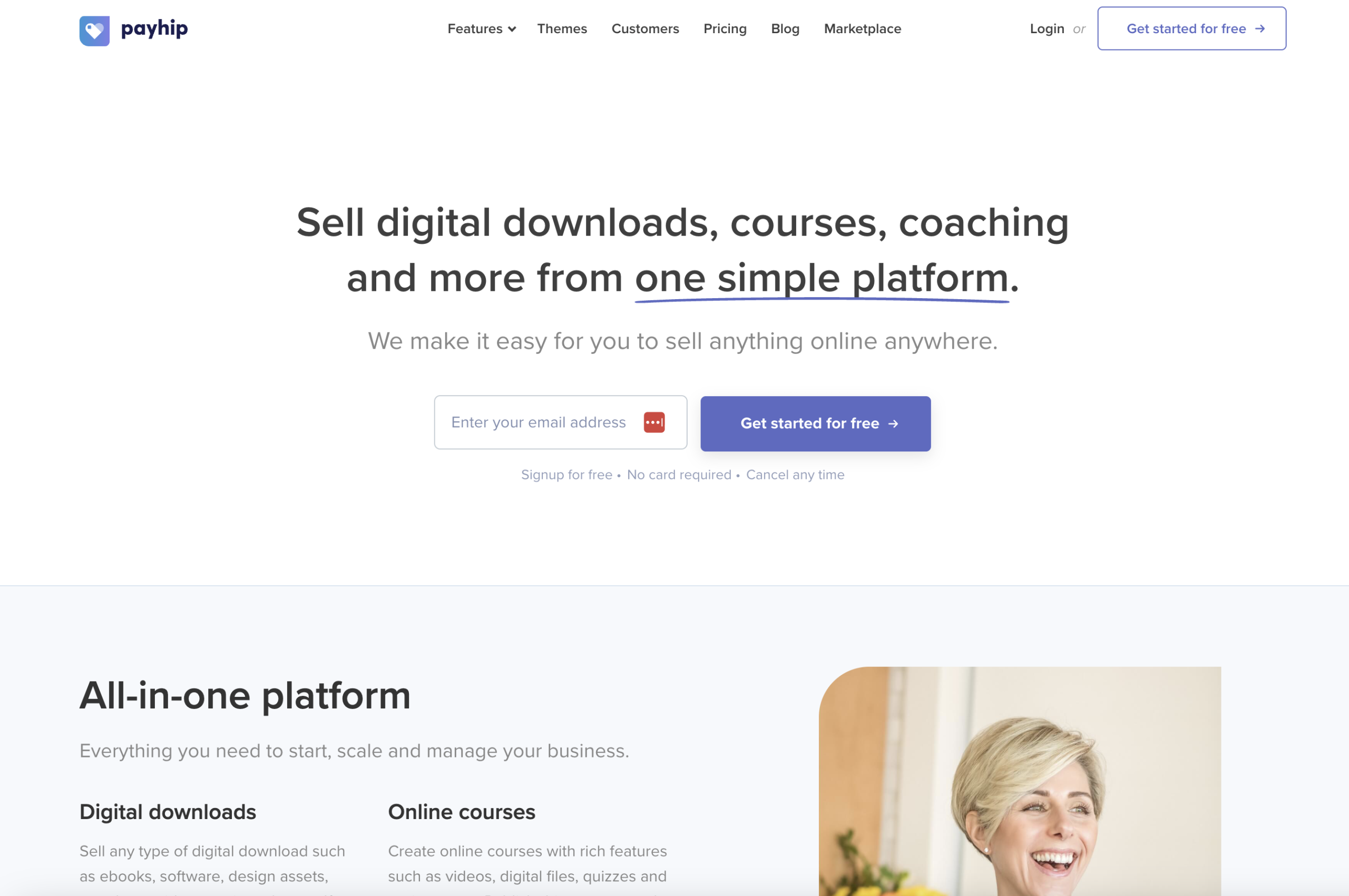
Payhip is an all-in-one ecommerce platform that is the best Ko-Fi alternative. It offers all you need to run a successful online store selling digital and physical products. If you sell products for one-time payments or recurring subscriptions, you’ll find that this Ko-Fi alternative offers everything you need.
Each product type has its own features offering, such as PDF stamping for digital downloads, license keys for software, and various features for online courses. You’ll have the tooling you need to sell that specific product.
Payhip also helps sellers with built-in marketing tools. You can run an affiliate program as a seller on the platform without having to pay for third-party affiliate marketing tools. Plus, you can increase average order value by using upselling and cross-selling tools. On top of that, you can sell on Payhip Marketplace in case getting sales on your own is too challenging.
PRICING
Payhip offers three pricing plans, with the only difference being how much you save. All plans allow you to sell unlimited products and earn unlimited revenue. They also come stacked with all features, with no caps on those either.
The Free Forever plan has a $0 per month fee and a 5% transaction fee. The Plus plan costs $29 per month and has a 2% transaction fee. The Pro plan costs $99 per month with no transaction fees. The Free plan is perfect for beginners who need time to set up their stores, and the Pro plan is best for high-volume sellers who’d like to eliminate transaction fees.
PROS
- Superior ecommerce functionality, customizations, and tooling
- Easy to create a branded store with unlimited product listings
- Intuitive design with no coding experience needed
- Advanced marketing tools like an affiliate program, upsell, coupons, and more
- All plans have all features, including the free one
- Can accept one-time donations, recurring subscriptions, free trials, pay what you want pricing
- Handles VAT and sales tax for the EU and the UK
- Has over 100 payment gateways to choose from, such as PayPal, Stripe, Apple Pay, and more, with instant payouts for Stripe and PayPal
- Has tools to help you prevent piracy, such as PDF stamping and download limits
- Advanced functionality for various product types, such as drip content, course player, various lesson types, and more, for selling online courses
- Sell your products on Payhip Marketplace to an existing audience for no added fees
- Allows you to sell both digital and physical products
CONS
- Has a limited selection of free website themes
Sell Digital Products with Payhip
No monthly fees. No tech headaches.
2. Patreon

Patreon is a more expensive Ko-Fi alternative with more data and integrations. However, unlike Ko-Fi’s instant payouts, you’ll need to wait several days to get paid out by Patreon.
Plus, Patreon communities are meant to be active. You’ll need to produce endless content regularly to avoid losing the subscribers you have. You might feel like you’re running on a hamster wheel to produce enough content that your members want to pay for.
PRICING
Patreon has a flat 10% fee. The fee is on all income you earn on Patreon. However, you’ll also need to pay for payment processing, currency conversion, and payout fees, plus taxes. The 10% fee doesn’t decrease as you grow your subscriptions, which can be a hefty loss for high-volume sellers.
PROS
- Built for recurring monthly memberships
- Provides more advanced data
- Has third-party integrations for helping you share content, such as Discord
CONS
- Higher fees than Ko-FI
- Payouts take 3-5 business days
- Requires frequent posting to produce more income
- Requires an account for supporters to pay creators
- Needs more time to set up
- Most members choose the free plan instead of investing in paid subscriptions
- Lacks a discovery tool to get new members for your group
3. Buy Me a Coffee
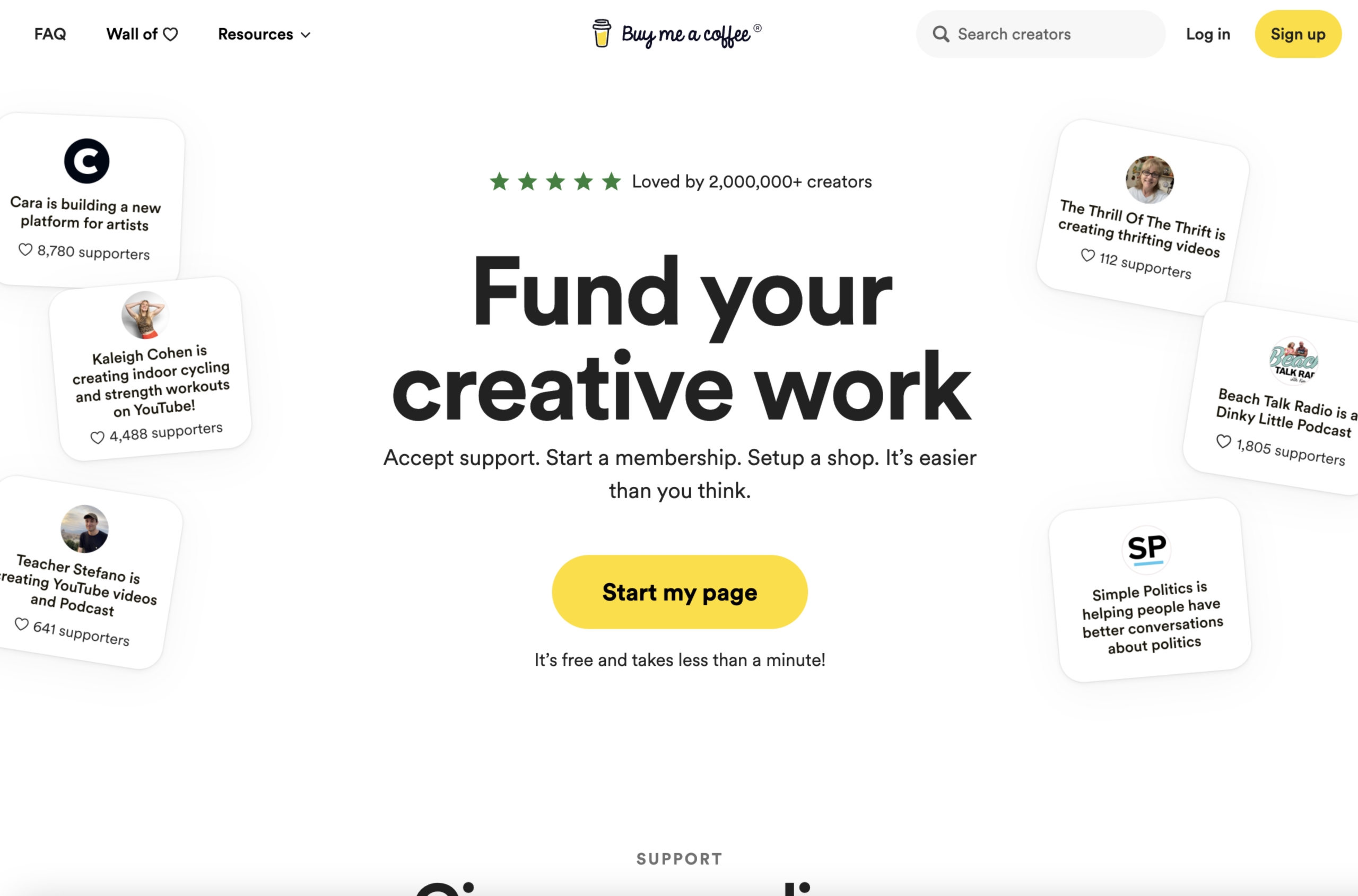
Buy Me a Coffee is one of the Ko-Fi alternatives with a mobile app. Unlike Ko-Fi, it has higher fees, particularly on donations. The platform also isn’t built for selling physical products, whereas Ko-Fi allows it.
The payout schedule can be a bit of a wait, as it can take between one and two weeks to receive payment when you do get paid. Due to the war in Ukraine, Buy Me a Coffee no longer serves that audience, which can be a setback for sellers in that country.
PRICING
Buy Me a Coffee charges a 5% transaction fee with no monthly subscription. However, there’s no reduction or elimination of fees in any plans. This can be a large fee for high-volume or big-ticket sellers.
PROS
- Has a mobile app for managing creator pages, unlike Ko-Fi’s mobile website
- Has a modern interface
CONS
- Higher fees on all income
- Mostly geared towards digital products and tips, whereas Ko-Fi allows you to sell physical products
- Less customizable than Ko-Fi
- Payouts can take between 7 and 14 days
- Services are restricted in Ukraine
- Limited payment gateway options, only Stripe, Apple Pay, and Google Pay
4. Gumroad
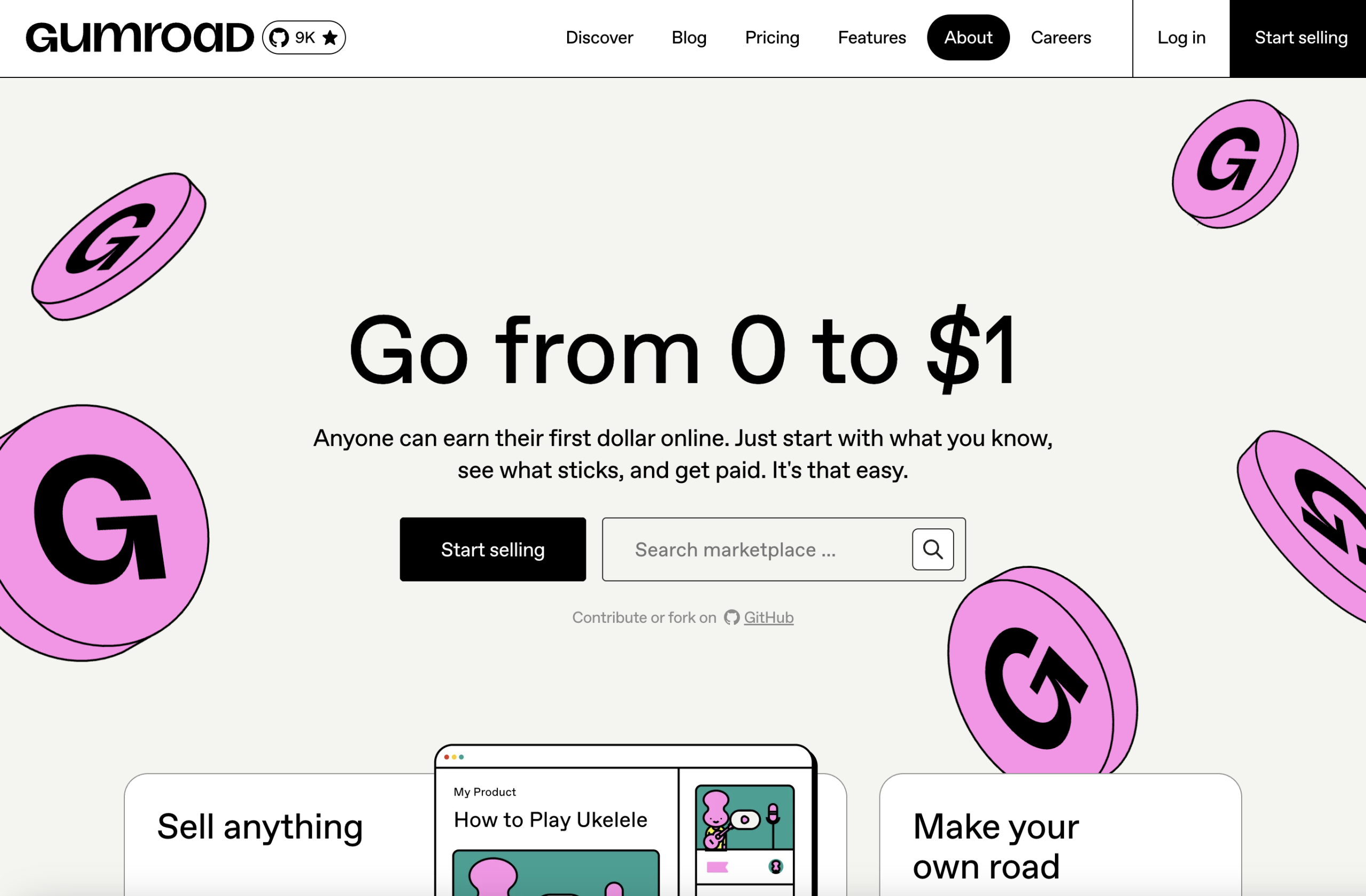
Gumroad is one of the most expensive Ko-Fi alternatives, with a high 10% transaction fee. Plus, there are fees for instant payouts. If you choose not to pay, you’ll need to wait 2-7 business days to receive a payout once you’ve made $100.
Gumroad has an intuitive design that doesn’t require coding experience. They also have a marketplace to help you be discovered by other buyers. However, there’s a steep 30% fee, and the marketplace is known to be competitive.
PRICING
Gumroad charges 10% + $0.50 per transaction for all sales via your profile or direct links to your customers. However, they charge 30% per transaction when customers discover or buy from you through their marketplace. Overall, both fees are quite high. There aren’t any paid plans to reduce or eliminate the transaction fees, which can be expensive at scale.
PROS
- Has a modern design that’s user-friendly
- Coding experience not needed to sell on the platform
CONS
- Significantly higher transaction fees
- Instant payouts cost 3% and are only eligible for up to $10,000
- Account reviews happen after you make your first sale, which can take up to 1-3 weeks, and could lead to a ban
- Has a marketplace with high competition
- Has limited features for fraud protection
- Support is mostly a chatbot interaction with little human touch
5. Substack
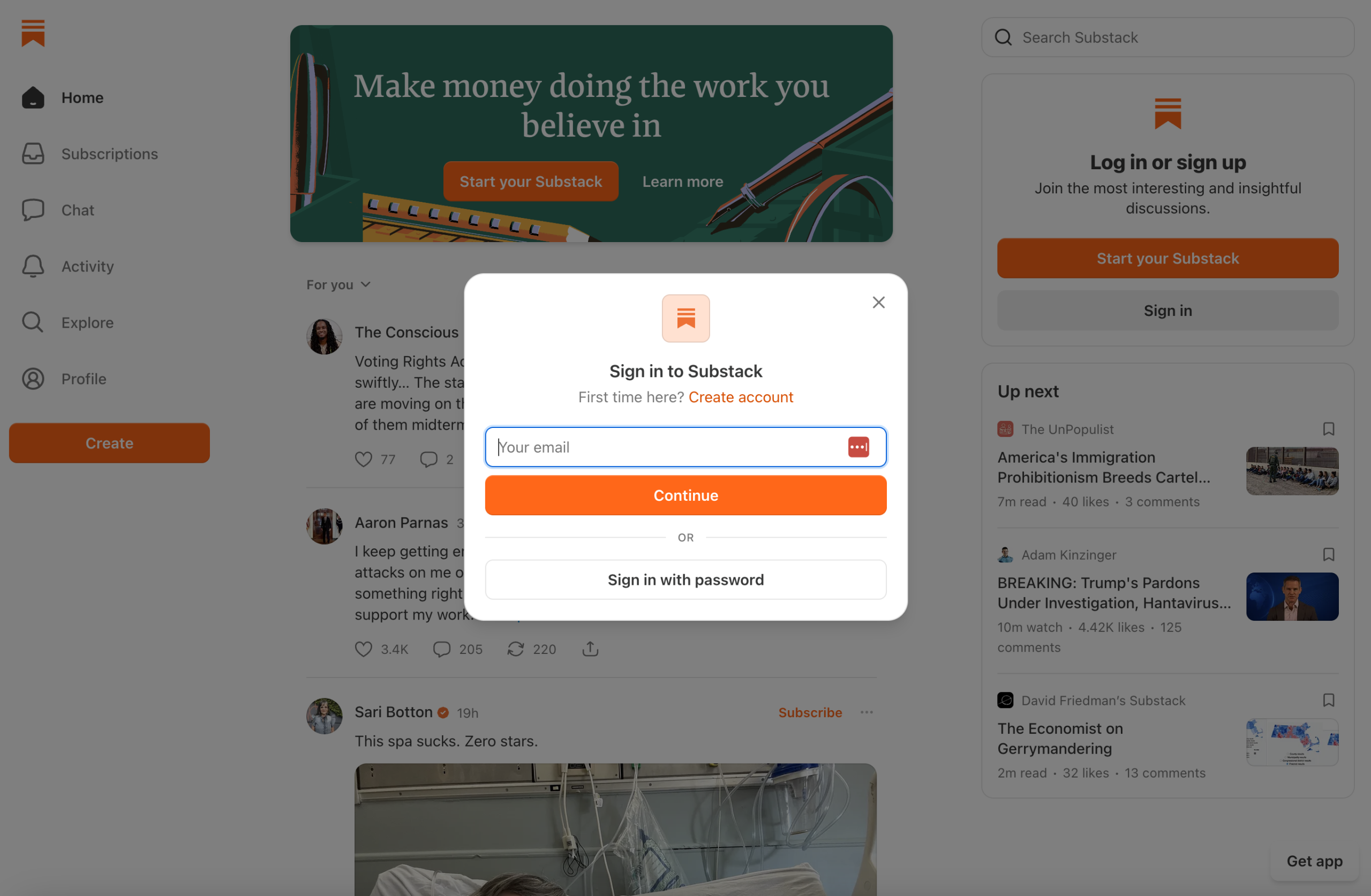
Substack is a Ko-Fi alternative that allows you to build an audience through content and email. While the platform does have a high 10% fee, you’ll have access to discoverability through features like Notes and search, helping you grow your readership on the platform itself.
Substack doesn’t have a tip jar, unlike Ko-Fi. However, you can earn recurring revenue from the platform, making it more profitable for creators. However, to earn that recurring revenue, you’ll need to have a consistent and frequent content output.
PRICING
Substack costs 10% per transaction plus a 2.9% + $0.30 per transaction fee when using Stripe. This flat rate can get expensive for high-volume sellers, who could end up paying thousands of dollars in fees, since there’s no fee reduction as you scale.
PROS
- Has discoverability to help you find new readers, like Notes and search
- Has built-in email newsletter feature to help you grow your views
CONS
- Higher fees than Ko-Fi
- More so focused on newsletters and social media-like community building
- Requires a consistent and high-frequency publishing schedule
- Has limited payment gateways, which may not work in some international countries
- No tip jar model for non-recurring payments
Frequently Asked Questions
What are the best alternatives to Ko-Fi?
The best alternatives to Ko-Fi are Payhip, Patreon, Buy Me a Coffee, Gumroad, and Substack. Each platform lets you sell online and earn more overall income than on a traditional tipping platform.
Is there a platform like Ko-Fi with lower fees?
Payhip is a platform like Ko-Fi with low fees, charging only a 5% transaction fee. Unlike Ko-Fi, you can actually reduce and eliminate fees as you scale, particularly if you’re a high-volume seller, by choosing a paid plan with lower or no fees. Thus, allowing you to pocket more of your profit.
What’s the difference between Ko-Fi and Payhip?
Payhip is more of a platform for digital and physical goods sellers than Ko-Fi. It offers advanced website tools that are easy to use, handles VAT and sales tax for sellers, supports a wider range of product types with unique features for each, and still has the low 5% fee that Ko-Fi has.
When should you move away from Ko-Fi?
Sellers should consider moving away from Ko-Fi when they find that one-time donations aren’t cutting it and want to scale their offering to earn even more money online. If sellers want to earn money through product sales, such as ebooks, courses, memberships, and more, they might decide that Ko-Fi is no longer the best platform for them.
What are Ko-Fi’s biggest limitations for growing creators?
Ko-Fi’s biggest limitation for growing creators is its 5% transaction fee, which you can’t reduce or eliminate. Some Ko-Fi alternatives, like Payhip, offer a free plan with a 5% transaction fee, an upgraded paid plan with a 2% transaction fee, and a paid subscription with no fee. Overall, scaling is more affordable with the paid plans and no long-term fees.


Payhip
Join over 130,000 creators who have launched their businesses selling digital products, online courses, memberships, coaching, and physical products.
Get started for free today
Comments
2 Comments
This is a helpful comparison, especially for creators who started with Ko-Fi just for tips but now want something more structured. Ko-Fi is simple, but once you begin selling products, memberships, courses, or subscriptions, things like taxes, fees, discovery, and marketing tools become much more important.
Payhip seems like the strongest option here for creators who want to build a real store, while Patreon and Substack make more sense for people who can publish regularly and keep a community active. Buy Me a Coffee still feels good for small donations, and Gumroad may work if marketplace visibility matters more than fees.
I think the best choice depends on what kind of creator you are. A visual artist, writer, educator, or small brand might need very different tools
Exactly. The best platform really depends on what you’re selling and how you plan to grow. 🙂
Leave a Comment