Your Cart
Loading

Annoying things when selling Canva Templates

Some of these might not apply to you. Some are annoying to me.

  1. I changed my mind multiple times on how some templates should look. I downloaded multiple versions of the template. Then I might have to change the other versions of templates. For example, when I change the Pinterest version of the succulent template, I also have to change the Instagram version. I also replace the old photo versions of the templates in my display photos.
  2. It can be energy-draining.
  3. I find graphics that look cool but can't figure out how I can make a template look good with them.
  4. Some templates take more than five hours to finish.
Need Content Ideas?

Click the button to go get my Freebie.

More Blog Posts

^

|

Click the above the arrows to see more blog posts

More Blog Posts

Canva Doc Icon is blue maybe cyan with a white circle behind it and a vibrant purple background.
Should you use New Canva docs for your business?
Canva added a new feature called Canva Docs. Canva Docs are a single doc that you can edit like with Google Docs and Microsoft Word. I think they are best for blog posts and video scripts.Note: Don't store passwords on Canva Docs or any online d...
Read More
8 Innovative Types of Gamified Pop-ups for Email Marketing
Gamified Pop-ups are interactive pop-ups with short games in them. They can really increase your email list and conversion rate. They will ask your website visitors to enter their name and email to allow them to play the game for a prizeSpin the whee...
Read More
Why you need an email validation tool
*Affiliate disclaimer: One links in this page is an affiliate link, which means that if you click on a link and make a purchase, I may receive a commission. This commission comes at no additional cost to you and helps to support my business.Email val...
Read More
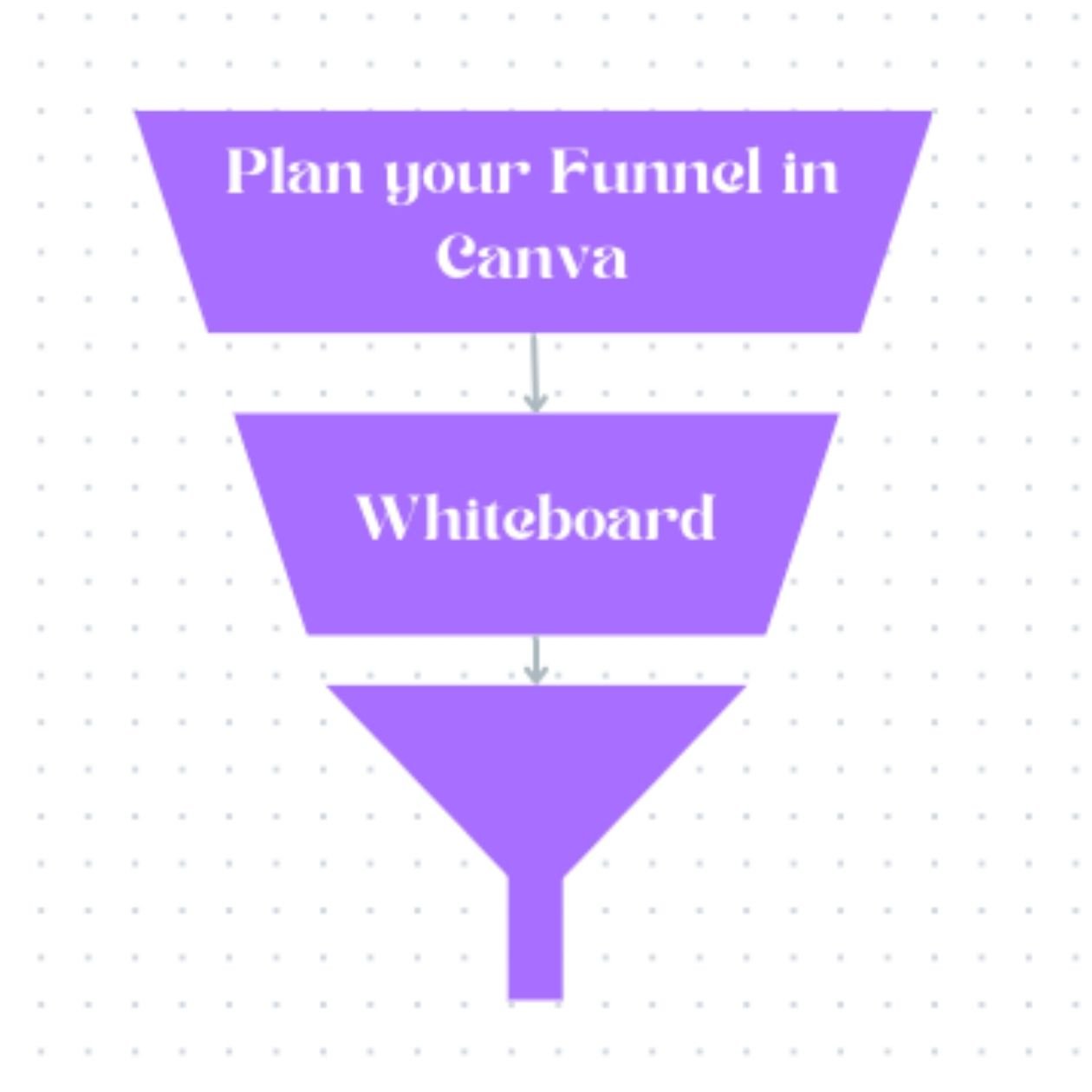
Purple Funnel split into three pieces with white text saying
How to Plan & Visualize your Funnel with Canva Whiteboard
Last updated May 8, 2024To plan your funnel with Canva, I recommend using Canva whiteboard because it gives you a lot of space to plan and visualize how your funnel will look like.You can make a canva whiteboard by clicking the "create design" button...
Read More
Black Background with words in white saying “Canva Lottie Stickers Part 1” There are also vibrant flowers and leaves in the corners with the colors purple, orange, cyan and magenta.
What are Canva Lottie Stickers? Part 1
The original post did include 21 Lottie Sticker Codes, but due to a Payhip glitch, the post had to be split into two.Stickers in Canva are animated graphics. Normal stickers in Canva can't be recolored, but Lottie Stickers can be recolored. They...
Read More
Black Background with words in white saying “Canva Lottie Stickers Part 2” There are also vibrant flowers and leaves in the corners with the colors purple, orange, cyan and magenta.
11 More Canva Lottie Stickers Part 2
This is part 2 of the Canva Lottie Stickers blog post.You should read the "What are Canva Lottie Stickers Pt 1" blog post if you didn't read it, before continuing reading this blog post.Solid abstract shapes and squigglesset:nAFGWm3zGtw...
Read More