Hotel Front Office SOP Library: 60 Front Desk SOP Templates
Full description
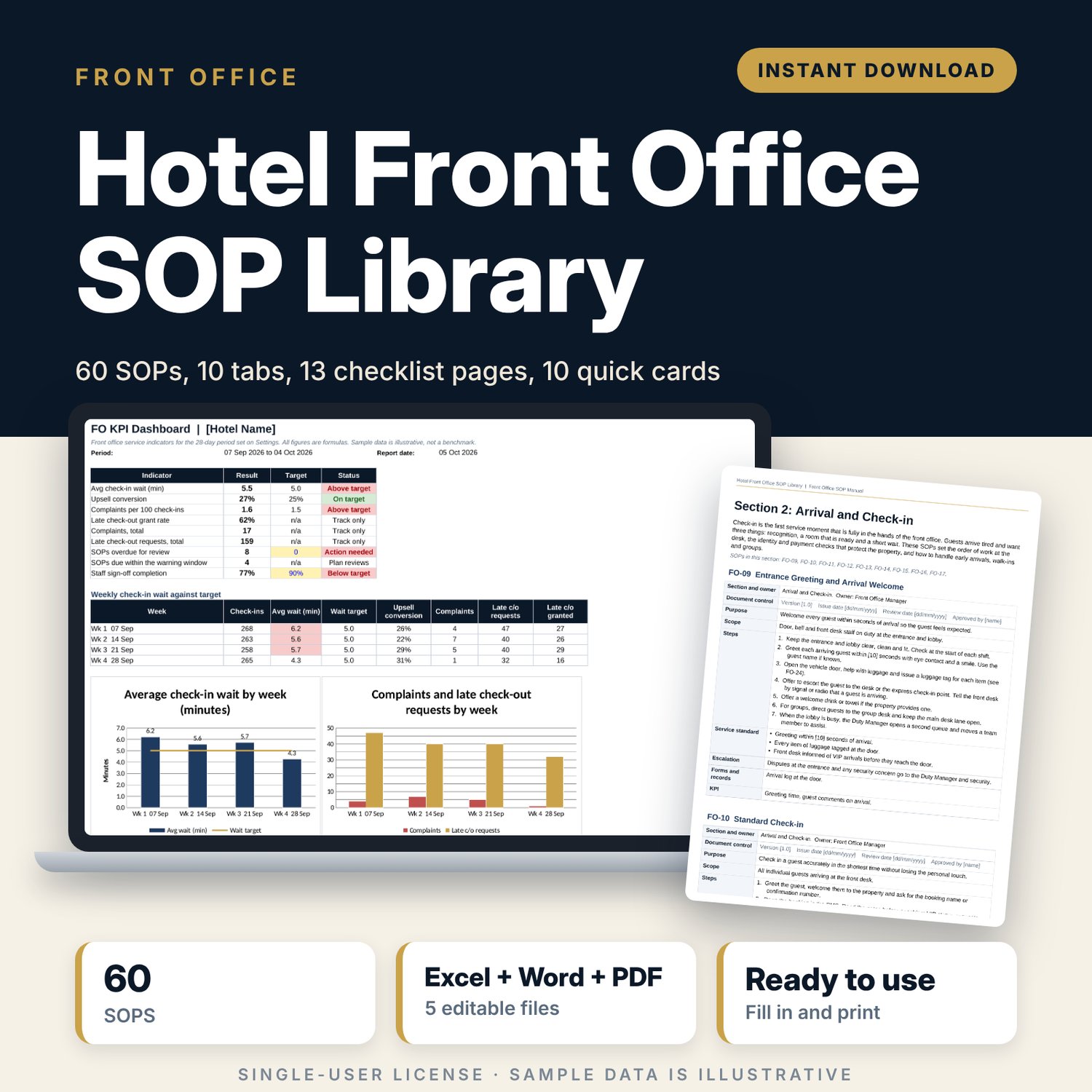
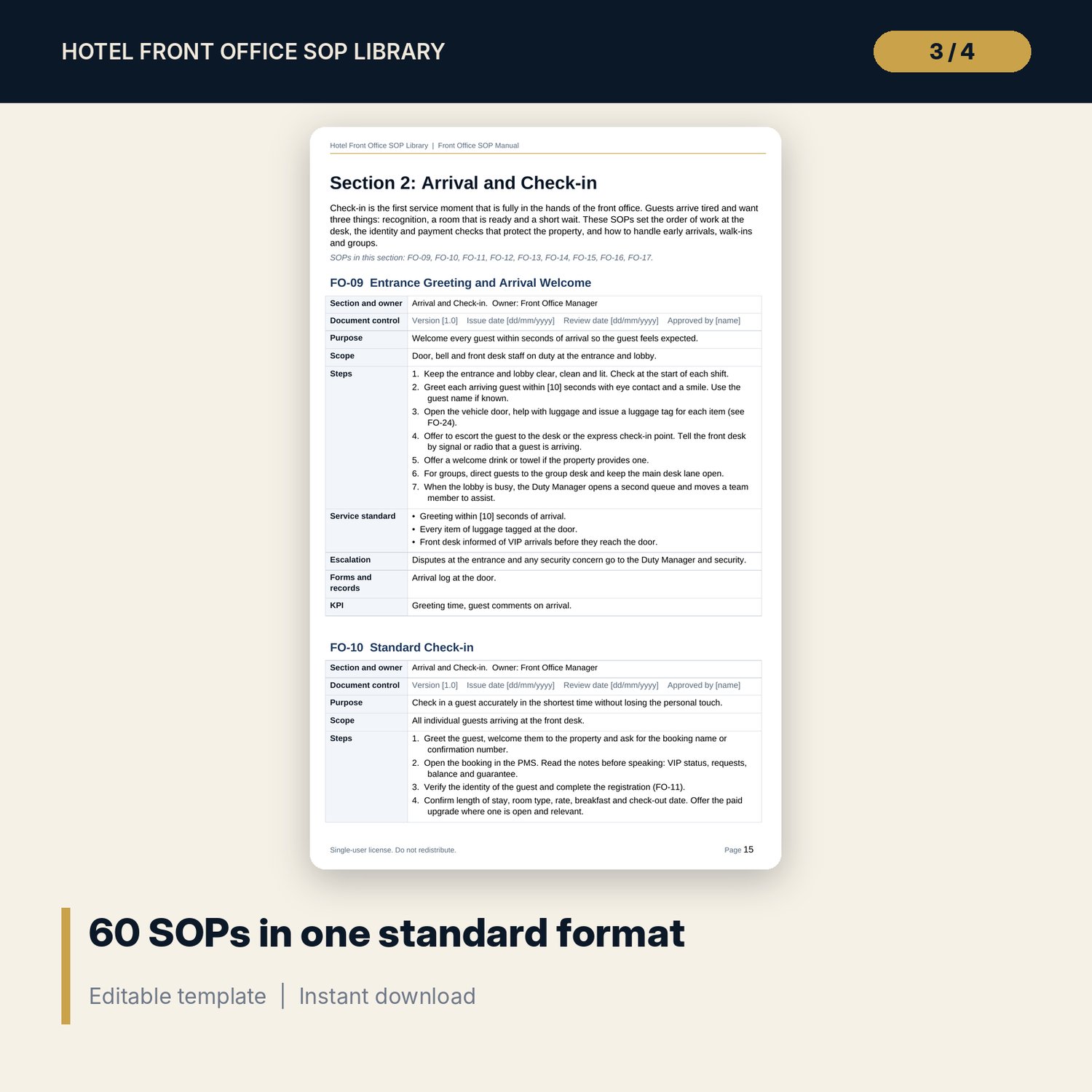
This library gives a front office team a complete, written way of working. It is for front office managers who need to document or tidy their procedures, general managers who want one standard at the desk, and opening teams who must have SOPs in place before the first guest arrives. Each of the 60 procedures uses the same format: purpose, scope, owner, numbered steps, service standard, escalation, forms and KPI. A register workbook tracks owners, versions and review dates. Checklists and training records turn the text into daily practice.
Save with a bundle: this template is also in the Hotel Rooms, Guest Experience & Spa Bundle, 16 templates for $39 instead of $112. All 141 templates are in the All-Access Hospitality Template Library for $79.
What is inside
4 working files, 1 print-ready PDF, 1 README and 1 license file
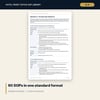
- FO_SOP_Manual.docx (56 pages, A4): 60 numbered SOPs in 10 sections, with 435 numbered steps in total. Each section has an introduction. The manual also has an SOP-writing guide, a glossary of 49 terms, an index of 51 form and log codes and a one-table summary of service standards.
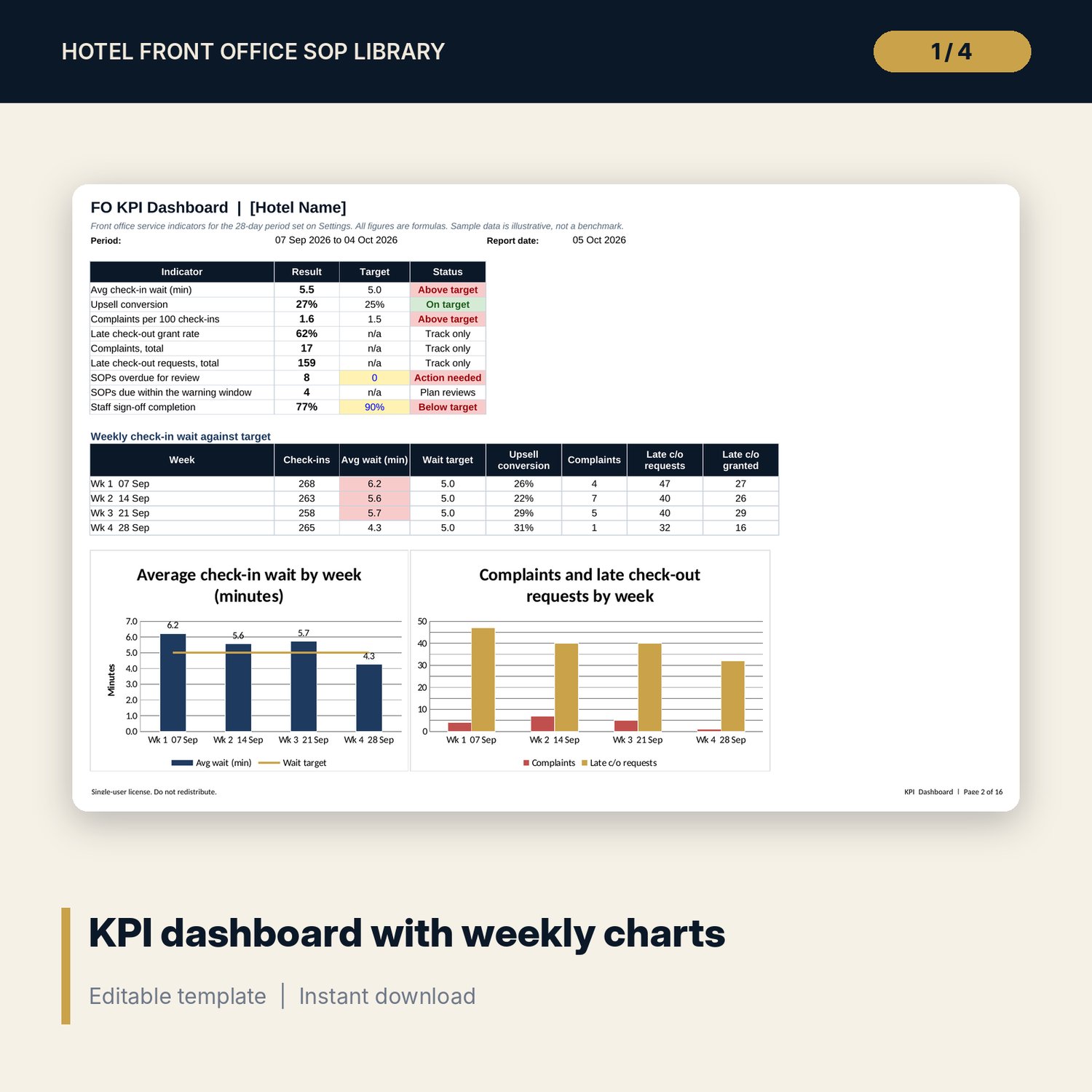
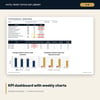
- FO_SOP_Register_and_KPI.xlsx (10 tabs, 1,353 formulas, 3 native charts):
- Start Here, Settings and a KPI dashboard
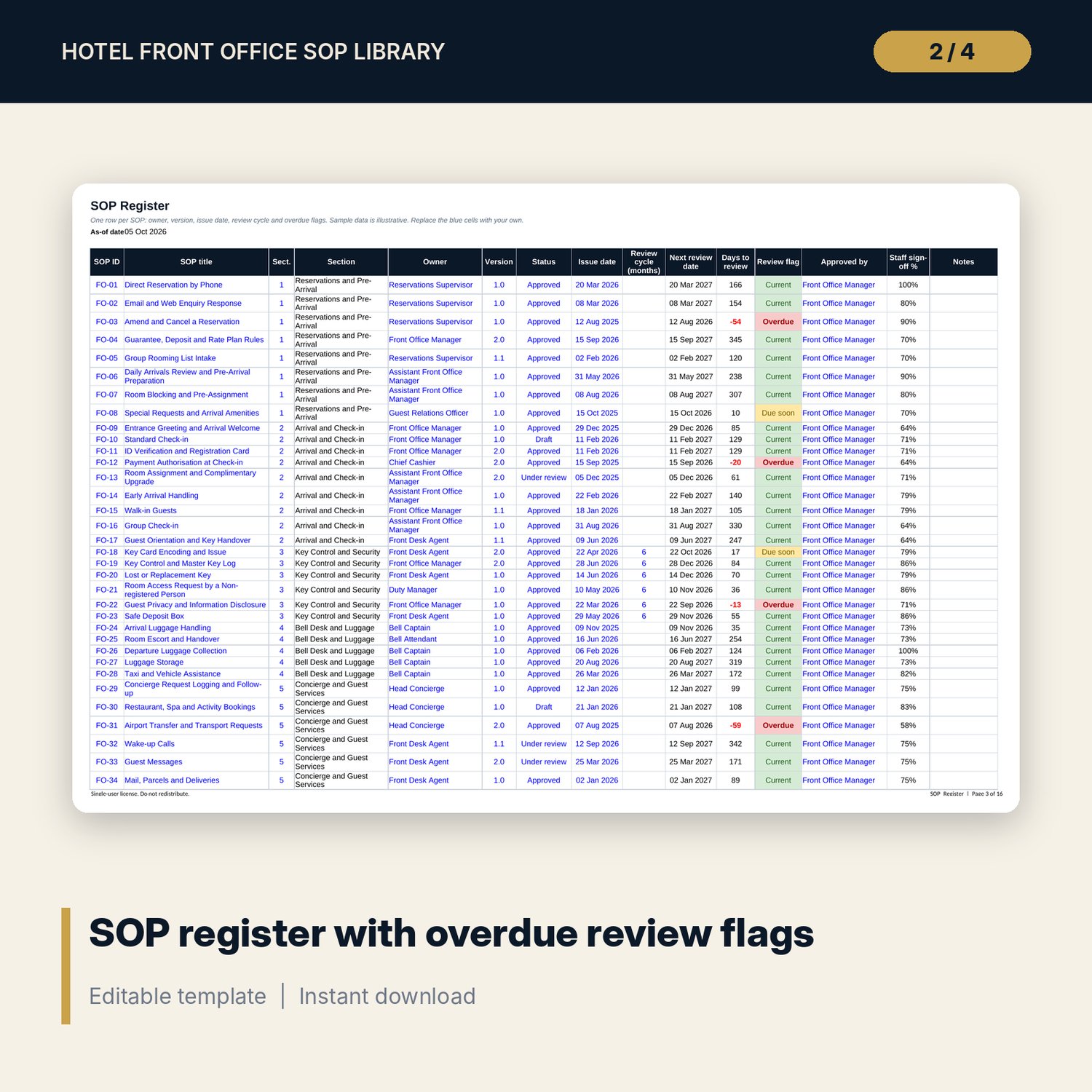
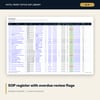
- SOP_Register: 60 rows with owner, version, issue date, review cycle, next review date and an Overdue, Due soon or Current flag
- Signoff_Matrix: 60 SOPs against 20 staff columns
- Section_Summary, Handover_Log, Arrivals_Departures (28-day tracker), Arrivals_List and KPI_Data
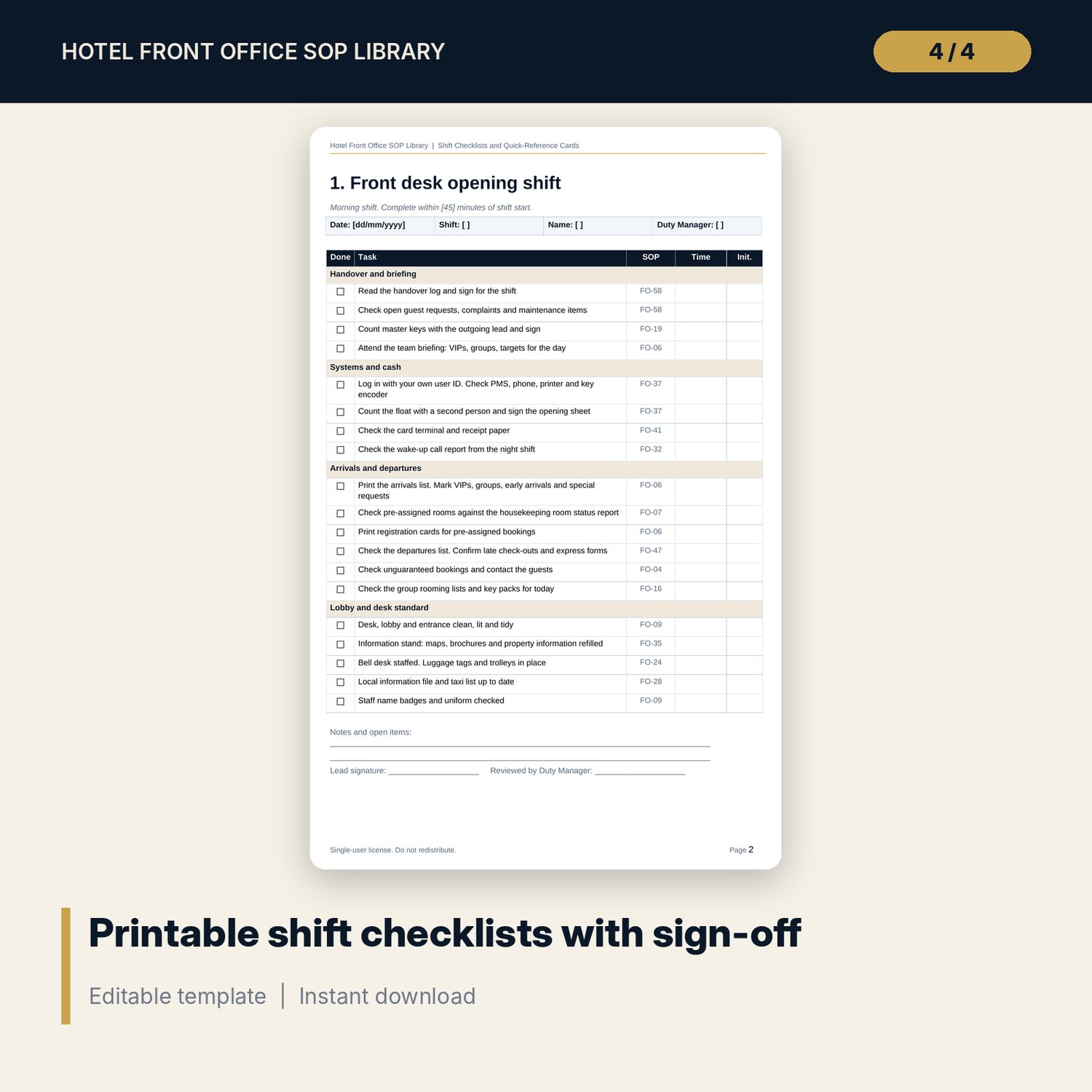
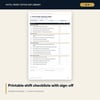
- FO_Shift_Checklists.docx and FO_Shift_Checklists.pdf (13 pages each): 7 checklists (front desk opening, mid-shift and closing, cashier, bell desk and concierge, night audit, Duty Manager lobby round) and 10 quick-reference cards.
- SOP_Signoff_and_Training_Record.docx (13 pages): employee record for all 60 SOPs, 5 observation forms, a 30-60-90 day plan, a SOP change acknowledgement sheet, a refresher record and a declaration page.
- README.txt and LICENSE-and-Terms.txt.
The 60 SOPs cover: reservations, arrival preparation, check-in, ID and registration, room assignment, key control, bell and luggage, concierge requests, wake-up calls, guest messages, cashiering, check-out, late check-out, no-show, overbooking and walking a guest, VIP and repeat guests, complaints, lost and found, night audit handover, shift handover, and safety and emergency basics.
How it works
- Read Part A of the manual and replace the values in [square brackets] with your own standards.
- Remove SOPs you do not need and add the ones your property requires, using the writing guide and the blank template.
- Load owners, versions and issue dates into the register workbook. The review flags calculate from your report date.
- Train the team with the record and observation forms. Mark Y, P or N/A in the sign-off matrix.
- Print the shift checklists. Enter daily counts and KPI data, and review the dashboard each week.
Details
- Formats: DOCX, XLSX, PDF. English only. A4 layout.
- Software: Word (or a compatible editor) and Excel. The register uses drop-down lists, conditional formatting and named ranges. Excel is recommended.
- Delivery: instant digital download. Nothing is shipped.
- Currency is an input. No tax, rate or law is set as fact.
Good to know
- All names, numbers, dates and KPI results are samples for illustration. They are not benchmarks.
- Times, limits and amounts appear as editable defaults in square brackets. Replace them with your own.
- Anything that depends on local law, tax, safety rules or records carries the note "Verify local requirements".
- The files are templates and general guidance. They are not legal, tax or safety advice.
- Single-user license: for your own property or team. Do not redistribute.
FAQ
What software do I need?
Word or a compatible editor for the manual and records, and Excel for the register workbook. The checklists are also supplied as a PDF.
Does it work in Google Sheets?
You can upload the workbook to Google Sheets. Formulas, drop-downs and most formatting carry over. Charts and some conditional formatting may look different. Excel gives the intended layout.
Can I edit the SOPs?
Yes. All text is editable. The numbers in square brackets are defaults for you to replace. You may add your own logo and property name.
Is this a physical product? Can I get a refund?
It is a digital download. Nothing is shipped. Refund rules follow the store policy for digital products shown at checkout.
Who is it for?
Front office managers, assistant managers, general managers, trainers and pre-opening teams in hotels, serviced apartments and guest houses.
Does it fit my PMS?
The SOPs name no software. Steps refer to "the PMS". Edit the wording to match the screens and field names of your system.