
Chronic Illness Appointment Planner & Medical Records Spreadsheet
Chronic Illness Appointment Planner & Medical Records Spreadsheet
Prepare better. Remember everything. Advocate for yourself with confidence.
You shouldn't have to fight to be heard.
But when you have a chronic illness, you often do.
You get ten minutes. You're exhausted before you even walk in. You forget half of what you meant to say. The doctor speaks quickly, uses words you don't know, and moves on. You leave with a vague sense that something important was missed — but you can't quite remember what.
Then three weeks later, a referral hasn't arrived. A test result is sitting unchecked. A medication was changed and you can't remember why. And you're not sure which doctor decided what.
Managing a chronic illness across multiple specialists, tests, medications, and appointments is a part-time job. The Medical Appointment Tracker gives you the tools to do it properly.
What it is
A comprehensive Excel spreadsheet that organises every aspect of your medical care — before appointments, during them, and after. Eight tabs covering preparation, records, medications, tests, referrals, and more.
Whether you see two doctors or twelve, this tracker holds your complete medical picture in one place — ready to open, share, or print whenever you need it.
What's inside — eight tabs
Setup
Enter your name, date of birth, Medicare or insurance number, emergency contact, up to eight regular doctors and specialists, and your key diagnoses. Fill this in once and it populates across the whole tracker automatically.
Master Appointment Log
A complete record of every appointment you've ever had — one row each, colour coded by appointment type: GP, Specialist, Allied Health, Hospital, Mental Health, Telehealth. At a glance you can see your whole care history, filter by type, and track which follow-up actions are still pending.
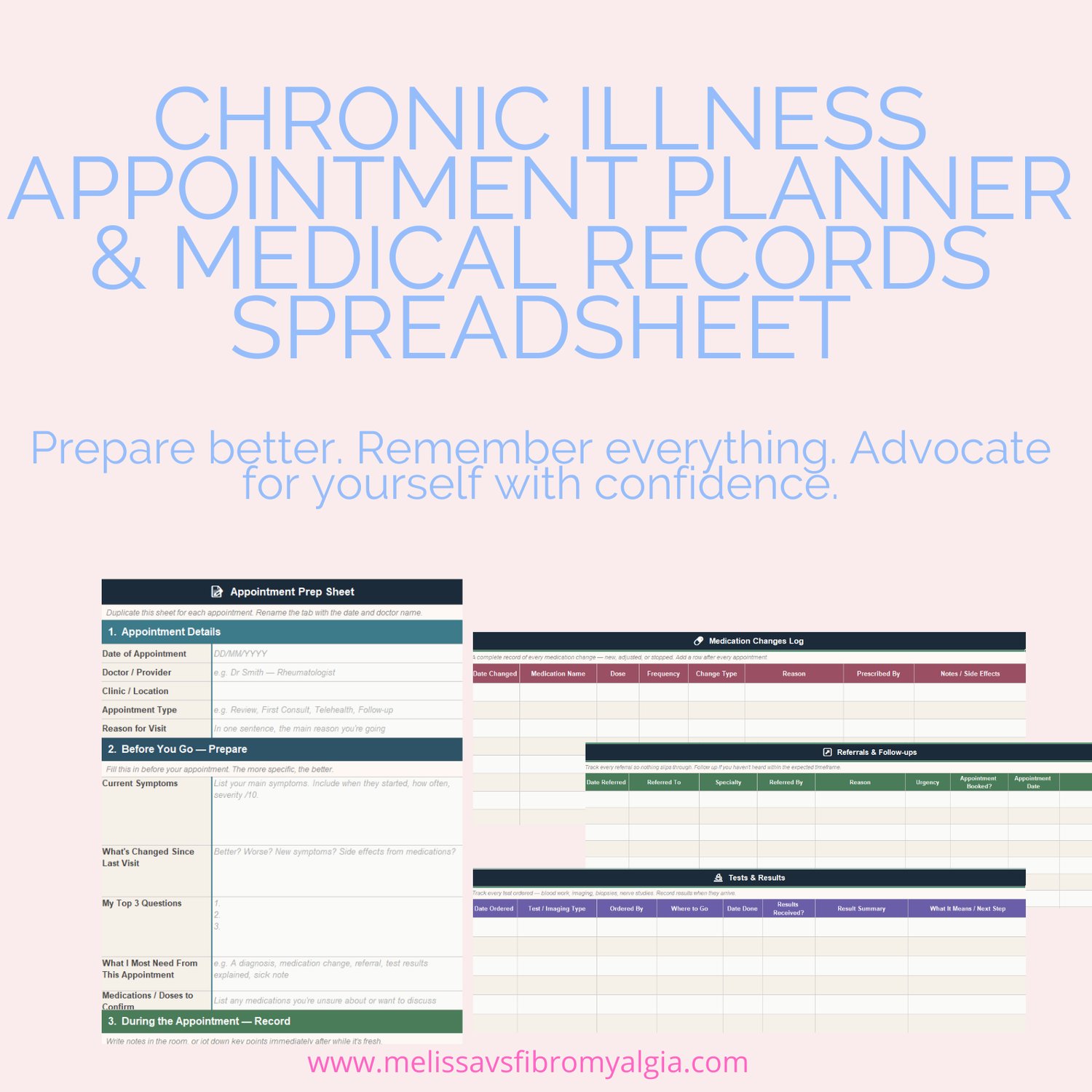
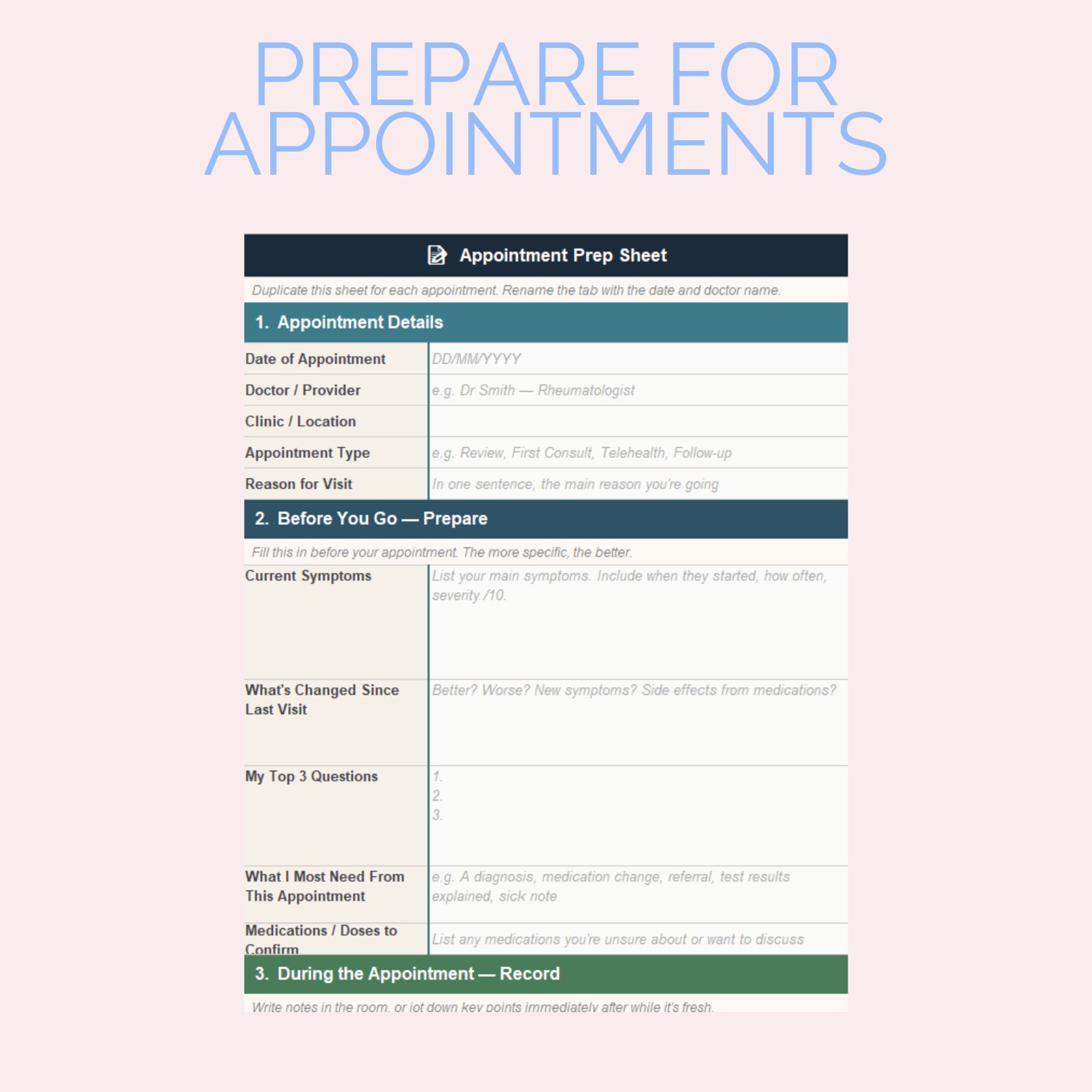
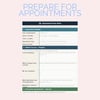
Appointment Prep Sheet
The most powerful tab in the tracker. Eight sections guide you through the entire appointment process:
✓ Before you go — your current symptoms (listed, not scrambled), your top three questions, what you most need from this appointment
✓ During — space to record what was said, decisions made, answers to your questions, and anything that was dismissed or not addressed
✓ Medication changes — new prescriptions, dose changes, anything stopped
✓ Tests ordered and referrals made
✓ After your action items, next appointment date, and how you felt leaving
Duplicate this tab for each appointment and rename it with the date and doctor. Over time, you build a complete, searchable record of every consultation you've ever had.
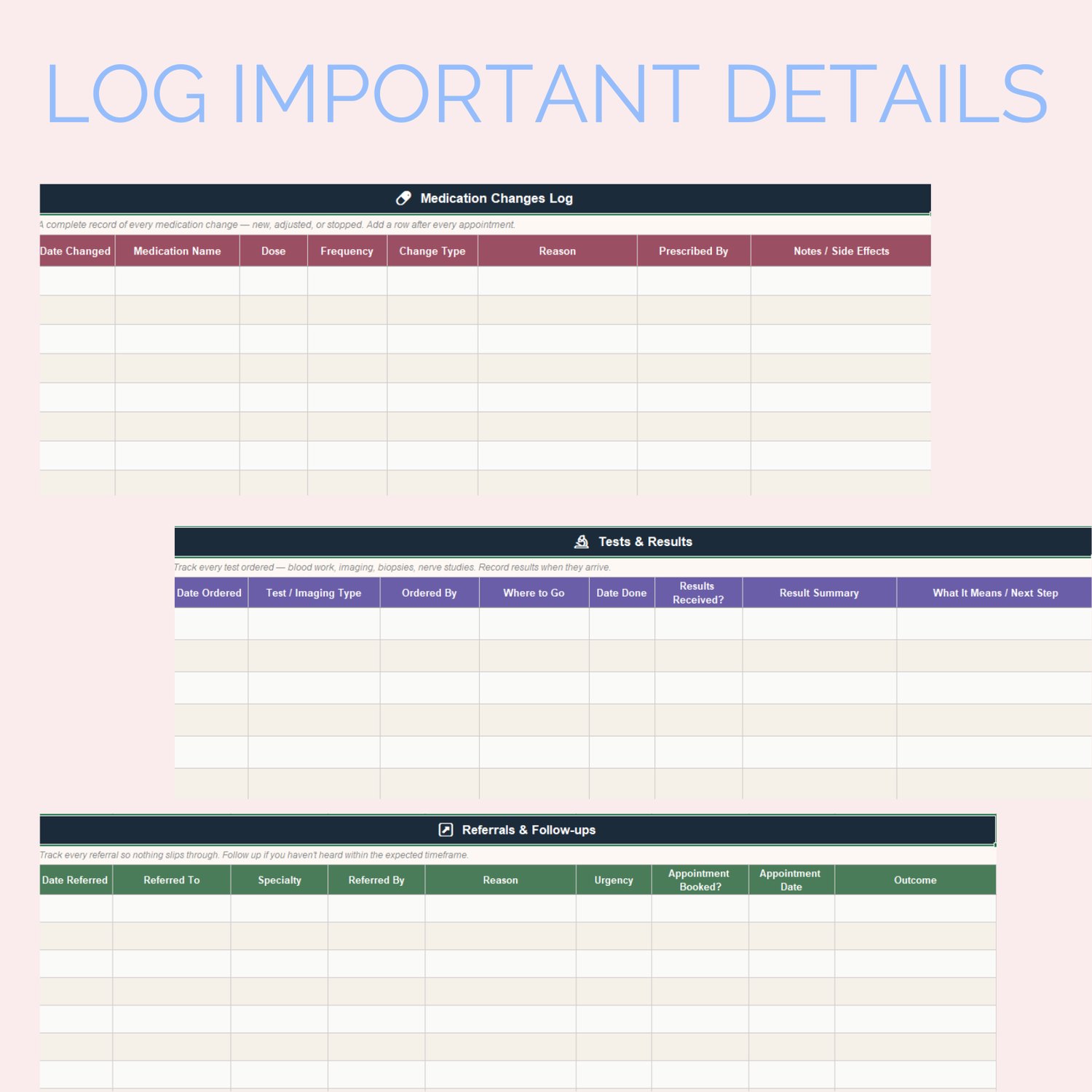
Medication Changes Log
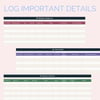
Every medication change across every appointment, in one timeline. New medications, dose increases, dose decreases, medications stopped, medications restarted. Each entry is colour coded by change type so the pattern is visible instantly.
Invaluable for new doctors who need your medication history — and for you, when you're trying to remember when something changed and why.
Tests & Results
Track every test ordered — blood work, imaging, nerve studies, biopsies — from the moment it's requested to the moment it's reviewed with your doctor. Status updates automatically colour code from pending (amber) through to reviewed (green). Nothing sits unchecked without you noticing.
Referrals & Follow-ups
Referrals have a habit of disappearing. This tab makes sure they don't. Every referral is logged with urgency level (Routine through to Urgent), booking status, and outcome. Urgent referrals flag red. Unbooked appointments flag red. If something is slipping through the cracks, you'll see it here.
Guide
A plain-language walkthrough of every tab, written specifically for people managing complex health needs. Includes guidance on when to use the Prep sheet, how to work with your pharmacist on the interactions section, and a note on how to use your records to advocate for yourself in appointments.
The appointment prep sheet — a closer look
This is the tab that changes appointments.
Most people go into appointments without having written anything down. They rely on memory — which is unreliable even when you're well, and genuinely difficult when you're in pain, fatigued, or anxious.
The Prep sheet asks you to write down your symptoms before you go. Not vaguely — specifically. When they started. How severe. What makes them worse. What you've already tried.
It gives you space to write your three most important questions — so you don't walk out having forgotten to ask them.
It includes a field called "Things That Were Dismissed or Not Addressed" — because this matters. Keeping a record of what wasn't followed up is one of the most powerful advocacy tools you have.
And it ends with "How I felt leaving" — because your experience of your medical care is worth recording too.
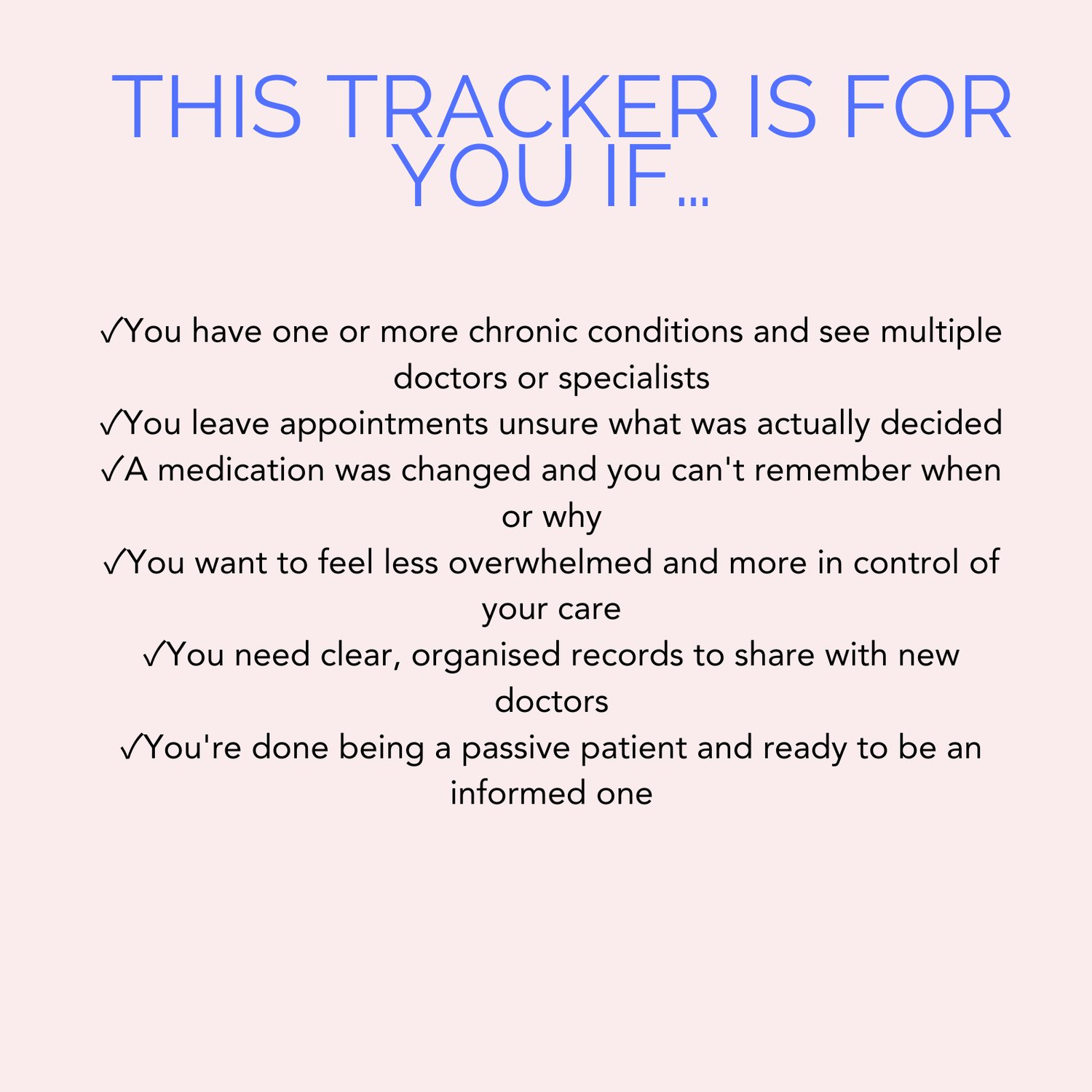
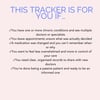
This tracker is for you if
✓ You have one or more chronic conditions and see multiple doctors or specialists
✓ You leave appointments unsure what was actually decided
✓ You've had a test result arrive and had no idea what it meant or what to do next
✓ A medication was changed and you can't remember when or why
✓ A referral was made months ago and you've heard nothing
✓ You want to feel less overwhelmed and more in control of your care
✓ You need clear, organised records to share with new doctors
✓ You're done being a passive patient and ready to be an informed one
Designed for complex care
This tracker was built for people who don't see one doctor — they see five. Who aren't managing one condition — they're managing several. Who haven't had one test — they've had forty.
It's structured to handle complexity without overwhelming you. You don't have to fill in every tab from day one. Start with Setup and the Master Log. Add the Prep sheet when you have an appointment coming up. Let the rest build over time.
What you receive
✓ One .xlsx file — instant digital download
✓ Compatible with Microsoft Excel (Windows and Mac) and Google Sheets
✓ Eight fully formatted tabs, ready to use
✓ Colour coded throughout — appointment types, medication changes, urgency levels, status tracking
✓ Personalised with your name via the Setup tab
✓ Complete setup and usage guide inside the file
✓ Lifetime access — download and use forever
Questions
Do I need to be good at Excel?
No. You open the file, fill in the Setup tab, and start using it. There are no formulas to configure, no settings to adjust. If you can type into a cell, you can use this tracker.
Does it work on Google Sheets?
Yes. Upload it to Google Drive and open it in Google Sheets. All formatting, dropdowns, and colour coding work fully in both.
How do I use the Appointment Prep tab for multiple appointments?
Right-click the tab at the bottom of the screen, choose 'Move or Copy', tick 'Create a copy', and rename the new tab with the date and doctor name — for example '14 Mar — Dr Lee'. Do this before each appointment and you'll build a complete, searchable record over time.
Can I share this with my doctor or carer?
Absolutely. The file is yours to use however is most helpful. Many people print the Prep sheet to take into appointments, or share the Master Log with a carer or family member who helps manage their care.
Is this a physical product?
No — this is a digital download. You'll receive the .xlsx file immediately after purchase. If you're looking for a printable or physical version, check the rest of the shop.
Can I use this for a family member?
The licence covers one person's personal use. If you'd like to track a family member's medical care separately, please purchase a second copy — it helps keep resources like this available.
This tool is available for $9.99, so it's accessible to everyone.
You deserve to be heard in every appointment.
This tracker helps you get there.