Hotel FF&E Reserve Adequacy & 20-Year Lifecycle Model: FF&E reserve study and 20-year replacement plan for hotels
Full description
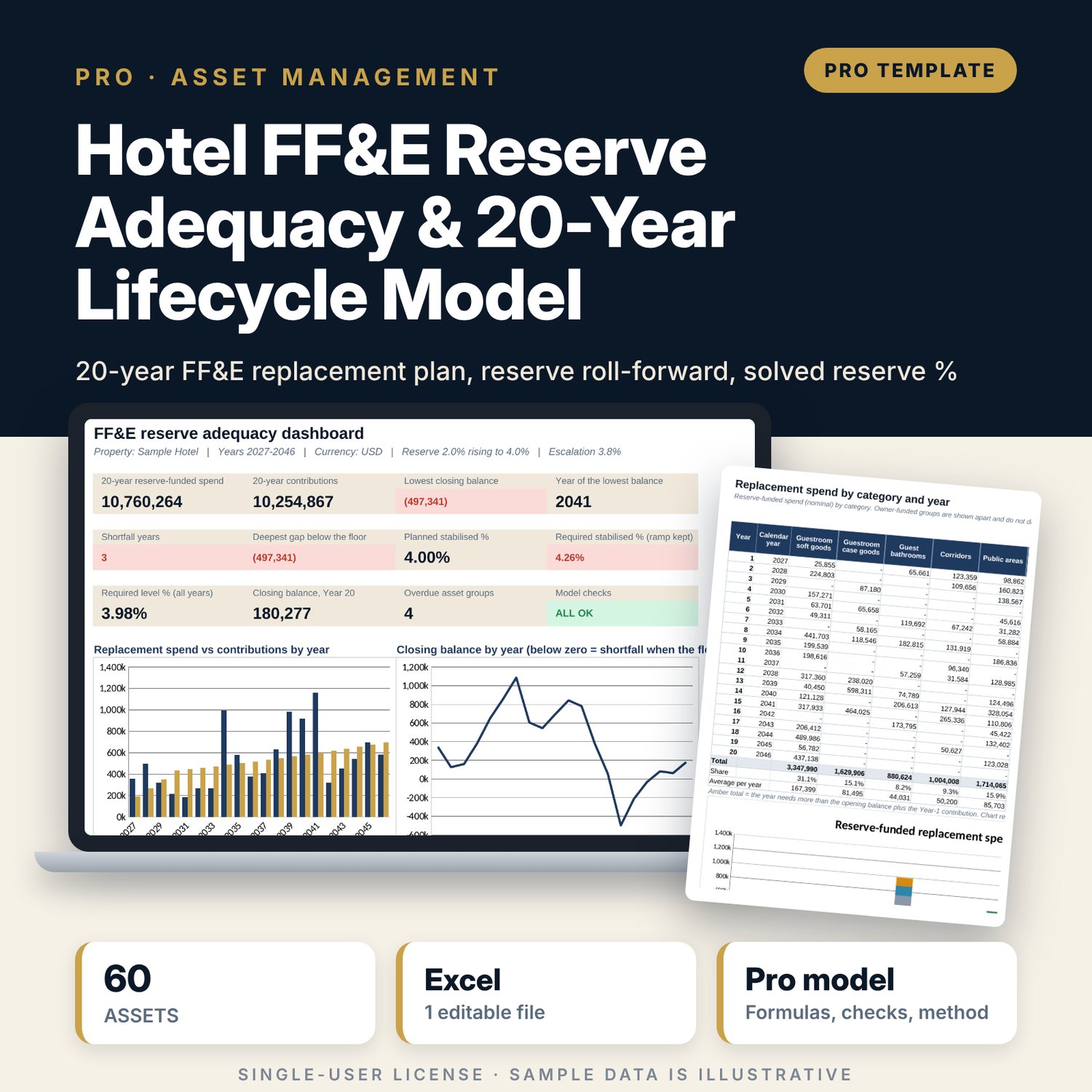
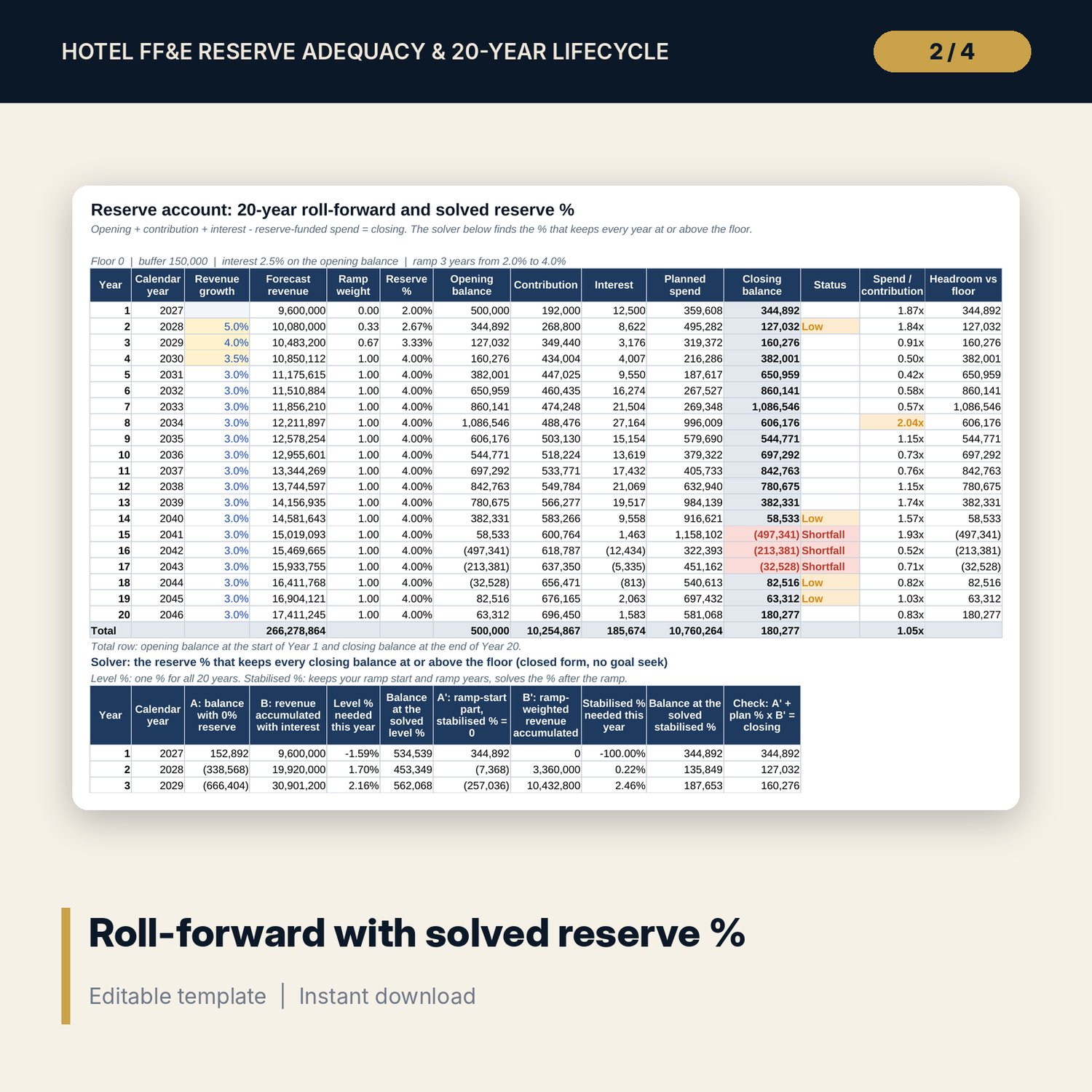
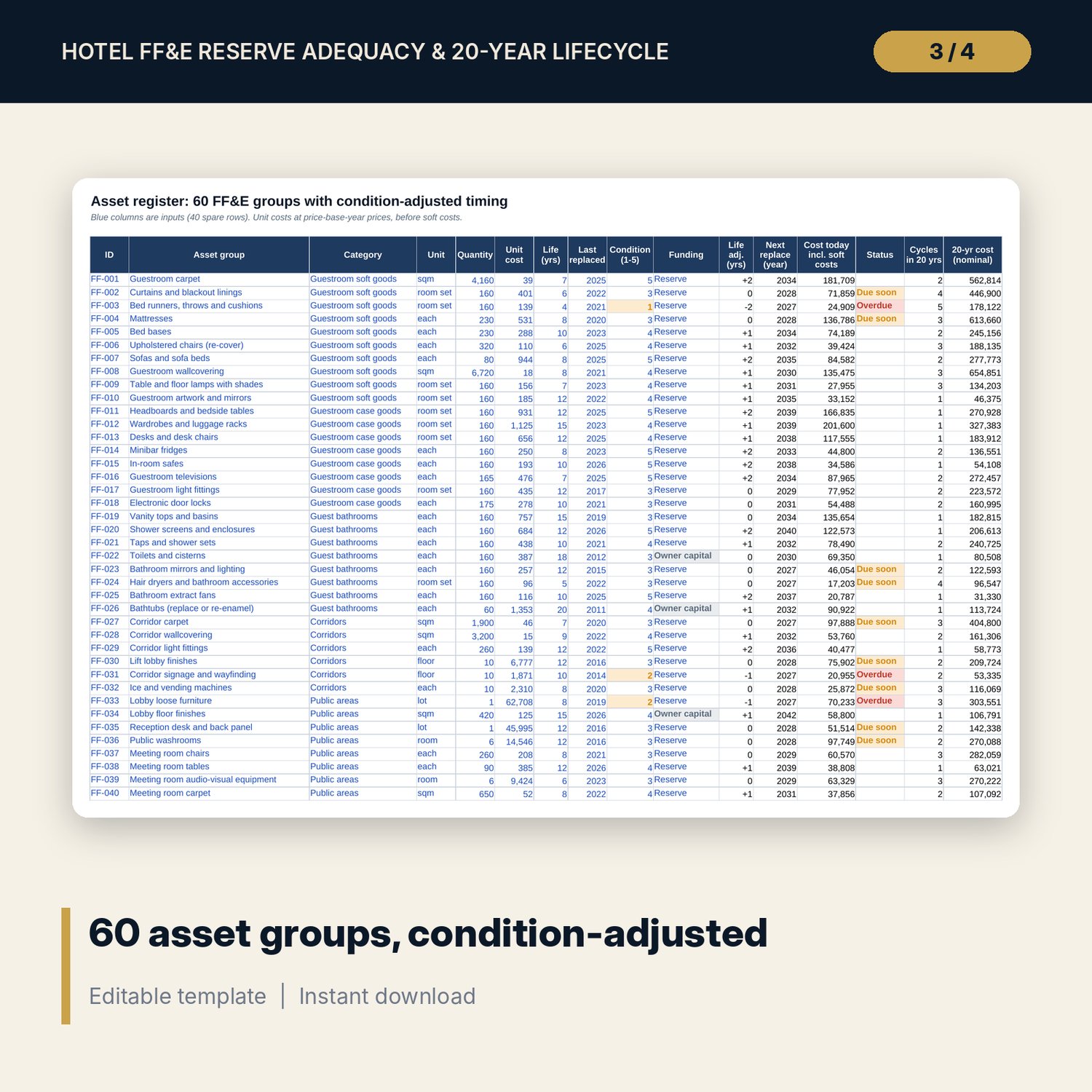
For asset managers, owners, general managers, financial controllers and chief engineers who must agree the FF&E reserve % in a management agreement or a budget. You list each FF&E group with quantity, unit cost, useful life, last replaced year, a condition score and the funding source. The workbook moves the next replacement by the condition score, catches up overdue groups, repeats each cycle at the useful life and escalates the cost to every replacement year. A reserve account then rolls forward 20 years: opening balance, contributions at a % of forecast revenue with a ramp, interest, reserve-funded spend and closing balance, with Shortfall and Low flags. Because the closing balance is linear in the reserve %, the workbook solves the % that keeps every year at or above your floor with a closed-form formula, both as a level % and as the stabilised % behind your ramp. A one-case-per-row engine re-runs the account 25 times for a stabilised % x escalation grid.
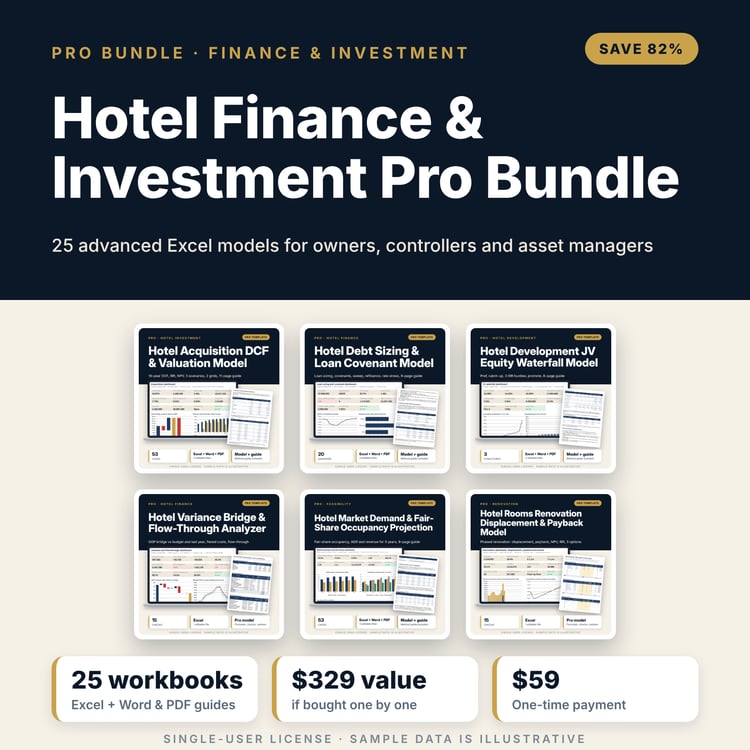
Save with a bundle: this workbook is also in the Hotel Finance & Investment Pro Bundle, 25 workbooks for $59 instead of $329. All 100 Pro workbooks are in the Pro Library for $119, and all 241 templates and workbooks are in the Ultimate Hospitality Library for $149.
What is inside
- Hotel_FFE_Reserve_Adequacy_Lifecycle_Model.xlsx: 11 tabs, 5,561 formulas, 3 native charts, 18 drop-down and input rules, 15 integrity checks, a Method tab with 18 calculation notes.
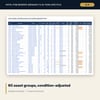
- Asset_Register: 60 sample FF&E groups in 7 categories (guestroom soft goods, case goods, bathrooms, corridors, public areas, F&B, back of house) and 40 spare rows.
- Replacement_Schedule: 100 rows x 20 years, escalation index, totals by funding source and at today's prices.
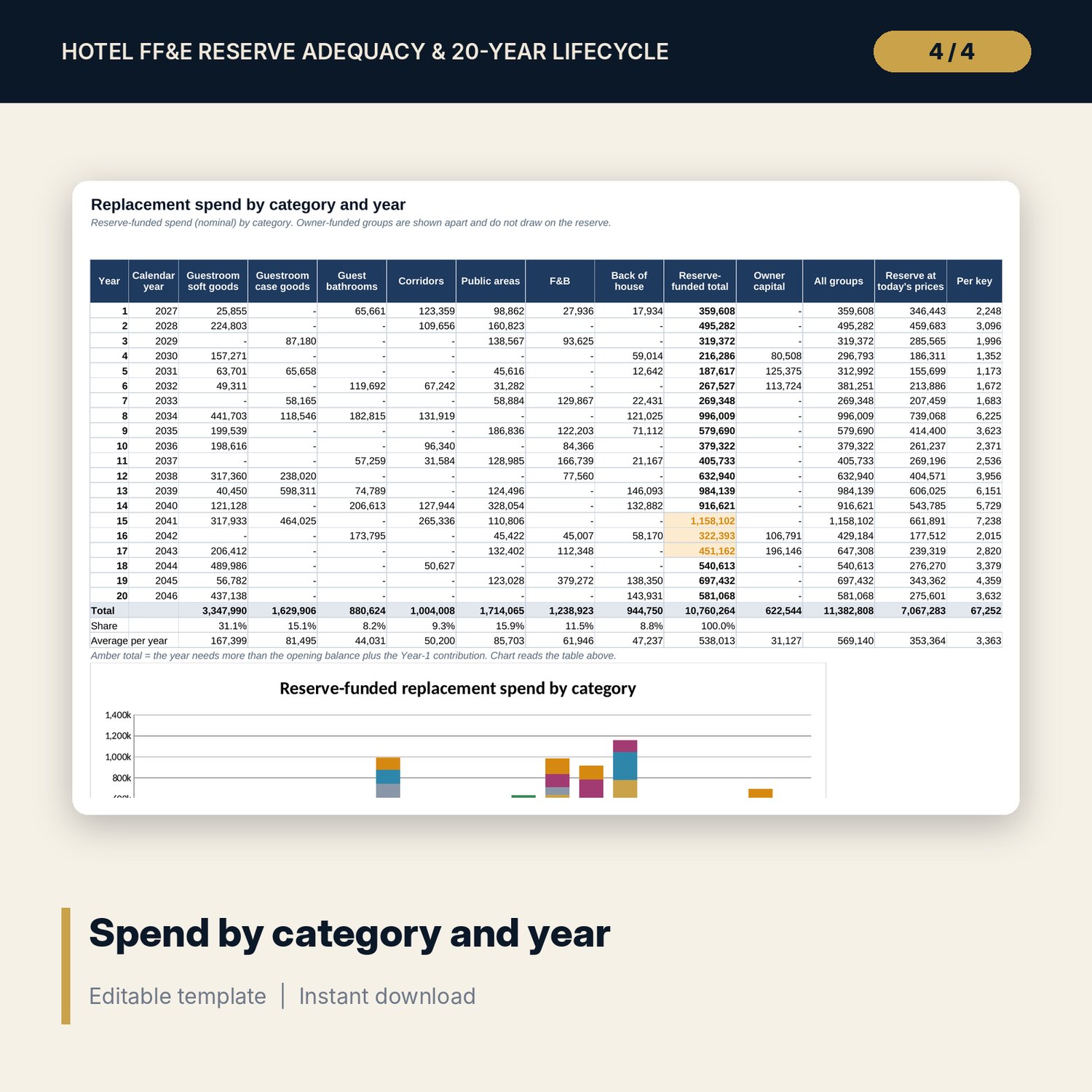
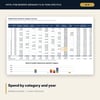
- Category_Summary: reserve-funded spend by category and year, owner capital apart, per key, stacked chart.
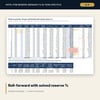
- Reserve_Account: 20-year roll-forward, Shortfall and Low flags, closed-form solver for the required level % and the required stabilised %.
- Sensitivity and Case_Engine: two 5 x 5 grids (lowest balance, shortfall years) and the level % at 5 escalation rates, from 31 full re-runs of the account.
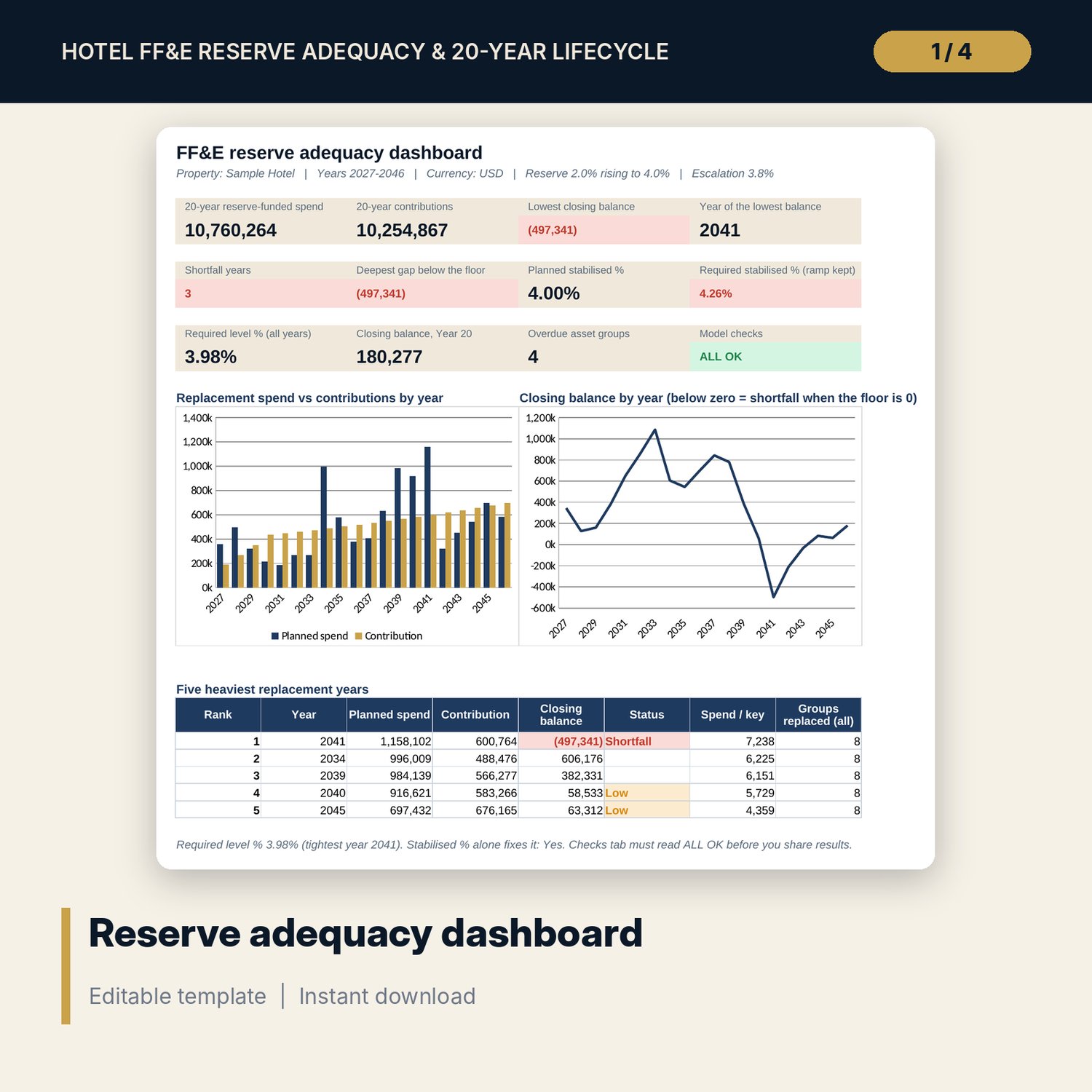
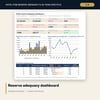
- Dashboard: 11 KPI tiles, a check tile, spend against contributions chart, closing balance chart and the five heaviest years, printable on one page.
- README.txt and LICENSE-and-Terms.txt.
How it works
- Enter the first model year, Year-1 revenue, opening balance, reserve ramp, interest, floor, escalation and soft costs on Assumptions.
- List your FF&E groups on Asset_Register with quantity, unit cost, life, last replaced year, condition score and funding.
- Set revenue growth by year on Reserve_Account and read the Shortfall and Low flags.
- Read the required level % and required stabilised % in the solver results and on the Dashboard.
- Stress the plan on Sensitivity and confirm the Checks tab shows ALL OK before you share the file.
Details
- Format: one XLSX workbook, English.
- Software: Excel 2016 or later, or LibreOffice Calc. No macros, no data tables, no add-ins.
- Annual model, 20 years, any currency.
- Delivery: instant download.
Good to know
- Sample data is illustrative and does not describe any hotel. Replace it with your own figures.
- Not financial or engineering advice. Useful lives, unit costs and escalation are inputs: verify them with your suppliers and verify local requirements.
- Reserve terms come from your management agreement or loan documents; the model does not read them for you.
- Single-user license.
FAQ
How is the required reserve % solved without goal seek?
The closing balance in every year is a straight line in the reserve %. The workbook builds the two parts of that line for each year and takes the highest % any year needs. A check confirms the solved % brings the tightest year exactly to the floor.
What does the condition score change?
Only the next replacement. A score of 1 brings it 2 years forward and a score of 5 pushes it 2 years back; the table is editable. Later cycles follow the standard useful life.
Can some items be paid by the owner instead of the reserve?
Yes. Set Funding to Owner capital. The group stays in the schedule and the totals but does not draw on the reserve.
Can I use my own categories?
Yes. Rename the seven categories on Assumptions; the drop-downs and the category summary follow the list.
How many asset groups can I enter?
Up to 100 rows. Blank rows return blanks and do not affect the totals.