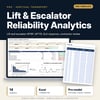
Lift & Escalator Reliability Analytics: lift availability, MTBF, MTTR and contractor SLA tracking
Full description
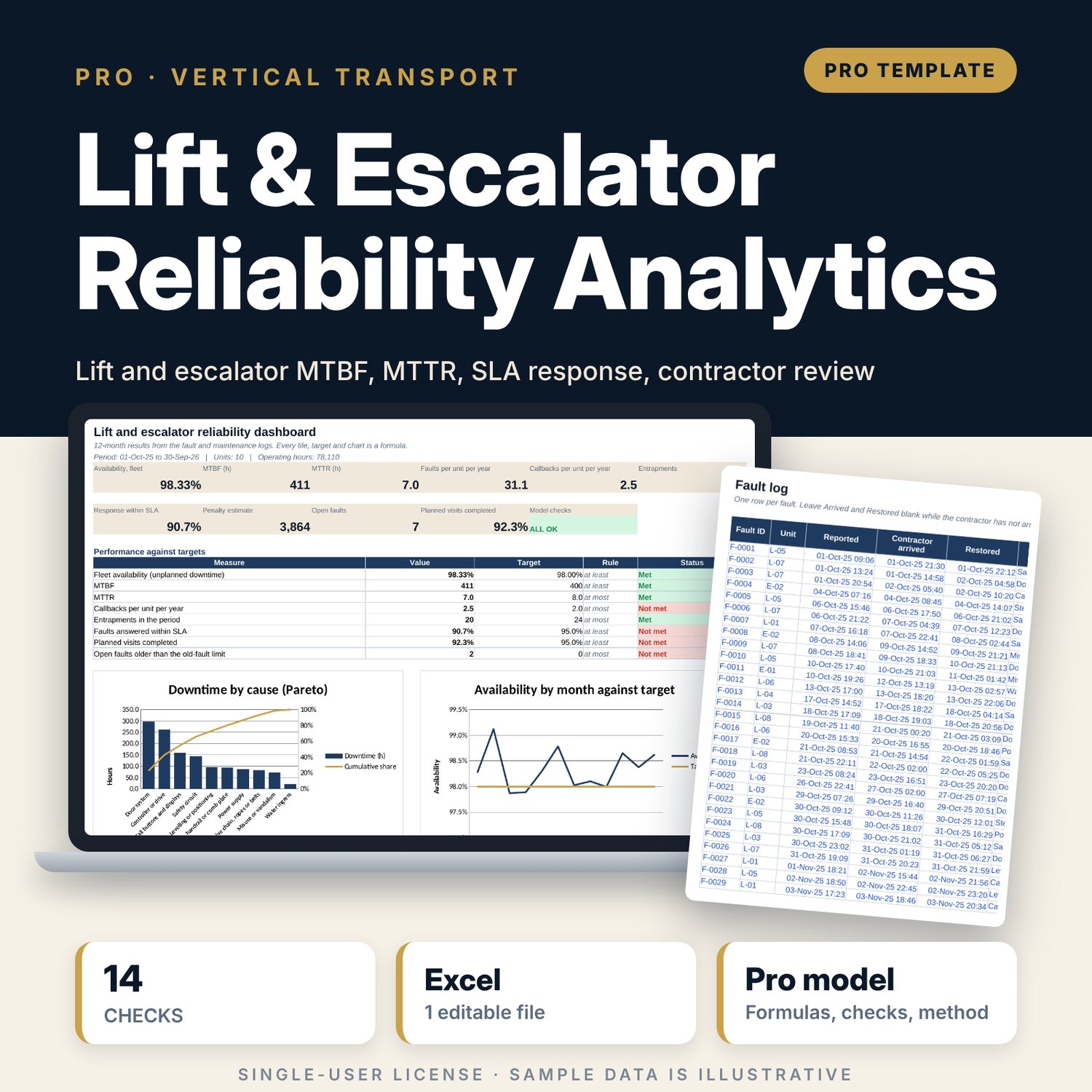
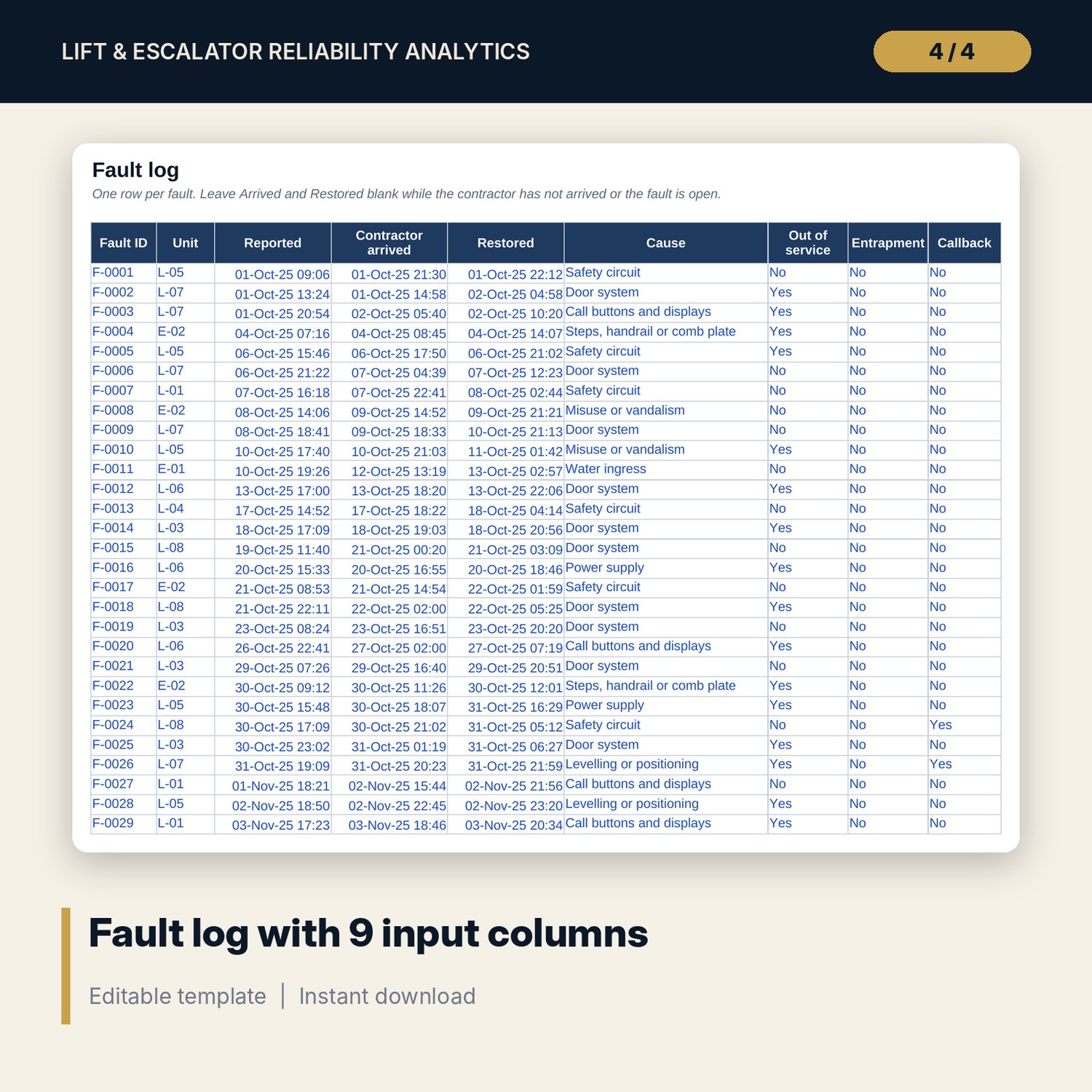
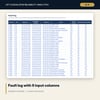
For chief engineers, hotel general managers, asset managers and technical directors who manage a lift and escalator maintenance contract. You log each fault with the time reported, the time the contractor arrived, the time the unit was restored, the cause, whether it took the unit out of service, whether passengers were trapped and whether a callback was needed. The workbook calculates availability, MTBF and MTTR per unit and for the fleet, callbacks per unit per year, faults by cause as a Pareto chart, the contractor's response time against the contract SLA by fault class, a penalty estimate from your own terms and the age of open faults. A one-page review sheet prepares the monthly contractor meeting.
Save with a bundle: this workbook is also in the Hotel Engineering & MEP Pro Bundle, 25 workbooks for $59 instead of $319. All 100 Pro workbooks are in the Pro Library for $119, and all 241 templates and workbooks are in the Ultimate Hospitality Library for $149.
What is inside
- Lift_Escalator_Reliability_Analytics.xlsx: 11 tabs, 8,013 formulas, 4 native charts, 10 drop-down and input rules, 14 integrity checks, a Method tab with 16 calculation notes.
- Sample data (illustrative): 311 faults and 130 planned visits over 12 months for 10 units (8 lifts and 2 escalators), with room for 500 faults and 200 visits.
- Fault_Calc engine: class, response against SLA, hours late, penalty, downtime, repair time and age of open faults for every fault.
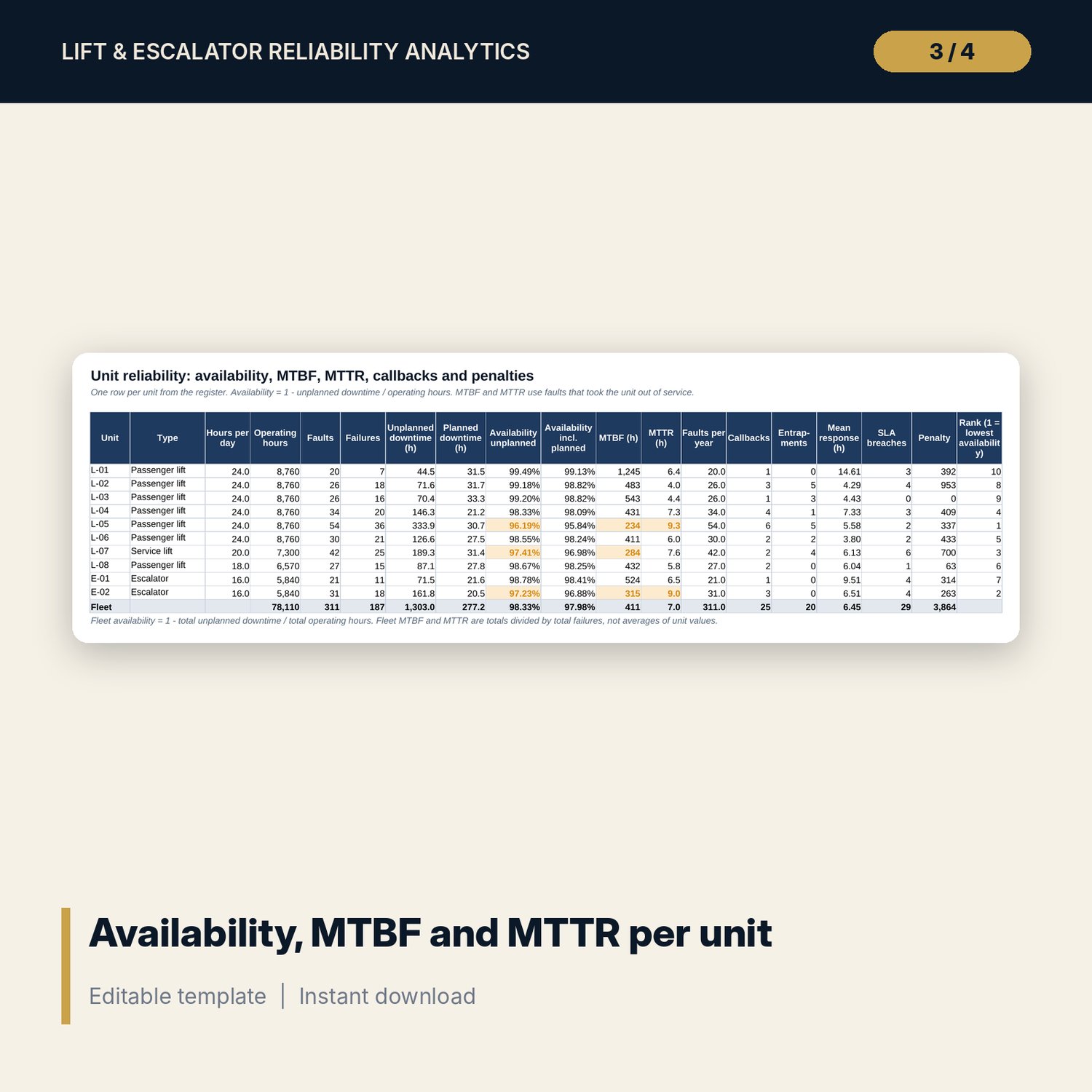
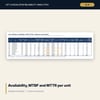
- Unit_Calc: availability with and without planned work, MTBF, MTTR, callbacks, entrapments, mean response, penalty and rank per unit.
- Analysis: monthly trend, Pareto of causes, response by fault class and ageing of open faults.
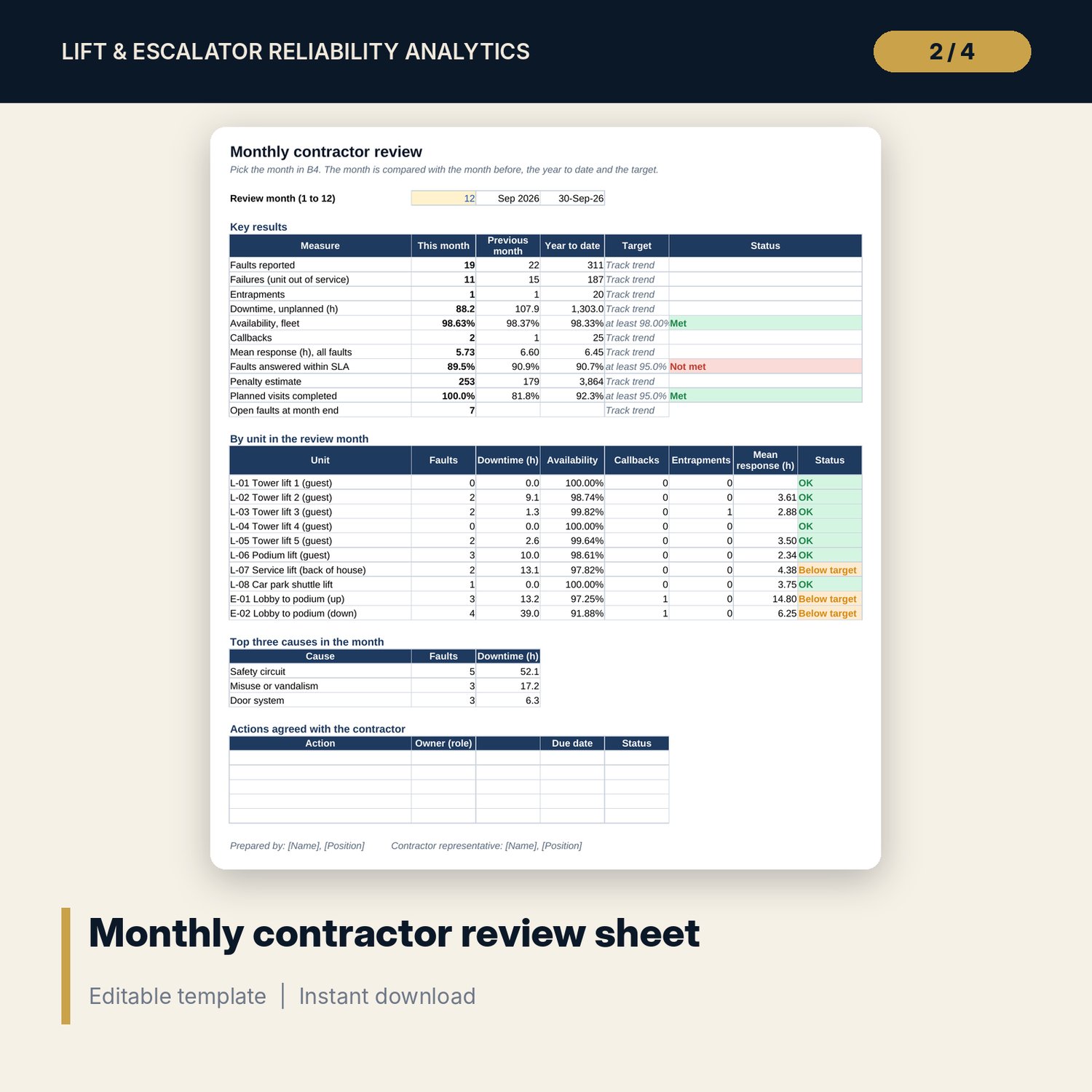
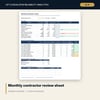
- Contractor_Review: one printable page for any month, with the month before, year to date, targets, units, top causes and an action list.
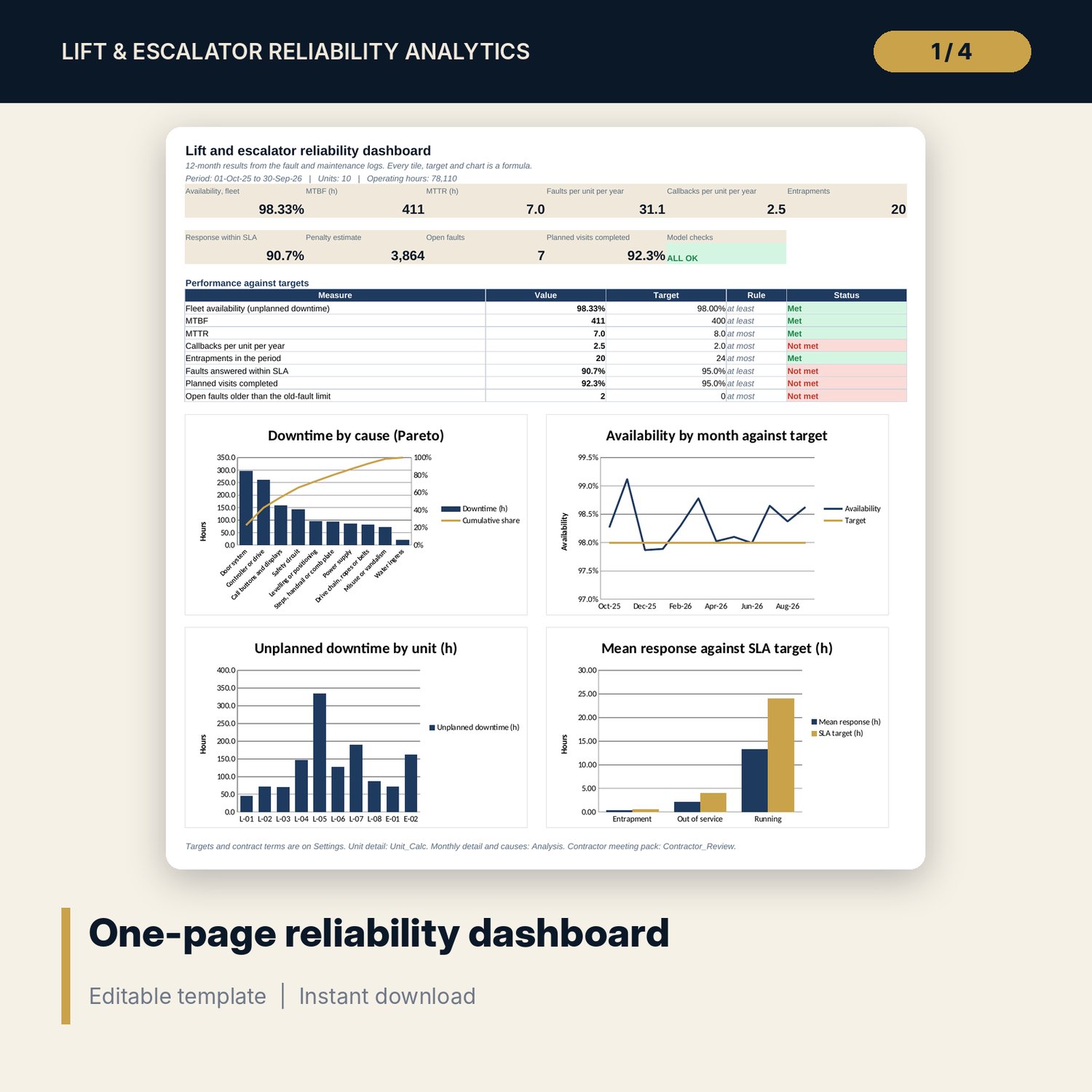
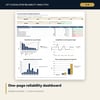
- Dashboard: 10 KPI tiles, a check tile, 8 targets and 4 charts, printable on one page.
- README.txt and LICENSE-and-Terms.txt.
How it works
- Enter the period start, units, operating hours, contract SLA times, penalties and targets on Settings.
- Replace the sample faults and planned visits with your own records.
- Confirm the Checks tab shows ALL OK, then read Unit_Calc, Analysis and the Dashboard.
- Set the month on Contractor_Review before each meeting, print it and record the actions.
Details
- Format: XLSX workbook, one file.
- Language: English.
- Software: Excel 2016 or later, or LibreOffice Calc. No macros, no data tables, no add-ins.
- One 12-month period per file. Save a copy for each year.
- Delivery: instant download.
Good to know
- Sample data is illustrative and does not describe any property. Replace it with your own records.
- SLA times, penalties and targets are examples. Use the terms in your contract and verify local requirements for lift and escalator inspection.
- Not engineering or safety advice. The workbook measures what your records show.
- Single-user license.
FAQ
How is availability calculated?
Availability is 1 minus unplanned downtime divided by operating hours. Operating hours are the hours per day you set for each unit times the days in the period. A second figure also deducts planned maintenance downtime.
What counts as a failure for MTBF and MTTR?
A failure is a fault that took the unit out of service. MTBF is uptime divided by failures. MTTR is downtime divided by failures.
Can I use my own SLA times and penalties?
Yes. Set the response time, the fixed penalty per breach and the penalty per hour late for each of the three fault classes on Settings. The estimate follows your terms.
What happens to faults that are still open?
Leave Restored blank. The fault stays open, downtime runs to the as-of date and the age appears in the ageing table.
Can I track more than 10 units?
No. The workbook holds up to 10 units. Use a second copy for more.