

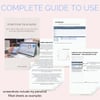
The Spoonie's Health Tracker: Daily Symptom Log Spreadsheet
Chronic Illness Health & Symptom Tracker Spreadsheet
Track your patterns. Understand your body. Finally have the data that tells your story.
You know this feeling.
You sit down at a doctor's appointment, and your mind goes blank. How has your pain been? When did your fatigue get worse? What changed last month?
You've been living it every single day — and you can't remember any of it.
Or maybe you can remember. But it's scattered across your phone notes, a half-filled diary, a few voice memos, and a text you sent yourself at 2 am during a bad night.
The Spoonie's Health Tracker was built to fix that.
What it is
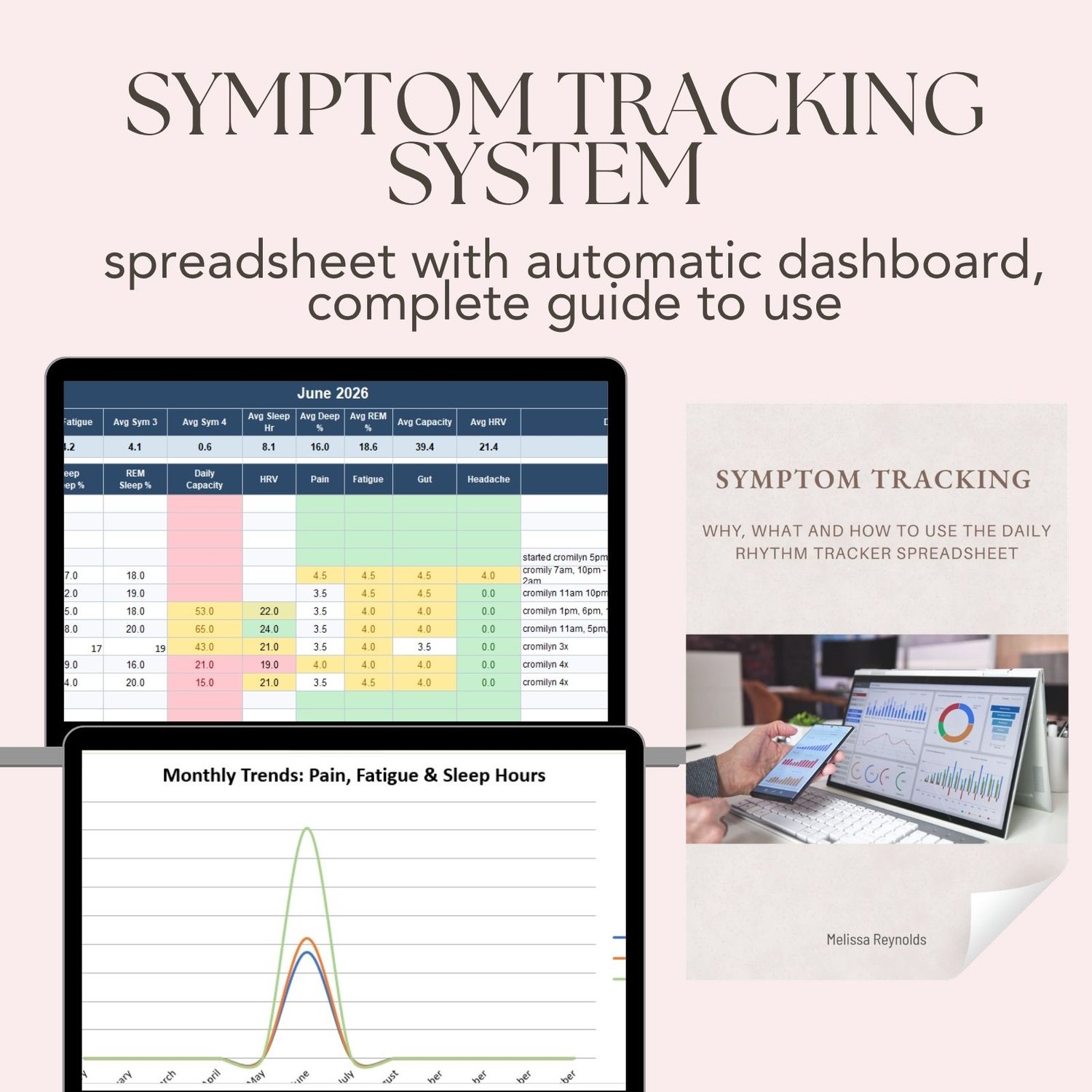
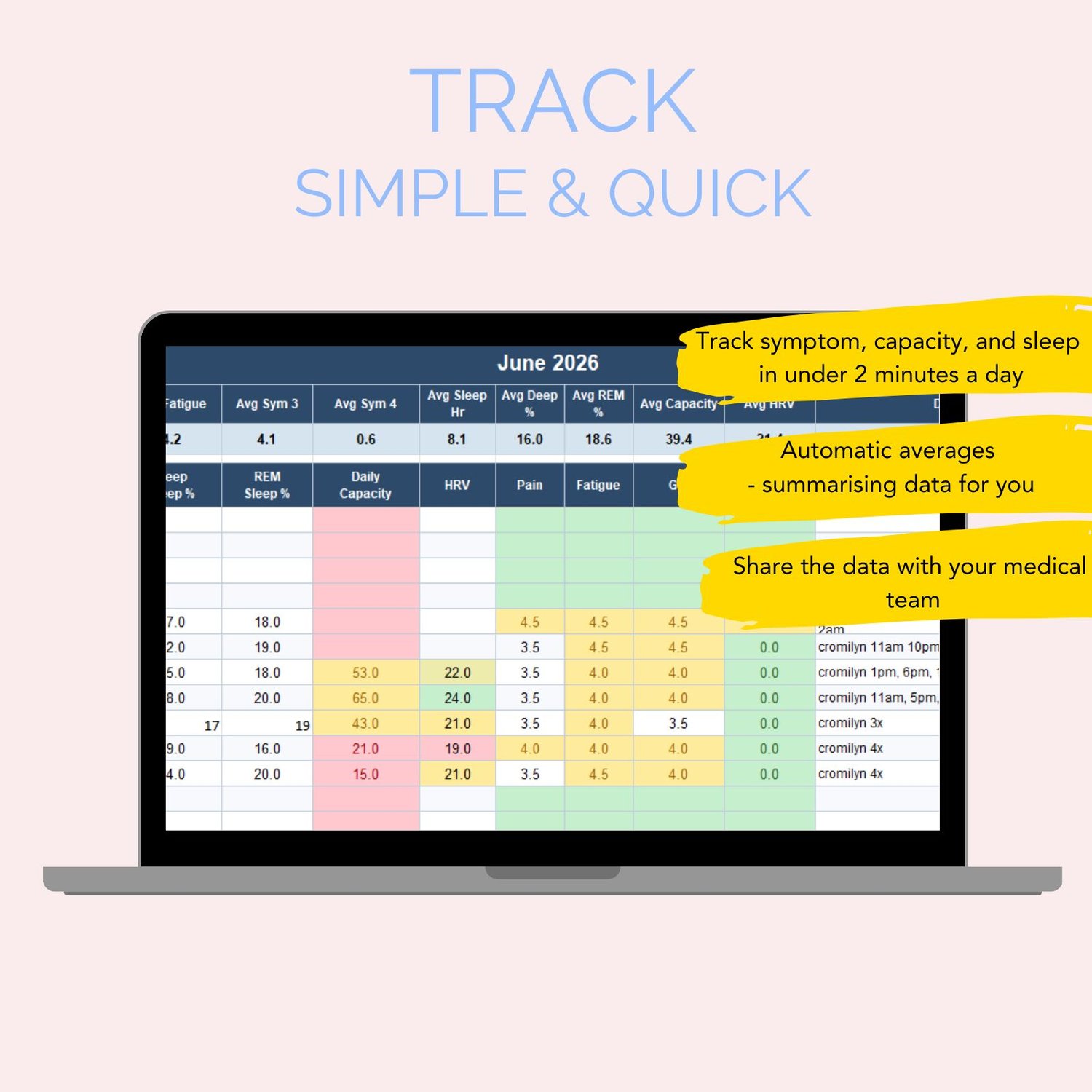
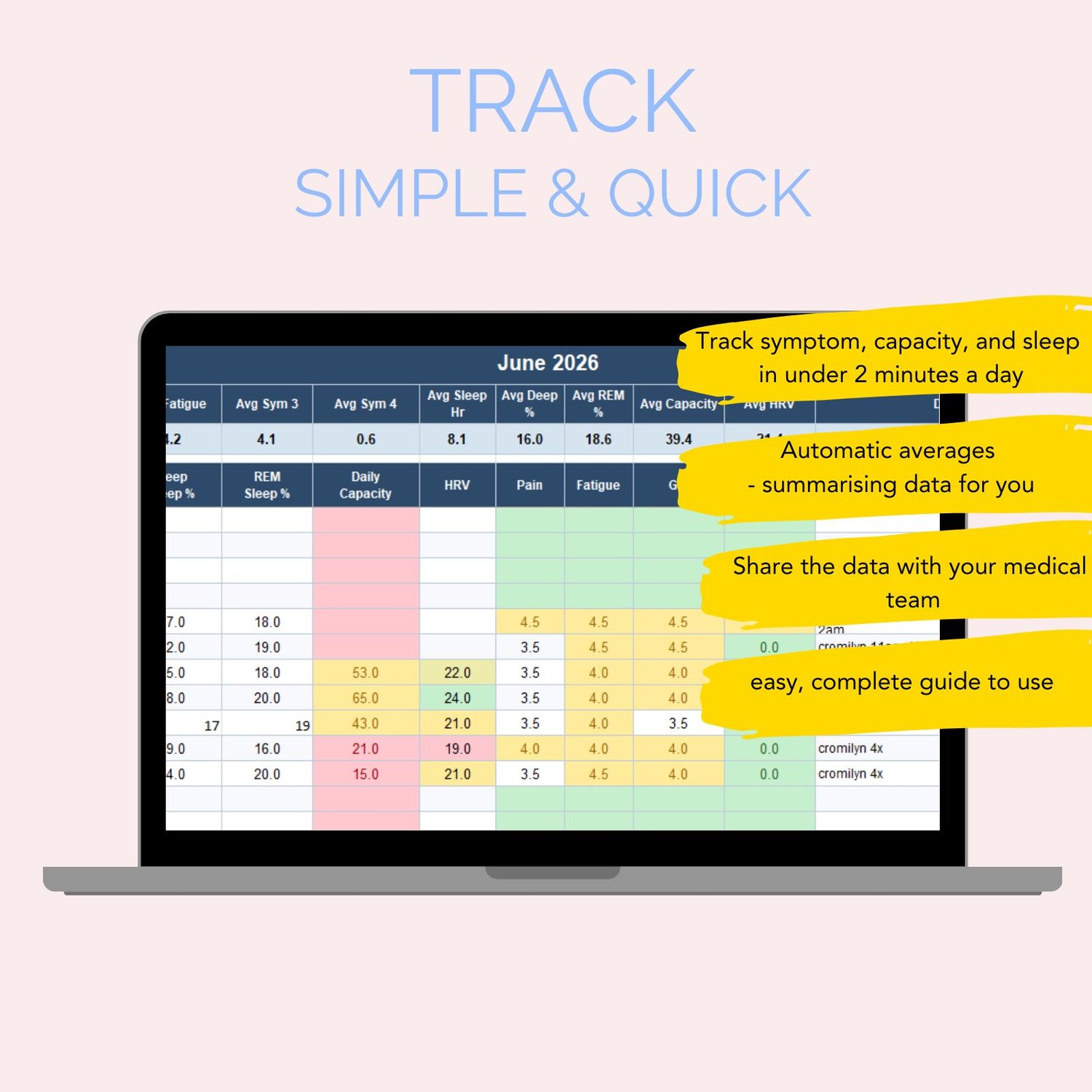
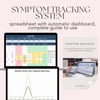
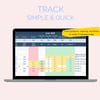
A beautifully designed, easy-to-use Excel spreadsheet that tracks your health data every day — and turns it into patterns you can actually see, understand, and use.
Twelve monthly tabs. One dashboard. Your whole health picture, in one place.
What's inside
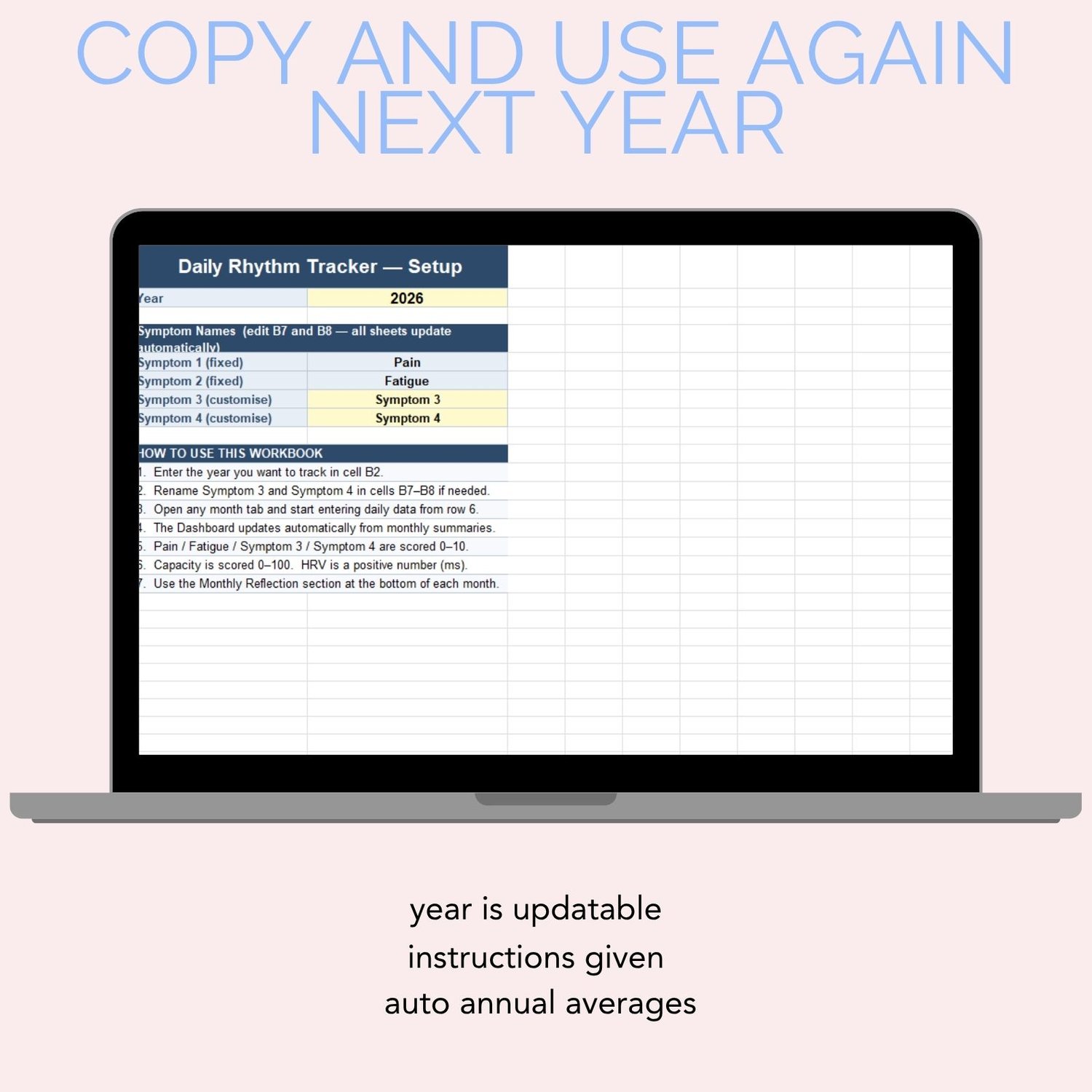
Personalised setup
- Name up to three symptoms of your own, alongside the built-in Pain and Fatigue scores
- A rescue meds list with up to five as-needed meds or relief methods (like a heat pack). Each one automatically becomes its own tick column in your daily log
- A regular meds and supplements list for dose, timing and start and stop dates
- Editable dropdown options, so the choices match your life
- Score anchors, where you write what a 2, 4, 6 or 8 means for you, so your ratings stay consistent
12 monthly daily logs
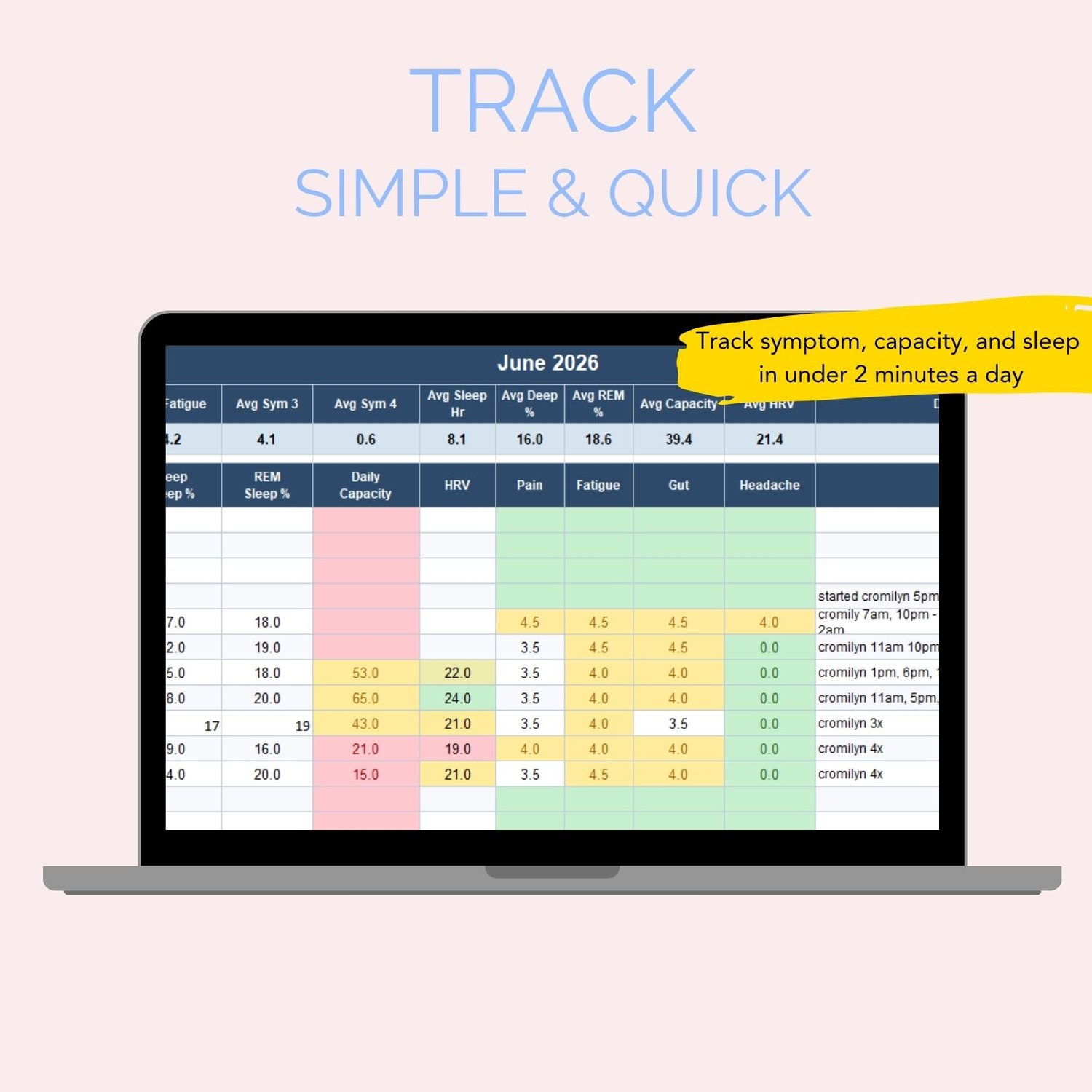
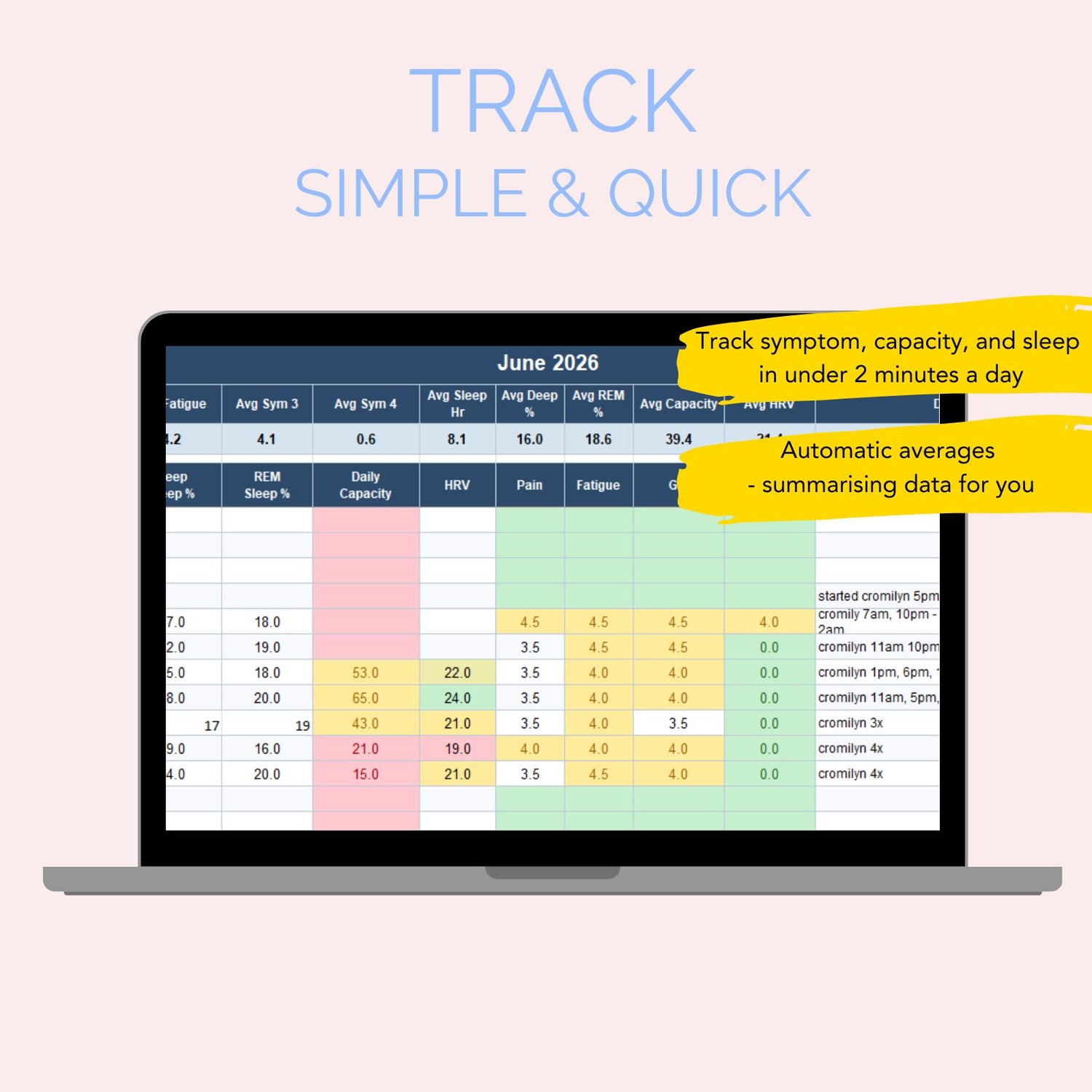
- Core (every day): sleep hours, deep and REM sleep %, daily capacity, HRV, pain, fatigue and your custom symptoms
- Detail (only when relevant): gut type, worst time of day, night wakings and what woke you, how demanding yesterday was, crash or PEM severity, and a sick-day tick
- Rescue meds: tick the days you used each one
- Regular meds: log missed doses and changes
- Notes for the rest of the story
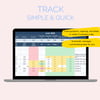
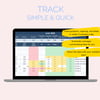
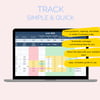
- Colour-coding, so good, middling and hard days stand out at a glance
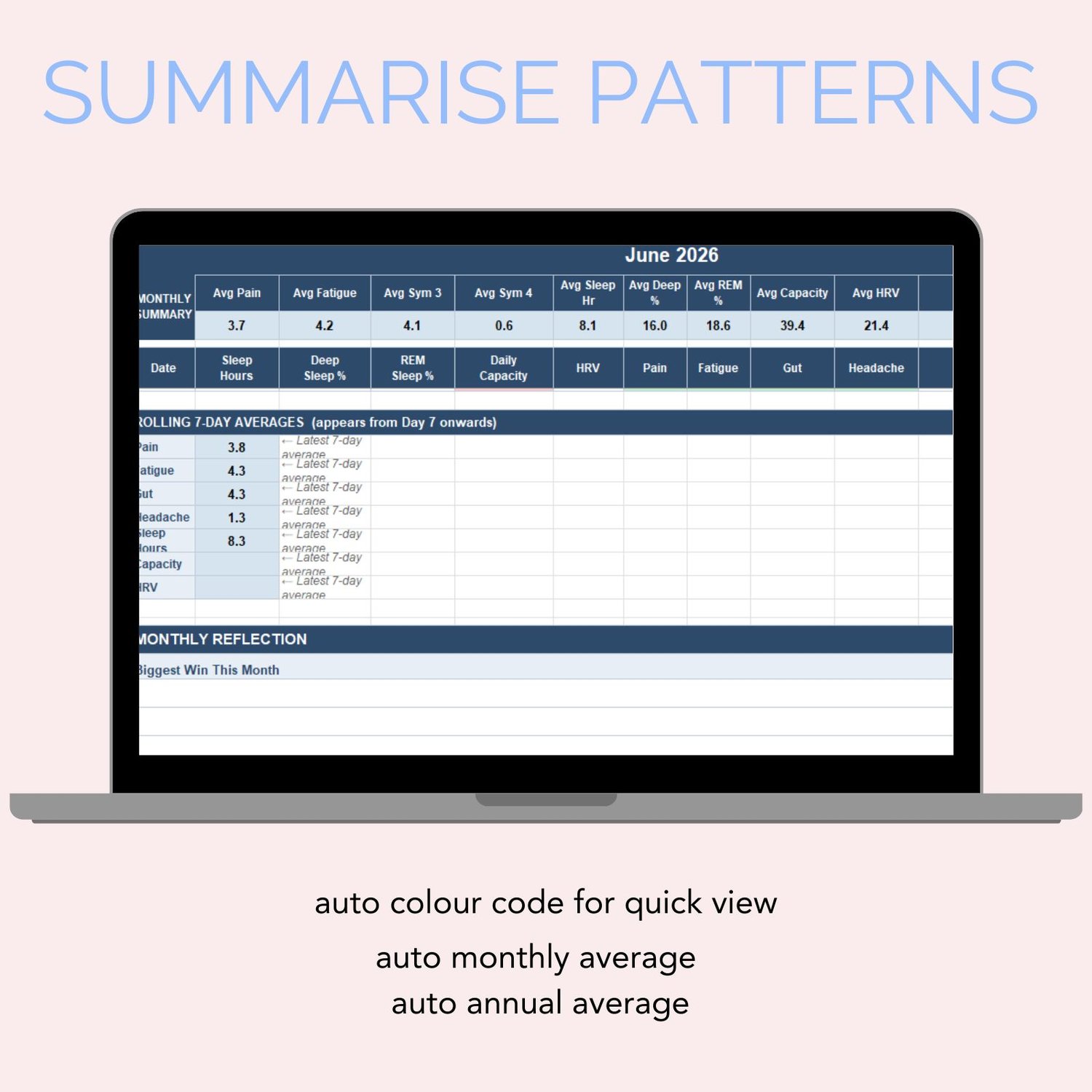
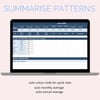
- A monthly summary that calculates itself, including "well day" averages that leave out cold and virus days so they don't skew your baseline
- Rolling 7-day averages
- A monthly reflection: biggest win, biggest challenge, what helped, what didn't, and what to try next
Automatic dashboard
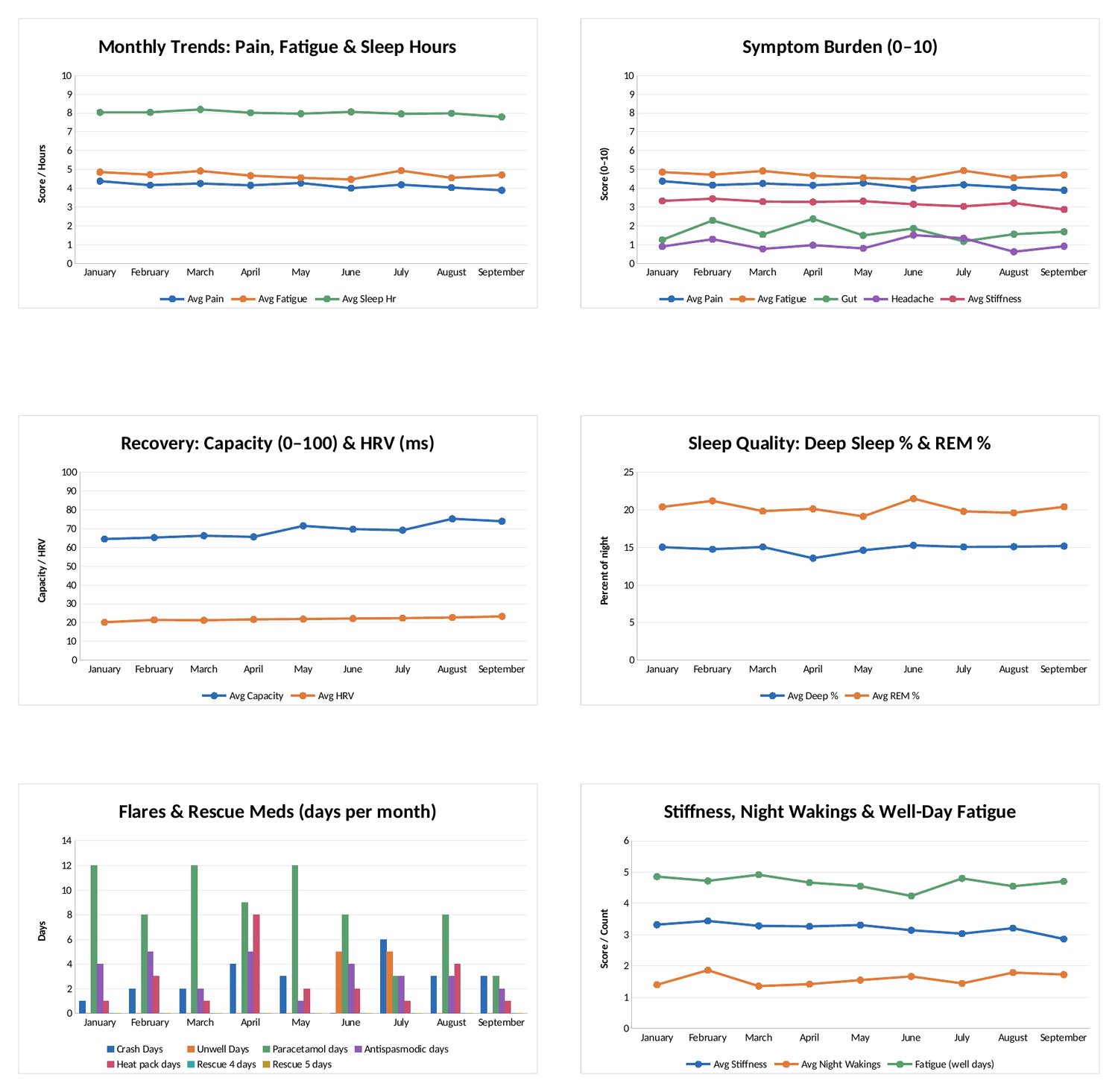
- A month-by-month summary and year-to-date averages
- Your best months for pain, fatigue, capacity and HRV
- A flares and meds table: crash days, sick days, high-exertion days, and how many days you used each rescue med
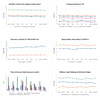
- 6 charts that update themselves: symptom trends, sleep quality, recovery and capacity, flares and rescue meds, and more
Made to be easy
- Dropdowns and ticks instead of typing
- Formulas are locked so nothing breaks by accident
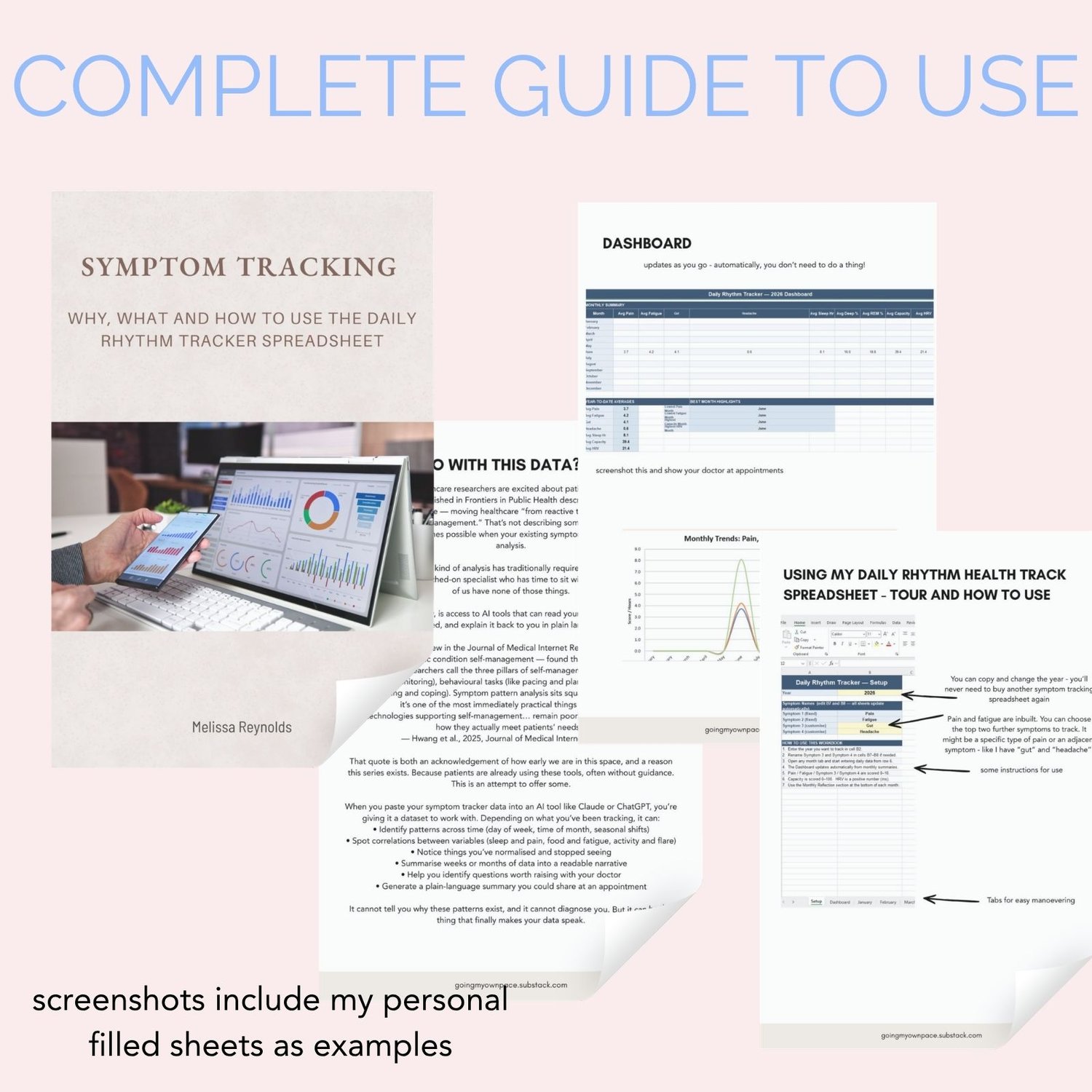
- Step-by-step instructions inside the workbook
- A sample file with example data, so you can see how it looks once it's filled in
Format: .xlsx file for Microsoft Excel. Instant digital download.
This tracker is for you if
✓ You have a chronic illness, pain condition, or fatigue disorder and want to understand your patterns
✓ You're tired of not having answers when your doctor asks how you've been
✓ You've tried generic health apps that weren't built for the reality of chronic illness
✓ You want to see whether your sleep, pain, and energy are connected — and when
✓ You're learning to pace and need honest data about your activity and rest
✓ You want to feel more informed, more prepared, and more in control of your own health story
Works with your tools
The sleep and activity data fields work with any wearable or health tracker — Garmin, Fitbit, Apple Watch, Oura Ring, Samsung Health, Whoop, or even just your phone's step counter. If your device shows it, you can track it here.
The file opens in Microsoft Excel and Google Sheets. All formatting and colour scales are fully compatible with both.
What you receive
✓ One .xlsx file and one PDF Guide to Symptom Tracking — instant digital downloads
✓ Compatible with Microsoft Excel (Windows and Mac) and Google Sheets
✓ 12 monthly tabs pre-set for 2026 — easy to update for any year
✓ Full setup instructions inside the file
✓ Lifetime access — download and use forever (simply make a copy for each year)
Questions
Do I need to know how to use Excel?
No. The spreadsheet is fully set up — you just open it, fill in your details on the Setup tab, and start typing your daily numbers. No formulas, no settings, no technical knowledge needed.
Does it work on Google Sheets?
Yes. Upload the file to Google Drive and open it in Google Sheets. The colour coding and formulas are fully compatible.
Can I customise the symptoms it tracks?
Yes — that's one of the most important features. There are two symptom columns you name yourself on the Setup tab. They update automatically across every month tab and the dashboard. You track what matters to you, not a generic list.
What if I miss days?
That's okay. The averages are calculated to skip empty cells, so partial months still give you useful data. The guide tab includes a gentle note on this — this tool is here to support you, not add pressure.
Is this a physical product?
No. This is a digital download — you'll receive an .xlsx file immediately after purchase. If you're looking for a printed version, take a look at the rest of the shop.
Can I share it with a friend?
The file is licensed for personal use for one person. If a friend would like a copy, please direct them to purchase their own — it helps keep this kind of resource sustainable.
This tool is available for $9.99, so it's accessible to everyone.
You already know more about your body than most doctors ever will.
This tracker helps you prove it.