
NSFW Post Image Blocker for Gravity Forms
ANNUAL LICENSE OPTION
Annual subscription plans are available for this product, with 1-site, 3-site, 10-site,
and Agency options.Prefer annual billing? Choose your site tier:
Annual Tier
On-Device NSFW Image Blocker for Gravity Forms
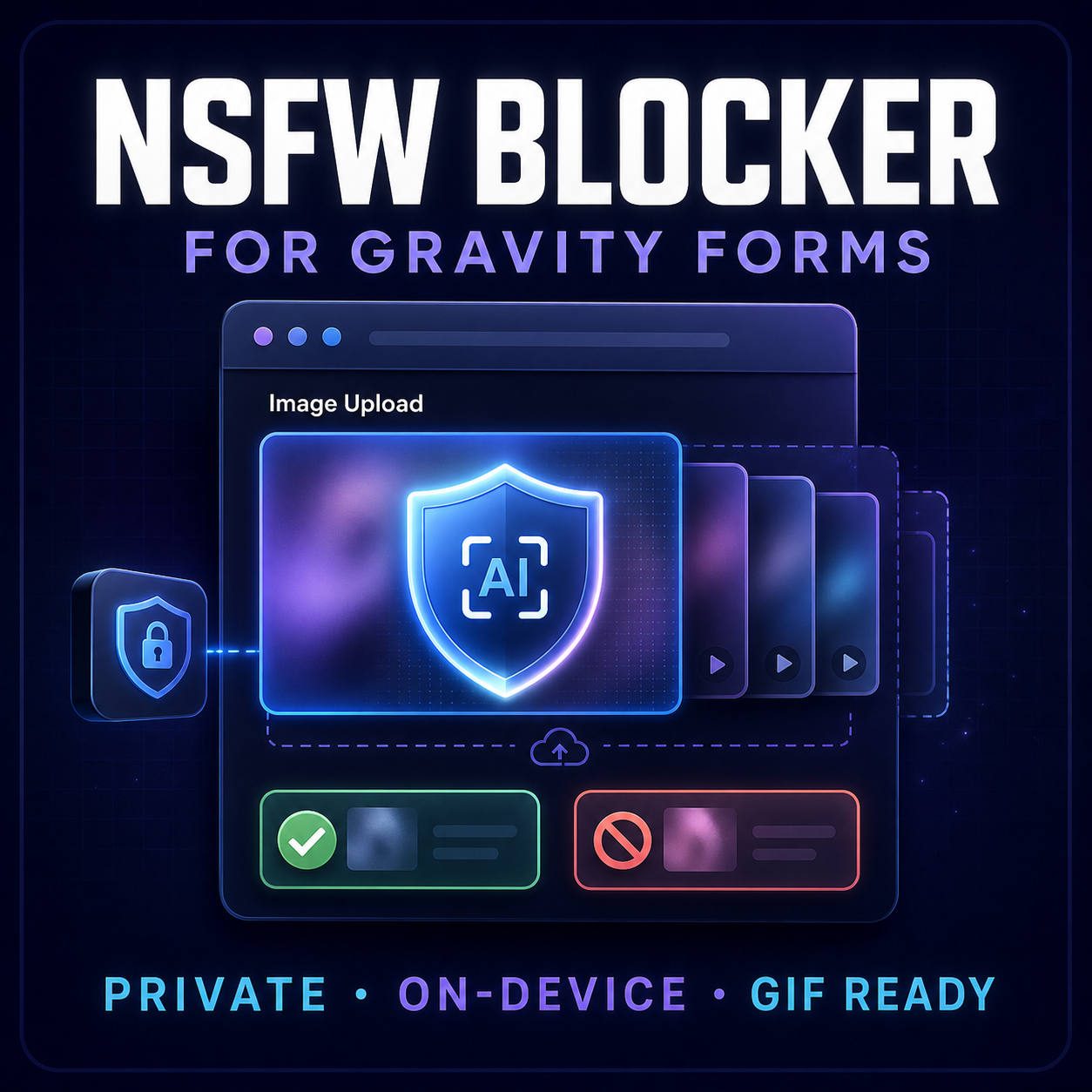
Screen images uploaded through Gravity Forms’ Post Image field and block content flagged as NSFW before form submission.
The addon uses the NSFWJS Inception v3 model to analyze images directly in the visitor’s browser. Selected images are not sent to a third-party moderation server for analysis, providing a privacy-focused first screening layer for forms that accept user-generated content.
Key Benefits
- Screen Post Image uploads before form submission.
- Analyze JPG, PNG, WebP, and GIF files.
- Sample multiple frames from animated GIFs in supported browsers.
- Run NSFW detection on the visitor’s device.
- Distinguish between Drawing, Hentai, Neutral, Porn, and Sexy classifications.
- Configure sensitivity and blocked categories.
- Customize approved and blocked visitor messages.
- Avoid a separate moderation API subscription.
- Integrate directly with Gravity Forms post workflows.
- Provide clear, accessible scanning, approval, and rejection feedback.
Privacy-Focused Detection
Image analysis happens inside the visitor’s browser. The addon does not send the selected image, filename, pixels, prediction scores, or analytics to its author or a third-party moderation API.
The classification model is included with the addon and served from your WordPress website.
Animated GIF Screening
Animated GIFs can contain acceptable content in the first frame and restricted content later in the animation.
When the visitor’s browser supports multi-frame decoding, the addon samples up to the configured number of frames across the GIF. The GIF is blocked if any sampled frame reaches the selected moderation threshold.
Browsers without multi-frame support check the GIF’s rendered frame instead.
Configurable Settings
All addon settings are conveniently located under:
Forms → Settings → NSFW Blocker
Available controls include:
- Detection sensitivity
- Number of GIF frames to inspect
- Blocked content categories
- Approved-image message
- Blocked-image message
Safe drawings and anime are allowed by default, while Hentai, Porn, and Sexy classifications are blocked. These categories can be adjusted for your website’s requirements.
Live Demo
Important Scope
This addon supports the Gravity Forms Post Image field. It automatically enhances the existing field and does not add a separate upload field.
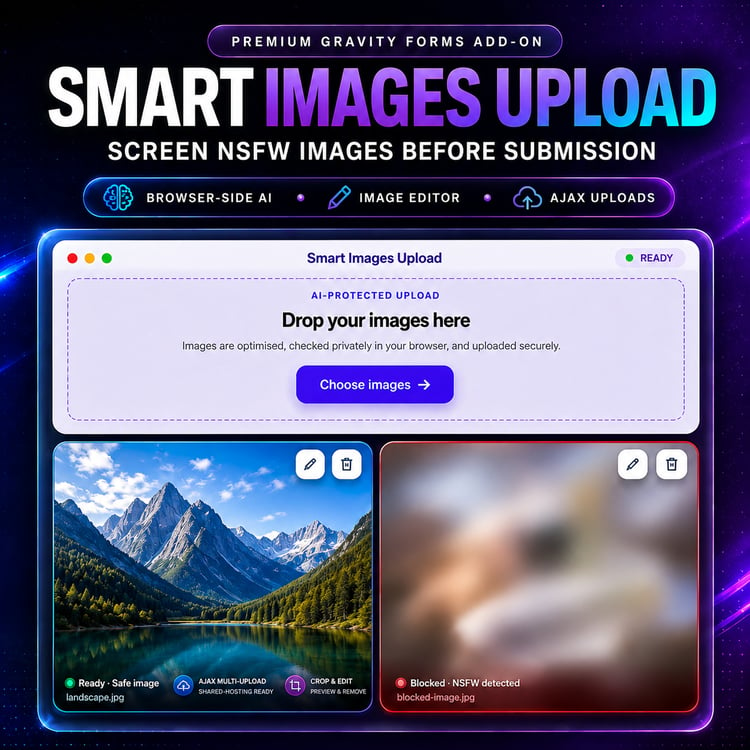
For regular image-upload workflows, use Smart Image Uploads.
Setup
- Install and activate Gravity Forms.
- Install and activate On-Device NSFW Image Blocker.
- Add a Post Image field to your Gravity Form.
- Review the addon options under Forms → Settings → NSFW Blocker.
- Test acceptable and unacceptable images before publishing the form.
No build process or external moderation account is required.
Requirements
- WordPress 5.0 or newer
- Tested through WordPress 7.1
- Gravity Forms 3.x
- A form containing a Post Image field
- A modern browser with JavaScript enabled
Moderation Notice
Automated image classification can produce false positives and false negatives. Some acceptable images may be rejected, while some restricted content may not be detected.
GIF frame sampling does not guarantee that every frame in a long animation will be inspected. Client-side JavaScript checks can also be bypassed by a determined user.
Test the addon with realistic examples before launch and use an appropriate server-side or human review process for higher-risk upload workflows.
License Options
Choose the site license that matches your usage. Every option is a lifetime license.