Rate Shopping Price Positioning & Parity Monitor: Hotel Rate Shopping Spreadsheet with Comp Set Index and Rate Parity Check
Full description
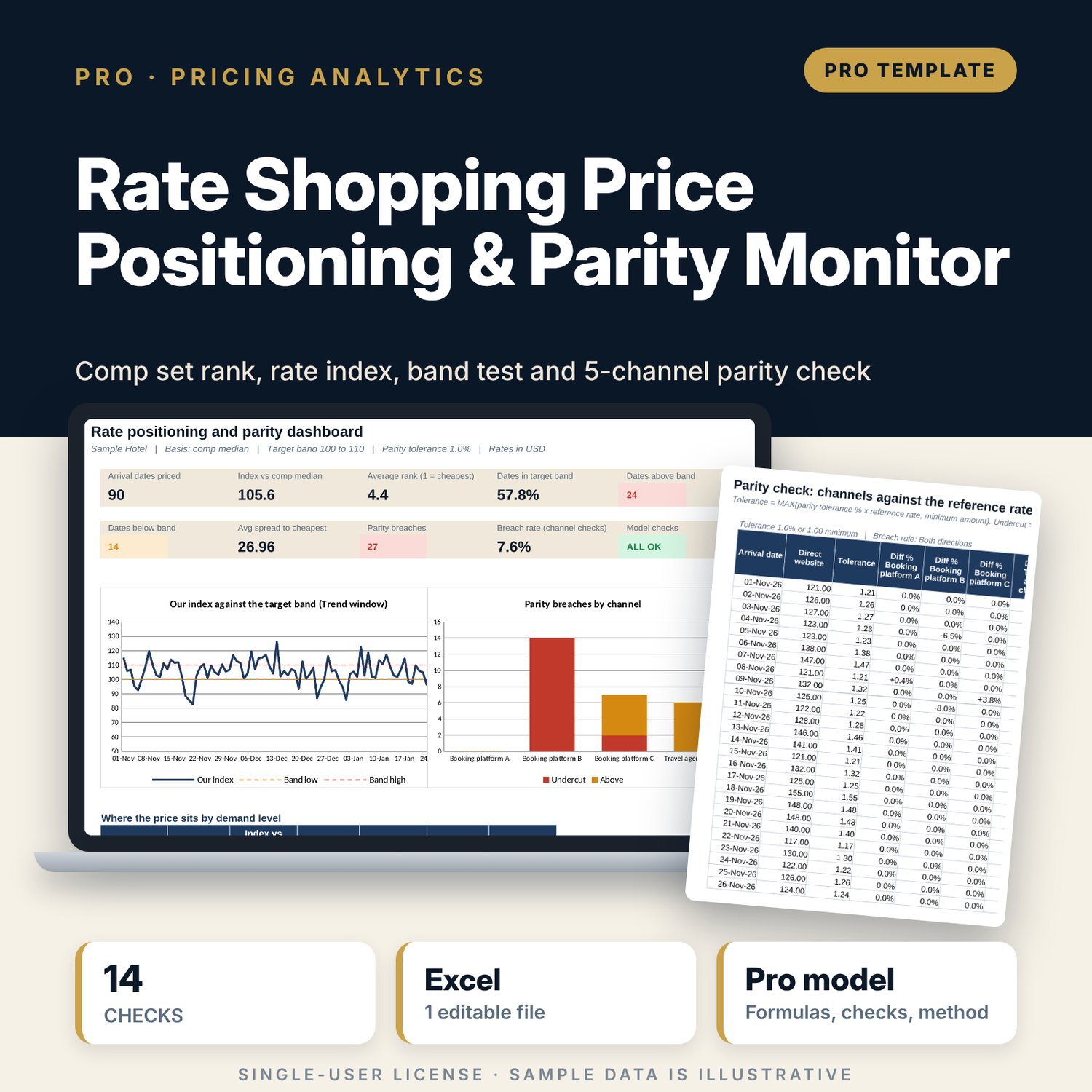
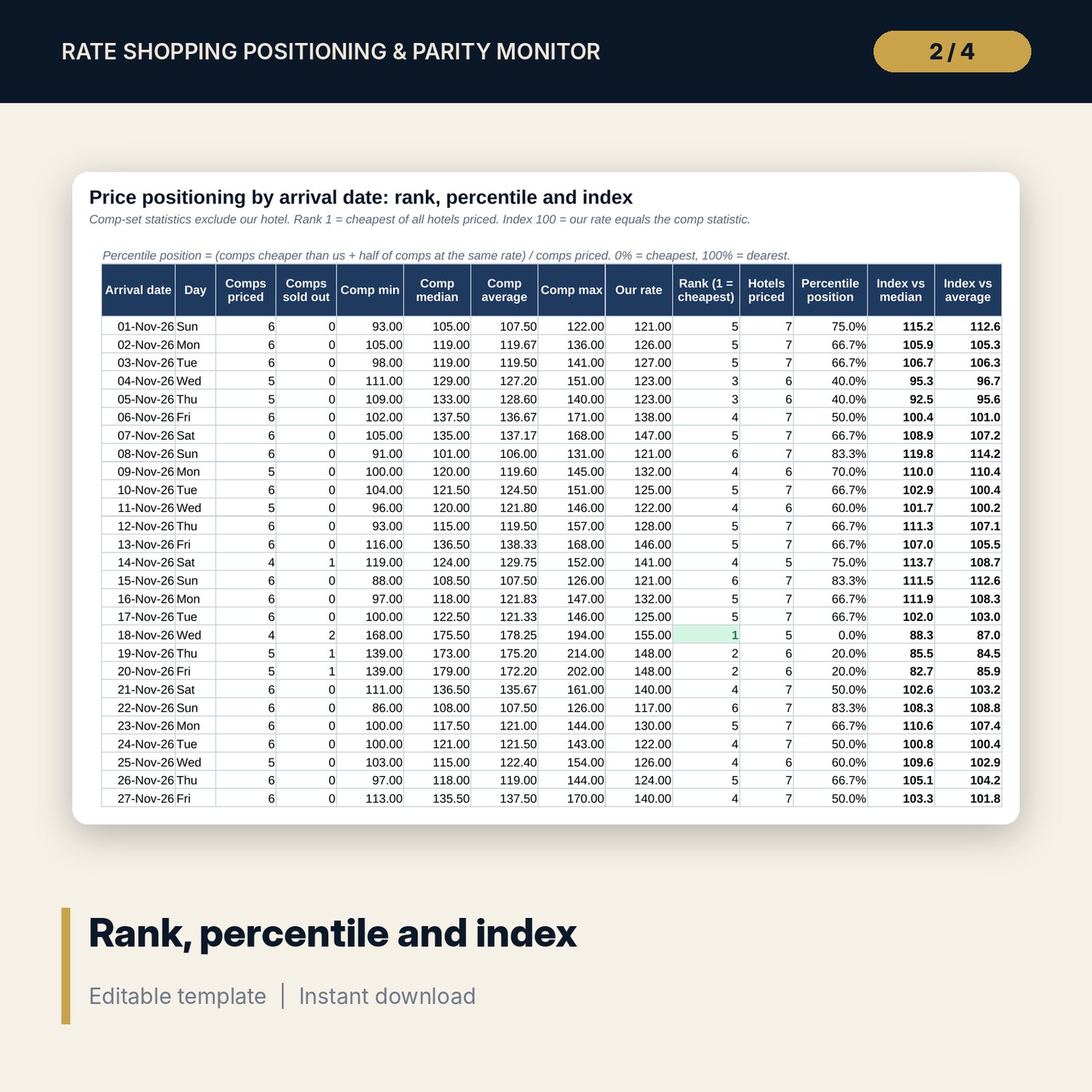
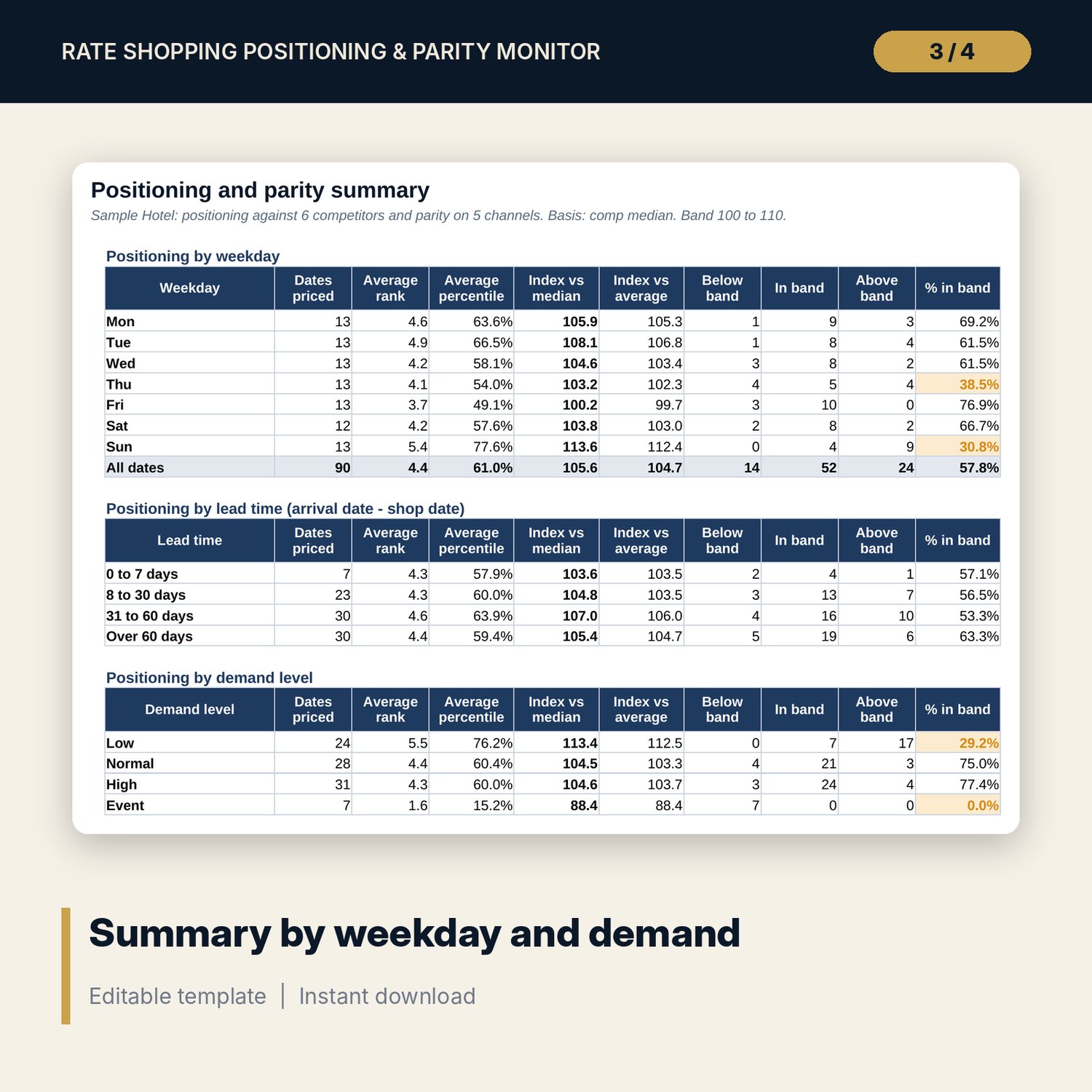
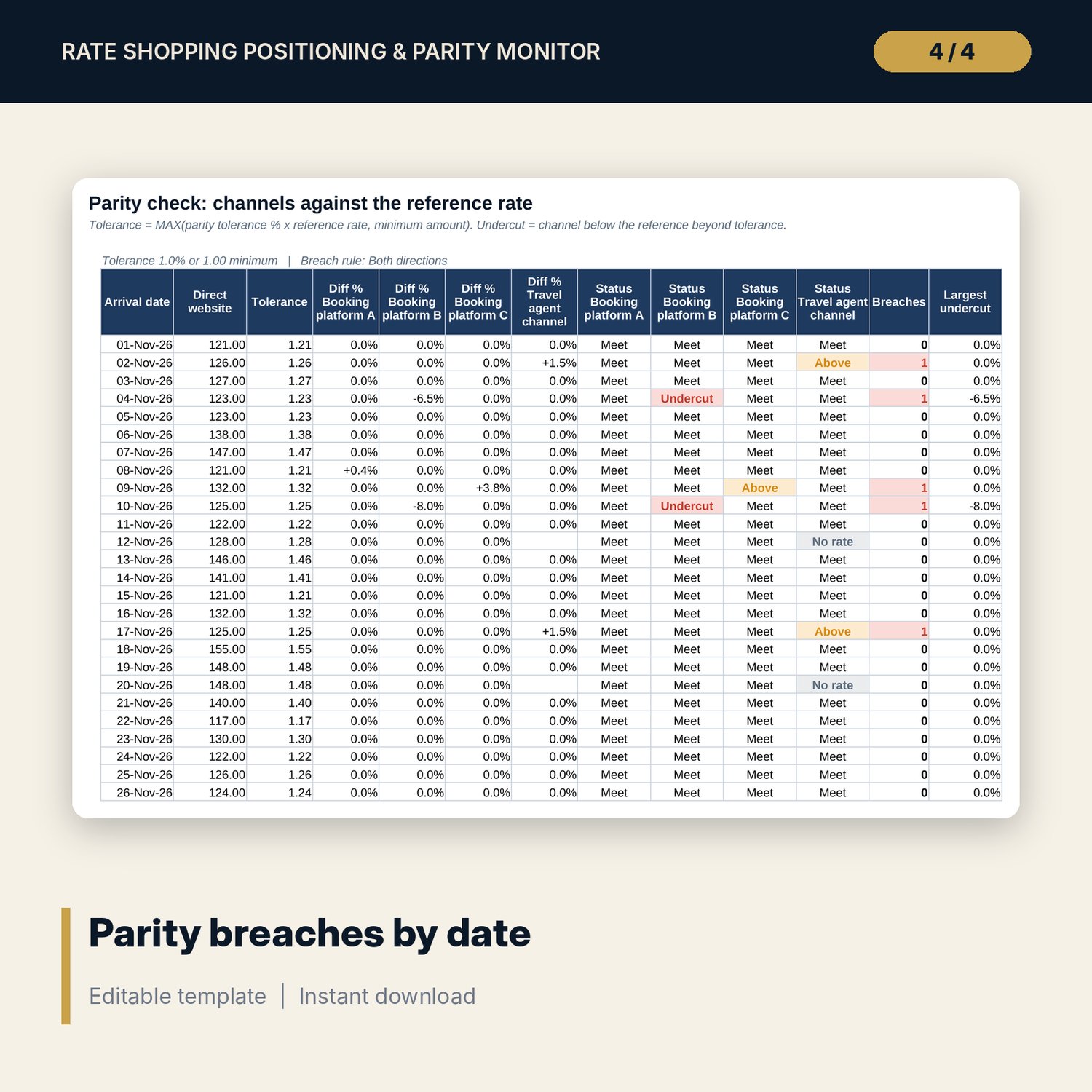
For revenue managers and general managers who shop competitor rates and need a clear answer to two questions: is our price where we want it in the comp set, and is our own rate the same on every channel? You log one row per arrival date with your rate and 6 competitor rates (SO for sold out). The workbook calculates the comp-set count, min, median, average and max, your rank (1 = cheapest), a mid-rank percentile position, and your rate index against the comp median and the comp average. Each date is tested against a target positioning band, with the rate at each band edge and the move needed to enter the band. A parity check compares 4 channels with your reference channel and flags undercuts and higher rates beyond a tolerance of a percentage or a minimum amount. Results roll up by weekday, lead time, demand level, competitor and channel.
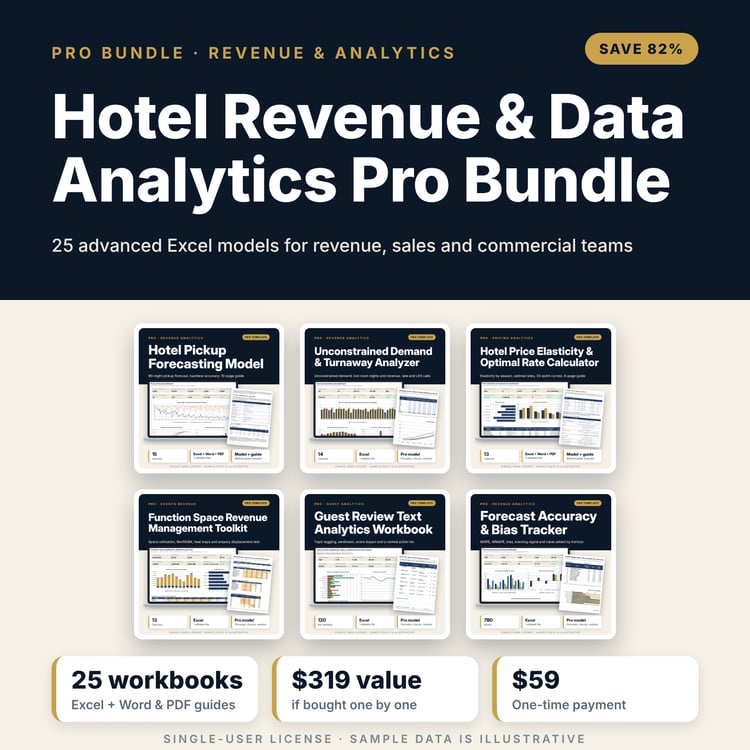
Save with a bundle: this workbook is also in the Hotel Revenue & Data Analytics Pro Bundle, 25 workbooks for $59 instead of $319. All 100 Pro workbooks are in the Pro Library for $119, and all 241 templates and workbooks are in the Ultimate Hospitality Library for $149.
What is inside
- Rate_Shopping_Positioning_Parity_Monitor.xlsx: 12 tabs, 17,348 formulas, 4 native charts, 11 drop-down and input rules
- Rate_Shop: 90 sample arrival dates for your hotel and 6 competitors (630 rate cells), room for 366 dates
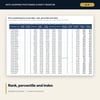
- Positioning: comp min, median, average and max, rank, percentile position and two rate indices per date
- Band_Test: index against the target band, rate at each band edge, move to band, spreads and a compression flag
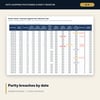
- Parity_Log and Parity_Check: our rate on 5 channels, difference %, Meet / Undercut / Above / No rate status and breaches per date
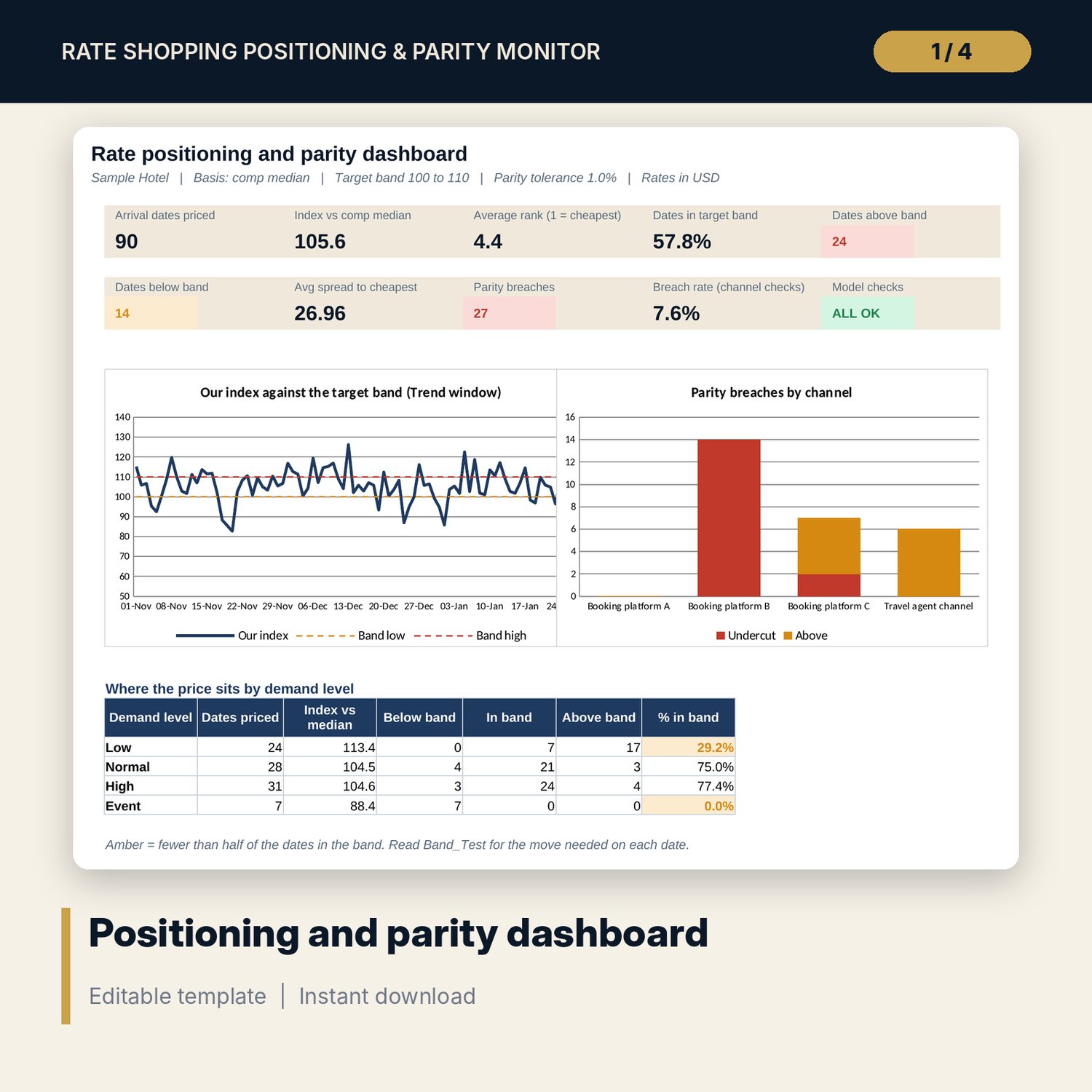
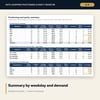
- Summary: positioning by weekday, lead time and demand level, a competitor profile and parity by channel
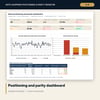
- Trend: a 90-day window of our rate against comp min, median and max
- Dashboard (one printed page) with 9 KPI tiles and 2 charts, 14 integrity checks, and a Method tab with 17 documented calculations
- README.txt and LICENSE-and-Terms.txt
How it works
- Set the positioning basis (median or average), the target band, the parity tolerance and the names of your competitors and channels on Assumptions.
- Log each shop on Rate_Shop: arrival date, shop date, demand level, your rate and 6 competitor rates. Type SO for sold out.
- Enter your rate as displayed on each of the 5 sales channels on Parity_Log.
- Read Band_Test for dates outside the band and the move needed, and Parity_Check for channel breaches.
- Review Summary and Dashboard each week and confirm that Checks shows ALL OK.
Details
- Format: one .xlsx workbook, English
- Software: Excel 2016 or later, or LibreOffice Calc 7 or later
- No macros, no external links, no array formulas, no add-ins
- Instant digital download
Good to know
- Sample data is illustrative. Replace it with your own shop.
- Compare like with like: the same room type, length of stay and rate plan for every hotel on a row.
- The workbook does not collect rates for you. Enter them from your own shop or export.
- Parity results are a monitoring aid, not legal advice. Verify local requirements and the terms of your distribution contracts.
- Single-user license. Do not redistribute.
FAQ
How do I record a competitor that is sold out?
Type SO in its cell. It is counted as sold out and left out of the comp-set statistics for that date. Leave the cell blank when no rate was found.
What does an index of 104 mean?
Your rate is 4% above the comp-set basis (median or average, your choice). The target band, for example 100 to 110, sets where you want the index to sit.
Can I change the number of competitors or channels?
The model is built for 6 competitors and 5 channels. Rename them on Assumptions. Leave a competitor column blank if your set is smaller.
How is a parity breach defined?
A channel rate that differs from the reference channel by more than the larger of the tolerance % and the minimum amount. You choose whether rates above the reference also count.
Does it need macros or a rate shopping subscription?
No macros. Every result is a standard worksheet formula, and the rates come from whatever shop source you already use.