Liquor Inventory by Weight Calculator: Bar Bottle Weighing Stock Count and Variance
Full description
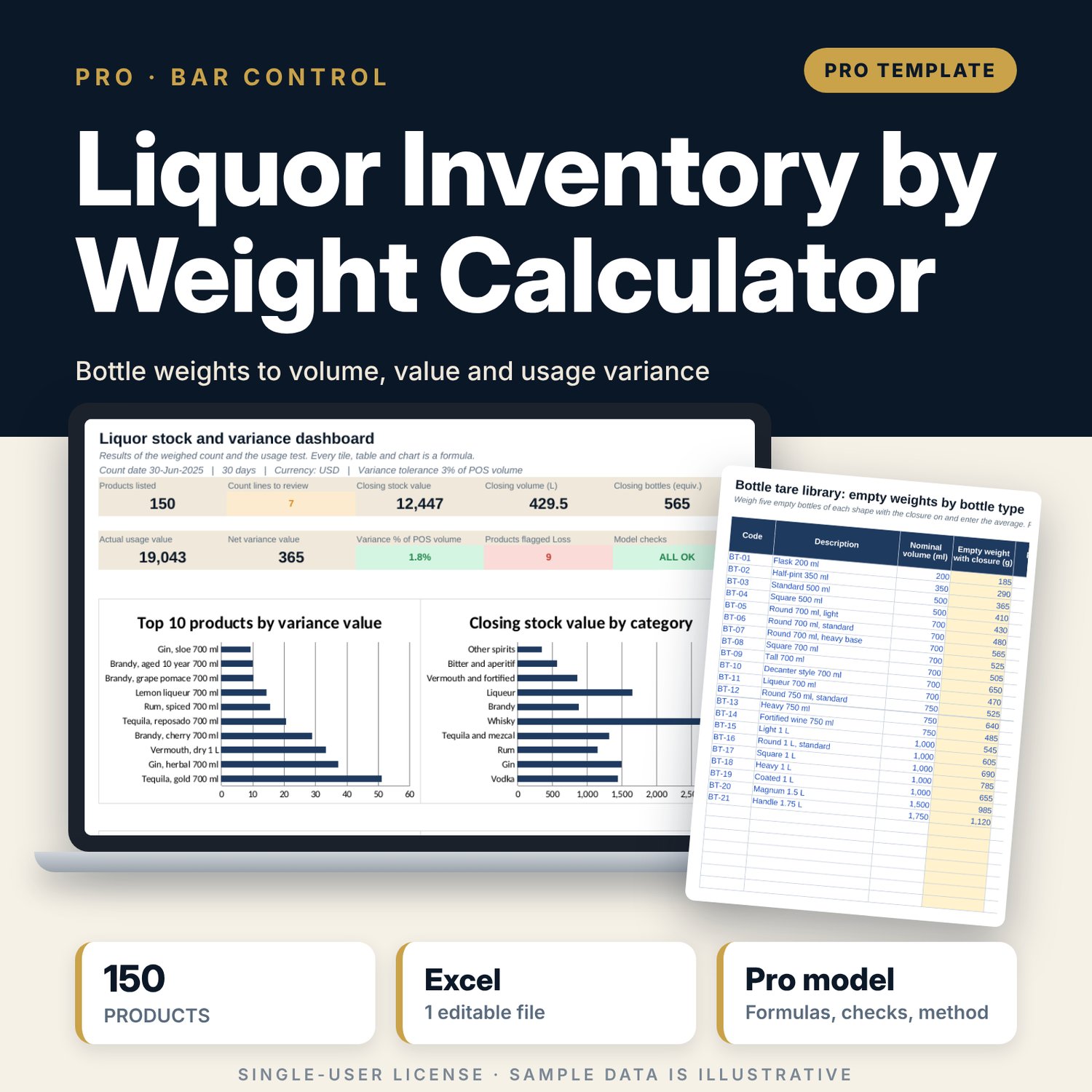
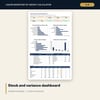
This workbook is for food and beverage managers, bar managers, financial controllers and stock controllers who count liquor by weighing each open bottle. You enter the empty weight of each bottle shape, then the ABV and sugar of each product. The workbook estimates density, or works it out from a measured full weight, and turns every bottle weight into millilitres, pours and cost value. Count lines are stored by bar location and print as a count sheet for each location. Opening stock, purchases, transfers and POS sales go on one tab. The workbook then works out actual usage, compares it with POS volume, allows for weighing error and flags losses and surpluses. The dashboard ranks the largest losses and shows stock held by category and location.
Save with a bundle: this workbook is also in the F&B Control & Audit Pro Bundle, 25 workbooks for $59 instead of $310. All 100 Pro workbooks are in the Pro Library for $119, and all 241 templates and workbooks are in the Ultimate Hospitality Library for $149.
What is inside
- 1 Excel workbook with 12 tabs and 16,017 formulas, no macros
- Settings: count dates, scale accuracy, density constants, tolerances, standard pours for 10 categories and 6 locations
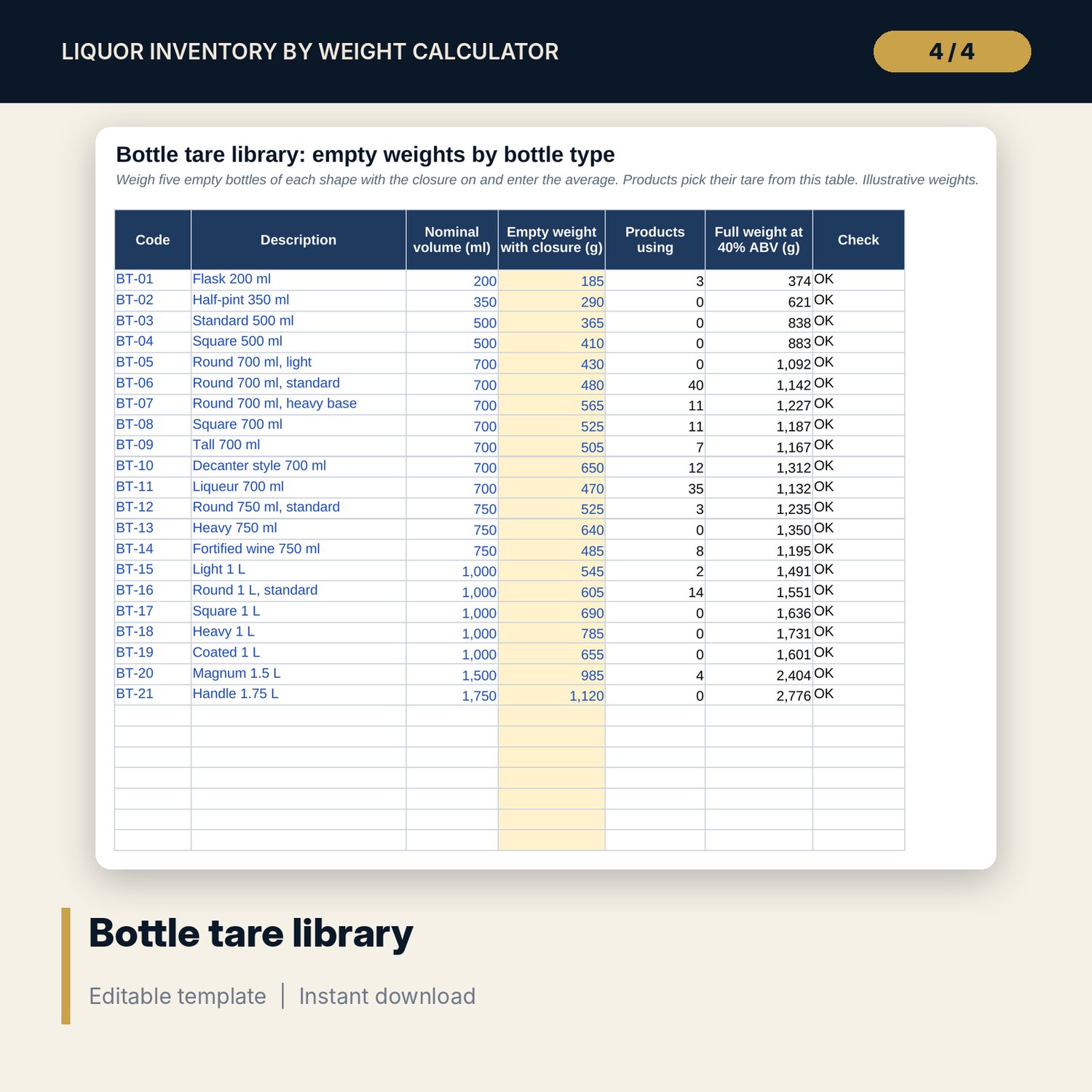
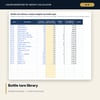
- Bottle_Library: 21 bottle shapes with nominal volume and empty weight (room for 30)
- Products: 150 sample products with ABV, sugar, cost and optional measured full weight (30 spare rows)
- Count_Sheet: 339 sample count lines by product and location, with room for 420; up to three open-bottle weights per line
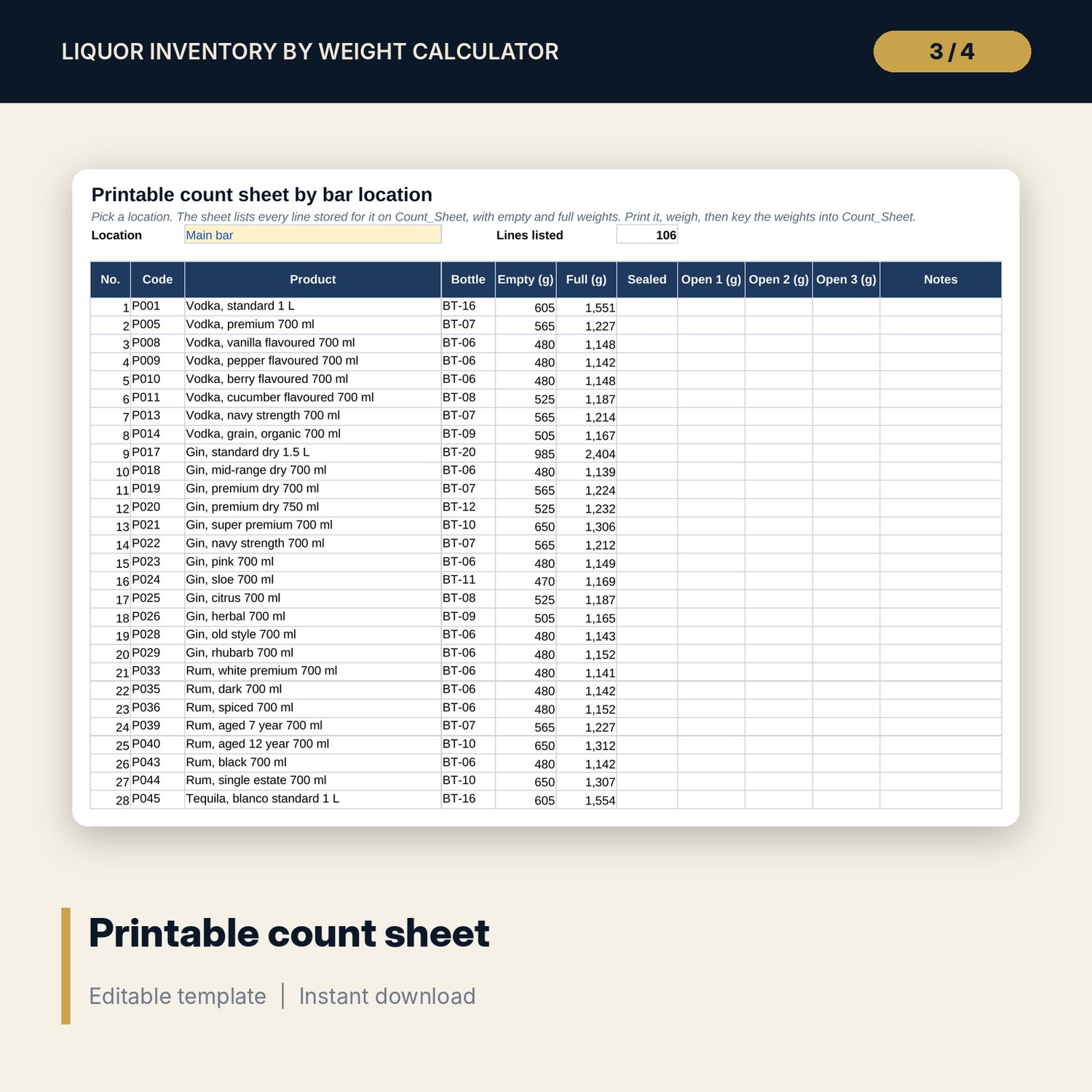
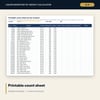
- Count_Print: a printable sheet for any location, listing each line with empty and full weights
- Movements: opening stock, purchases, transfers out and POS sales for each product
- Stock_Calc: closing volume, bottles, pours and value per product, with a column for each location
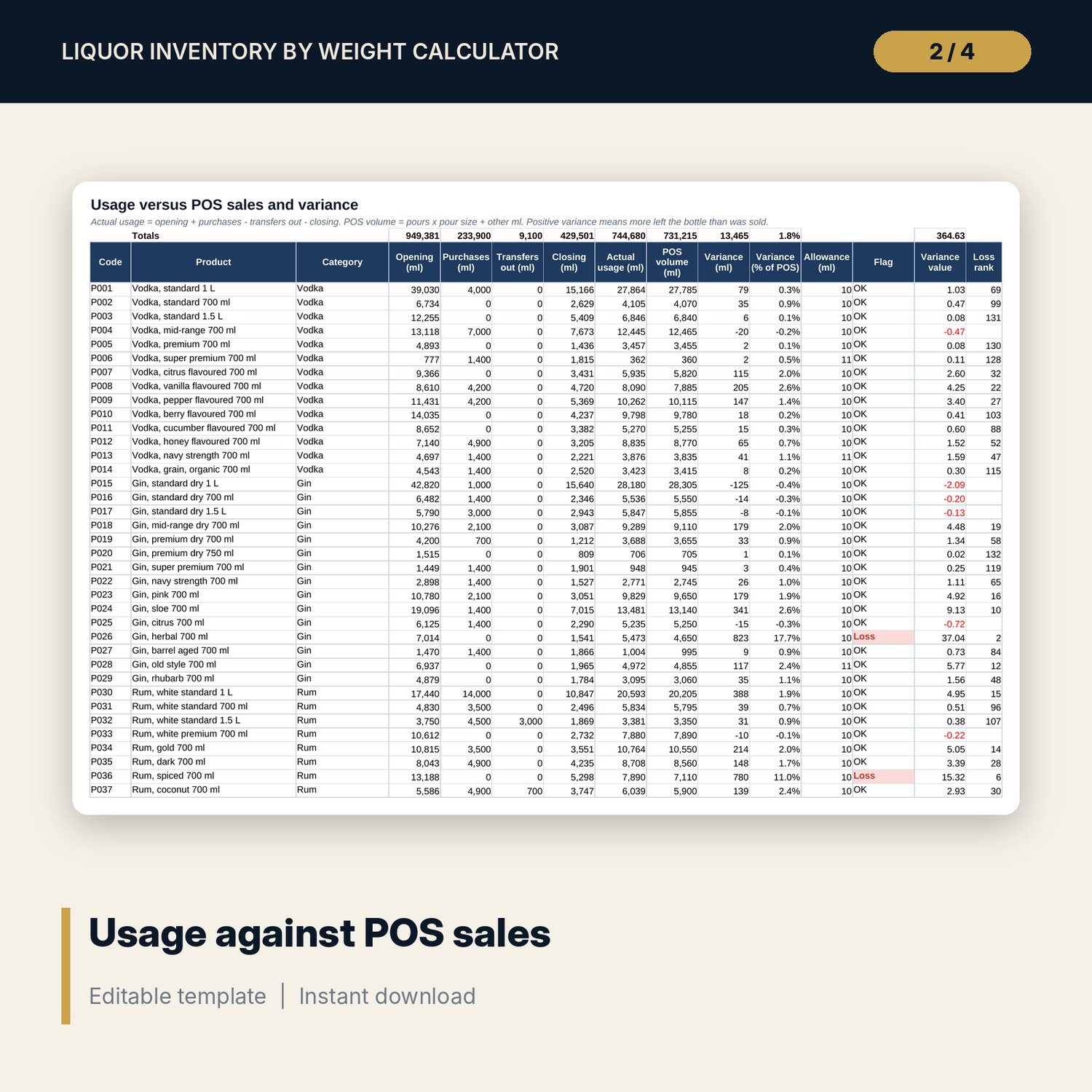
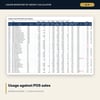
- Usage_Variance: usage against POS volume with variance in ml, % and value, a weighing allowance and a loss rank
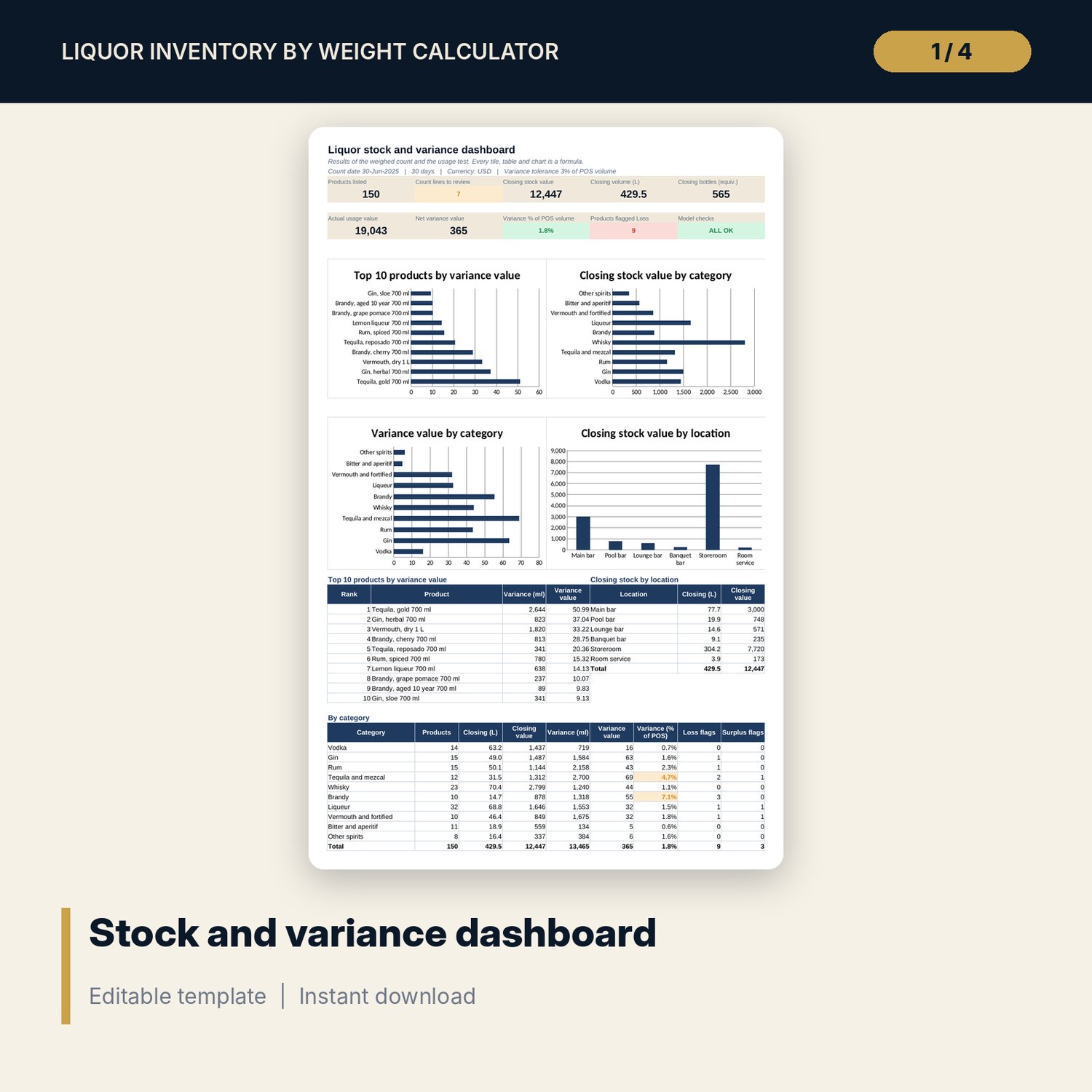
- Dashboard: 9 KPI tiles, 4 native charts, a top 10 list and tables by location and category
- Checks with 14 integrity checks; Method with 16 documented results
- 15 drop-down and number validations; conditional formats for over-full weights, weights below empty and flagged variances
- README.txt and LICENSE-and-Terms.txt
How it works
- On Settings, enter the count date, scale accuracy and standard pours. On Bottle_Library, enter the average empty weight of each bottle shape with the closure on.
- Replace the sample products with your list. Add a measured full weight where you can; otherwise the workbook estimates density from ABV and sugar.
- Print Count_Print for a location. Weigh each open bottle, count sealed bottles, and key the results into Count_Sheet.
- Enter opening stock, purchases, transfers out and POS sales on Movements.
- Read Usage_Variance for Loss and Surplus flags, review any flagged count lines, and check the Dashboard.
Details
- Format: one Excel workbook (.xlsx). English. Metric units (ml, g, L).
- Software: Excel 2016 or later (Windows or Mac) or LibreOffice Calc. Opens in Google Sheets; chart styling may differ.
- No macros, no add-ins, no external links. Formulas only.
- Digital download. Nothing is shipped.
Good to know
- Sample data is illustrative. Replace it with your own products, weights and sales.
- Densities, tolerances and pour sizes are working values. Verify with your supplier, your scale and your own policy.
- One row is one product in one bottle size. If your POS sells a product from several sizes, enter the POS volume on the main size.
- Weighing is an estimate of volume. Sealed bottles are counted at nominal volume, and the allowance covers scale error only.
- This workbook is a record-keeping and analysis tool. It is not financial or legal advice.
- Single-user license. Do not redistribute.
FAQ
Do I need to weigh full bottles?
No. Sealed bottles are counted. You weigh only open bottles. A measured full weight for a product is optional and improves the density figure.
How is density calculated?
With a measured full weight: (full weight - empty weight) / nominal ml. Without one: water density minus a drop for each % of alcohol plus a rise for each g/L of sugar. The constants are on Settings.
Can I change the bottle weights?
Yes. Empty weights are inputs on Bottle_Library. Products pick them up by bottle type, so one change updates every product that uses the shape.
What does the allowance do?
It stops small differences from being flagged. The allowance is the larger of a minimum you set and the worst-case weighing error for the bottles weighed.
Does it need macros?
No. It uses standard formulas and works in Excel 2016 or later.