Recipe Nutrition Calculator & Nutrition Facts Panel: nutrition per serving, % RI and allergens
Full description
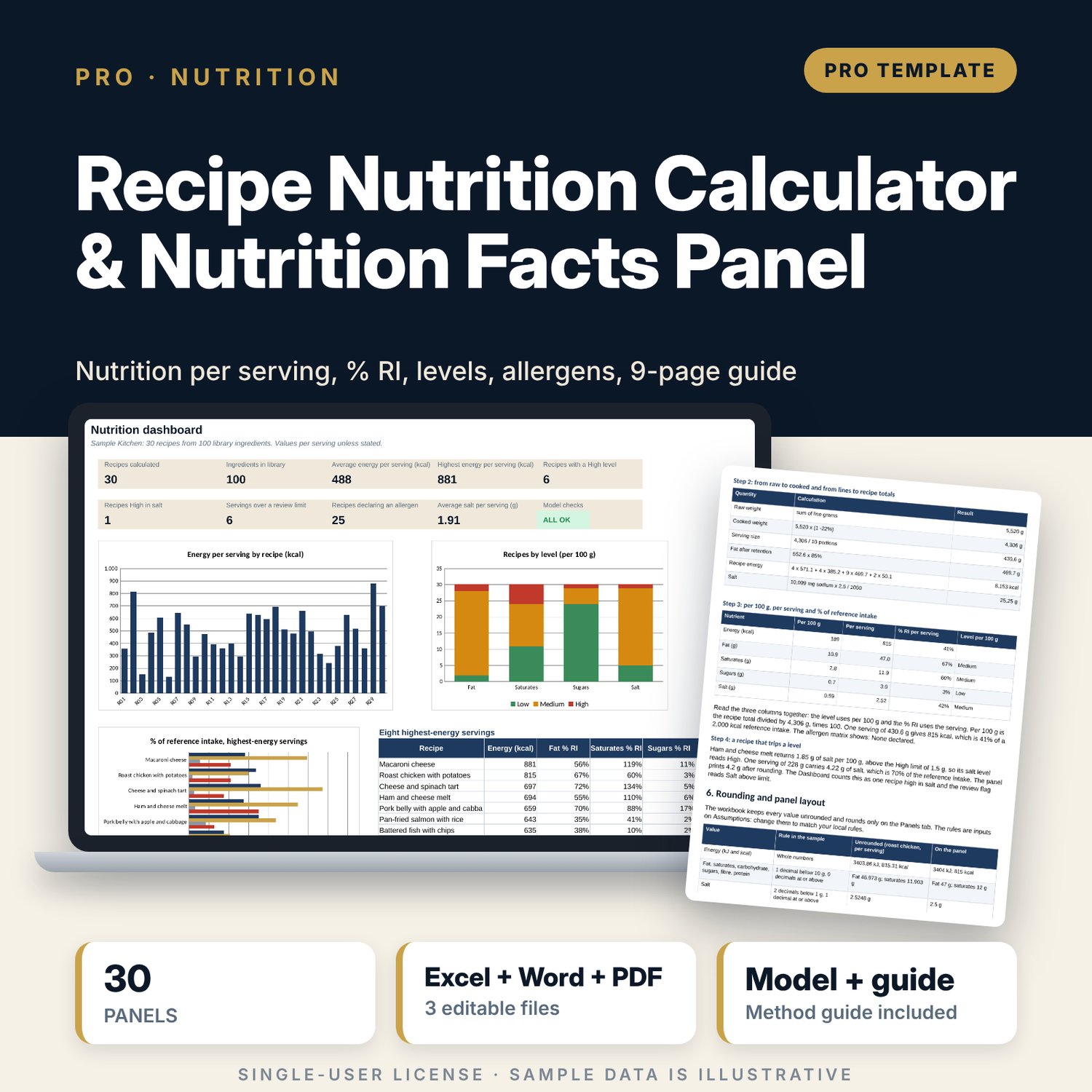
For executive chefs, food and beverage managers, menu planners and kitchen managers who need nutrition values for dishes they serve. You keep a library of ingredients with protein, carbohydrate, sugars, fat, saturates, fibre and sodium per 100 g plus up to three allergen tags, and list each recipe line by line with the grams as used. The workbook sums the nutrients, applies a weight change in cooking and a fat retained %, calculates energy from editable energy factors, then returns values per 100 g and per serving, % of reference intake, traffic-light levels for fat, saturates, sugars and salt, an allergen matrix and a printable nutrition panel for each recipe, rounded by rules you set. Every reference value, threshold and rounding rule is an input, because labelling rules differ by region.
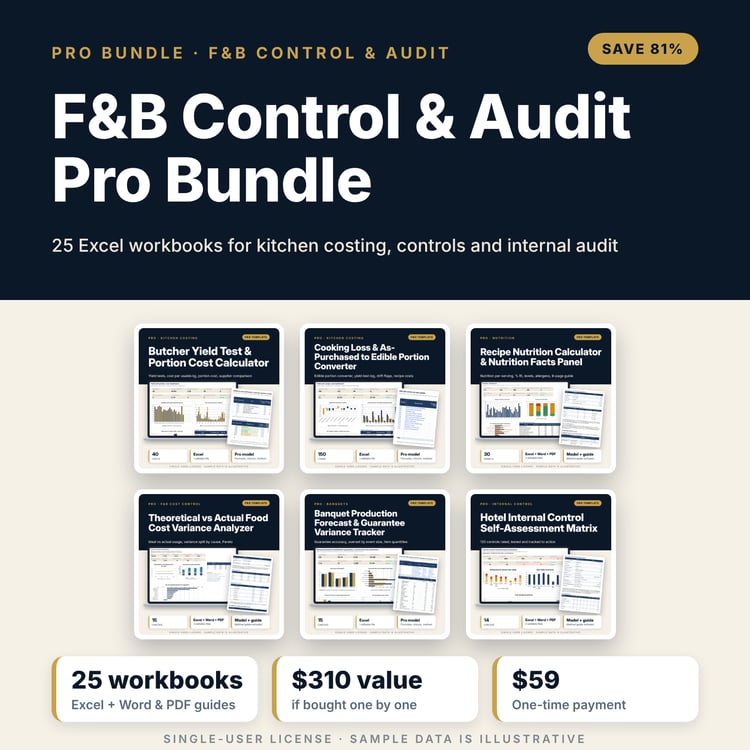
Save with a bundle: this workbook is also in the F&B Control & Audit Pro Bundle, 25 workbooks for $59 instead of $310. All 100 Pro workbooks are in the Pro Library for $119, and all 241 templates and workbooks are in the Ultimate Hospitality Library for $149.
What is inside
- Recipe_Nutrition_Calculator_and_Panel.xlsx: 12 tabs, 8,141 formulas, 3 native charts, 15 integrity checks, a written Method tab with 16 calculation notes.
- Library: 100 sample ingredients (illustrative per 100 g values, to be verified) and 20 spare rows, with three allergen tags each and calculated energy and salt.
- Recipes: 30 sample recipes with 234 lines, plus 6 spare recipe rows and 66 spare line rows.
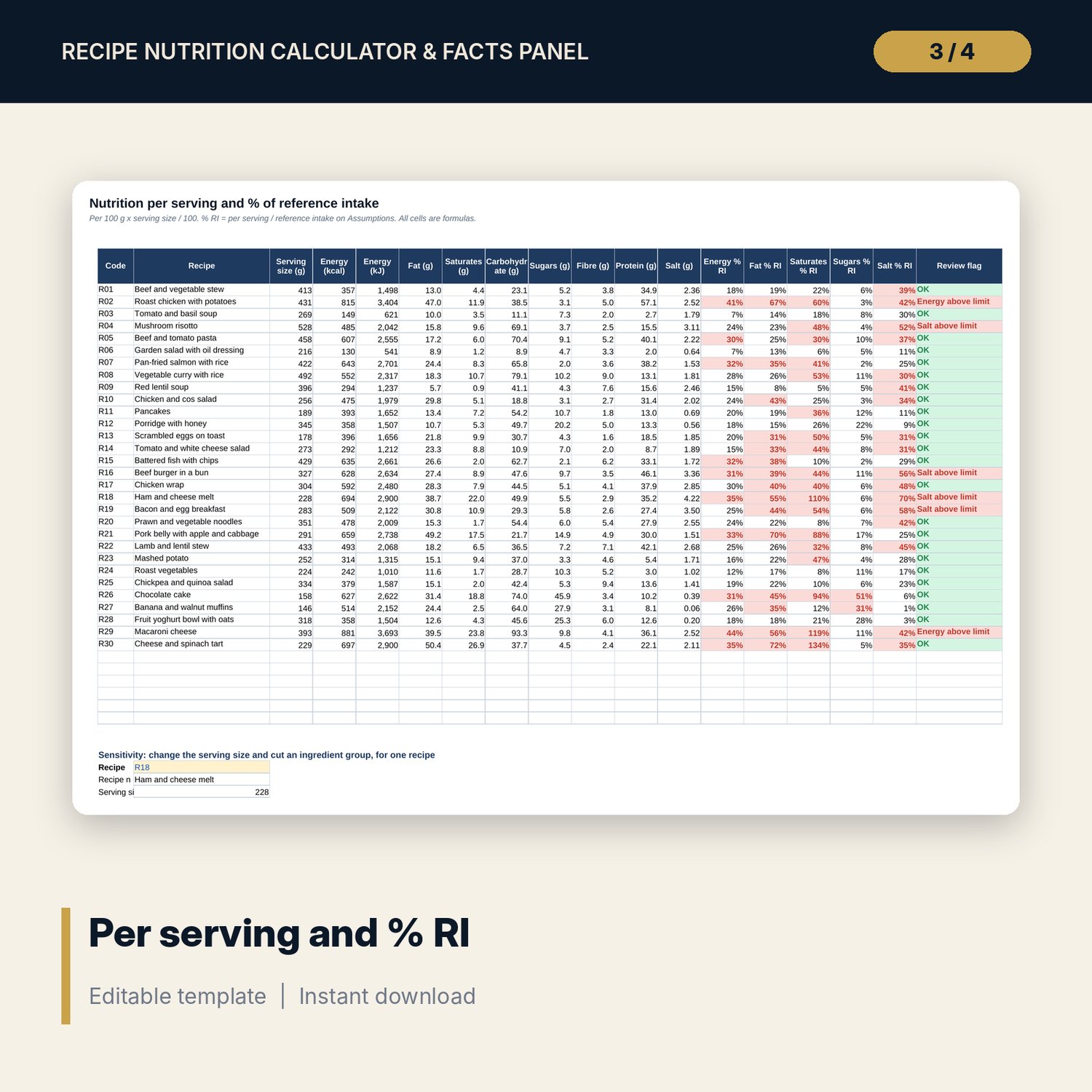
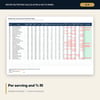
- Results: per 100 g and per serving tables, % RI, four traffic-light levels, review flags and two sensitivity grids (salt and energy by serving size and reduction).
- Allergen matrix: every recipe against 14 allergens, with a Contains line.
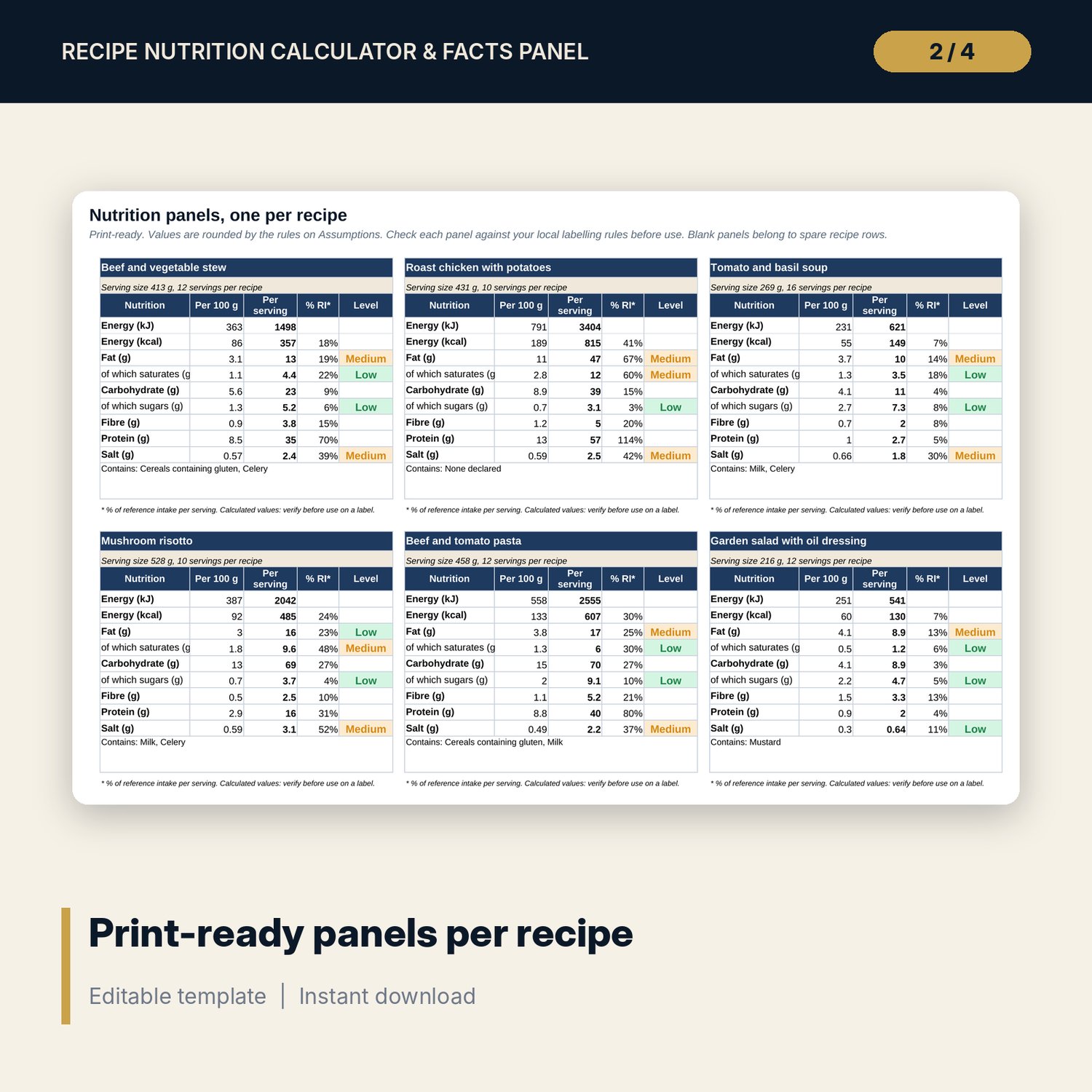
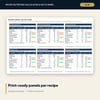
- Panels: 36 print-ready nutrition panels (30 with sample data, 6 spare).
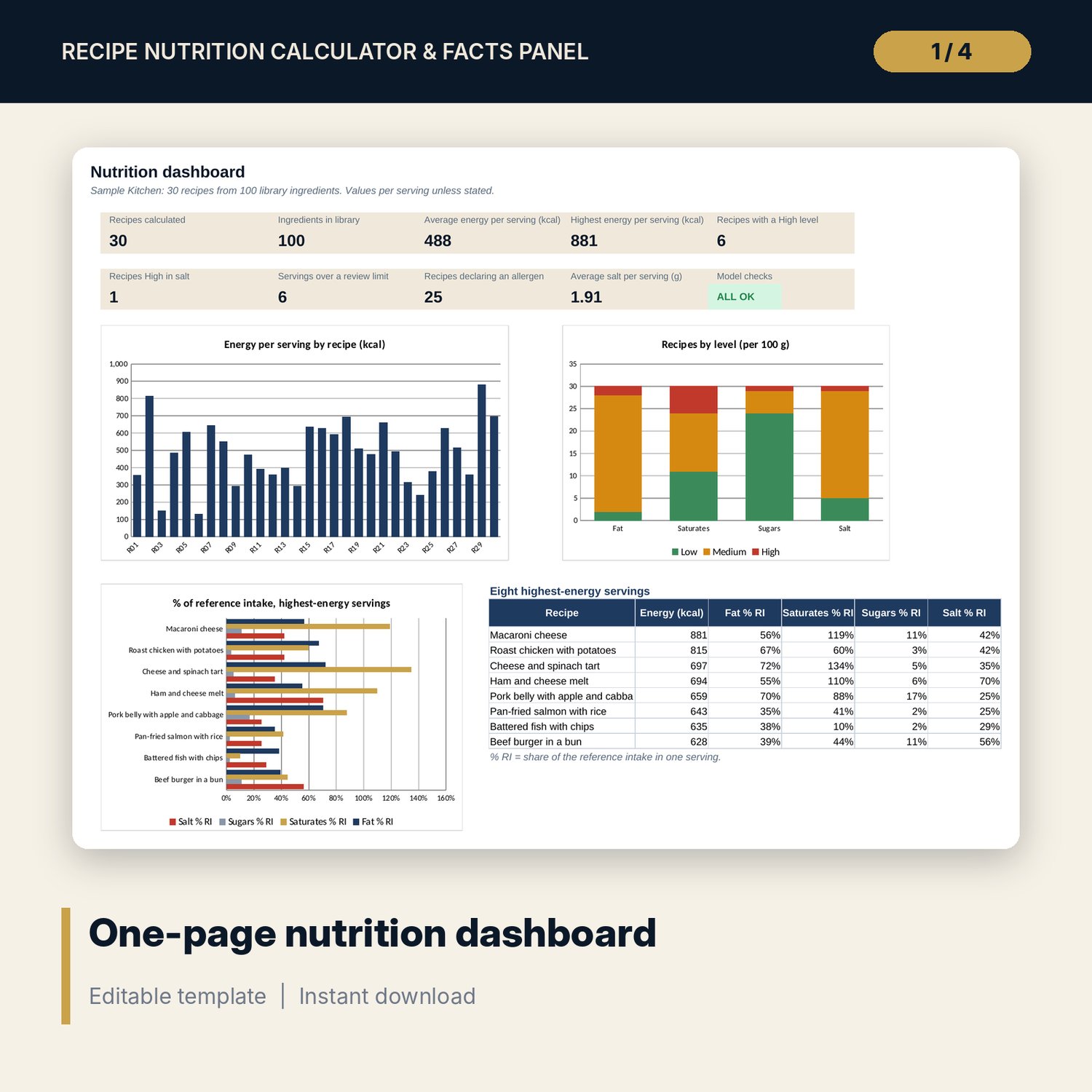
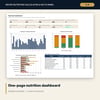
- Dashboard: 9 KPI tiles, a check tile, 3 charts and a table of the highest-energy servings, printable on one page.
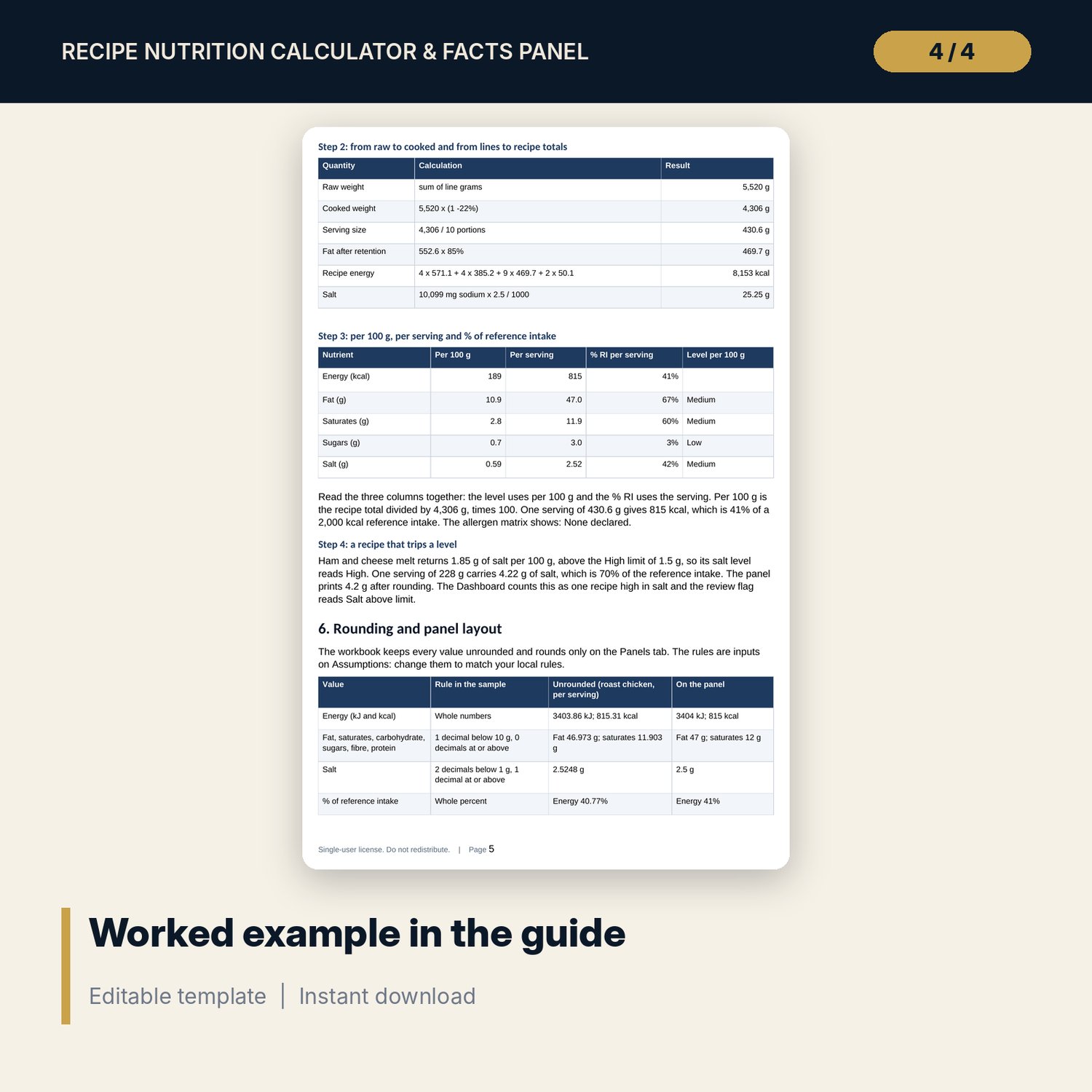
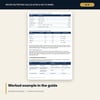
- Recipe_Nutrition_Guide.docx and Recipe_Nutrition_Guide.pdf: 9-page guide on data sources, the method in equations, a worked example on the sample results, rounding, labelling cautions, reading results, limitations, a pre-print checklist and a glossary.
- README.txt and LICENSE-and-Terms.txt.
How it works
- Review the energy factors, reference intakes, thresholds and rounding rules on Assumptions.
- Replace the sample ingredients on Library with values you can source, and tag allergens.
- Enter each recipe on Recipes (portions, weight change, fat retained) and its lines on Recipe_Lines.
- Read the per 100 g and per serving tables, the levels, the flags and the allergen matrix.
- Print the panels you need, check them against your local labelling rules and confirm the Checks tab shows ALL OK.
Details
- Formats: XLSX workbook, DOCX guide, PDF guide.
- Language: English.
- Software: Excel 2016 or later, or LibreOffice Calc. No macros, no data tables, no add-ins.
- Weights in grams; amounts per 100 g and per serving; one set of reference intakes for all recipes.
- Delivery: instant download.
Good to know
- Sample data is illustrative. The ingredient values do not describe any product and must be verified before use.
- Not dietary, medical, legal or food-safety advice. The panels are calculation summaries, not compliant labels: verify local labelling law.
- Reference intakes, thresholds, rounding rules and the allergen list differ by region and are editable inputs.
- Single-user license.
FAQ
Where do the nutrient values come from?
The 100 ingredients carry illustrative per 100 g values so the workbook runs on day one. Replace them with values from supplier specifications, a food composition table or laboratory analysis.
Can I print a panel straight onto a menu or a package?
Use it as a calculated summary. Layout, wording, rounding and required statements depend on your local labelling law, so check the panel before you publish it.
How are cooking losses handled?
Each recipe has a weight change in cooking and a fat retained %. Cooked weight sets the serving size and the per 100 g values. Losses of vitamins and minerals are not modelled.
Can I change the reference intakes and the traffic-light thresholds?
Yes. They are inputs on Assumptions, so you can set the values your local rules name. The levels, the % RI and the panels update at once.
Does it cover alcohol, polyols or vitamins?
No. It covers energy, protein, carbohydrate, sugars, fat, saturates, fibre, sodium and salt. Add alcohol or other energy sources as a recipe line only if your rules allow the shortcut.