Wine List Pricing & Cellar Valuation Model: Wine List Pricing Model with FIFO Cellar Valuation
Full description
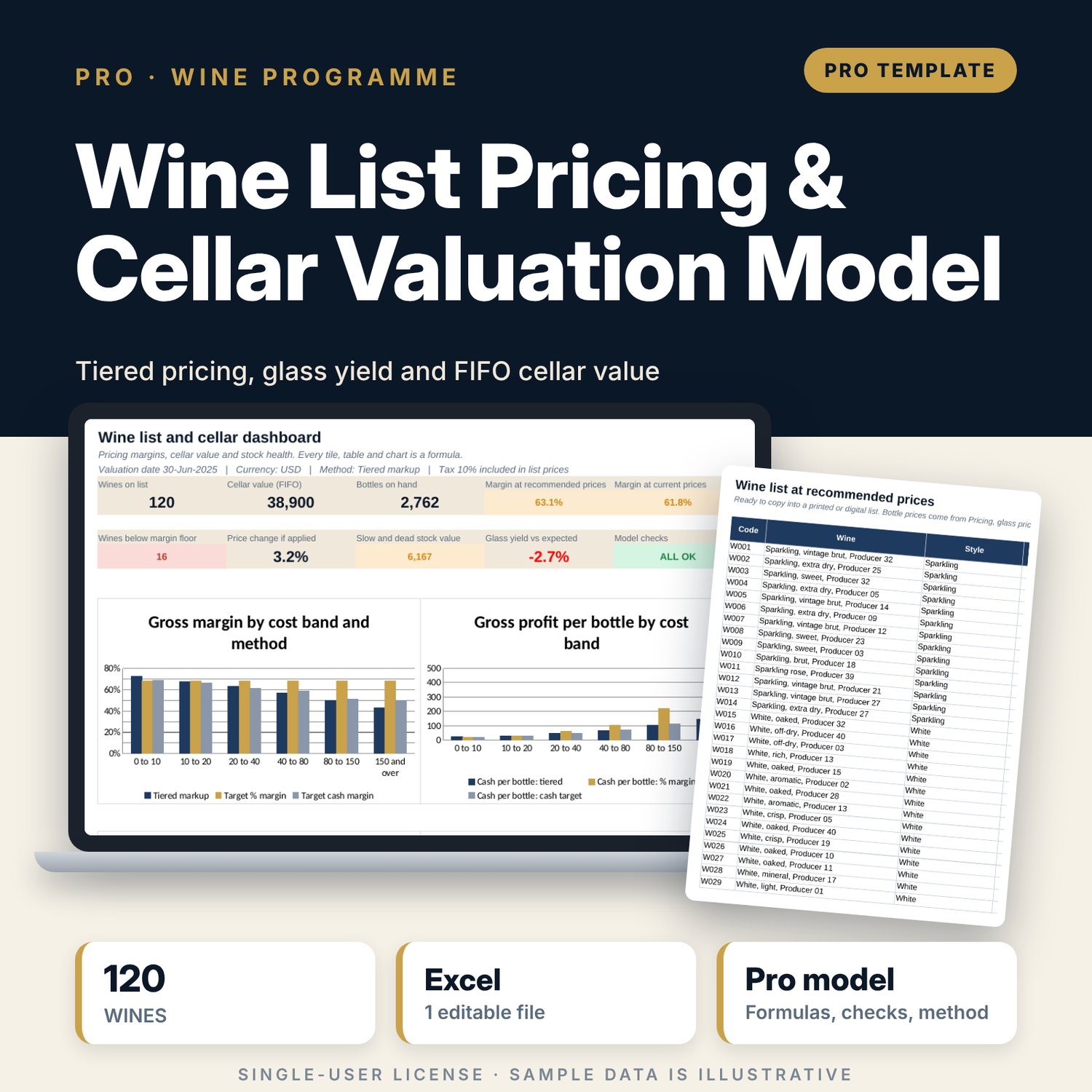
This workbook is for beverage managers, sommeliers, food and beverage directors and financial controllers who set wine prices and carry a cellar. Each wine gets three prices: a tiered markup by cost band, a target % margin and a target cash margin. You pick the method, and the workbook adds tax, rounds up to your price step and shows the margin at the new and the current price. Glass prices come from the bottle cost, the pour size and the wastage, and a yield tracker compares glasses sold with the glasses a bottle should give. Purchase lots build FIFO layers, so the cellar is valued at what remains in the newest deliveries, with age, cover and a slow or dead stock status. Band tables show margin by cost band and the balance of the list by price band and style.
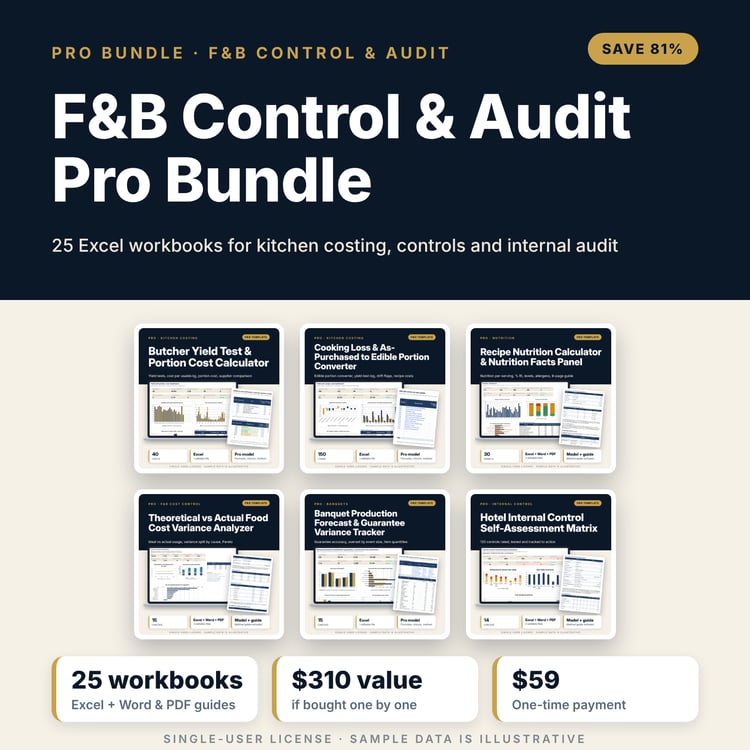
Save with a bundle: this workbook is also in the F&B Control & Audit Pro Bundle, 25 workbooks for $59 instead of $310. All 100 Pro workbooks are in the Pro Library for $119, and all 241 templates and workbooks are in the Ultimate Hospitality Library for $149.
What is inside
- 1 Excel workbook with 12 tabs and 12,340 formulas, no macros
- Settings: tax, method, margin targets, 6 cost bands with markup and cash margin, 6 price bands, style targets, glass rules and cellar rules
- Wine_List: 120 sample wines in 5 styles with cost, current price, sales, last sale date and stock (30 spare rows)
- Pricing: three methods side by side, recommended list price, margin at recommended and current price, and a flag for each wine
- Glass_Pricing: 30 sample glass wines with pour size, sellable glasses, glass price and yield tracking (room for 40)
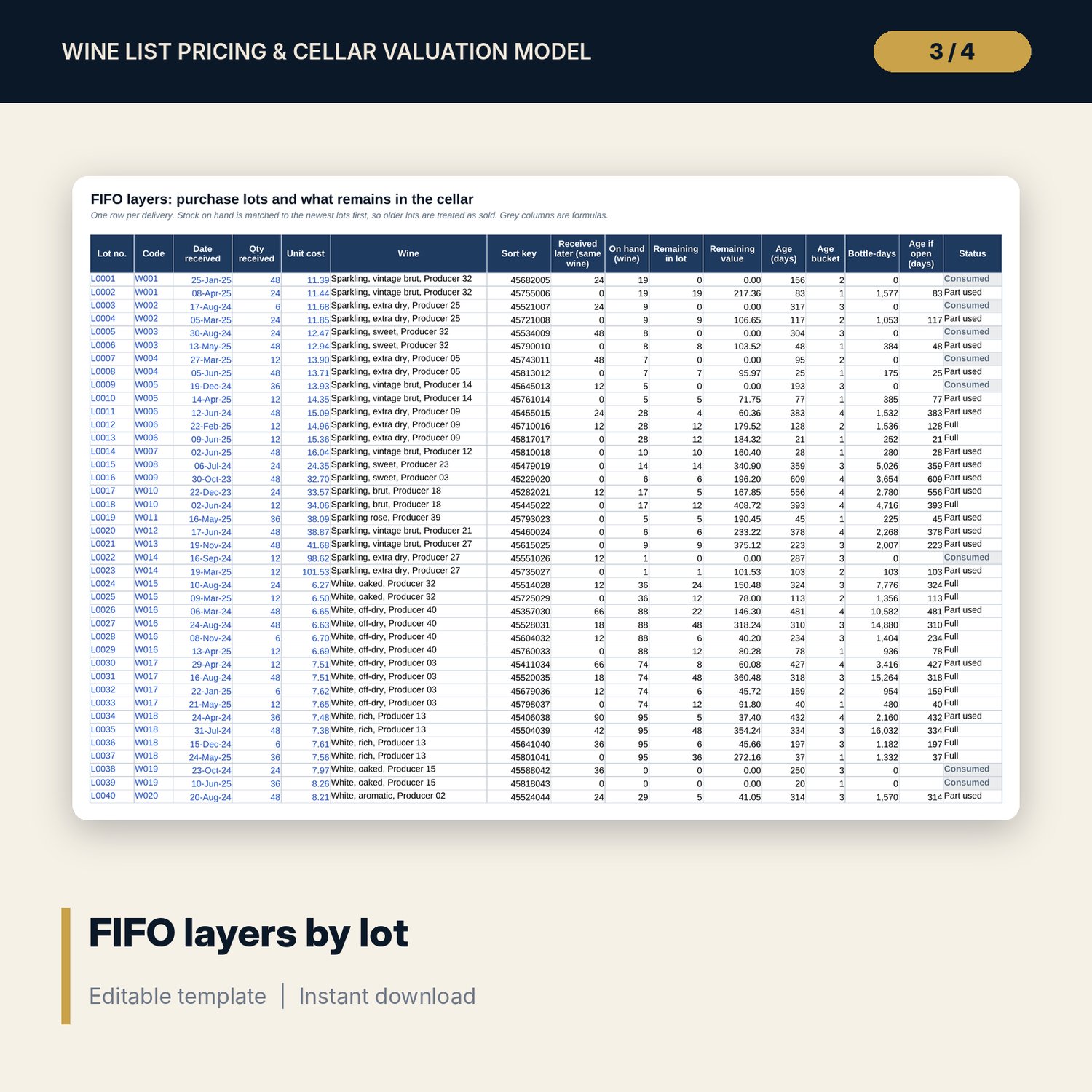
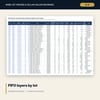
- Purchase_Lots: 248 sample deliveries with FIFO remaining quantity, value and age (room for 450)
- Cellar_Valuation: FIFO, replacement and retail value, age, cover and stock status for each wine
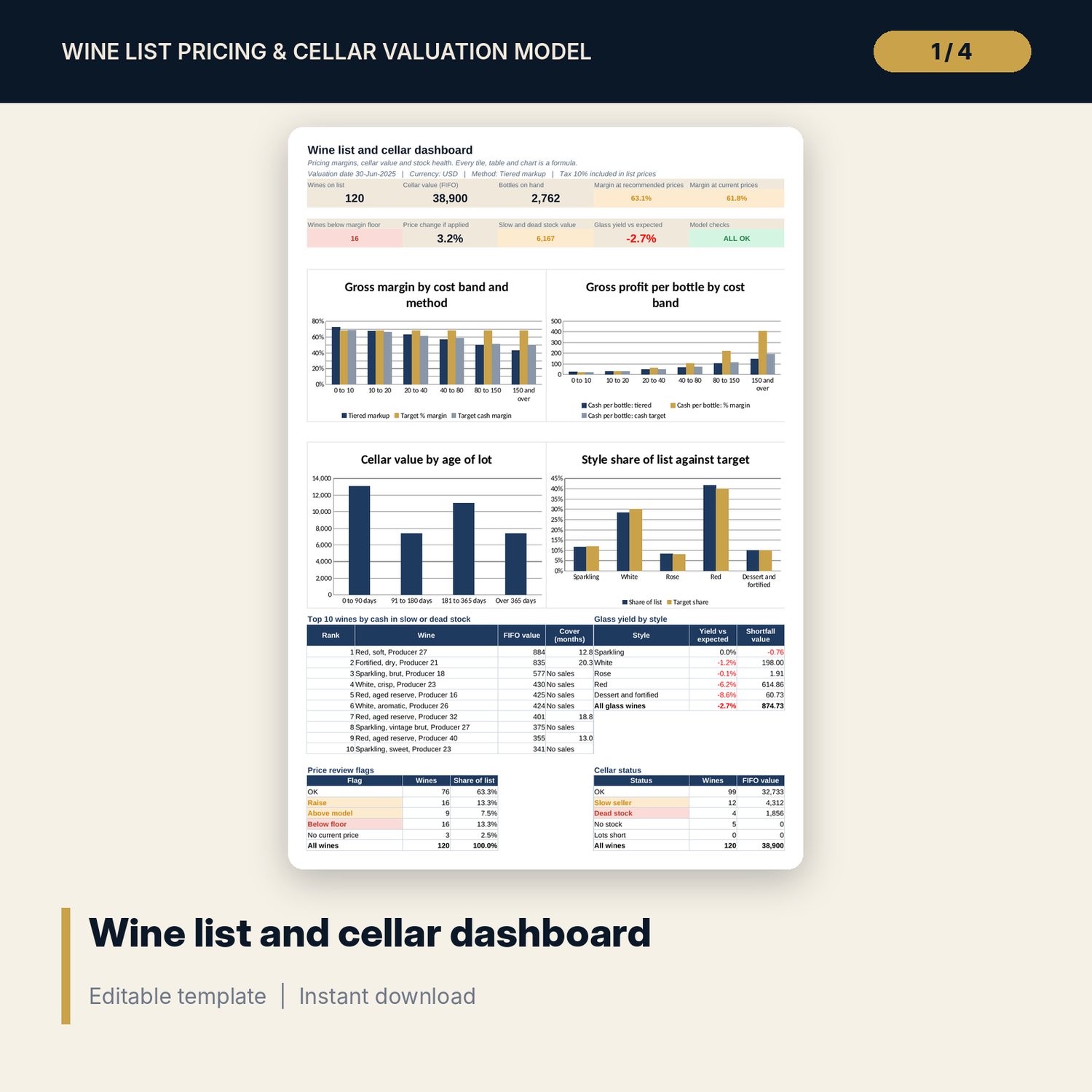
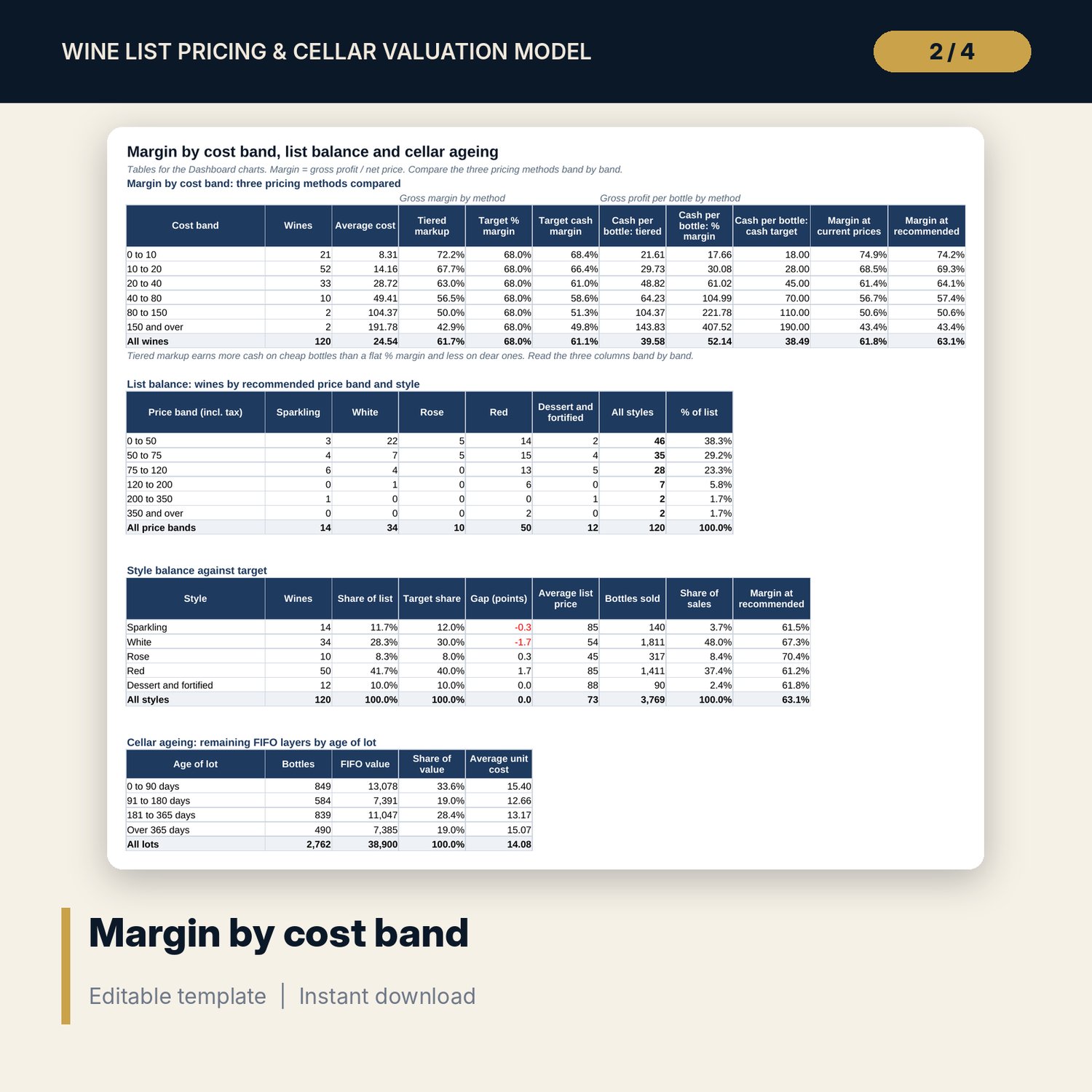
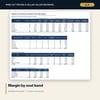
- Band_Analysis: margin by cost band and method, list balance by price band and style, style share against target, cellar ageing
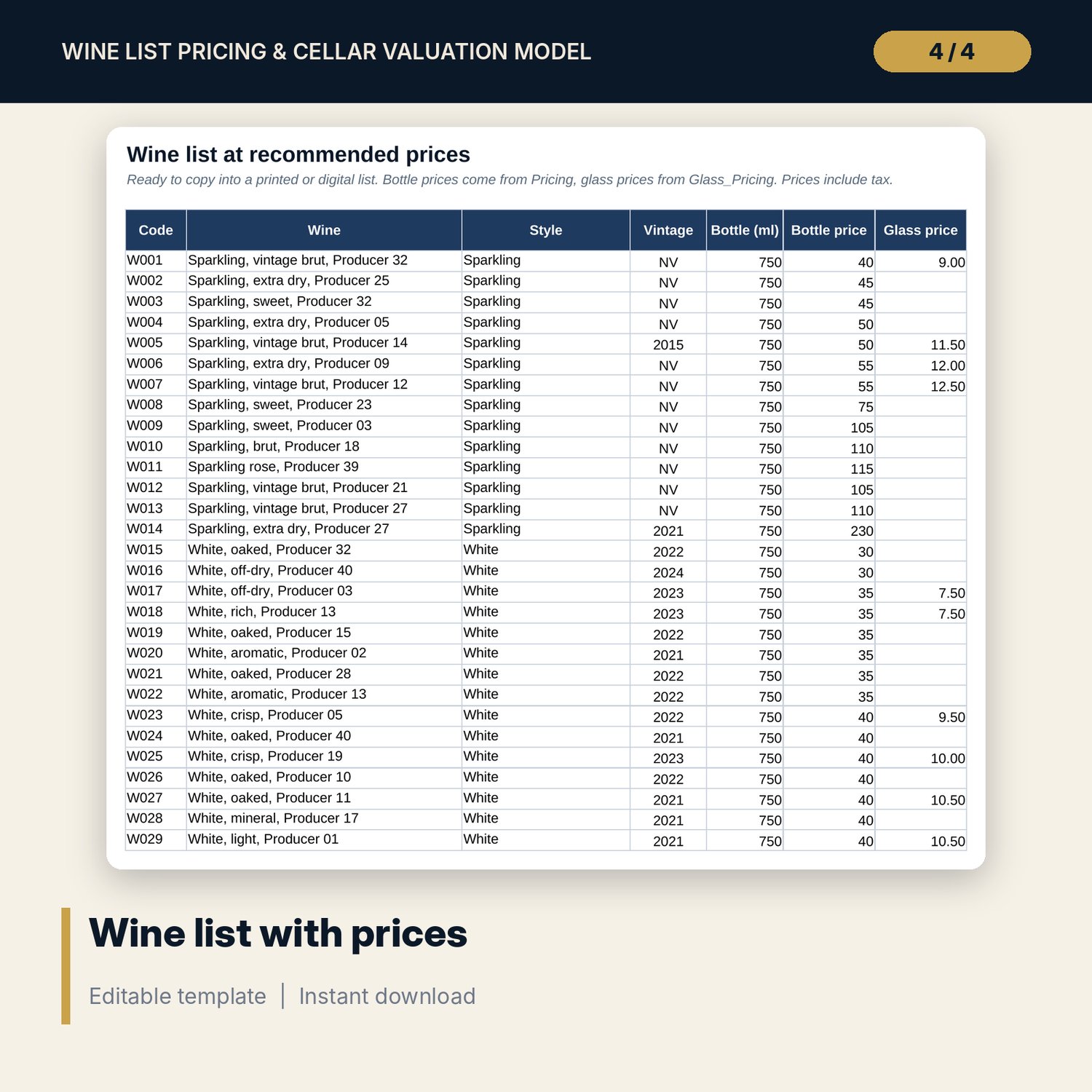
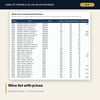
- Wine_Price_List: bottle and glass prices ready to copy into a list
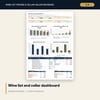
- Dashboard: 9 KPI tiles, 4 native charts and three tables
- Checks with 15 integrity checks; Method with 16 documented results
- 14 drop-down and number validations; conditional formats for margin, price and stock flags
- README.txt and LICENSE-and-Terms.txt
How it works
- On Settings, enter the tax rate, pick a pricing method and set your margin targets and cost bands.
- Replace the sample wines with yours. Enter each delivery on Purchase_Lots and each glass wine on Glass_Pricing.
- Read Pricing for the recommended price and the flag: Raise, Above model or Below floor.
- Read Band_Analysis to compare the three methods by cost band and to check the balance of the list.
- Read Cellar_Valuation for FIFO value, age and slow or dead stock, then check the Dashboard.
Details
- Format: one Excel workbook (.xlsx). English. Metric units (ml) and a currency label you can change.
- Software: Excel 2016 or later (Windows or Mac) or LibreOffice Calc. Opens in Google Sheets; chart styling may differ.
- No macros, no add-ins, no external links. Formulas only.
- Digital download. Nothing is shipped.
Good to know
- Sample data is illustrative. Replace it with your own wines, costs, sales and deliveries.
- Tax rate, margins, markups and thresholds are working values. Set them from your own policy and verify local requirements.
- FIFO assumes bottles leave the cellar oldest first, so stock on hand is matched to the newest deliveries. Enter every delivery.
- This workbook is a pricing and valuation tool. It is not tax or accounting advice.
- Single-user license. Do not redistribute.
FAQ
Can I use my own markup tiers?
Yes. Cost limits, markup multiples and cash margins for each band are inputs on Settings.
What is the difference between the three methods?
Tiered markup applies a lower multiple to dearer bottles. Target % margin applies one margin to every bottle. Target cash margin adds a fixed cash amount per band. Band_Analysis compares them.
How are glass prices set?
The workbook works out the glasses a bottle gives after wastage, divides the bottle cost by that number and applies your glass margin. The price is rounded up to your glass price step.
How does the FIFO valuation work without a stock ledger?
You enter bottles on hand and each delivery. The newest deliveries are assumed to make up the stock on hand. Older lots are treated as sold.
Does it need macros?
No. It uses standard formulas and works in Excel 2016 or later.