Shelf Life & Date Labelling System: Food Shelf Life Matrix and Day-Colour Labels
Full description
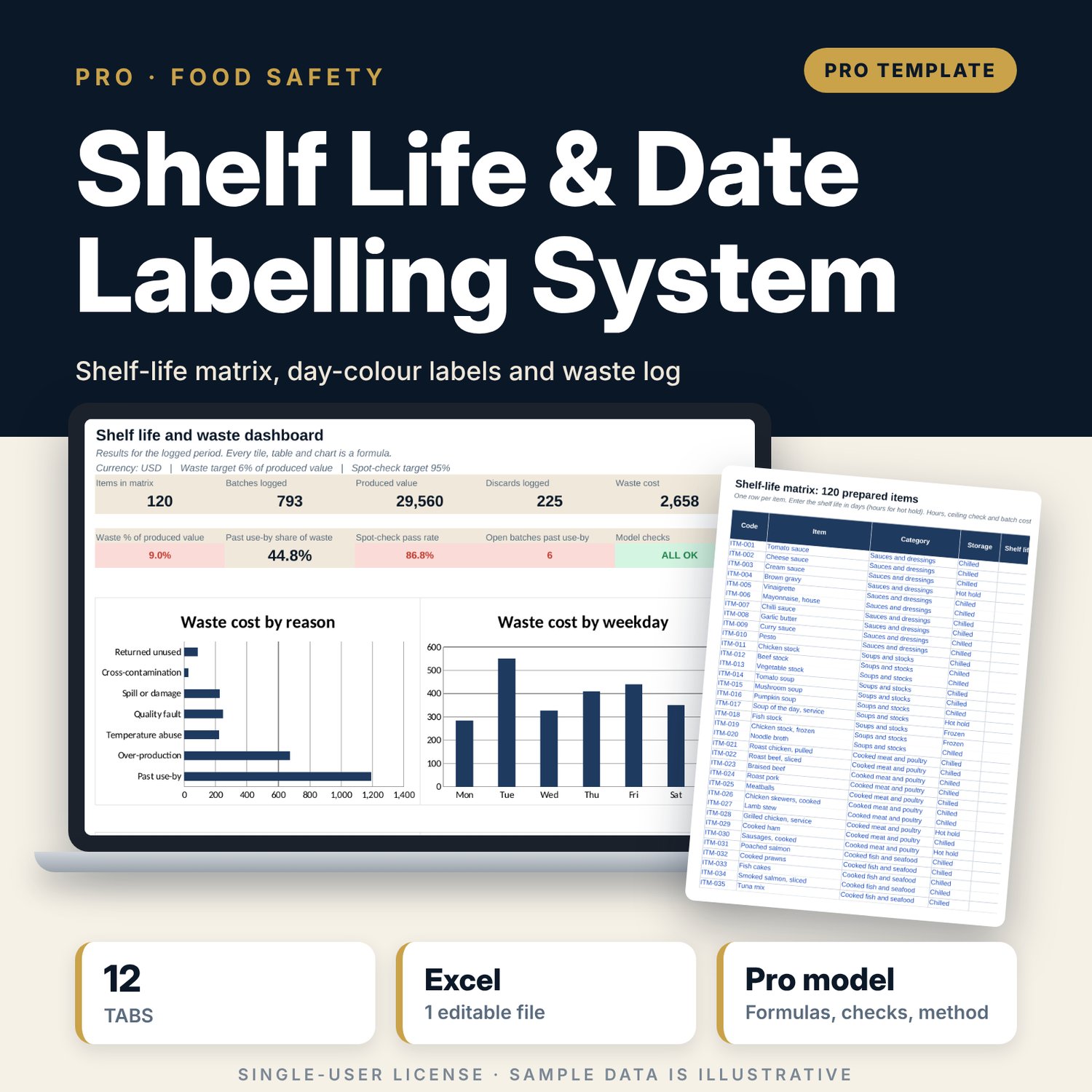
This workbook is for executive chefs, kitchen managers, food and beverage managers and quality leads who need one system for date labelling and food waste. You enter a shelf life for each prepared item by storage type: chilled, frozen, ambient or hot hold. The workbook calculates the use-by time from the production time, assigns a colour to the use-by weekday, and shows the hours left and the status of every open batch. A discard log prices what you throw away and ranks items by waste cost with a Pareto class. A spot-check log tests labels against the matrix for date, life, colour and storage. The method is plain date-time arithmetic, SUMIFS, INDEX/MATCH and a cumulative-share Pareto, all in visible columns you can audit.
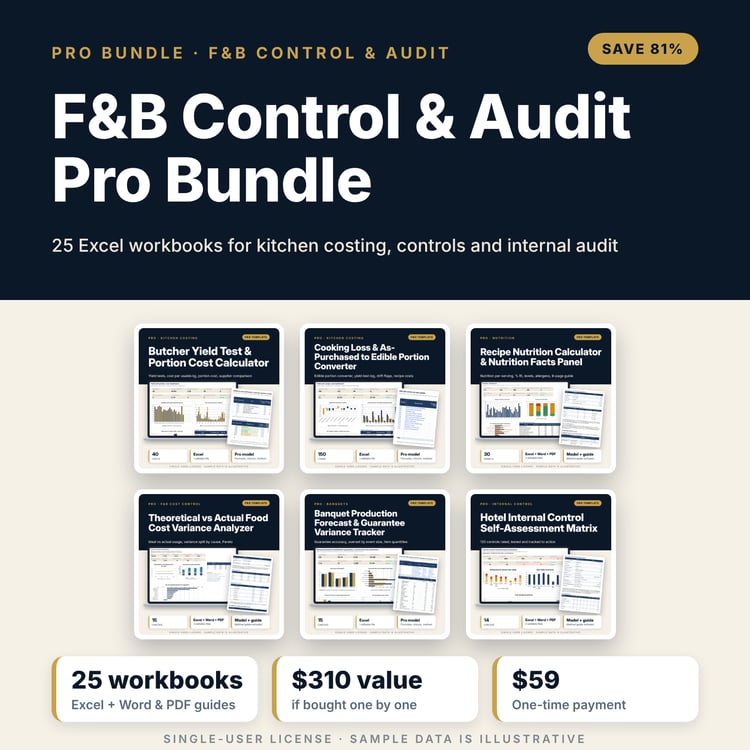
Save with a bundle: this workbook is also in the F&B Control & Audit Pro Bundle, 25 workbooks for $59 instead of $310. All 100 Pro workbooks are in the Pro Library for $119, and all 241 templates and workbooks are in the Ultimate Hospitality Library for $149.
What is inside
- 1 Excel workbook with 12 tabs and 20,031 formulas, no macros
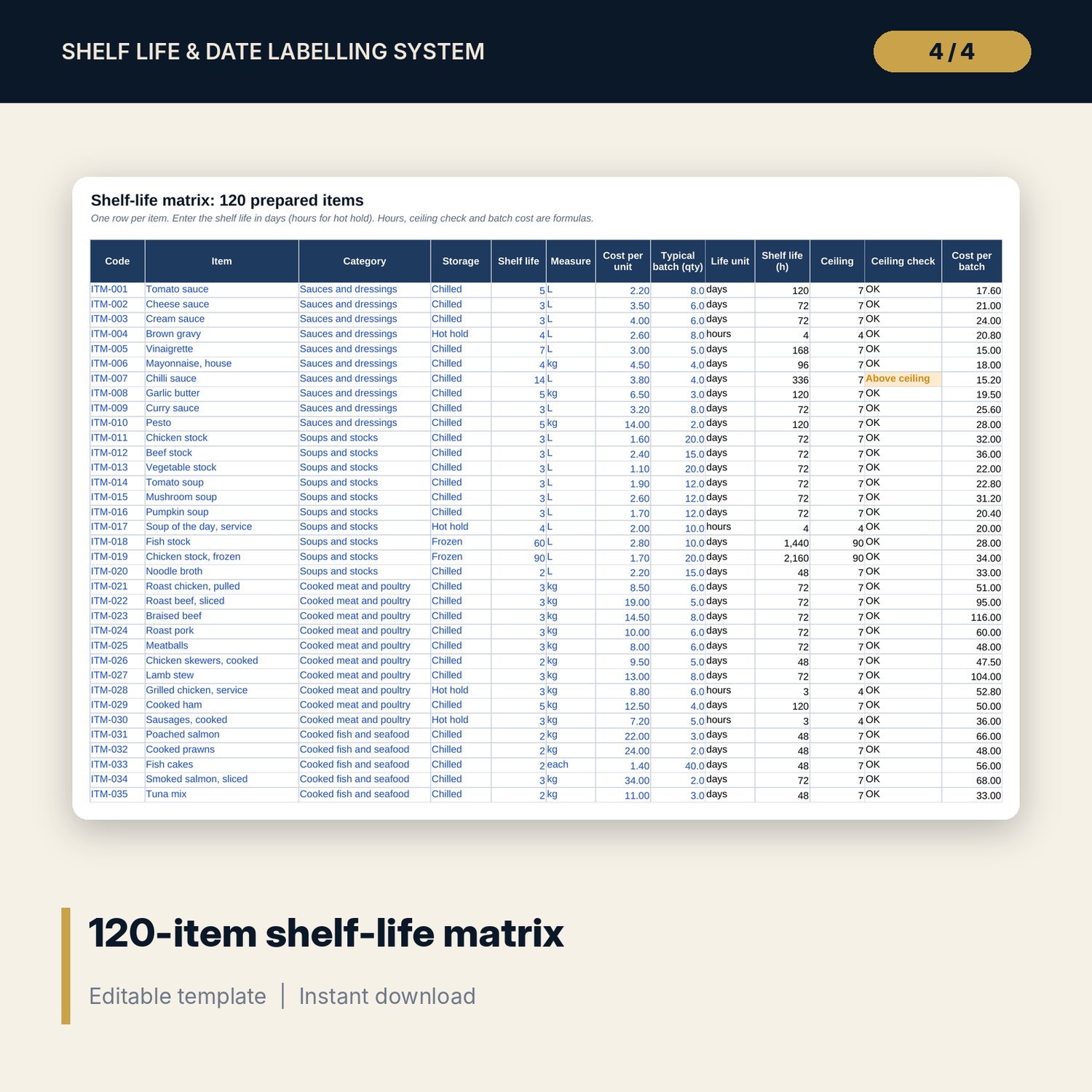
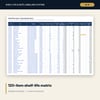
- Shelf_Life_Matrix: 120 sample items in 12 categories, with room for 30 more rows; shelf life, cost per unit, typical batch and a ceiling check
- Production_Log: 793 sample batches (room for 900) with use-by time, day colour, hours left and status
- Discard_Log: 225 sample discards (room for 500) with reason, quantity and cost value
- Spot_Checks: 310 sample label audits (room for 400) with pass or fail and the first failure
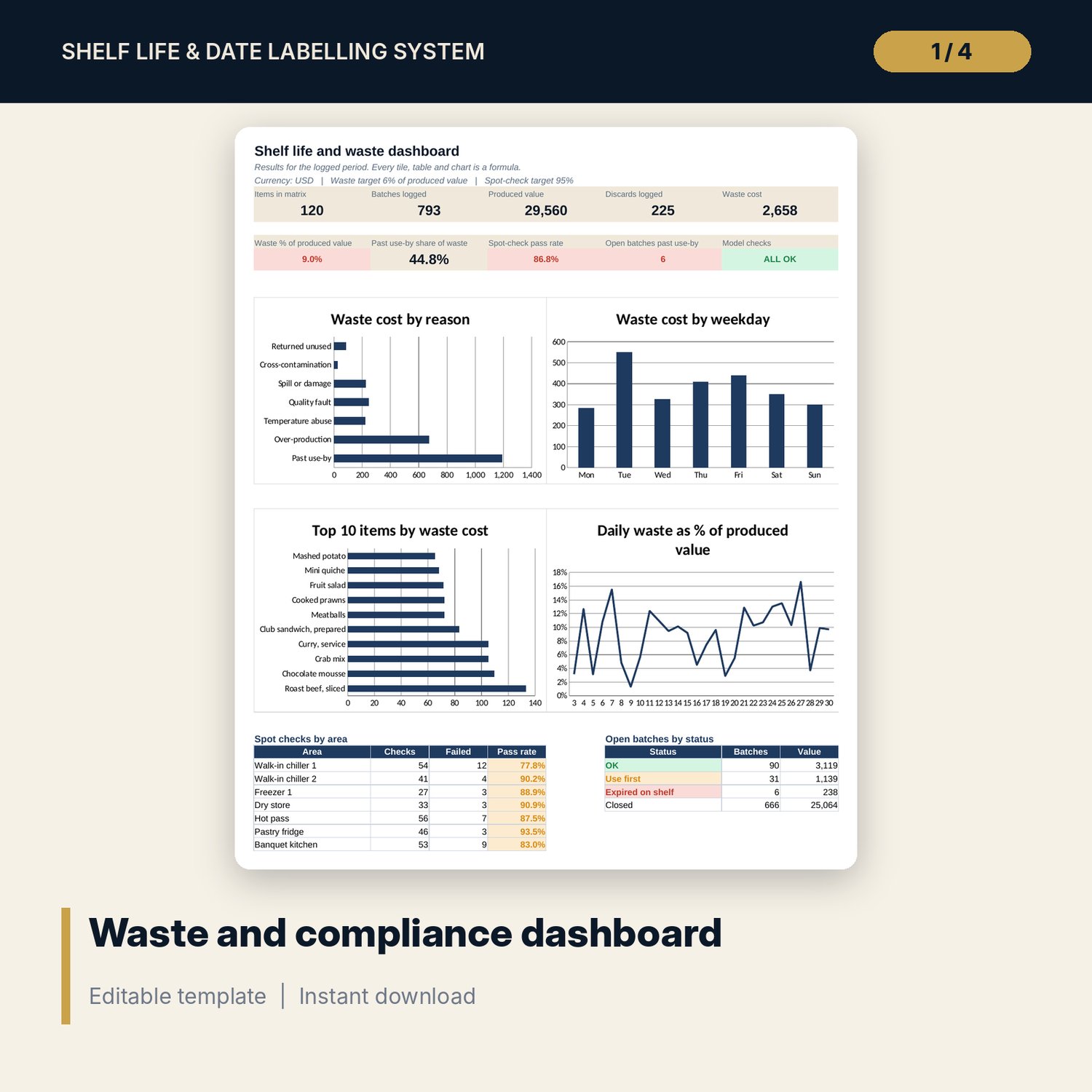
- Waste_Analysis: waste cost by item and weekday, waste rate, Pareto class, and summaries by reason, category, weekday, storage and day
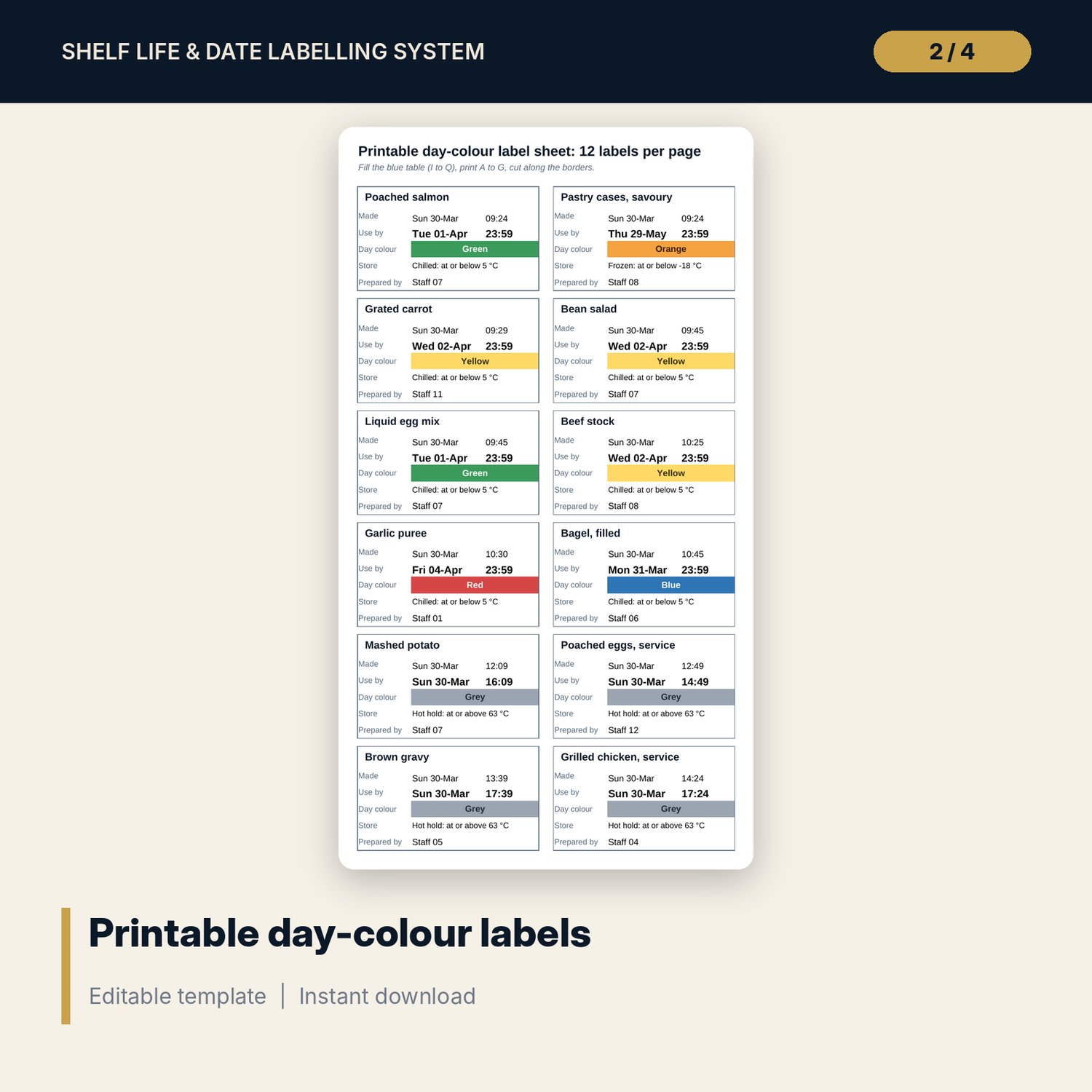
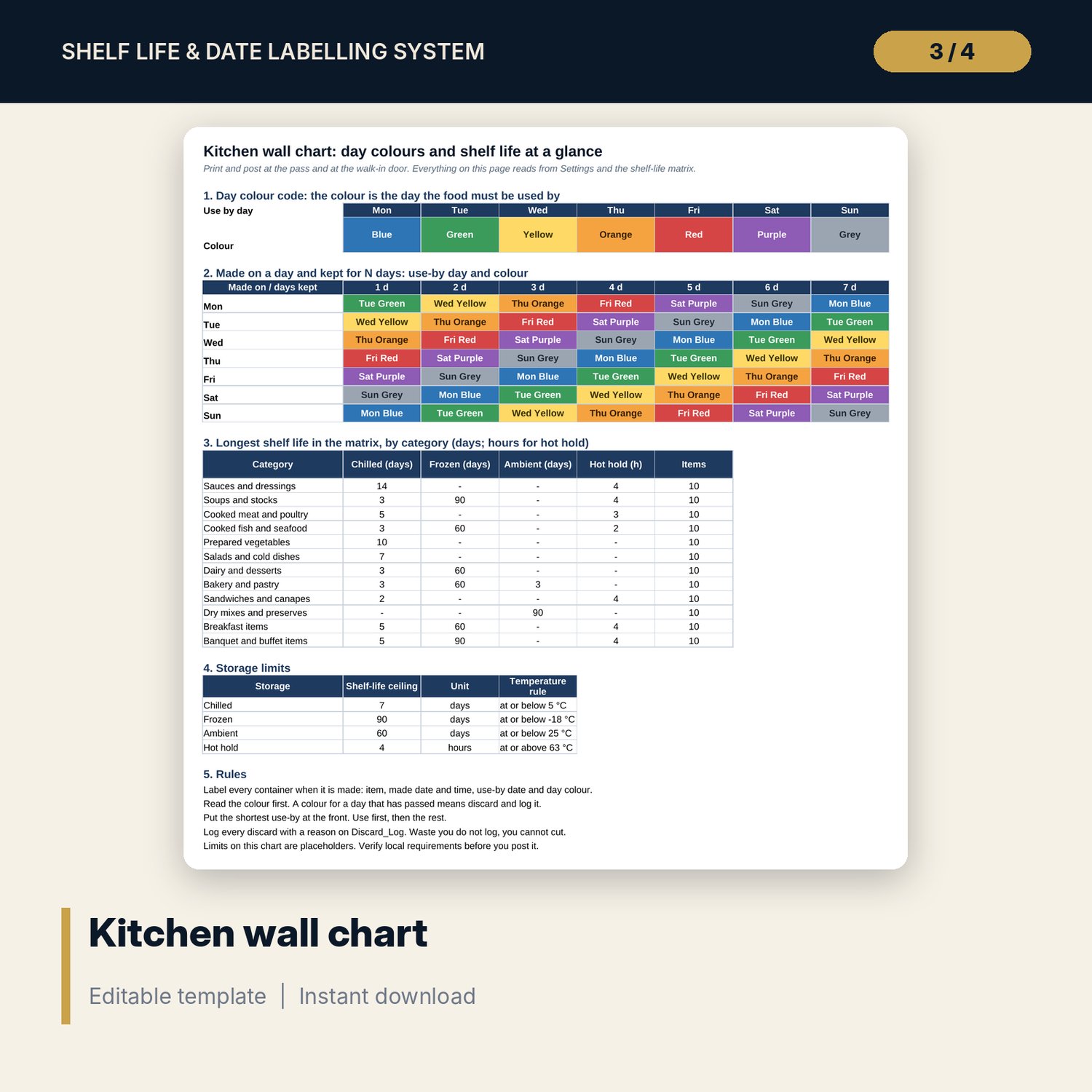
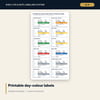
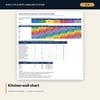
- Label_Sheet: 12 printable labels per page. Wall_Chart: one-page chart for the kitchen
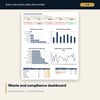
- Dashboard with 9 KPI tiles, 4 native charts and 2 tables; Checks with 13 integrity checks; Method with 17 documented results
- 26 drop-down and number validations; conditional formats for expired, extended and failed items
- README.txt and LICENSE-and-Terms.txt
How it works
- On Settings, set the check date, the expiry rule, storage ceilings, temperature limits and one colour for each weekday.
- Replace the sample items on Shelf_Life_Matrix with your own prepared items and shelf lives.
- Log batches on Production_Log. Read the use-by time, day colour and status. Fill the blue table on Label_Sheet and print the labels.
- Log discards and label spot checks. Waste_Analysis ranks the items that cost most.
- Review the Dashboard, confirm Checks shows ALL OK, and post Wall_Chart in the kitchen.
Details
- Format: one Excel workbook (.xlsx). English. Currency-neutral.
- Software: Excel 2016 or later (Windows or Mac) or LibreOffice Calc. Opens in Google Sheets; chart styling may differ.
- No macros, no add-ins, no external links. Formulas only.
- Digital download. Nothing is shipped.
Good to know
- Sample data is illustrative. Replace it with your own items, costs and records.
- Shelf lives, ceilings and temperature limits are placeholders. Verify local requirements and set them from your food safety plan.
- This workbook is a record-keeping and analysis tool. It is not food-safety advice.
- Single-user license. Do not redistribute.
FAQ
Does it work with a day-dot or colour-coded labelling system?
Yes. You assign one colour to each weekday on Settings. The label colour is the colour of the use-by weekday.
Can I use my own shelf lives and storage temperatures?
Yes. Every shelf life, ceiling and temperature limit is an editable input. Check them against your own food safety plan and local rules.
How does it handle hot hold items?
Hot hold items use a shelf life in hours and an exact use-by time. Chilled, frozen and ambient items use days and the expiry rule you pick on Settings.
Can I print the labels?
Yes. Label_Sheet prints 12 labels on one A4 page. Fill the blue table and print columns A to G.
Does it need macros?
No. It uses standard formulas and works in Excel 2016 or later.