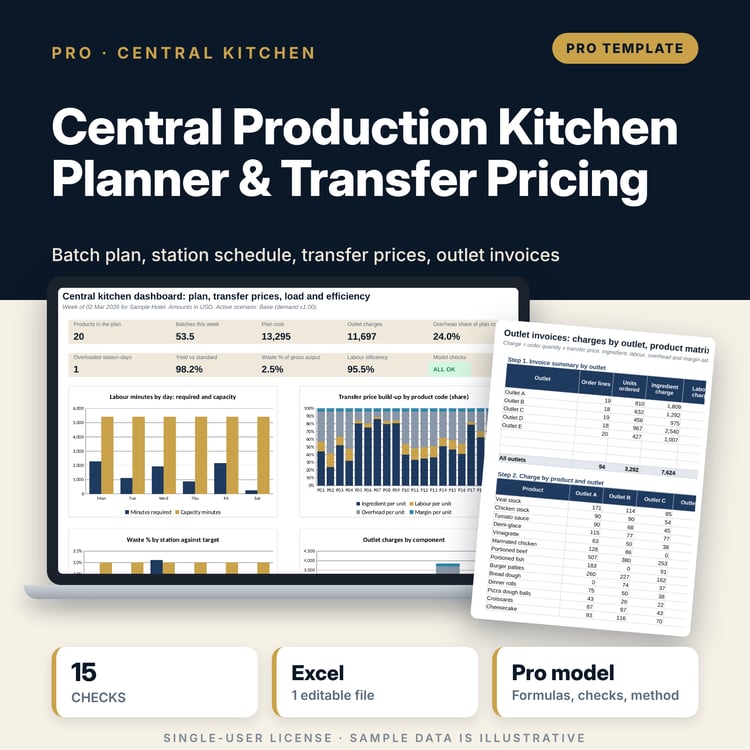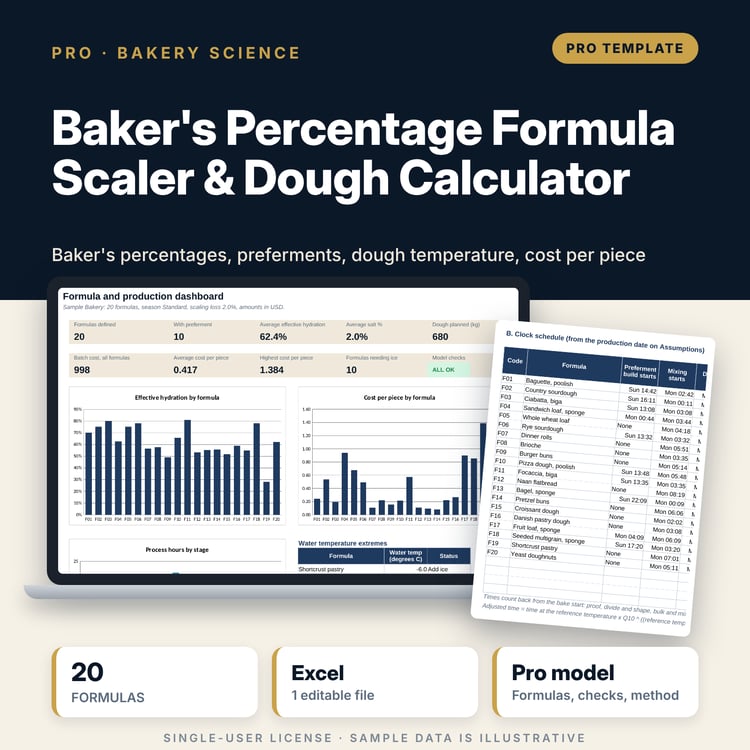
Theoretical vs Actual Food Cost Variance Analyzer: Excel Food Cost Variance Template with Monthly Guide
Full description
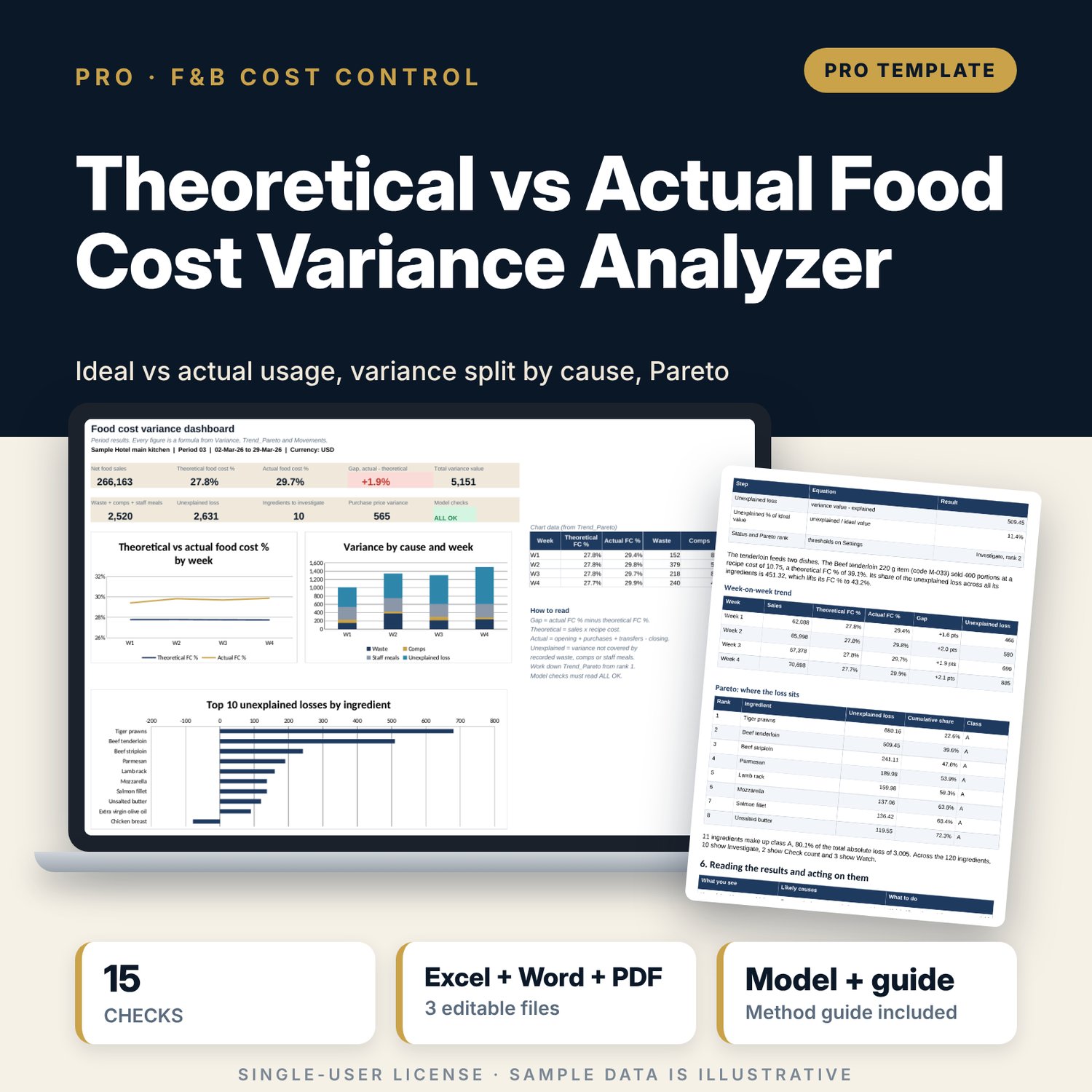
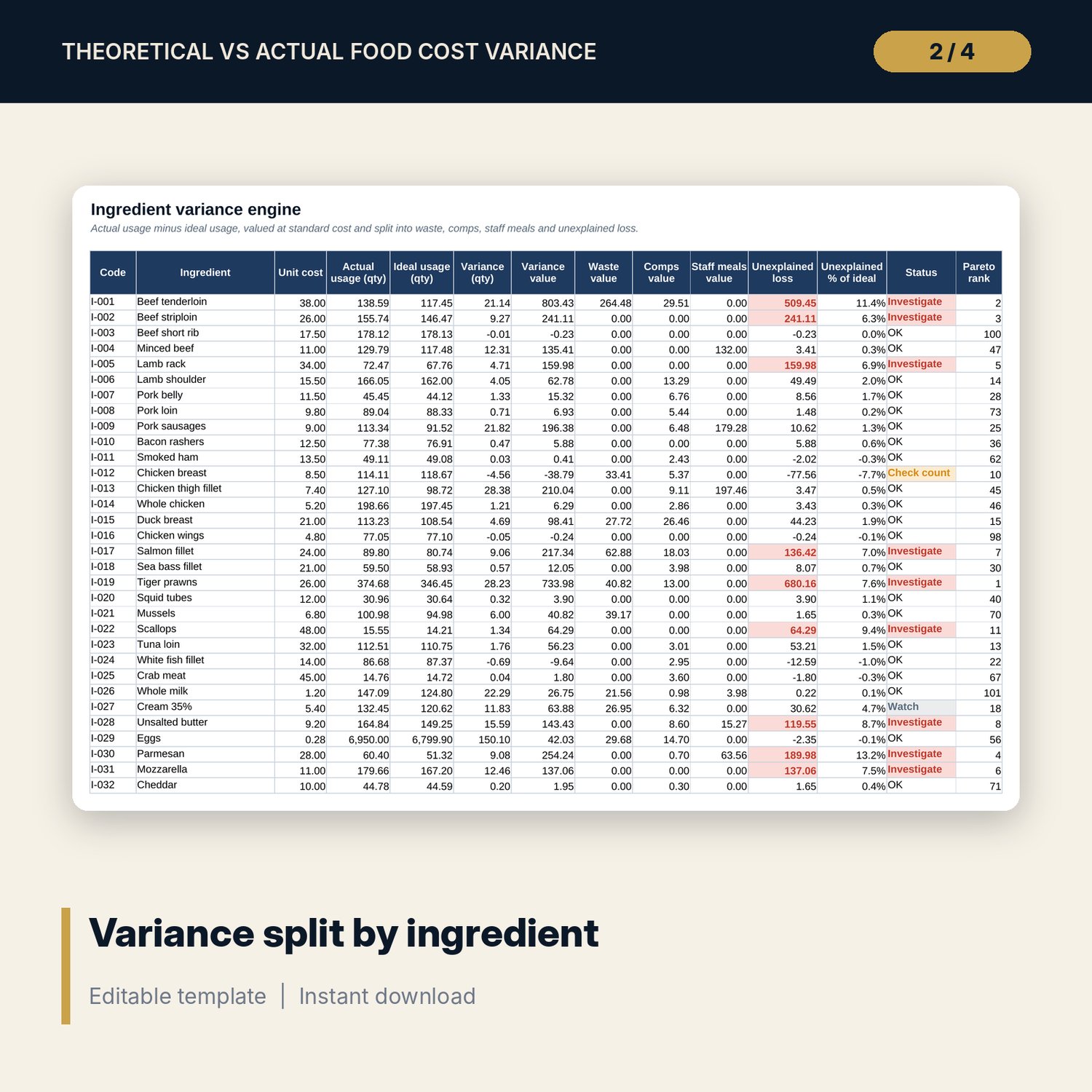
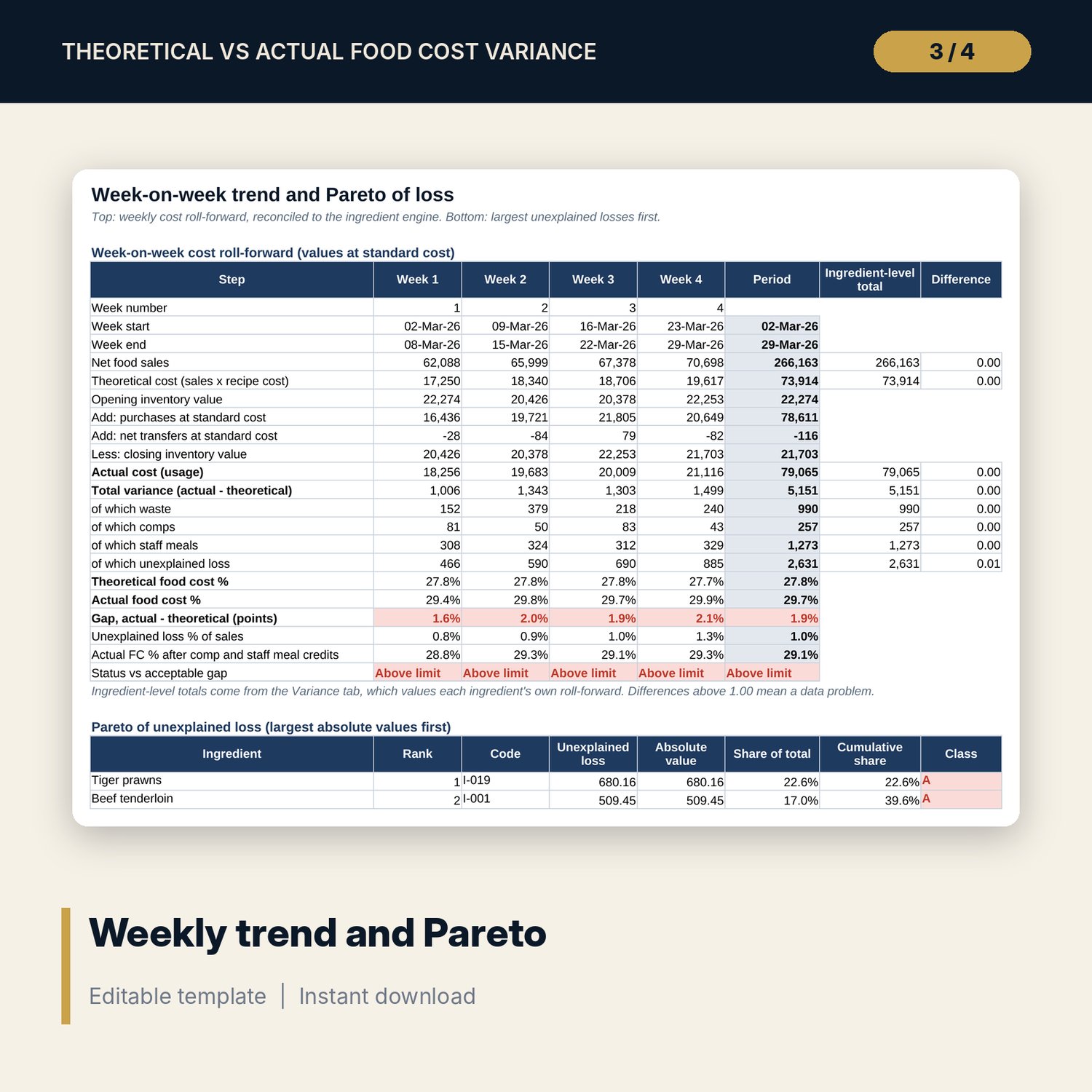
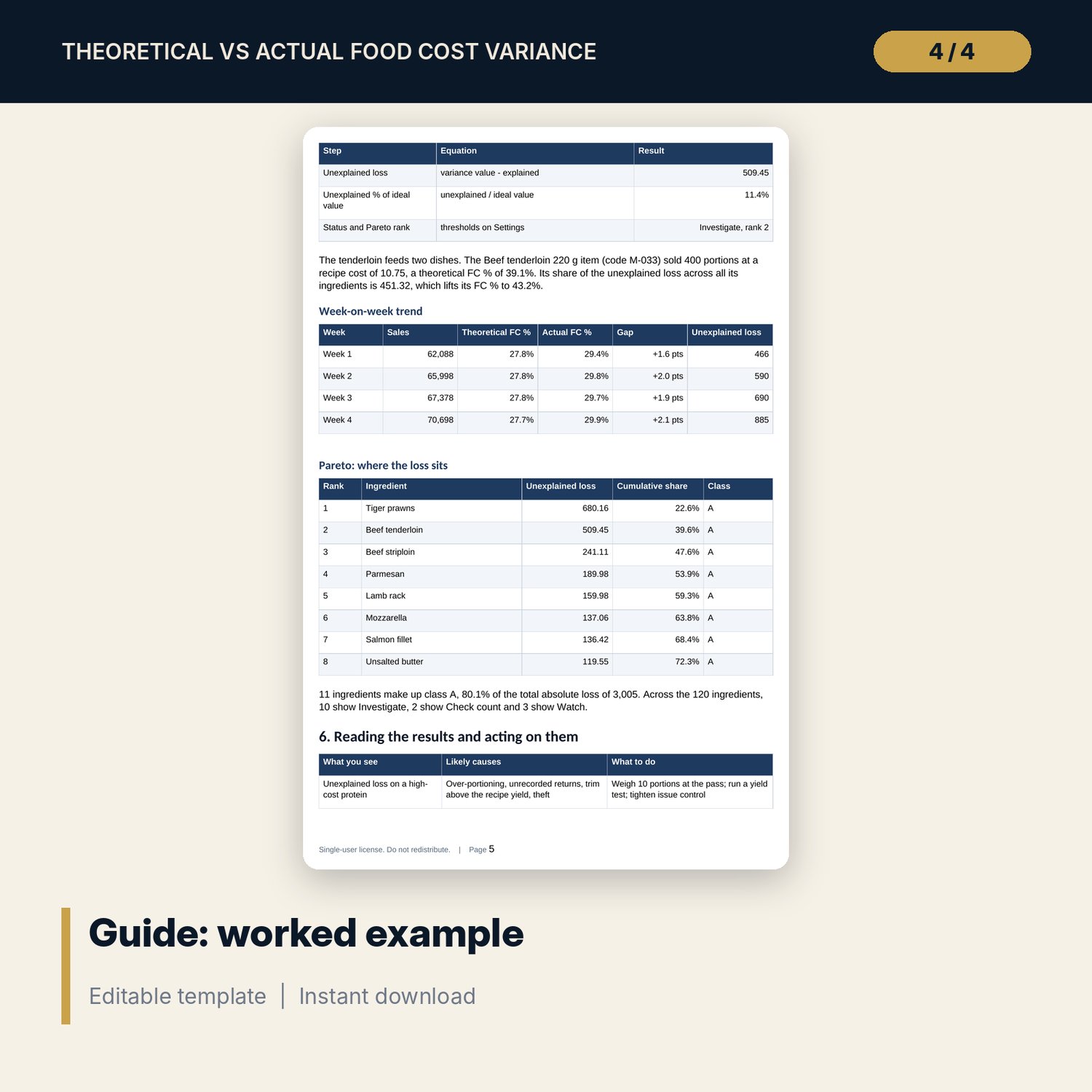
For executive chefs, F&B managers, cost controllers and general managers who need to know why actual food cost runs above theoretical. The workbook builds ideal usage from portions sold x recipe quantities (with yields), builds actual usage from opening stock + purchases + transfers - closing stock, values both at standard cost, and splits the difference into recorded waste, comps, staff meals and unexplained loss for every ingredient. Unexplained loss is ranked in a Pareto list, allocated back to menu items through the recipes, and tracked week by week with a cost roll-forward that reconciles to the ingredient totals. The guide sets out the monthly routine, the equations and a worked example built from the sample results.
Save with a bundle: this workbook is also in the F&B Control & Audit Pro Bundle, 25 workbooks for $59 instead of $310. All 100 Pro workbooks are in the Pro Library for $119, and all 241 templates and workbooks are in the Ultimate Hospitality Library for $149.
What is inside
- Food_Cost_Variance_Analyzer.xlsx: 12 tabs, 18,170 formulas, 4 native charts, 15 integrity checks, 16 method rows
- Sample data: 120 ingredients with 5 stock counts each, 80 menu items with 4 weeks of sales, 532 recipe lines, 597 movement lines (566 invoice lines and 31 transfers), 180 loss log entries (92 waste, 46 comps, 42 staff meals)
- Spare capacity: 150 ingredients, 100 menu items, 650 recipe lines, 1,000 movement lines, 300 loss log rows
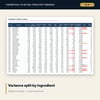
- Variance engine by ingredient: actual, ideal, variance qty and value, waste, comps, staff meals, unexplained loss, status flag and Pareto rank
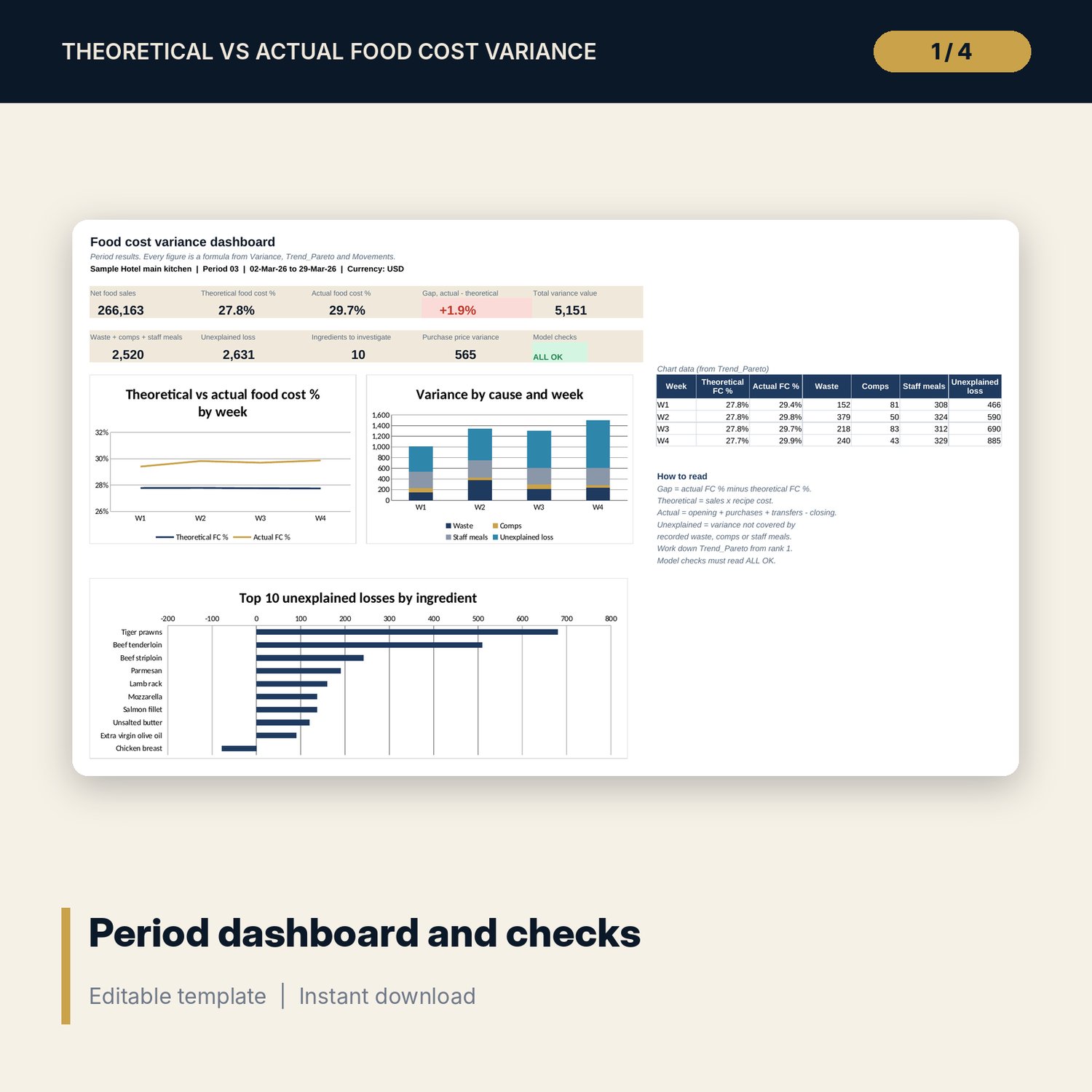
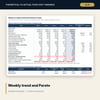
- Trend_Pareto tab: weekly cost roll-forward with an independent ingredient-level reconciliation, and a top 25 Pareto list with A/B/C classes
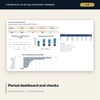
- Dashboard: 9 KPI tiles, a model check tile and 3 charts
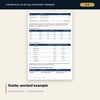
- Food_Cost_Variance_Guide.docx and .pdf: 9-page A4 guide with process calendar, count procedure, equations, worked example, action log, month-end checklist and glossary
- README.txt and LICENSE-and-Terms.txt
How it works
- Enter period dates, target food cost %, the acceptable gap and flag thresholds on Settings.
- Load your ingredients with standard costs, and your recipes with net quantity and yield per portion.
- Each week, enter the stock count, invoices and transfers, and log waste, comps and staff meals.
- At period end, enter portions sold by week from the POS and confirm the Checks tab reads ALL OK.
- Read the Dashboard, then work down the Pareto list and record actions in the guide's action log.
Details
- Formats: XLSX workbook, DOCX guide, PDF guide
- Language: English
- Software: Excel 2016 or later (Windows or Mac), or LibreOffice Calc 7 or later
- No macros, no external links, no pivot tables
- Instant digital download
Good to know
- Sample data is illustrative. Replace it with your own items, recipes, counts and sales.
- Not accounting or food-safety advice. How staff meals and comps are booked, and how sales tax is treated, varies: verify local requirements.
- All quantities are valued at one standard cost per ingredient for the period. Purchase price variance is shown separately.
- Single-user license.
FAQ
Can I use my own number of menu items and ingredients?
Yes. The workbook holds up to 150 ingredients, 100 menu items and 650 recipe lines. Delete sample rows and type your own in the blue cells.
My period is a calendar month, not four weeks. Does it still work?
Yes. Type your own week start dates on Settings, for example 7, 7, 7 and 10 days. All week formulas follow those dates.
How does it handle comps and staff meals?
Log them on Loss_Log as menu items and portions. The workbook expands them through the recipes into ingredient quantities and values them at recipe cost.
Does it need macros or add-ins?
No. Every result is a standard worksheet formula you can trace, and the Method tab lists each equation.
What if a check shows CHECK?
The Checks tab names the tab and column to look at. Common causes are a code that does not exist, a date outside the period or a missing count.