Guest House Shared Facilities Rota & Cleaning Schedule: Shared Kitchen and Bathroom Cleaning Rota Template
Full description
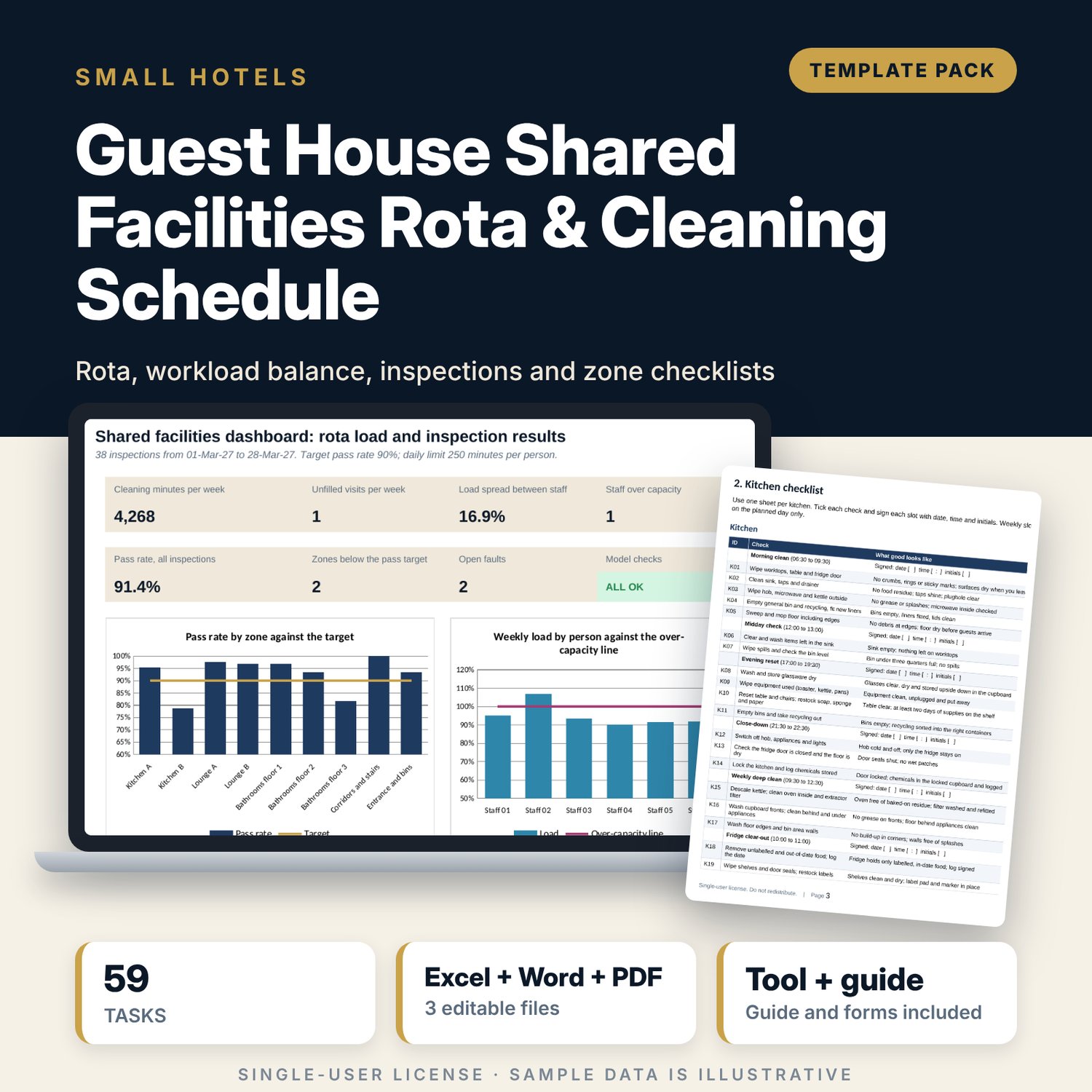
For owners and managers of guest houses, hostels and small hotels where guests share kitchens, lounges and bathrooms. The workbook holds 59 cleaning tasks by zone type, a weekly rota of 37 duties across 9 zones with a named person in every cell, and a workload block that adds up minutes by person and by day against the minutes each person has. It flags empty duties, people over capacity, days over your limit and a load spread above your tolerance. An inspection log scores items checked against items passed and shows pass rate by zone against your target. The Word pack gives you zone checklists with standards, a 14-rule house notice, a 16-item spot-check form, a fault slip, a privacy sign procedure and a worked example.
What is inside
- Shared_Facilities_Rota.xlsx: 7 tabs, 1,052 formulas, 2 native charts, 19 drop-down and input rules
- Task Library: 59 tasks for 5 zone types in 6 slots, with minutes per unit and the equipment each task needs
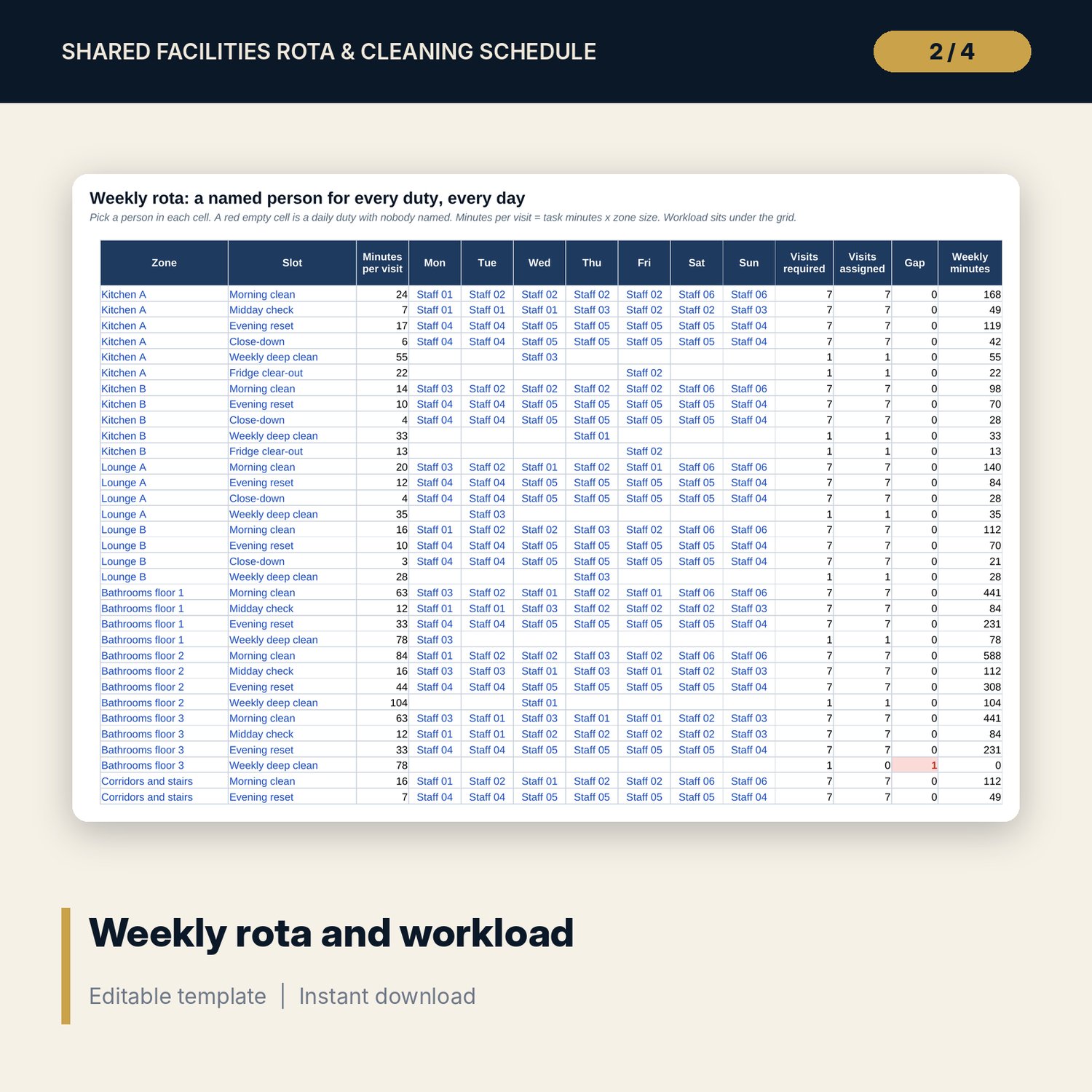
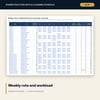
- Rota: 37 sample duties by day, minutes per visit, visits required and assigned, gaps, plus a workload block for 6 people with minutes by day and weekly load
- Inspections: 38 sample spot checks with pass rate, result and open faults, plus 60 spare rows
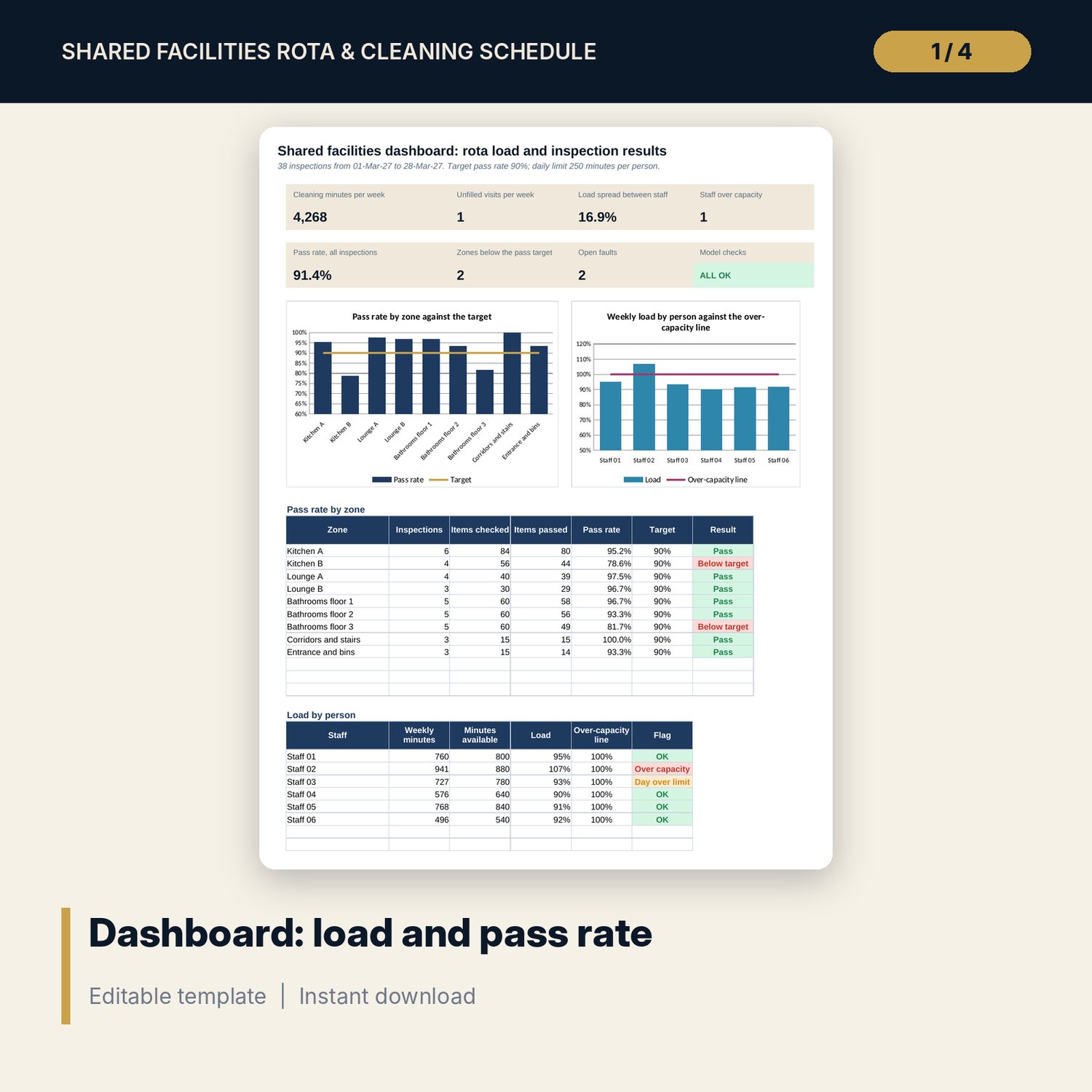
- Dashboard: 7 KPI tiles, a check tile and 2 charts; 8 integrity checks on the Checks tab
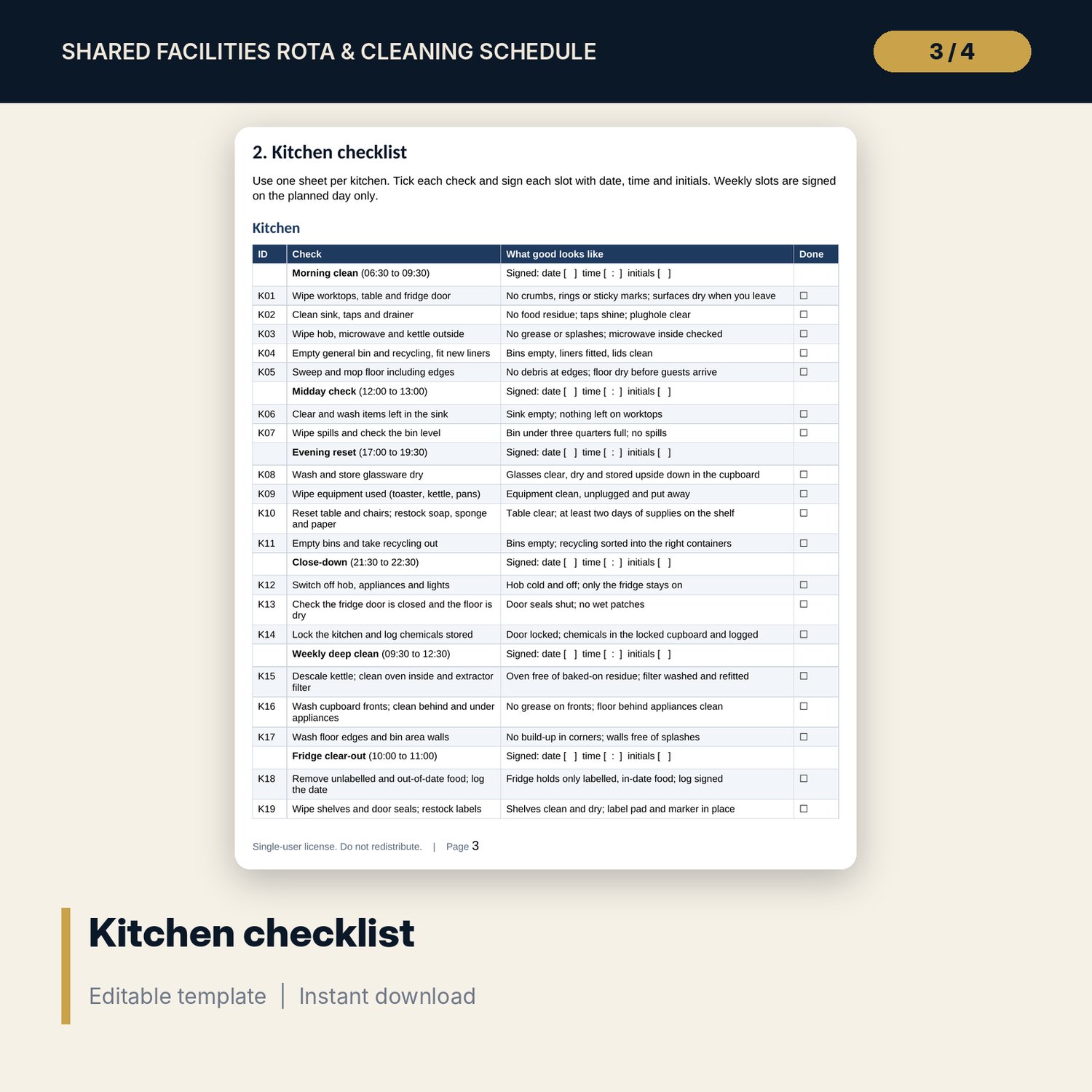
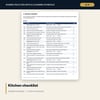
- Shared_Facilities_Rota_Forms.docx and PDF: 9 pages with 59 checklist items in zone checklists, rota rules, a weekly record, a fridge log, house rules, a spot-check form, a fault slip, a privacy sign procedure and a worked example
- README.txt and LICENSE-and-Terms.txt
How it works
- Set the pass-rate target, load tolerance and daily limit on Settings, then list your zones, rota slots and staff.
- Edit the task library so each zone type has its own tasks and minutes.
- Pick a named person for each duty and each day on the Rota tab and read the workload block.
- Log every spot check on Inspections and read the Dashboard for pass rate by zone and load by person.
Details
- Formats: 1 Excel workbook (.xlsx), 1 forms pack in Word (.docx) and PDF, English
- Software: Excel 2016 or later, or LibreOffice Calc 7 or later
- No macros, no external links, no data tables, no array formulas
- 3 files plus README and license; instant digital download
Good to know
- Sample data is illustrative. Replace it with your own figures.
- Minutes, targets and rules are your own policy. These files are management tools, not legal advice. Verify local requirements for cleaning standards, chemicals and guest privacy.
- Staff appear as codes (Staff 01 to Staff 06). Use your own codes or initials.
- Single-user license. Do not redistribute.
FAQ
How does it balance the work between staff?
It adds up the minutes of every duty a person is assigned and divides by the weekly minutes that person has. It then shows the gap between the highest and the lowest load and flags it when it passes your tolerance.
Can I add zones, staff and tasks?
Yes. Settings has spare rows for zones and staff, Task Library has 10 spare rows, Rota has 3 spare duty rows and Inspections has 60 spare rows.
What does the pass rate measure?
Items passed divided by items checked on each spot check. Each zone is compared with the target you set on Settings.
Is there a checklist for each zone?
Yes. Kitchens, lounges, bathrooms, corridors and the entrance each have their own checks and standards. They are not copies of one list.
Do I need macros?
No. Every result is a standard worksheet formula.