
Rebranding Launch Plan & Marketing Cutover Tracker: Hotel Rebrand Launch Plan and Cutover Checklist
Full description
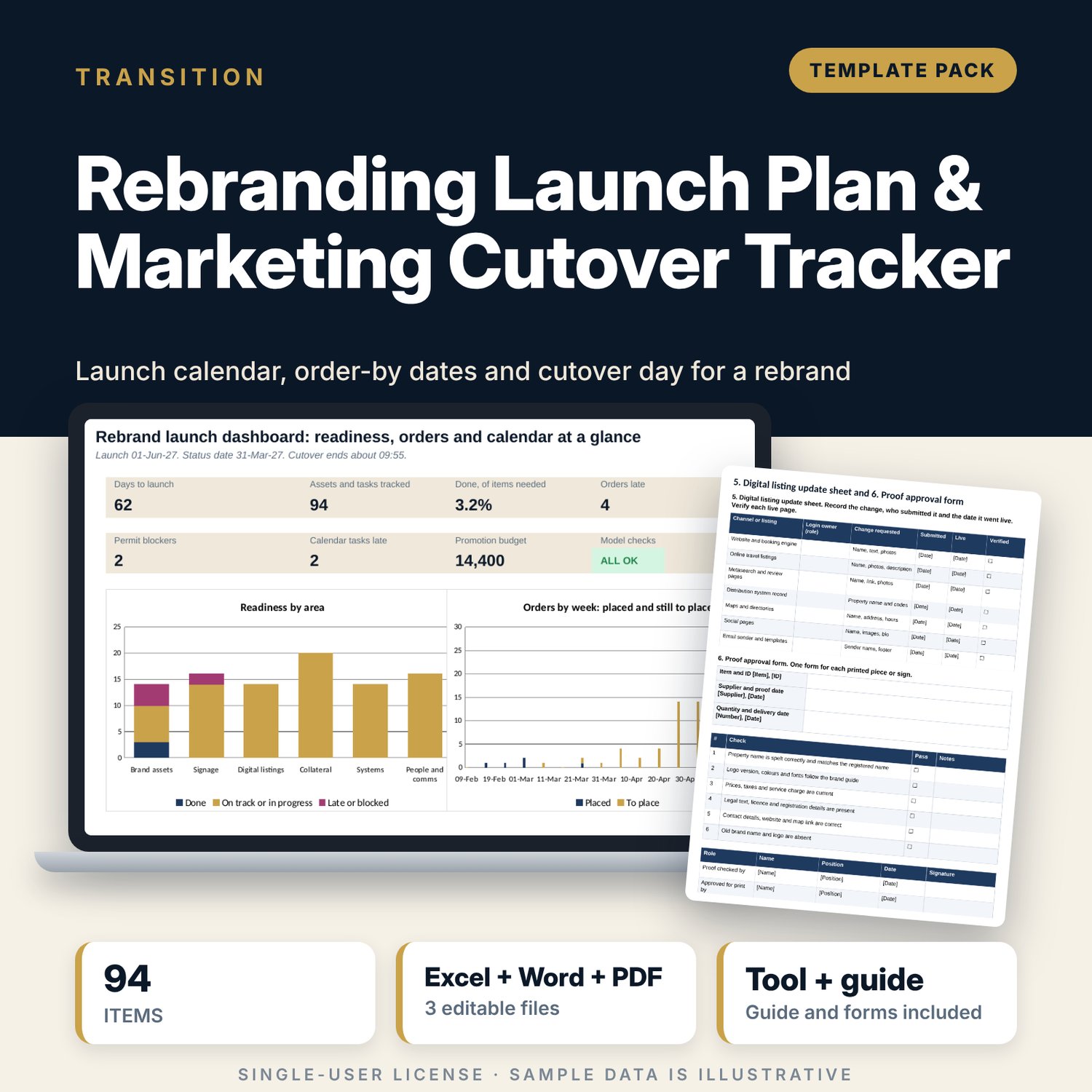
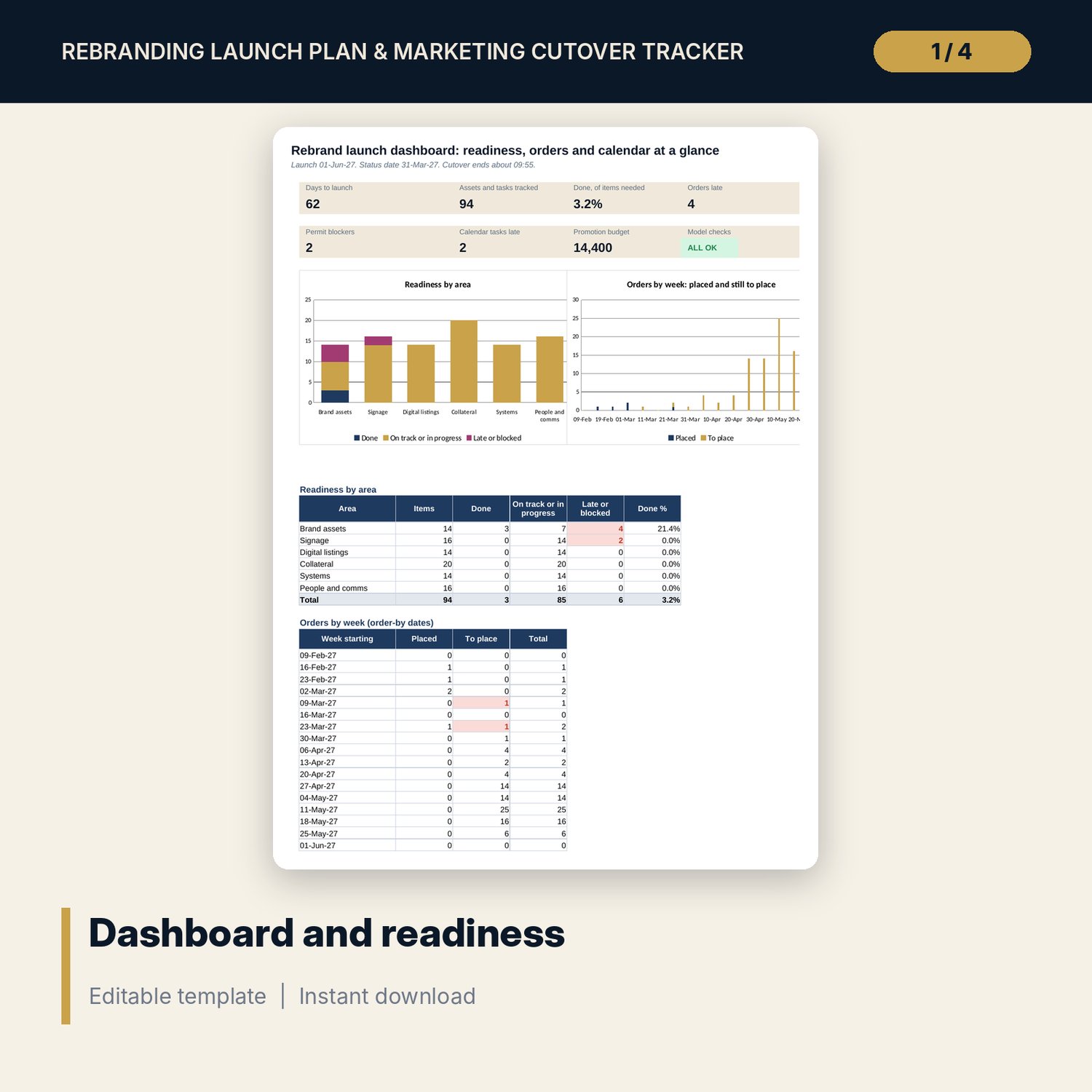
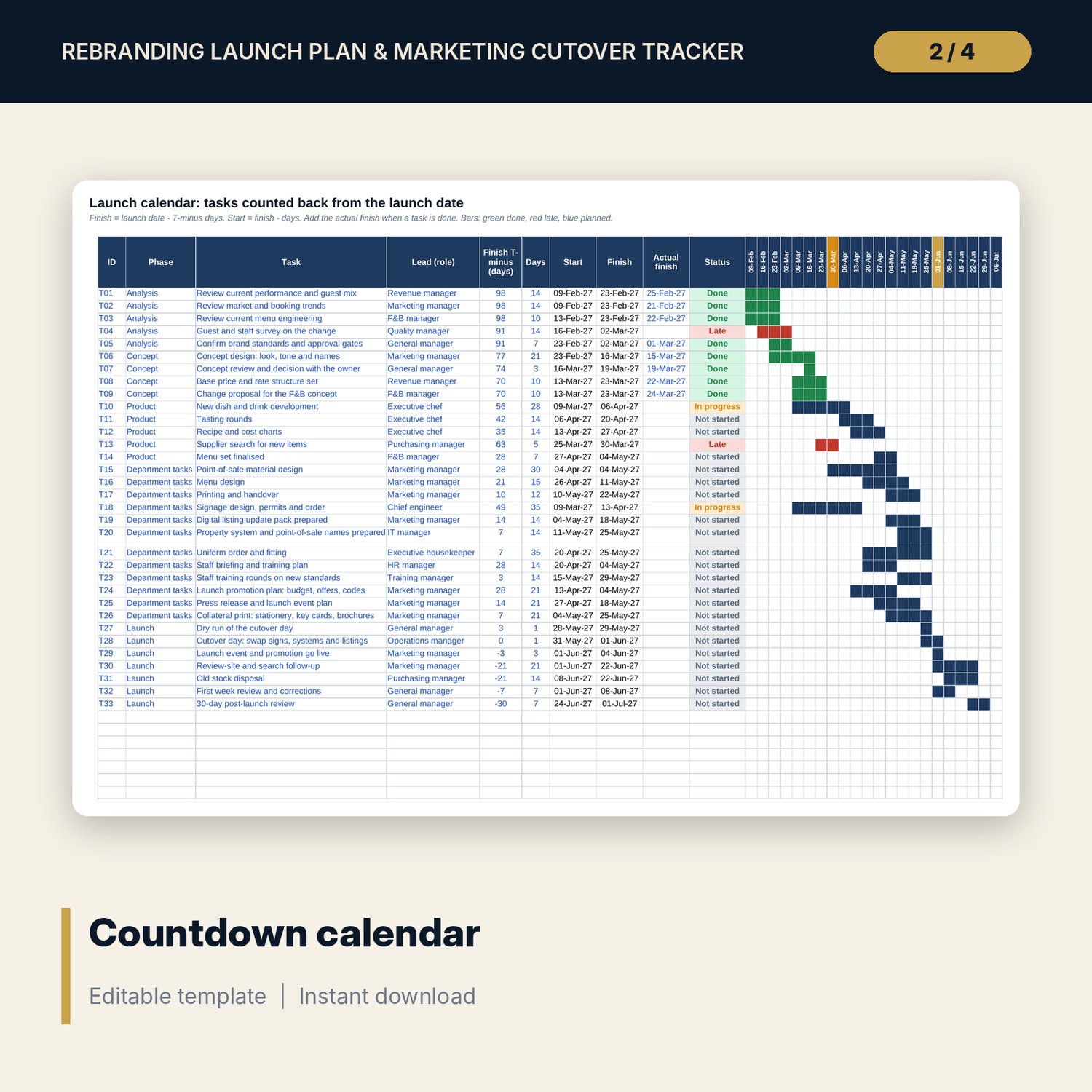
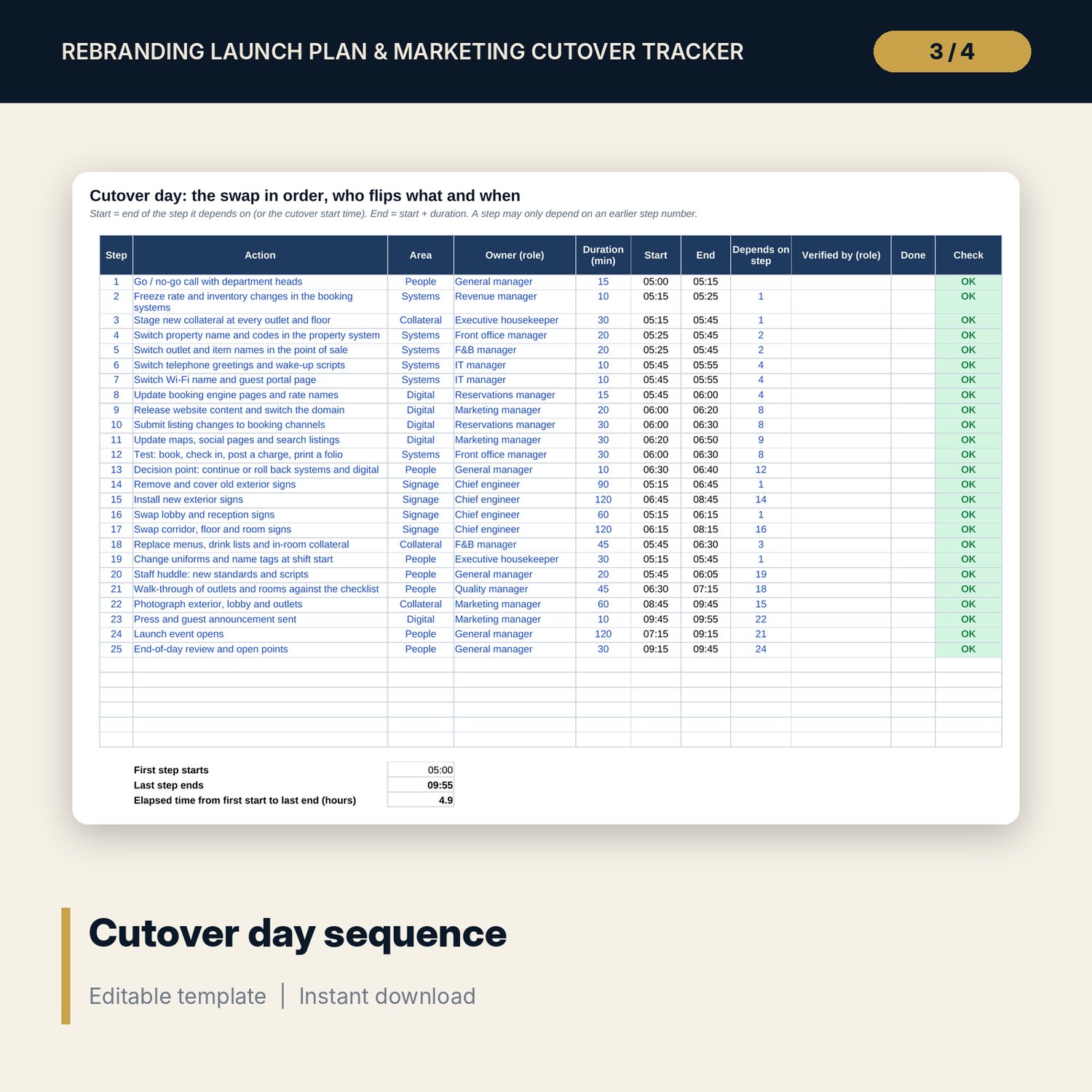
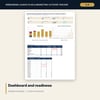
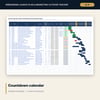
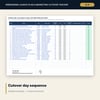
For general managers, marketing managers and owners who relaunch a hotel or outlet under a new brand. The workbook counts back from the launch date. Asset Register holds 94 sample items across 6 areas (brand assets, signage, digital listings, collateral, systems, people and comms) with lead times, a 20% buffer on print and sign, order-by dates, permit status and a flag. Launch Calendar lists 33 tasks in five phases with start, finish, status and weekly bars. Cutover Day sequences 25 launch-day steps by dependency and duration. The Dashboard shows days to launch, readiness by area and the weekly load of orders. The Word plan gives you launch principles, roles, forms, a run sheet, a staff briefing script, guest messages and a post-launch review.
What is inside
- Rebrand_Launch_Tracker.xlsx: 7 tabs, 863 formulas, 2 native charts, 16 drop-down and input rules
- Asset Register: 94 sample items in 6 areas plus 26 spare rows; order-by date, permit check and 7 flags
- Launch Calendar: 33 tasks in 5 phases, 22 weekly bar columns drawn by conditional formatting, 12 spare rows
- Cutover Day: 25 sample steps with dependencies, durations, start and end times
- Dashboard with 7 tiles, a check tile, 2 charts and two tables; 8 integrity checks
- Rebrand_Launch_Plan.docx and PDF: 9 pages with principles, roles, asset and signage forms, listing sheet, proof approval, run sheet, briefing script, guest messages and a worked example
- README.txt and LICENSE-and-Terms.txt
How it works
- Enter the launch date, status date, buffer and promotion budget on Settings.
- List assets, signs, listings, collateral and system changes with lead time and days needed before launch.
- Update status and permits each week. Chase every Permit blocker and Order late flag.
- Track tasks on the calendar, rehearse the cutover day and run the launch with the printed plan.
Details
- Formats: 1 Excel workbook (.xlsx), 1 launch plan in Word (.docx) and PDF, English
- Software: Excel 2016 or later, or LibreOffice Calc 7 or later
- No macros, no external links, no data tables, no array formulas
- 3 files plus README and license; instant digital download
Good to know
- Sample data is illustrative. Replace it with your own figures.
- Permit rules and lead times differ locally. The files are planning tools, not legal advice. Verify local requirements before ordering signs.
- Single-user license. Do not redistribute.
FAQ
How is the order-by date calculated?
Launch date minus the days before launch the item must be ready, minus its lead time. Print and sign items get a 20% buffer on lead time, which you can change on Settings.
What does Permit blocker mean?
The item needs a permit, the permit is not granted and the order-by date is within your permit window (30 days in the sample).
Can I move the launch date?
Yes. Change it on Settings. Order-by dates, calendar dates, weekly bars and flags all move with it.
Does it cover a restaurant or menu relaunch?
Yes. The sample includes menus, drink lists, tasting rounds, recipe costing, menu design and print tasks, and the same method works for any concept relaunch.
Do I need macros?
No. The weekly bars use conditional formatting and every result is a standard worksheet formula.