Self-Service Check-In, Kiosk & Mobile Key Business Case: Kiosk Payback and Adoption Model for Hotels
Full description
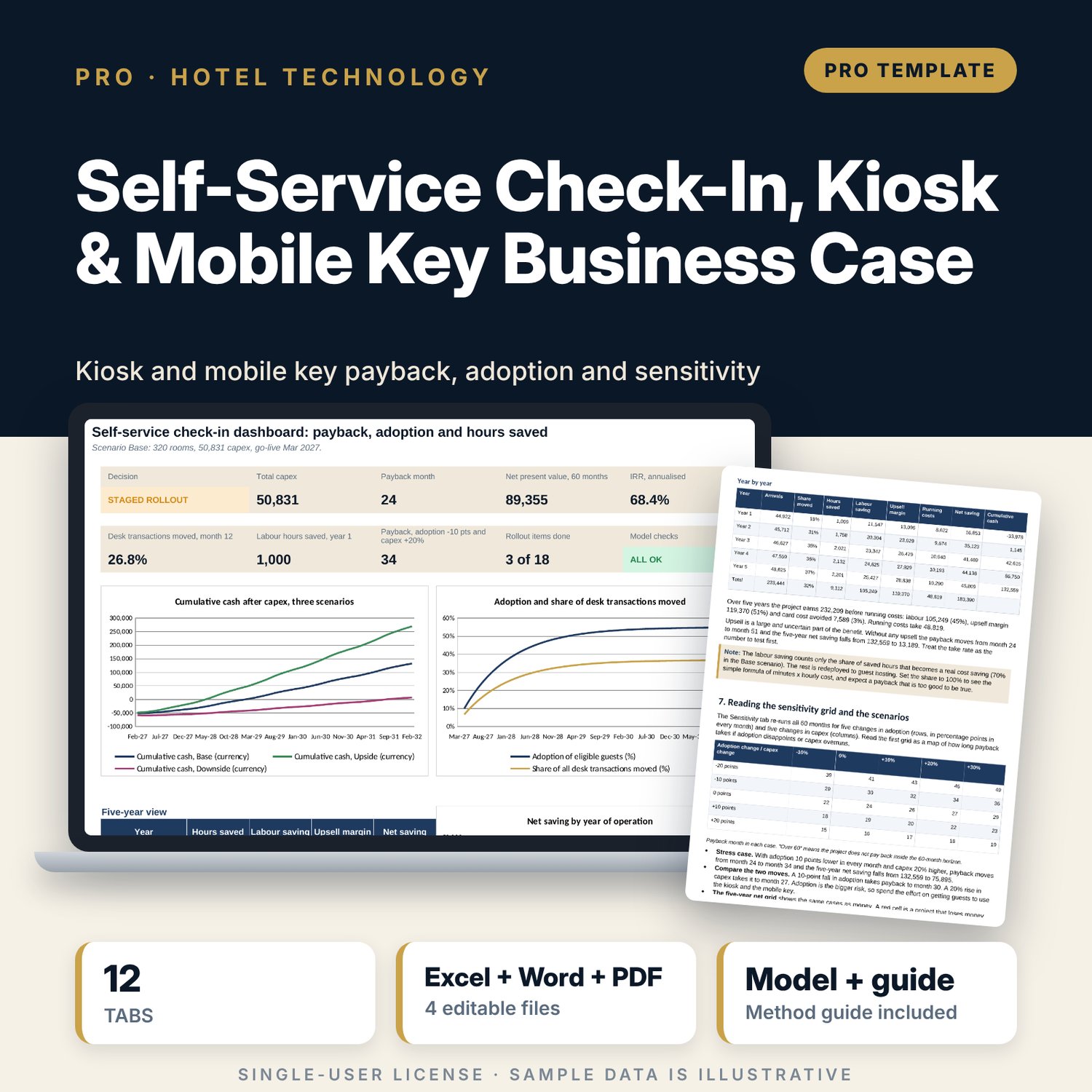
For general managers, front office managers, IT managers and owners who must decide whether to buy kiosks and a mobile key. The workbook builds a 60-month business case from rooms, season, length of stay, four desk transactions, minutes saved, an adoption curve, upsell, running costs and a capex schedule. It returns the payback month, net present value, IRR, hours saved and a decision with five tests, and it shows what happens if adoption is 10 points lower or capex is 20% higher. A companion workbook tracks adoption against the plan each week and logs a daily kiosk health check. A 11-page guide explains the method, the worked example, key control and the system-down procedure.
What is inside
- Self_Service_Check_In_Business_Case.xlsx: 12 tabs, 4,912 formulas, 3 native charts, 30 drop-down and input rules
- Assumptions: hotel, labour, upsell, mobile key, kiosk capacity and finance inputs; Base, Upside and Downside scenarios with a selector
- Transaction Mix: 4 desk transactions with eligible share, desk minutes and self-service minutes
- Capex: 13 sample lines plus 2 spare rows, contingency, running costs, equipment life and a group summary
- Monthly Model: 60 monthly rows and 31 columns from arrivals to cumulative cash, with payback, kiosk use at peak and three scenario lines
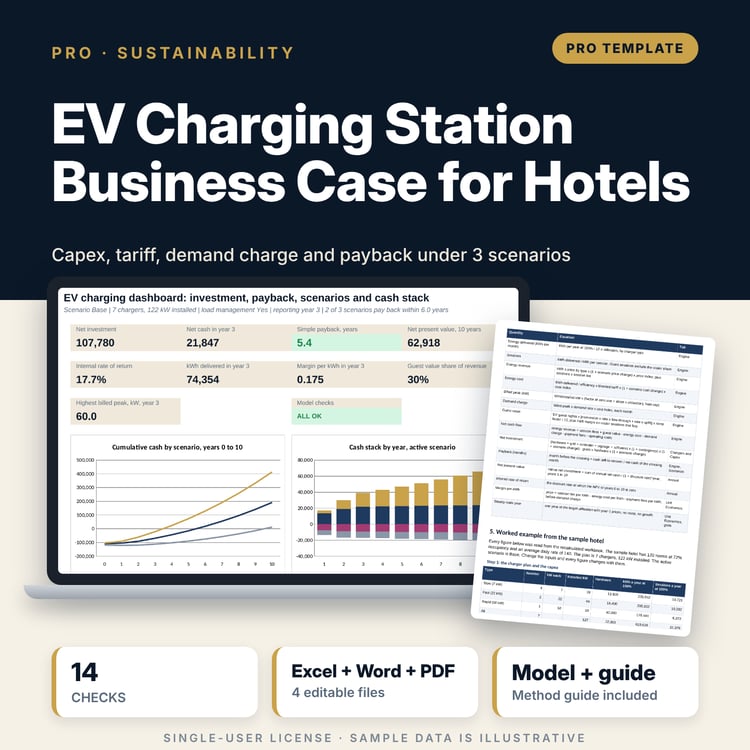
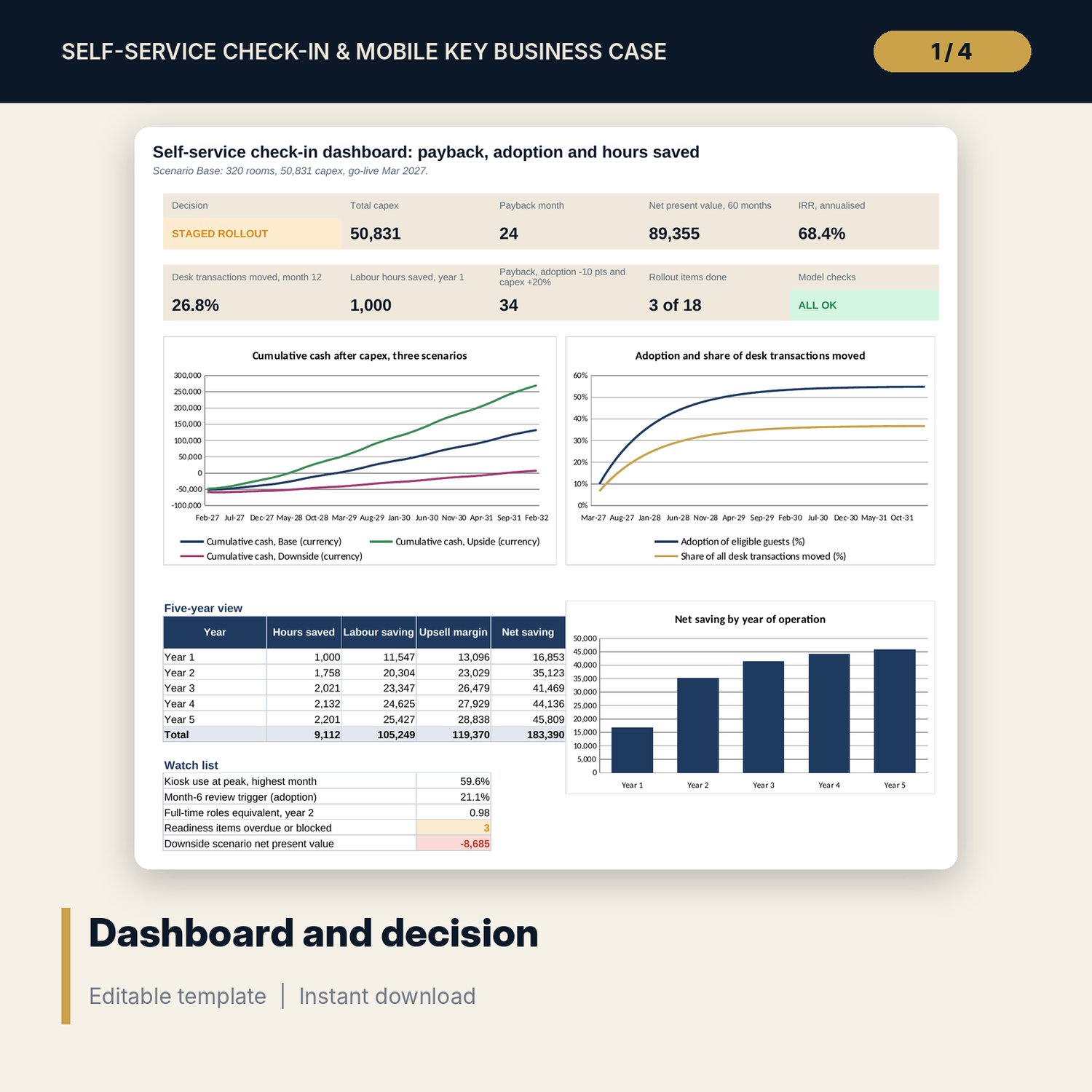
- Business Case: 16 measures, a five-year view, a three-scenario comparison and a decision rule with 5 tests
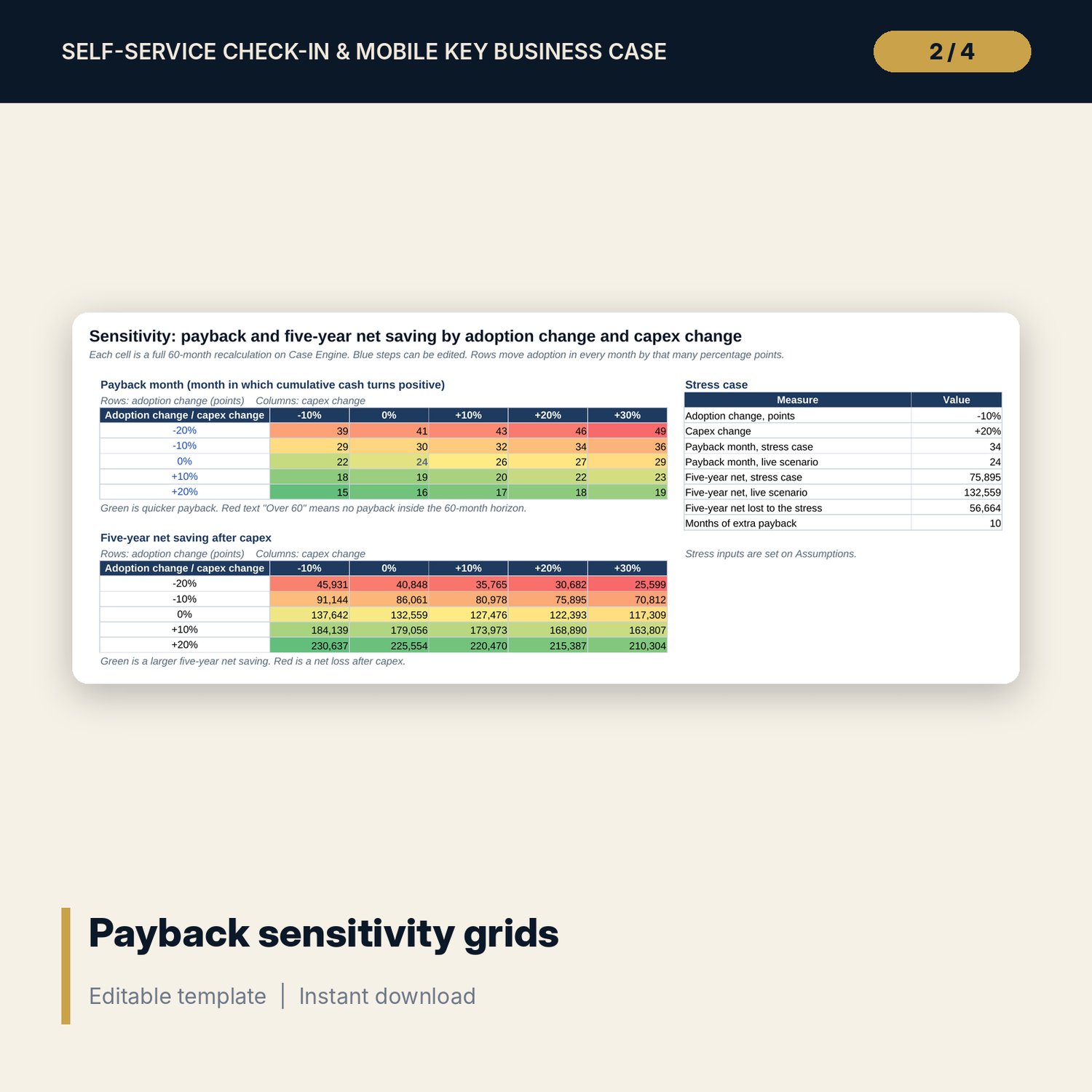
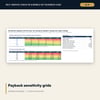
- Sensitivity and Case Engine: 27 cases (a reference, 25 grid cases and a stress case) plus 3 scenarios, each a full 60-month recalculation
- Rollout Readiness: 18 items plus 4 spare rows with owner, due date, status and flag, including key control and the system-down procedure
- Dashboard with 9 tiles, a check tile and 3 charts; 14 integrity checks; Method tab with 16 documented calculations
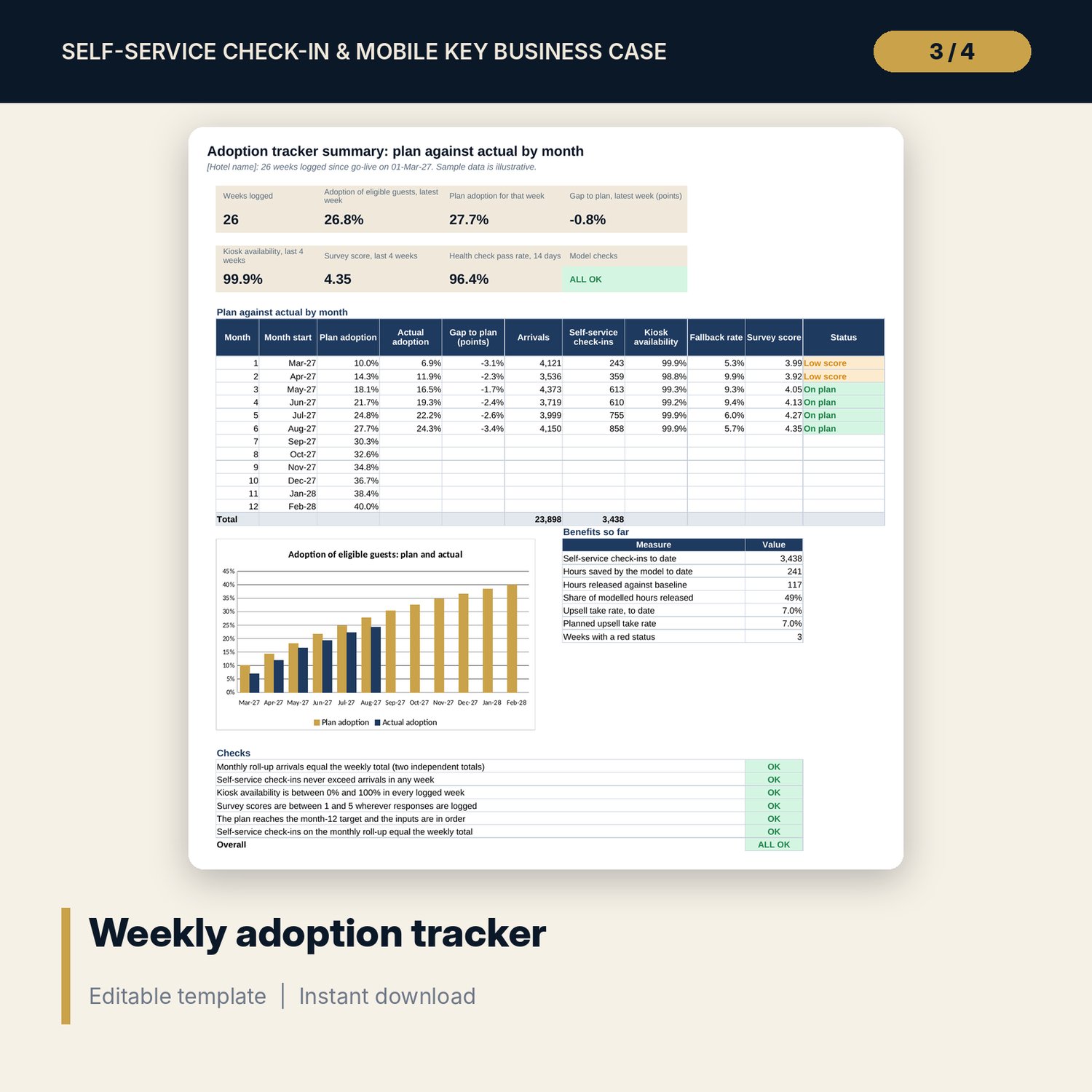
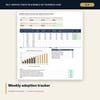
- Self_Service_Check_In_Adoption_Tracker.xlsx: 4 tabs, 971 formulas, 52 weekly rows (26 with sample data), a 14-day health check of 14 items, a monthly summary with a chart and 6 checks
- Self_Service_Check_In_Guide.docx and PDF: 11 pages with equations, a worked example read from the workbook, sensitivity reading, key control rules and a checklist
- README.txt and LICENSE-and-Terms.txt
How it works
- Enter rooms, length of stay, go-live month, labour cost, upsell and fee inputs on Assumptions.
- Replace the four sample desk transactions and the capex lines with your timed minutes and supplier quotes.
- Read the payback month, net present value, IRR and the decision on Business Case, then test the Downside and the stress case.
- Work through the rollout items and approve a full or staged rollout.
- After go-live, log one row a week in the tracker and compare adoption with the plan.
Details
- Formats: 2 Excel workbooks (.xlsx), 1 guide in Word (.docx) and PDF, English
- Software: Excel 2016 or later, or LibreOffice Calc 7 or later
- No macros, no external links, no data tables, no array formulas
- 4 files plus README and license; instant digital download
Good to know
- Sample data is illustrative. Replace it with your own figures.
- The files are planning tools, not financial advice. Verify supplier quotes, labour rules, data protection rules and local requirements.
- Results depend on the adoption curve and the share of saved hours that becomes a cash saving. Use the scenarios and the sensitivity grids to see how far they move the answer.
- Single-user license. Do not redistribute.
FAQ
What does adoption mean here?
The share of eligible guests who use the kiosk or the mobile key. Groups, guests who need help and ID exceptions are not eligible, so the share of all desk transactions moved is lower than adoption.
Does it count every saved hour as cash?
No. A share of saved hours turns into a real cost saving (70% in the Base sample). The rest is redeployed. You set the share for each scenario.
Can I compare scenarios?
Yes. Base, Upside and Downside are recalculated side by side on Case Engine, whichever one is active, and the decision rule tests the Downside.
Does it cover key security and system failure?
The guide sets out key-card rules, key counts per room and the system-down procedure, and the readiness list and daily health check carry them as checks. The workbook does not connect to any lock or hotel system.
Do I need macros or add-ins?
No. Every result is a standard worksheet formula, including the sensitivity grids.