Child Safeguarding Policy & Awareness Kit for Hotels: Child Safeguarding Policy Template and Training Log
Full description
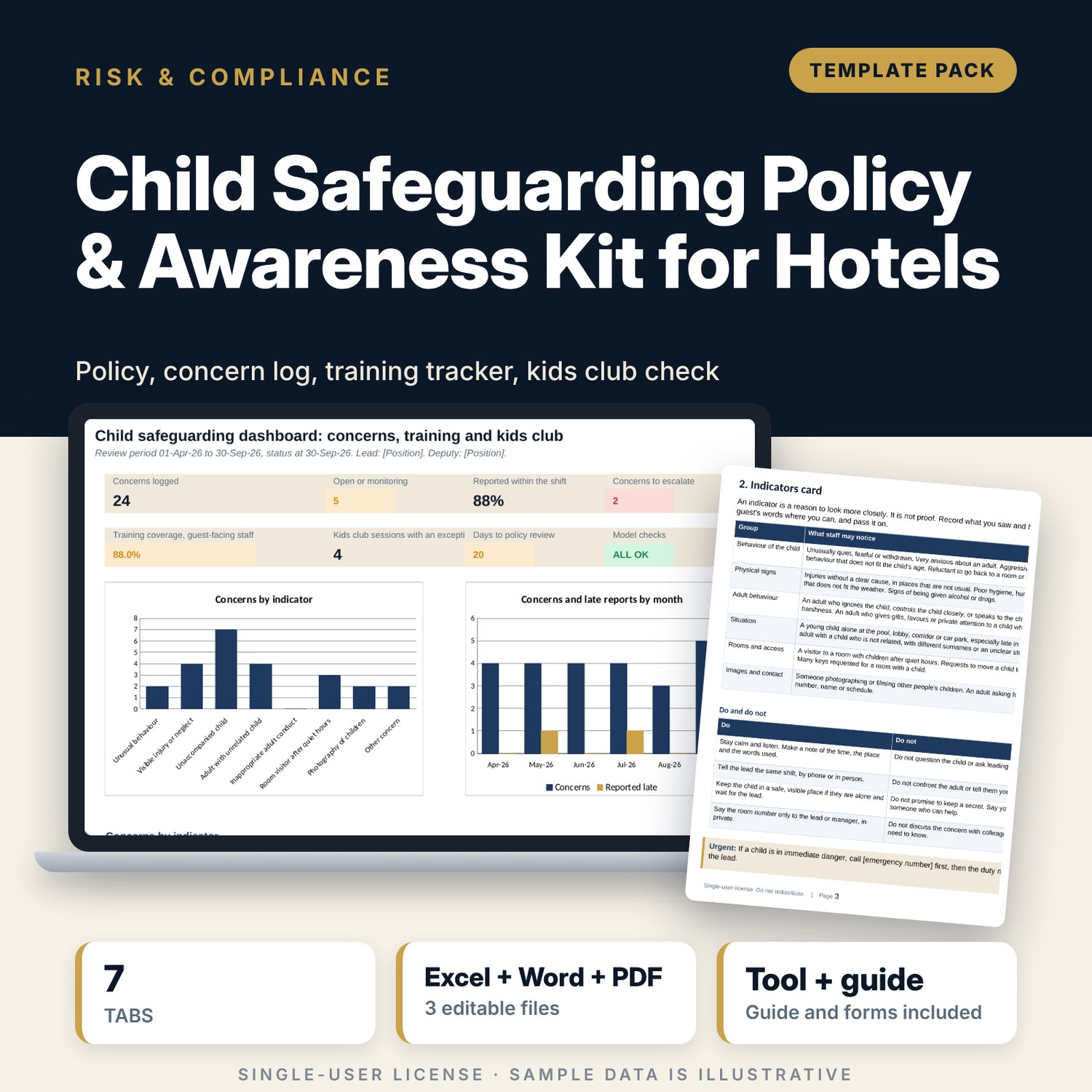
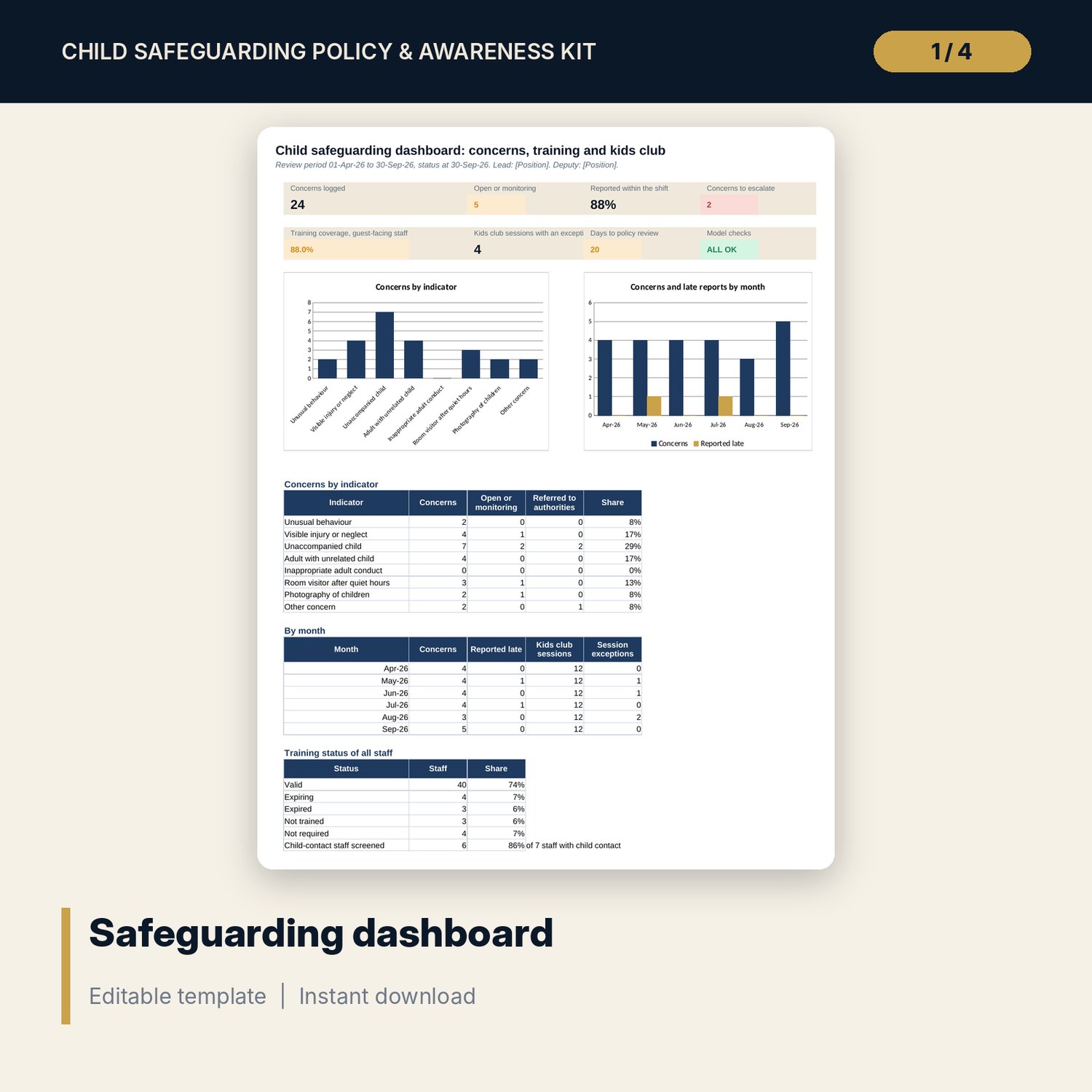
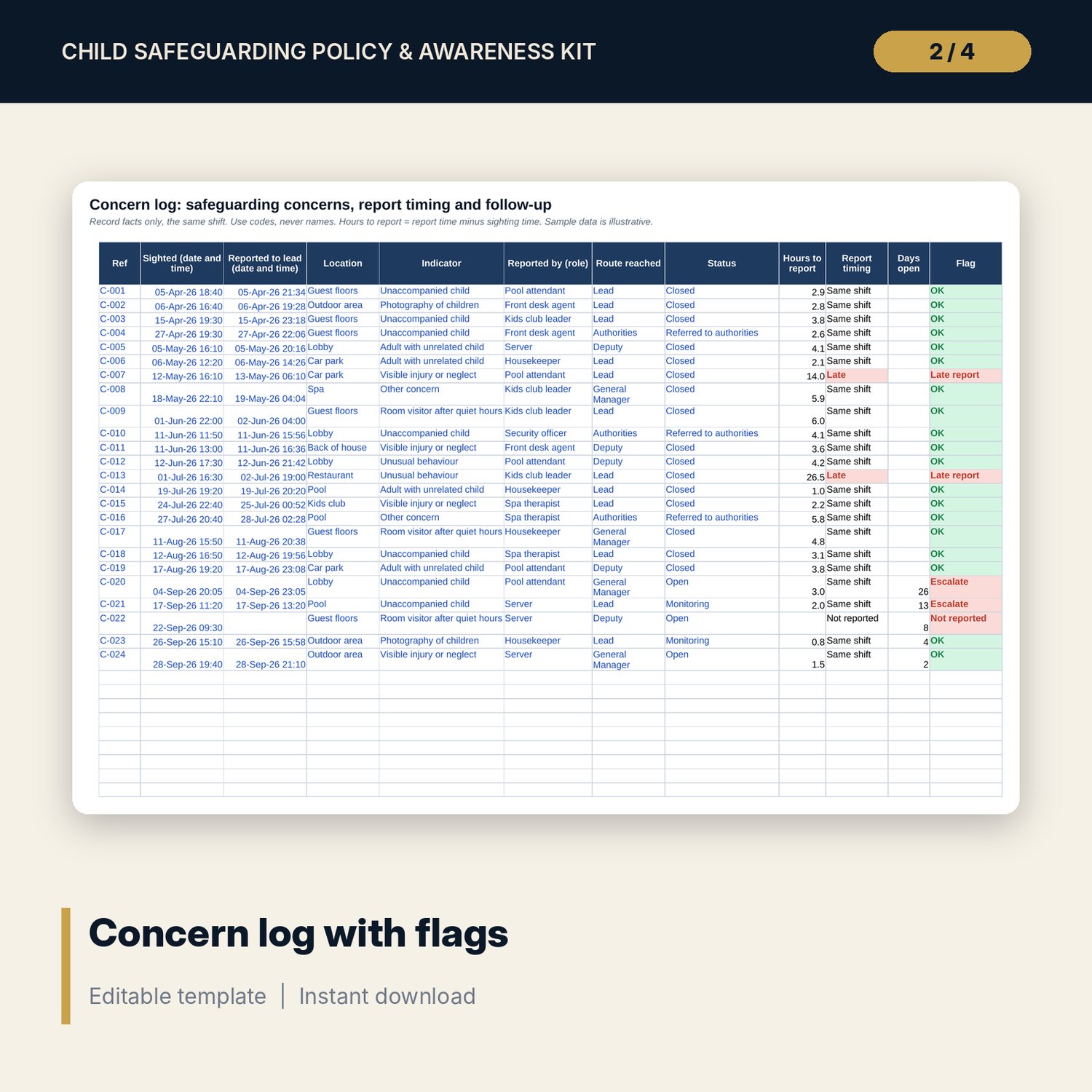
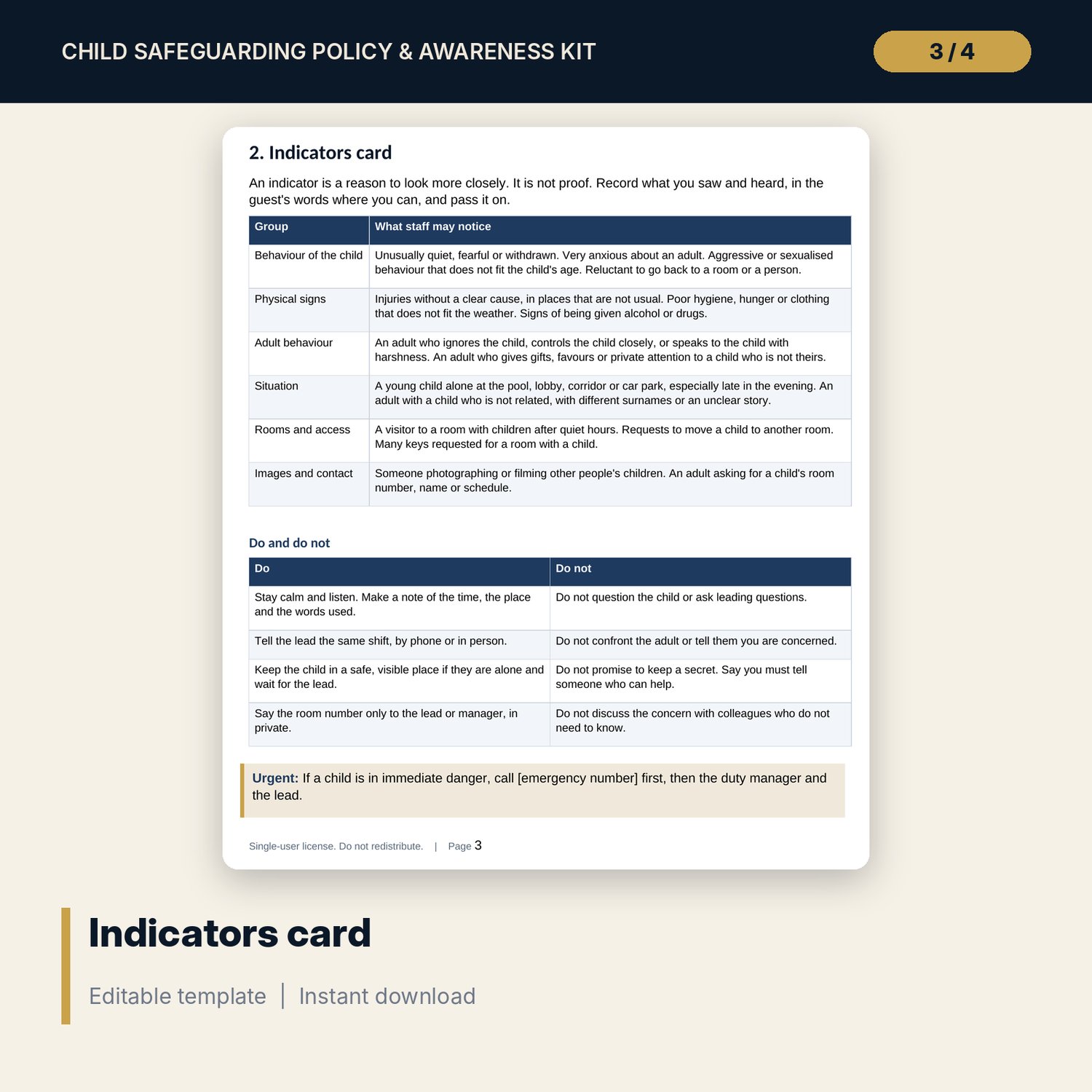
For general managers, HR managers and guest services leads who need a clear safeguarding routine. The workbook keeps a concern log that measures the time from sighting to report and flags concerns that stay open too long, a training log with expiry dates, coverage of guest-facing staff and a screening check for staff with child contact, and a kids club register that tests staff-to-child ratio, minimum staff and sign-in against sign-out. The dashboard shows 7 tiles, the policy review date and breakdowns by indicator, month and training status. The Word pack gives you the policy, an indicators card, the reporting procedure and route, a concern form, house rules, kids club standards, a 30-minute briefing with 6 scenario questions, sign-off sheets and an annual review checklist.
What is inside
- Child_Safeguarding_Tracker.xlsx: 7 tabs, 913 formulas, 2 native charts, 17 drop-down and input rules
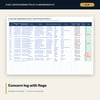
- Concern Log: 24 sample concerns plus 26 spare rows, with hours to report, report timing, days open and a flag
- Training Log: 54 sample staff plus 16 spare rows, with expiry by EDATE, status and screening flag
- Kids Club Register: 72 sample sessions plus 30 spare rows, with ratio, limit by age band, sign-out gap and flag
- Settings: 13 rules and dates, a ratio table for 3 age bands and the drop-down lists
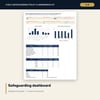
- Dashboard: 7 KPI tiles, a check tile, 3 summary tables and 2 charts; 8 integrity checks on the Checks tab
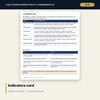
- Child_Safeguarding_Policy_Pack.docx and PDF: 9 pages with the policy, indicators card, reporting procedure, concern form, house rules, briefing, sign-off sheets and a 16-item annual review checklist
- README.txt and LICENSE-and-Terms.txt
How it works
- Set the timing rules, policy dates and ratio for each age band on Settings.
- Log each concern the same shift, keep the training and screening log current and enter each kids club session.
- Read the dashboard for late reports, concerns to escalate, training coverage and kids club exceptions.
- Use the Word pack to brief staff, complete the forms and run the annual review.
Details
- Formats: 1 Excel workbook (.xlsx), 1 policy and awareness pack in Word (.docx) and PDF, English
- Software: Excel 2016 or later, or LibreOffice Calc 7 or later
- No macros, no external links, no data tables, no array formulas
- 3 files plus README and license; instant digital download
Good to know
- Sample data is illustrative. Replace it with your own figures.
- Reporting duties, ratios, age limits and screening rules depend on your location. Verify local requirements. These files are management tools, not legal advice.
- Use codes, never names, and never record a child's name or room number in the logs.
- Single-user license. Do not redistribute.
FAQ
Does it replace my local legal duties?
No. It gives you a policy, a record and a routine. The authorities you must inform and the rules you must follow depend on your location. Verify local requirements.
What does Escalate mean?
An Open or Monitoring concern older than the number of days you set on Settings. The sample uses 7 days.
How is the kids club checked?
Peak children present divided by staff on duty is compared with the limit for the age band. The sheet also checks signed in against signed out and the minimum staff on duty.
Can I change the ratios and time limits?
Yes. Ratios, the same-shift hours, the escalation days, training validity and the minimum staff are inputs on Settings.
Does it use macros?
No. Every result is a standard worksheet formula.