Foreign Guest Registration & Document Checklist: Registration Log, Document Checks and Reporting Tracker
Full description
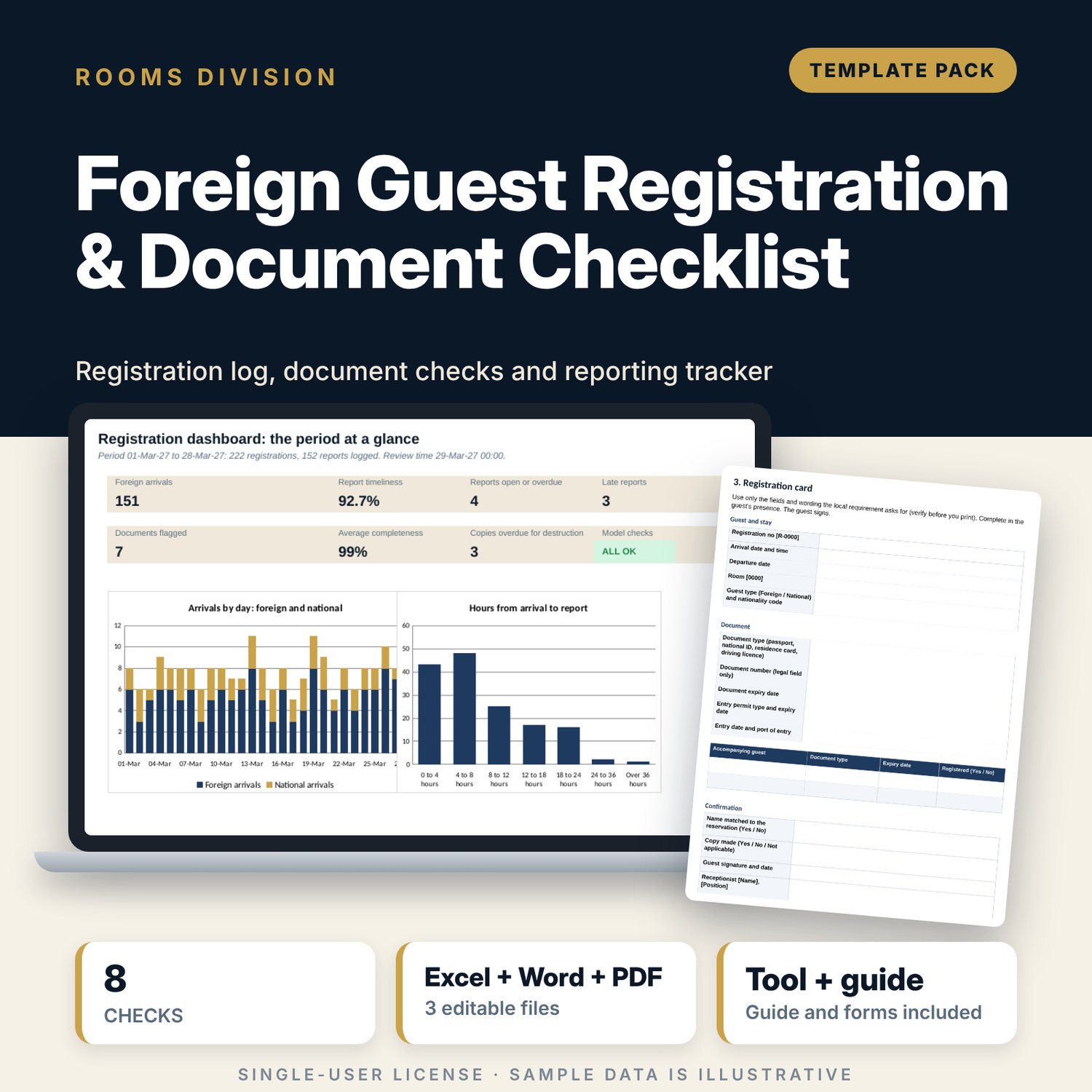
For front office managers, receptionists and night auditors who register foreign and national guests and need a clean record of what was checked, what was reported and when. The workbook holds one row per registration with arrival, departure, nationality code, document type, masked document number, expiry dates, entry permit, companions, card, name match and copy. A reporting log records each report with its confirmation reference; the workbook measures hours after arrival against your deadline, marks reports On time, Late, Open or Overdue, flags documents that end before departure and shows copies past their destroy-by date. The Word pack gives fifteen standards, check-in steps, a registration card, data handling rules, a reporting routine, audit sheets, a staff quiz, a local requirements worksheet and a worked example read from the workbook. Rules differ by location: you set the deadline, retention and copy rule yourself.
What is inside
- Guest_Registration_Tracker.xlsx: 7 tabs, 4,774 formulas, 2 native charts, 16 drop-down and input rules
- Guest Register: 222 sample registrations, 31 columns, 60 spare rows, report status, document check, completeness and flag columns
- Reporting Log: 152 sample reports, 40 spare rows, hours after arrival and result
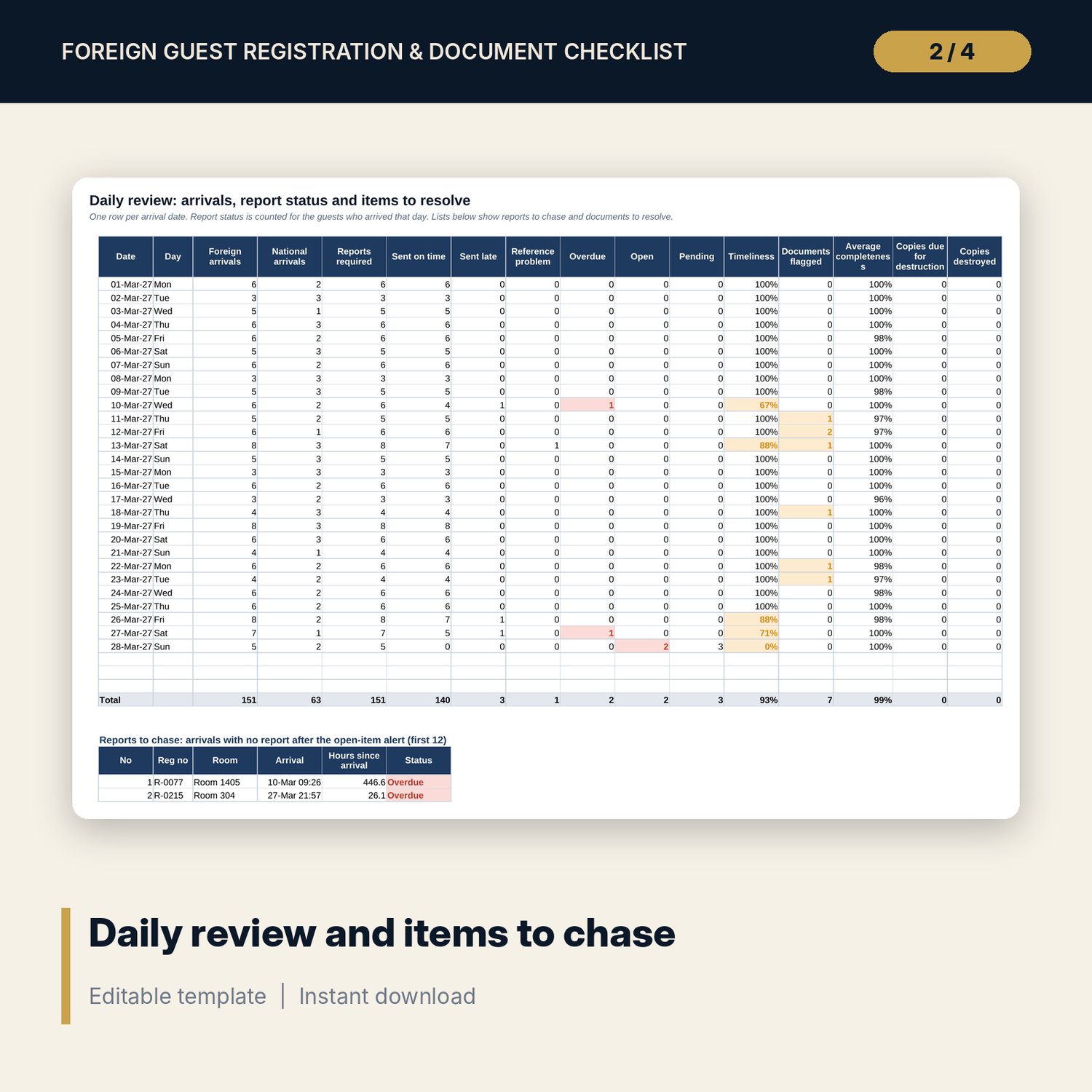
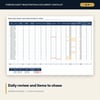
- Daily Review: 31 day rows with report status counts, plus the lists of reports to chase and documents to resolve
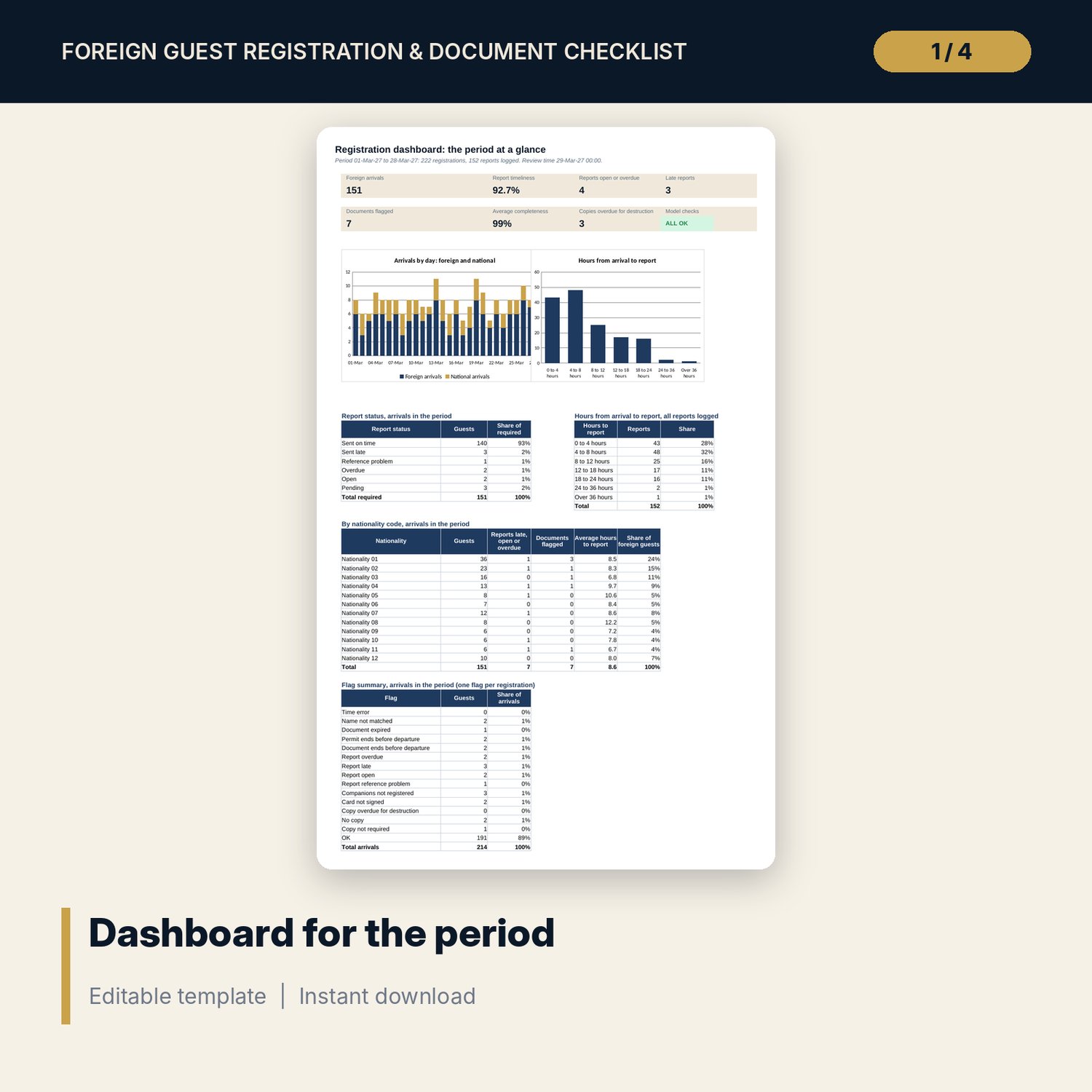
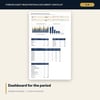
- Dashboard: 7 KPI tiles, a check tile, 2 charts, report status, hours to report, nationality and flag tables; 8 integrity checks on the Checks tab
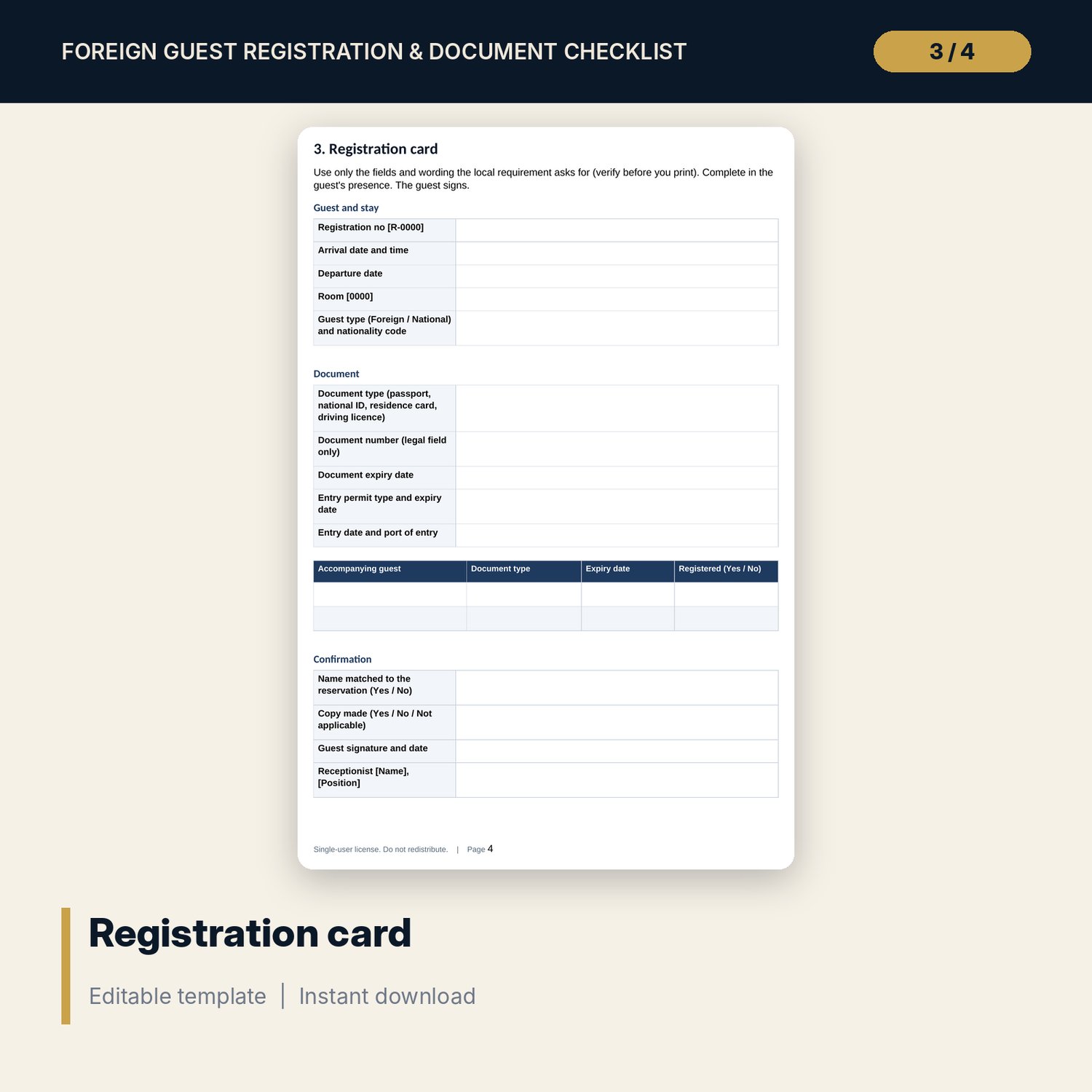
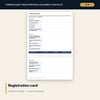
- Registration_Procedure_and_Forms.docx and PDF: 9 pages with fifteen standards, inspection steps, registration card, data handling, reporting, audits, quiz, local requirements worksheet and a worked example
- README.txt and LICENSE-and-Terms.txt
How it works
- Enter the deadline, retention days and copy rule for your location on Settings.
- Log each registration at check-in and each report on the Reporting Log.
- The workbook calculates report status, document check, completeness, copy status and a single flag per registration.
- Read Daily Review each shift and the Dashboard for timeliness and open items.
Details
- Formats: 1 Excel workbook (.xlsx), 1 Word procedure pack (.docx) and PDF, English
- Software: Excel 2016 or later, or LibreOffice Calc 7 or later
- No macros, no external links, no data tables, no array formulas
- 3 files plus README and license; instant digital download
Good to know
- Sample data is illustrative. Replace it with your own figures.
- Registration, reporting, copy and retention rules differ by location. Verify local requirements with the competent authority before you rely on any setting.
- These files are management tools, not legal advice.
- Single-user license. Do not redistribute.
FAQ
How is a report marked Late?
Hours between the guest's arrival and the time you logged the report, compared with the deadline on Settings. Above the deadline is Late. A guest with no report yet shows Pending, Open or Overdue by hours since arrival.
Does it store full document numbers?
No. It is built for the last four characters only, and a check fails if any entry is longer than seven characters. Nationalities and rooms are codes.
What does the document check test?
Name matched, document not expired at arrival, entry permit and document valid until departure, with the minimum validity you set.
Can I change who must be reported?
Yes. Settings has a switch for foreign guests only or all guests, plus the copy rule and retention period.
Do I need macros?
No. Every result is a standard worksheet formula.