Front Office Credit Limit & High-Balance Monitoring Workbook: Guest Folio Credit Limit and Hold Tracker
Full description
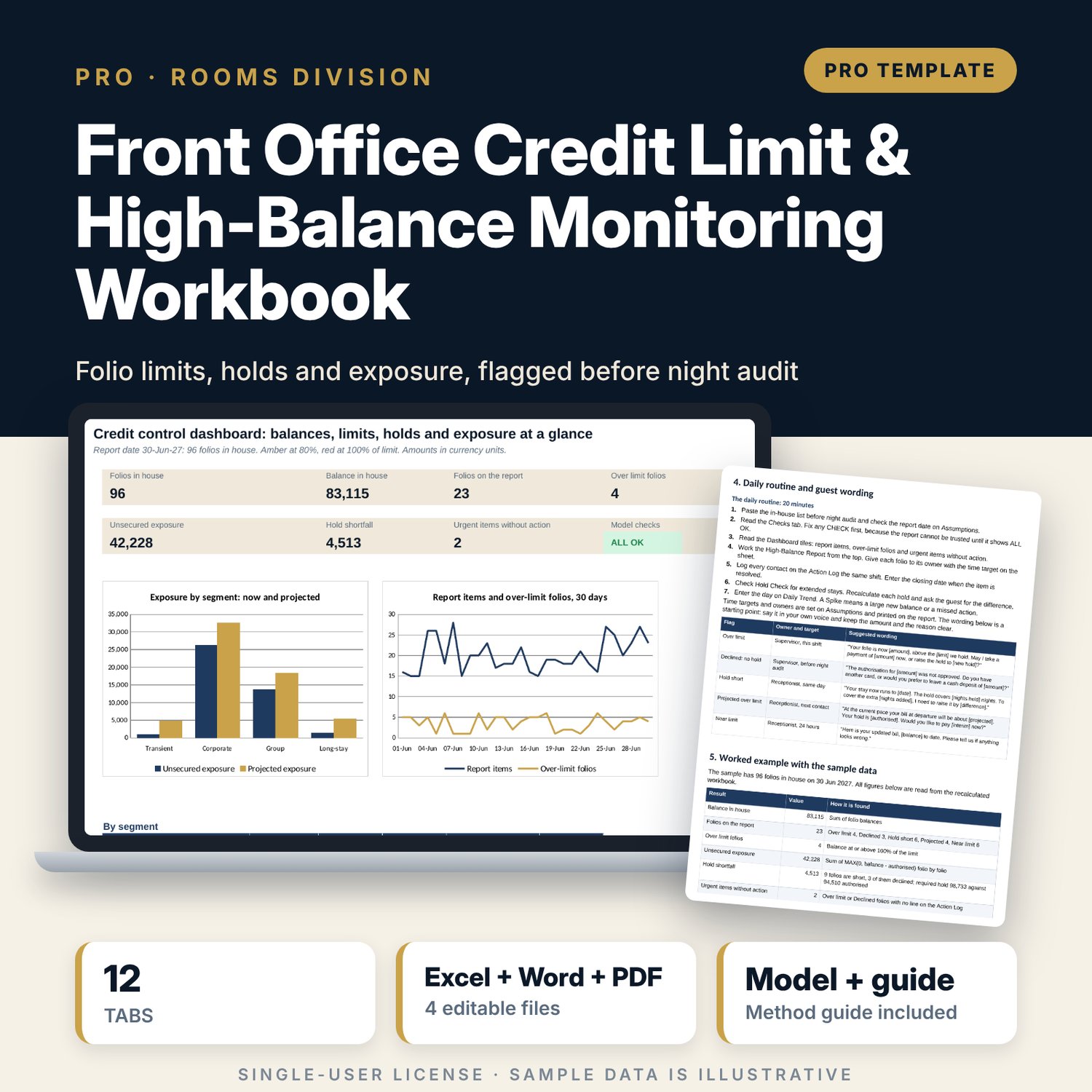
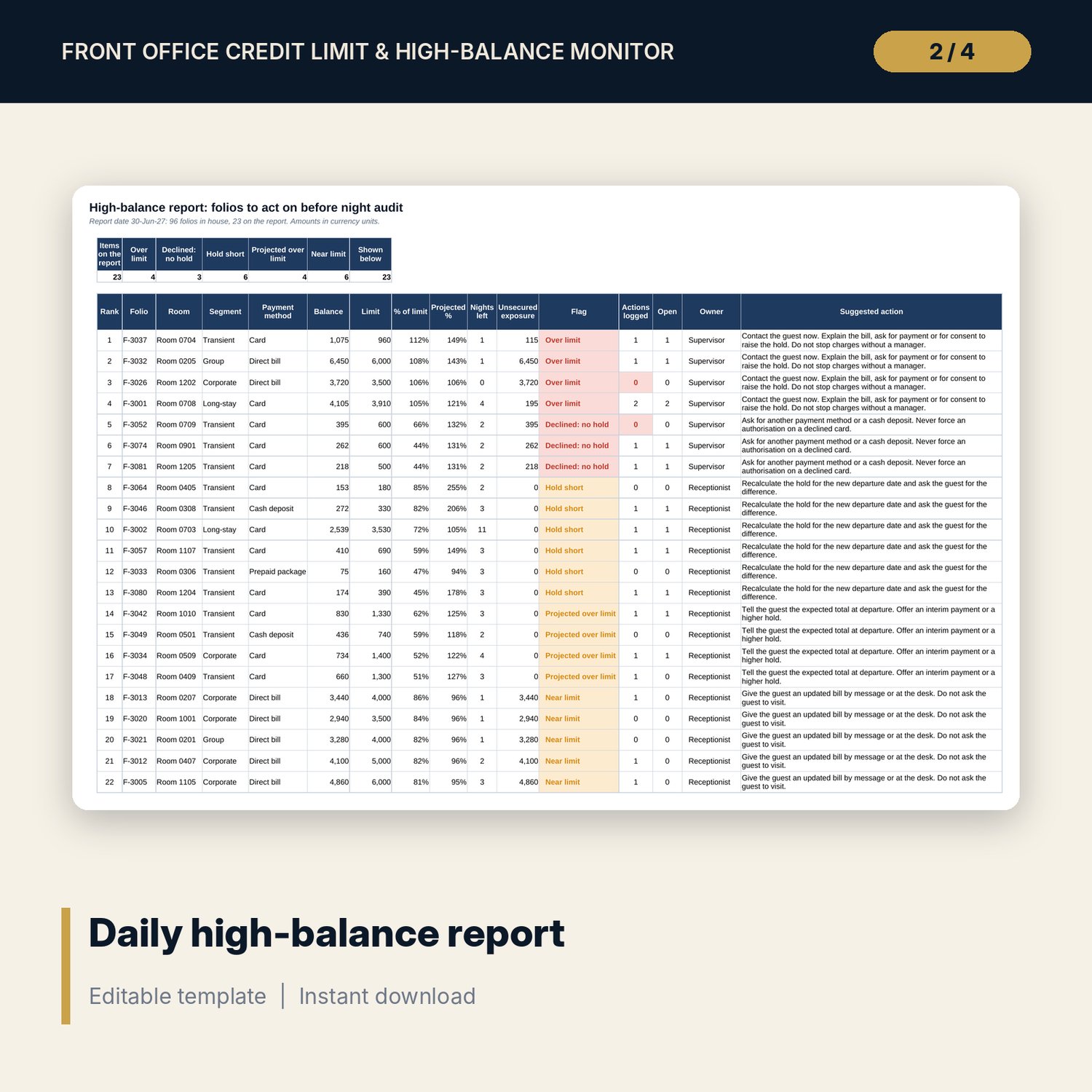
For front office managers, night auditors, supervisors and hotel accountants who need one record of every in-house folio against its credit limit and its authorised hold. The workbook calculates % of limit, a projected balance at departure, the hold each stay requires and the unsecured exposure, then gives every folio one flag in priority order. A high-balance report lists the folios to act on before night audit, with owner, time target and wording. Segment, payment method and corporate account tables show where the exposure sits, and a policy test shows what a new threshold would do. A companion workbook holds the printable daily high-balance sheet and a week log, and a 11-page guide explains the standards and the method with a worked example.
What is inside
- Credit_Limit_Monitor.xlsx: 12 tabs, 3,464 formulas, 2 native charts, 18 drop-down and input rules
- In-House Folios: 96 sample folios with 17 calculated columns for nights, run-rate, projection, % of limit, required hold, shortfall, exposure, flag and report rank, plus 24 spare rows
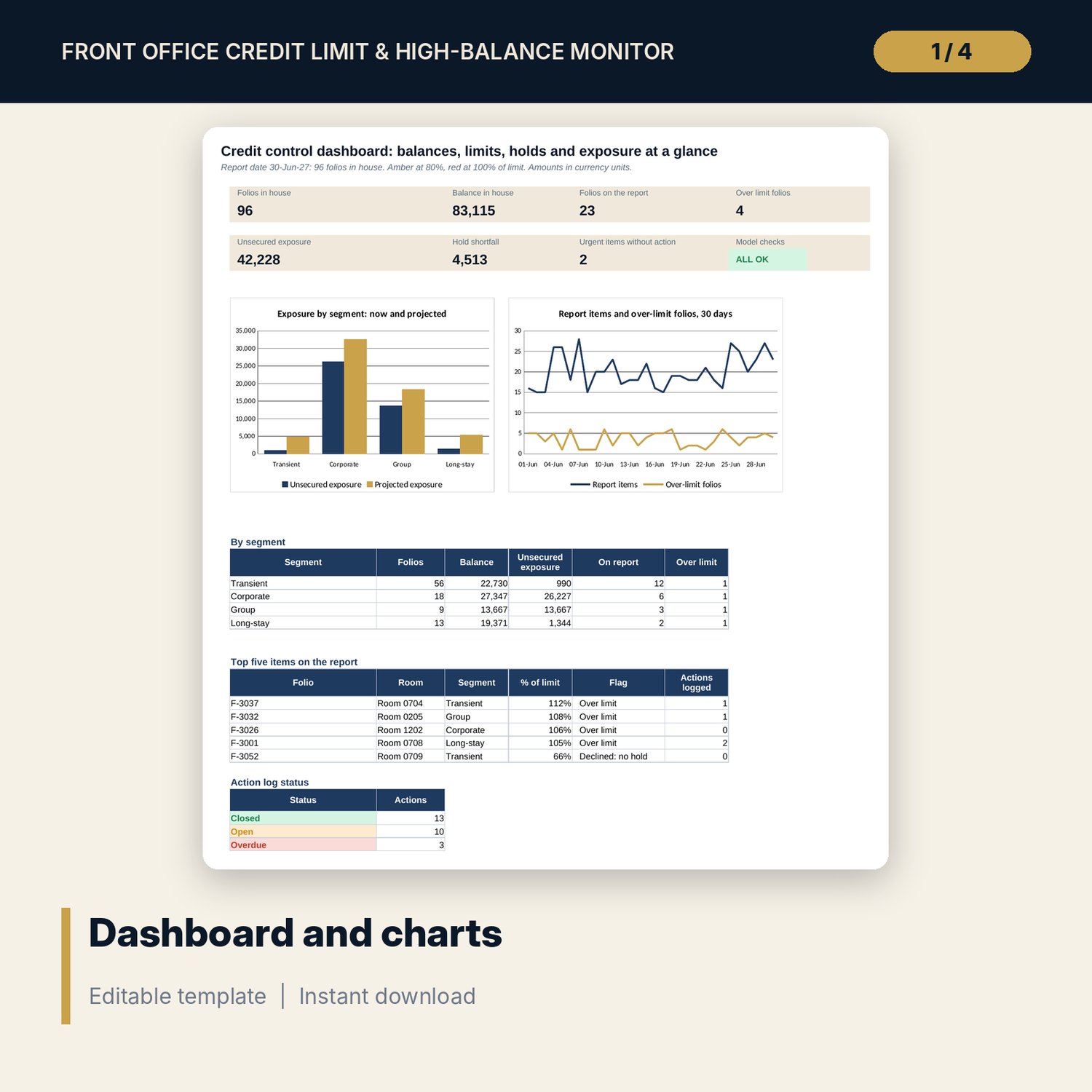
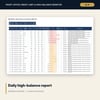
- High-Balance Report with 26 priority lines (23 flagged in the sample), Hold Check, Segment Exposure by 4 segments, 4 payment methods and 6 corporate and group accounts
- Action Log with 26 sample actions and 30 spare rows, Daily Trend over 30 days with a 7-day average and a spike flag, Policy Test with two 5 x 5 grids
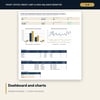
- Dashboard with 7 tiles, a check tile and 2 charts; 10 integrity checks; Method tab with 15 documented calculations
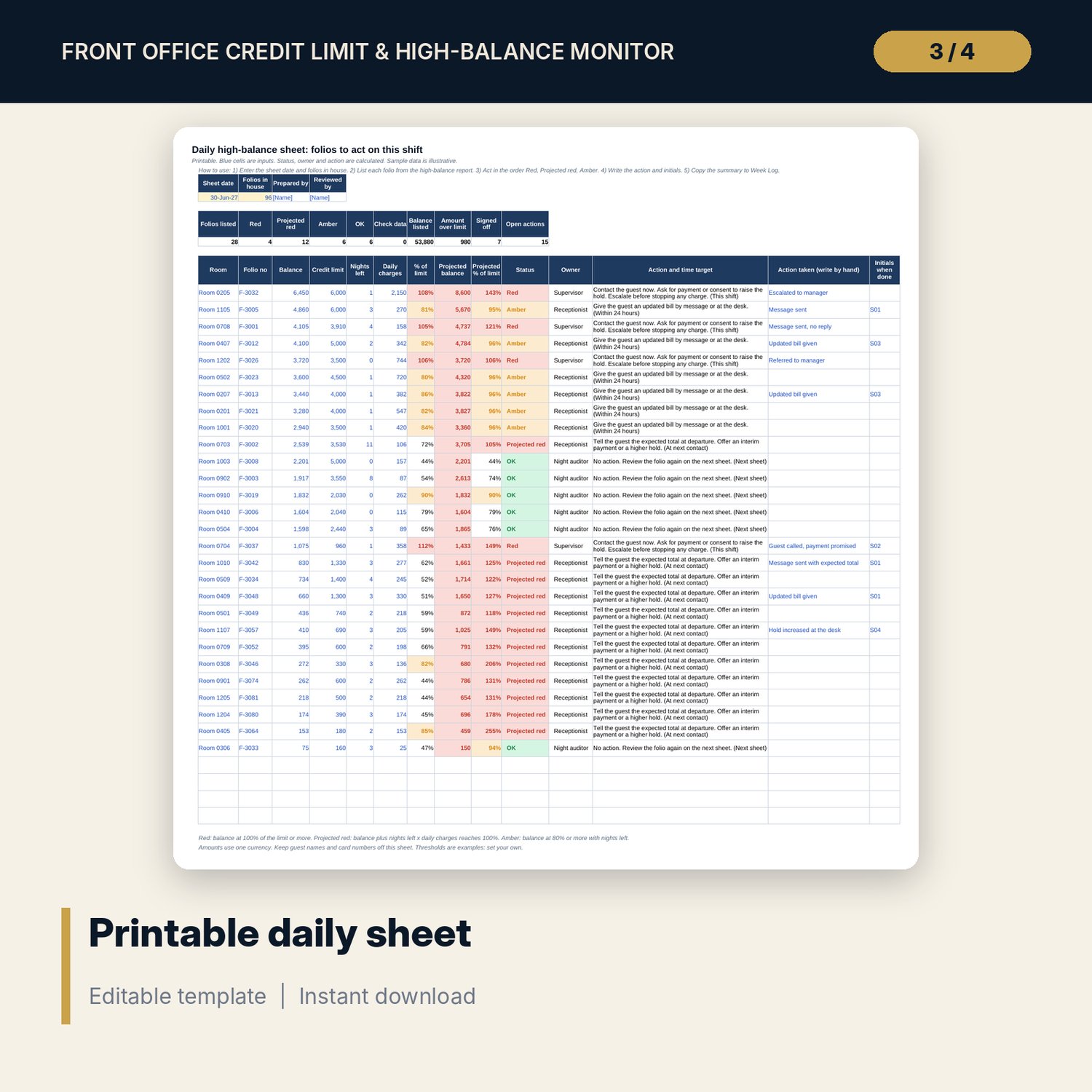
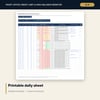
- Credit_Limit_Monitor_Daily_Sheet.xlsx: 4 tabs, 378 formulas, a printable daily sheet with 28 sample folios, a 14-day week log with a 7-day comparison, status wording, 10 checks
- Credit_Limit_Monitor_Guide.docx and PDF: 11 pages with 14 authorisation and hold standards, equations, guest wording for five flags, a worked example read from the workbook, a disputed-charge file and cover note, a 12-item weekly checklist and a glossary
- README.txt and LICENSE-and-Terms.txt
How it works
- Set the report date, tax rate, incidental allowance, thresholds, hold basis and account limits on Assumptions.
- Paste the in-house list on In-House Folios before night audit. The workbook flags every folio.
- Work the High-Balance Report from the top and log each contact on the Action Log.
- Use Segment Exposure and Daily Trend for the weekly review with the accountant, and Policy Test before changing a threshold.
- Print the Daily Sheet for the shift and copy its summary to the Week Log.
Details
- Formats: 2 Excel workbooks (.xlsx), 1 guide in Word (.docx) and PDF, English
- Software: Excel 2016 or later, or LibreOffice Calc 7 or later
- No macros, no external links, no data tables, no array formulas
- 4 files plus README and license; instant digital download
Good to know
- Sample data is illustrative. Replace it with your own figures.
- The projection assumes spending continues at the average rate. The files are planning tools, not legal or financial advice.
- Tax rate, allowance, thresholds and hold basis are editable examples. Verify local requirements and your payment card procedures.
- Single-user license. Do not redistribute.
FAQ
How is the required hold calculated?
Nights booked x (rate x (1 + tax) + daily incidental allowance), by payment method. A prepaid package covers incidentals only, and a direct-bill folio has no hold. The tax rate and allowance are inputs on Assumptions.
What does the flag order mean?
Each folio gets one flag, the first that applies: Over limit, Declined with no hold, Hold short, Projected over limit, Near limit. The report sorts by flag weight, then by % of limit. Weights are editable.
Can I change the thresholds and the action wording?
Yes. The amber and red levels, order weights, owners, time targets and wording are inputs on Assumptions. The daily sheet has its own Settings tab.
How many folios can it hold?
The sample has 96 folios. In-House Folios has 24 spare rows, Action Log has 30 and the report shows 26 lines. Add rows by copying the last formula row down.
Do I need macros or add-ins?
No. Every result is a standard worksheet formula, including the policy test grids.