Onsen & Thermal Bath Operations Pack: Thermal Bath Operations Spreadsheet and Daily Water Log
Full description
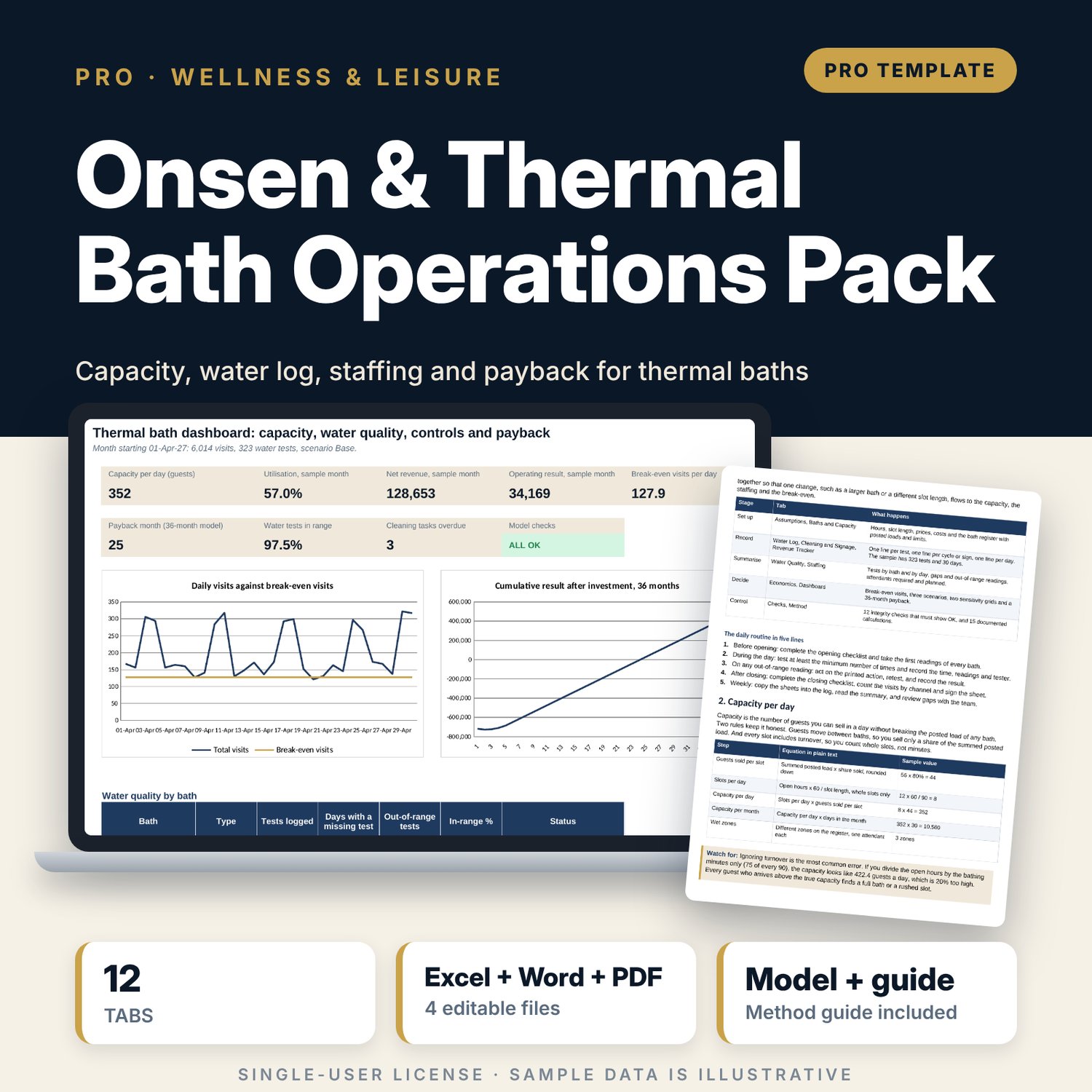
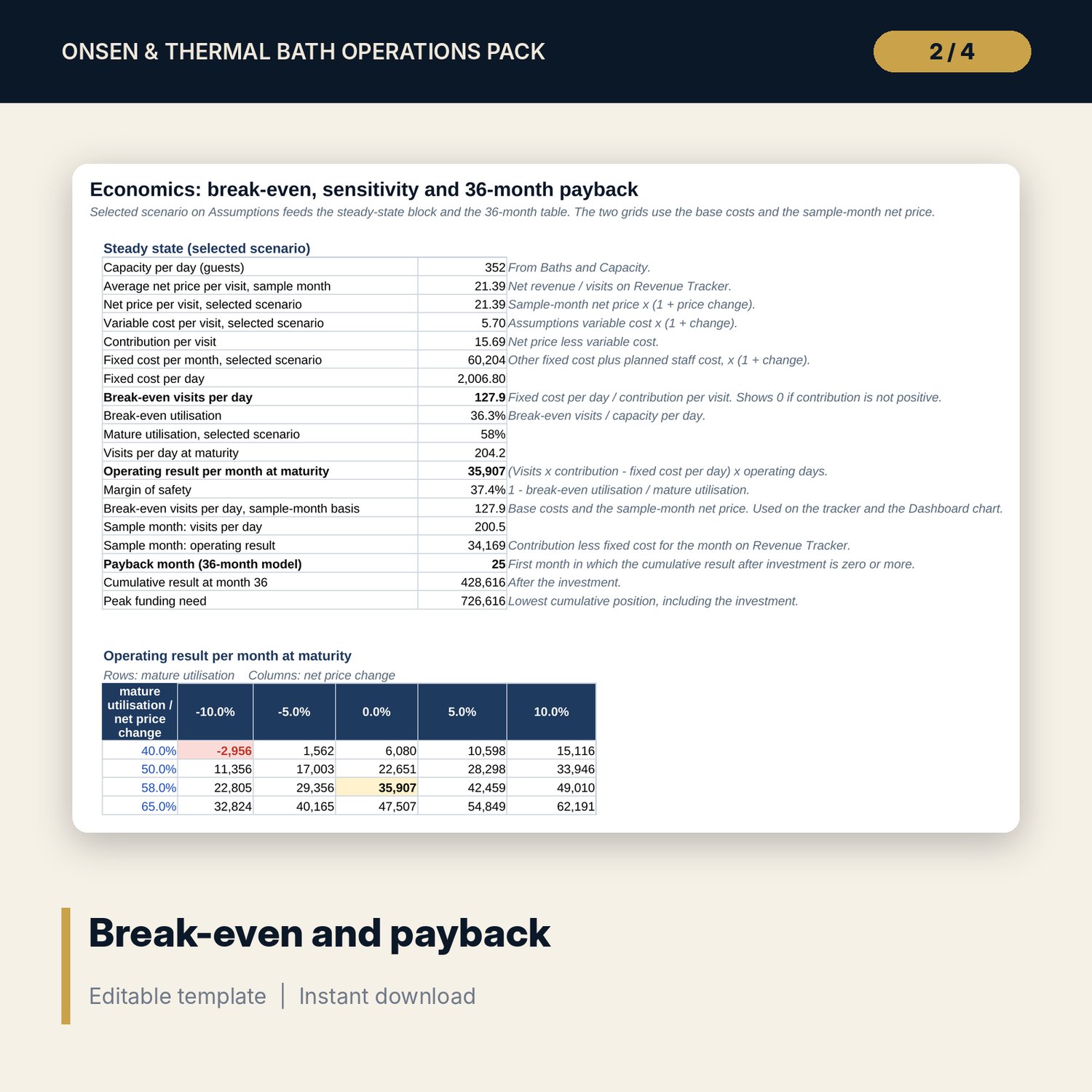
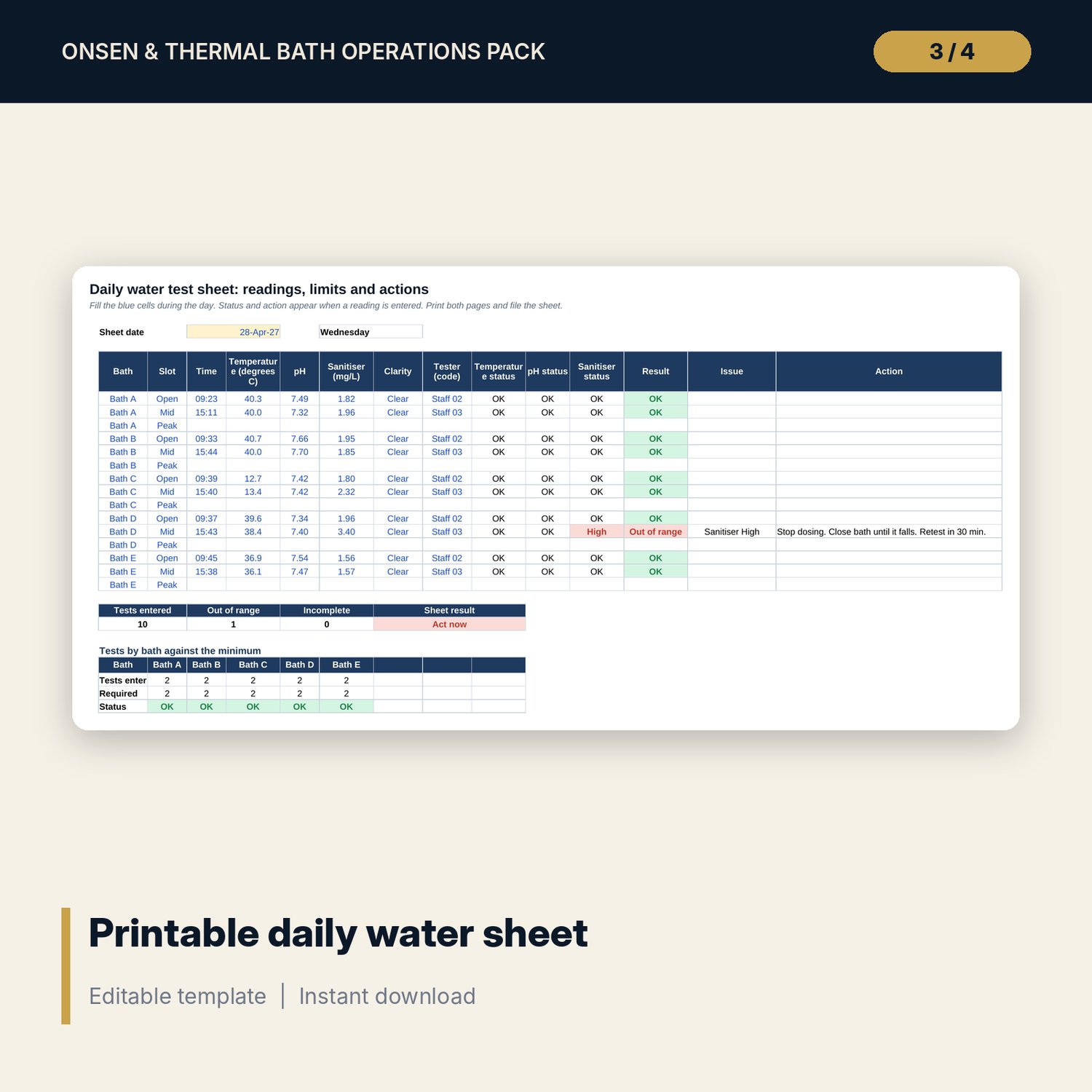
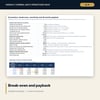
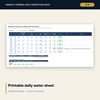
For spa managers, duty managers and engineering leads who run thermal baths, hot spring baths or wet-area wellness facilities and need one place for capacity, water safety, routine work and the numbers. The workbook holds a bath register with posted bather load, area and water-quality limits for each bath, and works out the capacity per day from whole slots, so turnover is counted and the load limit is never exceeded. A water log tests every reading against the limits of its bath and summarises gaps and out-of-range tests by bath and by day. Cleaning cycles and a signage register show next-due dates and overdue lines against a review date. Attendants required are worked out by day type, a daily tracker holds visits by channel, and an Economics tab gives break-even visits, three scenarios, two sensitivity grids and a 36-month payback. The companion workbook gives a printable daily sheet with limits, actions and checklists, and a test log that pastes straight into the main workbook. A 11-page guide explains every method with a worked example.
What is inside
- Thermal_Bath_Operations_Pack.xlsx: 12 tabs, 3,247 formulas, 2 native charts, 32 drop-down and input rules
- Baths and Capacity: a register of 6 sample baths (one is a sauna) plus 2 spare rows, and capacity per day worked out step by step
- Water Log: 323 sample tests with status by reading, plus 60 spare rows; Water Quality summarises by bath and by day
- Cleaning and Signage: 18 cleaning cycles and 11 signs with next-due dates and overdue flags
- Staffing, Revenue Tracker and Economics: attendants by day type, 30 sample days, break-even, 3 scenarios, 2 sensitivity grids and a 36-month table
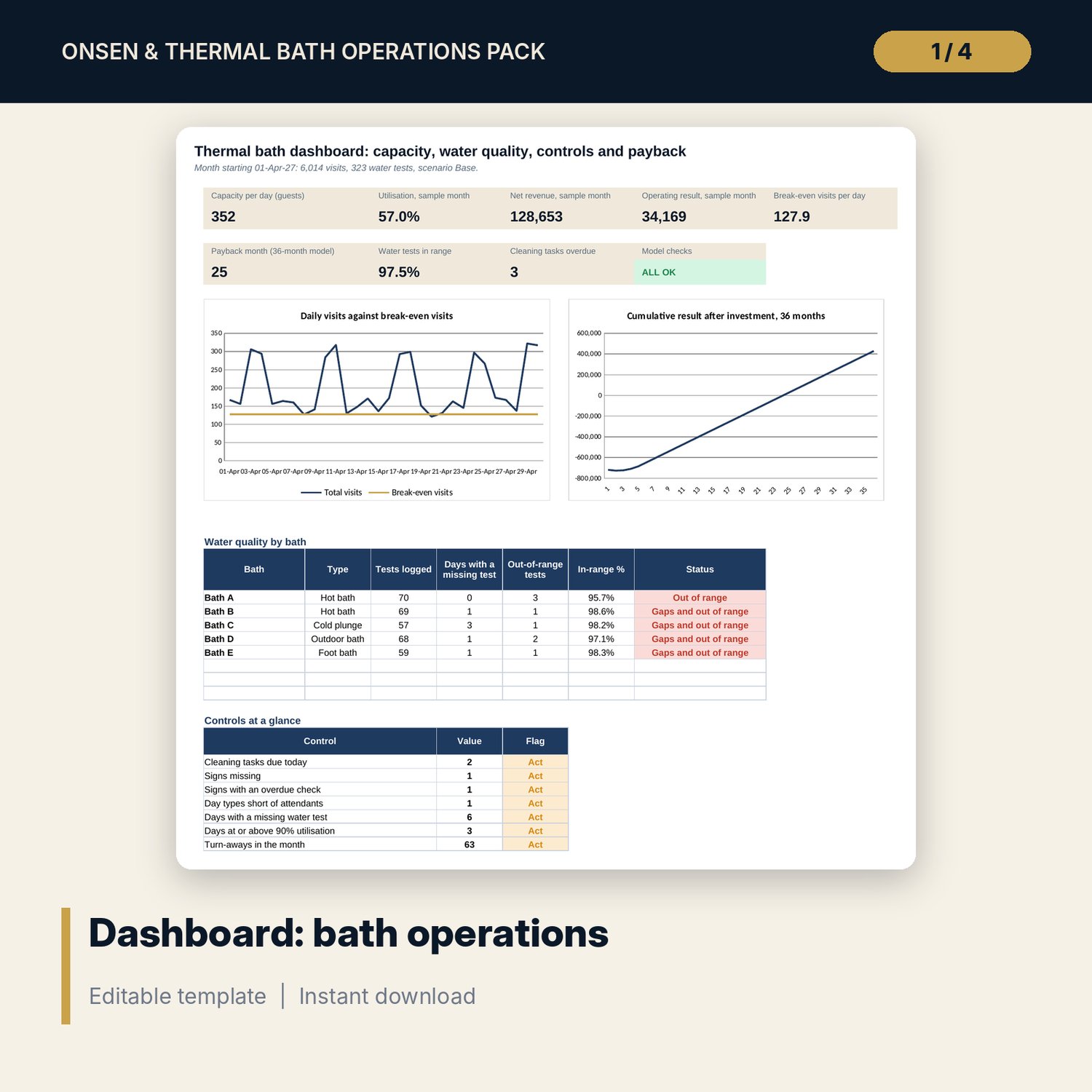
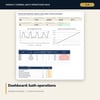
- Dashboard with 8 tiles, a check tile and 2 charts; 12 integrity checks; Method tab with 15 documented calculations
- Thermal_Bath_Daily_Water_Log.xlsx: 4 tabs, 1,881 formulas, a printable two-page daily sheet, a test log and 6 checks
- Thermal_Bath_Operations_Guide.docx and PDF: 11 pages with equations, a worked example read from the workbook, checklists, an incident form and roles
- README.txt and LICENSE-and-Terms.txt
How it works
- Set opening hours, slot length, prices, costs and staffing rules on Assumptions.
- List each bath with its posted load, area and water-quality limits.
- Record water tests, cleaning dates, sign checks and daily visits by channel.
- Read capacity, gaps, overdue work, staffing gaps and the break-even on the Dashboard.
- Print the daily sheet each day and paste the readings into the log.
Details
- Formats: 2 Excel workbooks (.xlsx), 1 guide in Word (.docx) and PDF, English
- Software: Excel 2016 or later, or LibreOffice Calc 7 or later
- No macros, no external links, no data tables, no array formulas
- 4 files plus README and license; instant digital download
Good to know
- Sample data is illustrative. Replace it with your own figures.
- Water limits, loads, test frequency and staffing ratios are examples. Verify local requirements and your operating licence.
- The files are management tools, not legal, health or engineering advice.
- Single-user license. Do not redistribute.
FAQ
How is the capacity per day calculated?
Whole slots per day times guests sold per slot. Guests sold per slot is the summed posted load times the share you sell, rounded down. The slot includes turnover.
Are the water-quality limits legal limits?
No. They are examples. Enter the limits that your operating licence and local rules require for each bath.
Can I paste the daily log into the main workbook?
Yes. Columns B to J of the Test Log match the Water Log tab of the main workbook, so a block of lines can be copied across.
Can I add more baths?
Yes. The register has spare rows, and the water summary and dashboard pick up new baths automatically.
Do I need macros or add-ins?
No. Every result is a standard worksheet formula.