Post-Disaster Reopening Recovery Plan: Hotel Disaster Recovery Checklist, Damage Log and Reopening Gates
Full description
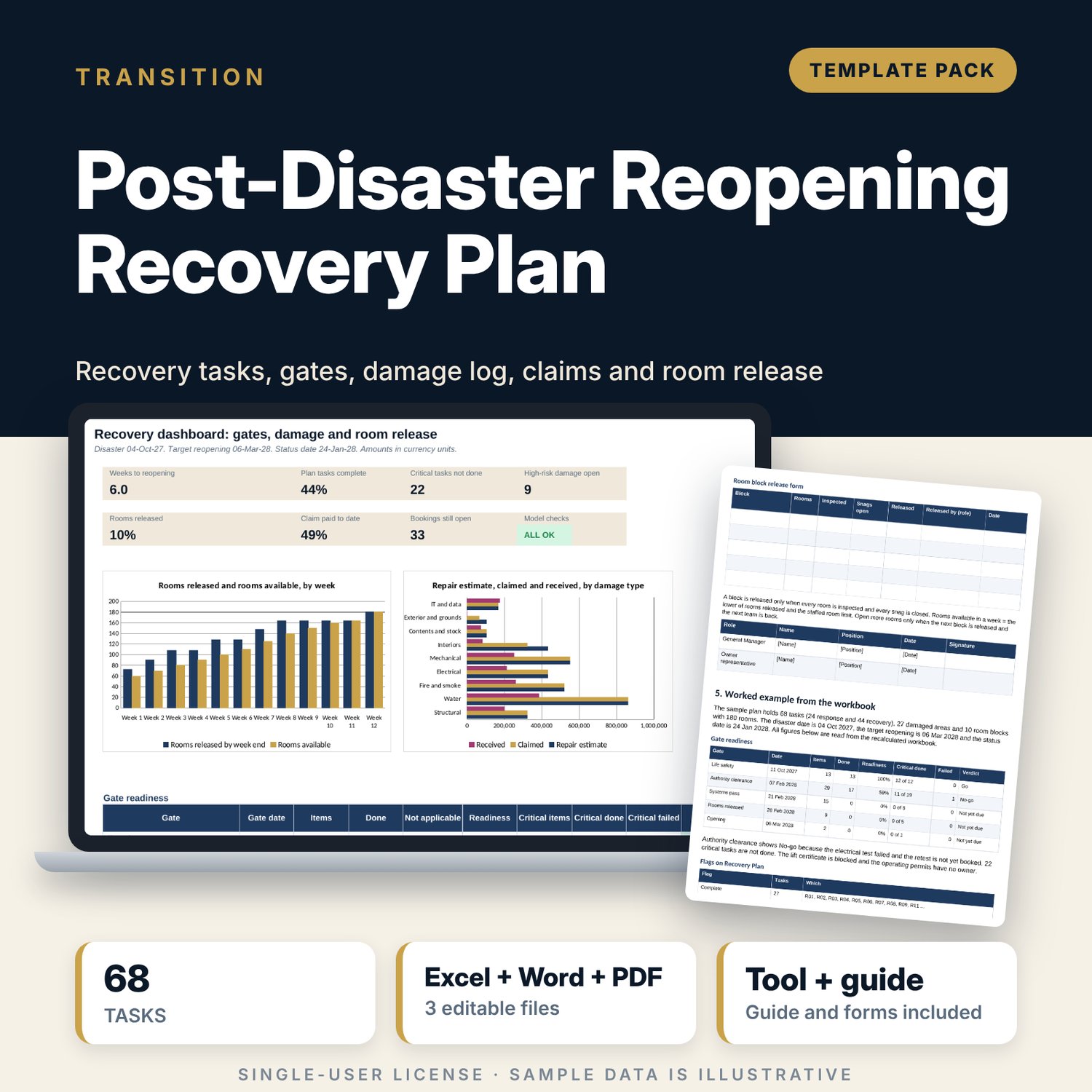
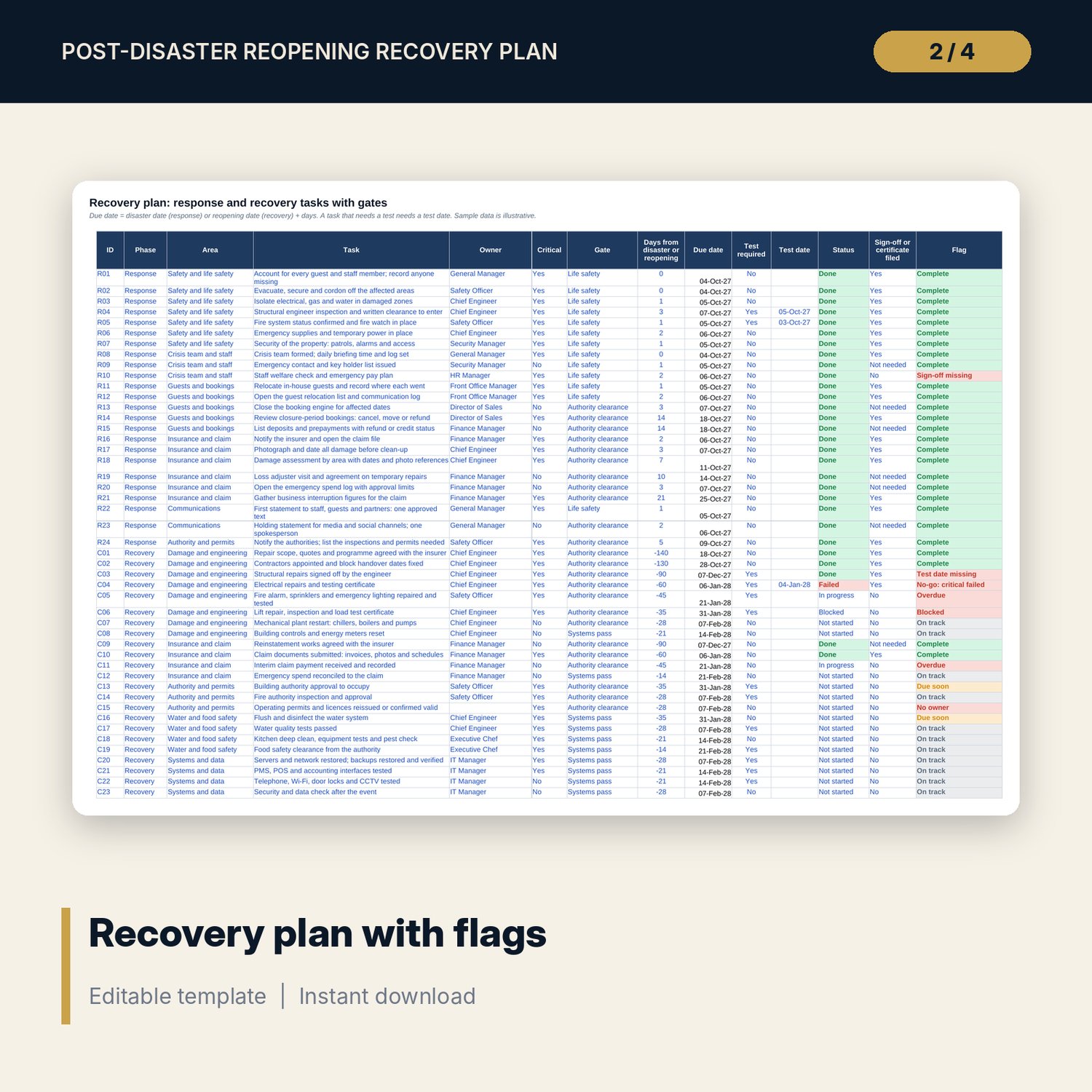
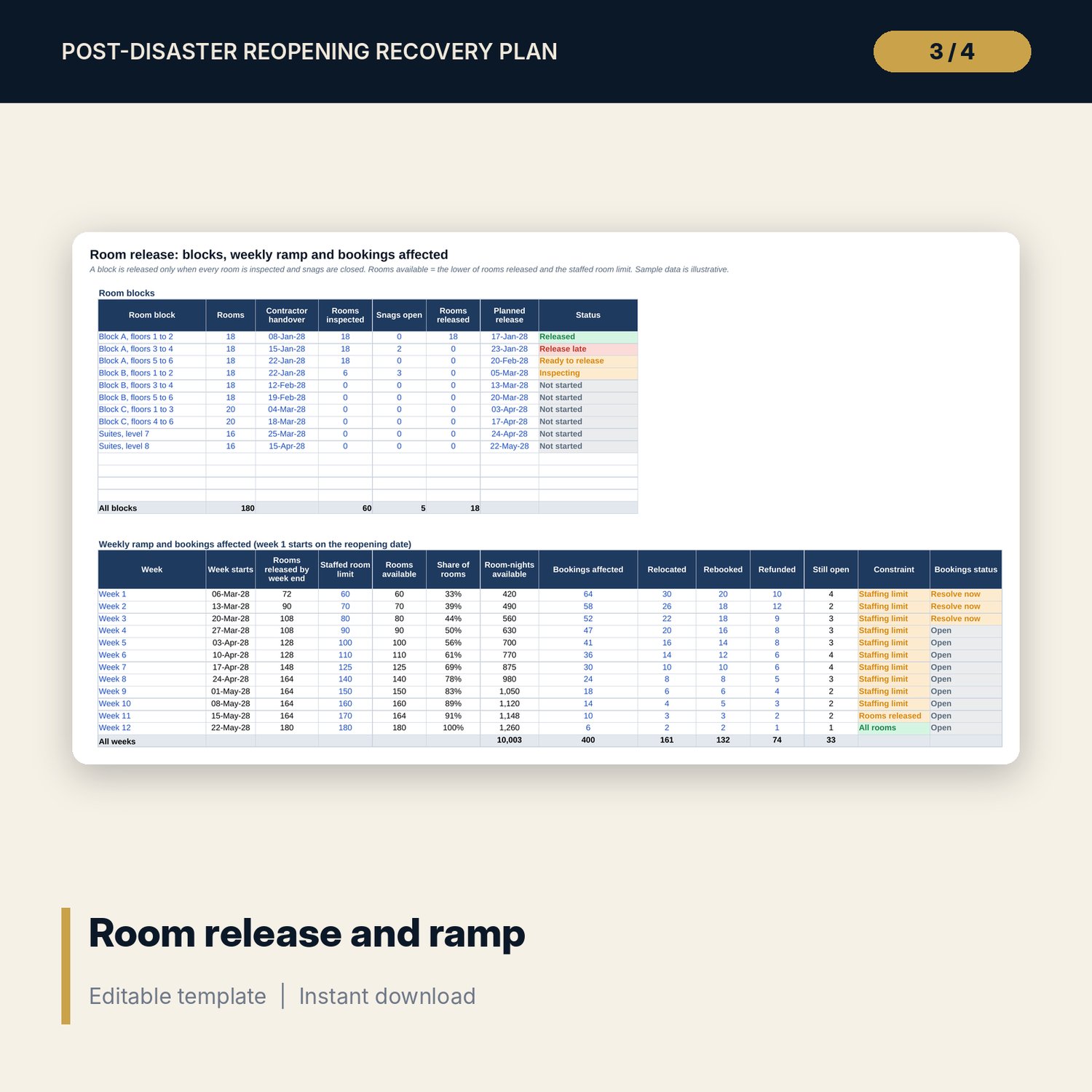
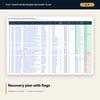
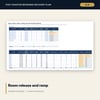
For general managers, chief engineers and owners who must recover a hotel after a flood, fire, storm or similar event. Recovery Plan holds 68 tasks (24 response and 44 recovery) across 12 areas, each with an owner, a critical flag, a gate, a due date, a test date where a test is needed, a sign-off column and one flag. Gate readiness is done divided by applicable items, and a gate is No-go when a critical item fails. Damage Log scores 27 damaged areas as severity times reopening impact and tracks the repair estimate, the claim and the payment. Room Release tracks 10 room blocks to release at 100% inspection and sets a 12-week ramp limited by rooms released and staffing, with bookings affected. The Word document sets the crisis roles, a first-72-hours checklist, forms and gate sheets.
What is inside
- Post_Disaster_Recovery_Plan.xlsx: 7 tabs, 555 formulas, 2 native charts, 23 drop-down and input rules
- Recovery Plan: 68 sample tasks, 14 columns, 12 spare rows, 5 gates with dates from Settings
- Damage Log: 27 sample areas, 9 damage types, severity and impact score with High and Medium bands, estimate, claim and payment
- Room Release: 10 room blocks, a 12-week ramp with a staffed room limit, and bookings relocated, rebooked, refunded and open
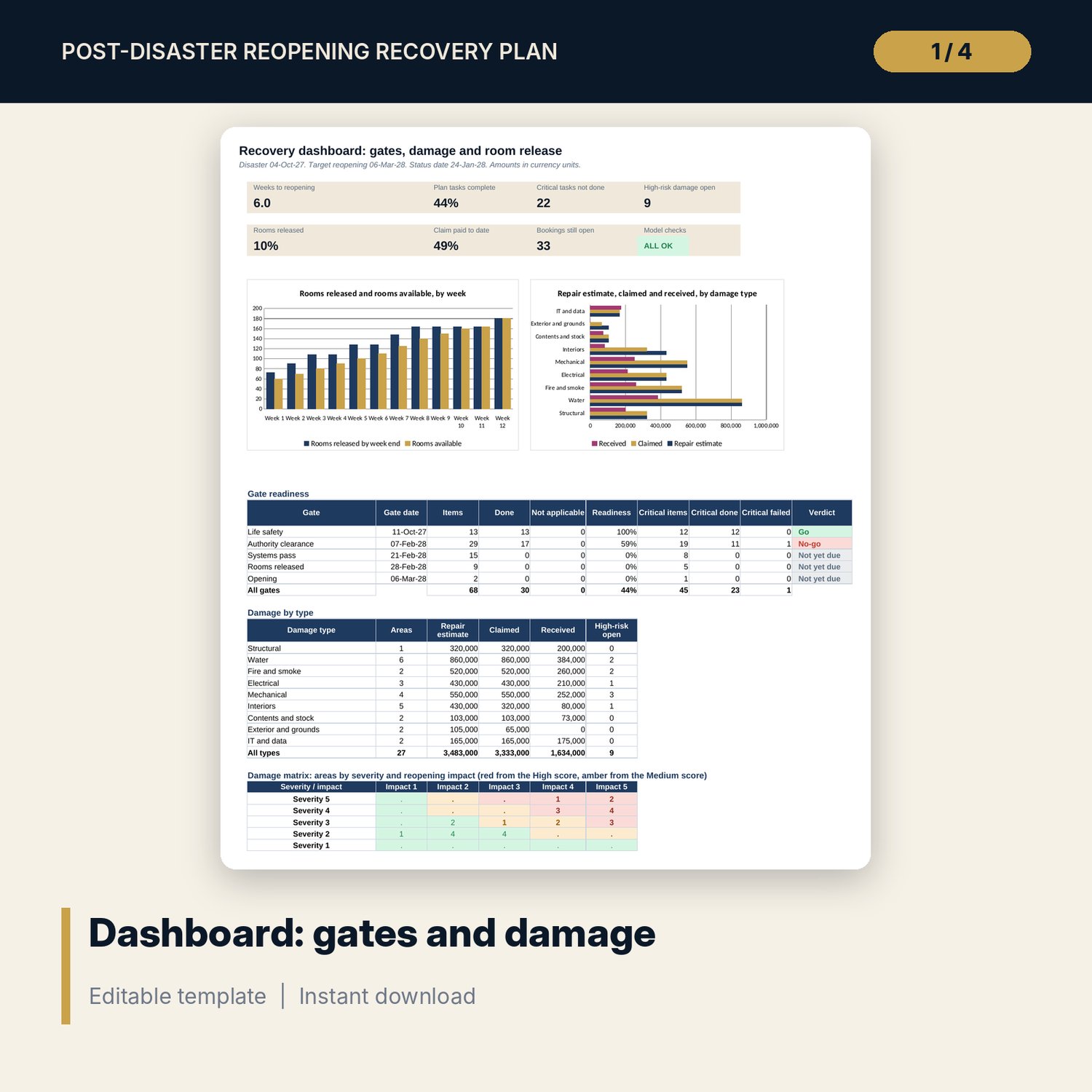
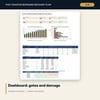
- Dashboard: 7 KPI tiles, a check tile, 2 charts, gate readiness with go or no-go, damage by type and a 5 by 5 damage matrix; 8 integrity checks on the Checks tab
- Recovery_Procedures_and_Gate_Sheets.docx and PDF: 9 pages with crisis roles, a first-72-hours checklist, damage, claim, guest and message forms, gate and release sheets, and a worked example
- README.txt and LICENSE-and-Terms.txt
How it works
- Set the disaster date, the target reopening date, the status date, the gate weeks and the score bands on Settings.
- List response and recovery tasks with owner, days, gate and test requirement. Update status, test date and sign-off as work finishes.
- Log every damaged area with date, photo reference, severity, impact, estimate and claim.
- Update room blocks and the weekly staffed limit. Read the flags daily and take each gate decision from the Dashboard.
Details
- Formats: 1 Excel workbook (.xlsx), 1 Word procedures document (.docx) and PDF, English
- Software: Excel 2016 or later, or LibreOffice Calc 7 or later
- No macros, no external links, no data tables, no array formulas
- 3 files plus README and license; instant digital download
Good to know
- Sample data is illustrative. Replace it with your own figures.
- Gate weeks, score bands, limits and amounts are examples. Verify local requirements for safety, structure, fire, water, food safety and insurance.
- These files are management tools, not engineering, legal or insurance advice.
- Single-user license. Do not redistribute.
FAQ
How is a gate decided?
Readiness is done tasks divided by applicable tasks for the gate. A gate is Go when every critical item is done and readiness meets the limit on Settings. Any failed critical item makes it No-go.
How is damage scored?
Score is severity from 1 to 5 times reopening impact from 1 to 5. A score at or above the High limit is red and at or above the Medium limit is amber. Both limits are on Settings.
How is the ramp calculated?
Rooms available in a week are the lower of the rooms released by the end of that week and the staffed room limit you enter. The Constraint column shows which one binds.
What does a test date do?
A task that needs a test and is marked Done with no test date shows Test date missing, so a sign-off without a dated test is caught.
Do I need macros?
No. Every result is a standard worksheet formula.