De-escalation & Difficult Situation Handling Guide: Guest De-escalation Scripts, Decision Tree and Incident Log
Full description
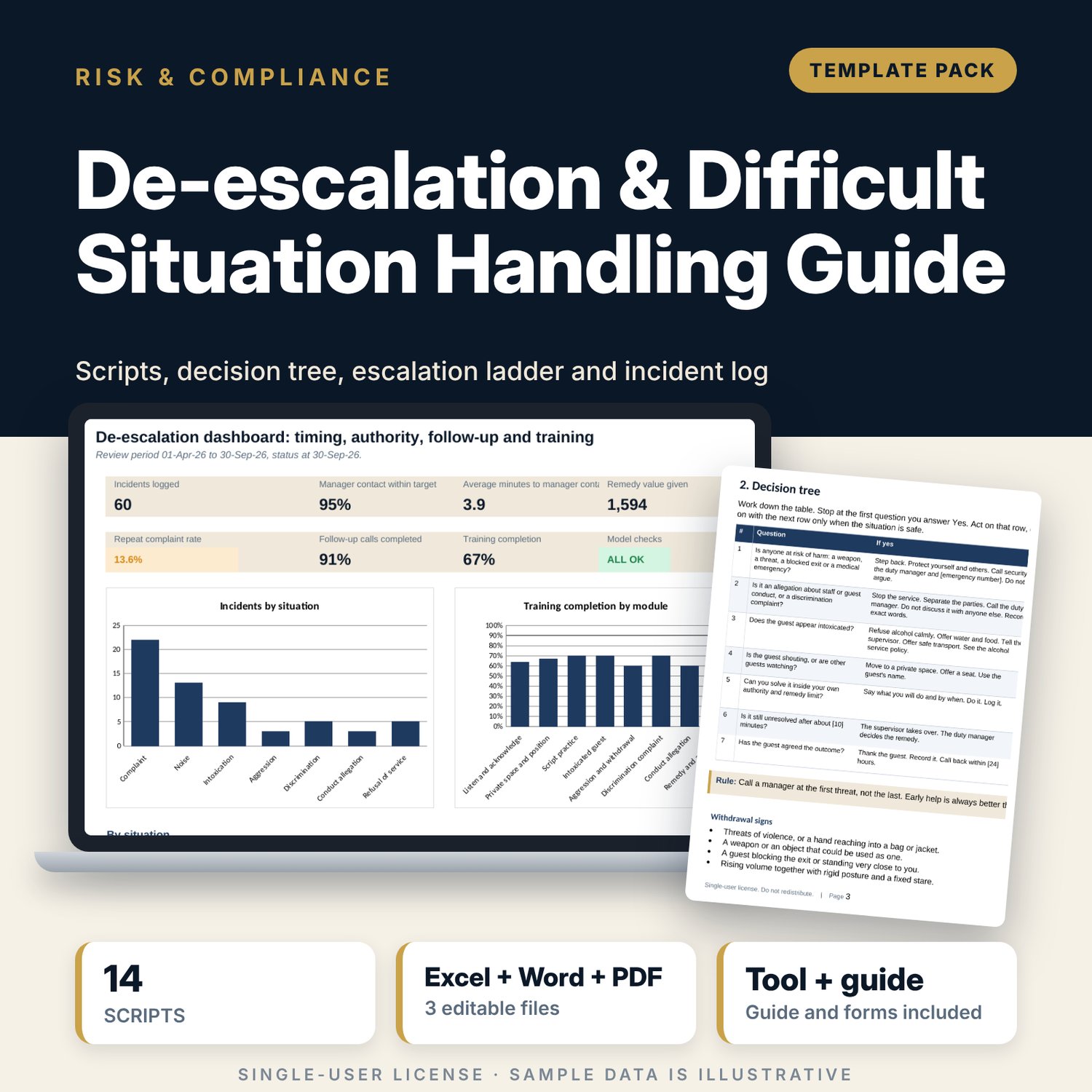
For front office, food and beverage and guest relations managers who want staff to handle angry, intoxicated or aggressive guests the same way every time. The Word guide gives you 16 principles, a 7-step decision tree, an escalation and remedy ladder, 14 scripts across five types (first notice, update, desk answer, mass message and closure), four situation cards, an incident form, a debrief form and a training plan. The workbook logs each situation and finds the authority needed for any remedy with a lookup on your ladder. It flags a level that is too low for the situation, a remedy approved below its authority, a late first manager contact, a missing follow-up call or debrief and repeat complainants. A training checklist tracks 8 modules per staff member.
What is inside
- Deescalation_Incident_Tracker.xlsx: 6 tabs, 554 formulas, 2 native charts, 14 drop-down and input rules
- Incident Log: 60 sample incidents plus 40 spare rows, 7 situation types, 15 columns with authority needed and a priority flag
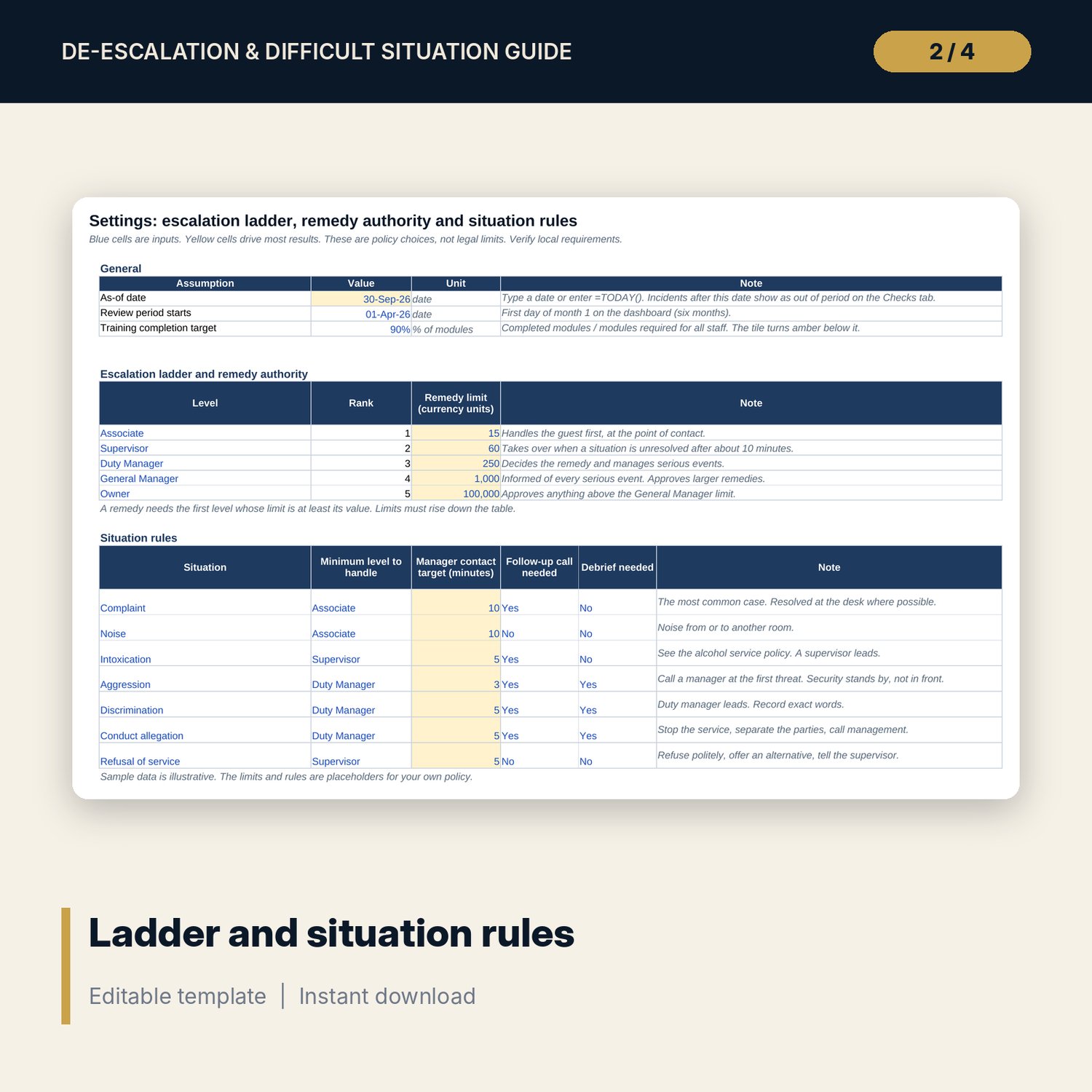
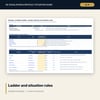
- Settings: a 5-level escalation ladder with a remedy limit for each level and 7 situation rules (minimum level, contact target, follow-up, debrief)
- Training Checklist: 30 sample staff, 8 modules each, completion and status, plus 10 spare rows
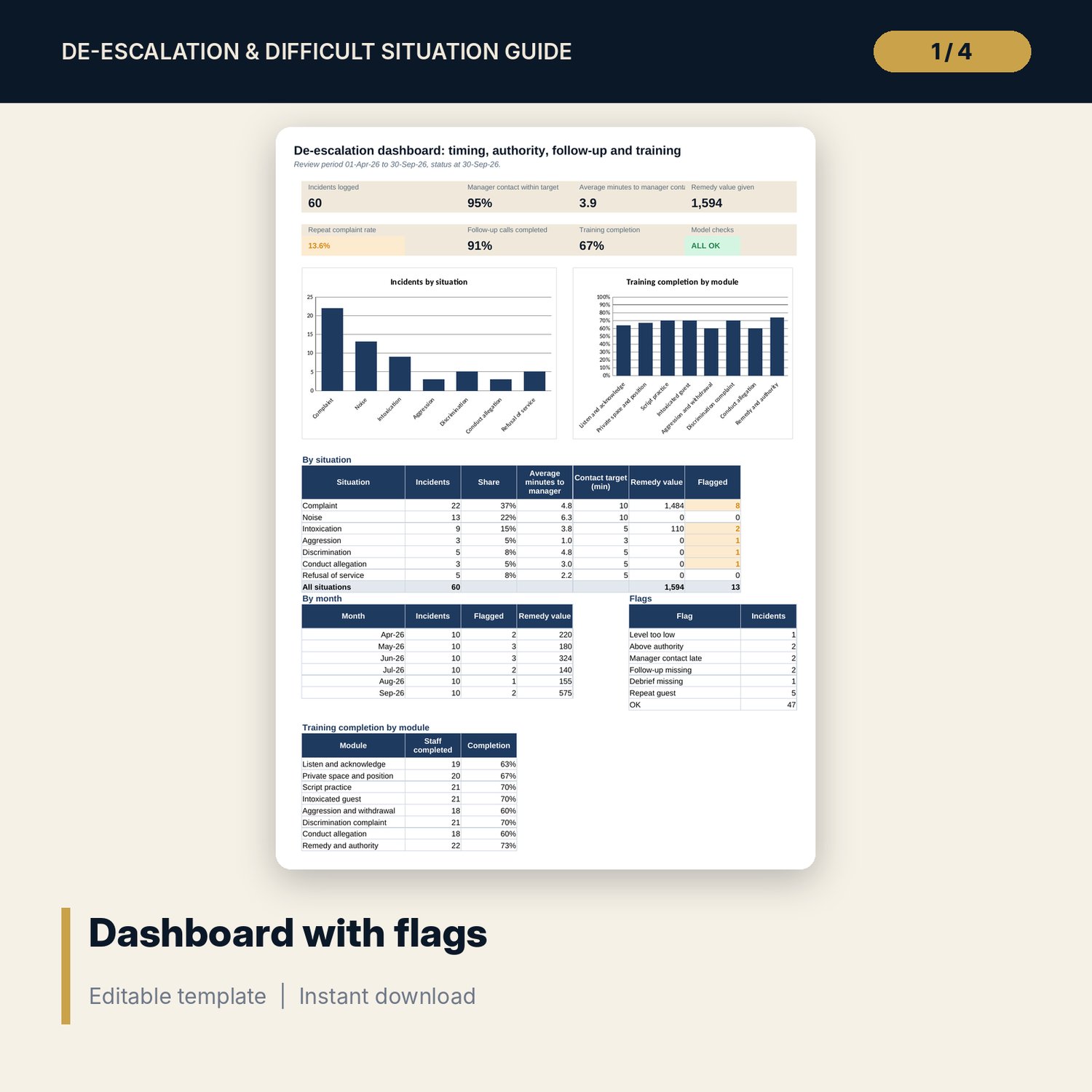
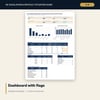
- Dashboard: 7 KPI tiles, a check tile, tables by situation, month, flag and module and 2 charts; 8 integrity checks on the Checks tab
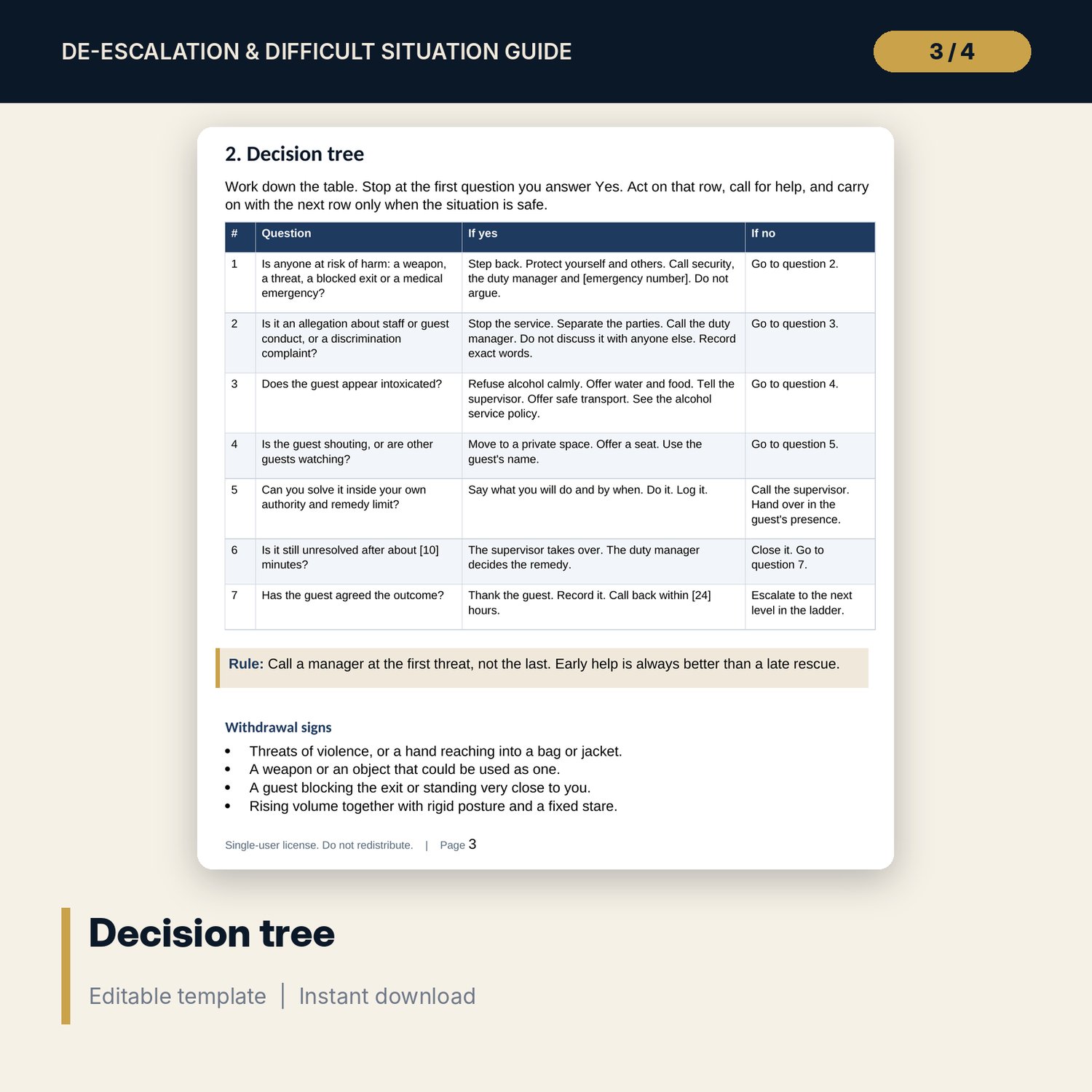
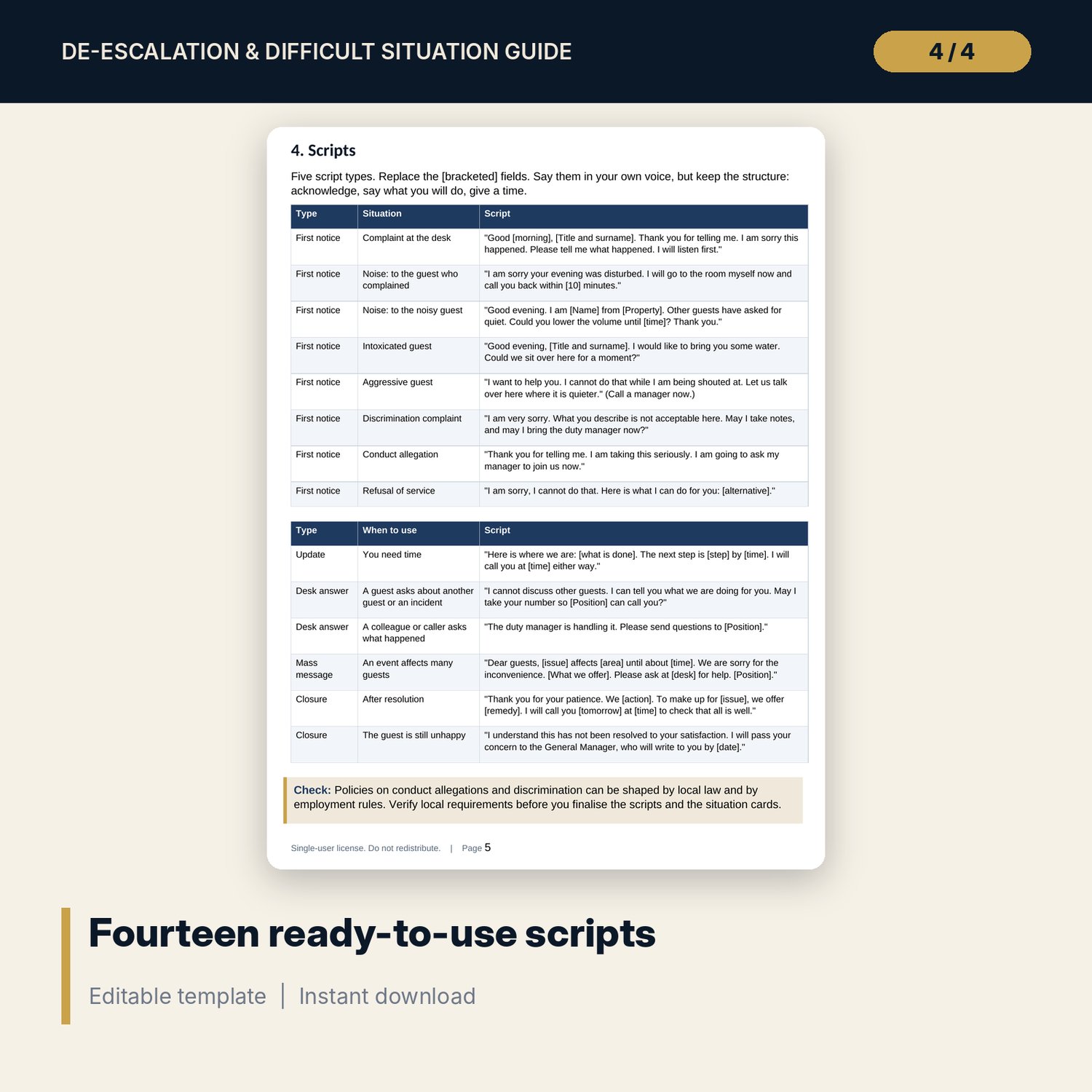
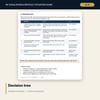
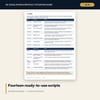
- Deescalation_Handling_Guide.docx and PDF: 9 pages with 16 principles, decision tree, ladder, 14 scripts, 4 situation cards, forms, a training plan and a monthly review example
- README.txt and LICENSE-and-Terms.txt
How it works
- Set the remedy limit for each level and the rule for each situation type on Settings.
- Brief staff with the principles, the decision tree and the scripts, and practise them in pairs.
- Log each situation with the level reached, the minutes to first manager contact and any remedy with its approver.
- Read the dashboard, review every flagged case with the person who handled it and schedule the missing training.
Details
- Formats: 1 Excel workbook (.xlsx), 1 guide in Word (.docx) and PDF, English
- Software: Excel 2016 or later, or LibreOffice Calc 7 or later
- No macros, no external links, no data tables, no array formulas
- 3 files plus README and license; instant digital download
Good to know
- Sample data is illustrative. Replace it with your own figures.
- Remedy limits and rules are your own policy. Procedures for conduct allegations, discrimination and intoxicated guests can be shaped by local law. Verify local requirements. These files are management tools, not legal advice.
- Use guest and staff codes, never names, in shared copies of the log.
- Single-user license. Do not redistribute.
FAQ
How does the sheet know which level can approve a remedy?
It counts how many level limits are below the remedy value and takes the next level down the ladder. Change the limits on Settings and every row follows.
What does a flag mean?
Each incident gets one flag in priority order: Level too low, Above authority, Manager contact late, Follow-up missing, Debrief missing, Repeat guest or OK.
Can I change the scripts?
Yes. The scripts are in the Word document with [bracketed] fields. Edit them to match your voice and brand standards.
Is the repeat complaint rate the share of guests?
It is the number of guests with two or more complaints divided by the number of complaints in the period.
Does it use macros?
No. Every result is a standard worksheet formula.