Systems Cutover Plan & Data Validation Workbook: PMS and POS Cutover Plan with Go/No-Go Decision
Full description
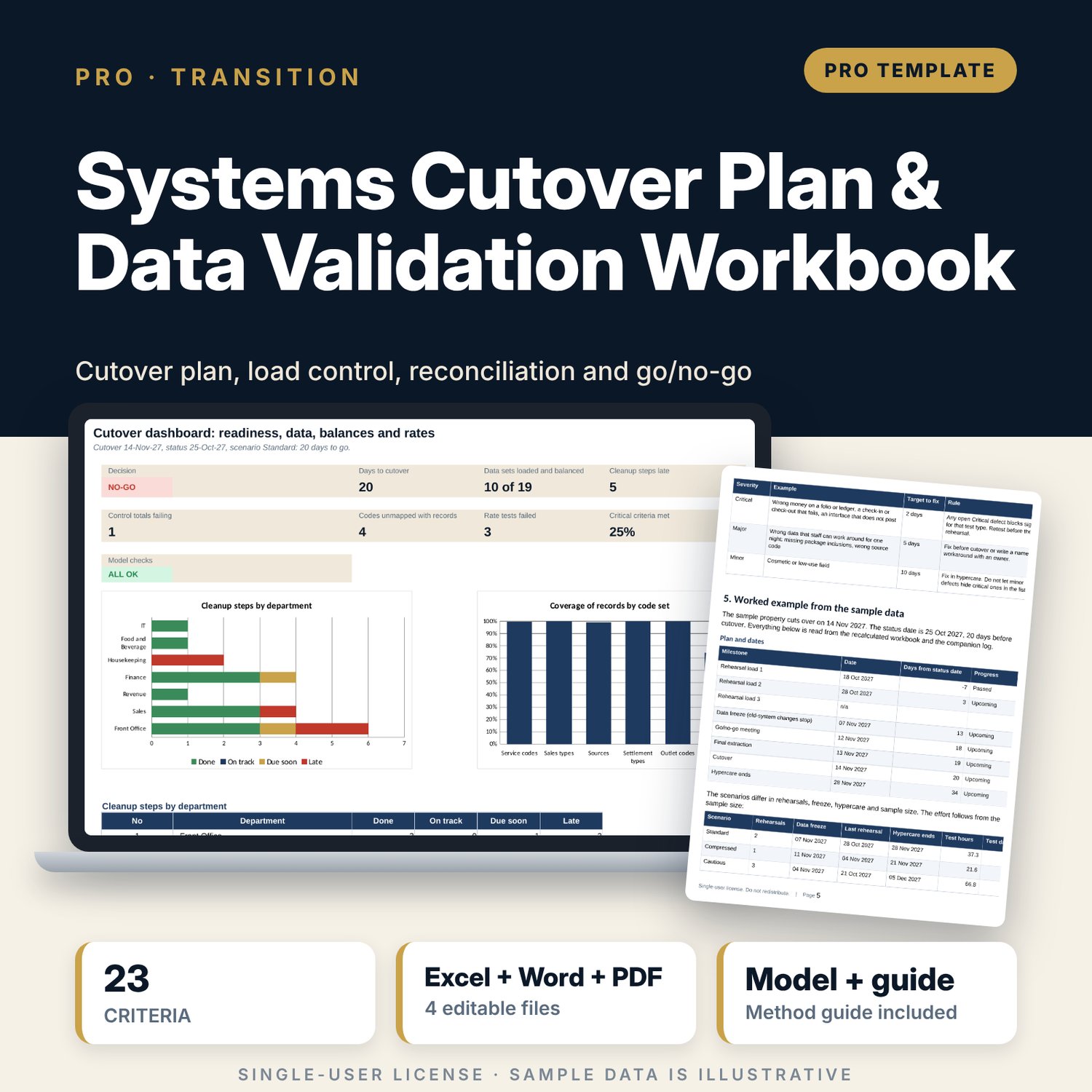
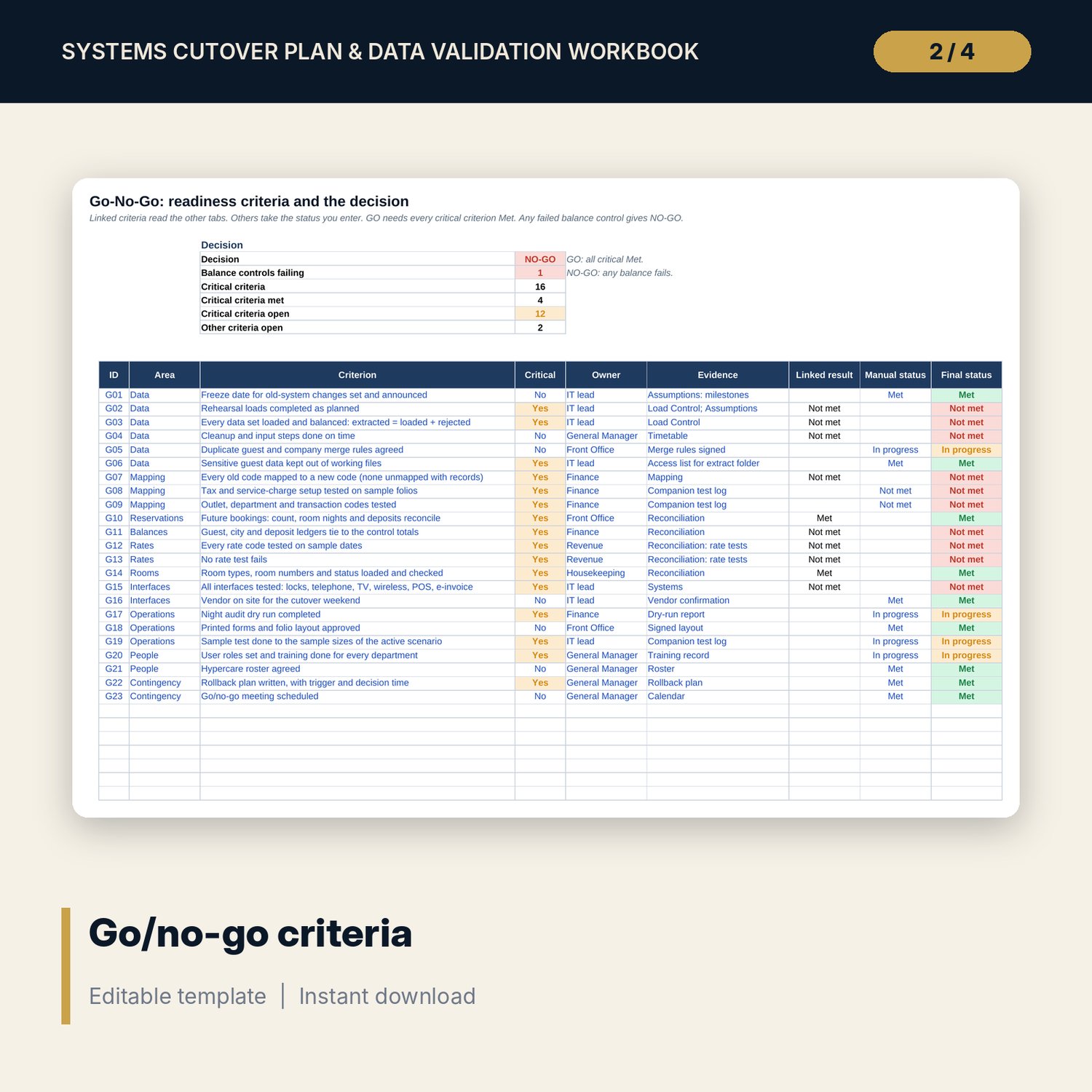
For a general manager, a finance lead or an IT lead who moves a hotel to a new property management system and point-of-sale system and must know, on the night, whether the data is safe to use. The workbook sets milestone dates for three scenarios, tracks cleanup and input deadlines for every data set, checks that extracted equals loaded plus rejected, maps old codes to new codes with coverage of records, reconciles ledger balances, future bookings and every rate code, and scores 23 readiness criteria into a GO, NOT READY or NO-GO decision. A companion test log plans the sample tests, picks the records to test, tracks defects and suggests the statuses for the main workbook. A 11-page Word guide gives the sequence, the run sheet, the method, the forms for the go/no-go meeting and the rollback plan, and a worked example.
What is inside
- Cutover_Plan_Workbook.xlsx: 12 tabs, 965 formulas, 2 native charts, 21 drop-down and input rules, 10 integrity checks, a Method tab with 13 documented calculations
- Scenarios: 3 plans (Standard, Compressed, Cautious) with milestone dates and two 5 x 5 test-effort grids
- Timetable and Load Control: 19 sample data sets with export, cleanup and input deadlines, load counts and status flags
- Mapping: 50 old codes in 6 code sets, with status and coverage of records
- Reconciliation: 11 control totals and 44 rate tests; Systems: 14 systems with lead times and handover ratings
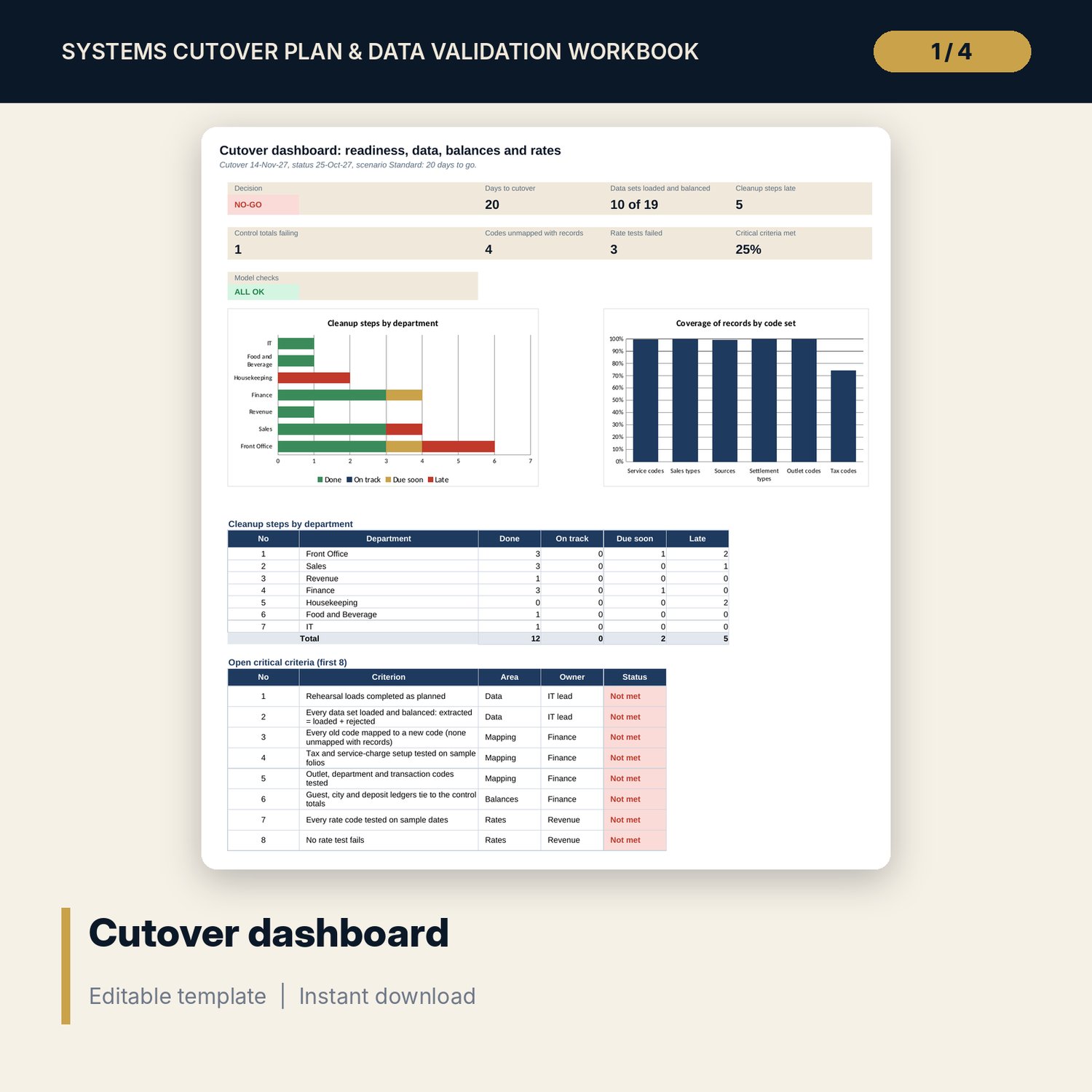
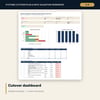
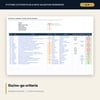
- Go-No-Go: 23 criteria (16 critical), linked to the other tabs; Dashboard with 8 tiles, a check tile and 2 charts
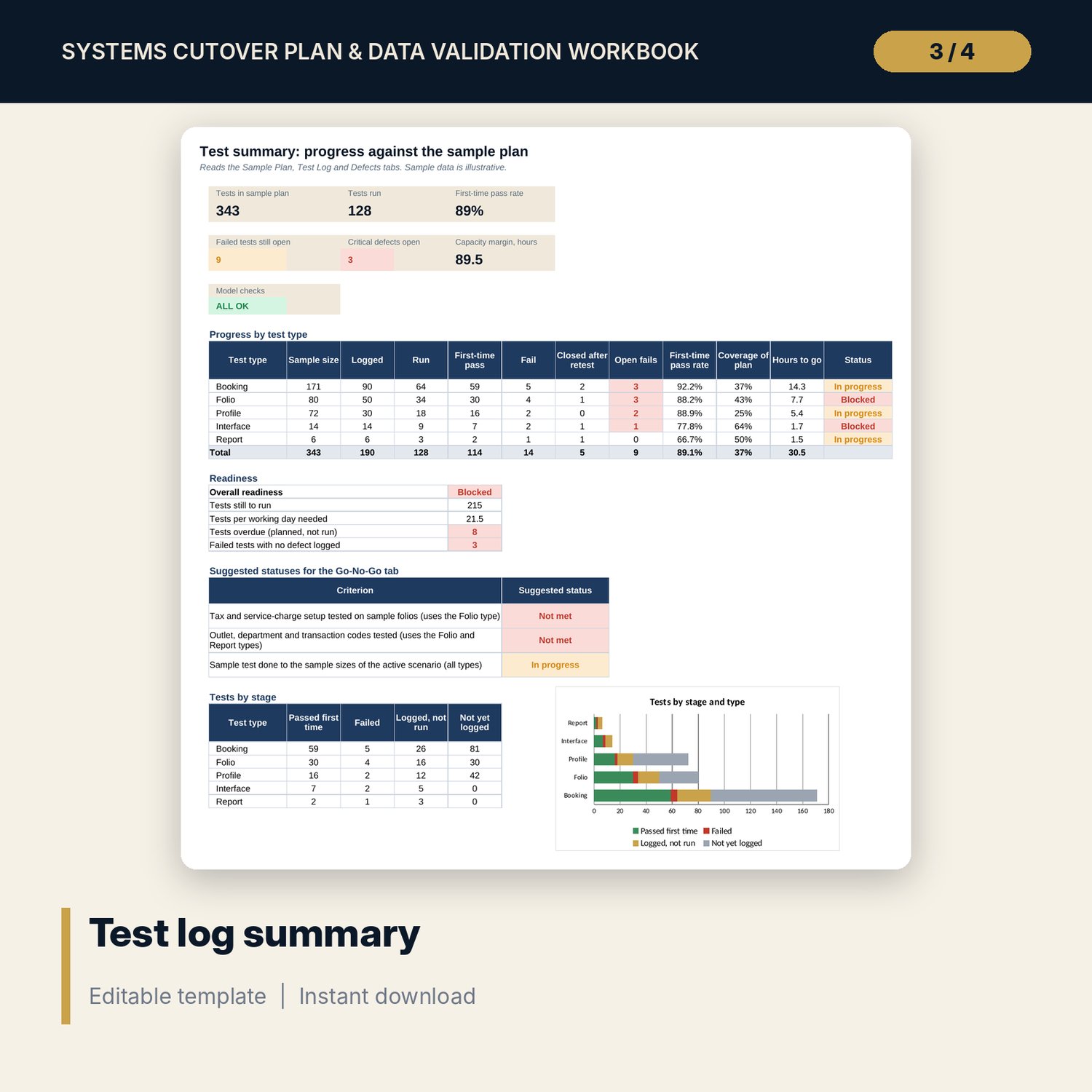
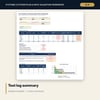
- Cutover_Plan_Workbook_Validation_Test_Log.xlsx: 5 tabs, 1,464 formulas, a sample plan for 5 test types (343 planned tests), 190 sample test rows, 11 sample defects, 9 checks
- Cutover_Plan_Guide.docx and PDF: 11 pages with the sequence and owners, a cutover night run sheet, equations, tolerances, a worked example read from the workbooks, and forms for the go/no-go record, rollback plan and hypercare roster
- README.txt and LICENSE-and-Terms.txt
How it works
- Enter the cutover date, the status date and the tolerances, and pick the scenario. The workbook sets the freeze, rehearsal and hypercare dates.
- List the systems and data sets with their deadlines. After each rehearsal load, enter extracted, loaded and rejected counts, map the codes and enter the control totals and rate tests.
- Run the sample tests in the companion log. Register failed tests as defects and retest them.
- Read the Dashboard. Clear late steps, unexplained rejects, unmapped codes and failed tests. Any failed balance control gives NO-GO.
- Hold the go/no-go meeting with the printed record and the rollback plan.
Details
- Formats: 2 Excel workbooks (.xlsx), 1 guide in Word (.docx) and PDF, English
- Software: Excel 2016 or later, or LibreOffice Calc 7 or later
- No macros, no external links, no data tables, no array formulas
- 4 files plus README and license; instant digital download
Good to know
- Sample data is illustrative. Replace it with your own counts and totals. Keep guest names and card data out of the files.
- Tolerances, sample sizes, severity targets and times are starting points. Agree them with your vendor and your finance lead.
- The files are planning tools. They do not read your systems: a wrong entry gives a wrong flag. Verify local requirements for tax set-up, record keeping and data protection.
- Single-user license. Do not redistribute.
FAQ
Does it work for any system?
Yes. It works from counts, totals and dates that you enter, so it does not depend on one product. The sample uses a property management system and a point-of-sale system.
How does it decide NO-GO?
If any control total of type Amount fails, such as a ledger balance, the decision is NO-GO whatever else is met. Otherwise any open critical criterion gives NOT READY, and GO needs every critical criterion Met.
What is in the companion workbook?
A sample plan that sizes the tests from the population, a test log with pick numbers, a defect register with target dates and a summary that suggests statuses for three criteria.
Can I change the criteria, systems and data sets?
Yes. Edit the rows and use the spare lines. The checks tell you if lists no longer agree.
Do I need macros?
No. Every result is a standard worksheet formula.