Guest Retention Cohort & Lifetime Value by Source Model: Hotel Guest Repeat Rate, LTV and Payback by Booking Source
Full description
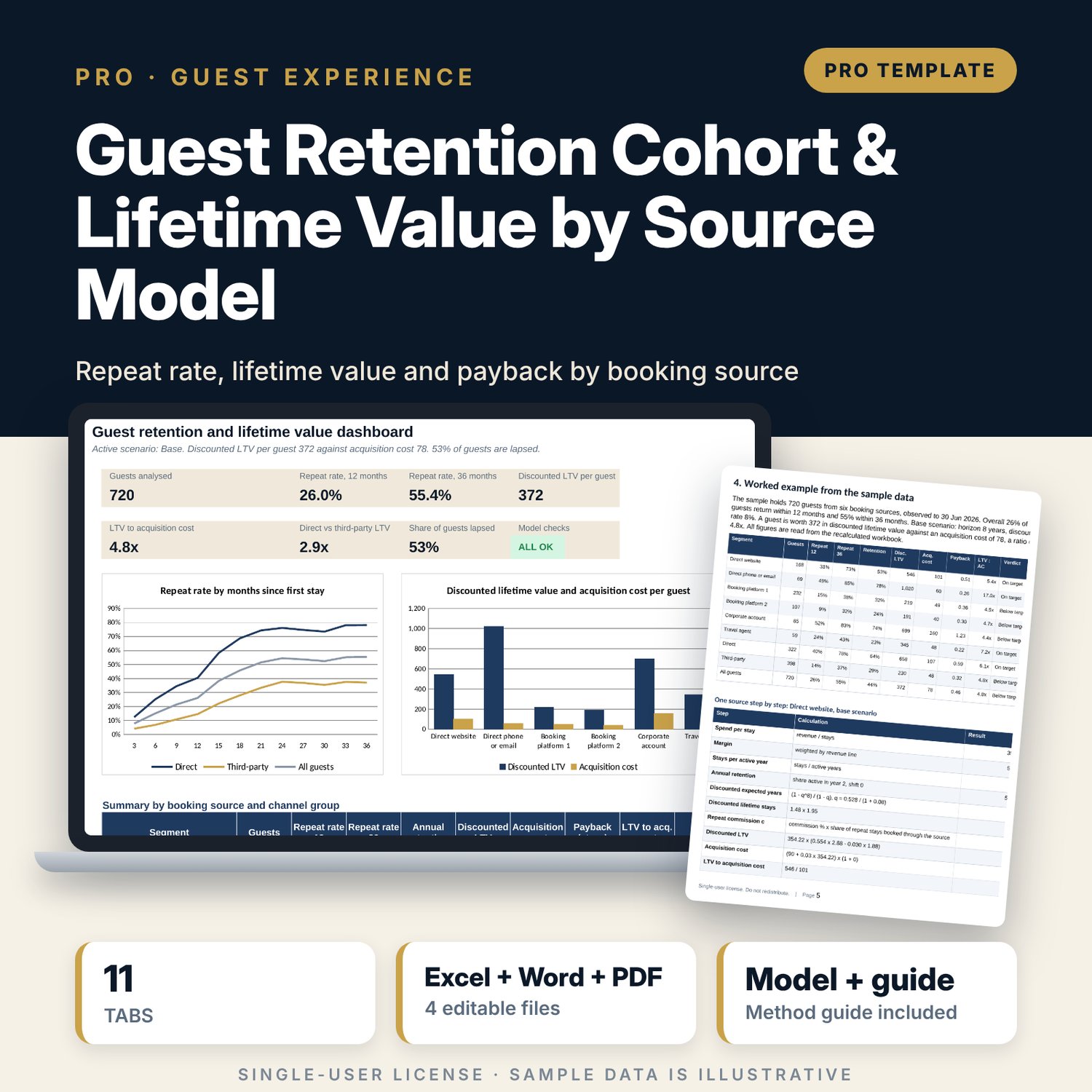
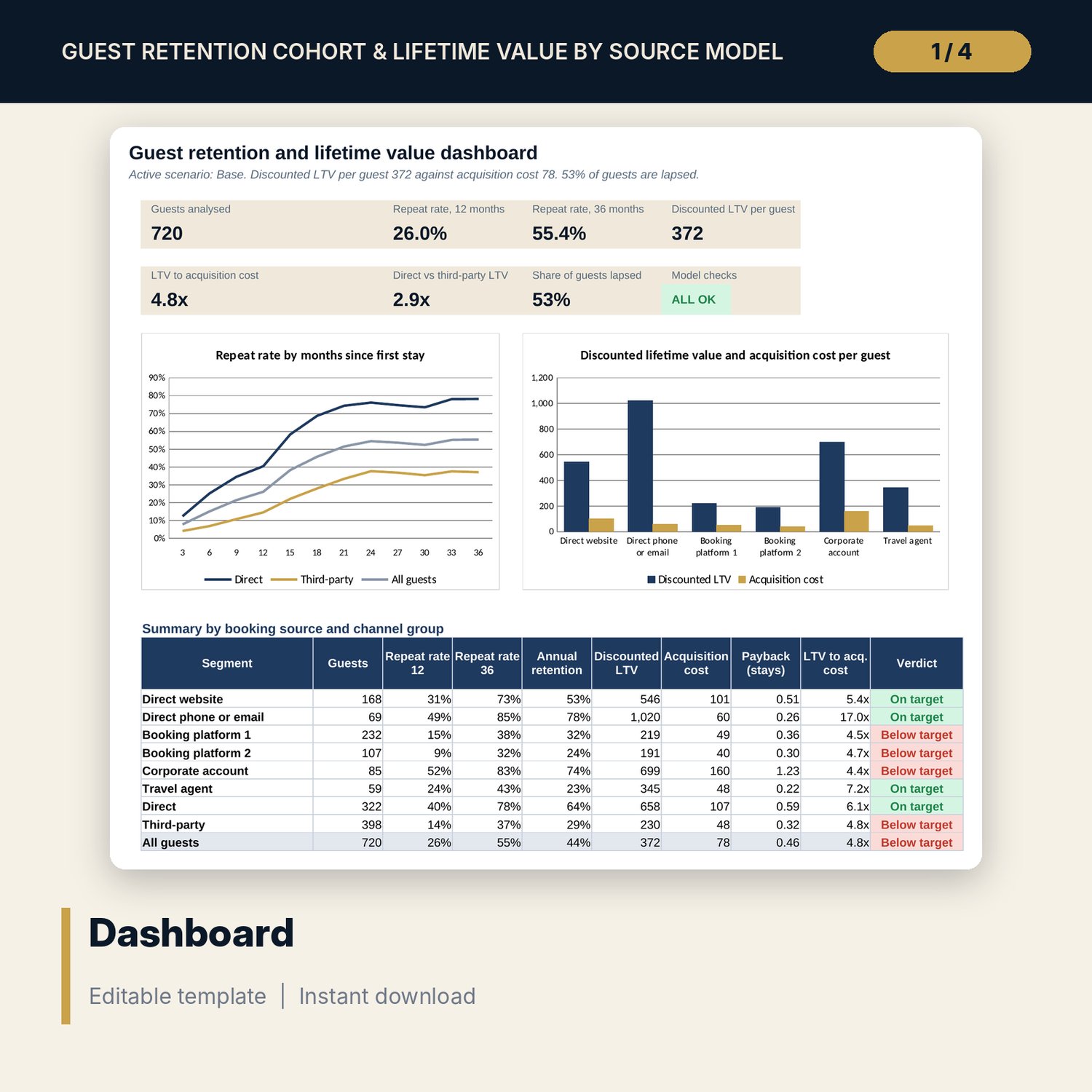
For revenue managers, marketing managers and general managers who want to know what a guest is worth by the way they booked. The workbook groups 720 sample guests by first-stay month and by 6 booking sources, tracks the repeat rate at 12, 24 and 36 months, and turns spend per stay, margin, stays per year and annual retention into lifetime value. It sets discounted lifetime value against acquisition cost and commission, shows payback and the ratio by source, compares direct with third-party guests and members with non-members, and flags lapsed guests for a win-back message with the expected net value. Three scenarios and a sensitivity grid test the result. A companion workbook turns a list of stays into the guest-level layout, and a 9-page guide explains the method with a worked example.
What is inside
- Guest_LTV_Model.xlsx: 11 tabs, 10,841 formulas, 2 native charts, 18 drop-down and input rules
- Guest Data: 720 sample guests plus 80 spare rows, with cohort, status and a data check on every row
- Cohorts: 48 monthly cohorts with repeat counts and rates at 12, 24 and 36 months and a source filter
- Retention: repeat-rate curves every 3 months to 36 months for 6 sources, 2 channel groups, members, non-members and all guests
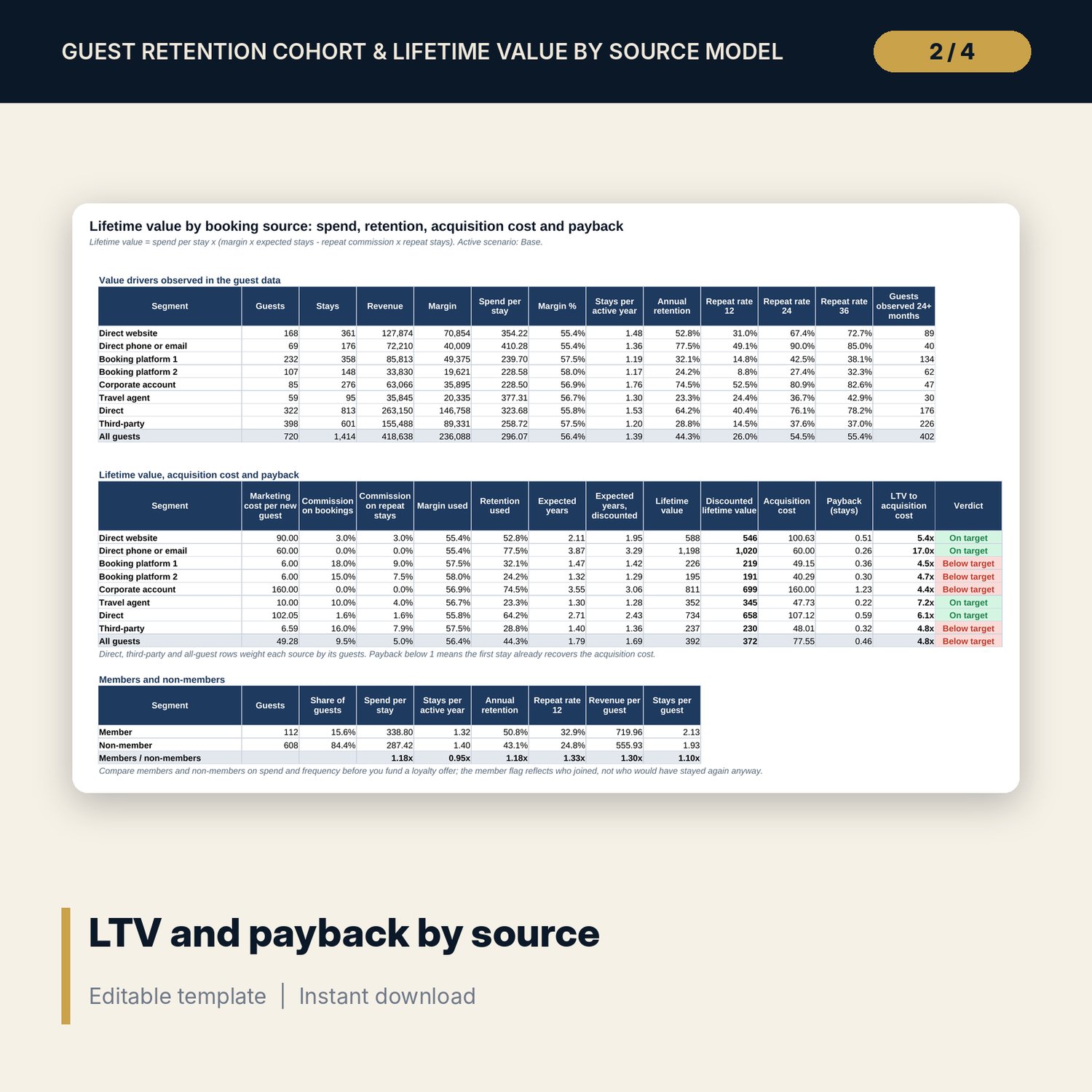
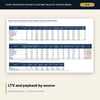
- LTV by Source: drivers, lifetime value, discounted value, acquisition cost, payback and a verdict for each source and group
- Scenarios: base, upside and downside, a side-by-side table for 9 segments and a retention by discount rate grid
- Win-back: lapsed guests by source and 4 recency bands, expected reactivation, net value and the 15 guests to contact first
- Dashboard: 7 KPI tiles, a check tile, 2 charts and a summary table; 12 integrity checks and 16 method rows
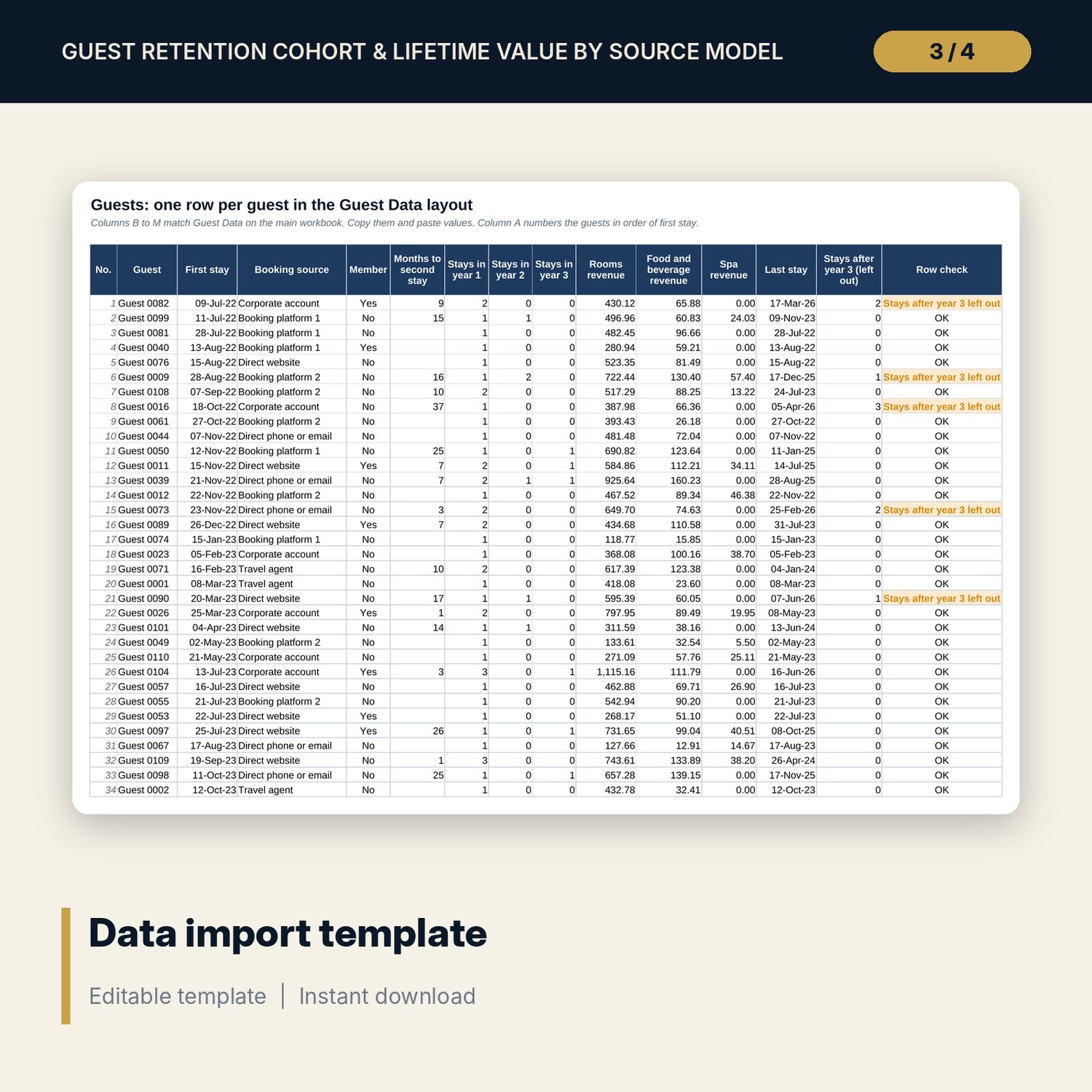
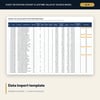
- Guest_LTV_Model_Data_Import_Template.xlsx: 5 tabs, 12,614 formulas, room for 1,200 stays and 300 guests, 7 checks, 219 sample stays
- Guest_LTV_Model_Guide.docx and PDF: 9 pages with definitions, import steps, method equations, a worked example, a win-back message, a monthly routine and common mistakes
- README.txt and LICENSE-and-Terms.txt
How it works
- Enter the as-of date, margins, targets and the cost of each booking source on Assumptions.
- Load guests on Guest Data, or paste a list of stays into the import template and copy the Guests tab across.
- Read the cohort table, the repeat-rate curves and the lifetime value, payback and ratio for each source.
- Switch scenarios and read the grid before you move marketing budget.
- Work through the win-back list, then refresh the workbook each month.
Details
- Formats: 2 Excel workbooks (.xlsx), 1 guide in Word (.docx) and PDF, English
- Software: Excel 2016 or later, or LibreOffice Calc 7 or later
- No macros, no external links, no data tables, no array formulas
- 4 files plus README and license; instant digital download
Good to know
- Sample data is illustrative. Replace it with your own figures; margins, costs and response rates are inputs.
- Lifetime value is a model, not a forecast. It assumes retention keeps its observed pattern over the horizon you set.
- The files use guest codes, not names. Rules on guest data and marketing consent differ by location: verify local requirements.
- Single-user license. Do not redistribute.
FAQ
How is lifetime value calculated?
Spend per stay times margin times expected stays, less commission on repeat bookings, using the observed retention of each source and a horizon and discount rate you set.
What data do I need?
One row per guest with the first stay date, booking source, member flag, stays in each of the first three years, revenue by line and the last stay. The import template builds this from one row per stay.
Can I use my own booking sources and margins?
Yes. The source table, margins, targets and win-back rates are inputs on Assumptions, and drop-down lists follow your source names.
Why do some sources show Small sample?
Rates built on few guests are unreliable. The warning limit is an input, and shaded cells show where a curve rests on fewer guests.
Do I need macros?
No. Every result is a standard worksheet formula.