Small Hotel Supplier Price Book & Order Sheet: Hotel Purchasing Price Book and Weekly Order Sheet
Full description
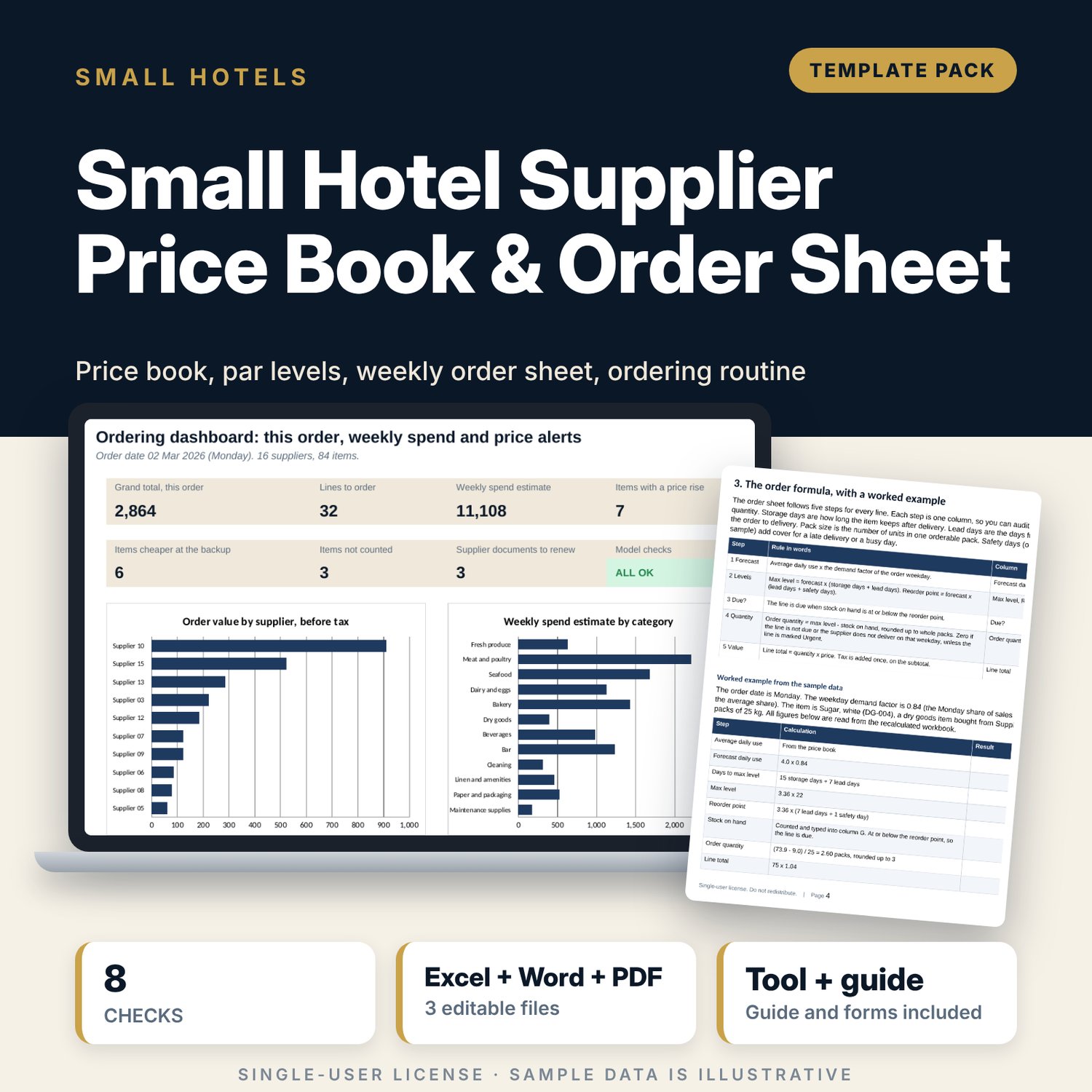
For small hotel owners, kitchen and bar leads and store keepers who order from many suppliers and need one price book, one supplier list and one order sheet. The workbook holds 16 suppliers with order days, cut-off times and minimums, and 84 items with pack size, preferred and backup supplier, last price and date, usage, par level and reorder point. For the order date you choose, it forecasts daily use by weekday, works out the quantity in whole packs, prices each line and flags price rises, cheaper backups, old prices and expired documents. The Word routine sets the roles, the weekly rhythm and the forms around it.
What is inside
- Supplier_Price_Book_and_Order_Sheet.xlsx: 7 tabs, 2,692 formulas, 2 native charts, 20 drop-down and input rules
- Suppliers: 16 sample suppliers with category, contact method, order days, cut-off, delivery window, minimum order, payment terms and document expiry, plus 4 spare rows
- Price Book: 84 sample items in 12 categories with pack size, preferred and backup supplier, price history, par level, reorder point and a price flag, plus 12 spare rows
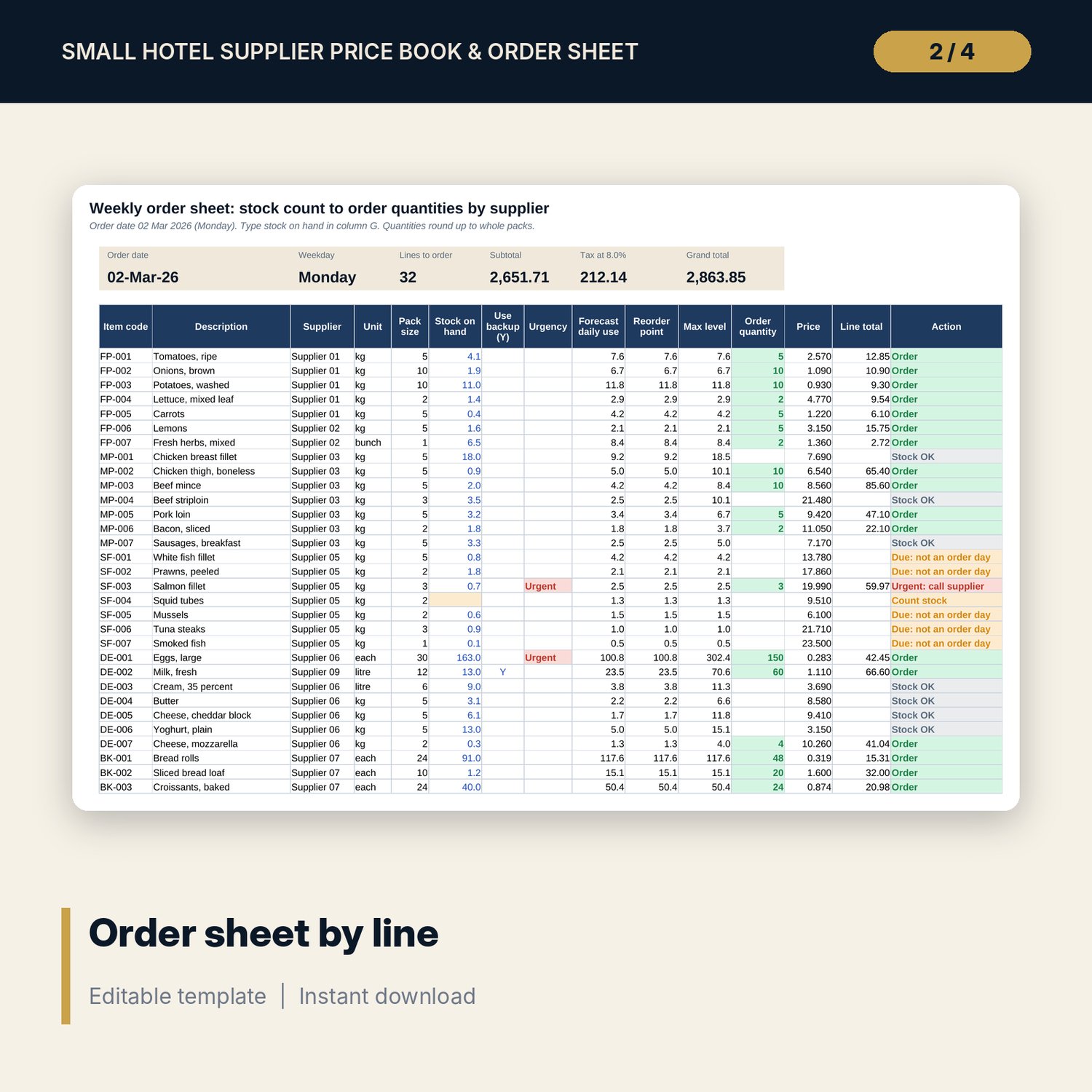
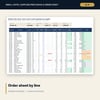
- Order Sheet: 96 lines with stock on hand, urgency, backup switch, order quantity in whole packs, line total, subtotal, tax and an action for each line
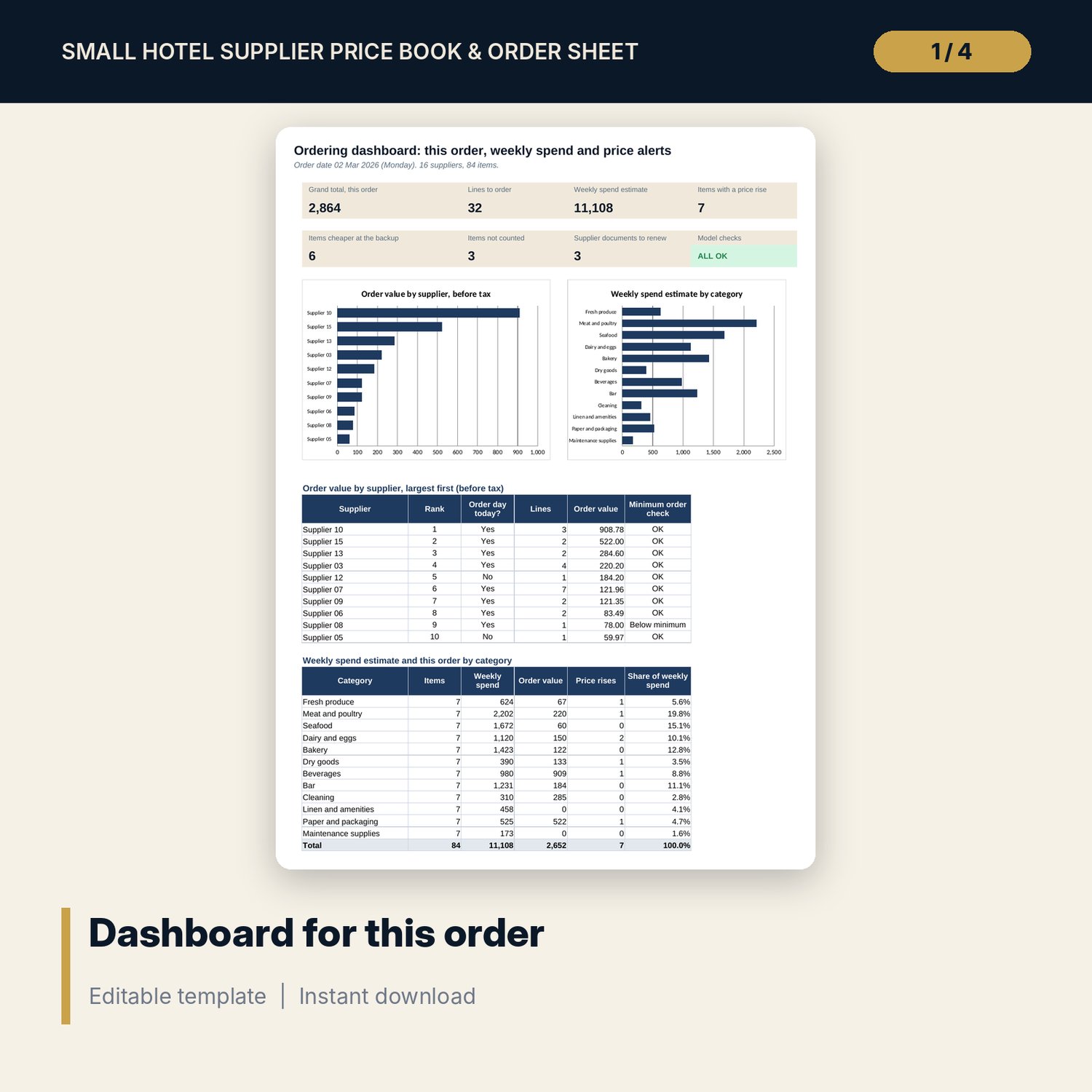
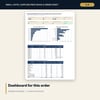
- Dashboard: 7 KPI tiles, a check tile and 2 charts; 8 integrity checks on the Checks tab
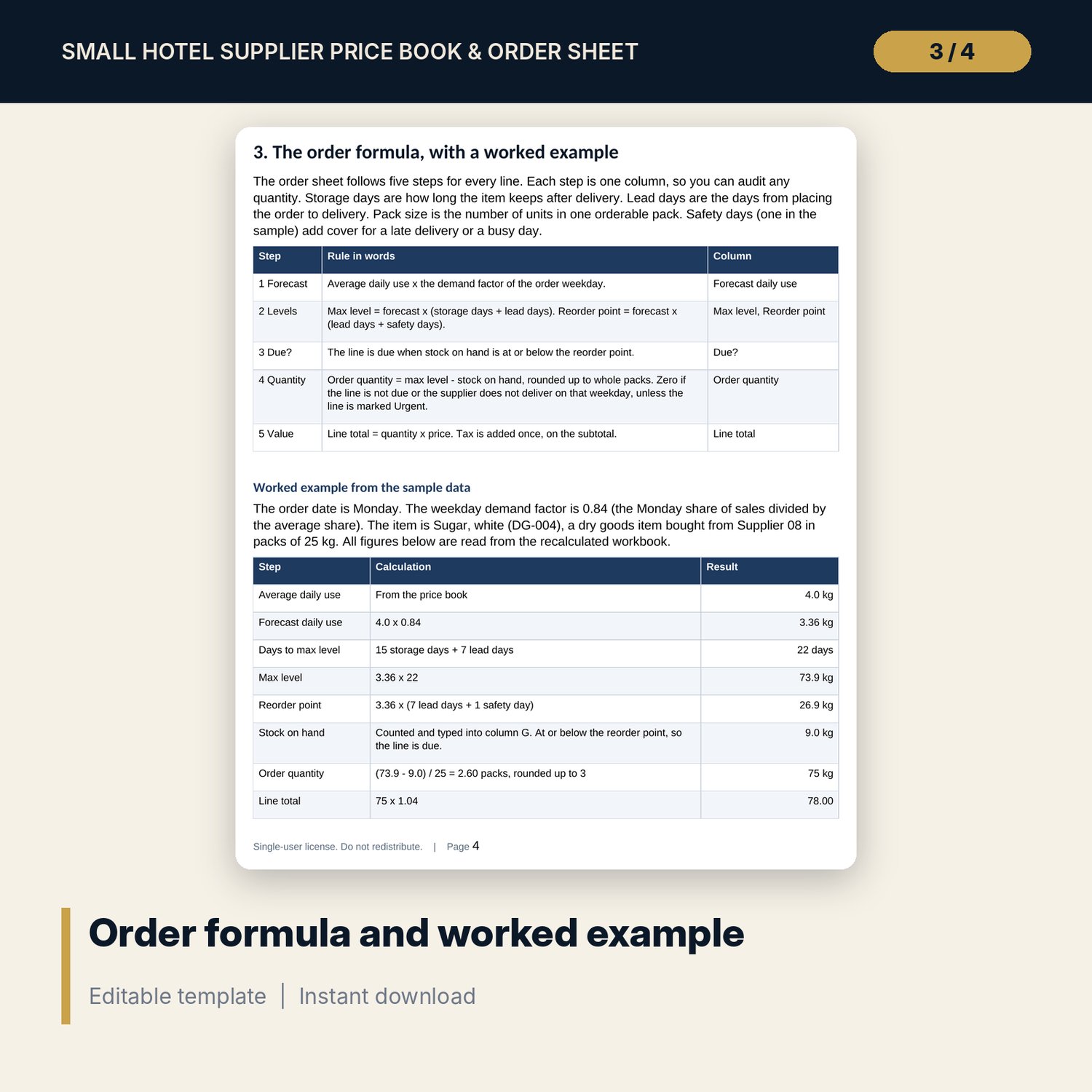
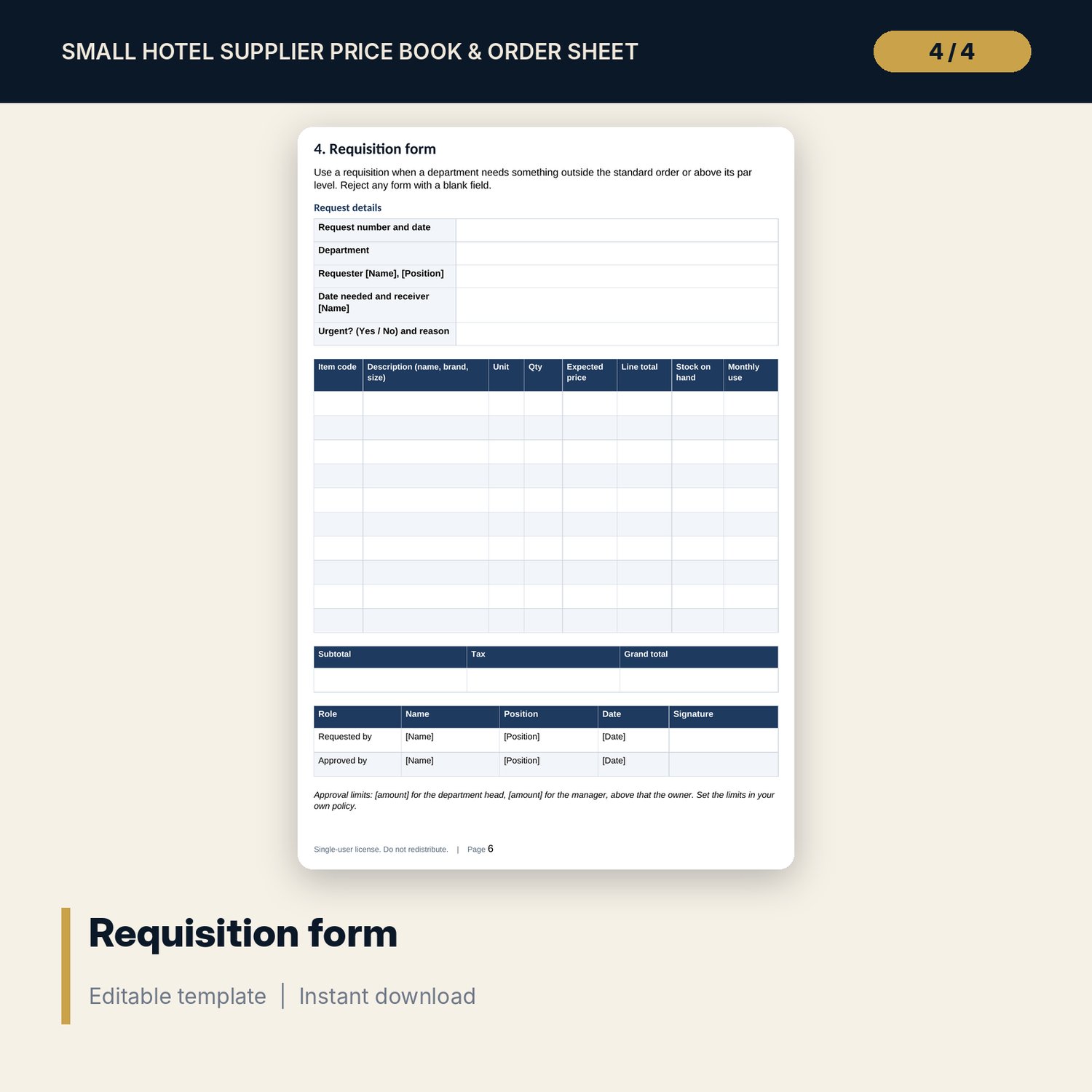
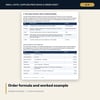
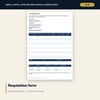
- Supplier_Ordering_Routine.docx and PDF: 10 pages with roles, weekly rhythm, price book rules, the order formula with a worked example, a requisition form, a receiving checklist (12 items), write-off and transfer forms, a price-change log and a weekly checklist
- README.txt and LICENSE-and-Terms.txt
How it works
- Enter the order date and your category defaults on Settings, then replace the sample suppliers and items.
- Count stock and type the counts into the order sheet. Mark urgent lines and switch to the backup supplier where needed.
- Read the action column, the price flags and the minimum order checks. Approve the order.
- Place each supplier's lines before its cut-off, receive with the checklist and log price changes.
Details
- Formats: 1 Excel workbook (.xlsx), 1 routine and forms pack in Word (.docx) and PDF, English
- Software: Excel 2016 or later, or LibreOffice Calc 7 or later
- No macros, no external links, no data tables, no array formulas
- 3 files plus README and license; instant digital download
Good to know
- Sample data is illustrative. Replace it with your own suppliers, items, prices and tax rate.
- Stock on hand is typed by you. The sheet never assumes a count.
- Tax rate, food-safety rules and supplier terms differ by place. These files are management tools, not tax, legal or food-safety advice. Verify local requirements.
- Single-user license. Do not redistribute.
FAQ
How is the order quantity calculated?
Max level minus stock on hand, rounded up to whole packs. Max level is forecast daily use times storage days plus lead days. The forecast uses the demand factor of the order weekday.
What happens when a supplier does not deliver on the order day?
The line shows Due: not an order day and no quantity is ordered. Mark the line Urgent to force a quantity and the sheet shows Urgent: call supplier.
Can I buy from the backup supplier?
Yes. Type Y in the Use backup column. The sheet uses the backup supplier and the backup price for that line.
How many items and suppliers does it hold?
84 sample items and 16 sample suppliers, with 12 spare item rows and 4 spare supplier rows.
Do I need macros?
No. Every result is a standard worksheet formula.