
Guest Data Privacy & Consent Register: Hotel Guest Data Inventory, Consent Log and Privacy Notice Template
Full description
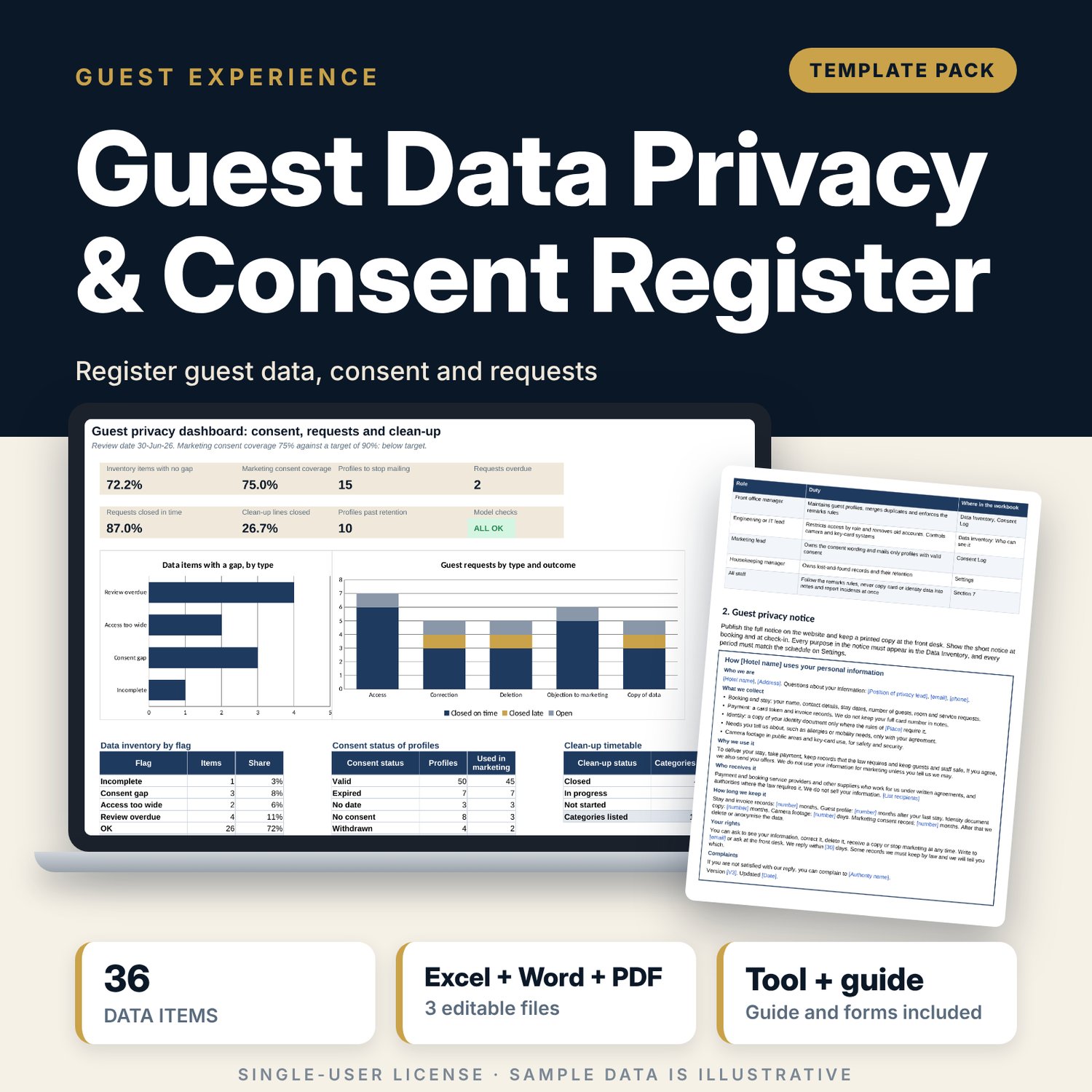
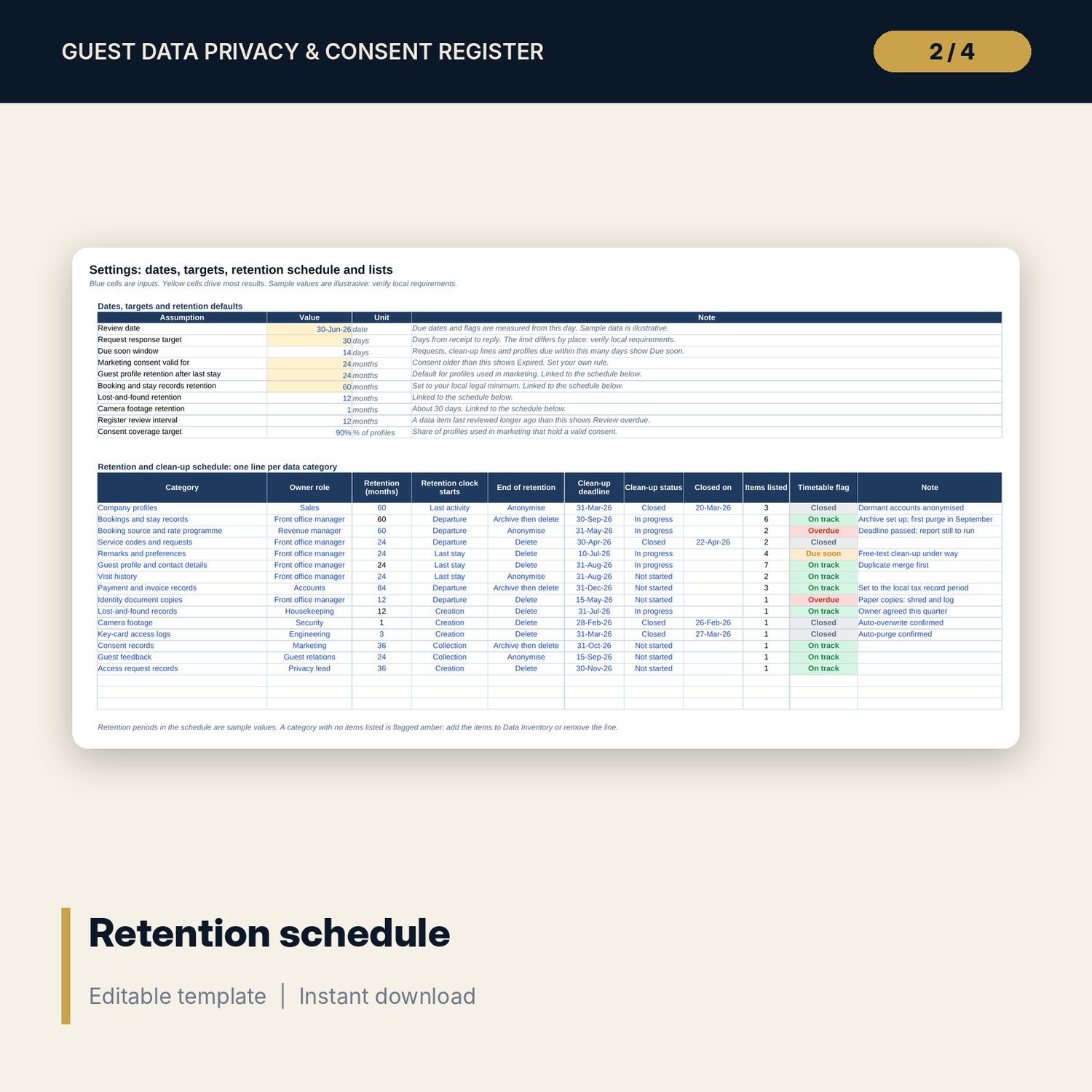
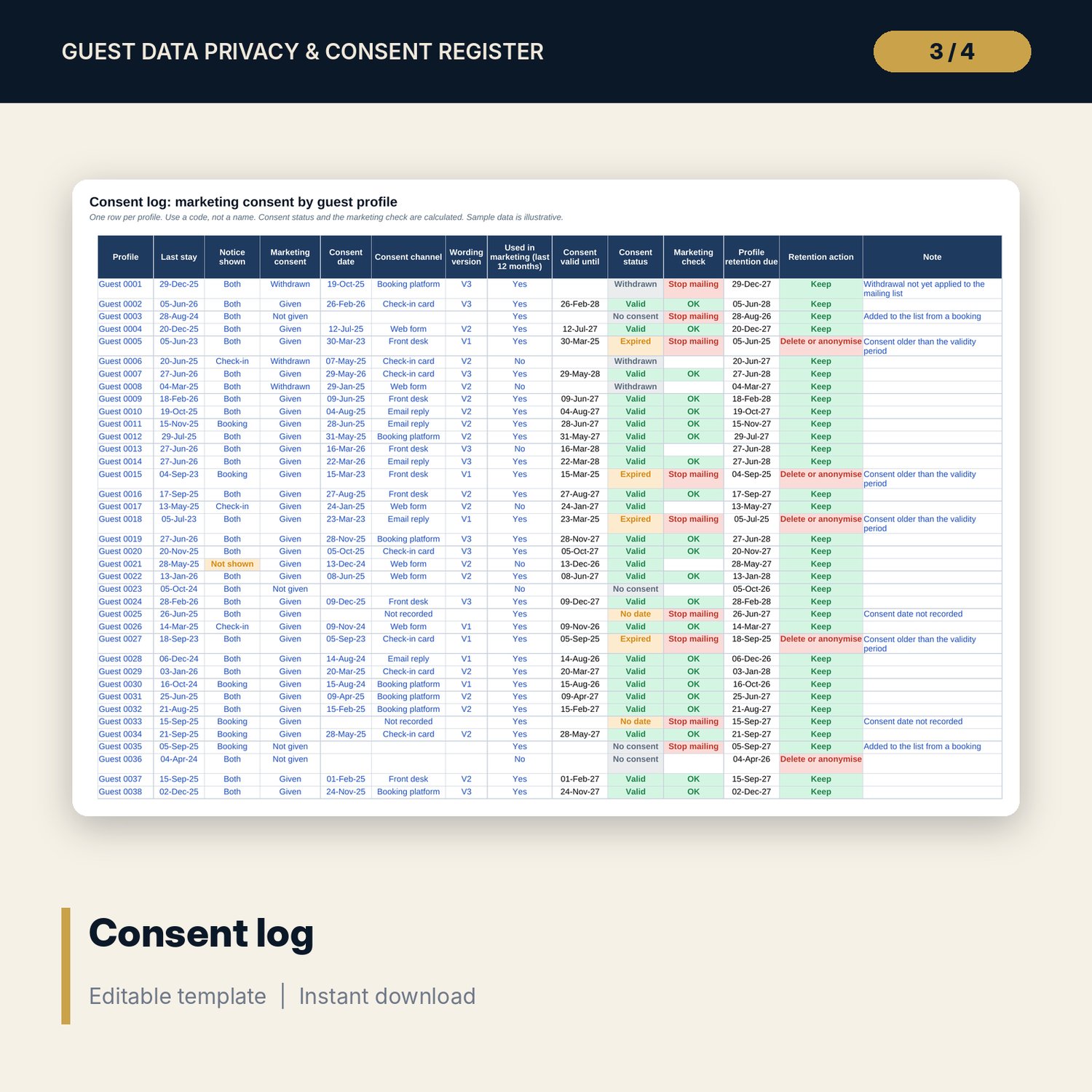
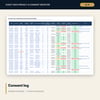
For general managers, front office managers and privacy leads who need to know what guest data the property holds and why. The workbook lists 36 sample data items with a purpose, a lawful basis, the system that holds them, an access rule and a review date, and flags the first gap in each row. A retention and clean-up schedule gives each of 15 categories an owner, a retention period, an end action and a deadline. The consent log records marketing consent by profile and shows which profiles are safe to mail. The request log tracks guest requests against your response target. The Word kit gives you a privacy notice template, consent wording, three reply letters, breach steps, a staff briefing and a 21-point annual self-check.
What is inside
- Guest_Privacy_Register.xlsx: 7 tabs, 921 formulas, 2 native charts, 25 drop-down and input rules
- Data Inventory: 36 sample items plus 12 spare rows; owner, retention and flag calculated
- Settings: retention and clean-up schedule for 15 categories plus 3 spare lines, retention defaults and 16 drop-down lists
- Consent Log: 72 sample profiles plus 24 spare rows; consent status, marketing check and retention action calculated
- Access Requests: 28 sample requests plus 12 spare rows; due date, days taken and status calculated
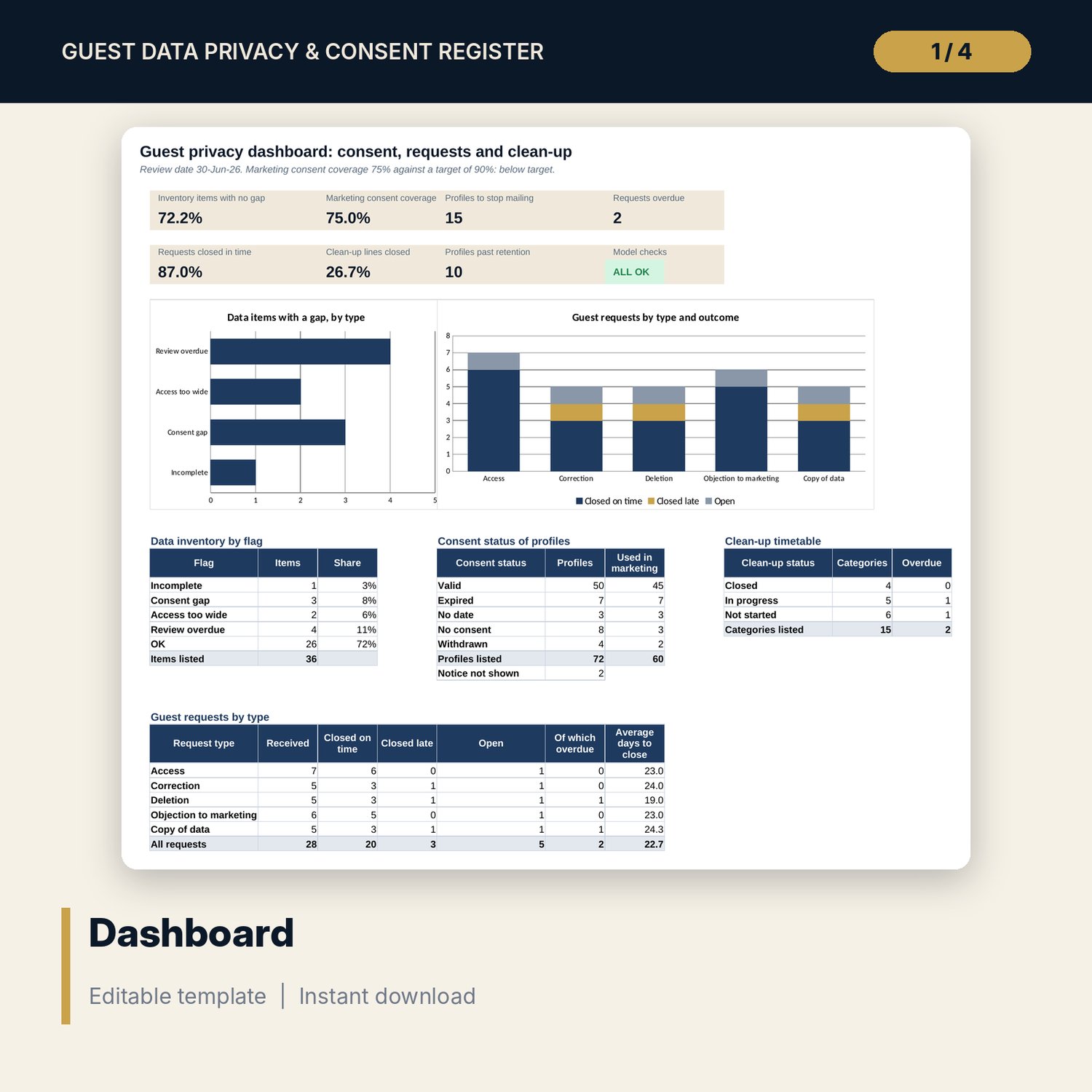
- Dashboard: 7 KPI tiles, a check tile, 2 charts and 4 summary tables; 10 integrity checks on the Checks tab
- Privacy_Notice_and_Procedures_Kit.docx and PDF: 9 pages with a role table, a full and a short privacy notice, consent wording, 3 letters, remarks rules, breach steps, a staff sign-off sheet and a 21-point self-check
- README.txt and LICENSE-and-Terms.txt
How it works
- Enter the review date, response target and retention periods on Settings.
- List every place guest data is held on Data Inventory and read the flags.
- Enter one row per guest profile on Consent Log and stop mailing any profile marked Stop mailing.
- Log each guest request on Access Requests and close it before the due date.
- Read the Dashboard, then use the Word kit for the notice, letters and the annual self-check.
Details
- Formats: 1 Excel workbook (.xlsx), 1 guide in Word (.docx) and PDF, English
- Software: Excel 2016 or later, or LibreOffice Calc 7 or later
- No macros, no external links, no data tables, no array formulas
- 3 files plus README and license; instant digital download
Good to know
- Sample data is illustrative. Replace it with your own records and use codes, not names.
- Rules on guest data, consent, retention periods, response times and breach notification differ by location. These files are planning tools, not legal advice: verify local requirements.
- Retention periods and the consent validity period are editable inputs with sample values.
- Single-user license. Do not redistribute.
FAQ
Does this make my hotel compliant?
No. It organises your records and shows gaps. Compliance depends on the rules where you operate. Verify local requirements and ask a qualified adviser to review your notice.
How is consent coverage calculated?
Profiles used in marketing that hold a valid consent, divided by all profiles used in marketing. A consent is valid when it is given, dated and newer than the validity period on Settings.
Can I change the retention periods and categories?
Yes. Periods, owners, end actions and deadlines are inputs. Spare lines hold new categories.
Does the workbook hold guest names?
No. The sample uses profile codes. Use codes in your own register and keep names in your property system.
Do I need macros?
No. Every result is a standard worksheet formula.